
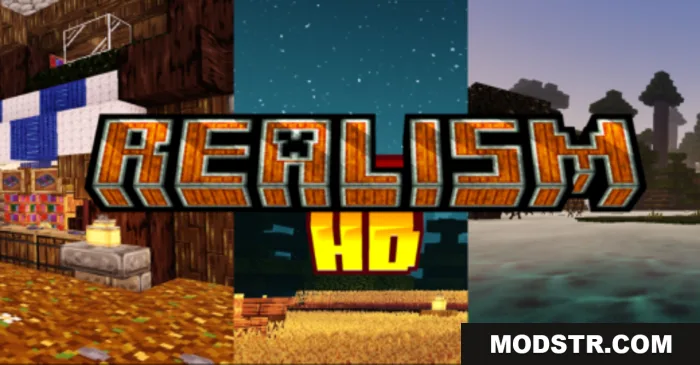
Realism HD Texture Pack (26.x, 1.21) – MCPE/Bedrock
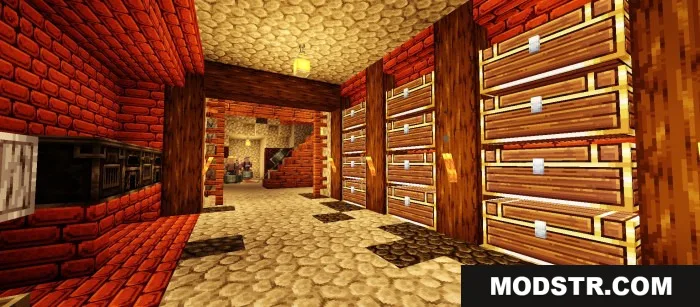
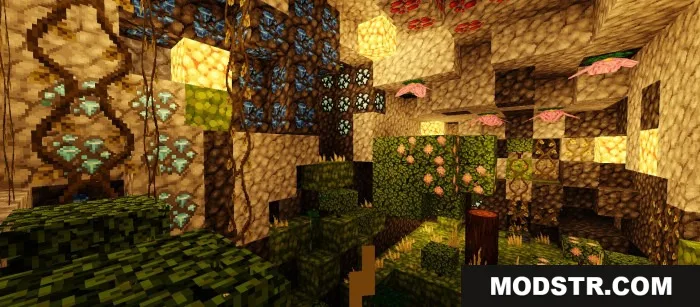
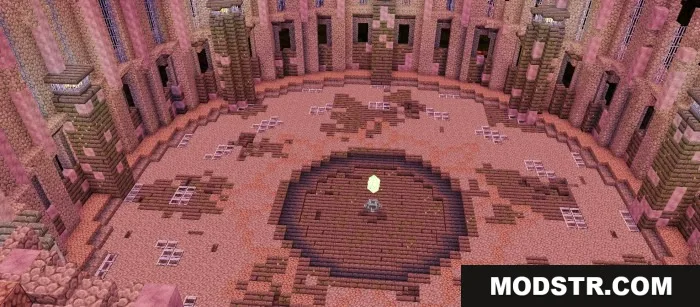
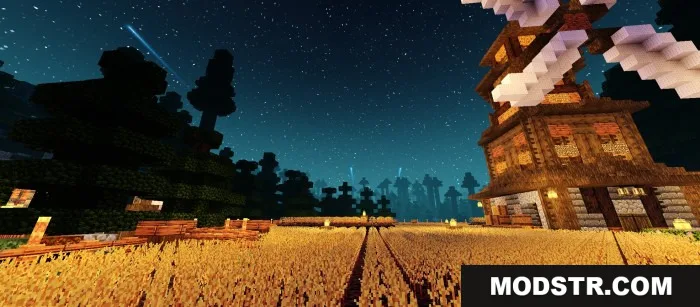
A realism-focused texture pack that upgrades Minecraft Bedrock's default textures from 16×16 to 32×64 resolution for enhanced visuals.
- 1.21
- 1.20
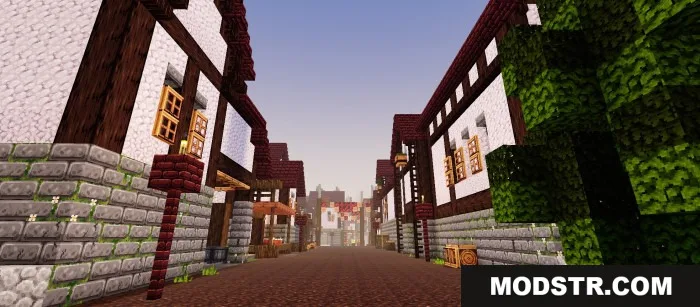
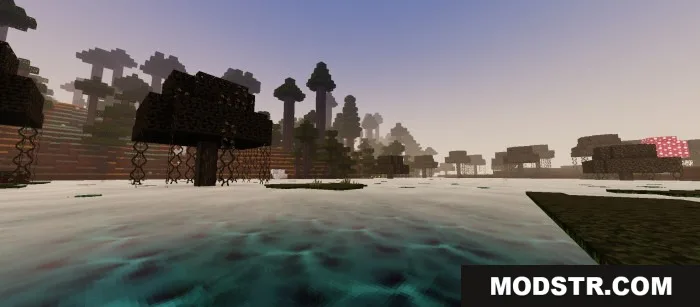
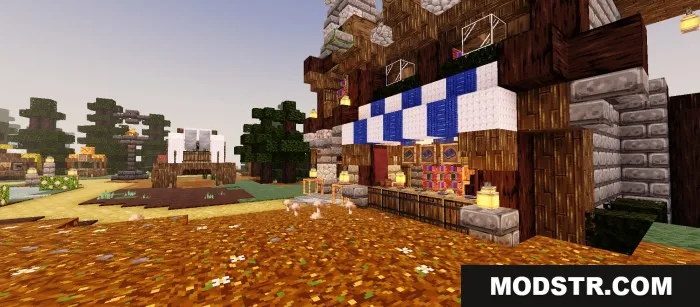
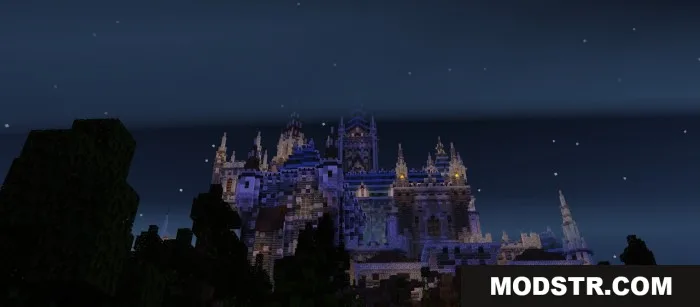
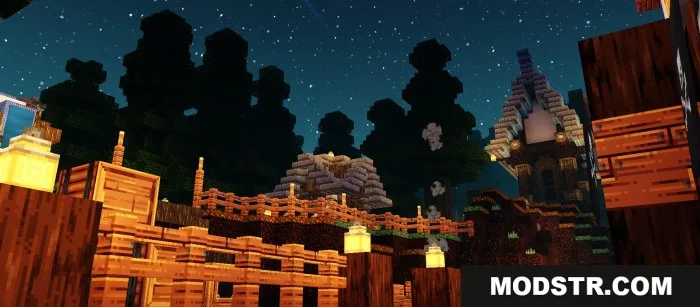
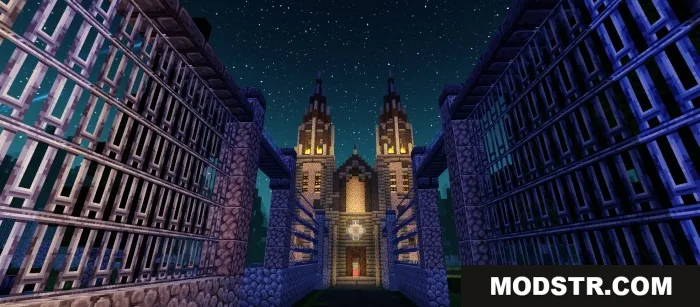
Realism HD Texture Pack is a texture pack designed for Minecraft Bedrock Edition that replaces the standard textures with higher-resolution versions. It increases texture resolution from the default 16×16 to 32×64, aiming to improve the overall visual appearance of the game world.
Features
- Increases texture resolution to 32×64 for improved detail.
- Applies realistic texturing across blocks and items.
- Compatible with Minecraft Bedrock Edition versions 1.21 and 1.20.
- Replaces default textures while maintaining game performance on most devices.
Installation
- Download the texture pack file for your Minecraft version.
- Locate the downloaded .mcpack file on your device.
- Open the file to import it into Minecraft Bedrock Edition.
- Launch Minecraft and navigate to Settings > Resource Packs.
- Activate the texture pack from your available resources and apply changes.
Compatibility
This texture pack is designed for Minecraft Bedrock Edition versions 1.21 and 1.20. Performance may vary depending on device specifications and available system memory.
DOWNLOAD FILES
- mcpack
- mcpack