
Rainbow Outline Glint Texture Pack (26.x, 1.21) – Colorful Rainbow Enchantment Outlines
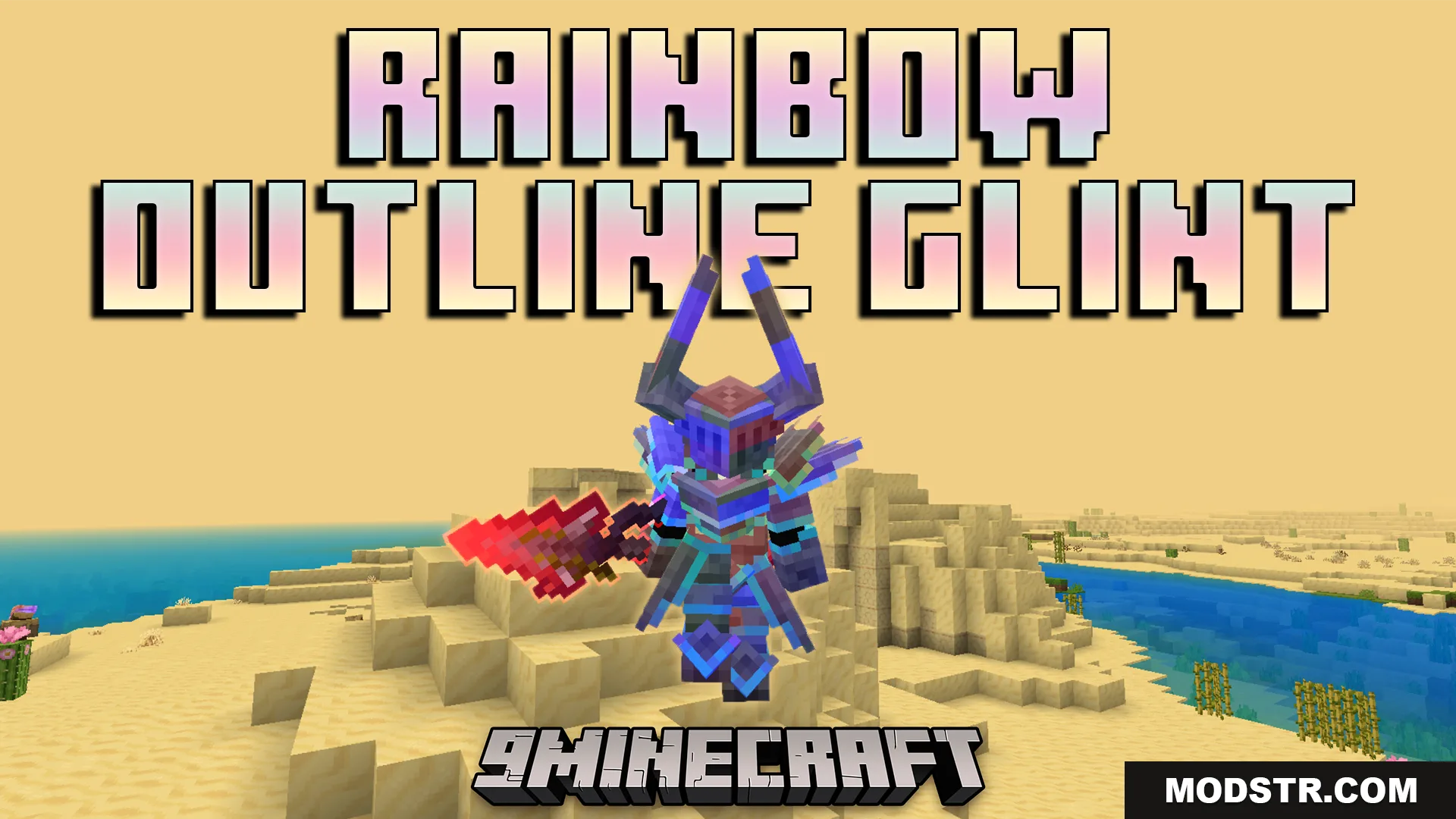
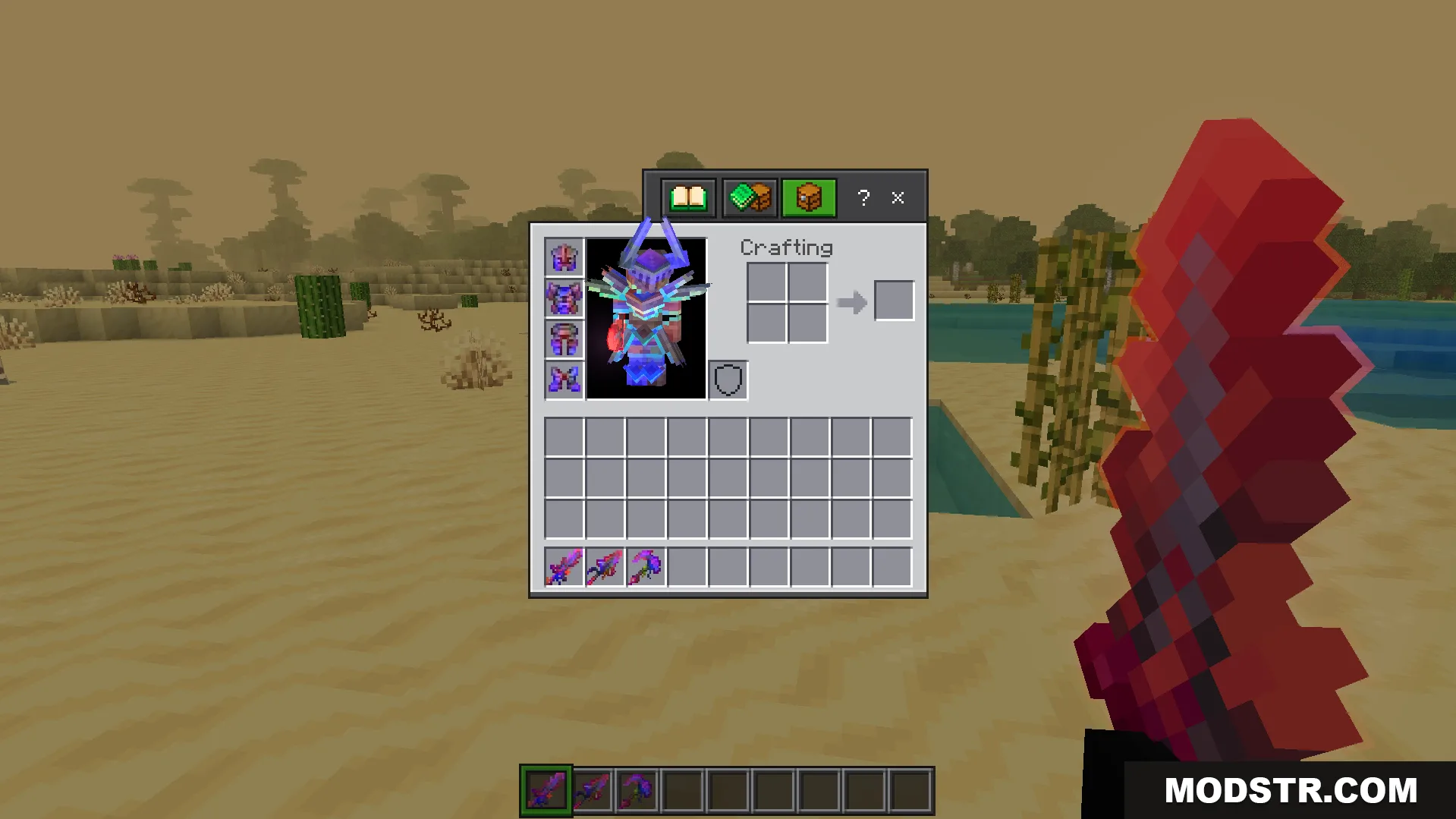
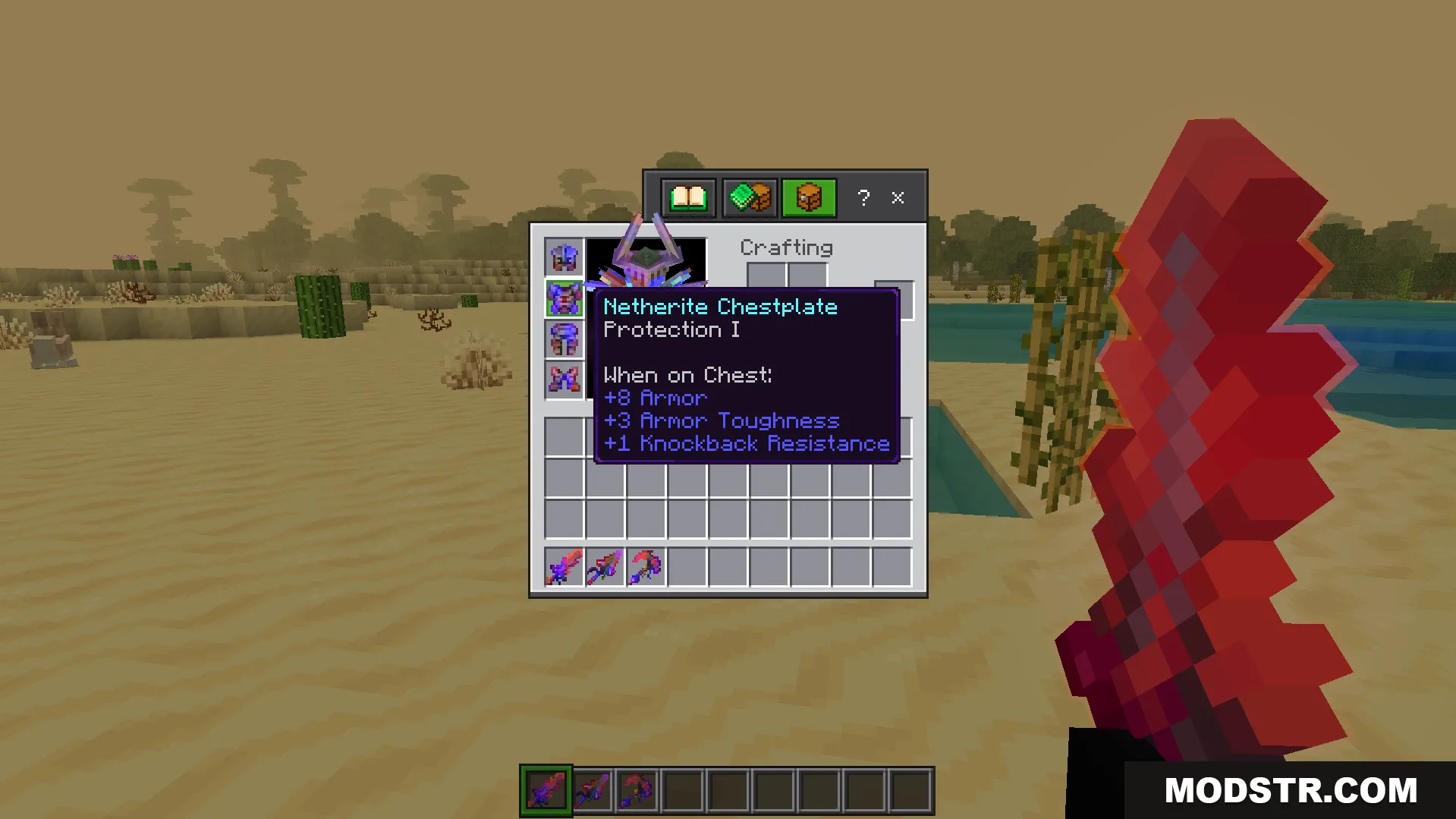
Rainbow Outline Glint Texture Pack replaces enchantment effects with colorful rainbow outlines on weapons and armor in Minecraft Bedrock 1.21. Includes custom armor models and glowing red swords.
- 1.21
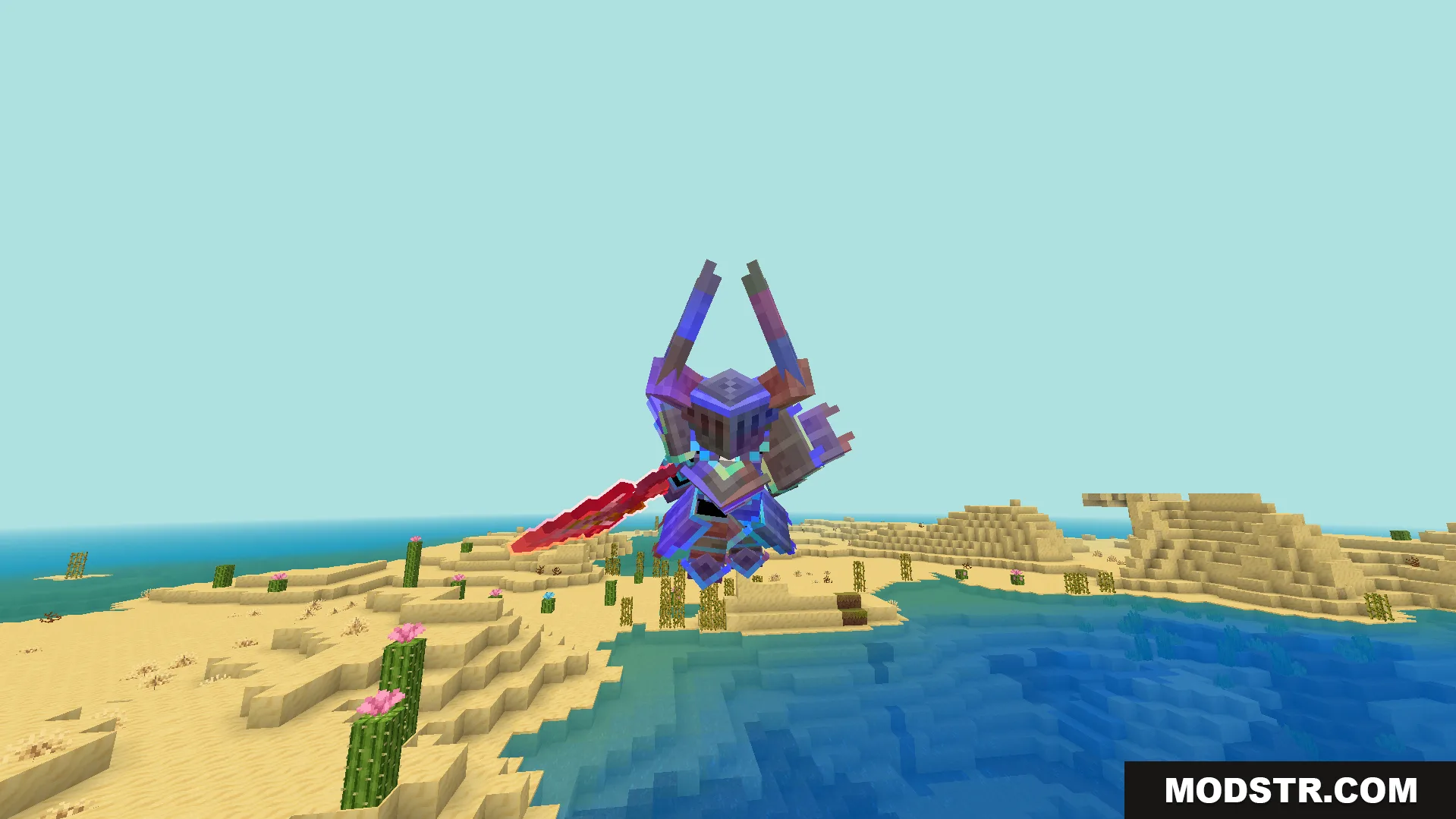
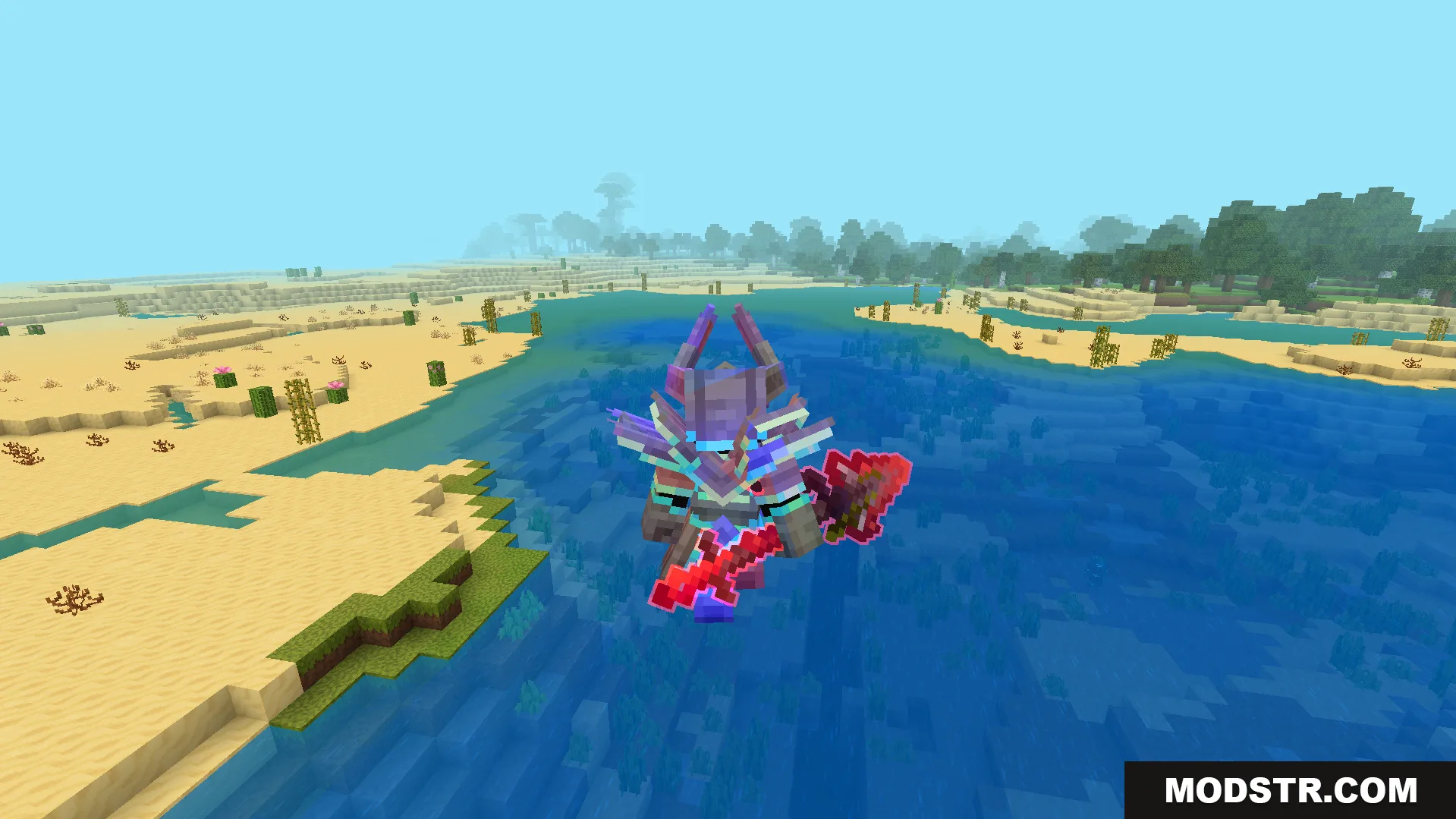
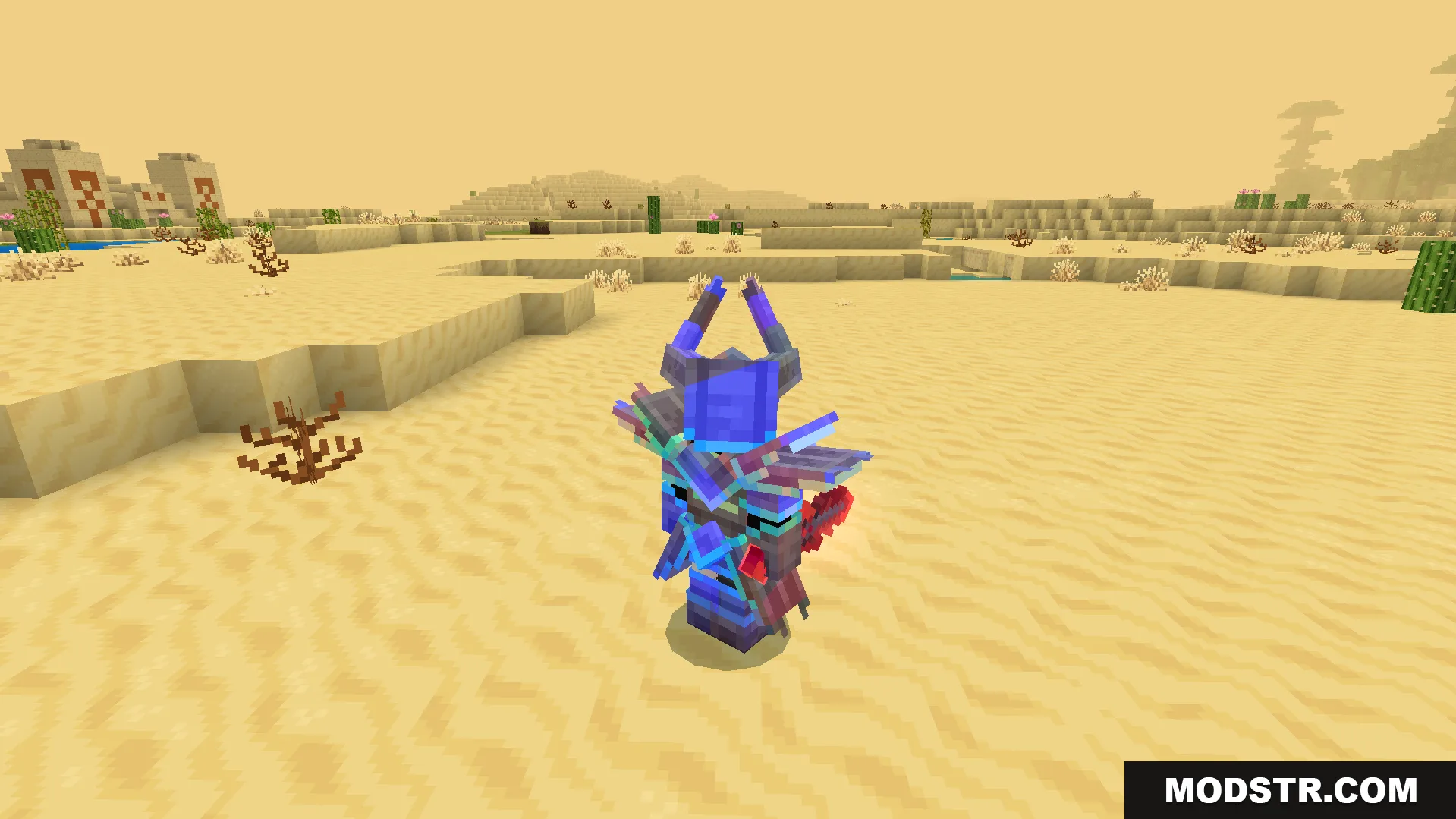
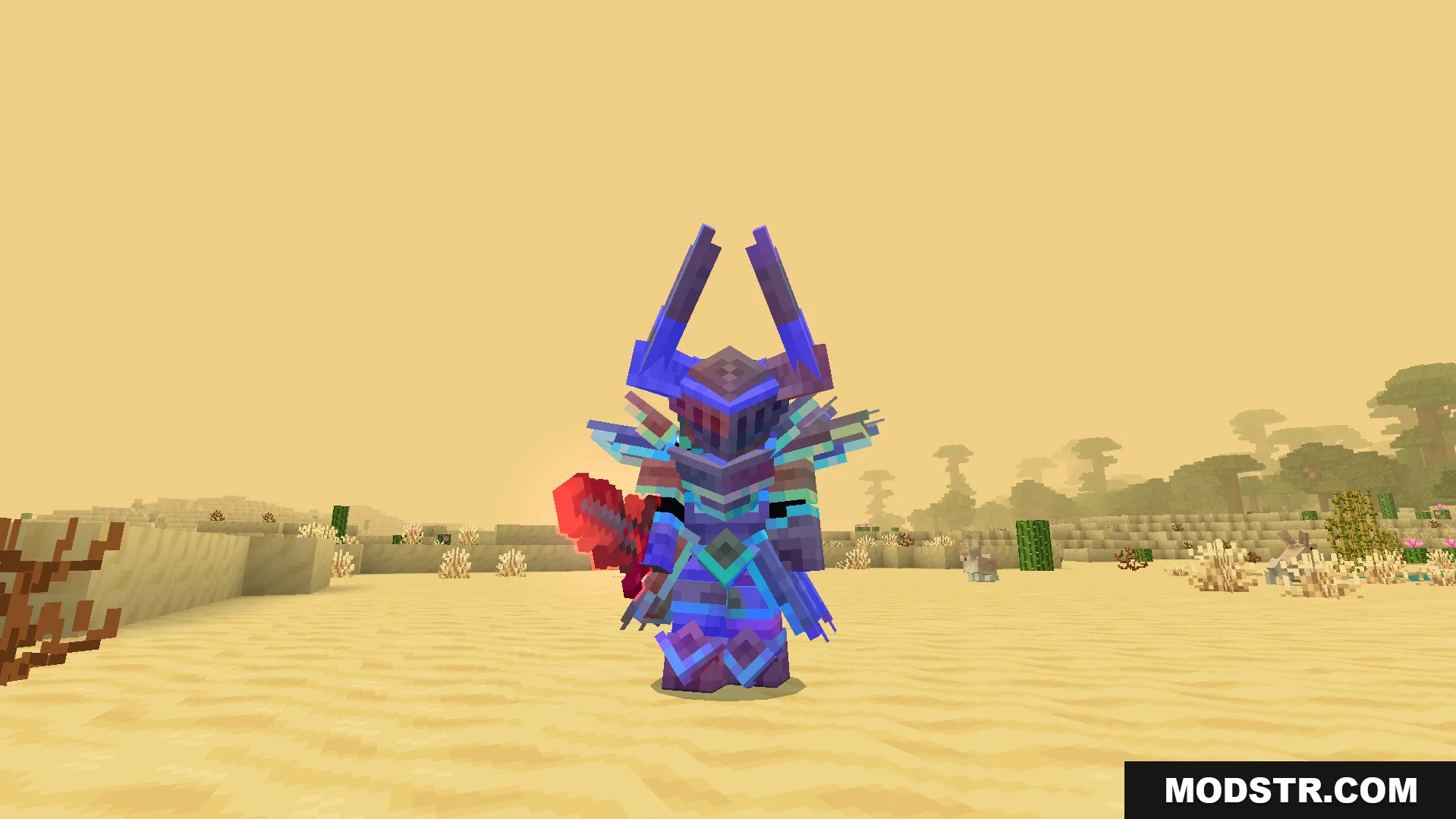
Rainbow Outline Glint Texture Pack replaces the standard purple enchantment shine with a bright rainbow outline effect on enchanted items in Bedrock Edition. The pack includes custom armor models with unique designs and changes sword appearances to glowing red blades. Designed for players who want a more colorful alternative to the default enchantment glint.
Features
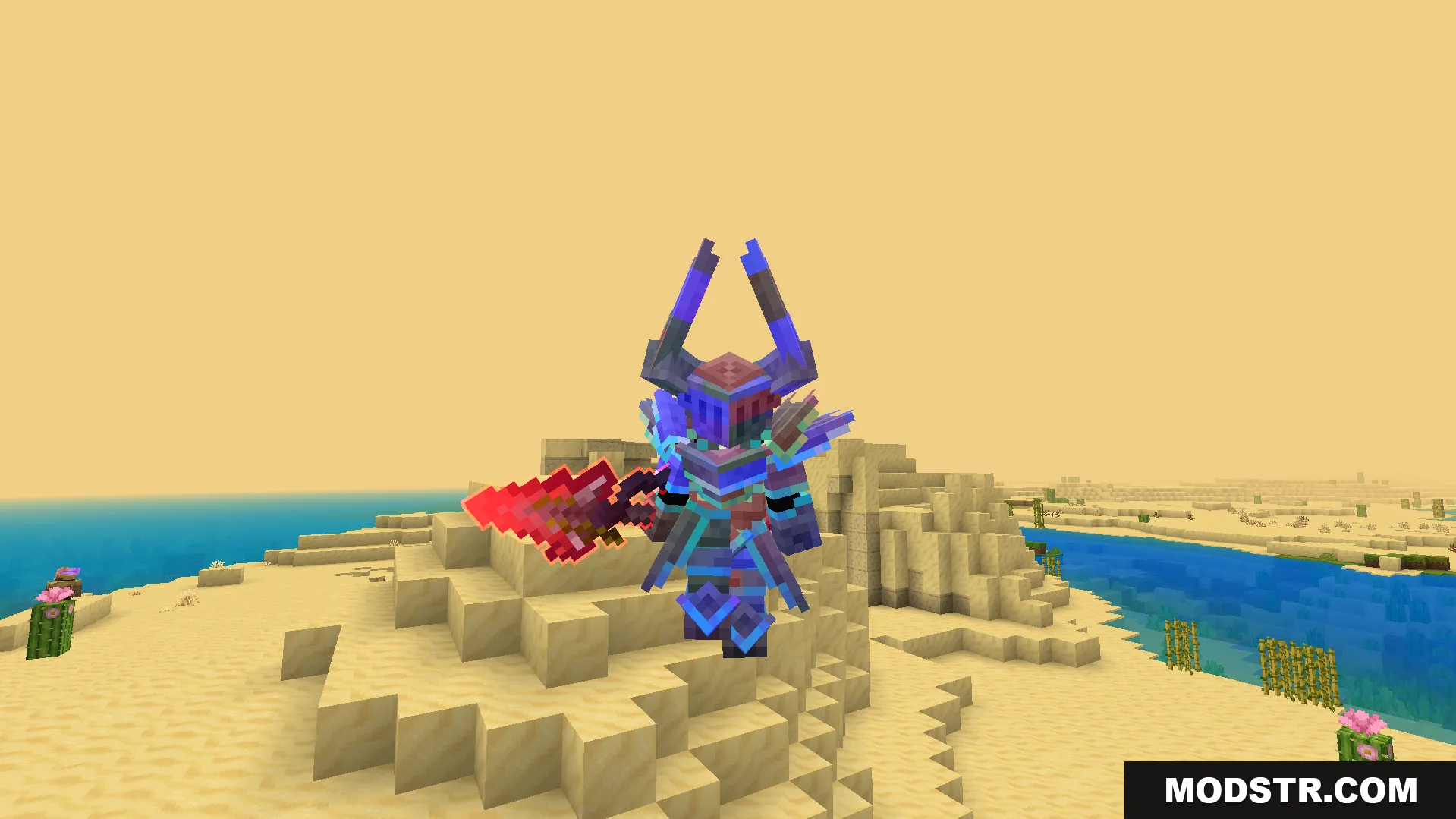
- Replaces the standard purple enchantment shine with a bright rainbow outline.
- Adds custom armor models featuring unique shapes like horned helmets.
- Changes swords into glowing red blades.
- Displays the colorful glint on both tools and armor pieces.
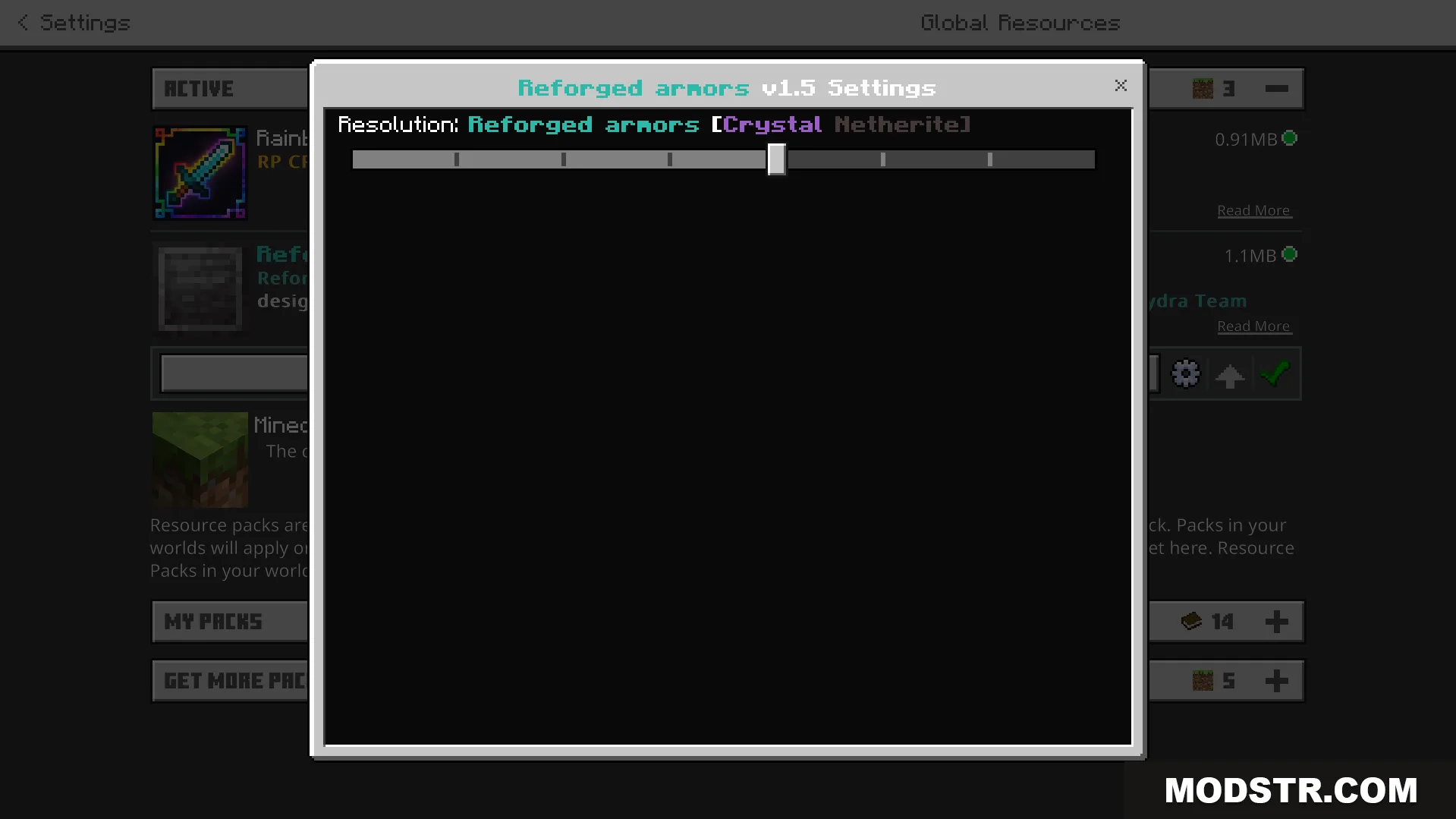
- Includes a settings slider in the resource pack menu to adjust armor appearance.
- Enchanted items only show the new colors when they have an enchantment applied.
- Works alongside custom player animation addons.
- Updates inventory icons to match the new glowing gear.
Installation
- Download the texture pack file.
- Open the file in your Minecraft Bedrock resource pack folder.
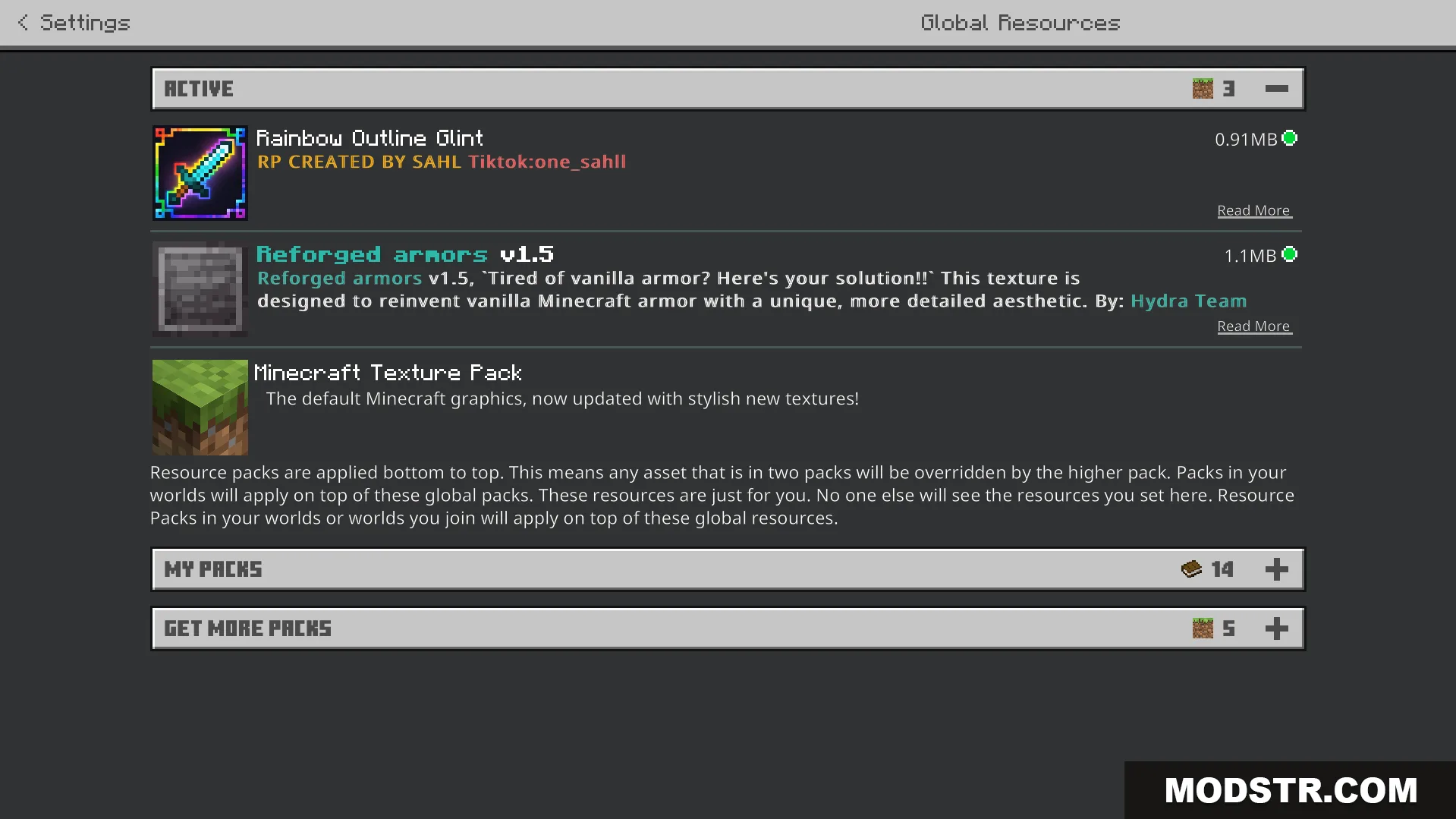
- Launch Minecraft and navigate to Settings.
- Select the texture pack from the available resource packs and activate it.
- Adjust the armor appearance slider in the resource pack settings if desired.
Compatibility
This texture pack is designed for Minecraft Bedrock Edition version 1.21 and above. It works with most other resource packs and addon mods, including custom player animation addons.
DOWNLOAD FILES
- mcpack