Telegram
Vanilla PvP Texture Pack (26.x, 1.21) – Shrink Tools And Clear Your View cover art

Vanilla PvP Texture Pack (26.x, 1.21) – Shrink Tools And Clear Your View

Minecraft texture pack for PvP that shrinks tools and weapons to improve visibility, reduces fire effects, and makes ores more visible while maintaining vanilla aesthetics.

170 MCPE
  • 1.21

Vanilla PvP Texture Pack modifies your in-game visuals to improve combat visibility and awareness. It scales down tools and weapons to reduce screen clutter while keeping the base game's visual style intact. The pack includes adjustments like transparent carved pumpkins and reduced fire overlays for clearer sightlines.
The addon updates screen visuals while keeping the basic game style

Features

  • Reduces tool and weapon size to free up screen space during combat.
  • Enhances ore visibility for easier underground mining.
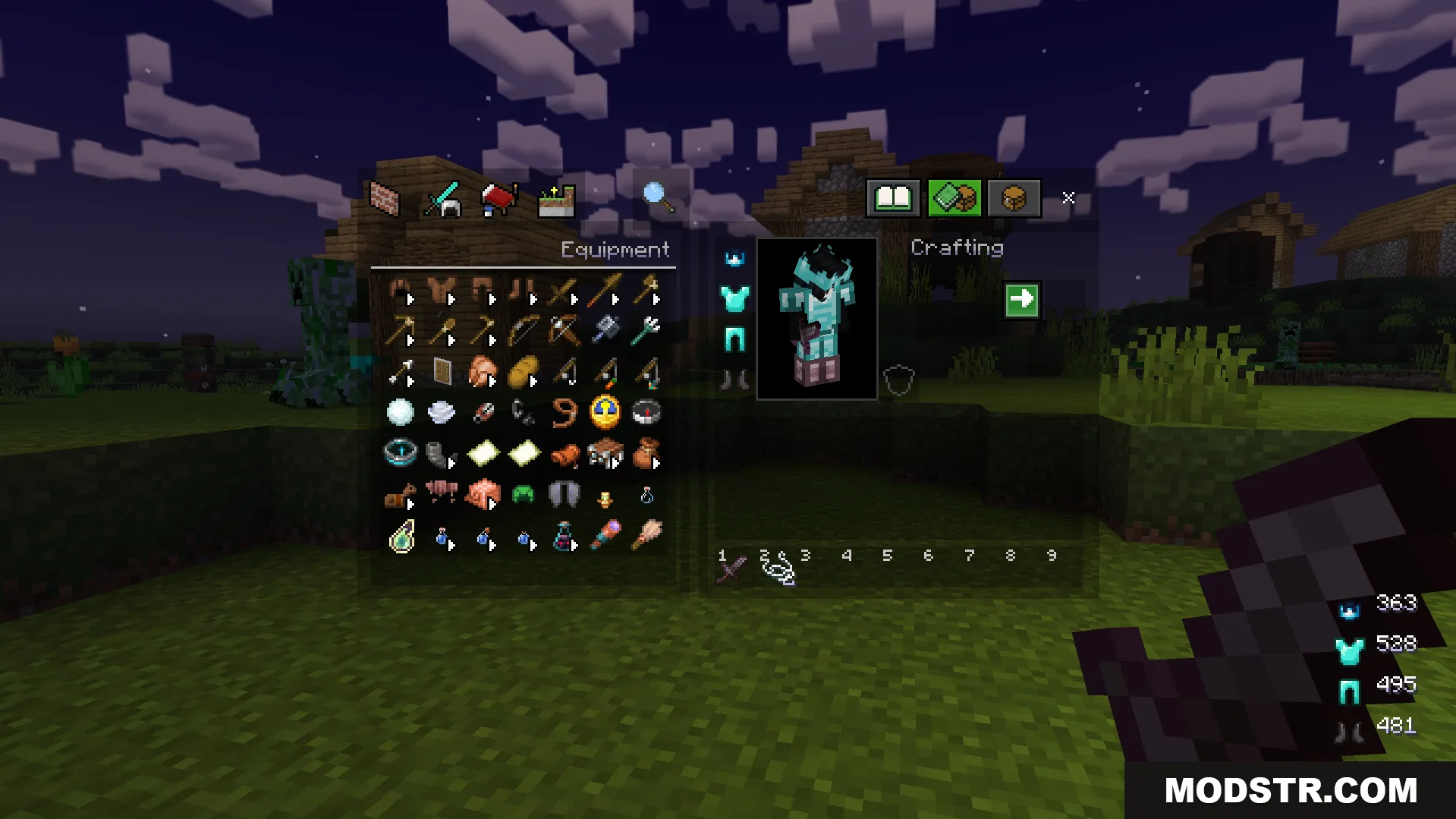
  • Allows inventory screen access while actively fighting.
  • Lowers fire and shield visual effects for improved view clarity.
  • Makes carved pumpkins transparent when worn.
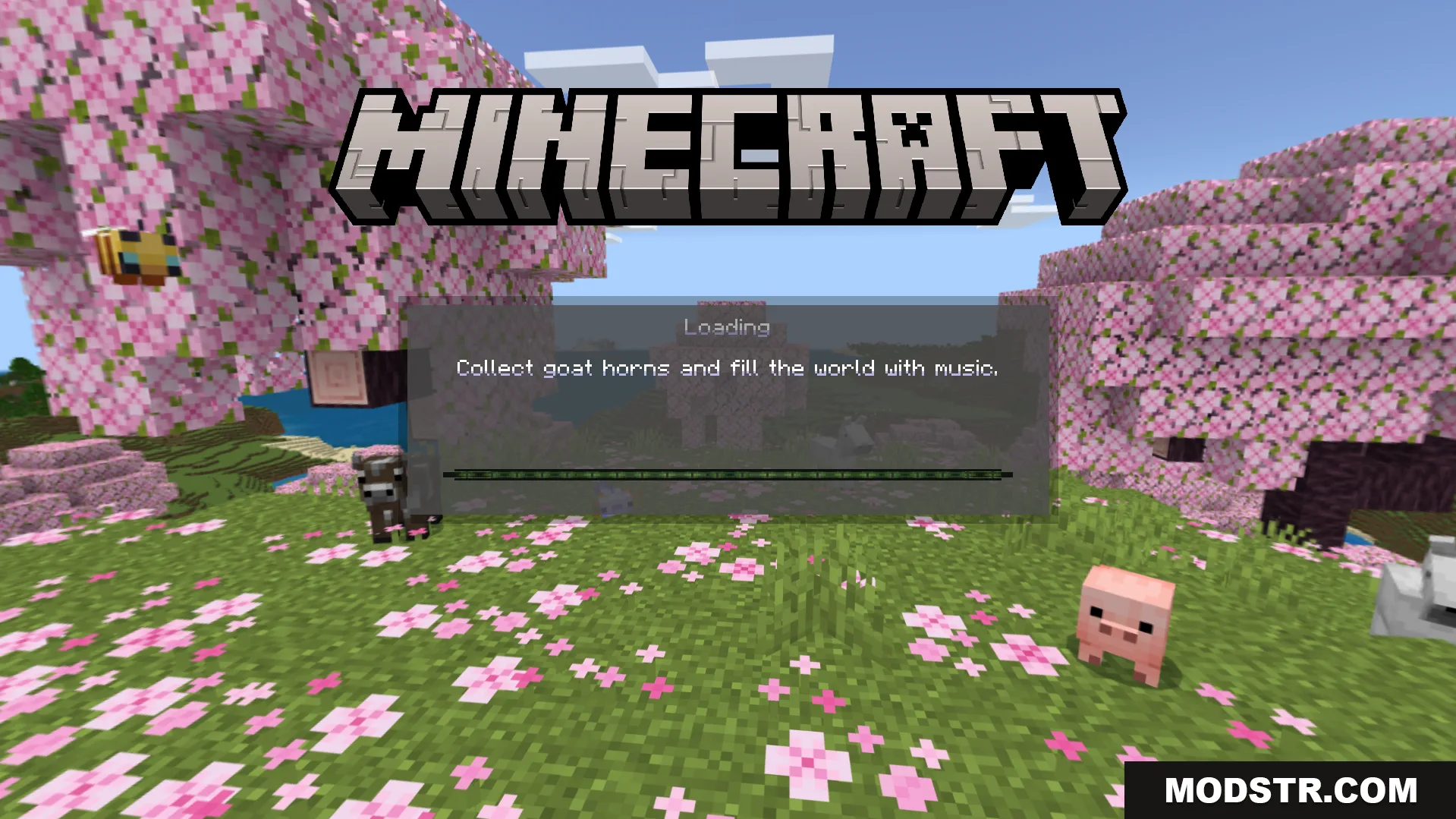
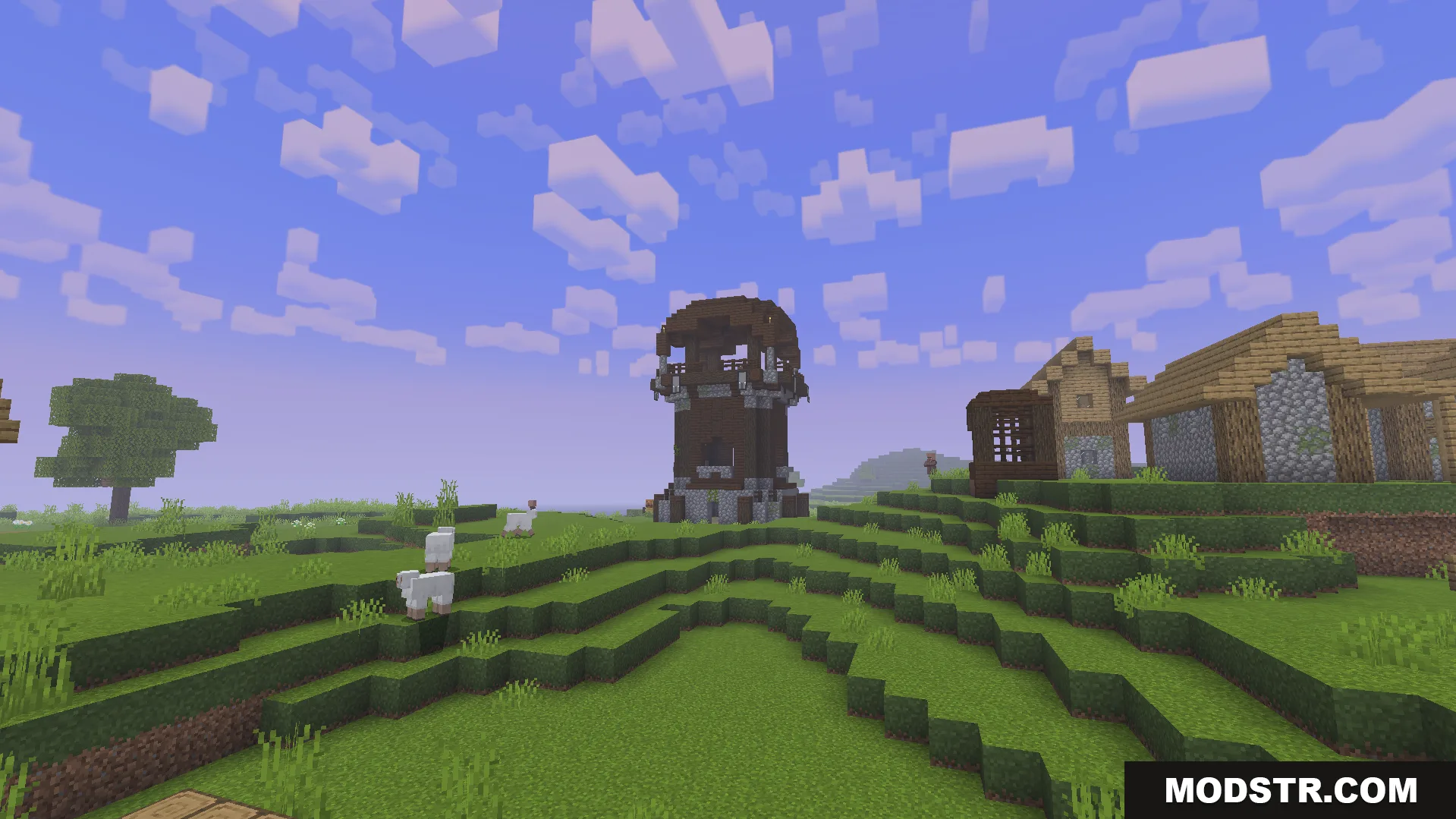
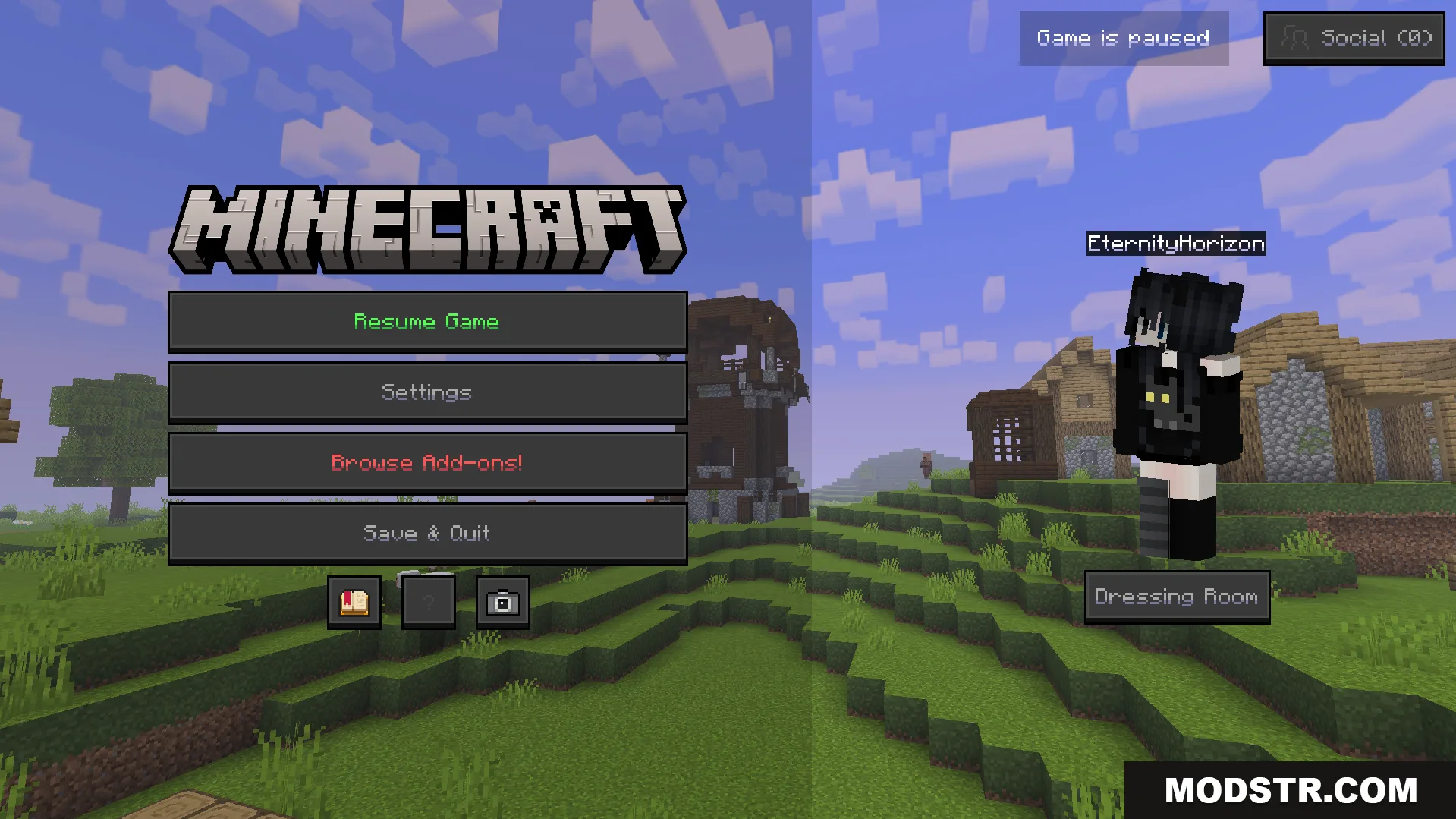
Loading screen visuals are updated to match the basic game style
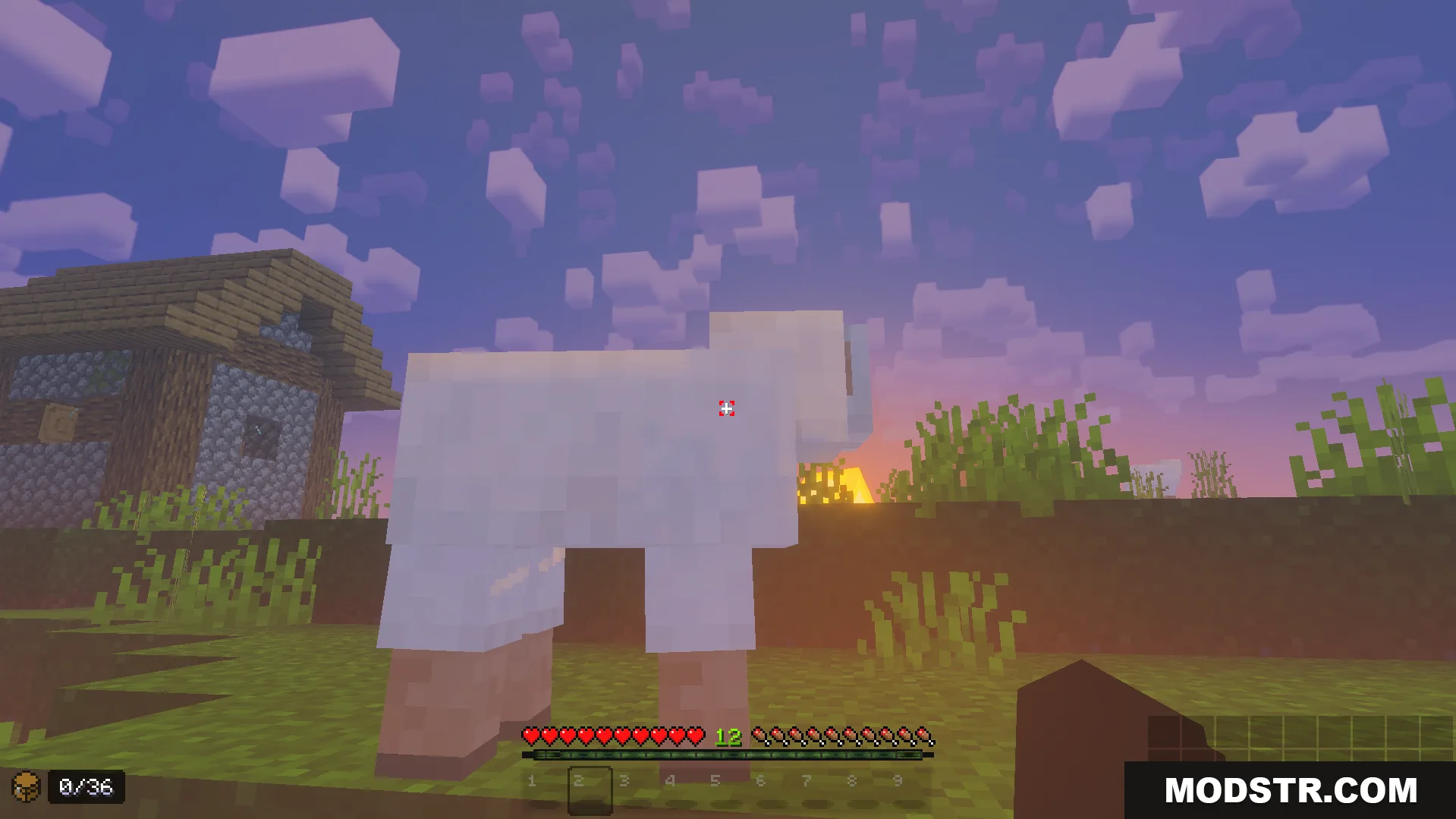
The pack provides a clear view while maintaining the game style
A player stands in a village with the game paused

Installation

  1. Download the texture pack file.
  2. Open your Minecraft launcher and navigate to the resource packs folder.
  3. Place the downloaded file into the resource packs directory.
  4. Launch Minecraft and select the pack from your resource pack list.
  5. Apply the changes and enter a world to see the modifications.
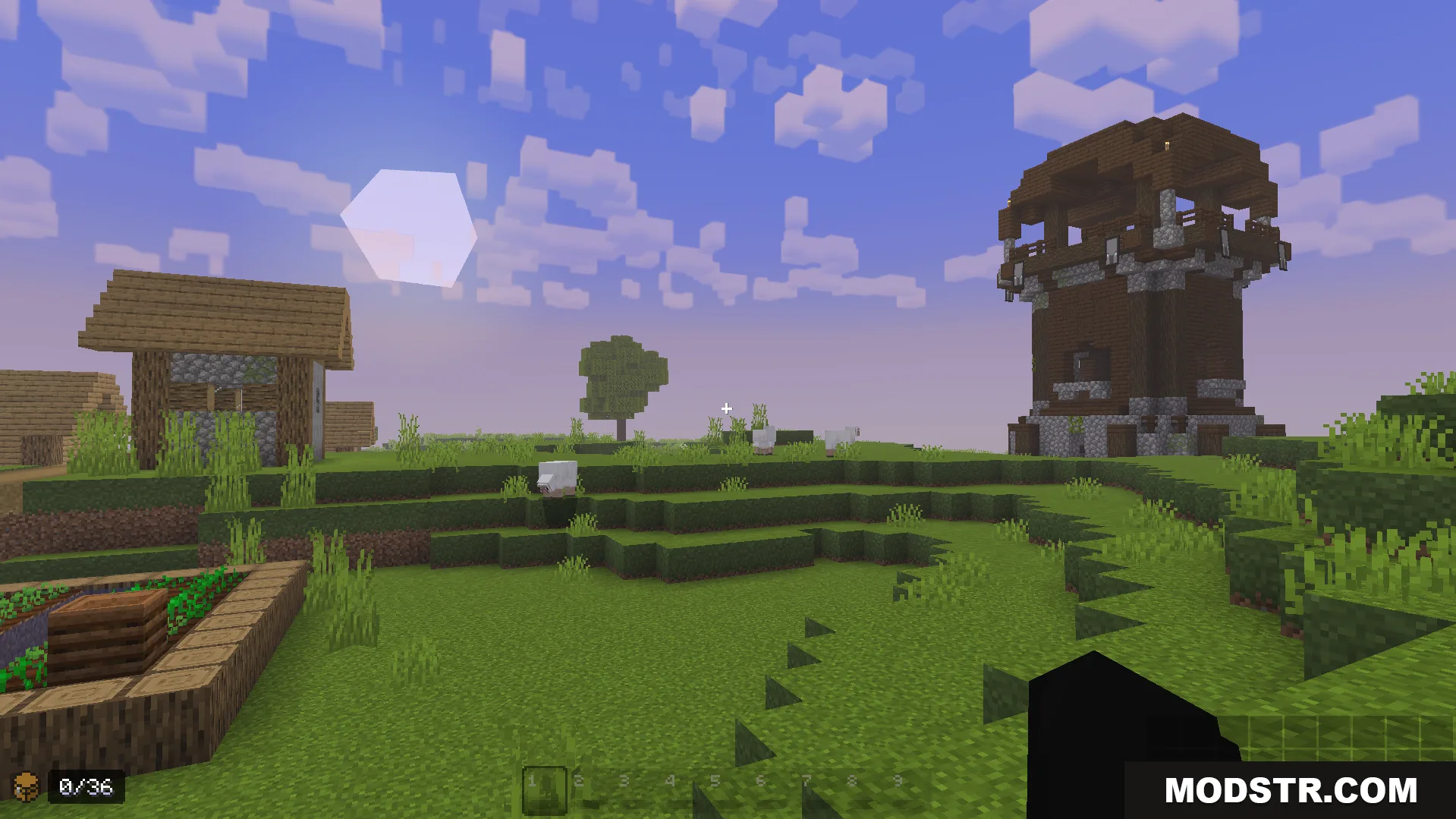
The addon provides a clear view for better combat awareness
Ores and other blocks are outlined to be easily spotted
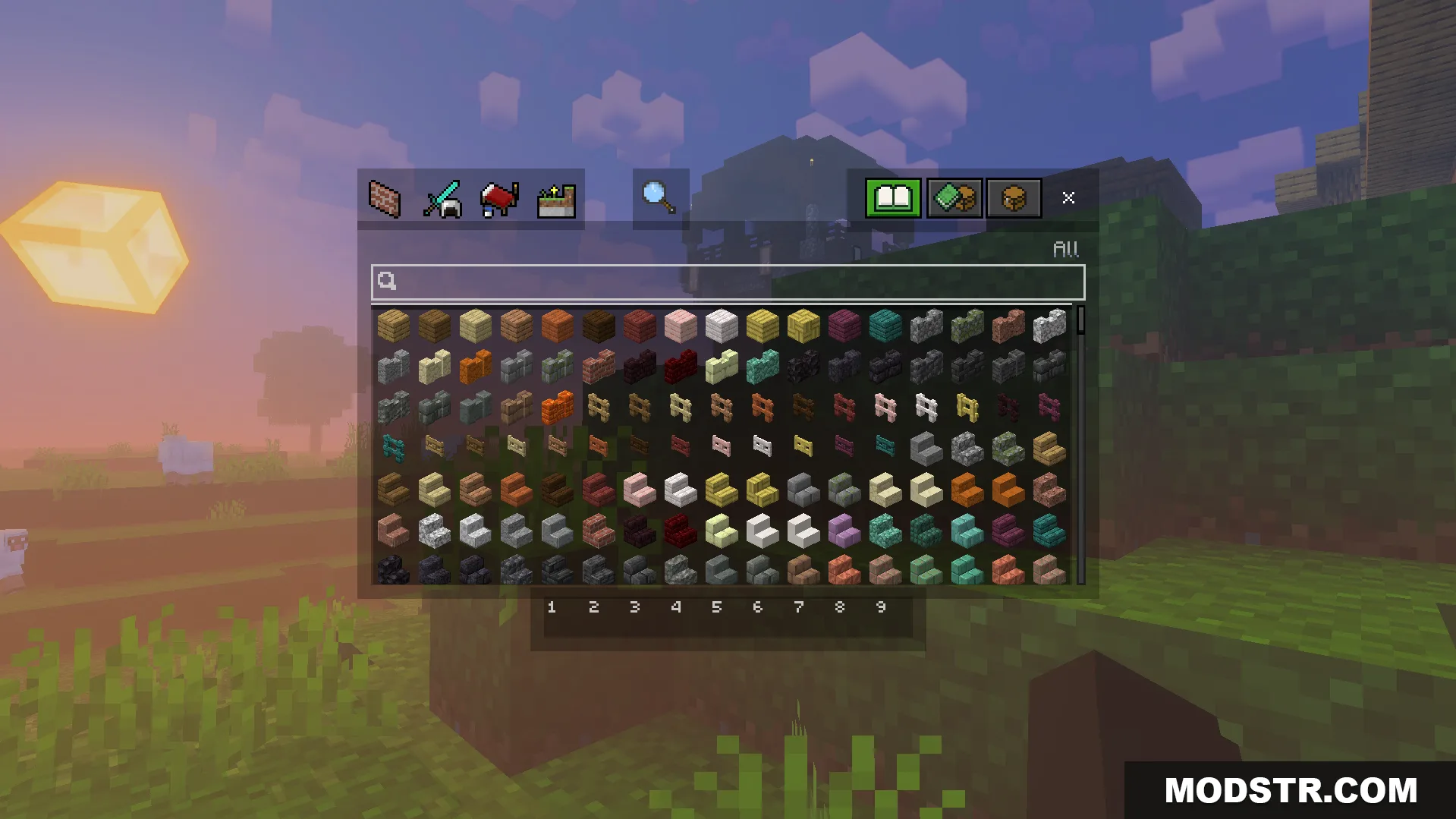
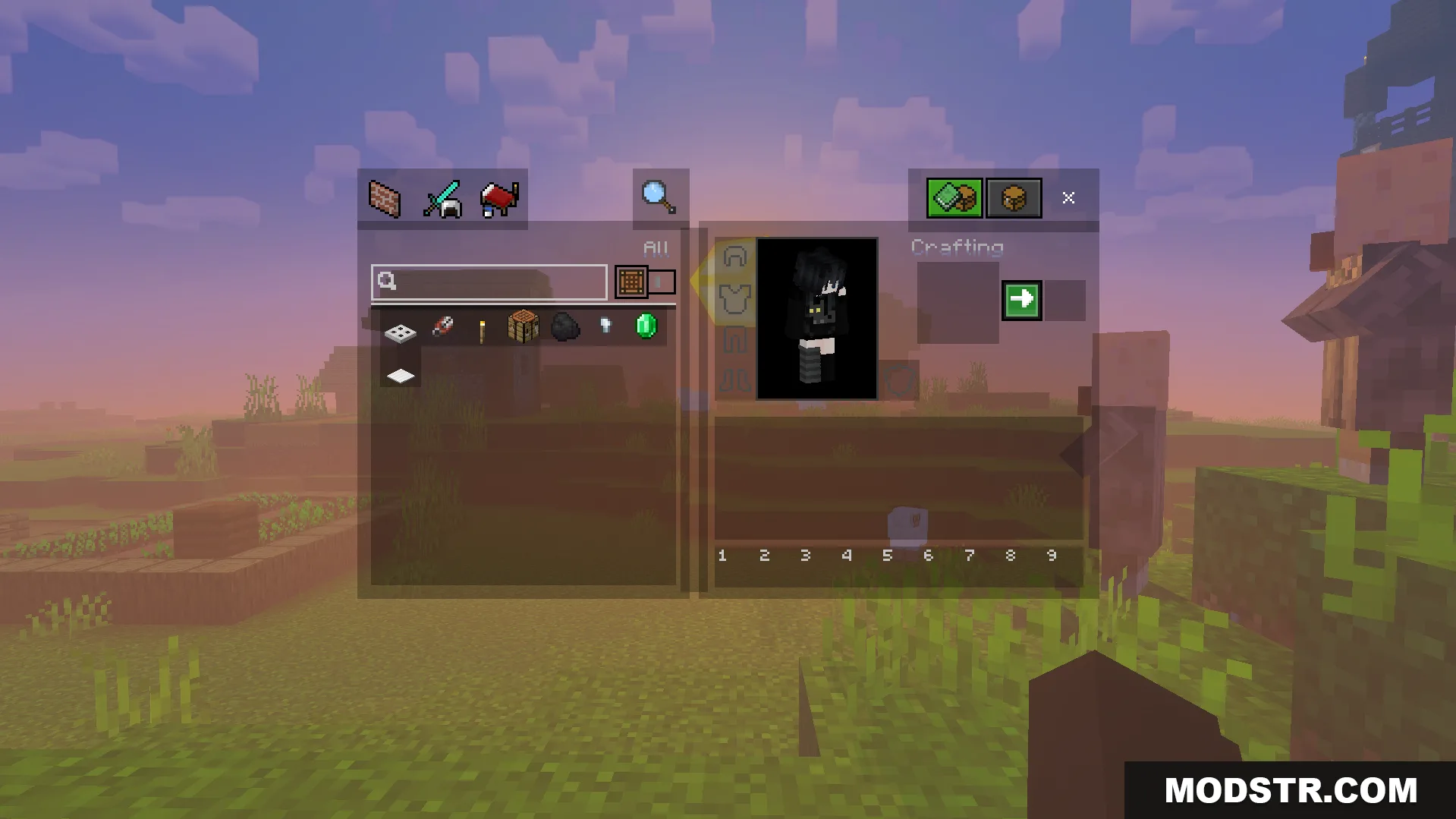
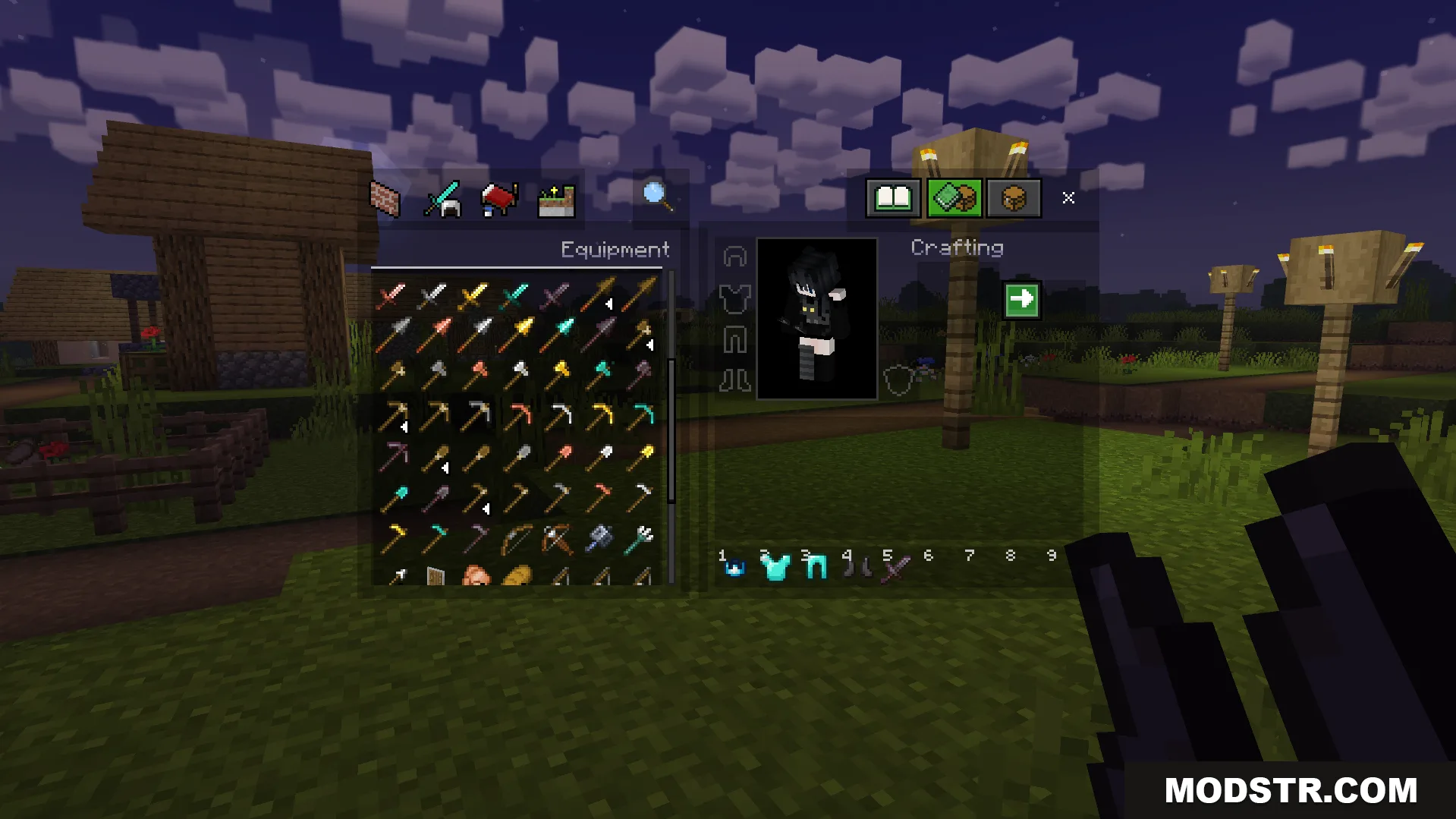
View your inventory screen and the world at the same time
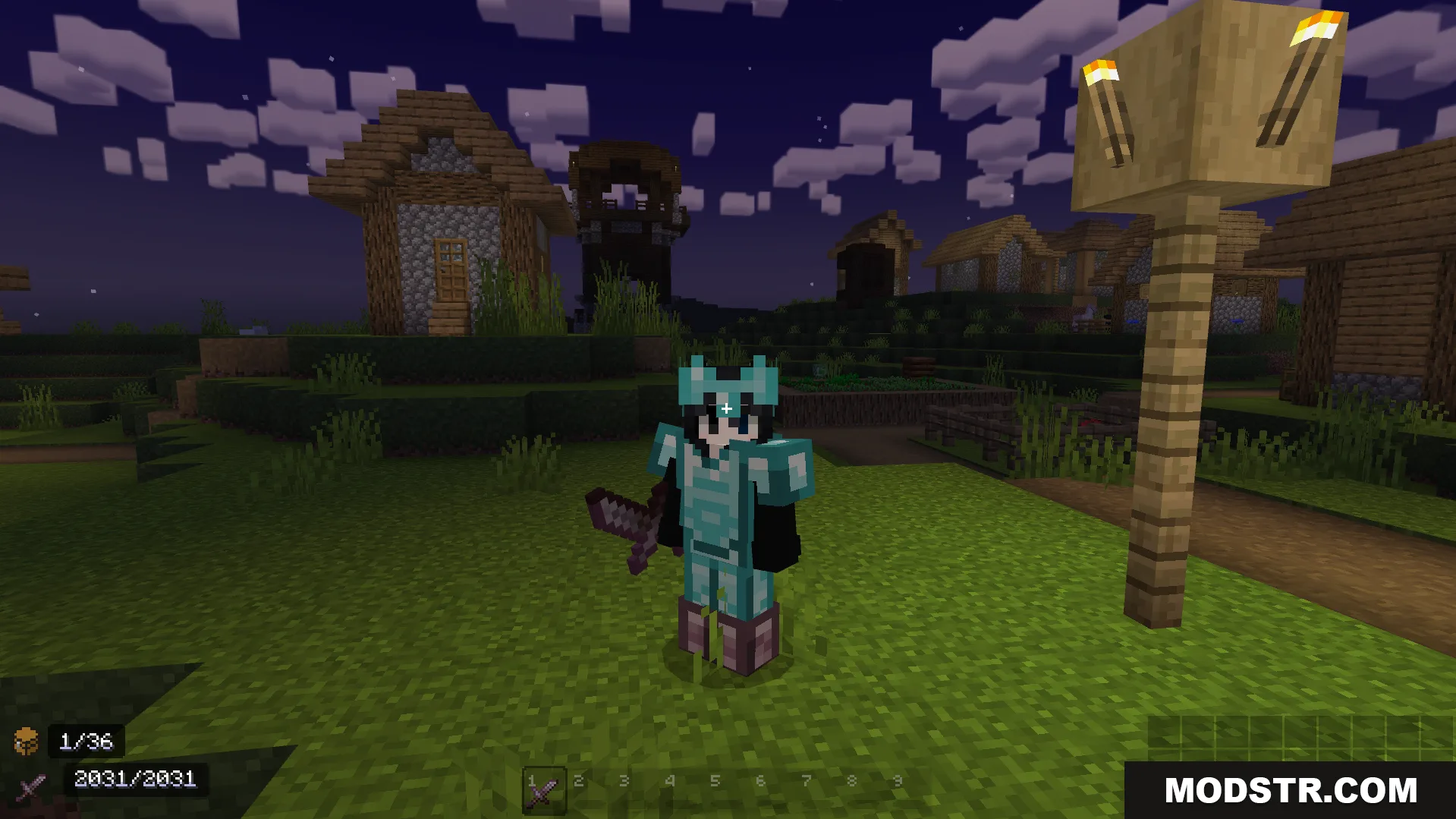
Smaller held items and tools give you a clearer combat view
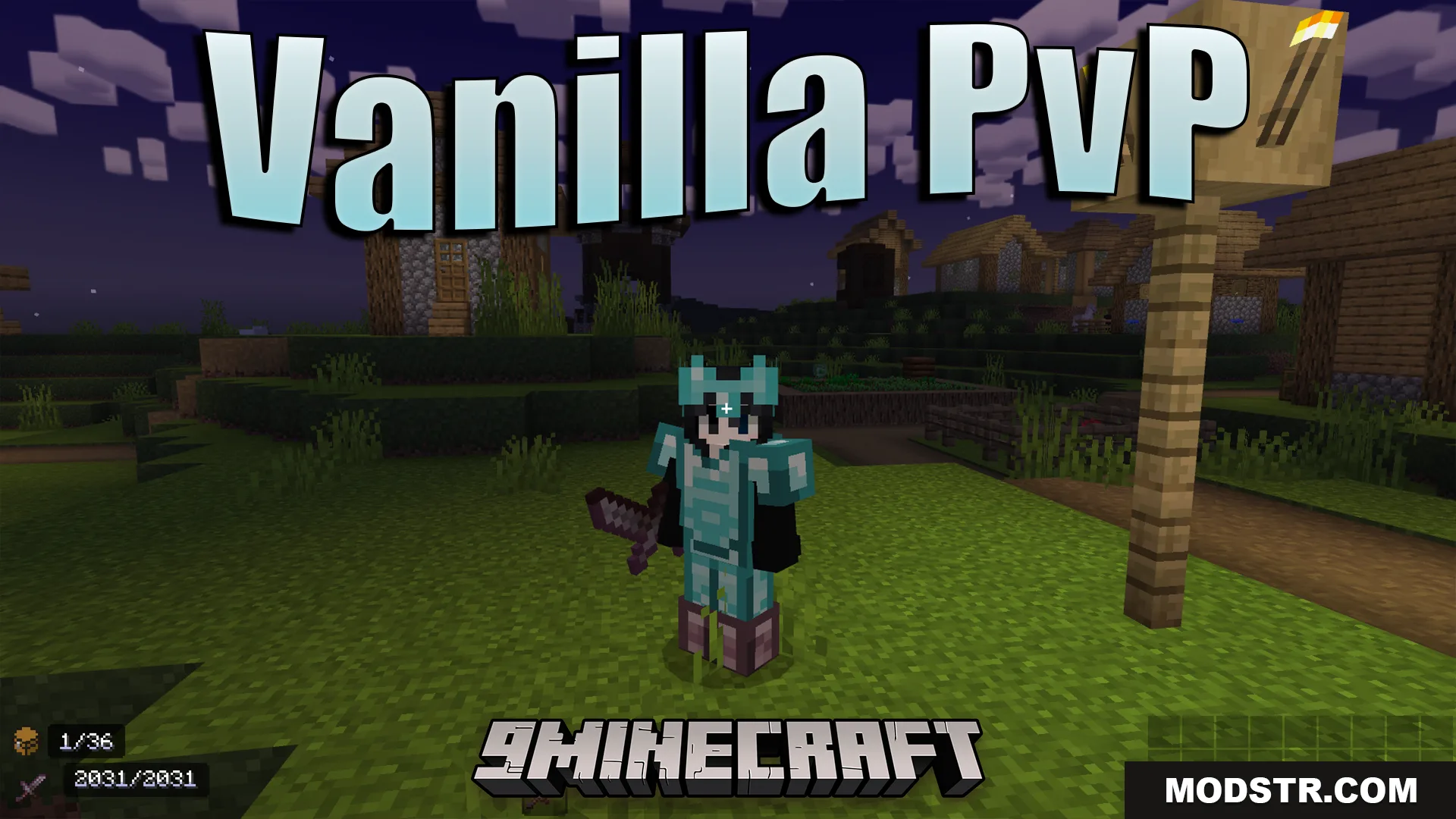
All tools and weapons are made smaller for improved screen space
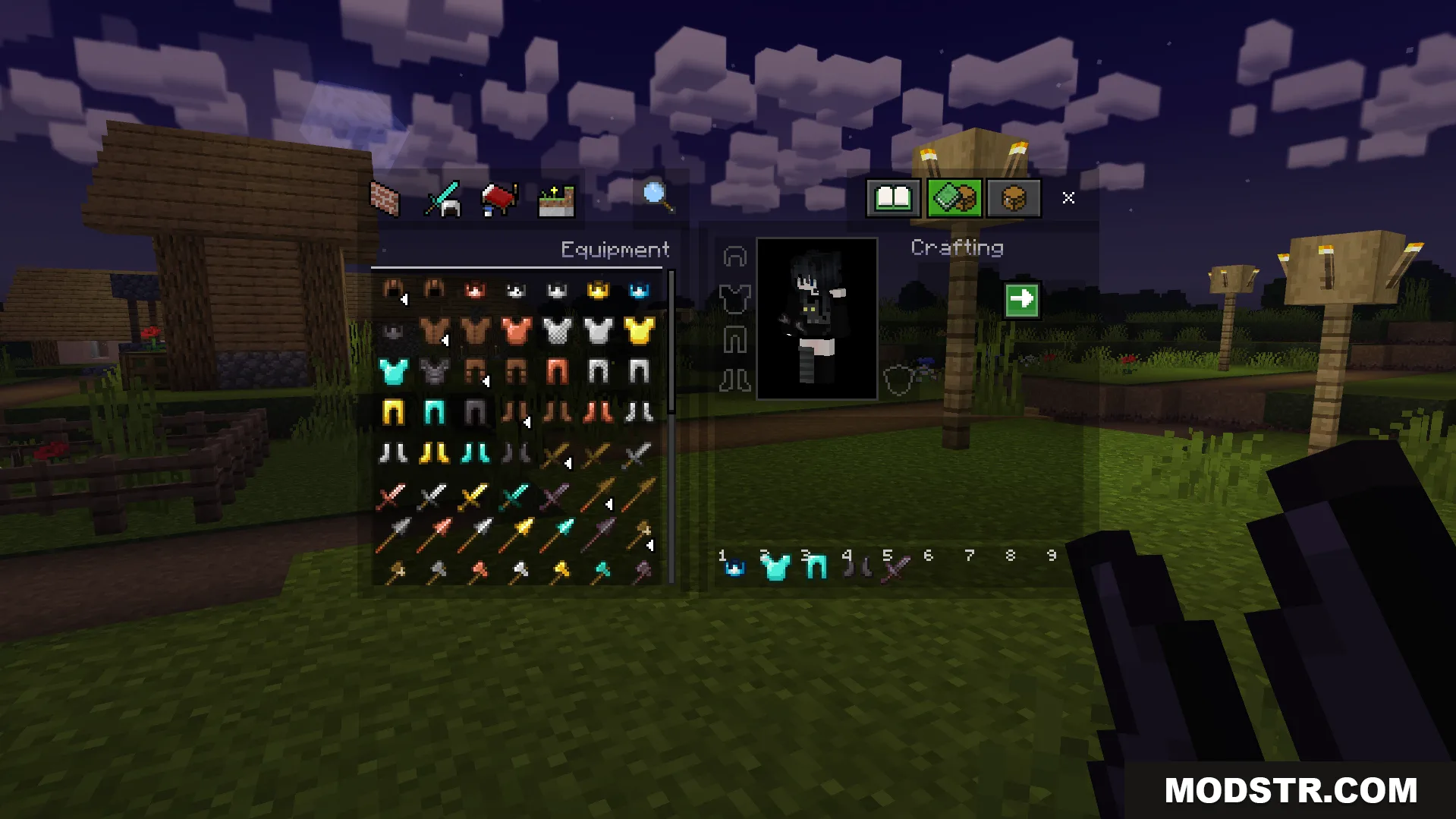
A clear inventory screen shows smaller weapons and armor for combat
Player wearing diamond armor holds a smaller sword for better visibility
Viewing the inventory screen with various tools and items for fighting

DOWNLOAD FILES

  • mcpack
    For MCPE/Bedrock 26.x, 1.21.x · Vanilla-Pvp-Texture-Pack-26x.mcpack
    • 1.21
  • mcaddon
    For MCPE/Bedrock 1.21.x · Vanilla-Pvp-Texture-Pack-121x.mcaddon
    • 1.21