
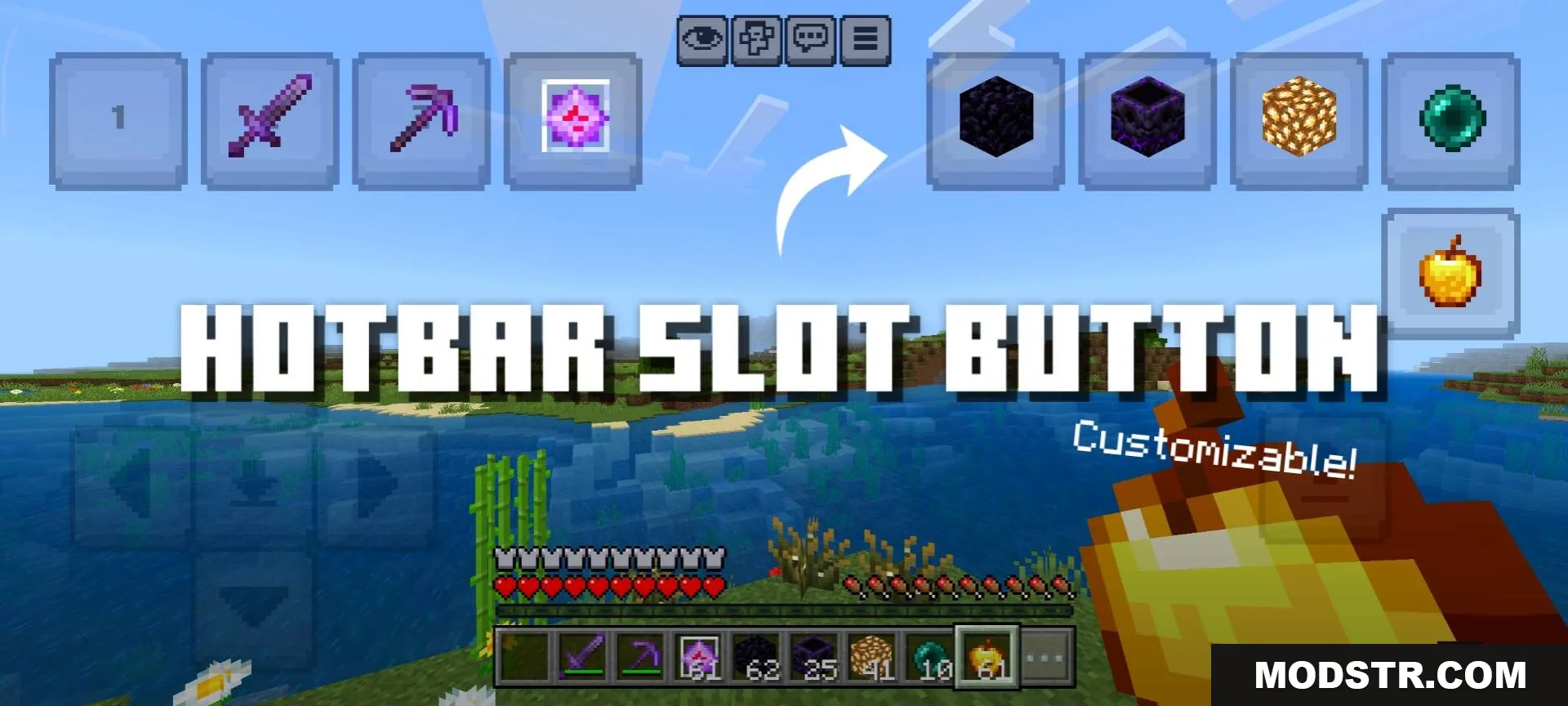
Hotbar Slot Button Texture Pack (26.x, 1.21) – MCPE/Bedrock
Texture pack that adds hotkey buttons for quick tool switching in Minecraft Bedrock. Change hotbar slots instantly without dragging.
- 1.21
- 1.20
- 1.19
- 1.18
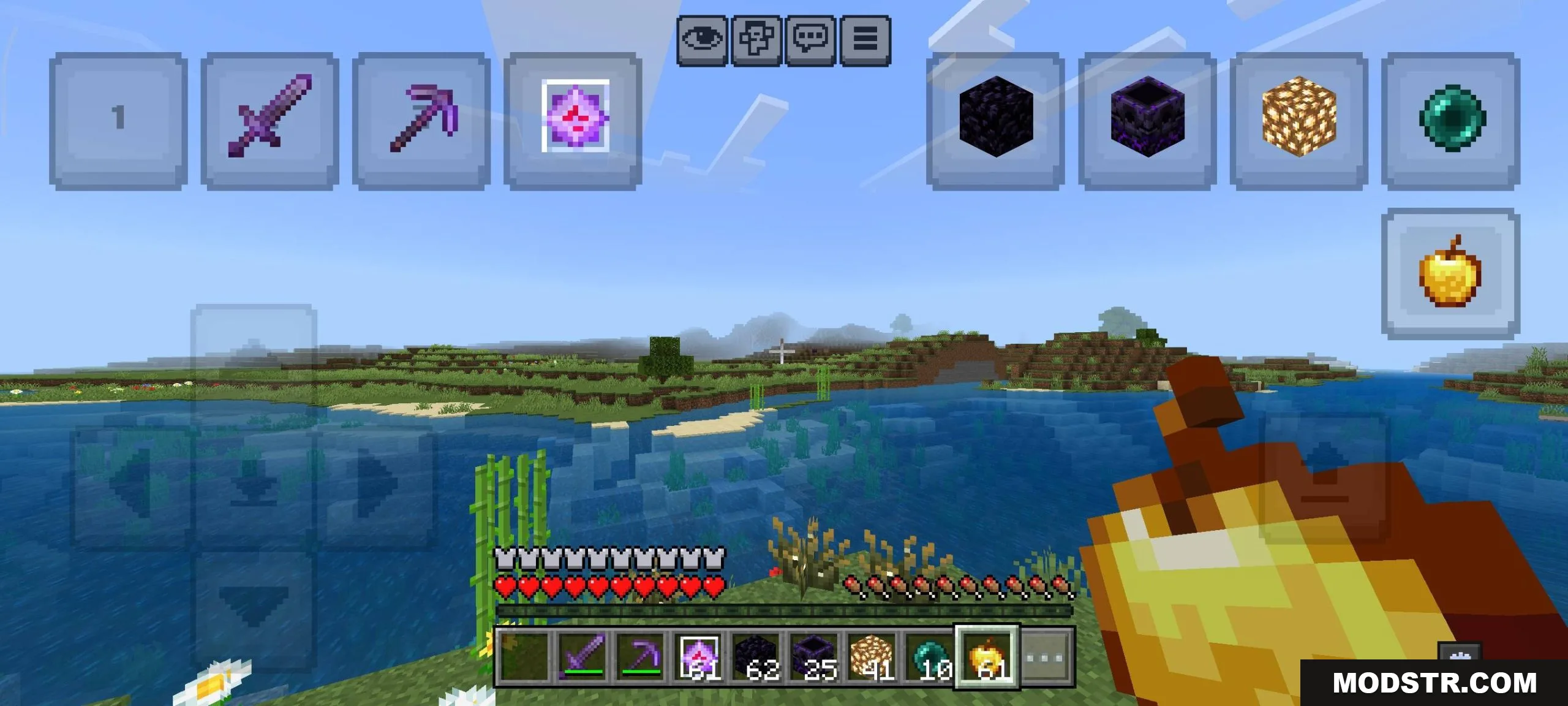
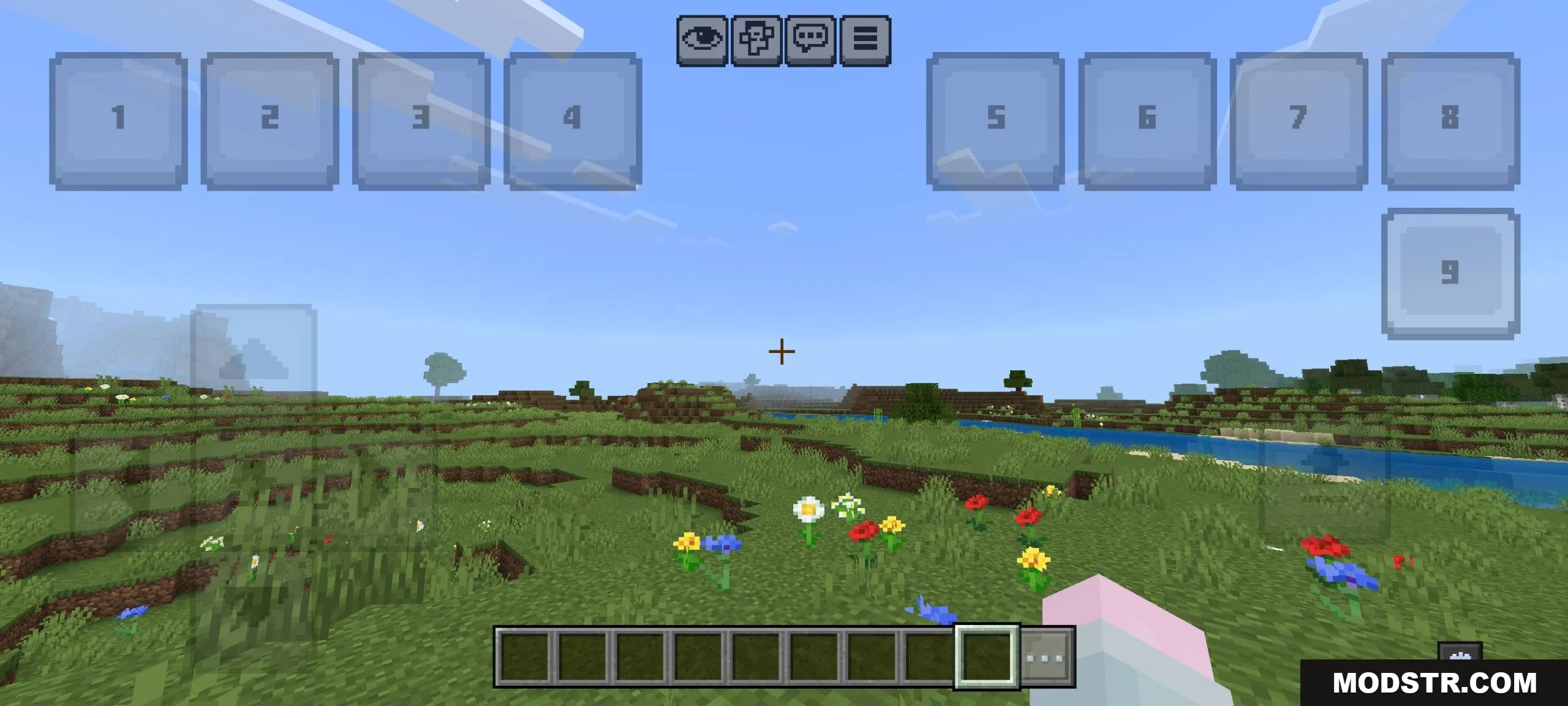
This texture pack adds on-screen buttons that function as hotkeys for switching between hotbar slots. Instead of manually dragging items in your hotbar during combat or other situations, you can tap dedicated buttons to instantly equip tools from specific slots. The buttons are customizable in position and size.
Features
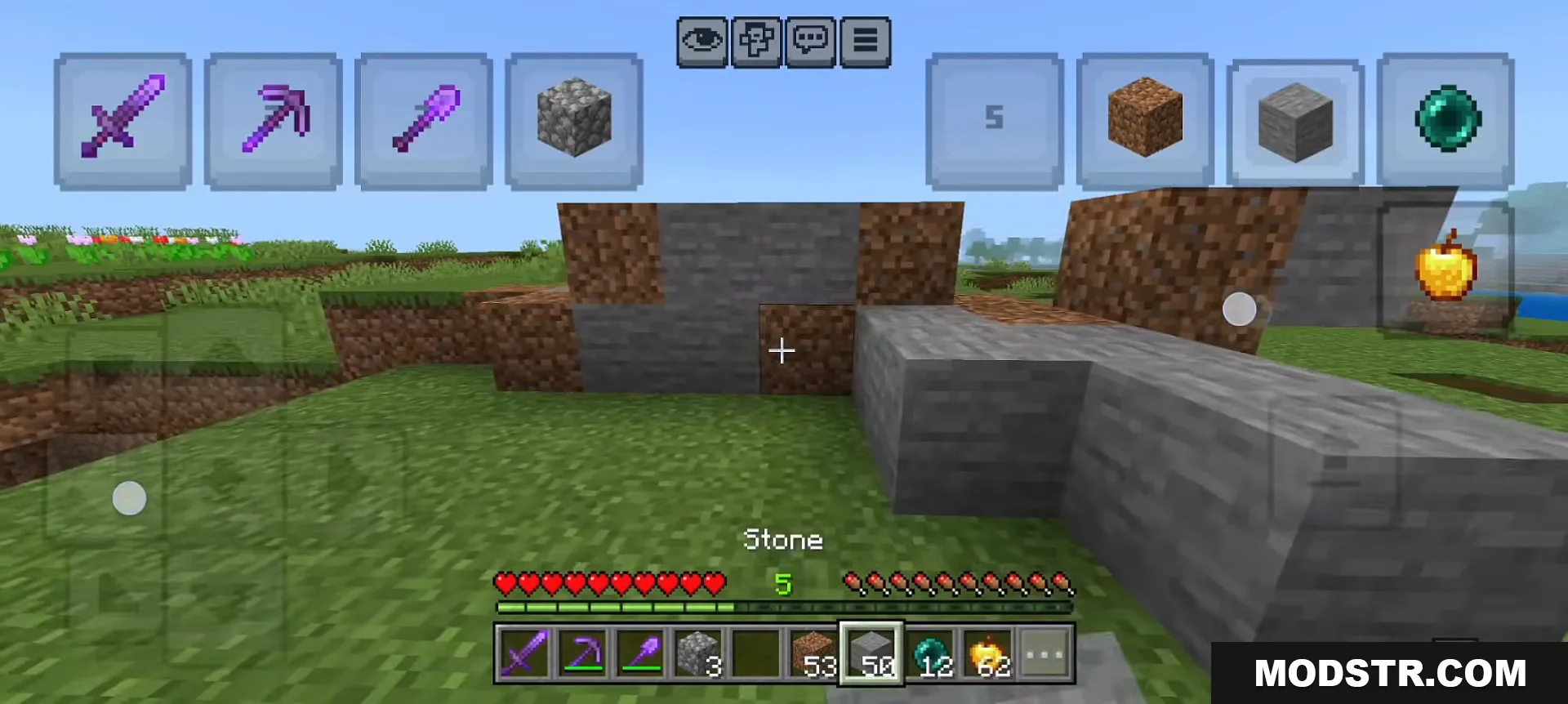
- On-screen buttons that act as hotkeys for hotbar slot selection.
- Each button corresponds to a hotbar slot (button 1 switches to slot 1, etc.).
- Supports two-finger mode for rapid tool switching.
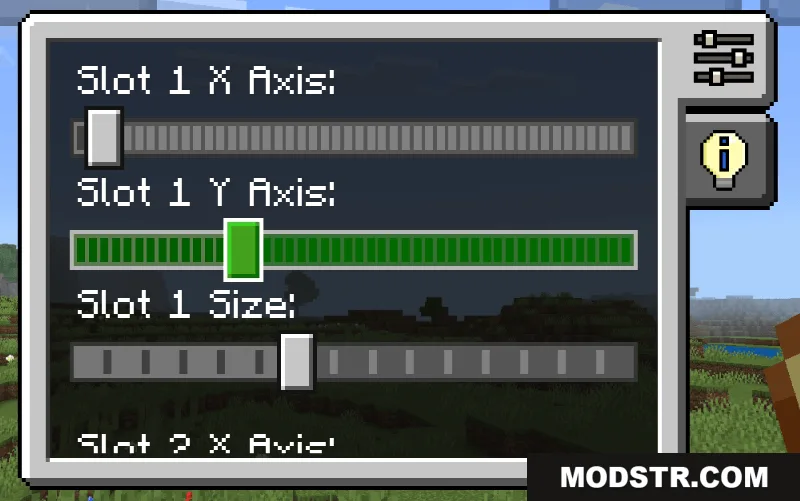
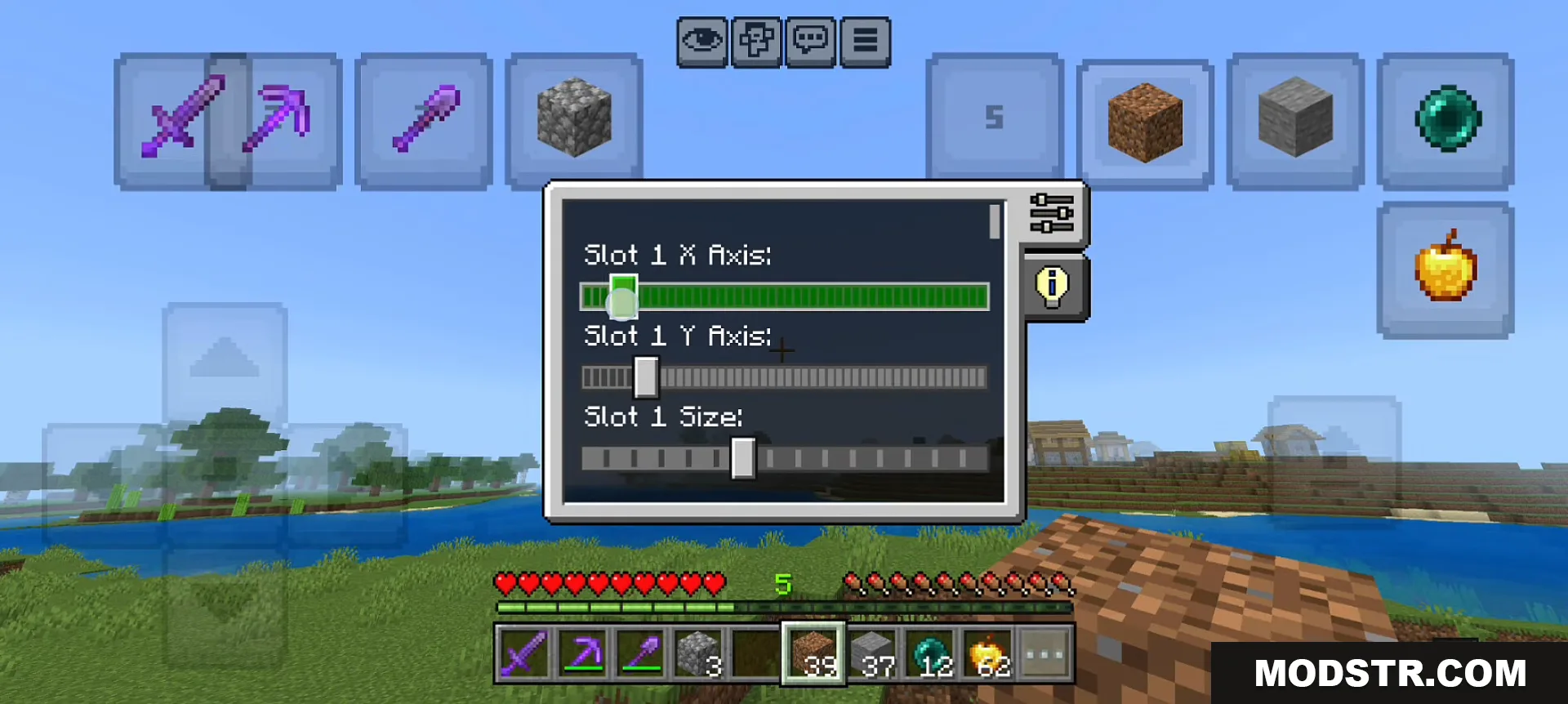
- Adjustable button position and size to fit your screen layout.
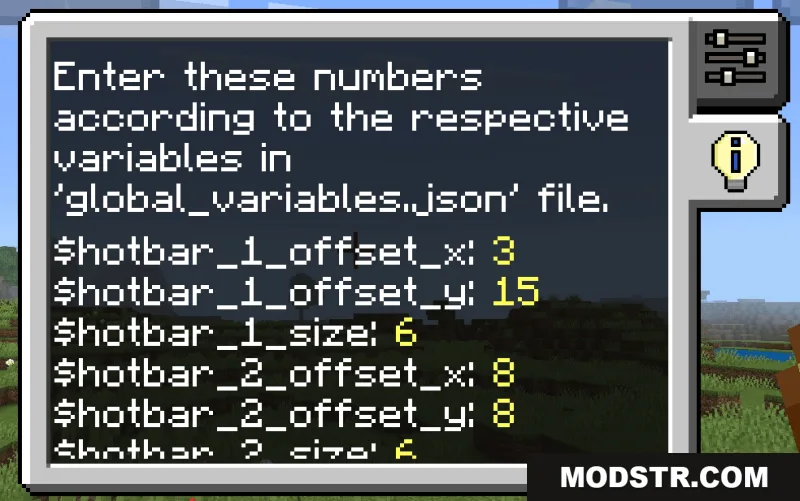
- Built-in control panel for easy customization settings.
Installation
- Download the texture pack file.
- Open Minecraft Bedrock Edition.
- Navigate to Settings > Packs and select the downloaded file to import it.
- Apply the pack to your world or create a new world with it enabled.
- Configure button placement and size via the in-game control panel as needed.
Compatibility
This pack is designed for Minecraft Bedrock Edition versions 26.x and 1.21. Compatibility with other versions may vary.
DOWNLOAD FILES
- mcpack
- mcpack