Telegram
All Minecraft Panorama Texture Pack (26.x, 1.21) – Unlock 54 Classic Menu Backgrounds cover art

All Minecraft Panorama Texture Pack (26.x, 1.21) – Unlock 54 Classic Menu Backgrounds

Texture pack that replaces your main menu background with one of 54 classic panorama designs from various Minecraft editions and special events.

45 MCPE
  • 1.21
  • 1.20
  • 1.19
  • 1.18

This texture pack lets you customize your main menu background by selecting from 54 different panorama options. The pack includes backgrounds from older Minecraft versions, special events, and alternate editions like Education and 3DS, all preserved at their original quality.
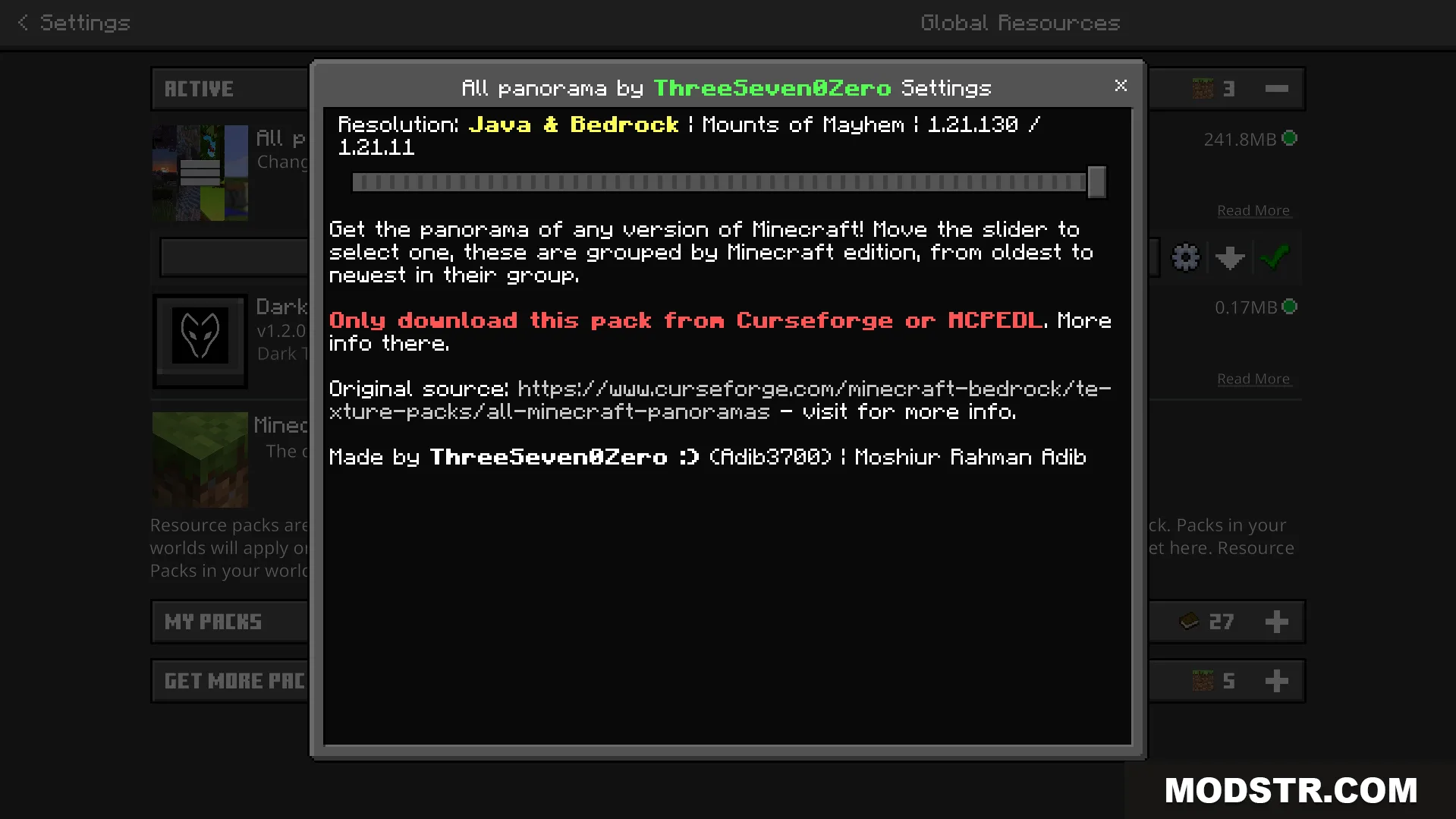
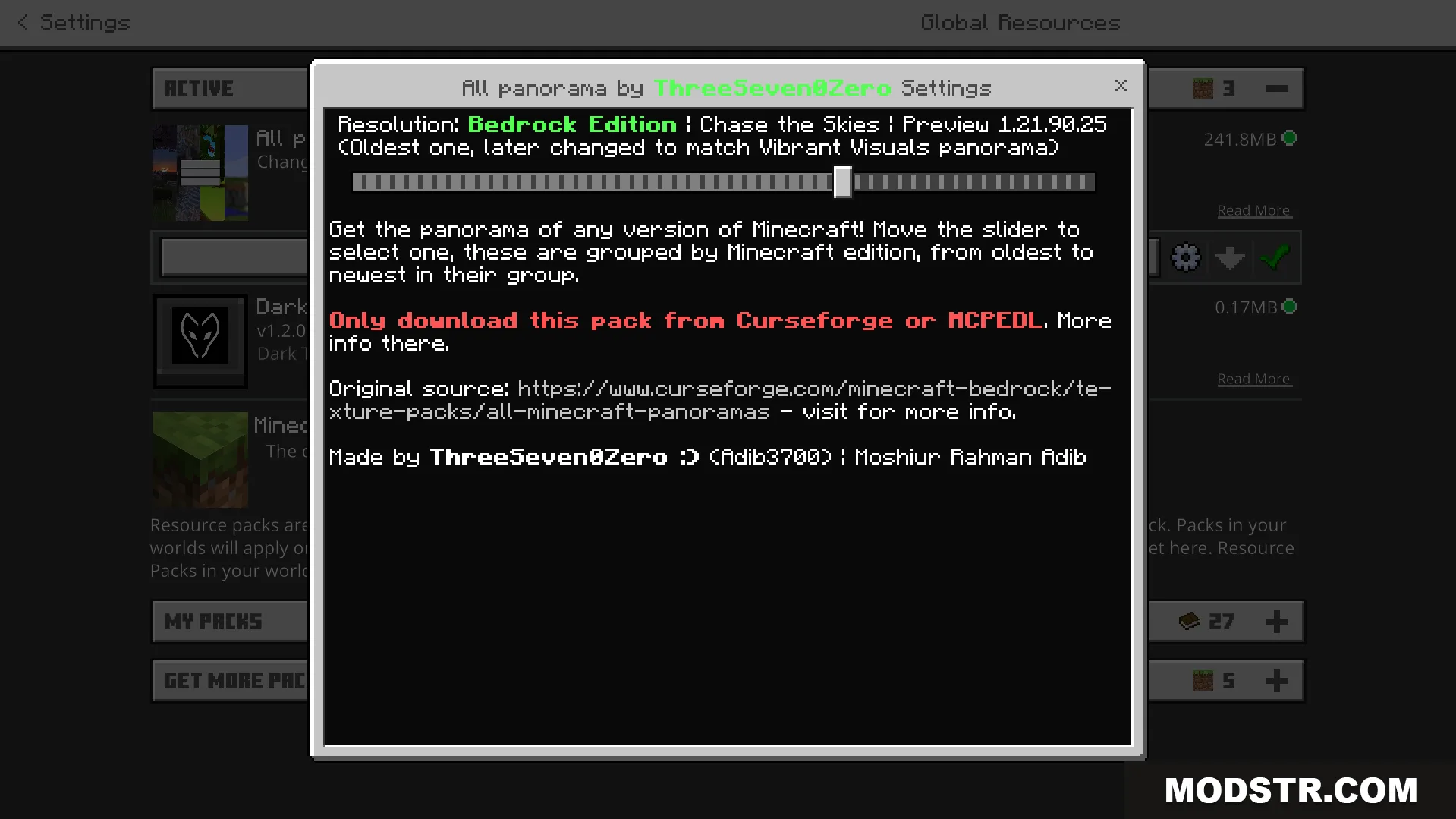
Configuration menu with a slider to choose from fifty four different menu backgrounds

Features

  • 54 different menu background options to choose from.
  • Includes panoramas from legacy versions and special in-game events.
  • Adds backgrounds from Education and 3DS editions.
  • Preserves all images at their highest original quality.
  • Includes dedicated options for Vibrant Visuals compatibility.
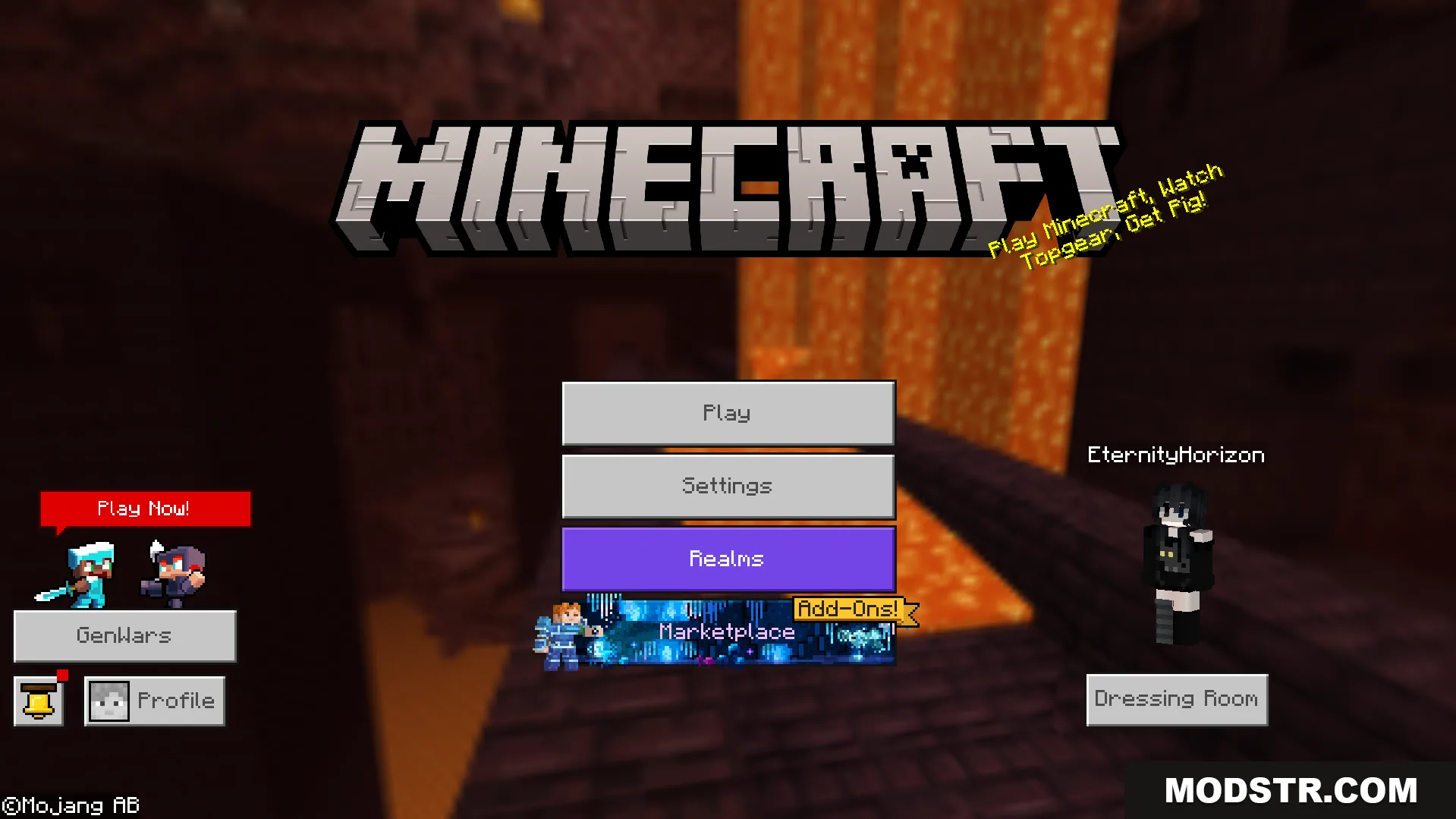
Minecraft main menu displaying a classic panorama background from an older game version

Installation

  1. Download the texture pack file.
  2. Open your Minecraft resource packs folder.
  3. Place the pack file into the resource packs directory.
  4. In Minecraft, go to Settings and select Resource Packs.
  5. Activate the pack and configure your preferred background in the pack settings menu.
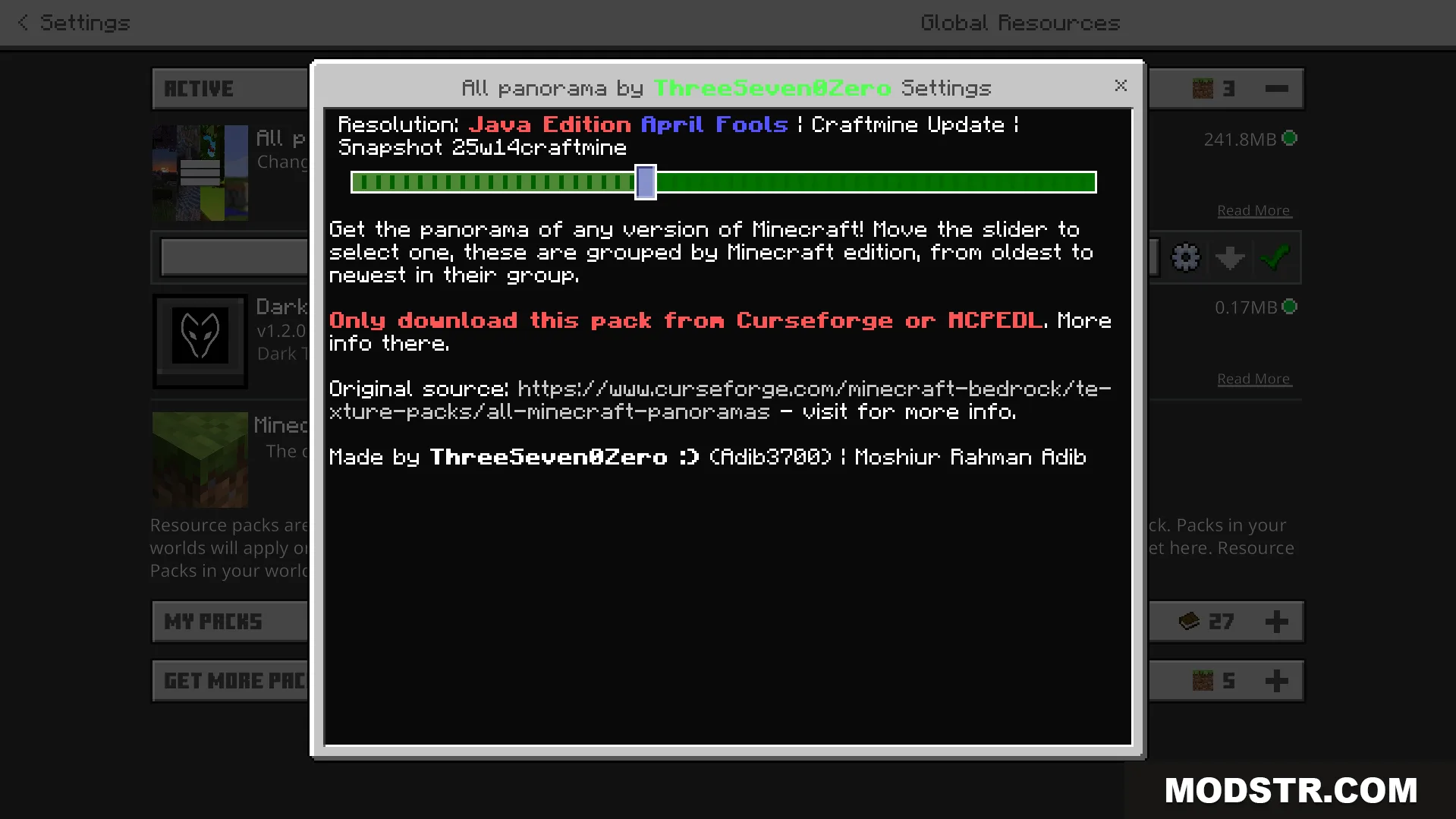
A settings window with a slider to choose various Minecraft menu backgrounds

Compatibility

This pack is compatible with Minecraft 1.21 and works with Java Edition. Players using Vibrant Visuals must select the appropriate compatibility options in the pack settings to ensure proper display of the panorama backgrounds.
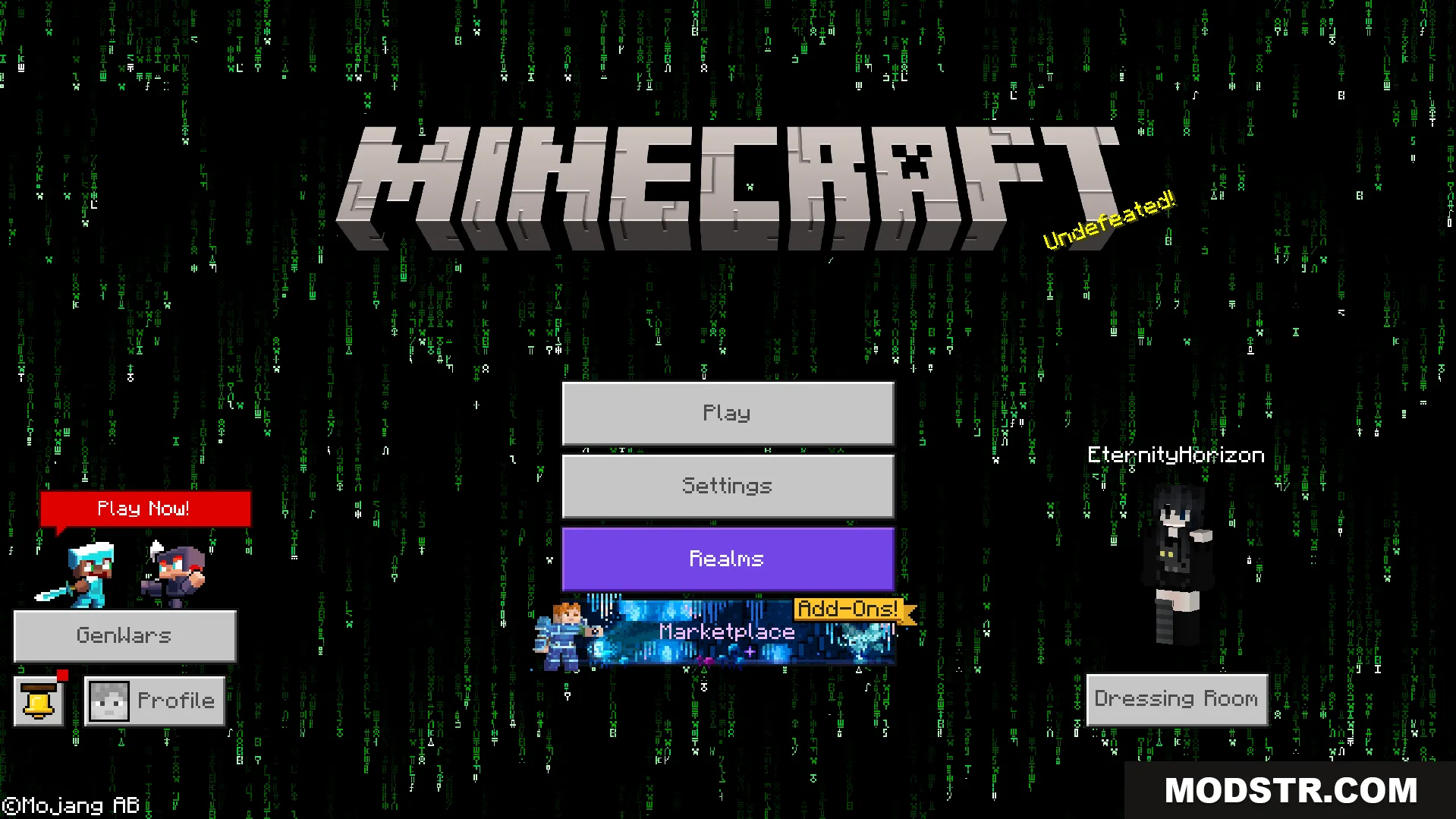
Main menu displaying a special green code background from an April Fools update
All Minecraft Panorama Texture Pack settings menu with version selection slider
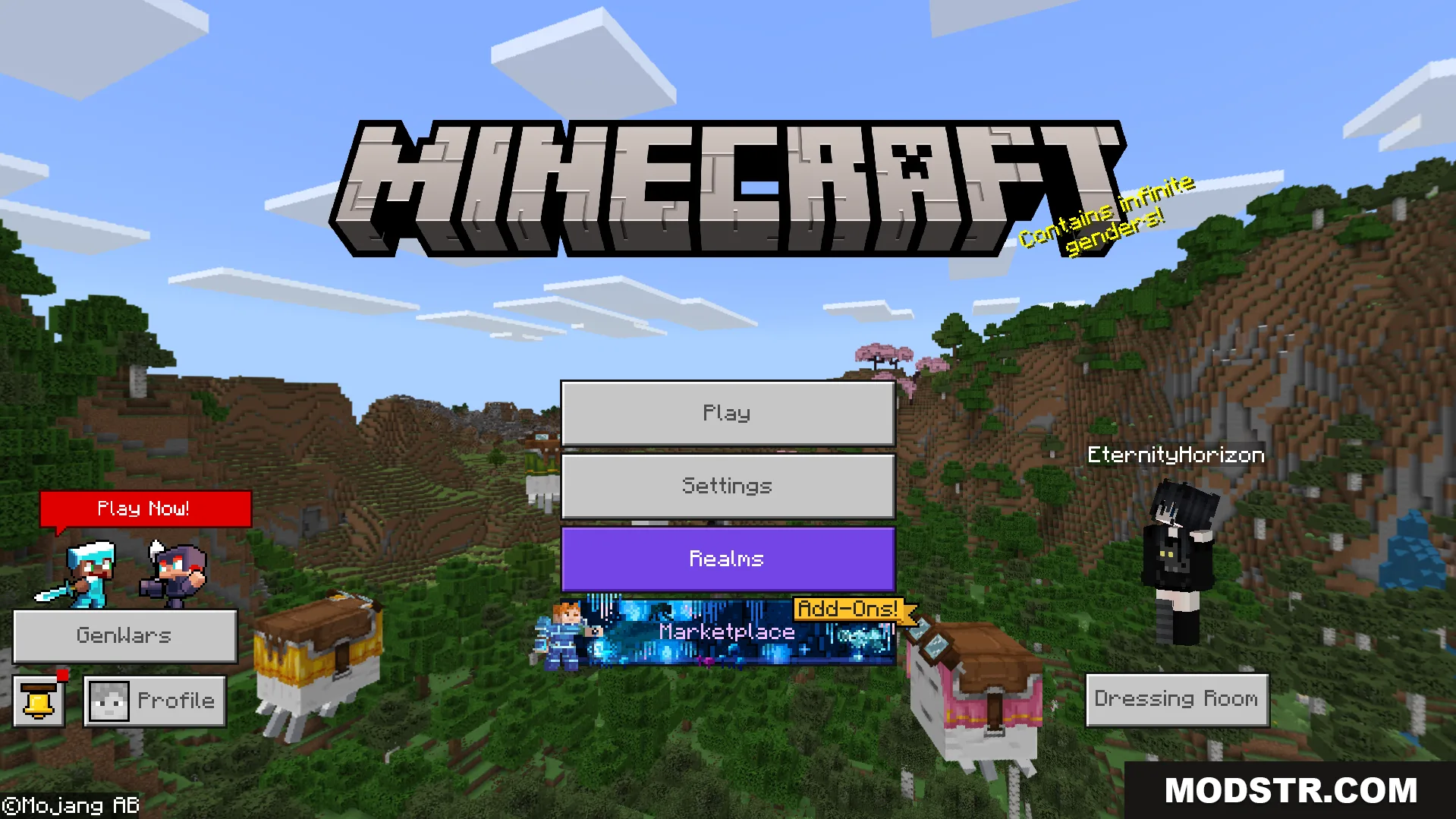
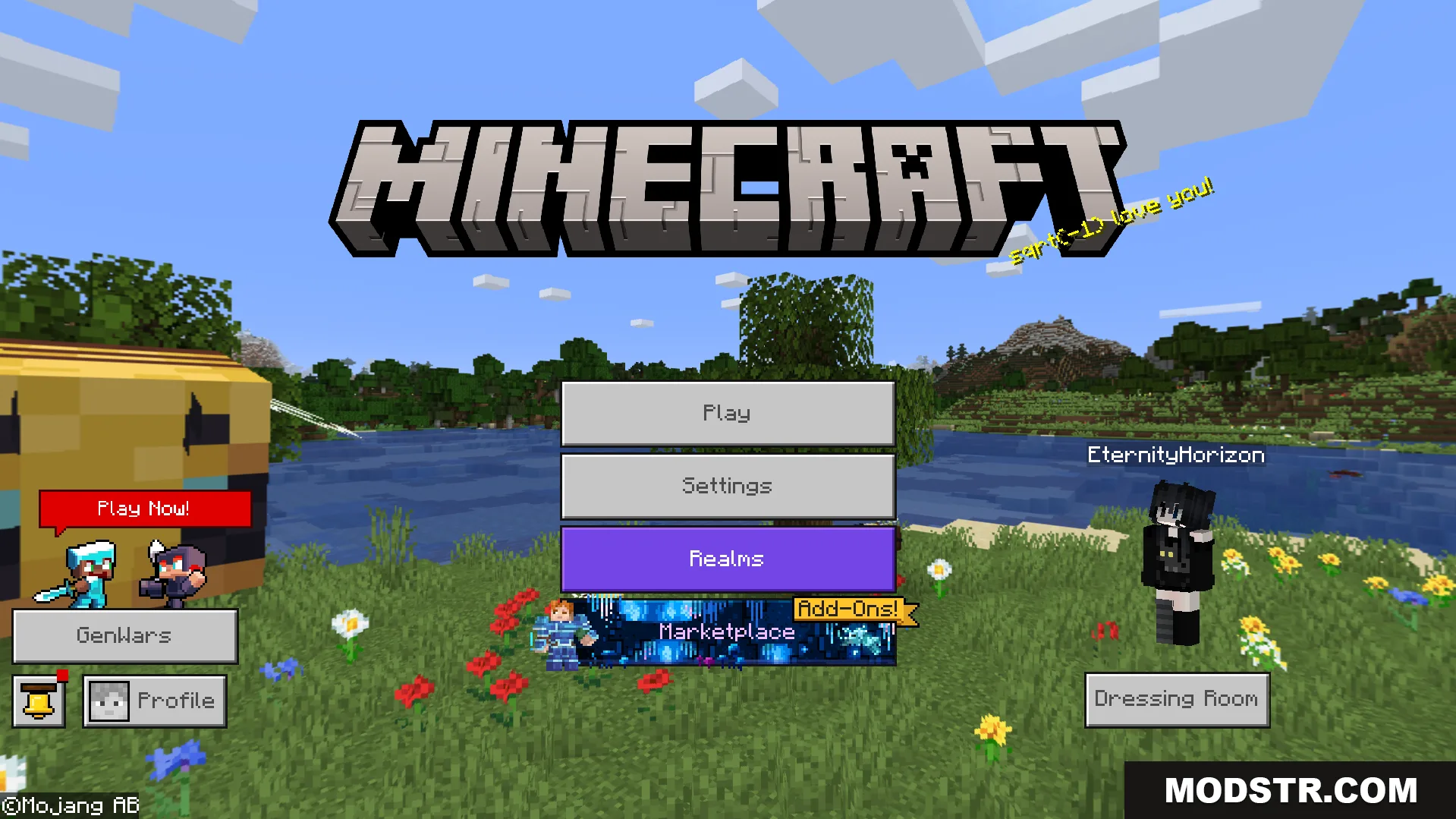
Main menu screen displaying a custom background from the panorama texture pack
Main menu interface displaying a bright grassy landscape background from the texture pack
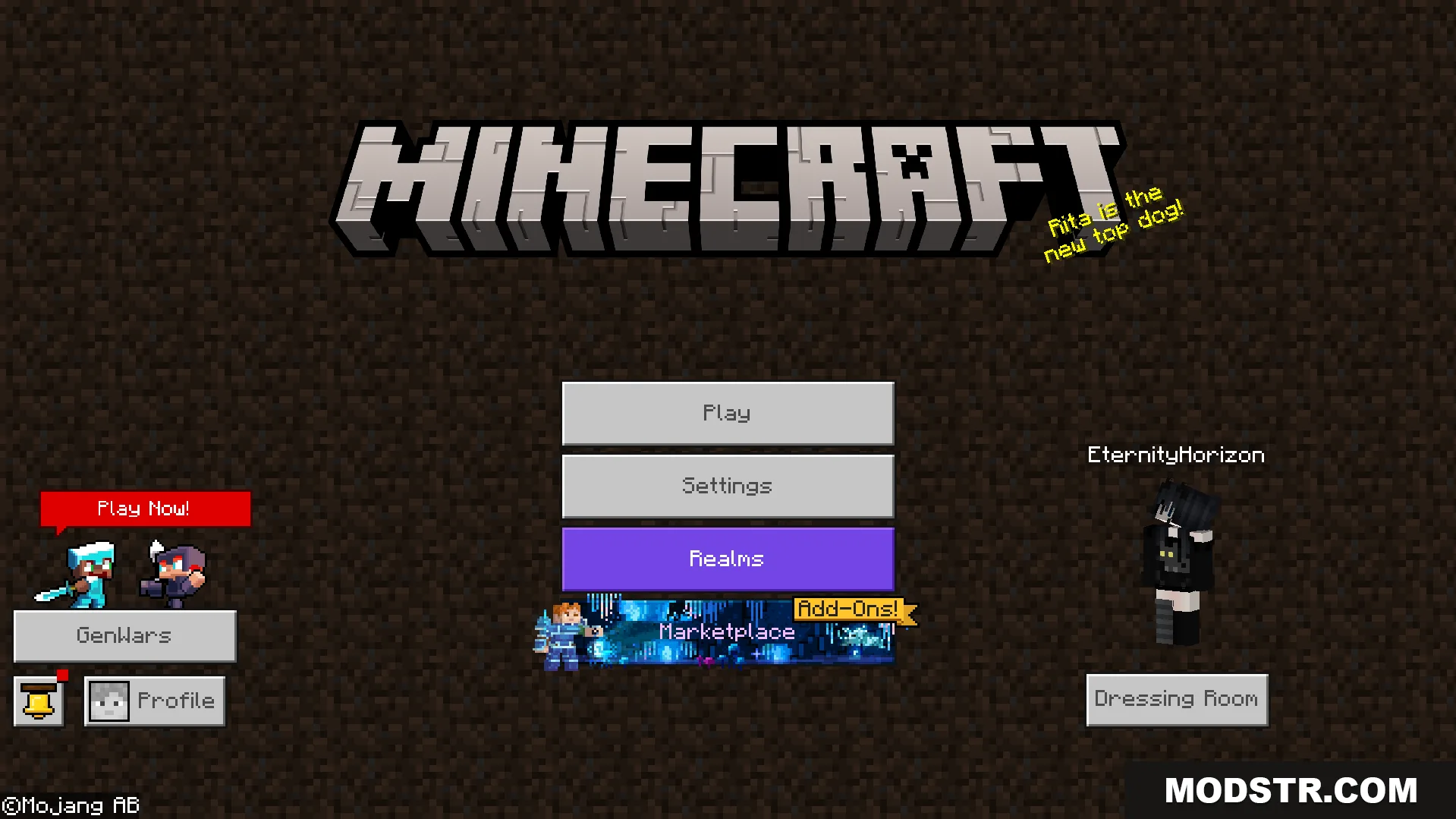
Main menu interface featuring a classic dark dirt background from an older version
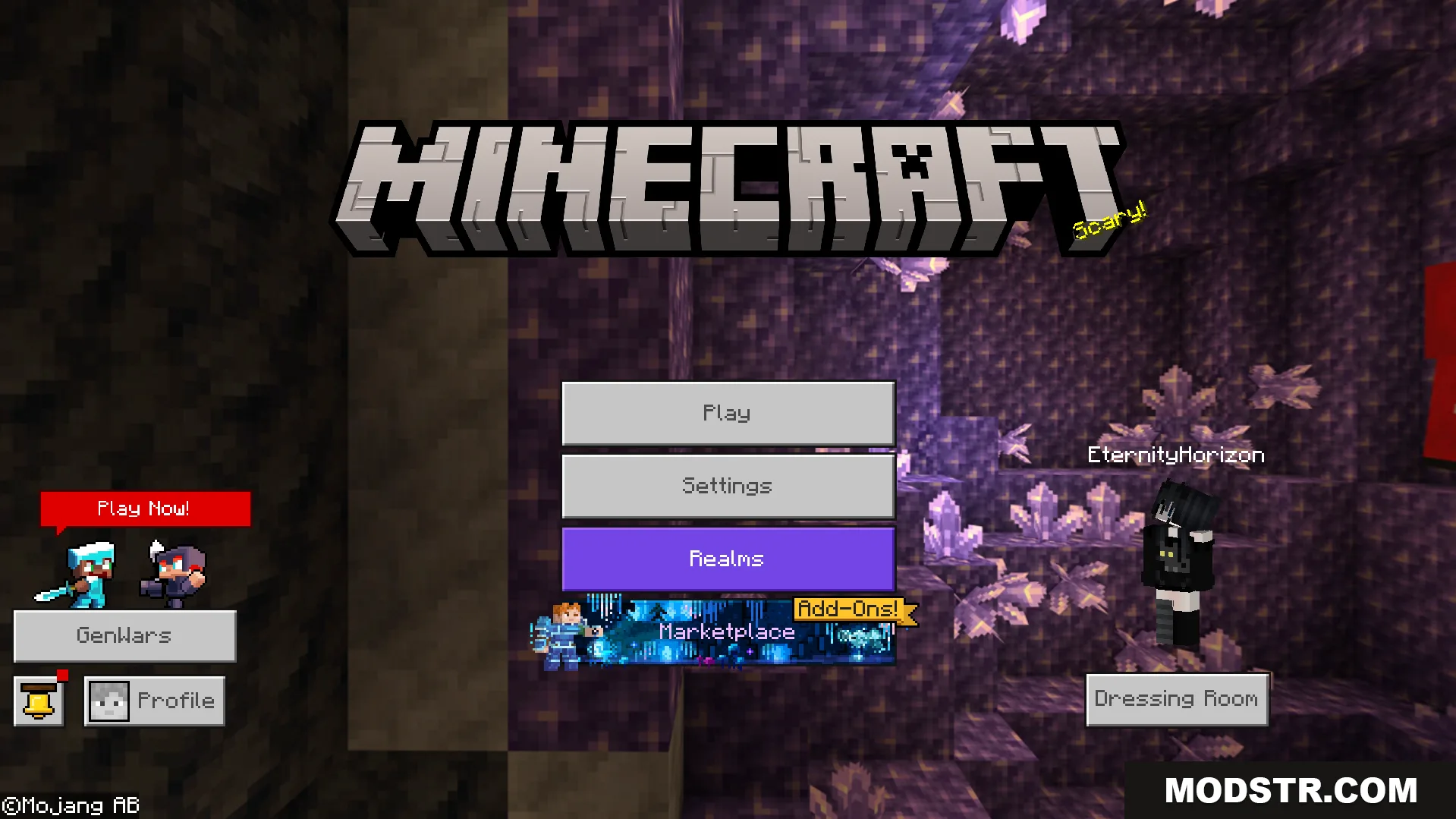
All Minecraft Panorama Texture Pack showing a purple amethyst geode cave background
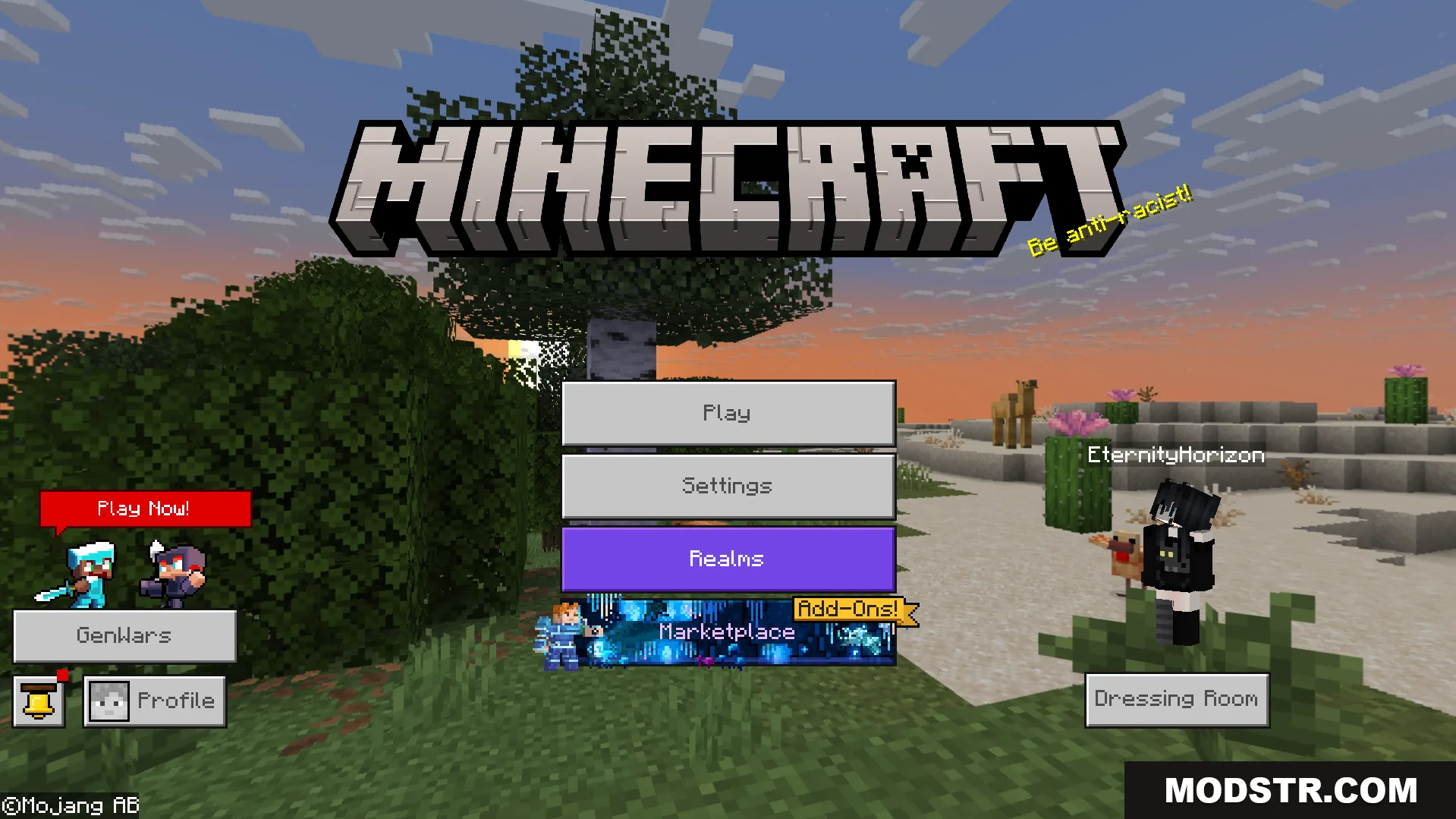
Minecraft main menu interface featuring a desert landscape during sunset panorama background

DOWNLOAD FILES

  • mcpack
    For MCPE/Bedrock 26.x, 1.21.x, 1.20.x (+2 more) All Versions Covered 26.x 1.21.x 1.20.x 1.19.x 1.18.x ▲ Collapse · All-Minecraft-Panorama-Texture-Pack-26x.mcpack
    • 1.21
  • mcpack
    For MCPE/Bedrock 1.21.x, 1.20.x, 1.19.x (+1 more) All Versions Covered 1.21.x 1.20.x 1.19.x 1.18.x ▲ Collapse · All-Minecraft-Panorama-Texture-Pack-121x.mcpack
    • 1.21