
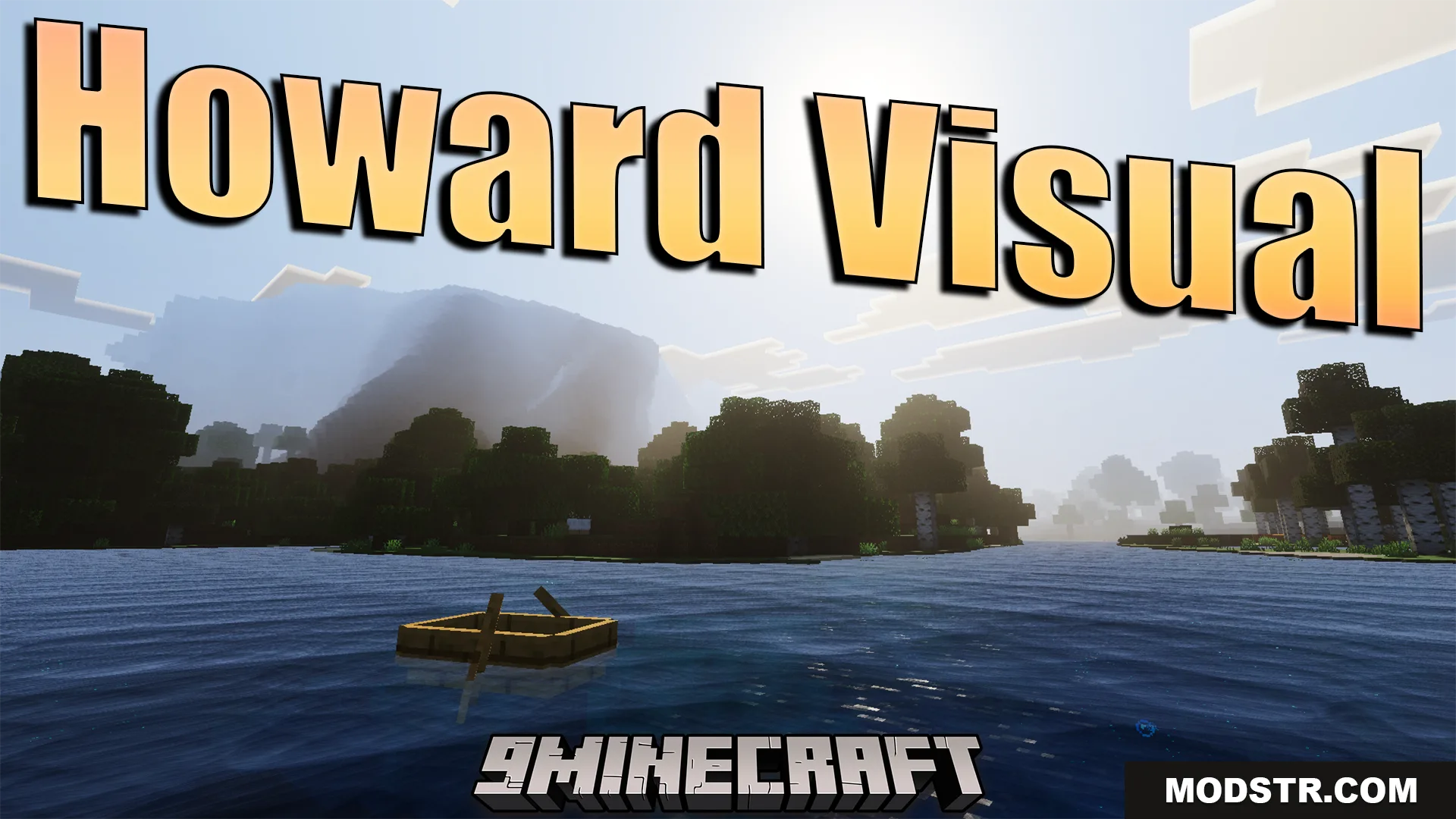
Howard Visual Shader (26.x) – ACES Tone Mapping And Smooth Water Waves
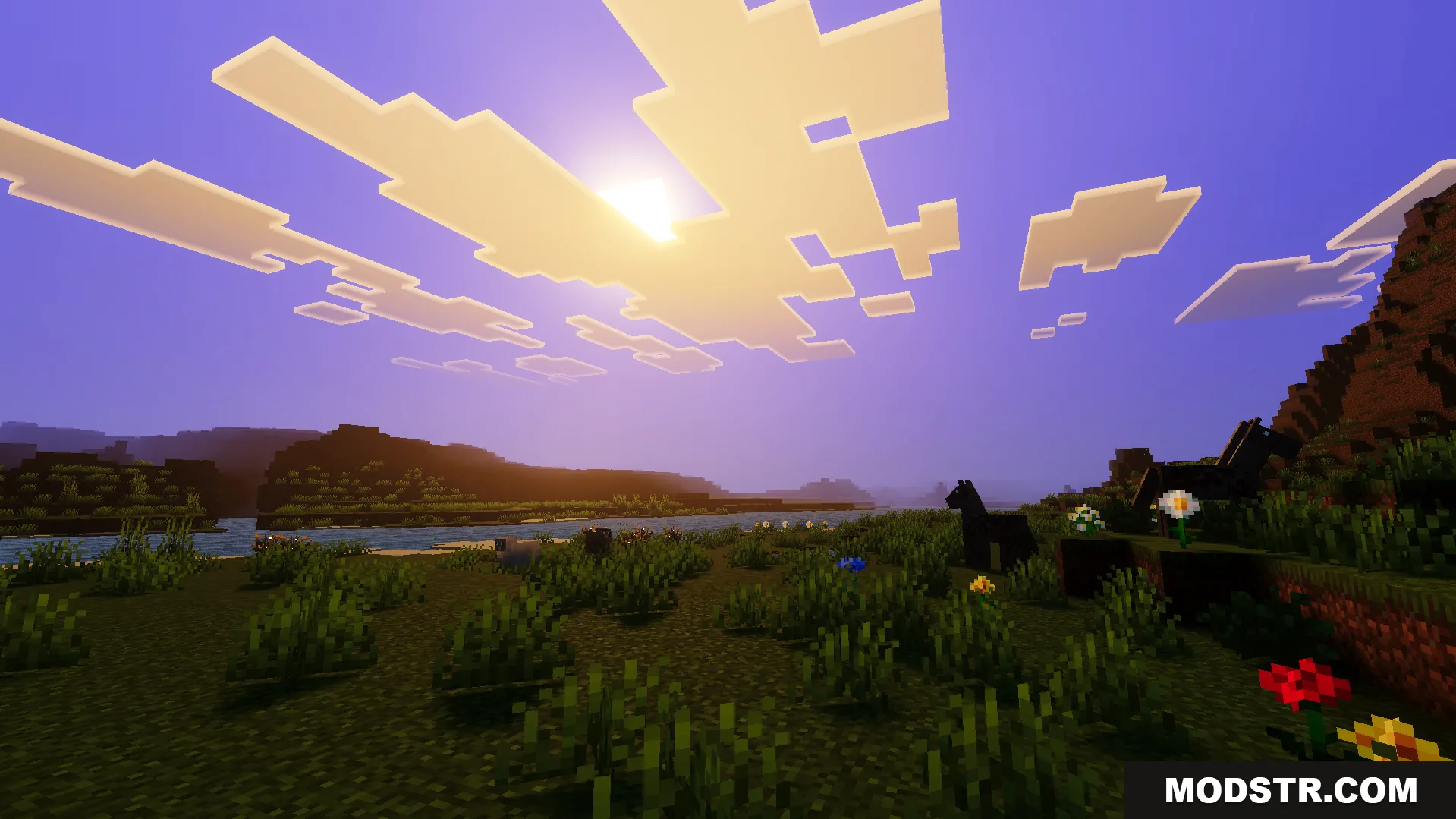
Shader featuring ACES tone mapping, smooth water wave animations, and enhanced color grading for improved visuals and distant view rendering.
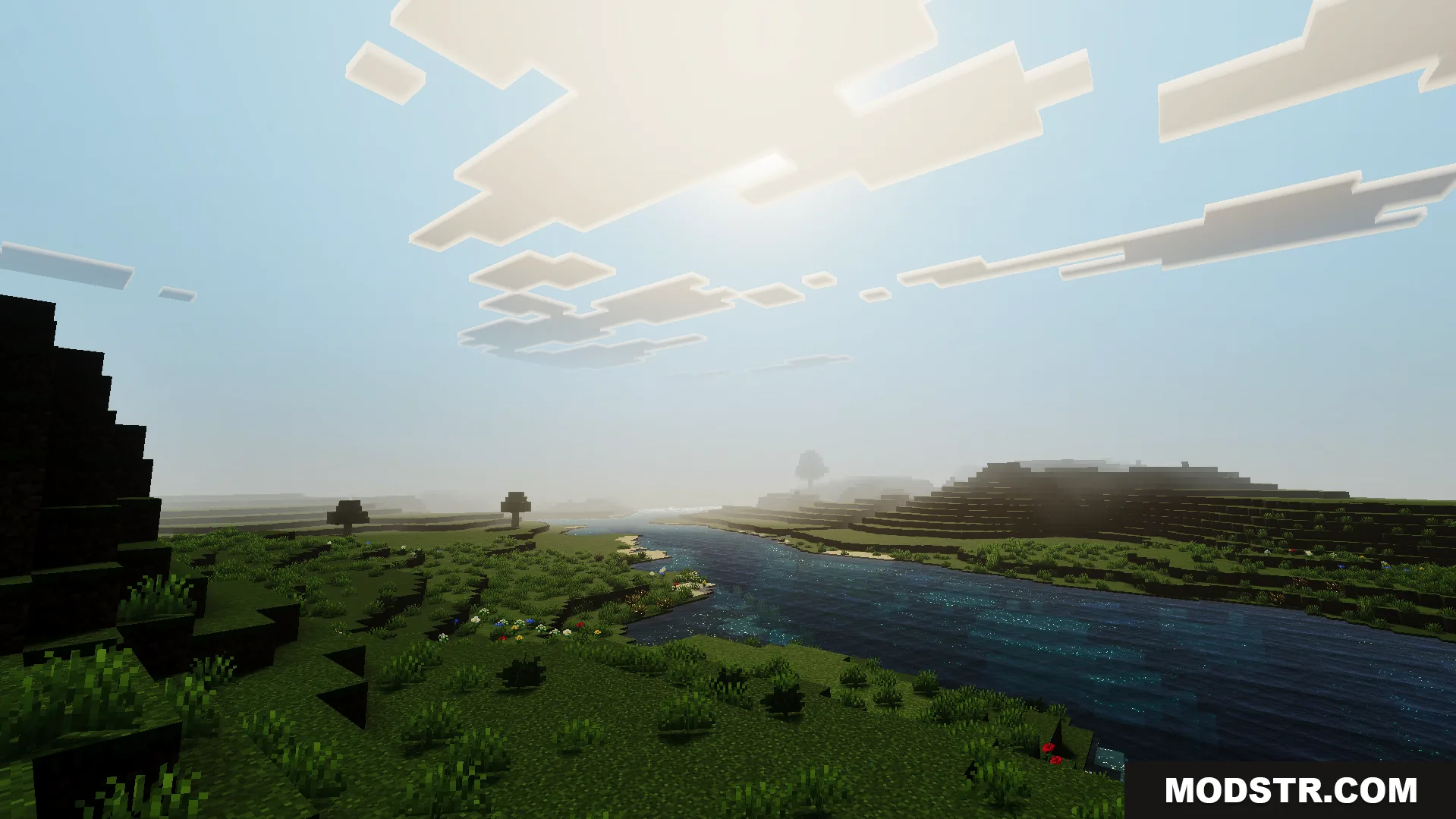
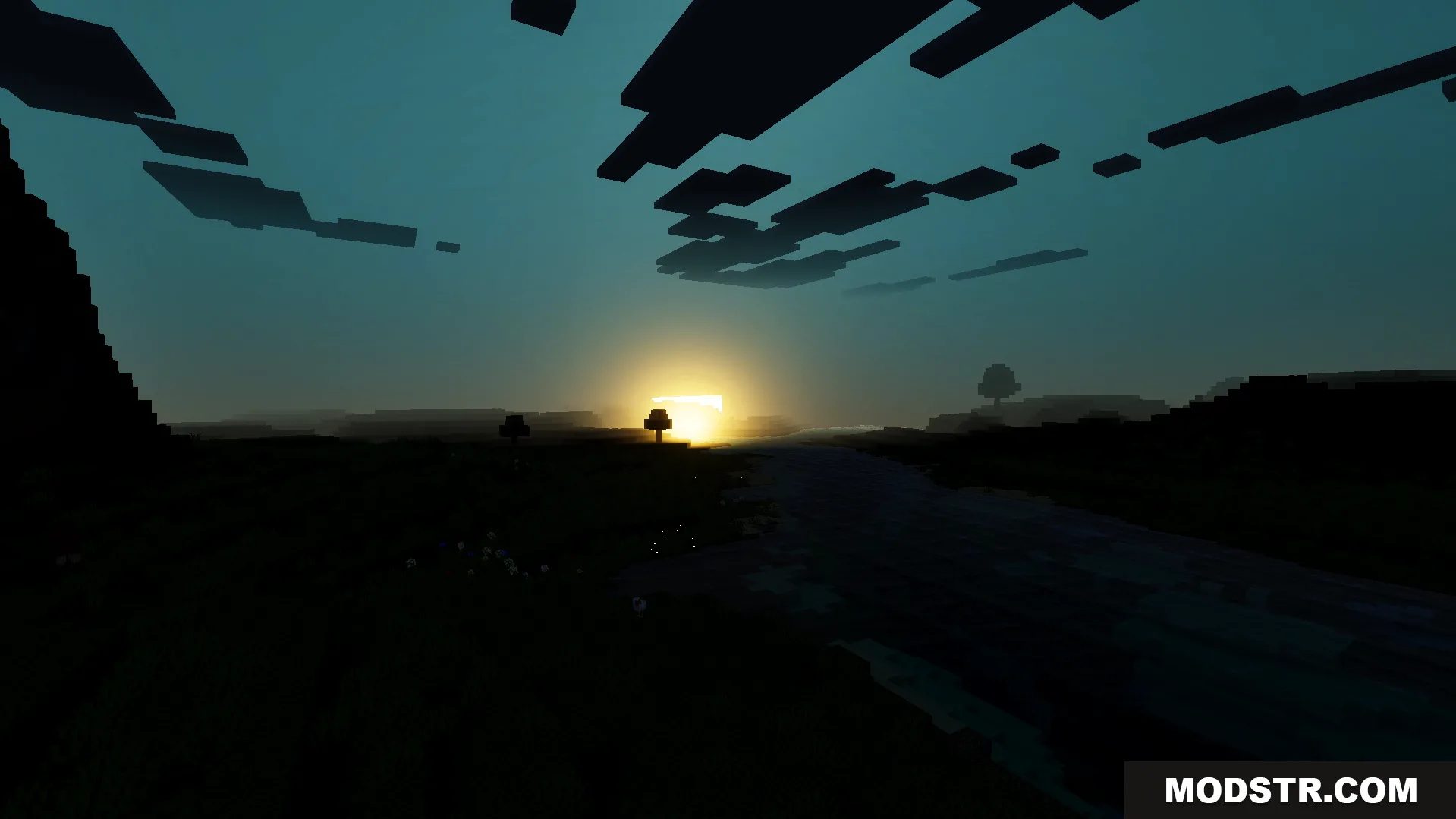
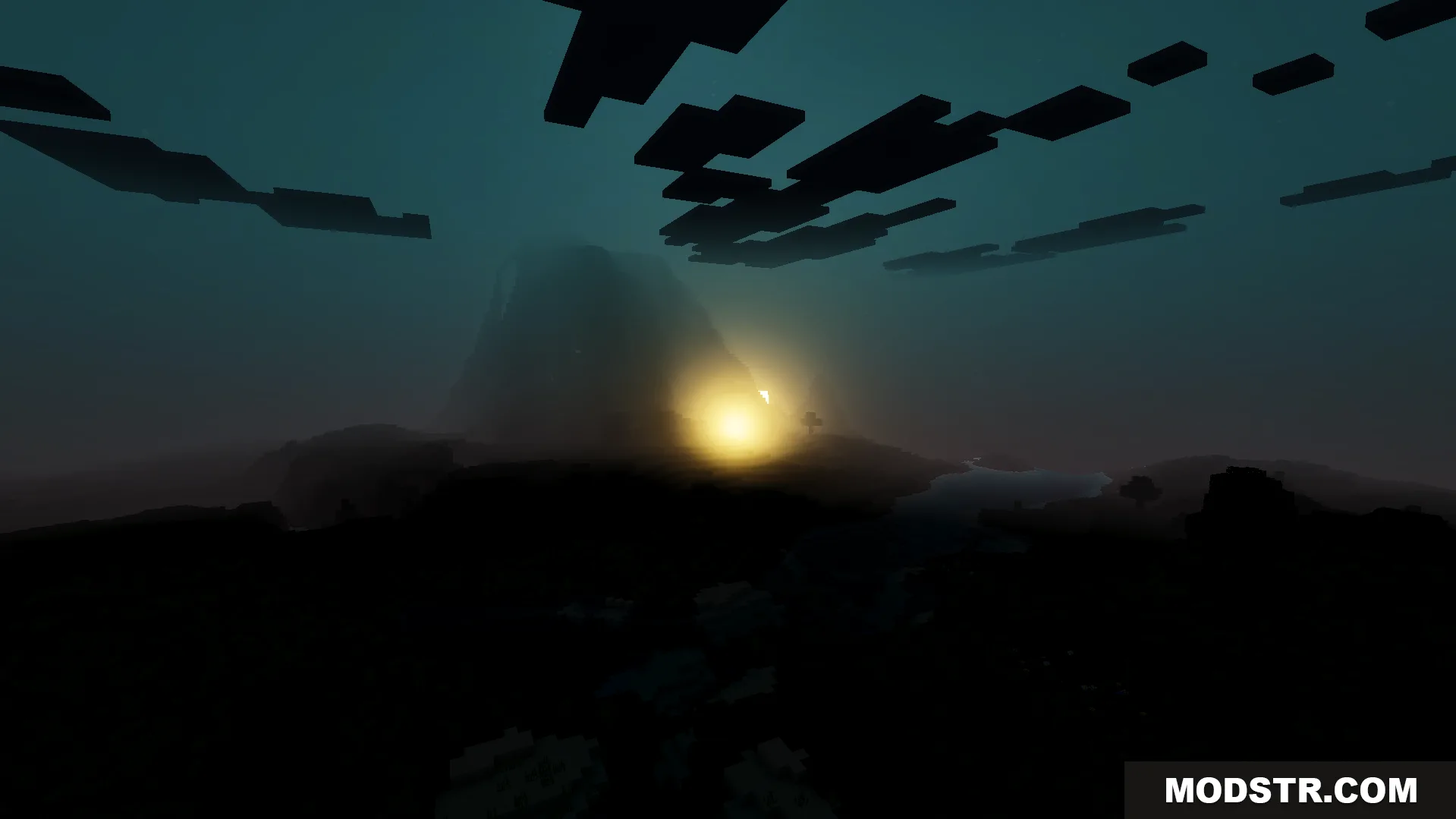
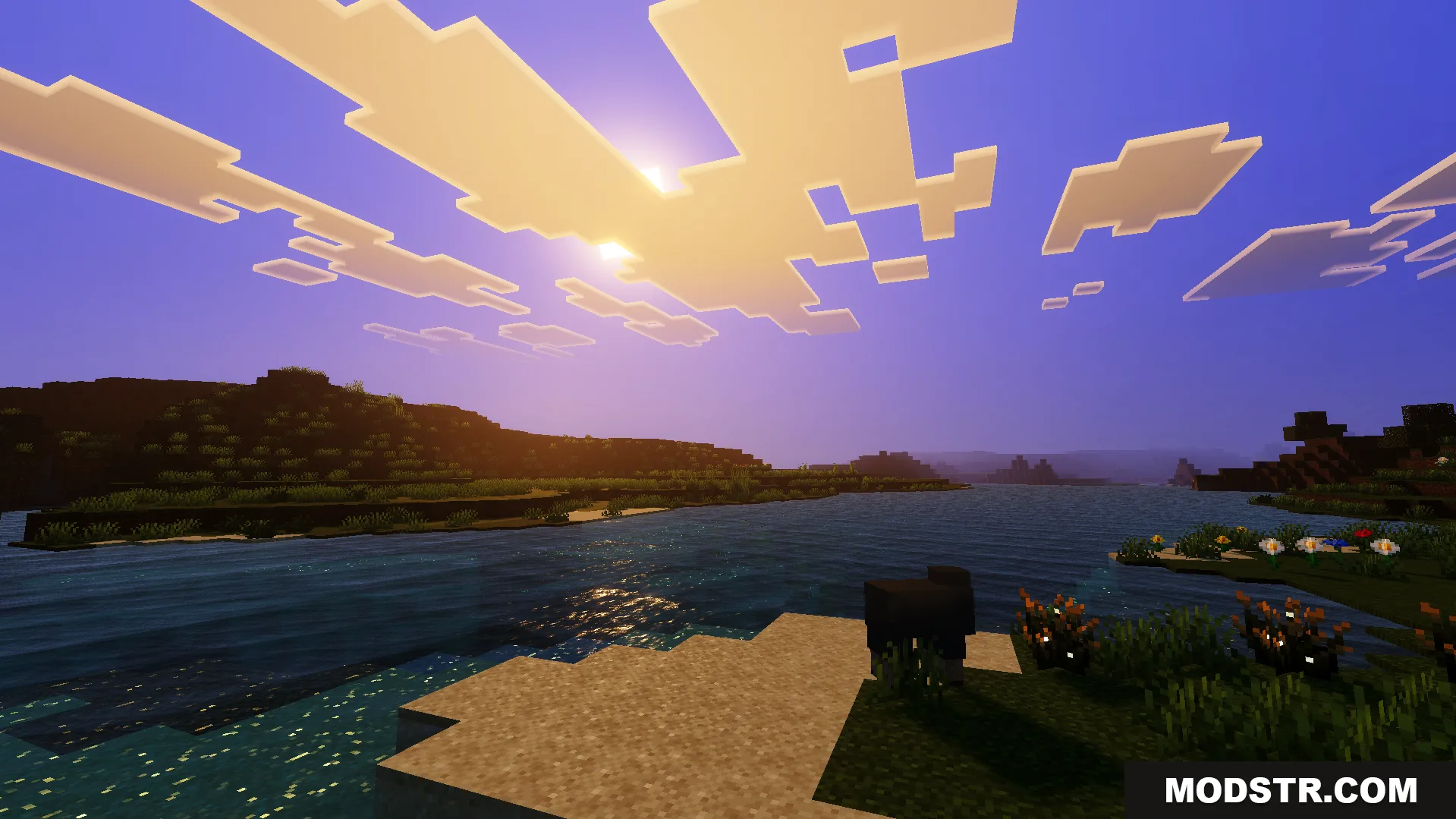
Howard Visual Shader is a shader pack that modifies the game's visual rendering with adjustments to sky coloring, water effects, and color grading. It's designed for players who want enhanced distant visibility and realistic water behavior without heavy performance impacts from fog.
Features
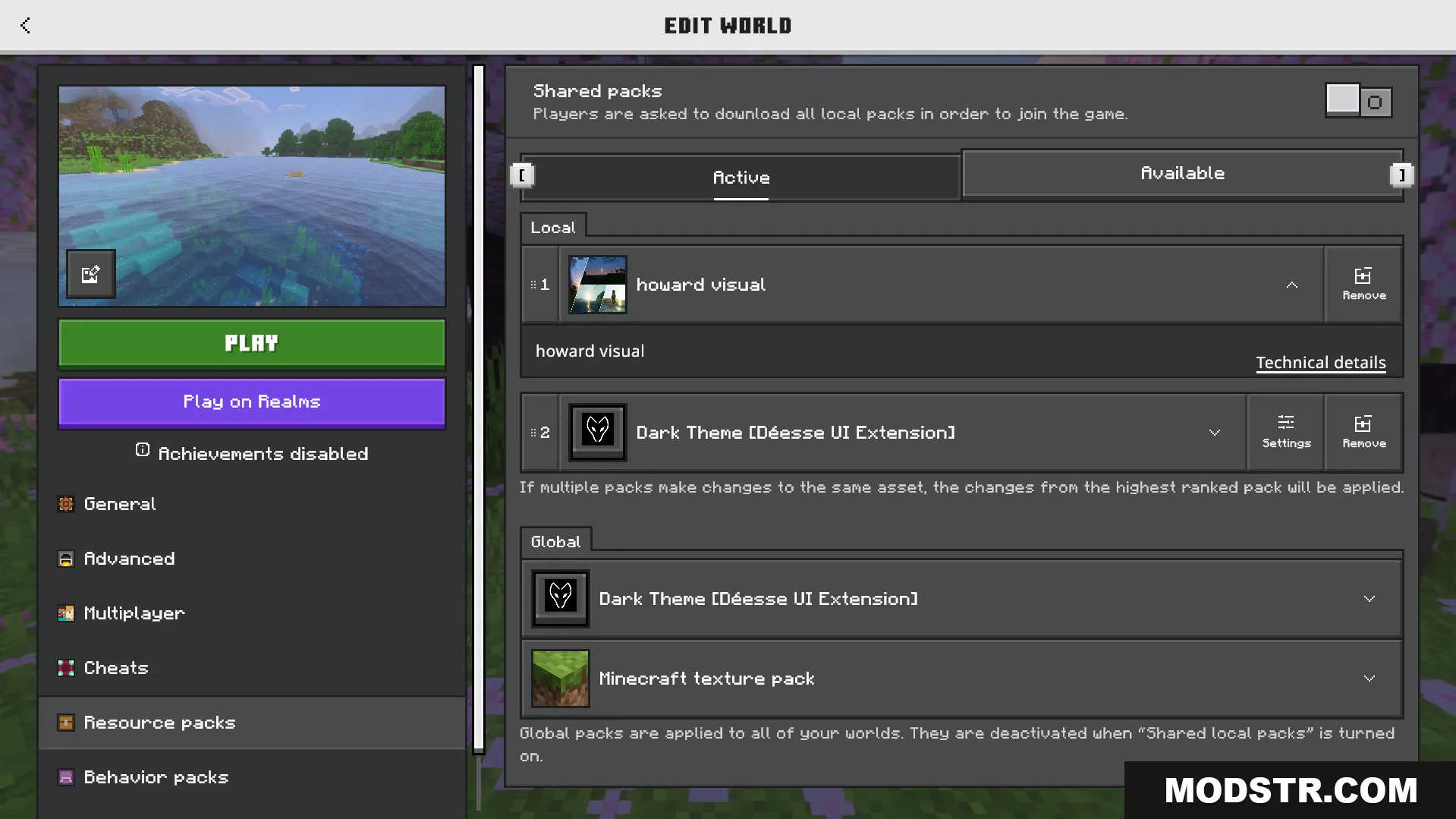
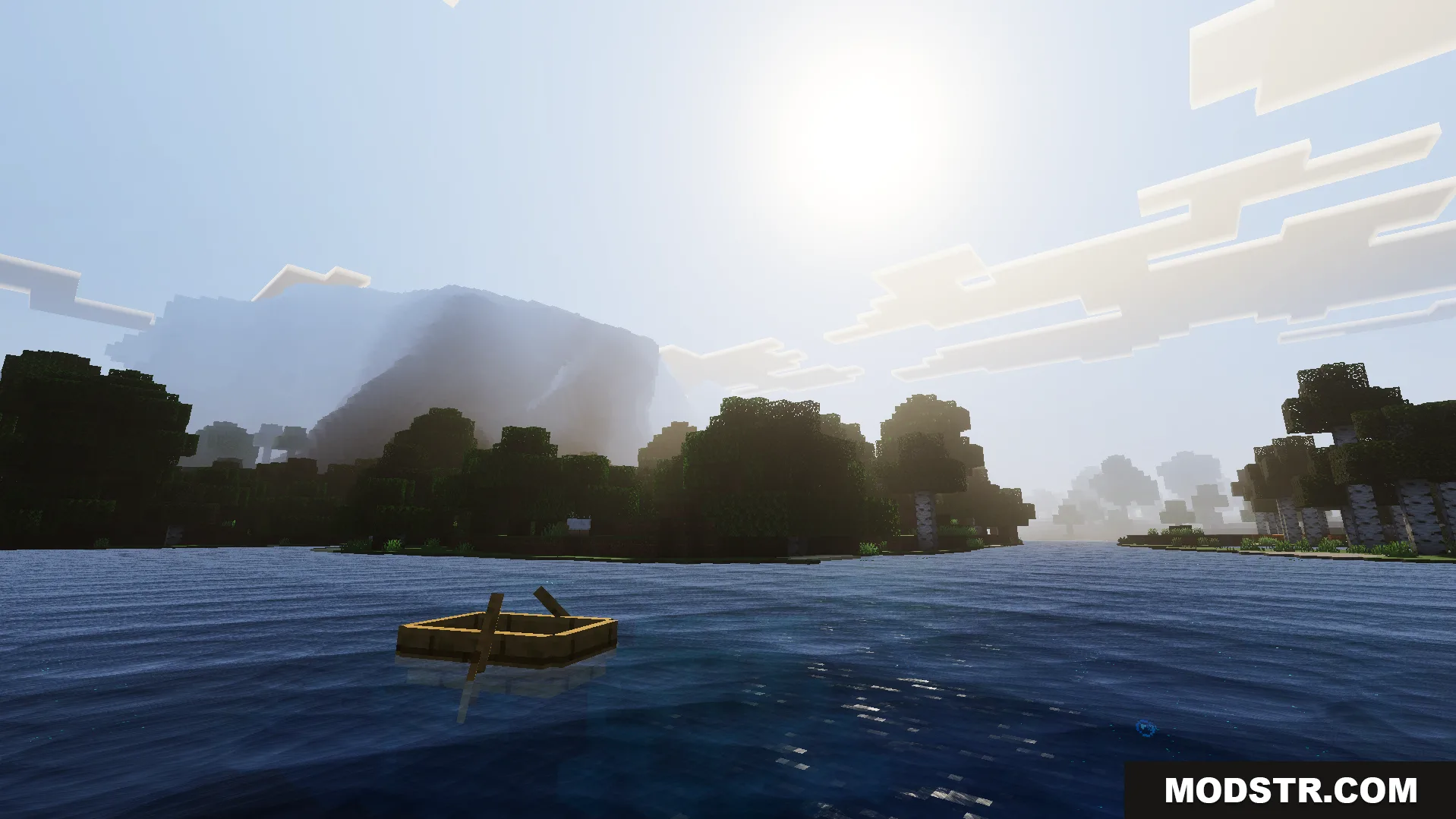
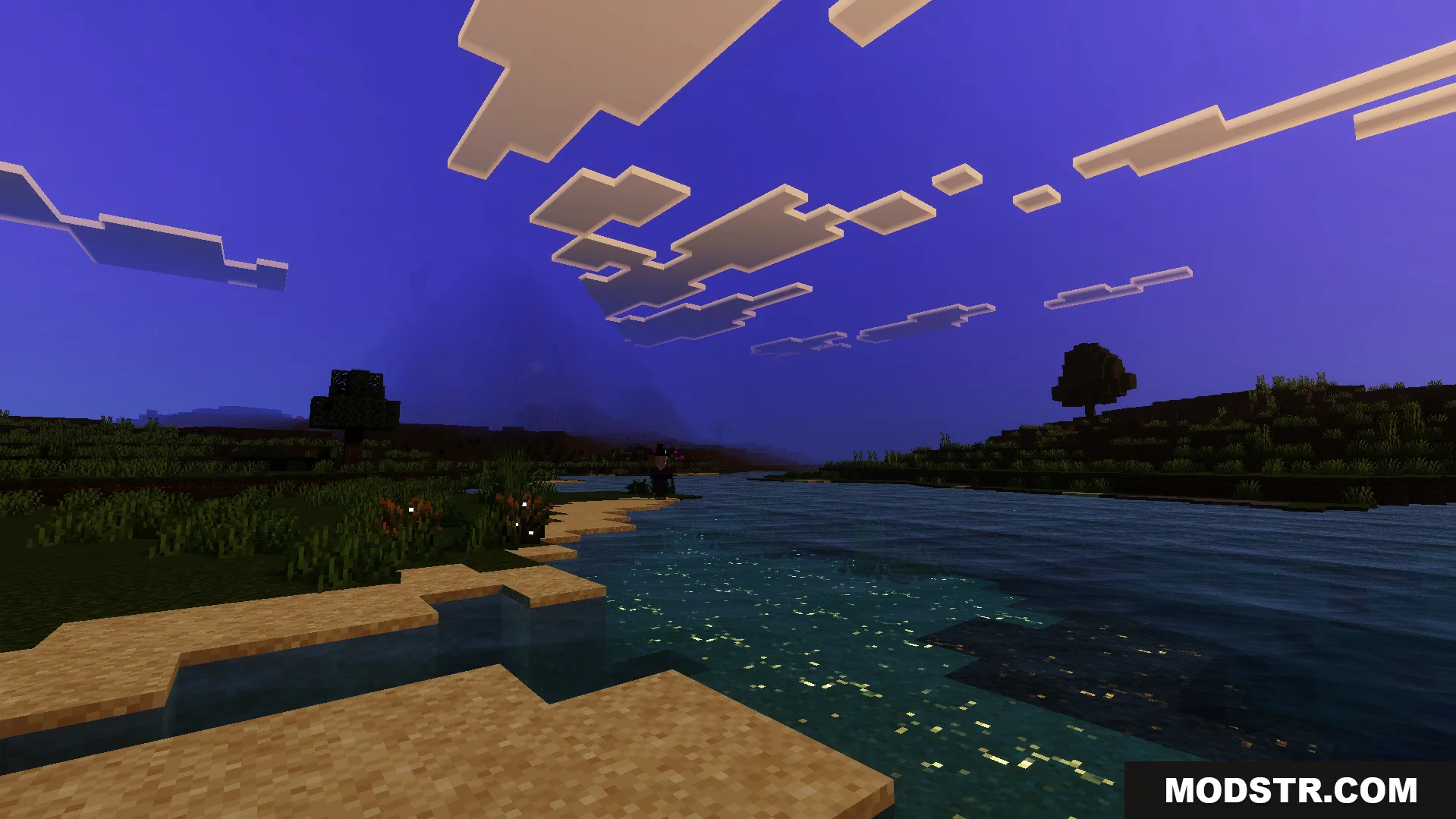
- Smooth water wave animations with realistic movement patterns.
- ACES tone mapping applied to sky and lighting.
- White balance color grading for adjusted visual tone.
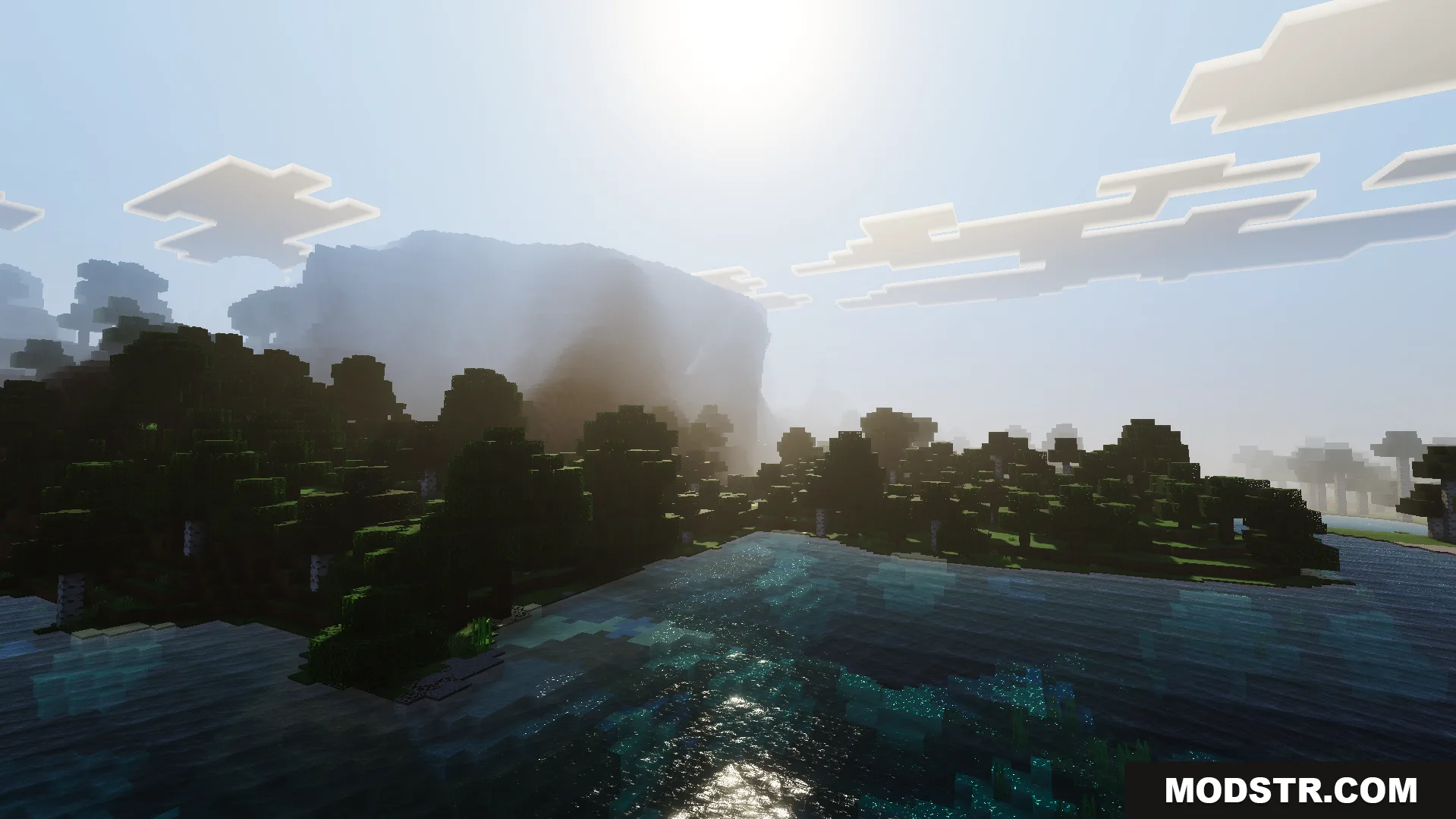
- Extended view distance with optimized fog rendering.
- Sun and moon reflections on water surfaces.
Installation
- Ensure you have a shader-compatible Minecraft setup with appropriate graphics drivers.
- Download the shader pack file.
- Navigate to your .minecraft/shaderpacks folder (create it if it doesn't exist).
- Place the downloaded file into the shaderpacks folder without extracting.
- Open Minecraft, go to Video Settings, select Shaders, and choose Howard Visual Shader from the list.
DOWNLOAD FILES
- mcpack