
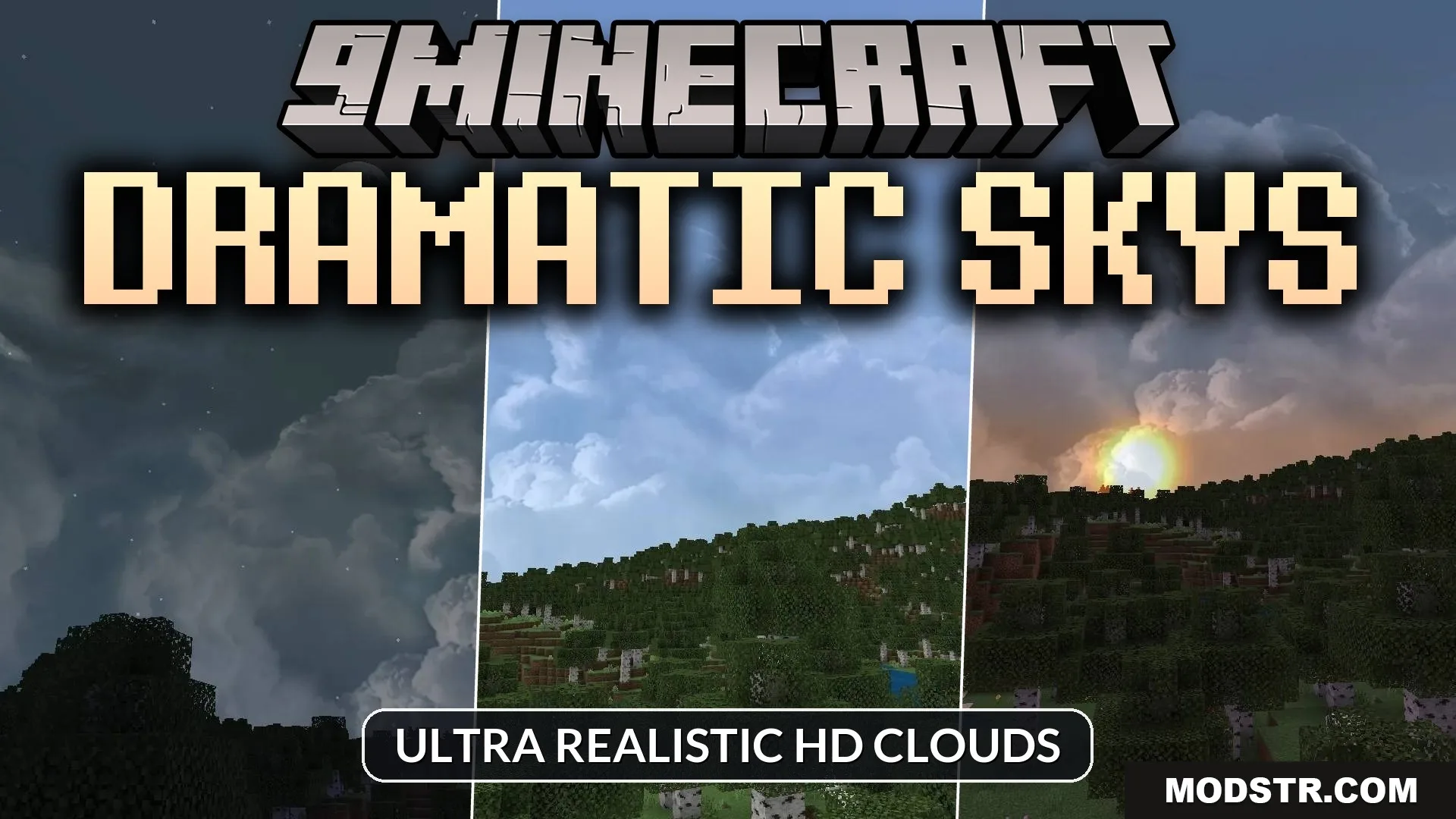
Dramatic Skys Shader (1.21, 1.20) – Ultra Realistic Hd Clouds
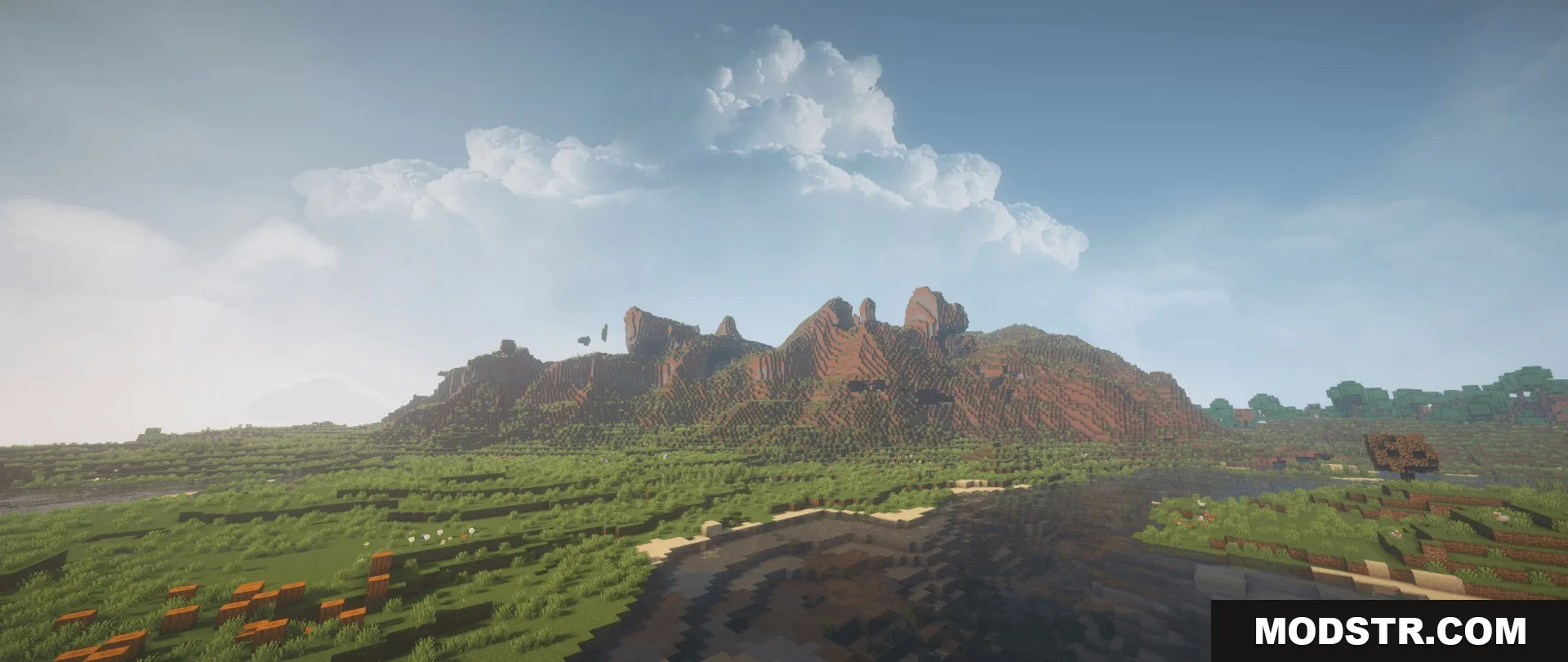
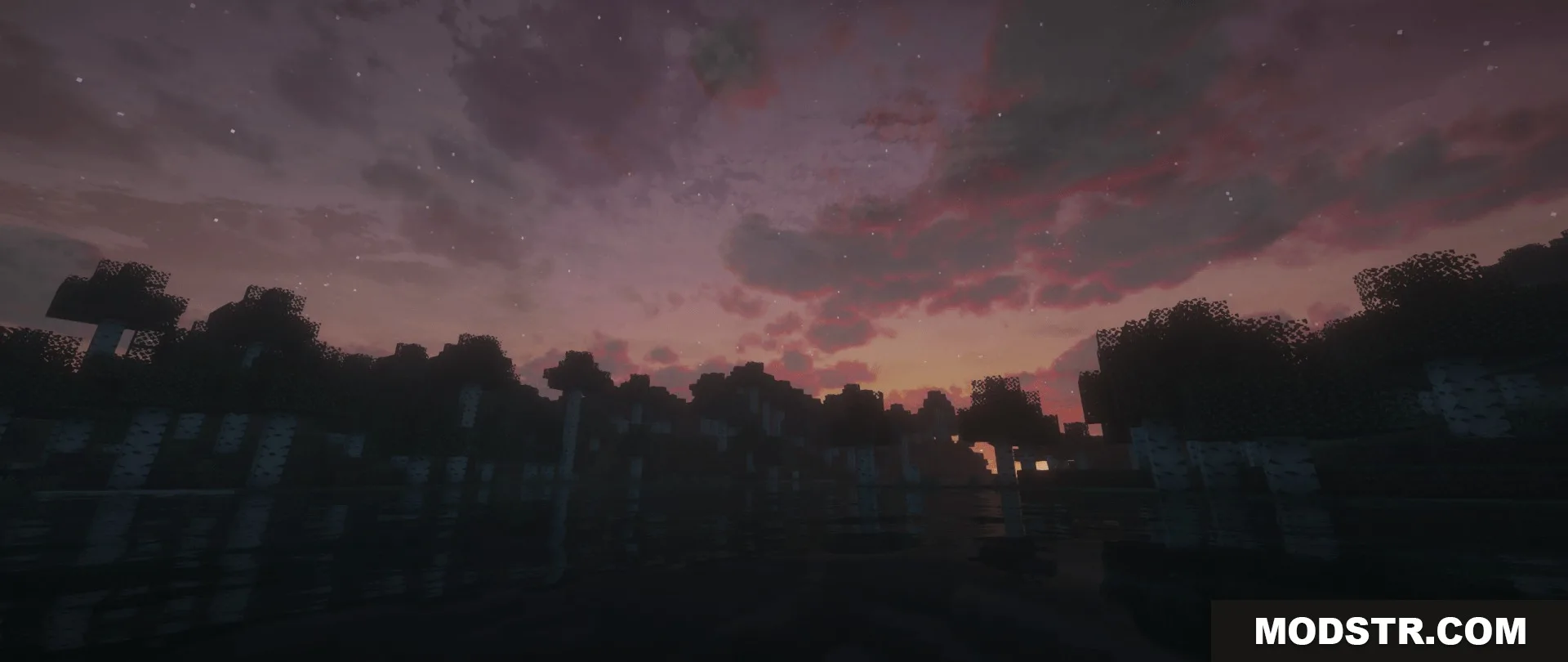
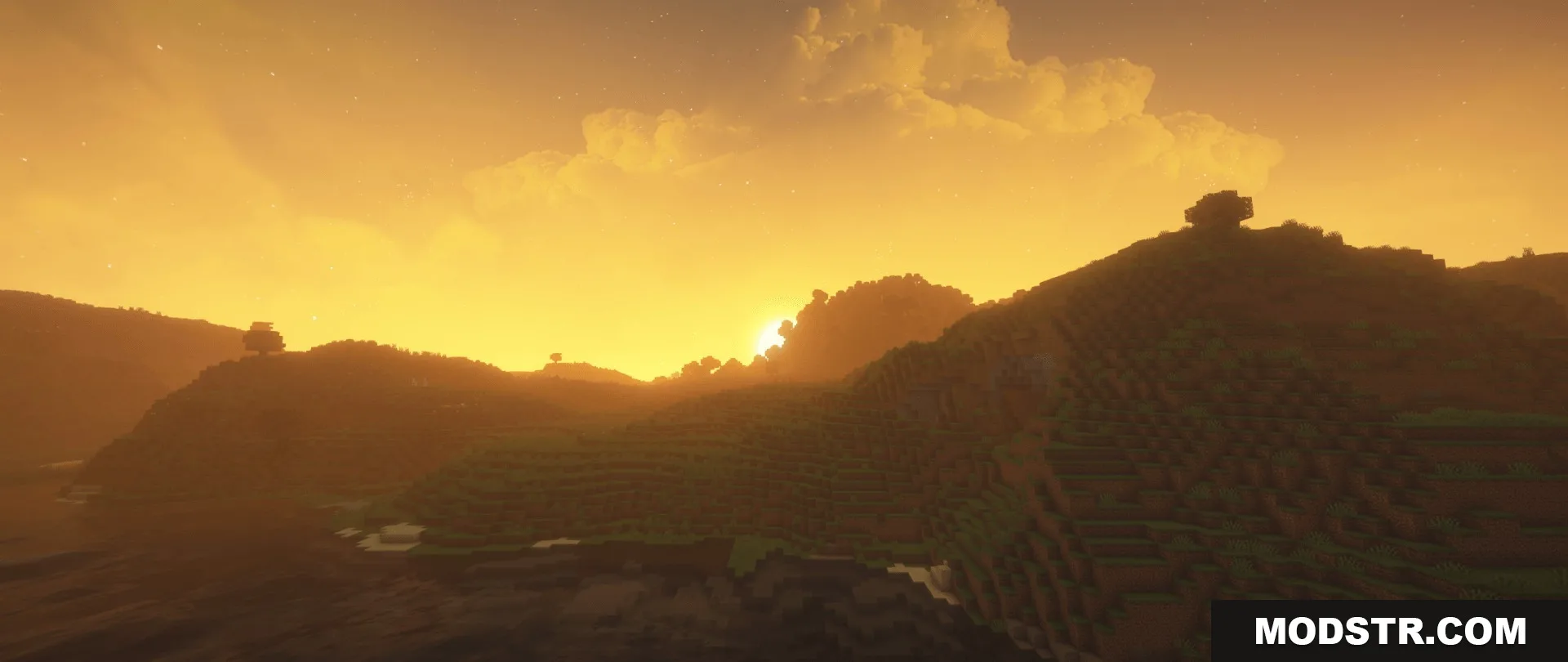
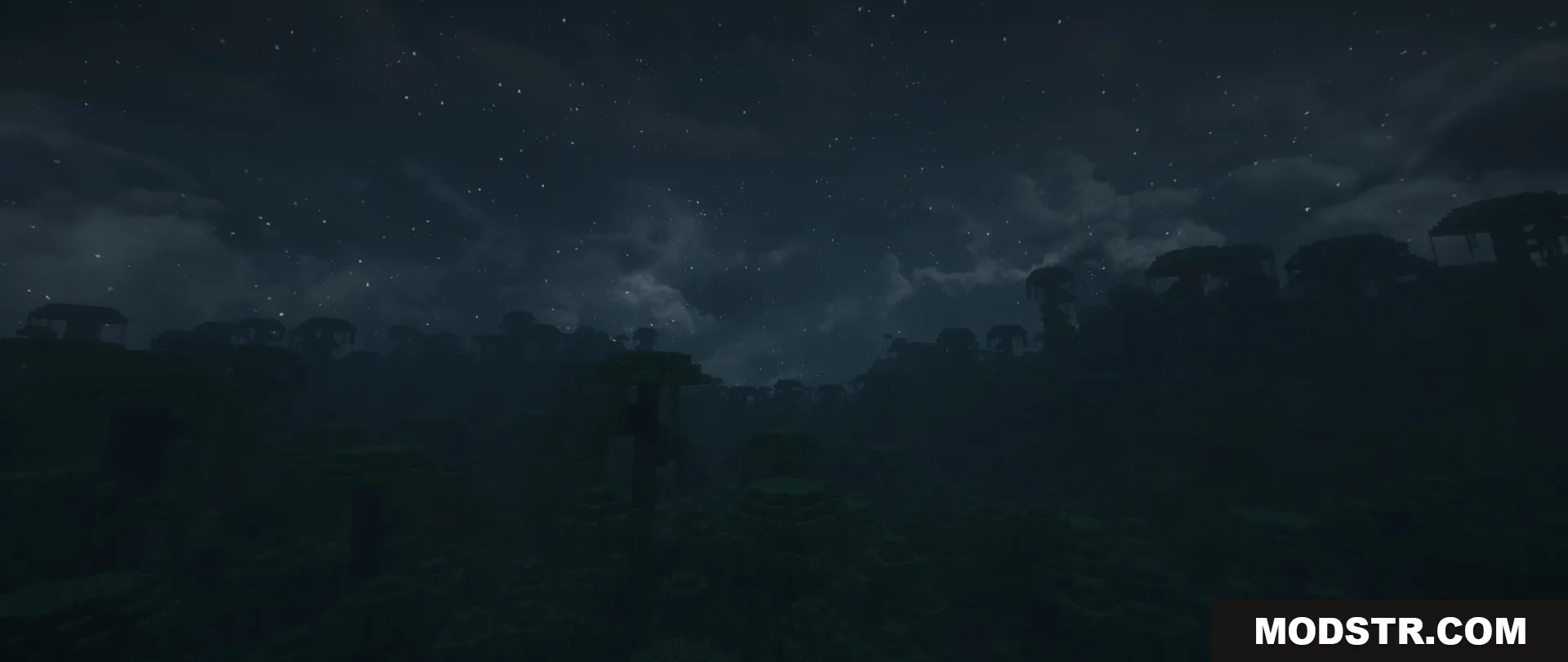
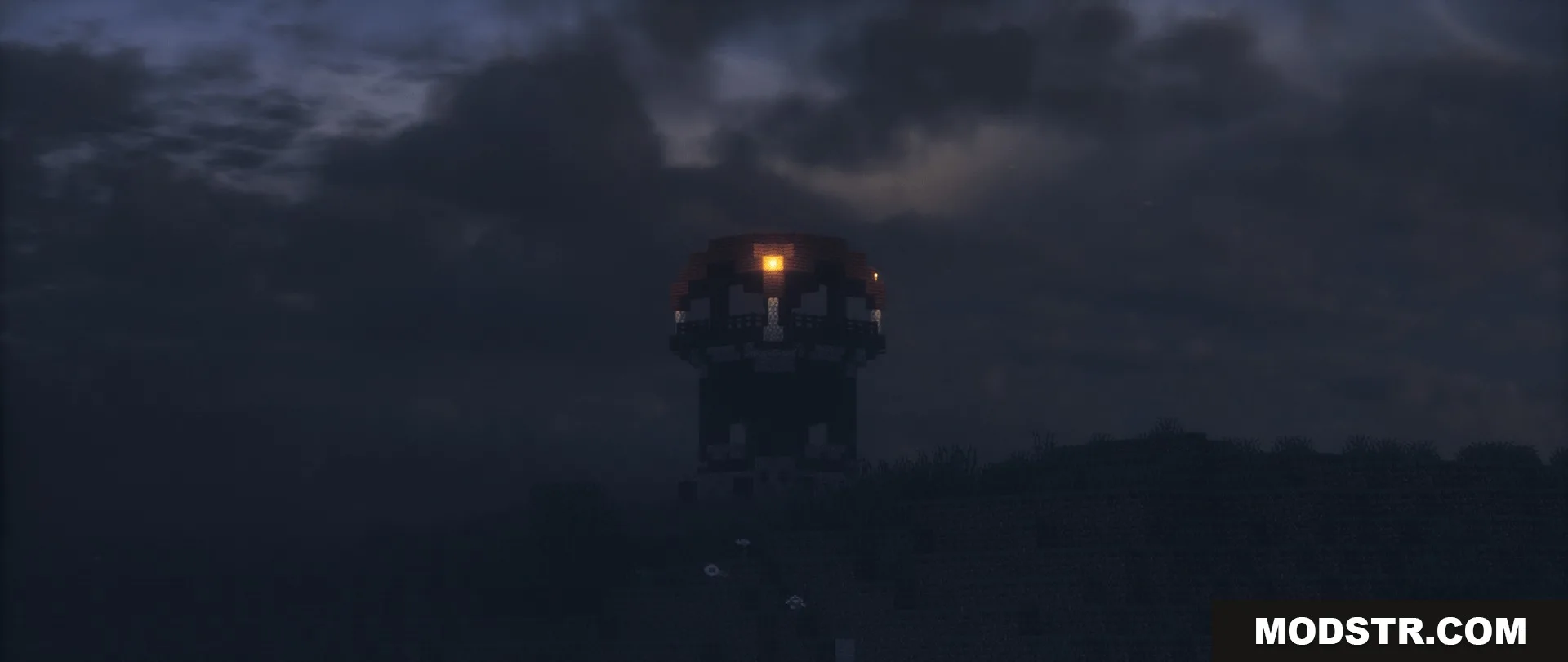
High-definition sky shader with realistic clouds, detailed moon, and colorful sunsets. Compatible with other resource packs and optimized for low-end devices.
- 1.21
- 1.20
- 1.19
- 1.18
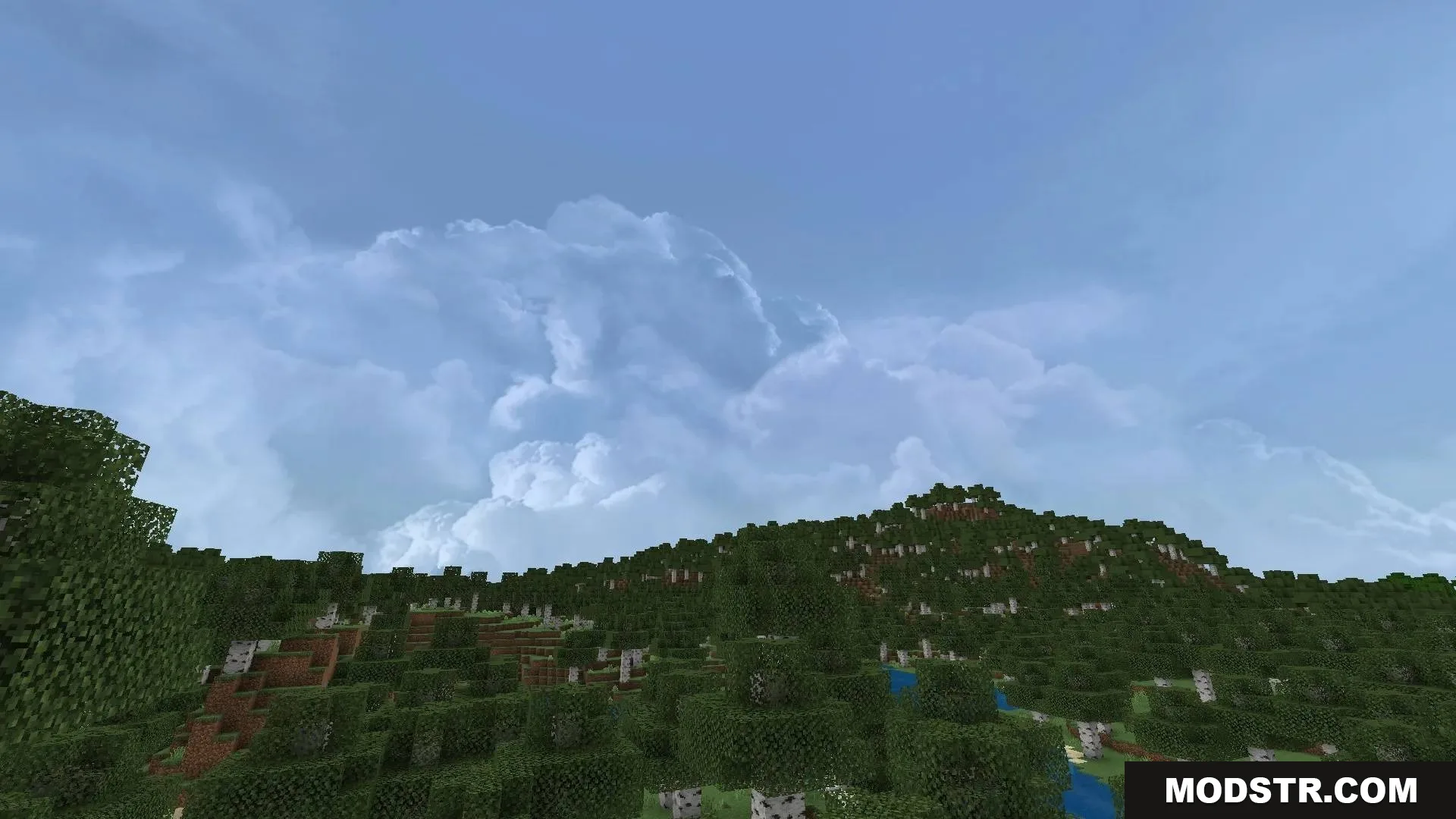
Dramatic Skys Shader enhances the sky and clouds in Minecraft with high-definition visuals. The shader adds realistic cloud rendering and atmospheric lighting while maintaining performance on older hardware. It's designed to work alongside other resource packs for customization.
Features
- Realistic cloud rendering across the sky.
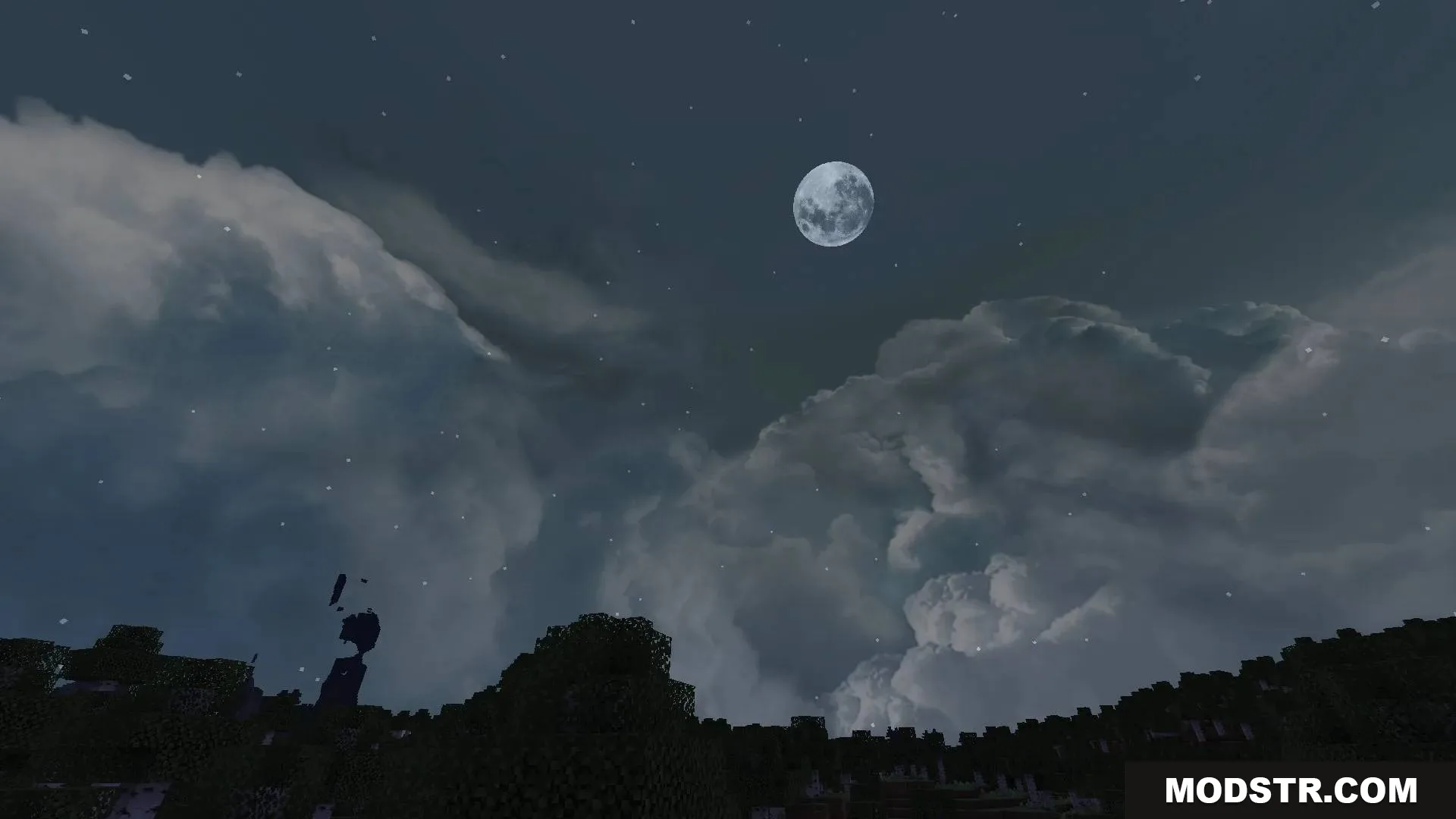
- Detailed full moon visible at night.
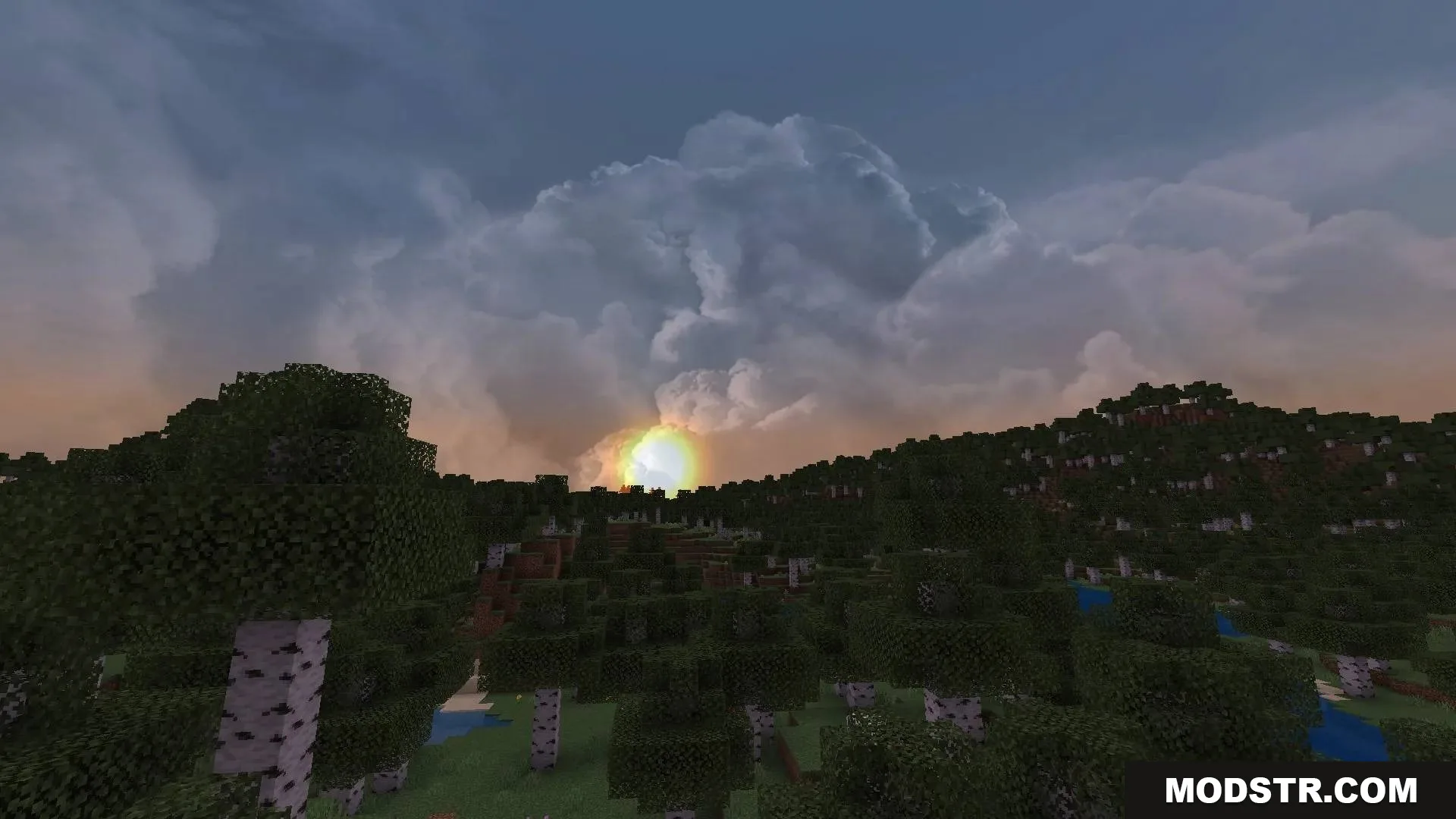
- Colorful purple and pink sunset gradients.
- Optimized performance for older devices.
- Compatible with other resource packs.
Installation
- Download the shader file for your Minecraft version (1.21 or 1.20).
- Open your Minecraft launcher and navigate to the resourcepacks folder.
- Place the shader file in the resourcepacks directory.
- Launch Minecraft and enable the shader from the resource pack settings.
- Adjust video settings if needed for optimal performance.
DOWNLOAD FILES
- mcpack