
Glimmering Armor Trims Copper Age Shader (26.x, 1.21)
Glimmering Armor Trims Copper Age Shader enhances armor visibility in dark environments. This shader is suitable for players looking to improve their armor's appearance in Minecraft, regardless of the gameplay mode.
- 1.21
The Glimmering Armor Trims Copper Age Shader adds brightness to armor trims, allowing them to stand out in low-light settings. It is designed for both singleplayer and multiplayer gameplay scenarios.
Features
- Makes all armor trim patterns glow brightly in the dark.
- Supports leather armor trims and new copper age trim palettes.
- Includes subpack settings to increase trim brightness by eighty percent.
- Works across singleplayer worlds, multiplayer sessions, and Bedrock servers.
- Maintains a tiny file size for fast loading on any device.
Installation
- Download the Glimmering Armor Trims Copper Age Shader file.
- Transfer the shader file to your Minecraft shaderpacks folder.
- Launch Minecraft and go to the settings menu.
- Select 'Shaders' and choose the Glimmering Armor Trims shader from the list.
- Apply the shader and explore your world with enhanced armor effects.
Compatibility
This shader is compatible with Minecraft version 1.21 and can be used in various gameplay modes, ensuring it functions correctly in both singleplayer and multiplayer environments.
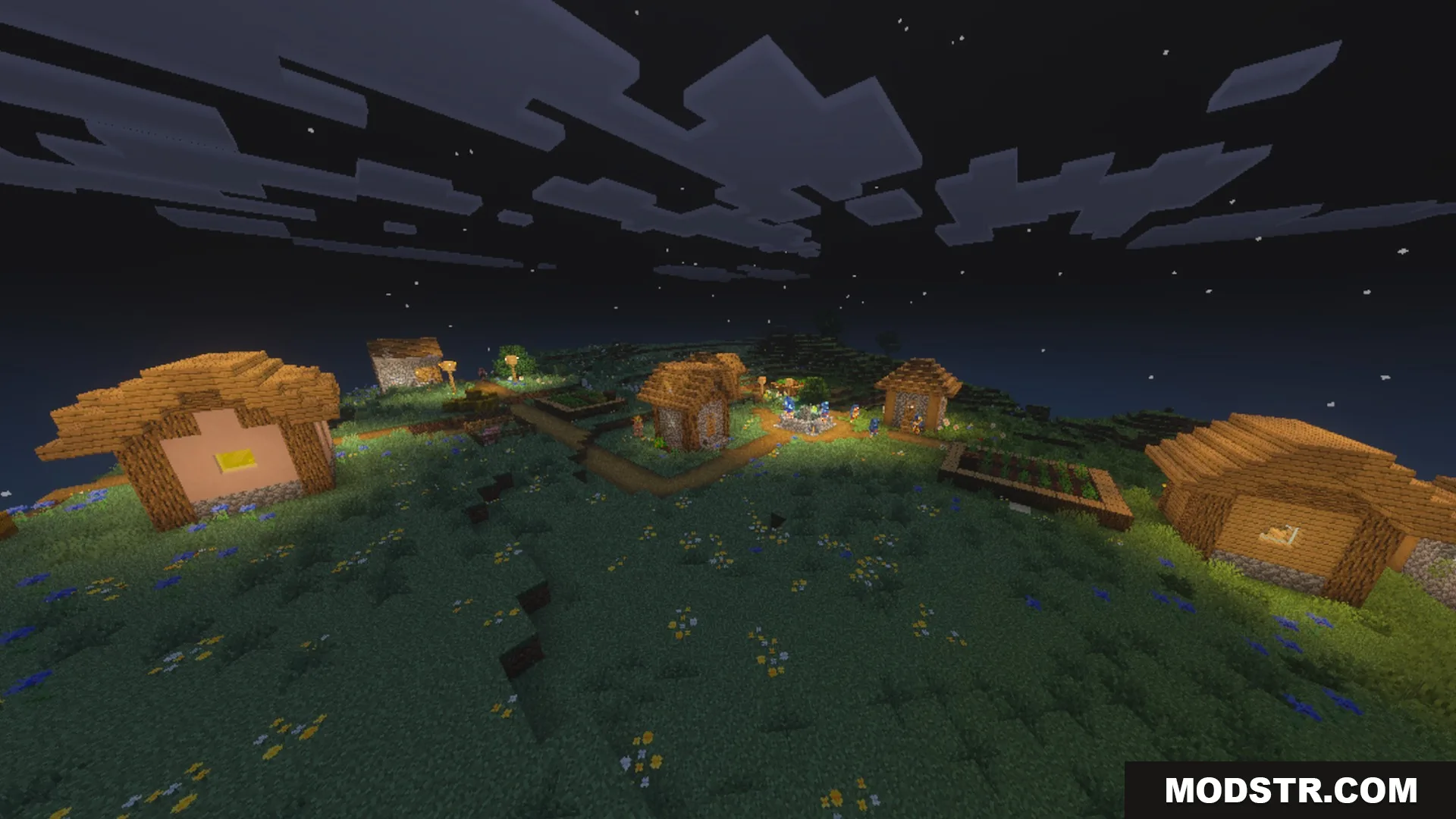
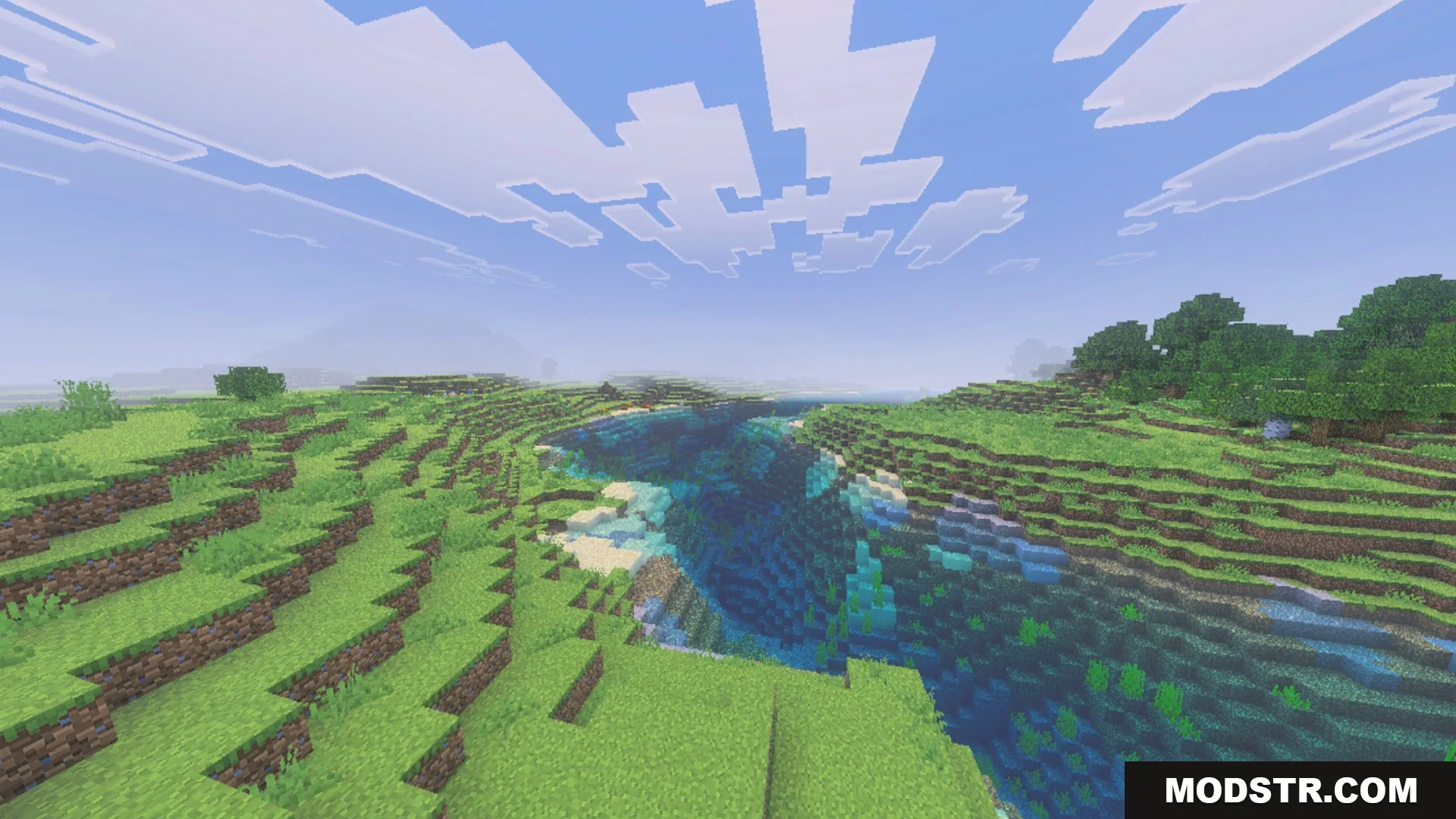
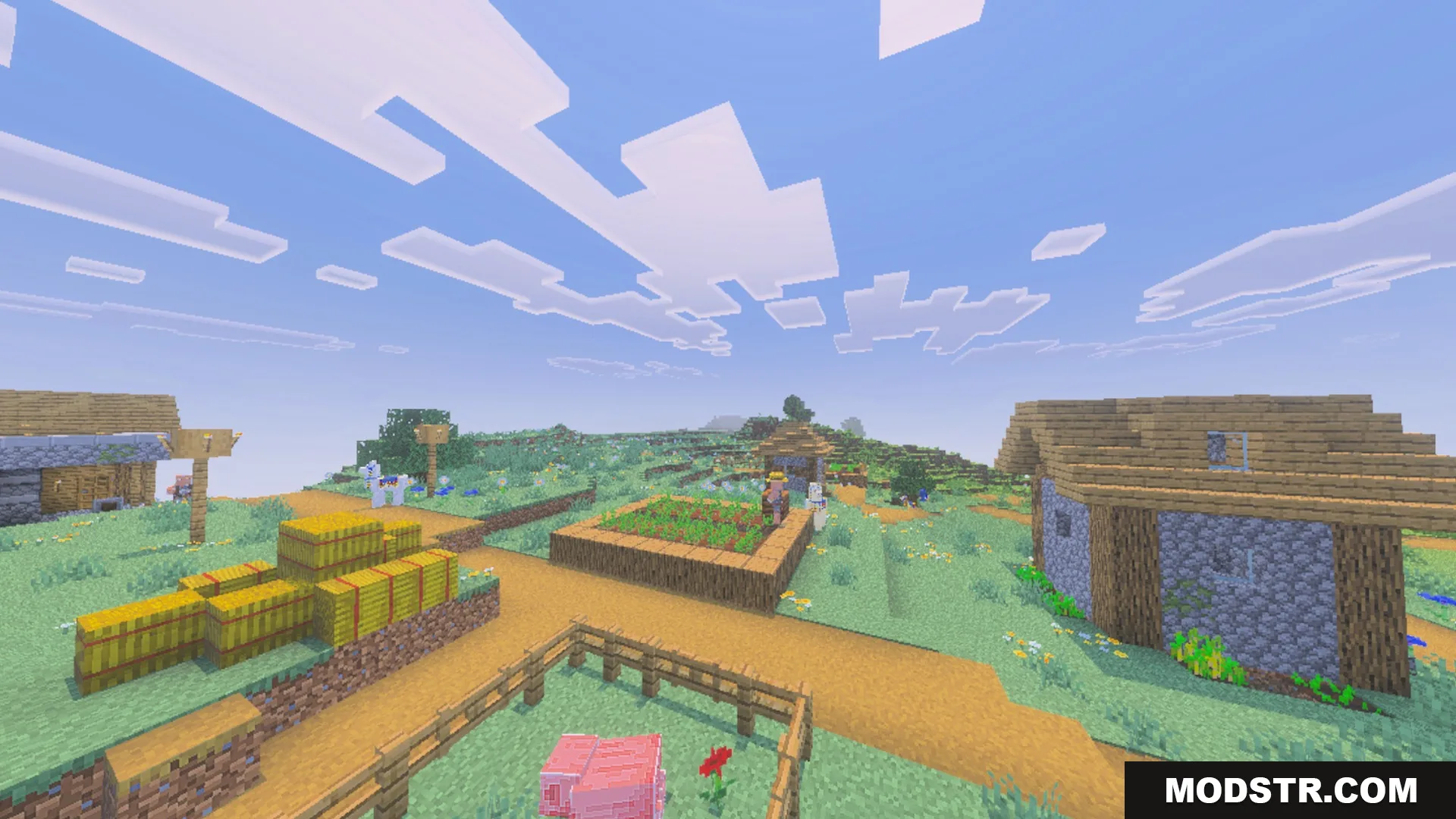
Screenshots




DOWNLOAD FILES
- mcpack