
Wavy World Shaders (26.2, 1.20.1) – Lightweight Bending and Twisting Terrain
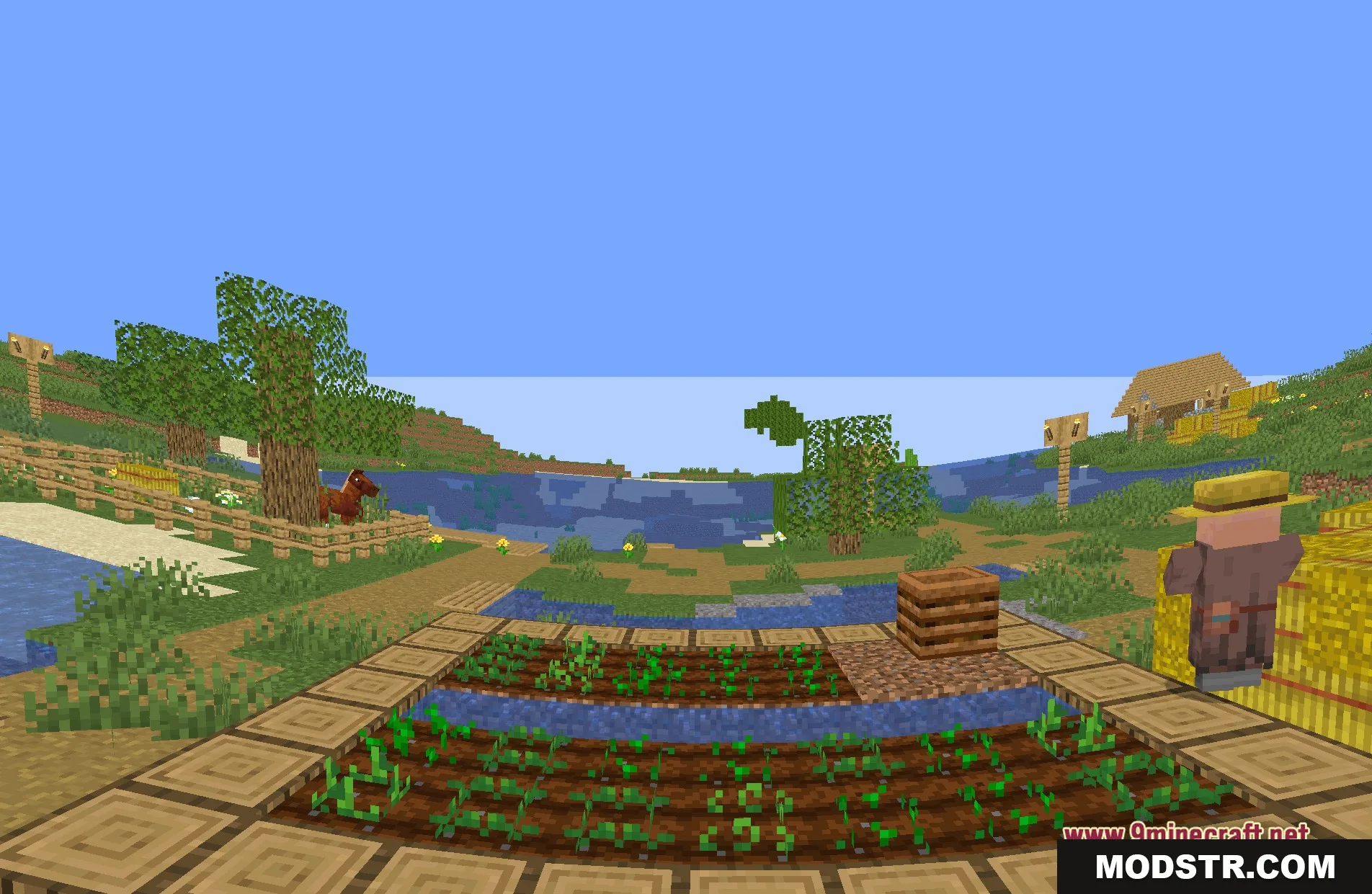
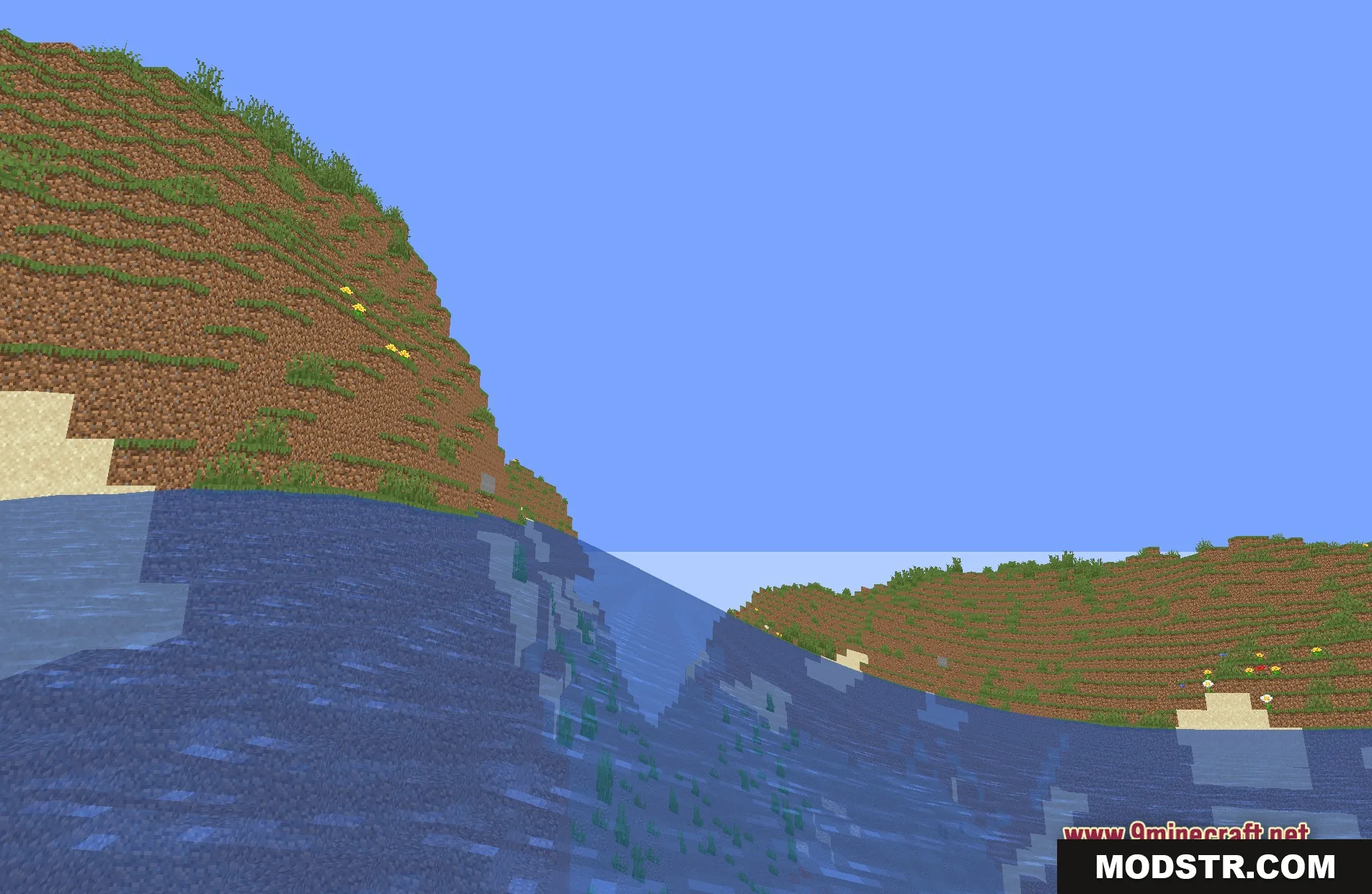
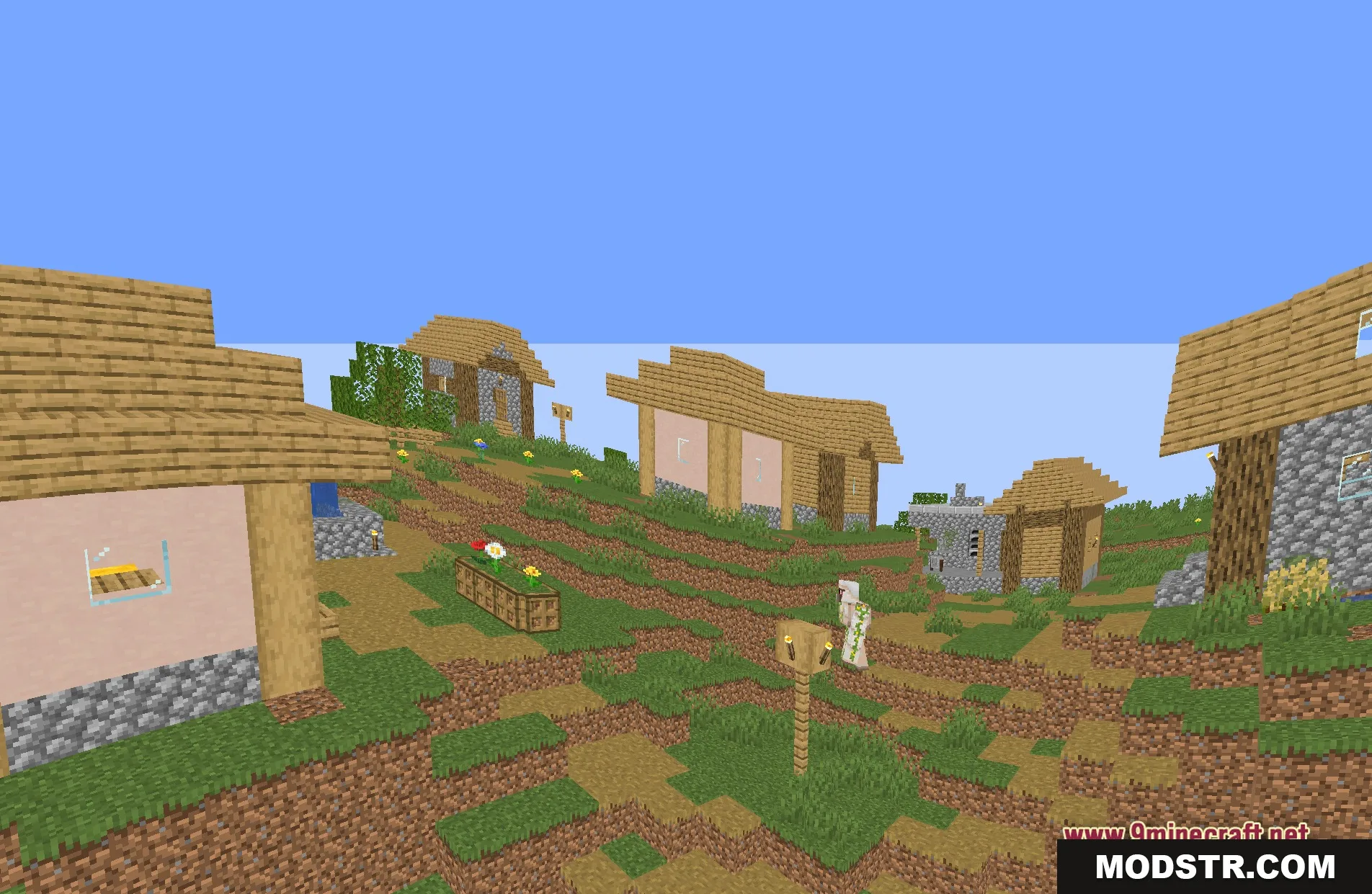
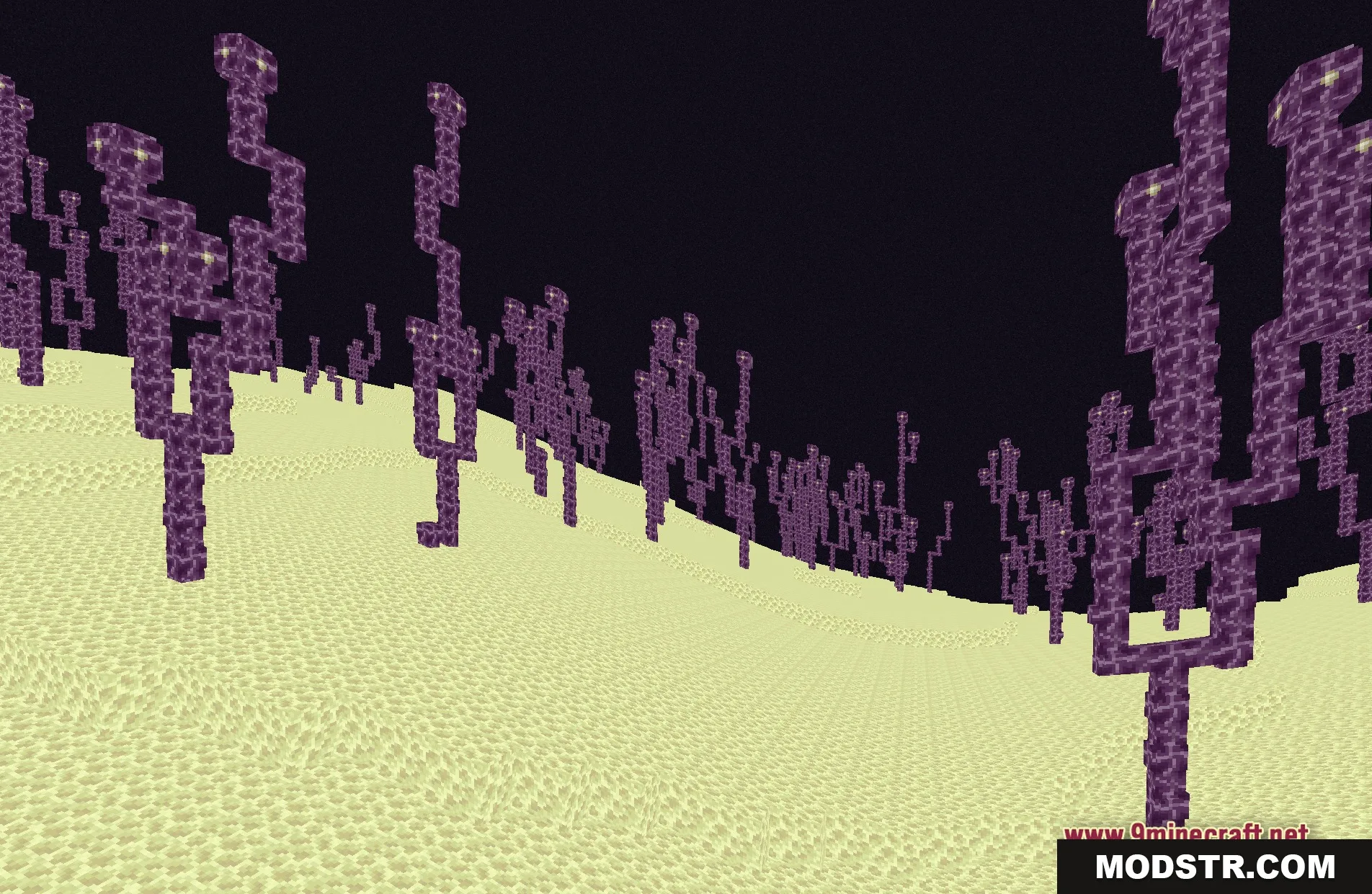
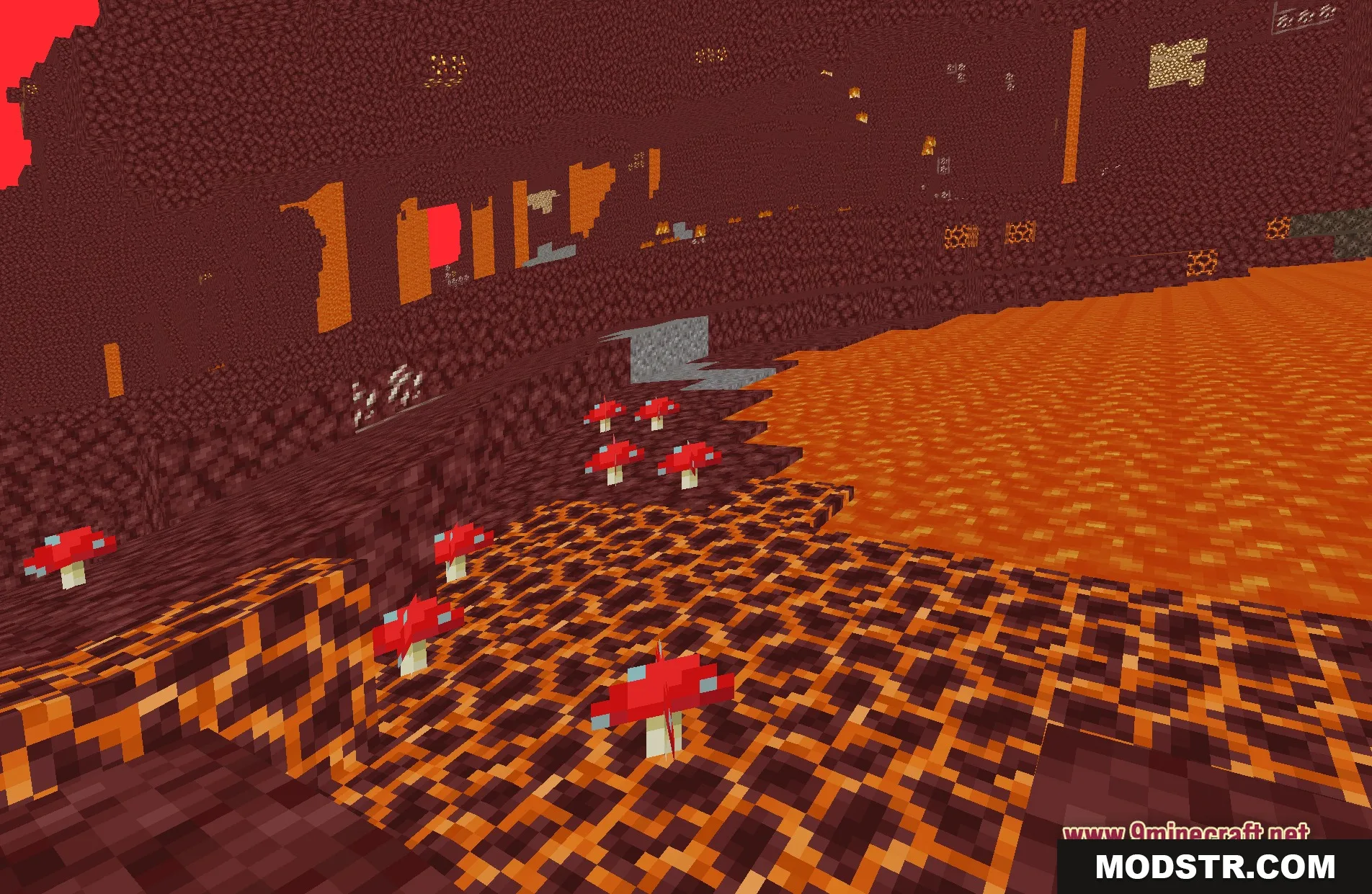
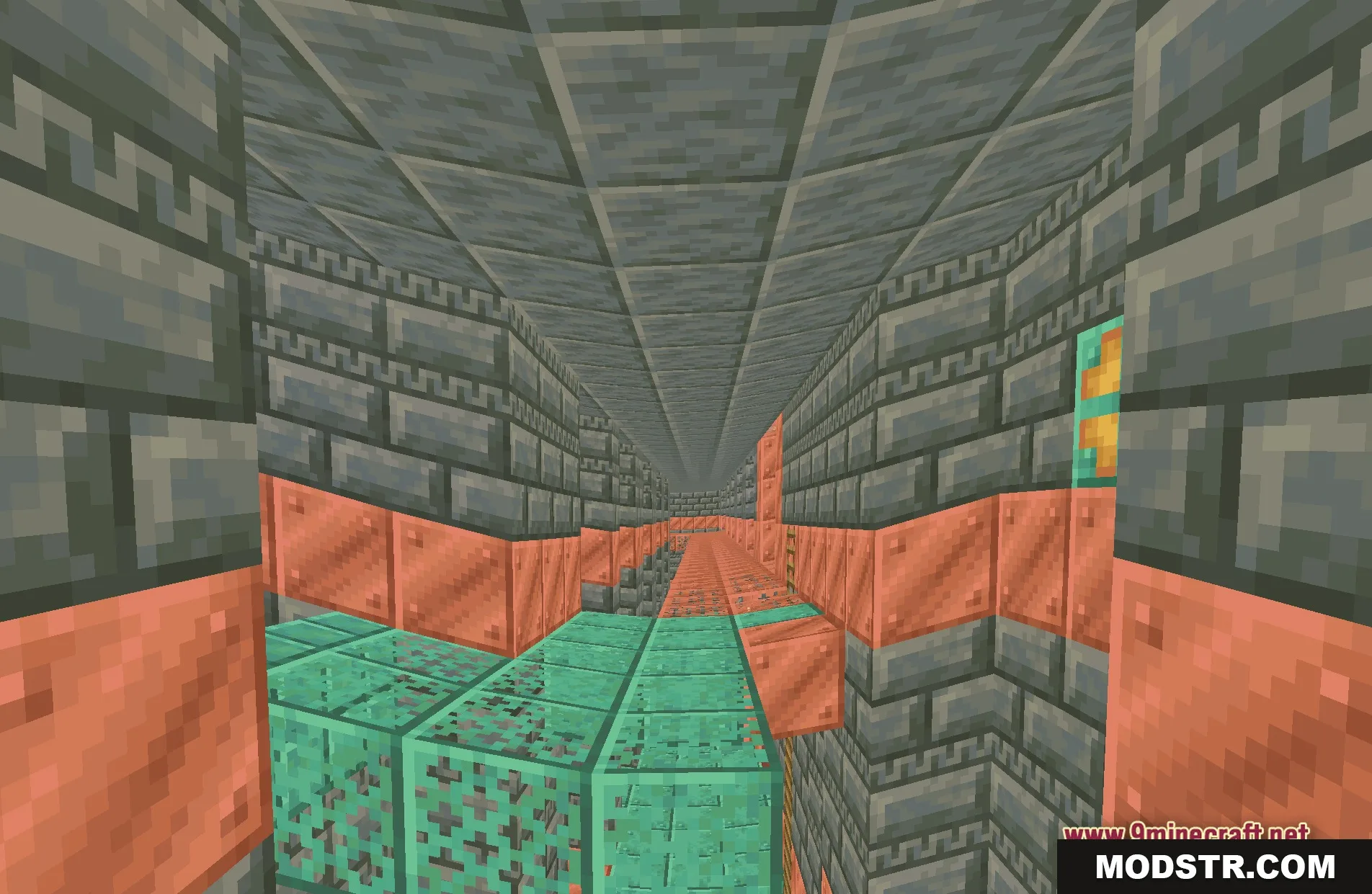
Wavy World Shaders alters the appearance of terrain by creating bending and twisting effects. This shader is designed for players who prefer a humorous visual twist while maintaining familiar game graphics.
- 1.20.1
Wavy World Shaders introduces bending and twisting effects to terrain blocks, creating a humorous visual experience. It is suited for players looking to add a distinctive touch to their Minecraft environments while retaining the standard game aesthetic.
Features
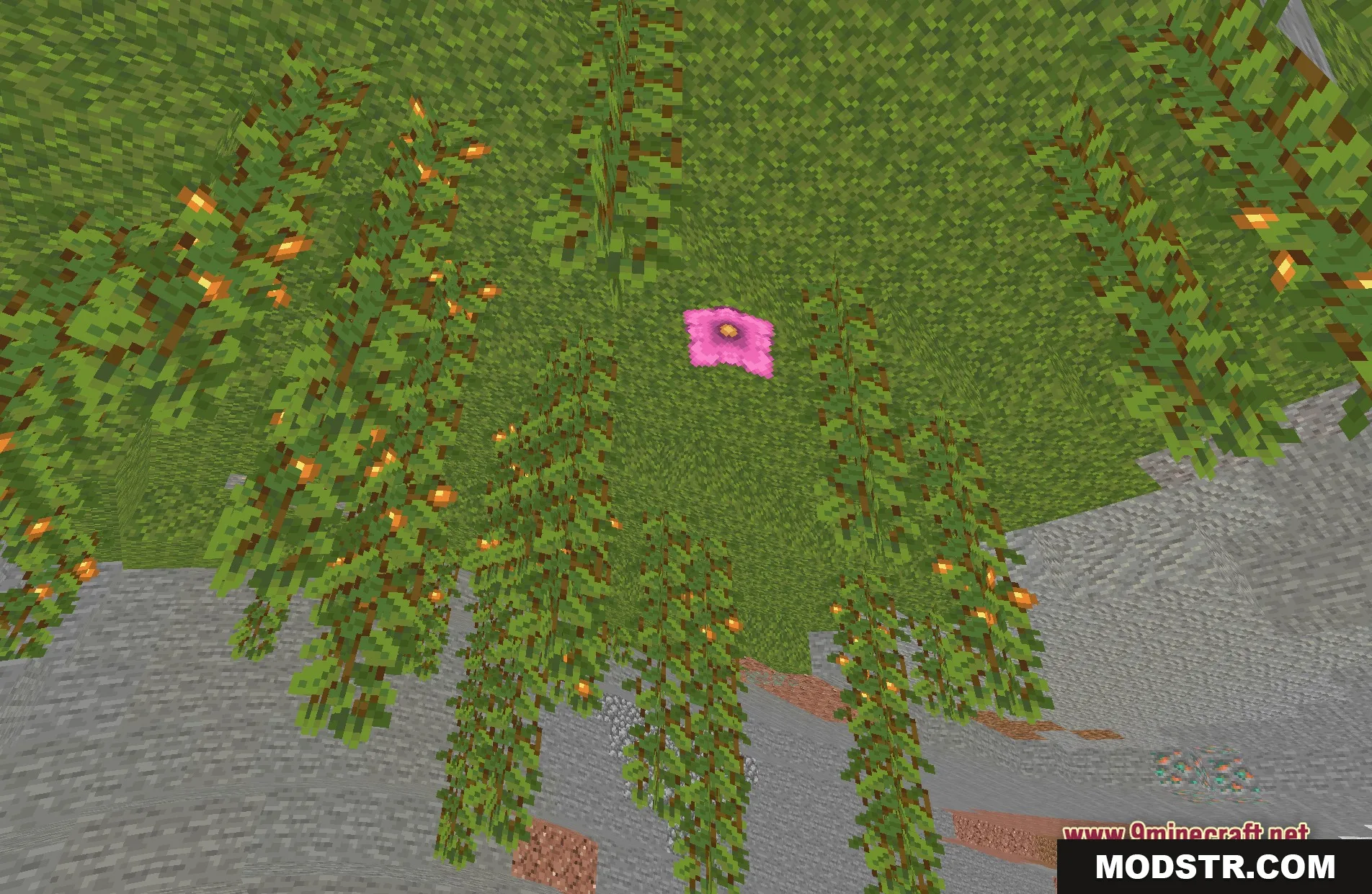
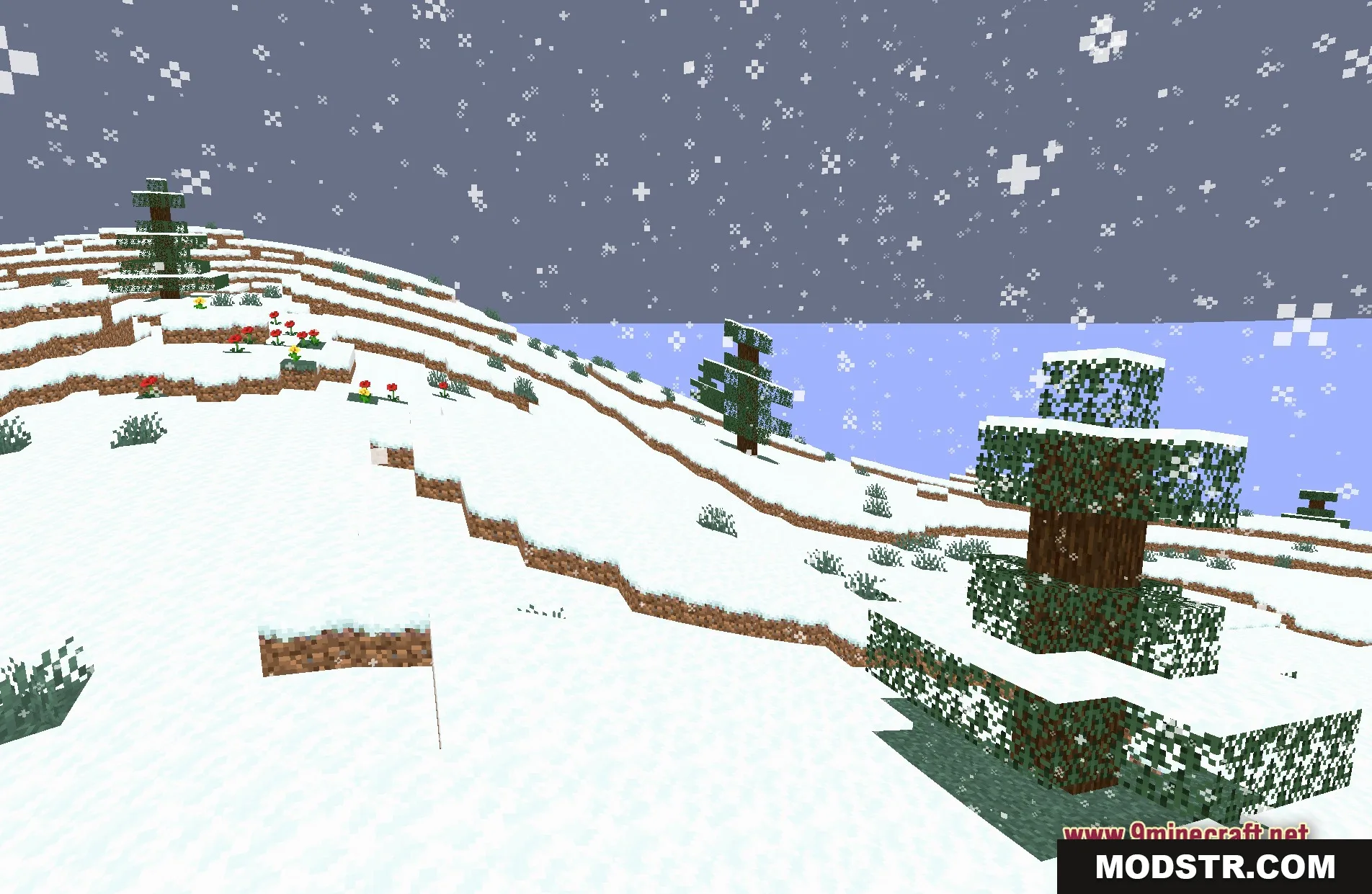
- Bends the terrain and blocks around you for a funny visual trick.
- Keeps the standard game graphics so everything still looks familiar.
- Runs well on older computers because it uses basic lighting without heavy additions.
- You can adjust the wave settings to make the effect stronger or weaker.
- Transforms a regular survival map into a dynamic, moving landscape.
Installation
- Download the Wavy World Shaders file.
- Locate your Minecraft shader packs folder.
- Place the downloaded shader file into the shader packs folder.
- Launch Minecraft and navigate to the video settings.
- Select Wavy World Shaders from the shader options.
Screenshots
DOWNLOAD FILES
- shader