
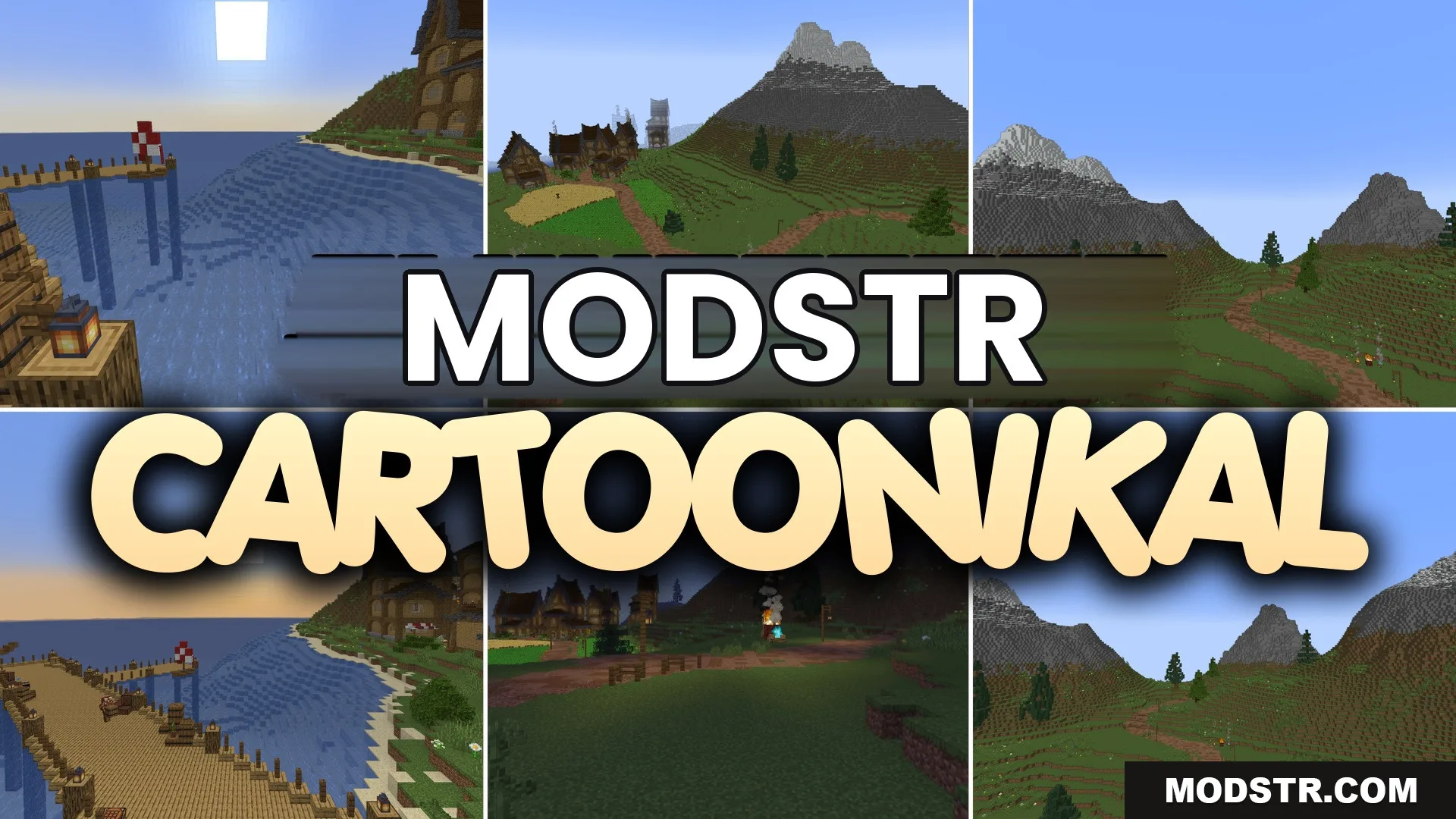
Cartoonikal Shaders (26.2, 1.20.1) – Clean Shading with Soft Shadows
Cartoonikal Shaders offers a playful visual style for Minecraft, enhancing the game with smooth animations and vibrant colors while maintaining the vanilla aesthetic. Ideal for players looking to add a whimsical touch to their gameplay.
- 1.20.1
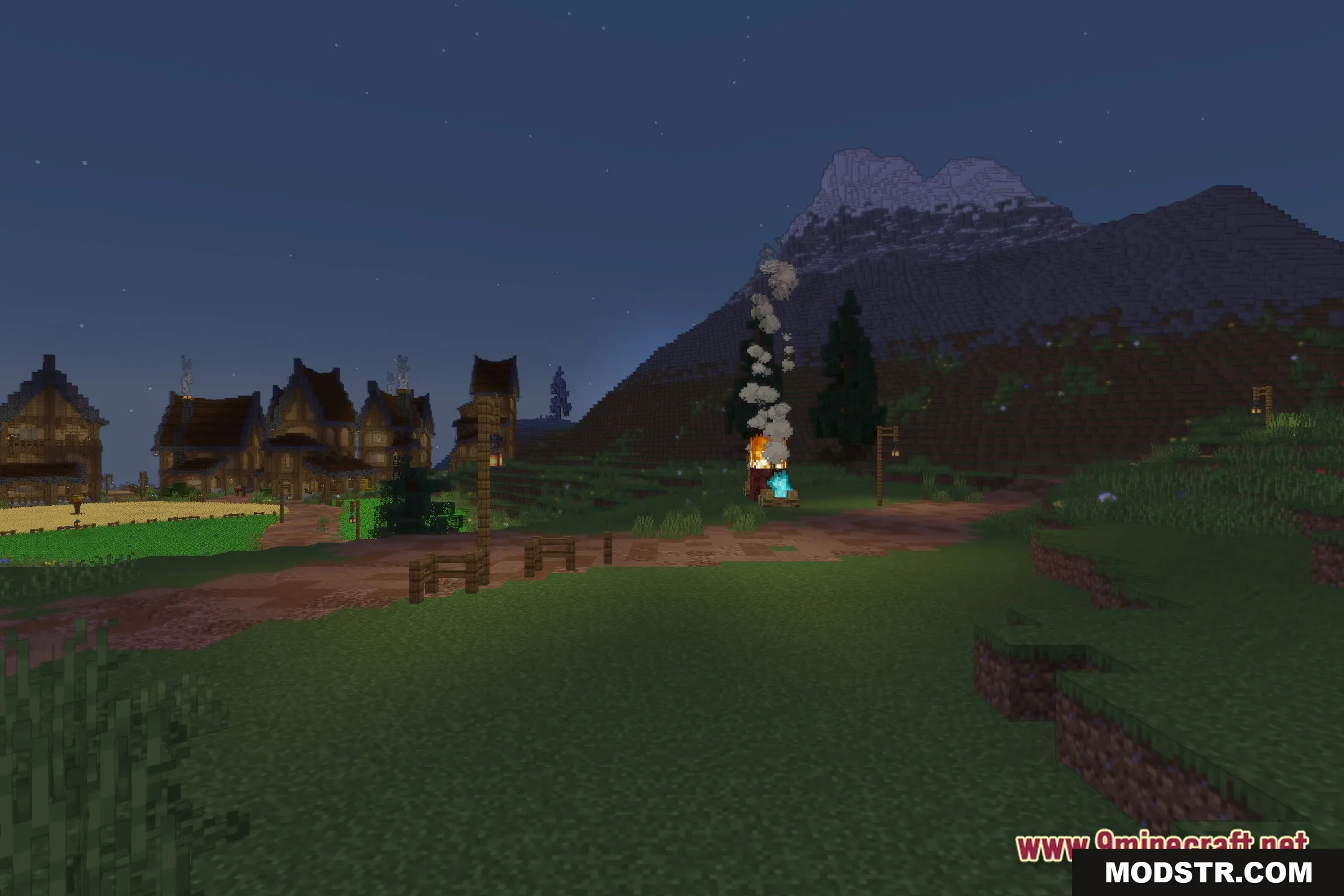
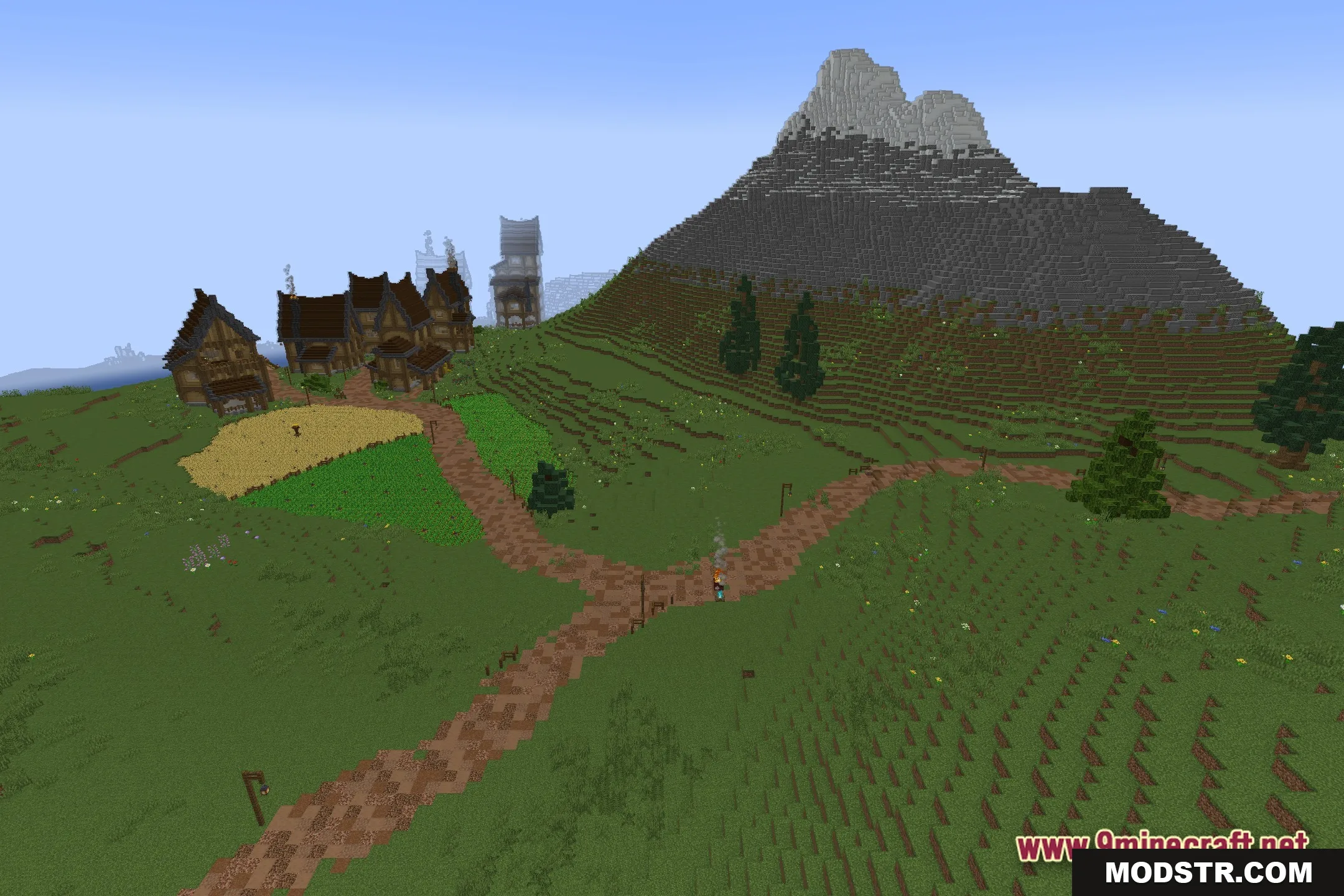
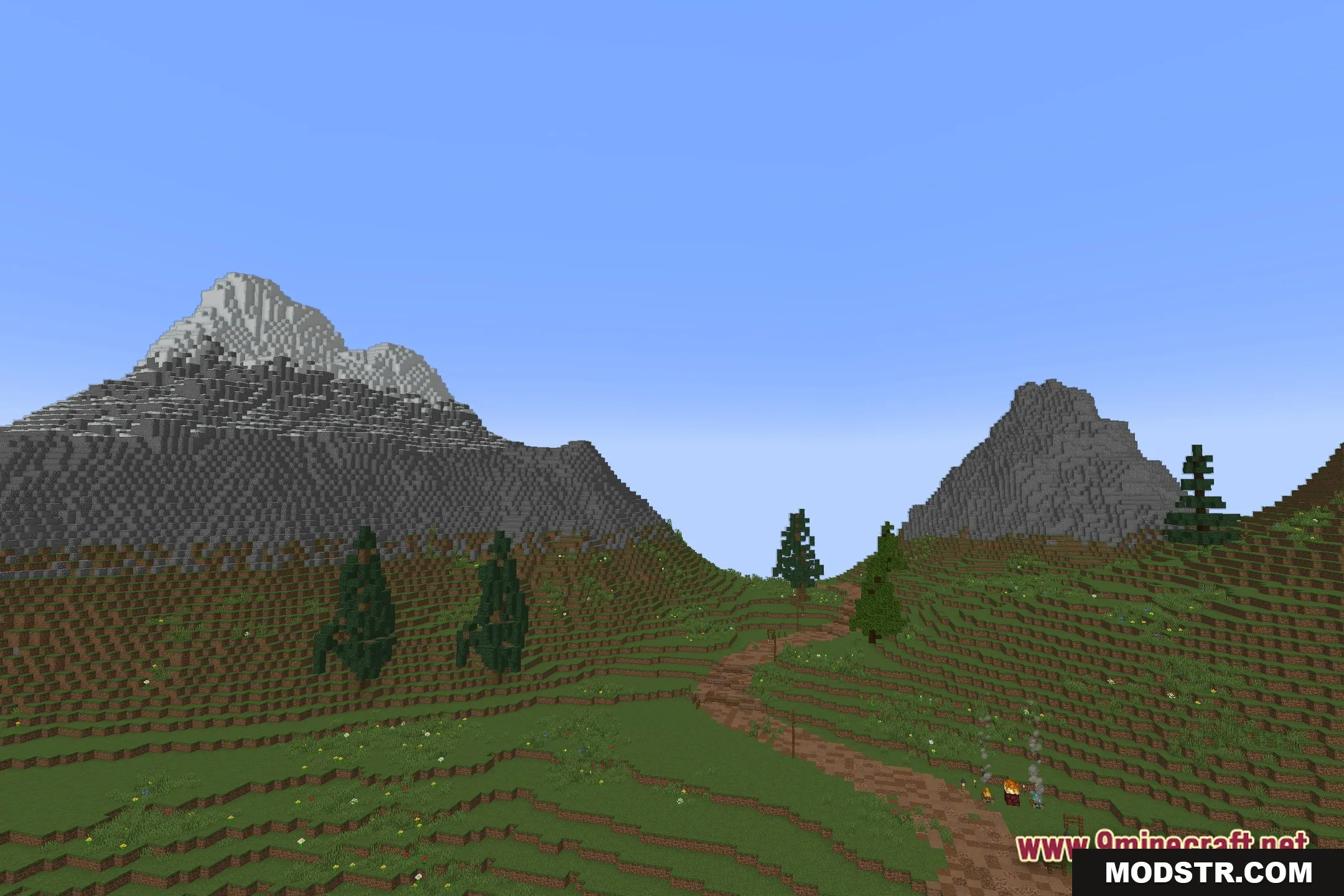
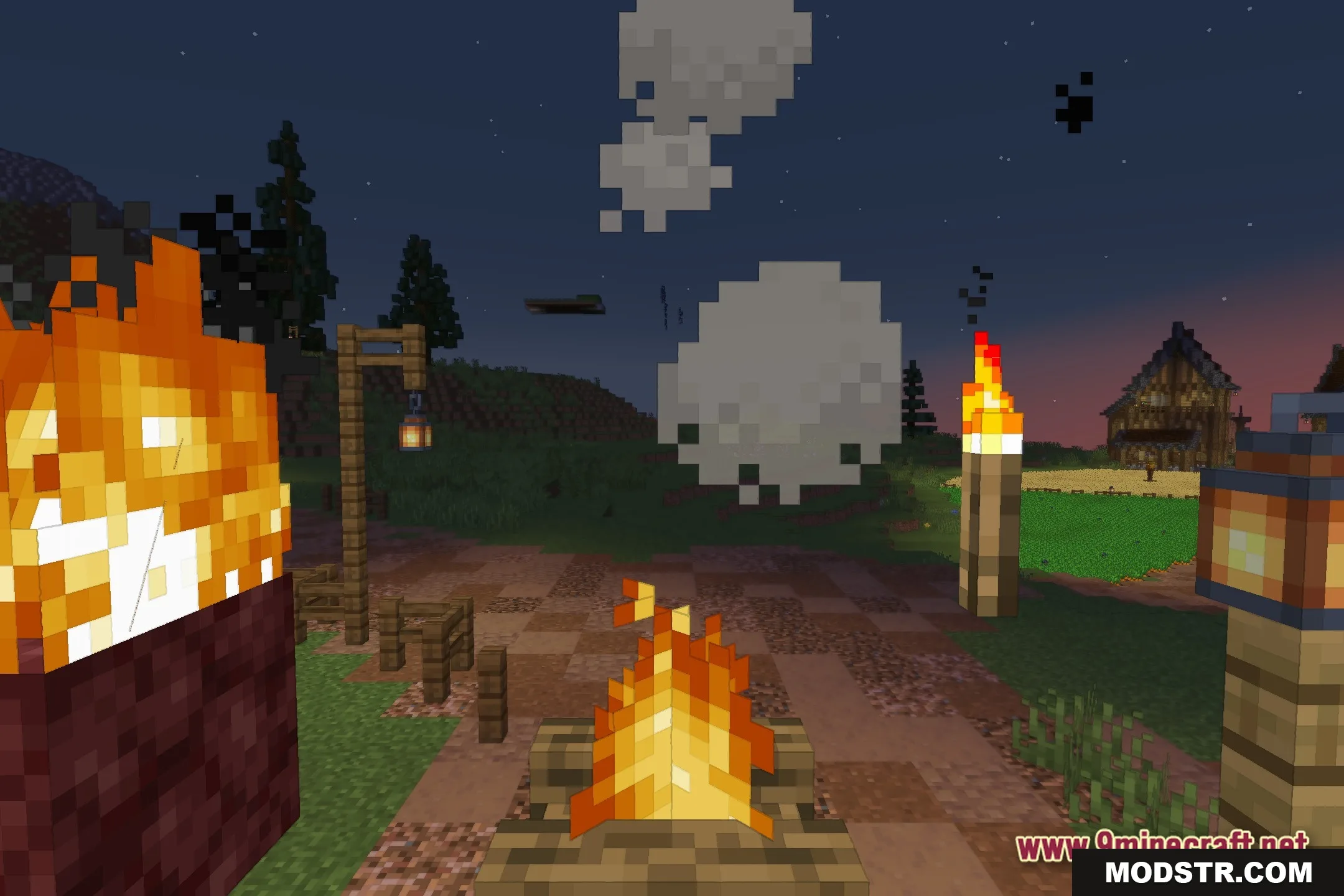
Cartoonikal Shaders introduces a fantasy-inspired visual overhaul to Minecraft, presenting a brighter, animated world without straying far from the original look. This shader enhances both blocks and mobs, creating a cartoon-like style.
Features
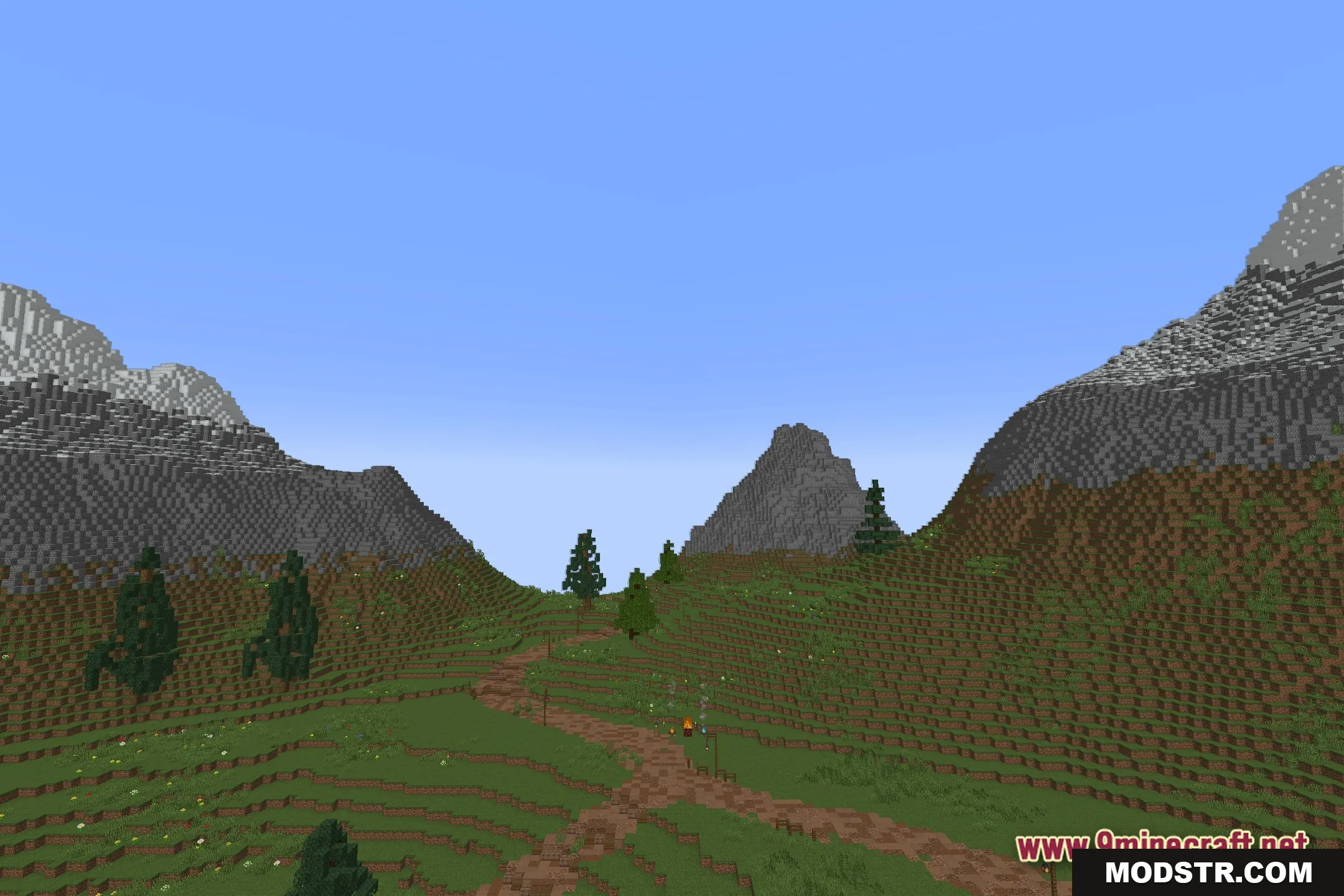
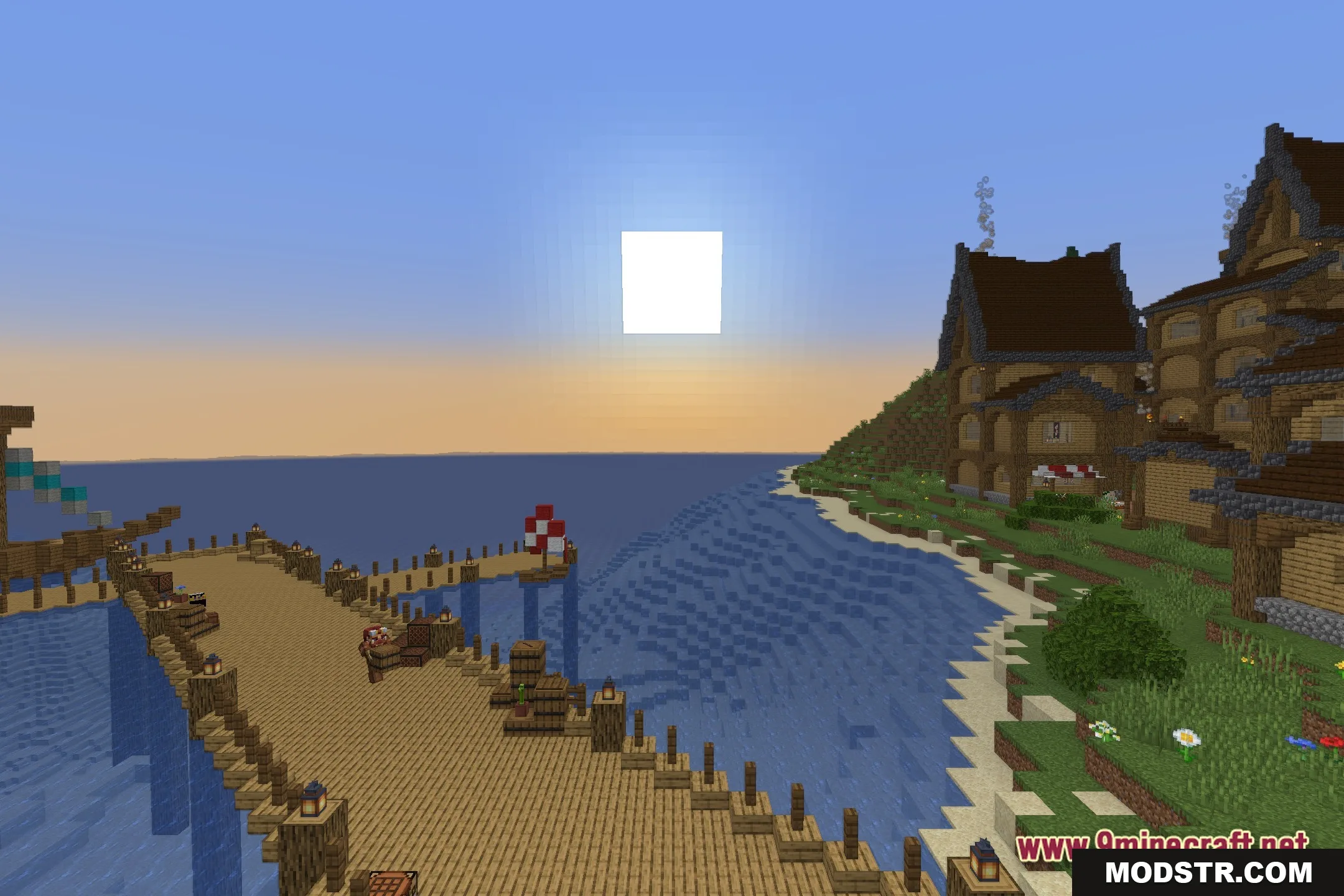
- Fantasy Visuals: Transforms the standard Minecraft environment into a lively cartoon scenery.
- Preserves the core vanilla aesthetic, ensuring custom builds remain recognizable.
- Enhances lighting to make the colors of blocks, items, and structures more vibrant.
- Substitutes harsh shadows with softer shading for a cleaner appearance.
- Optimized for smooth performance, focusing on straightforward visual adjustments.
Installation
- Download the Cartoonikal Shaders from a trusted source.
- Locate your Minecraft shader folder, usually found in the game directory.
- Copy the downloaded shader files into the shader folder.
- Launch Minecraft and navigate to the video settings.
- Select the Cartoonikal Shaders from the shaders menu to activate it.
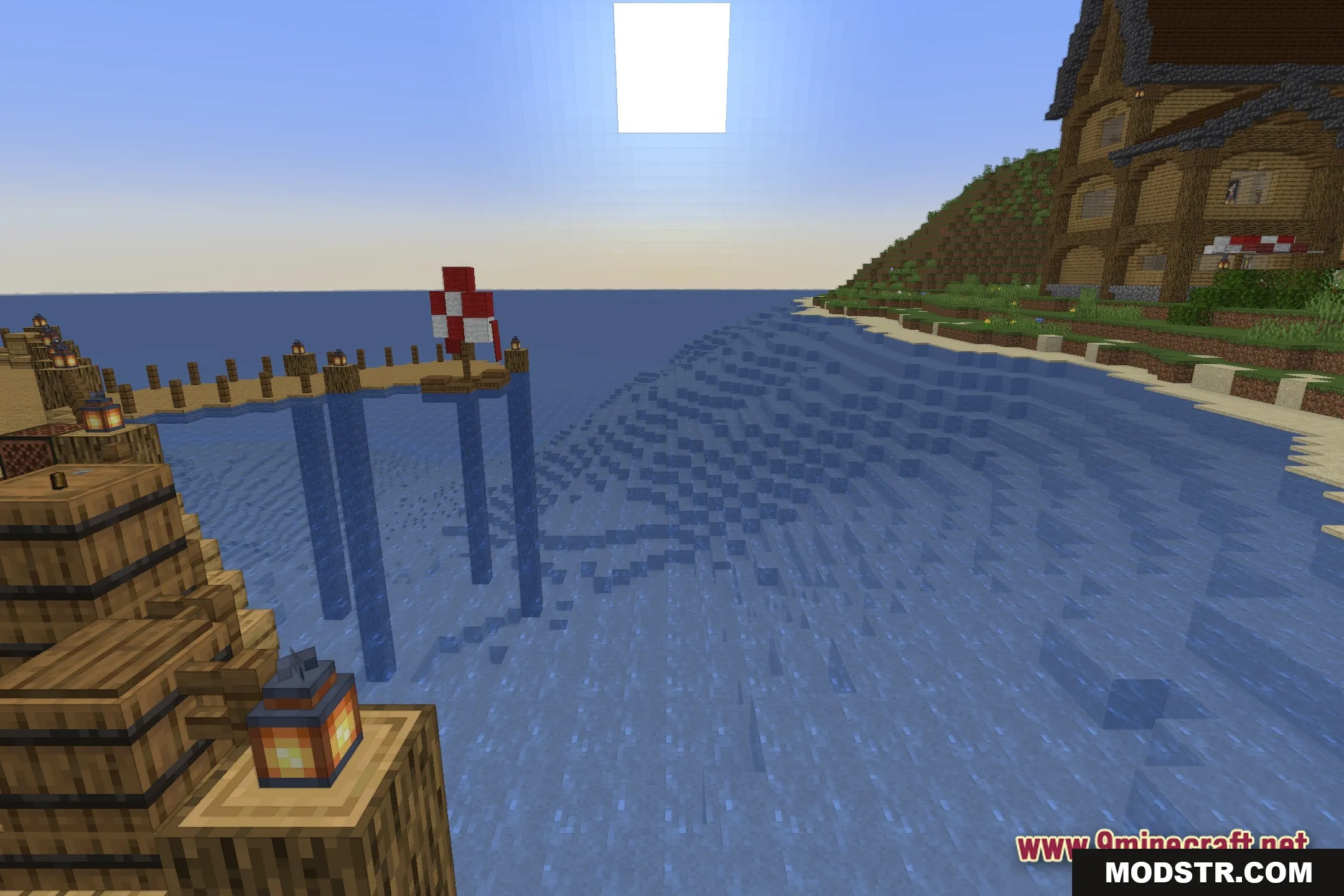
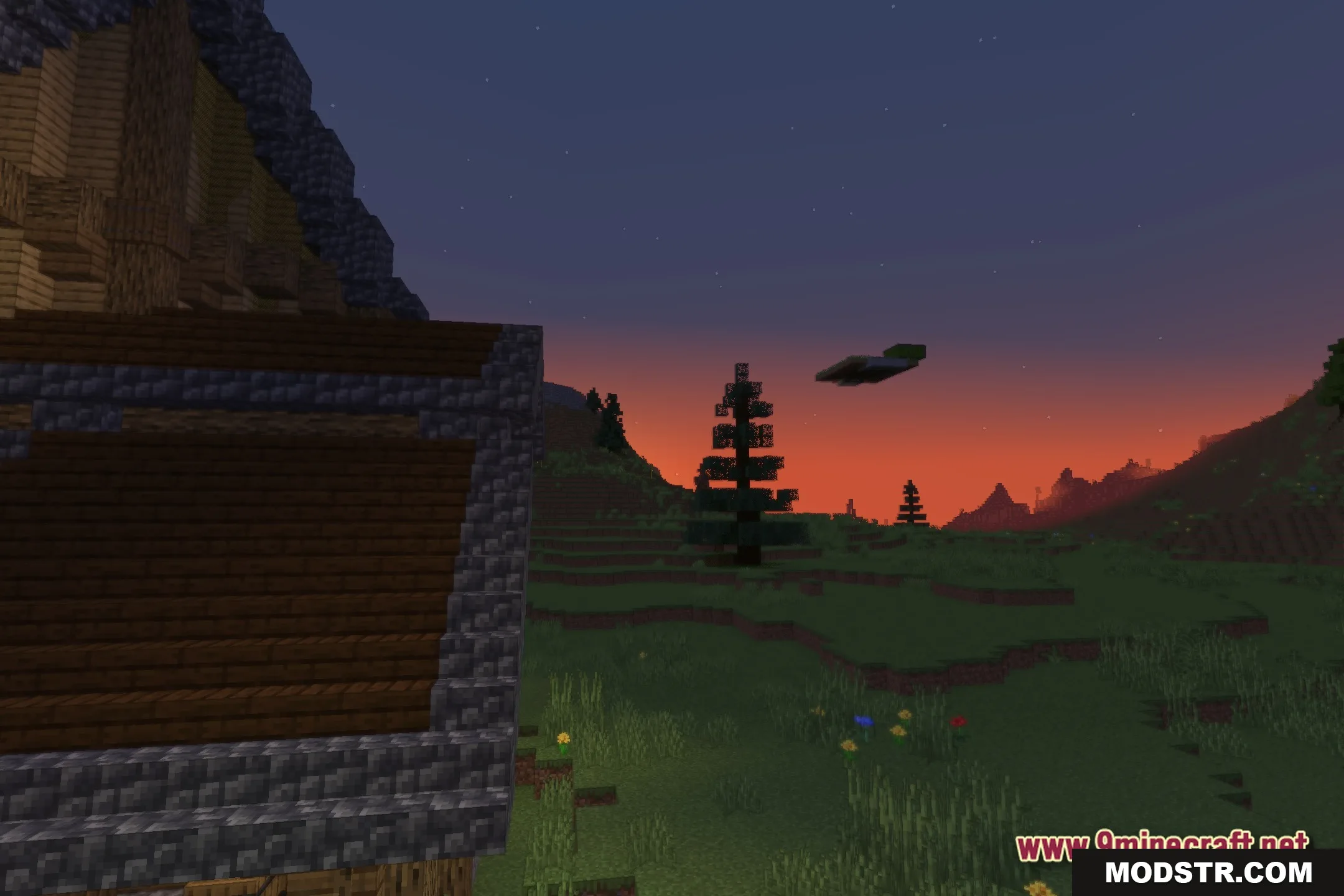
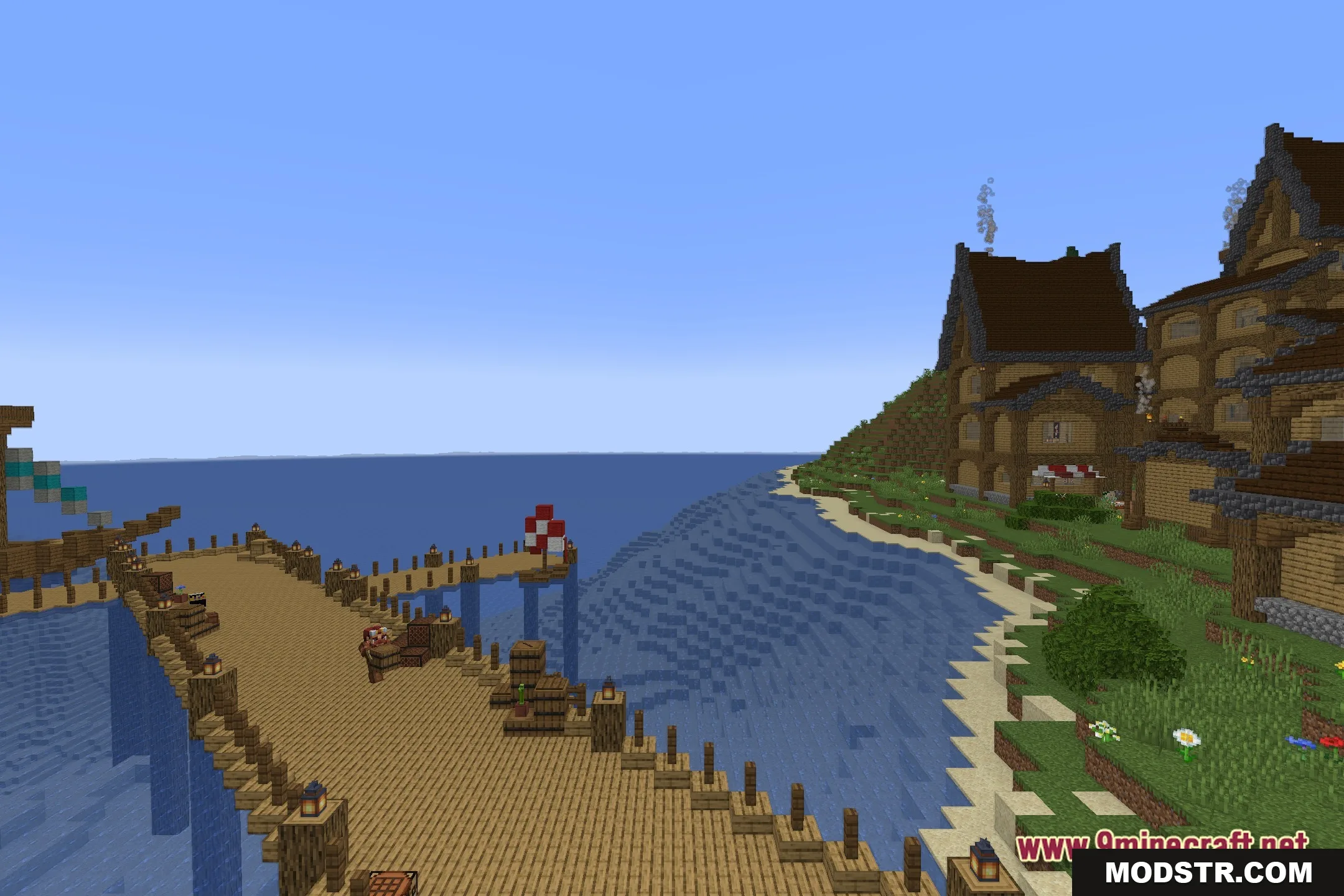
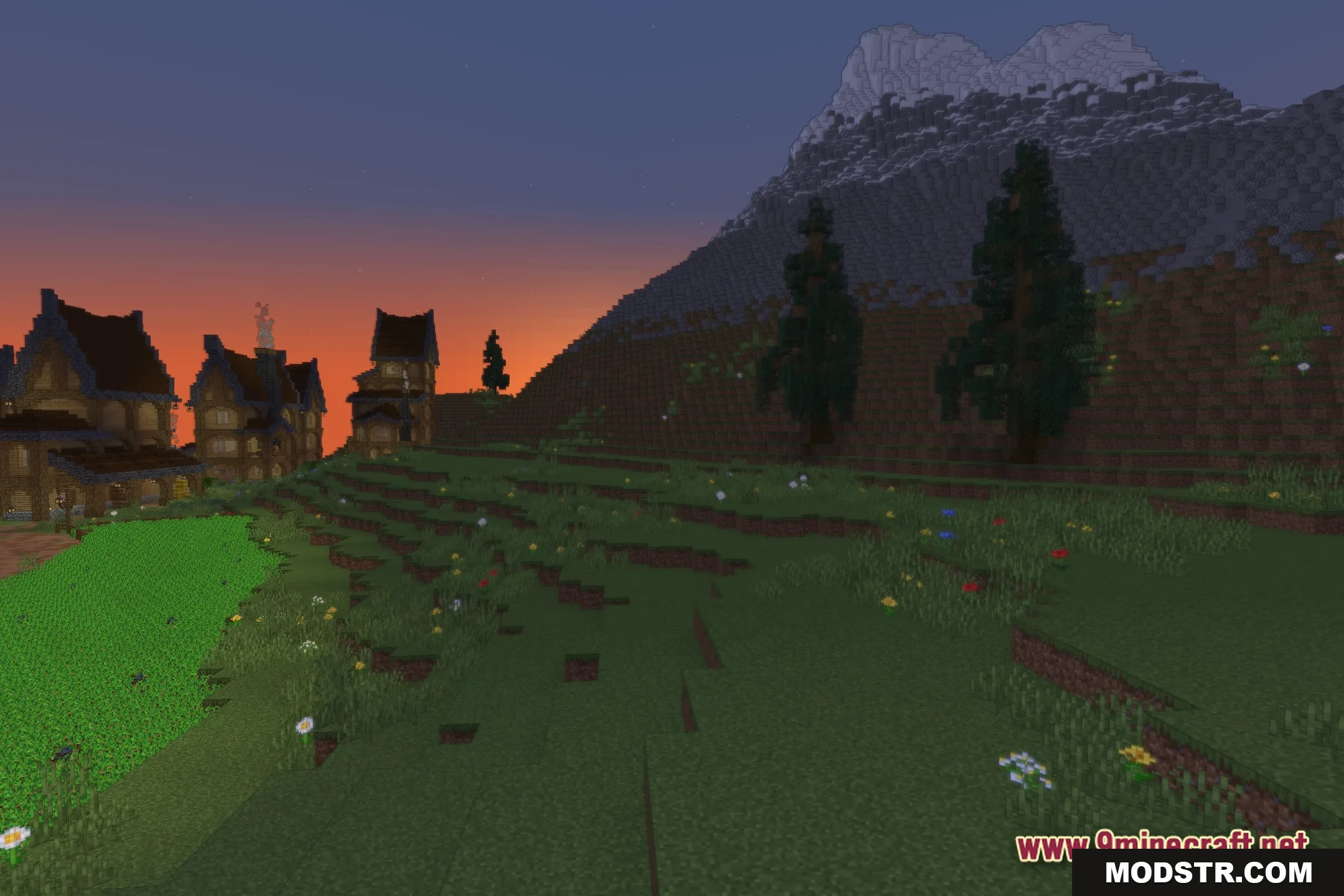
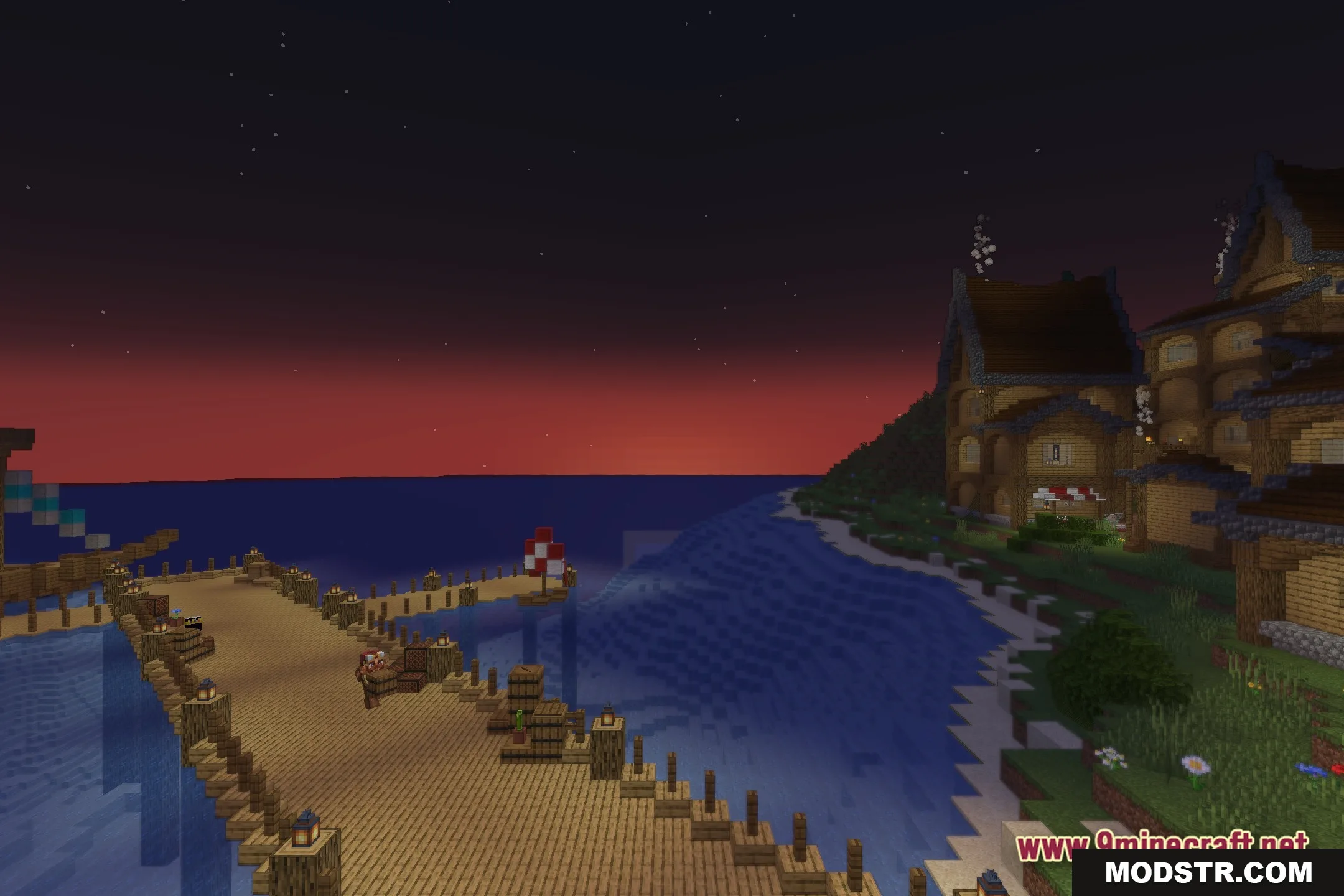
Screenshots

DOWNLOAD FILES
- shader