
Derivative Shaders (26.1.2, 1.20.1) – Best Ultra Realistic
Derivative Shaders adds realistic lighting, fog, and visual effects to Minecraft 1.20.1. Features dynamic shadows, water reflections, and atmospheric post-processing for enhanced gameplay.
- 1.20.1
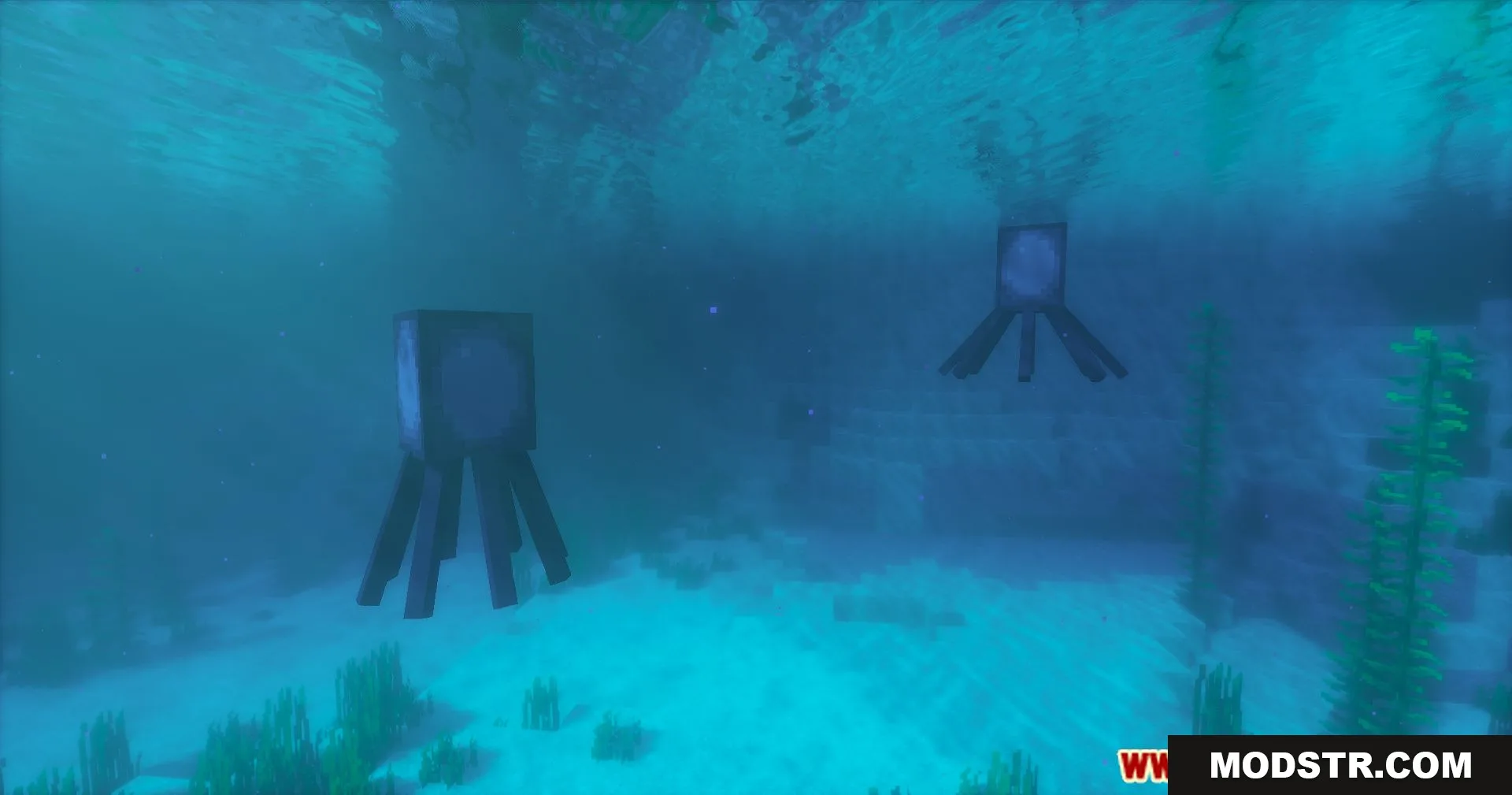
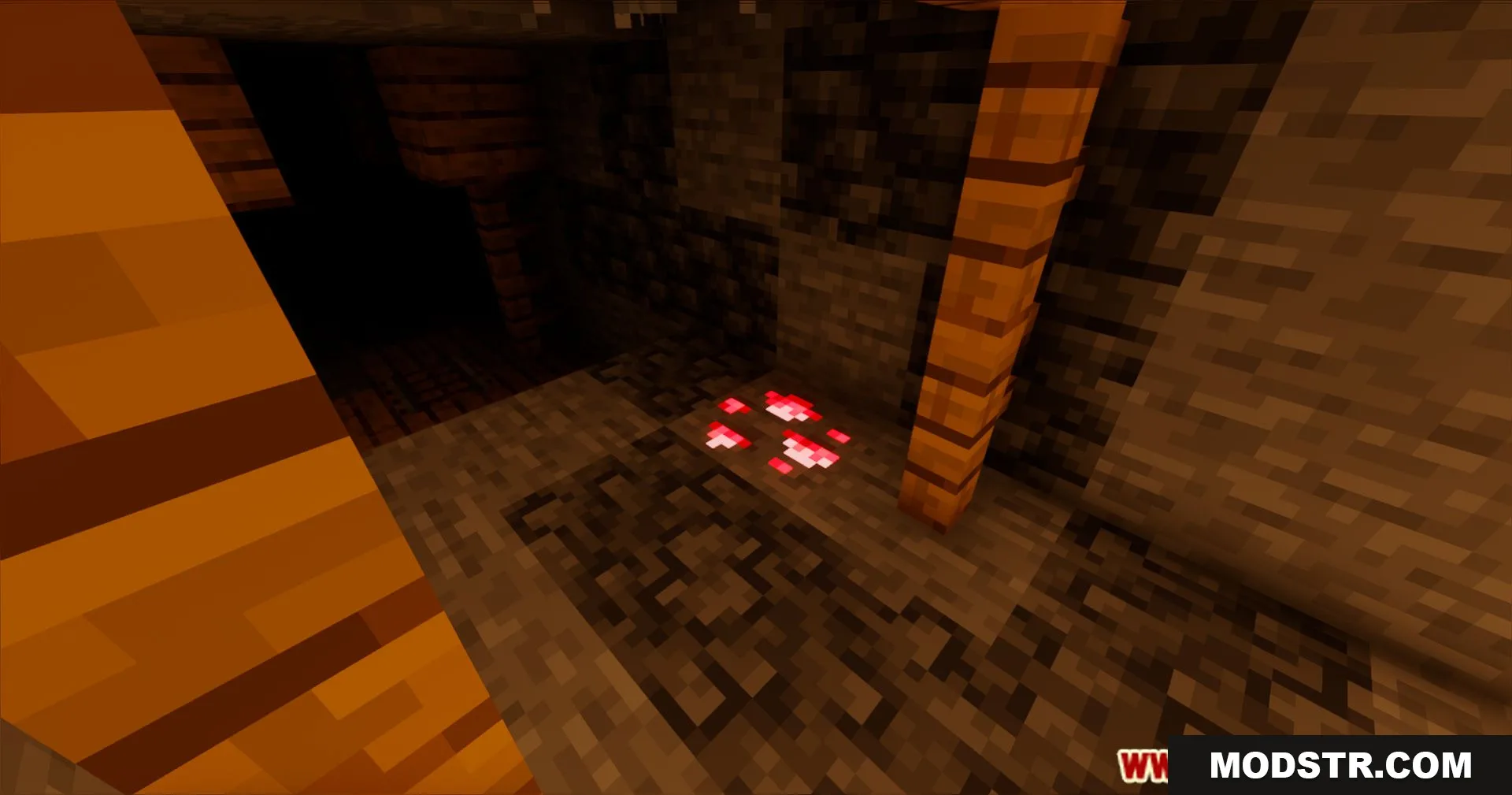
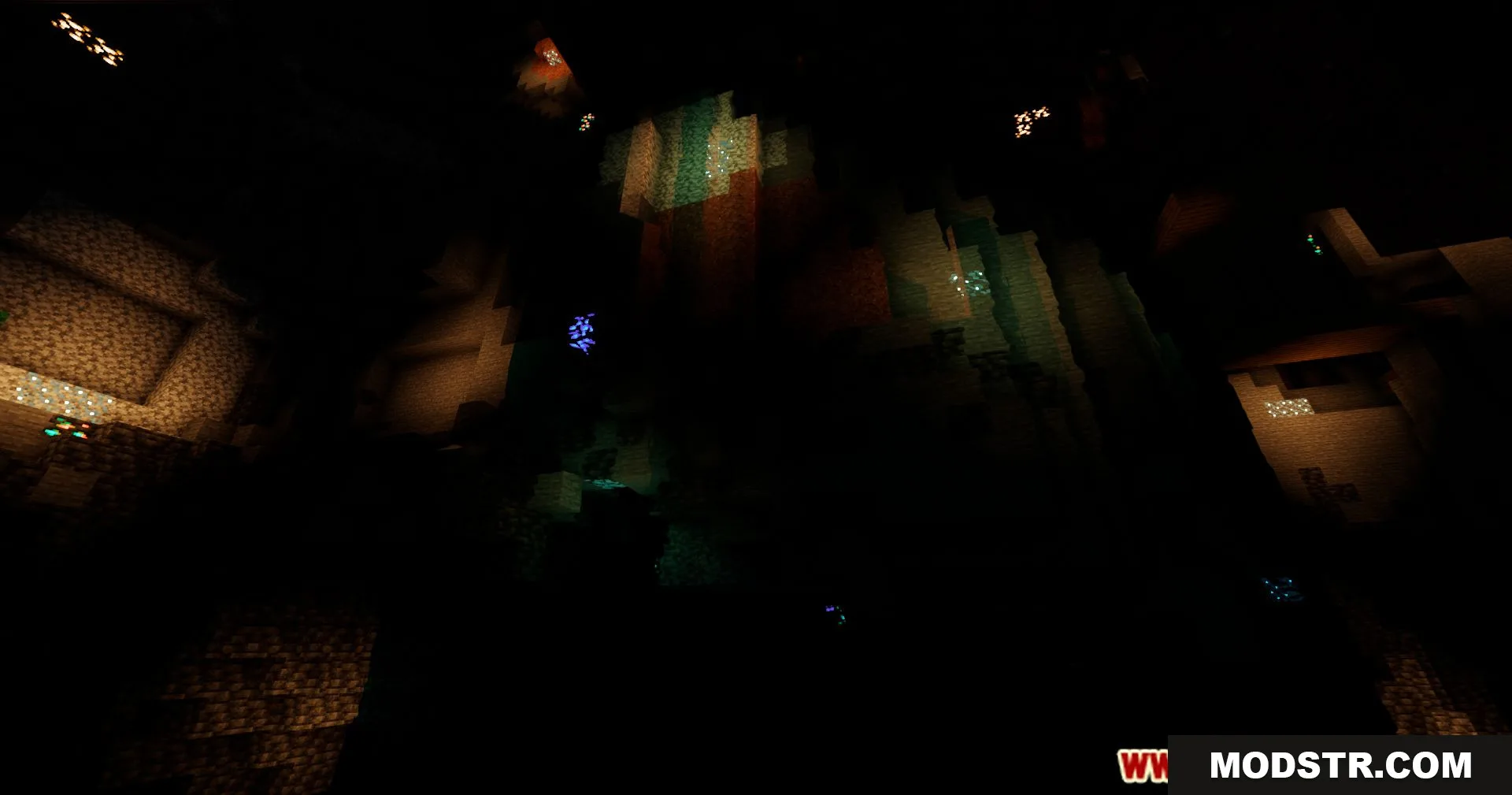
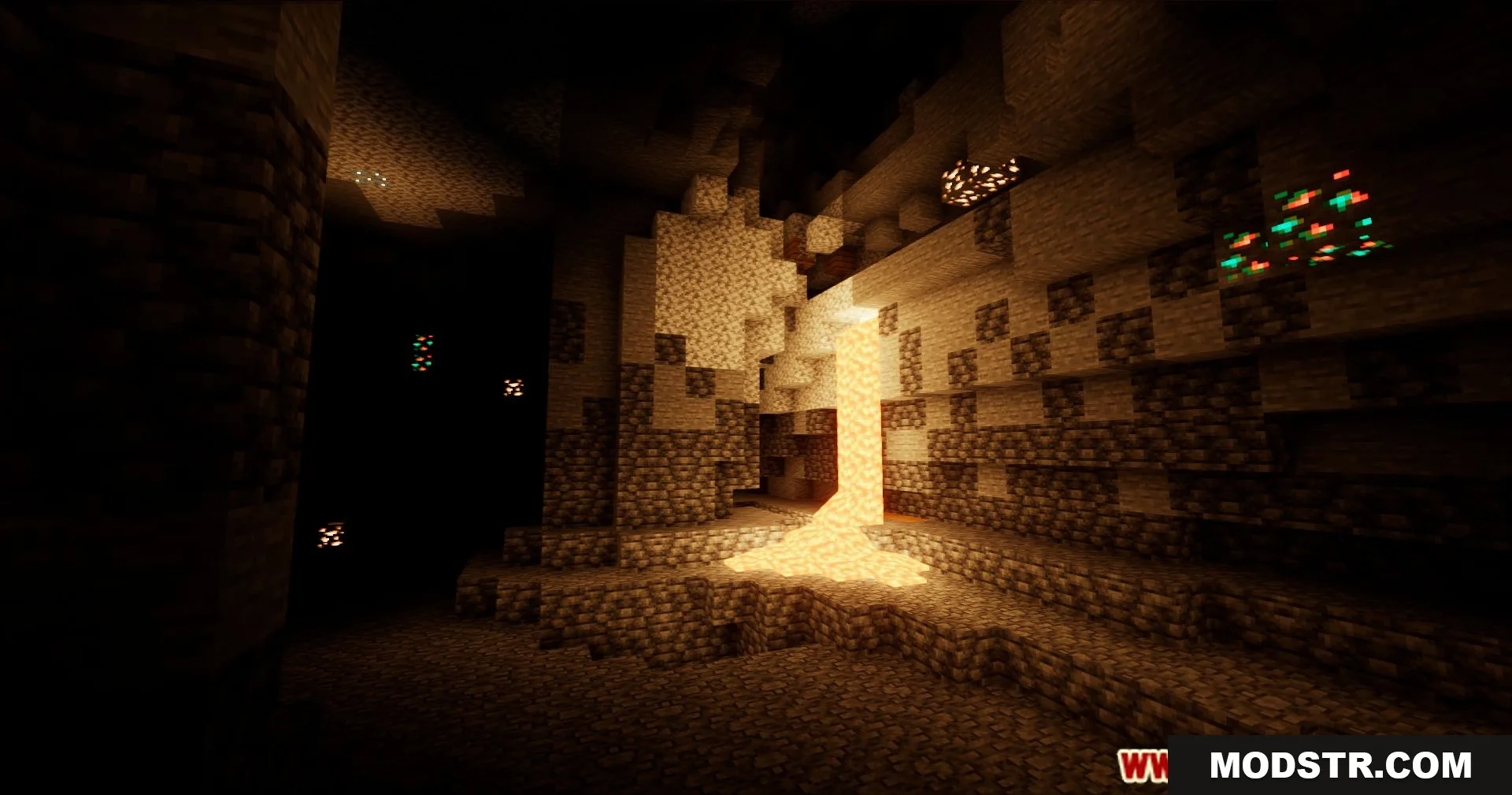
Derivative Shaders is a shader that enhances Minecraft's visuals through realistic lighting and atmospheric effects. It aims to provide a comfortable gameplay experience while improving visual fidelity through dynamic lighting, fog effects, and post-processing.
Features
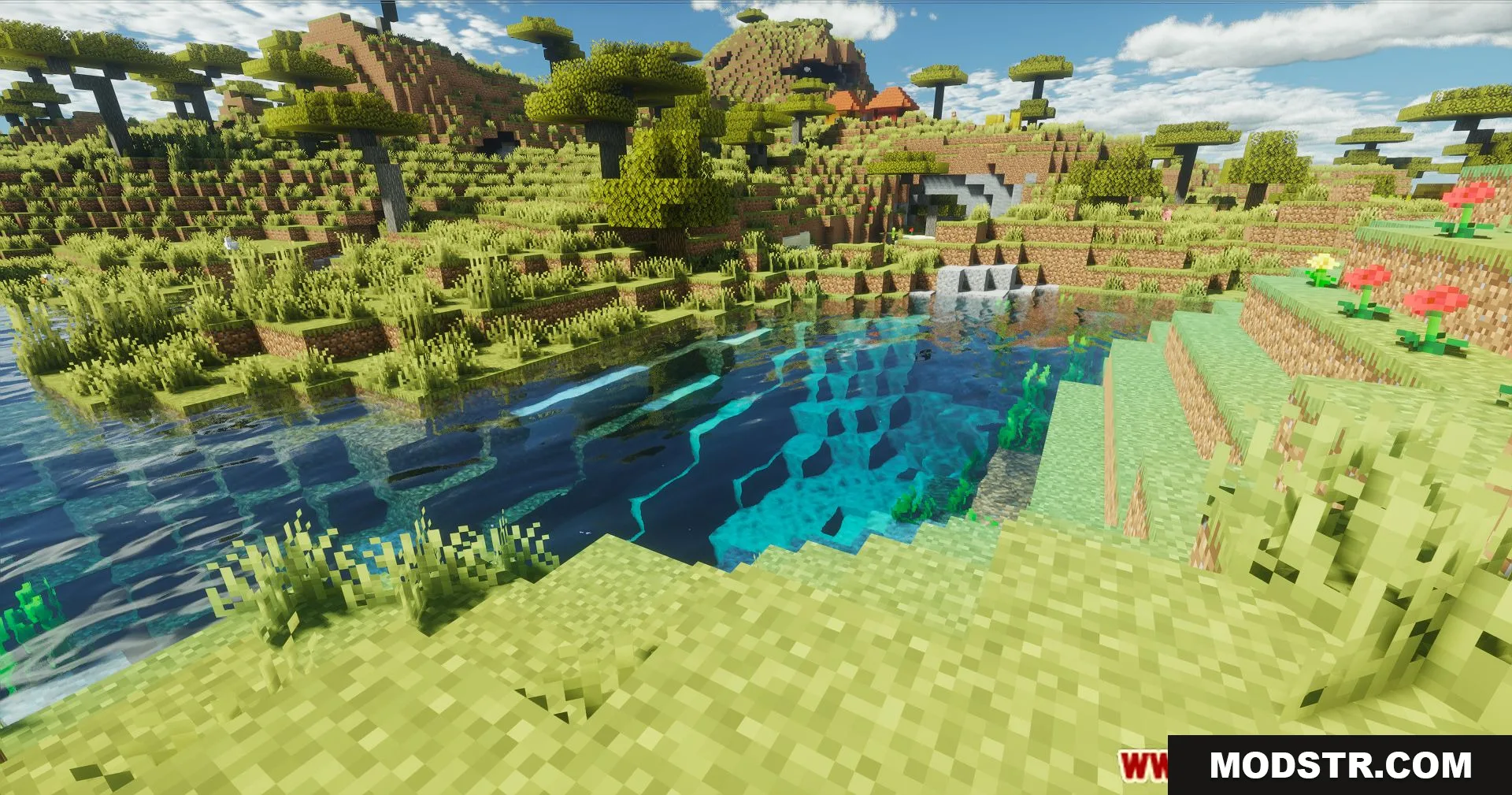
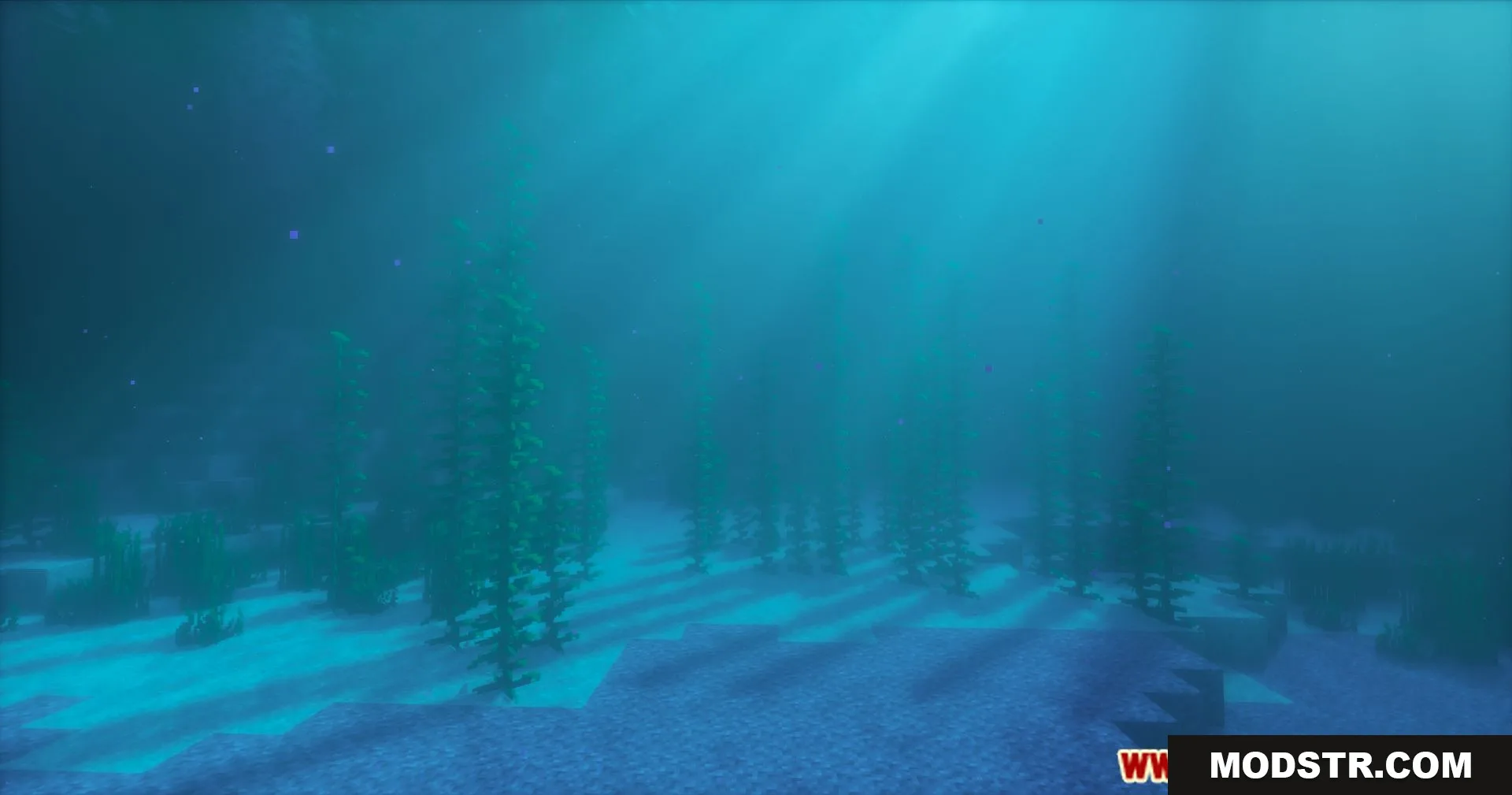
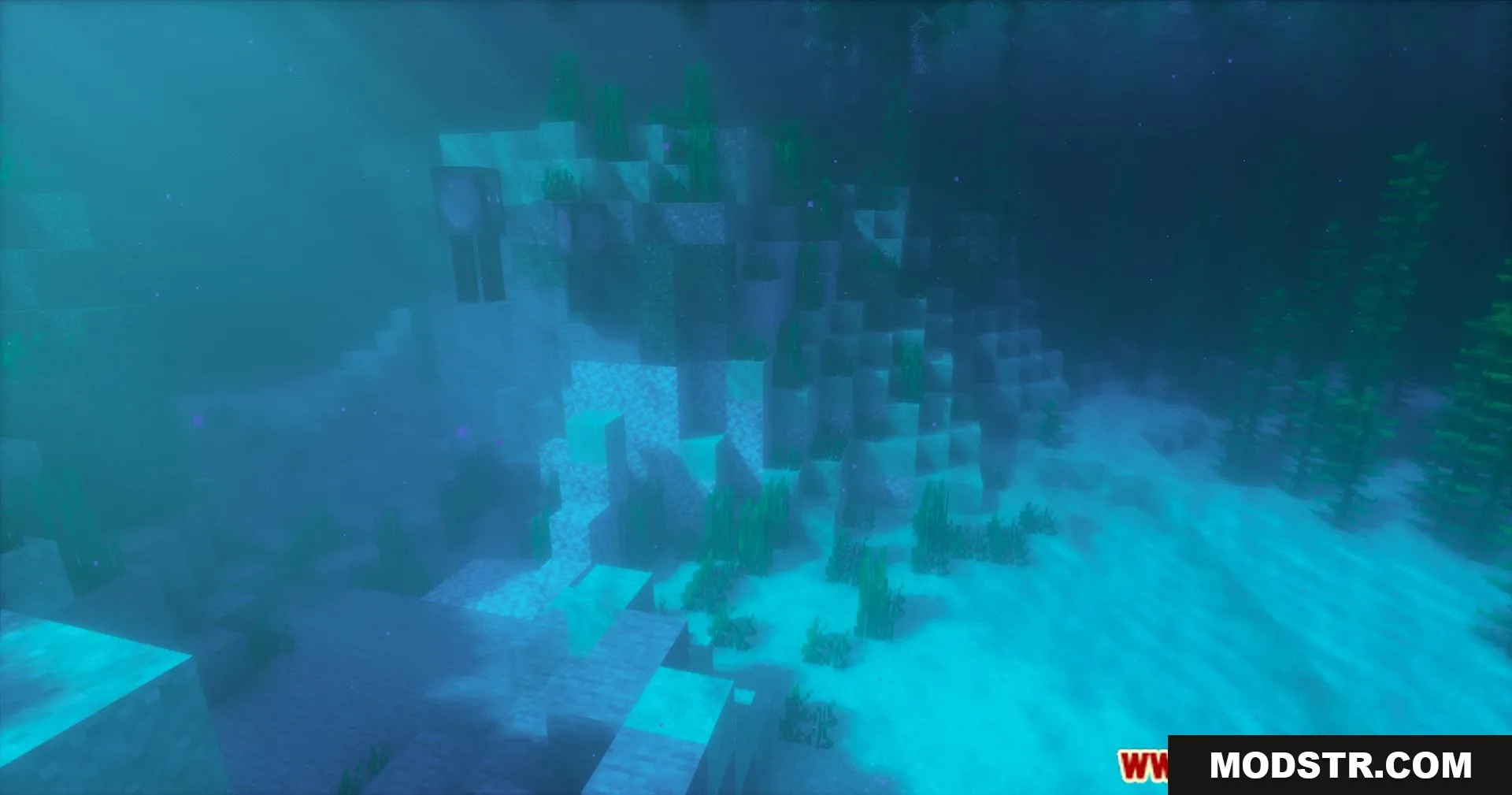
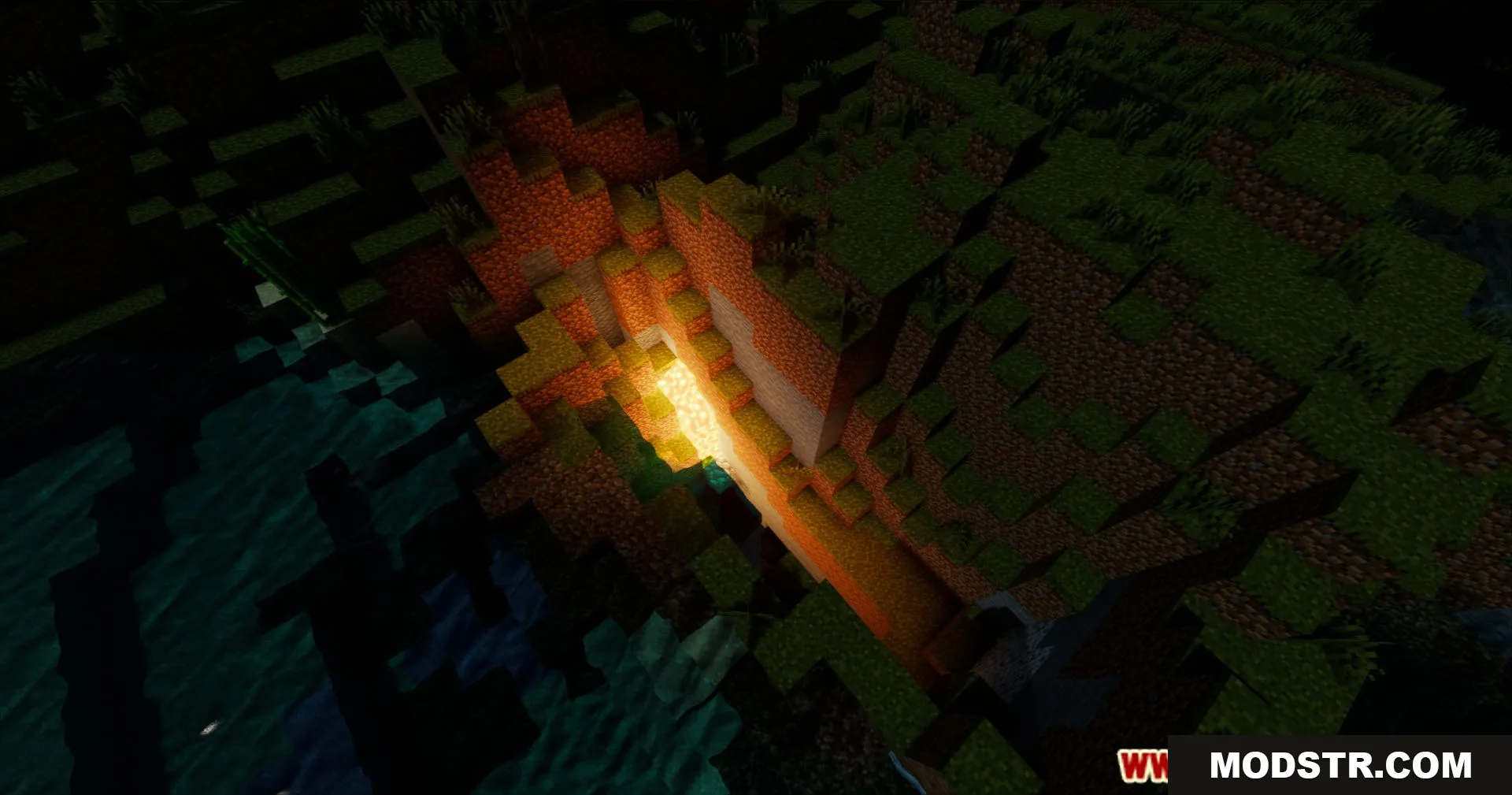
- Immersive fog that adds depth and atmospheric quality to landscapes.
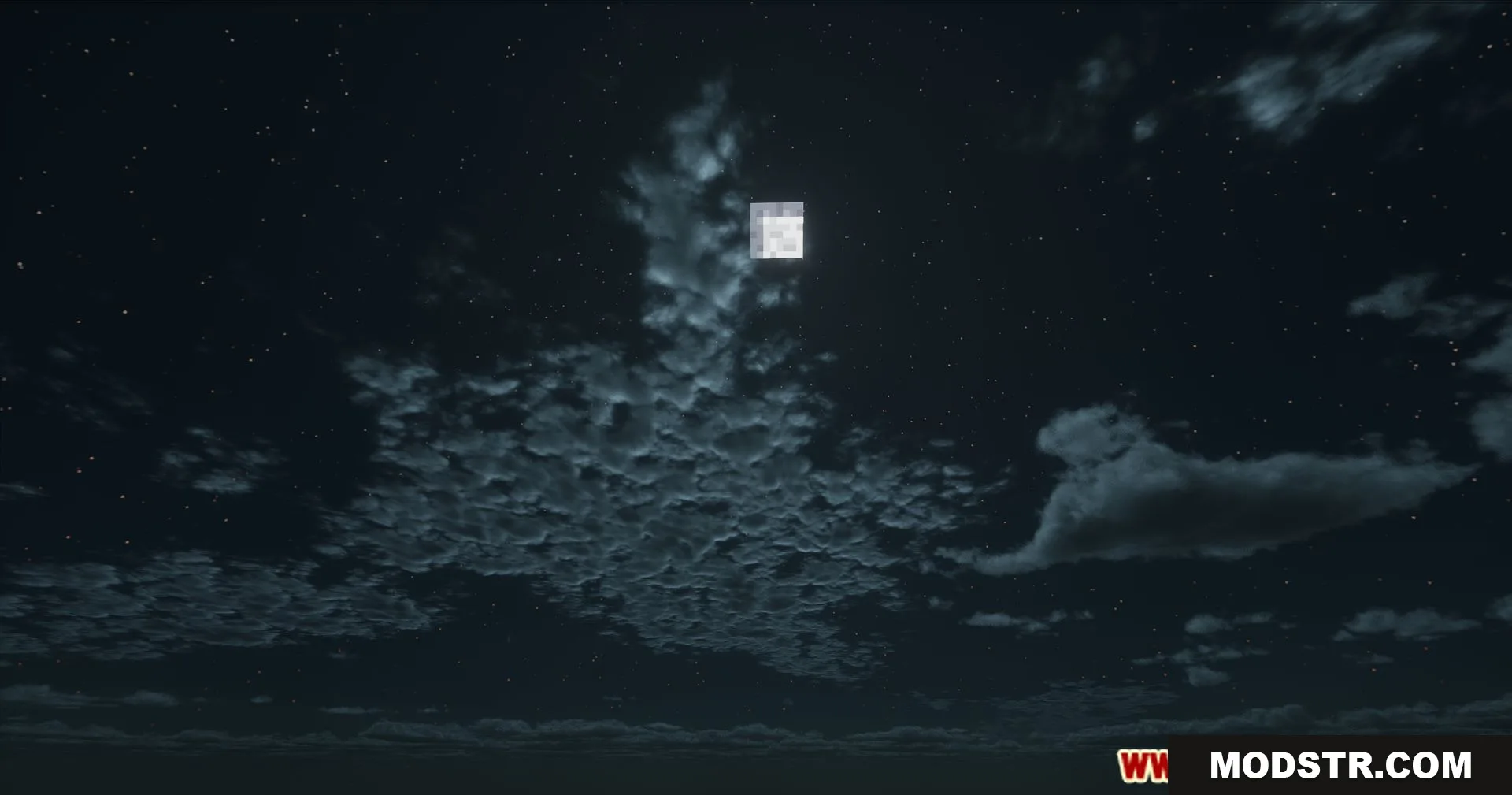
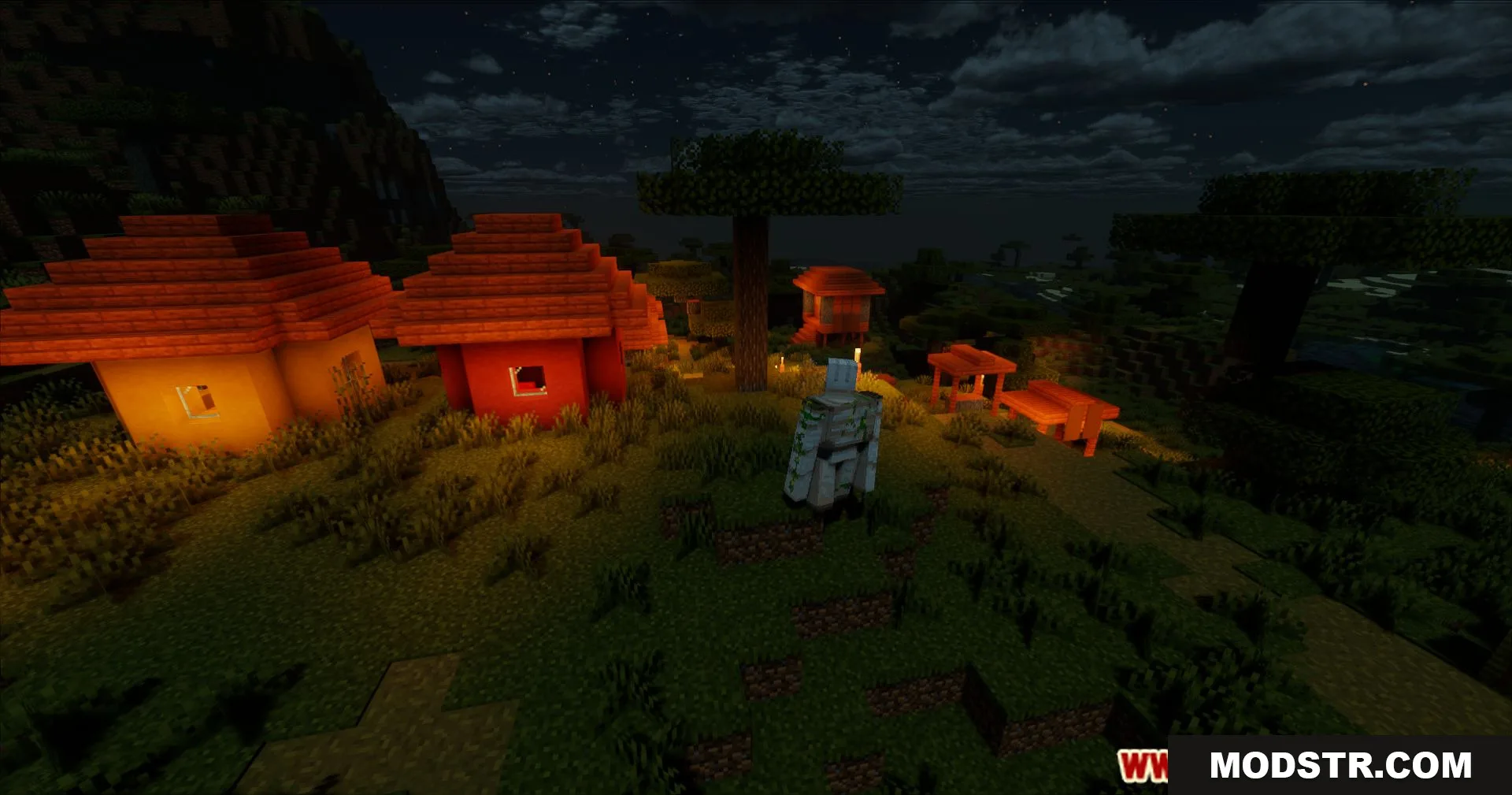
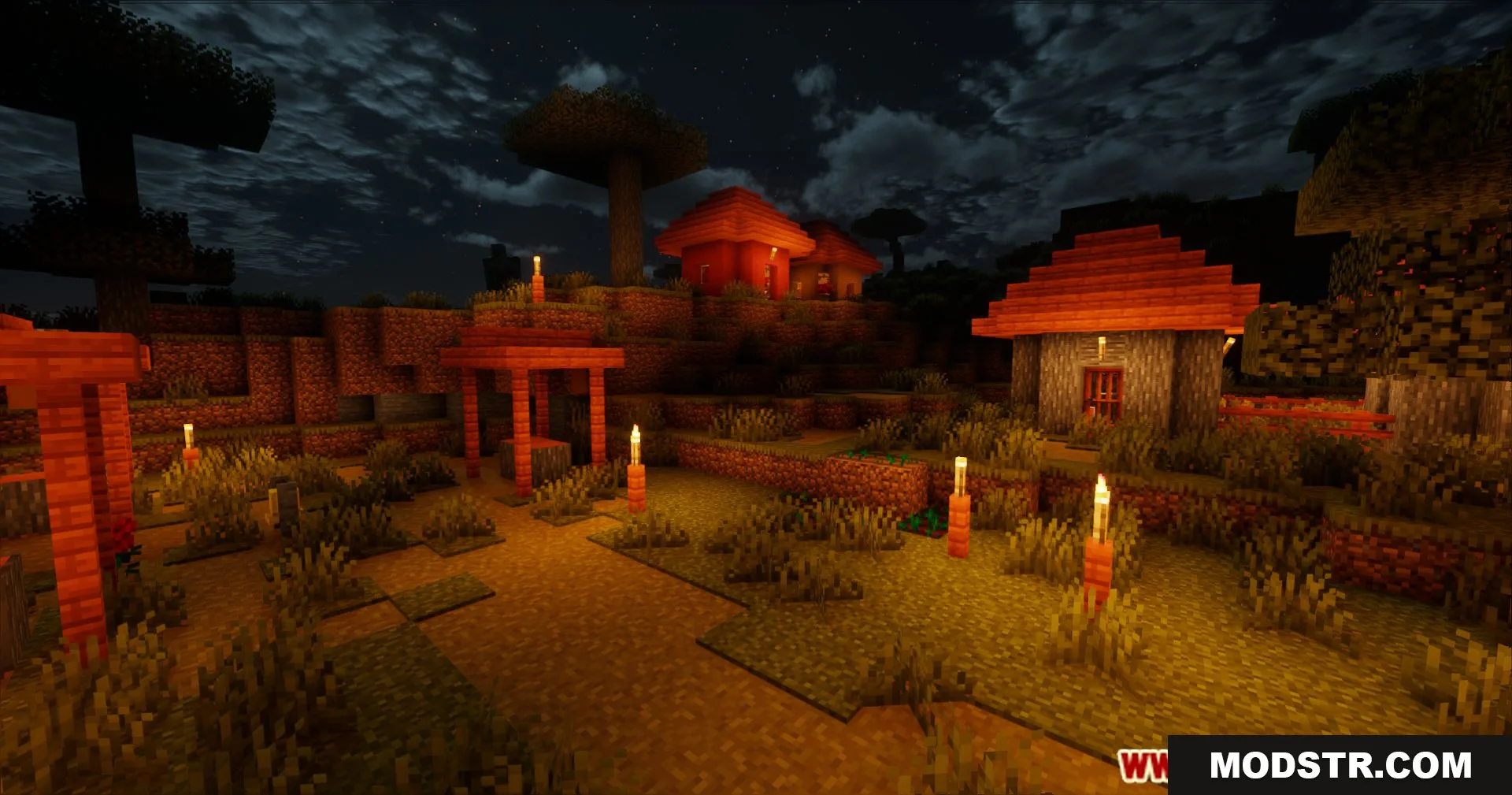
- Dynamic lighting for natural transitions between day and night cycles.
- Redesigned shadows that respond accurately to environmental changes.
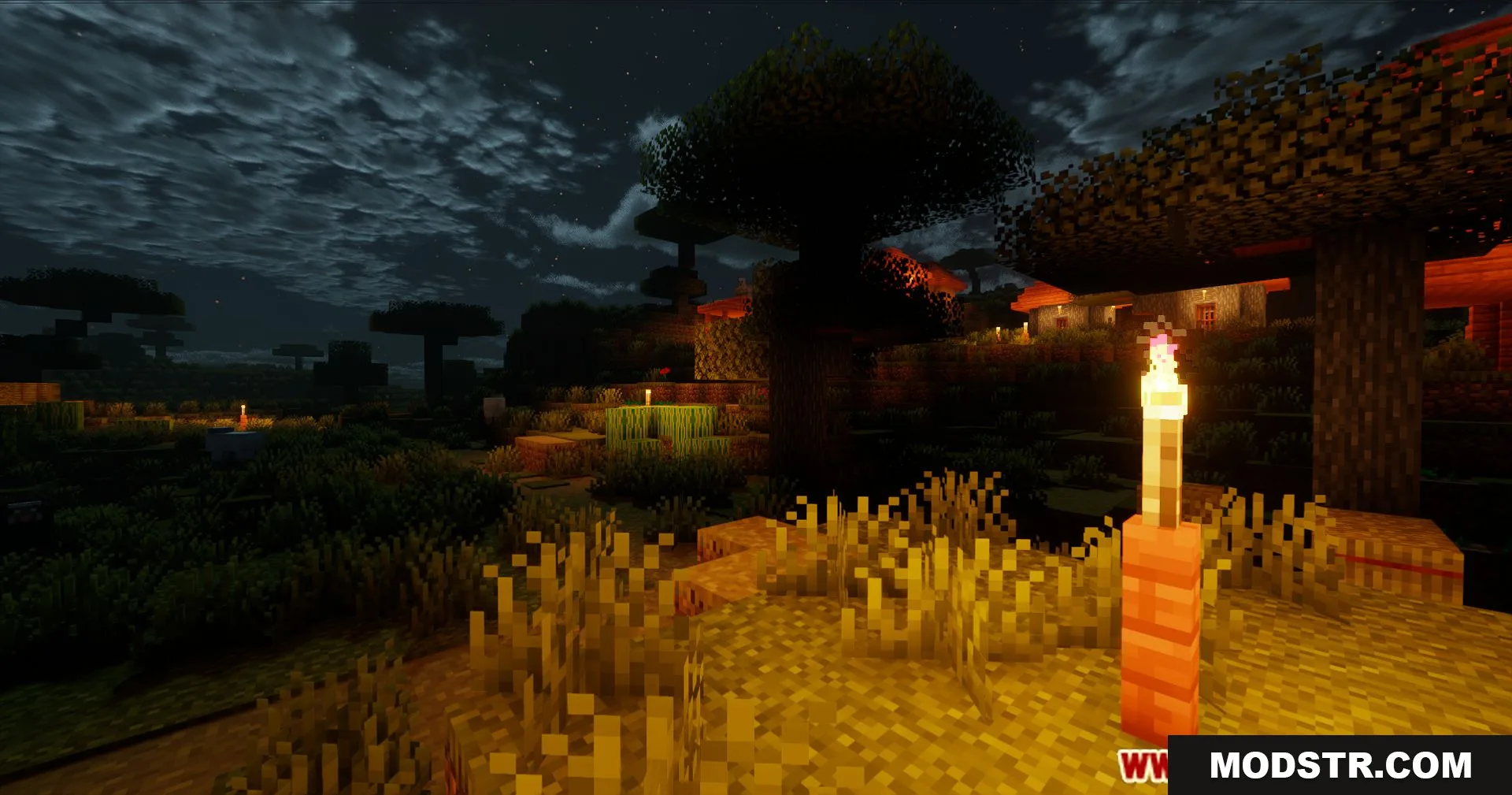
- Swaying leaves and grass that simulate wind movement.
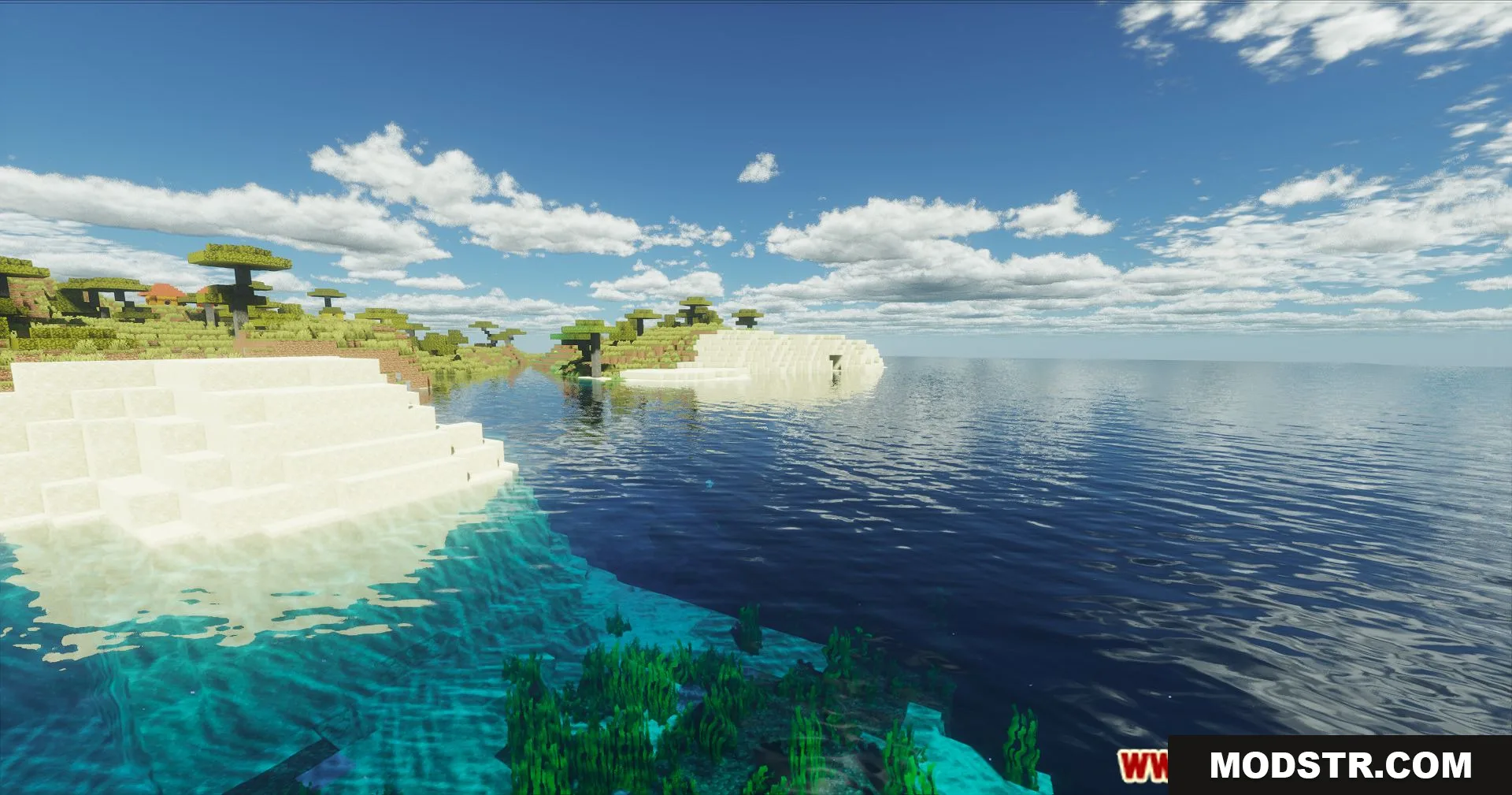
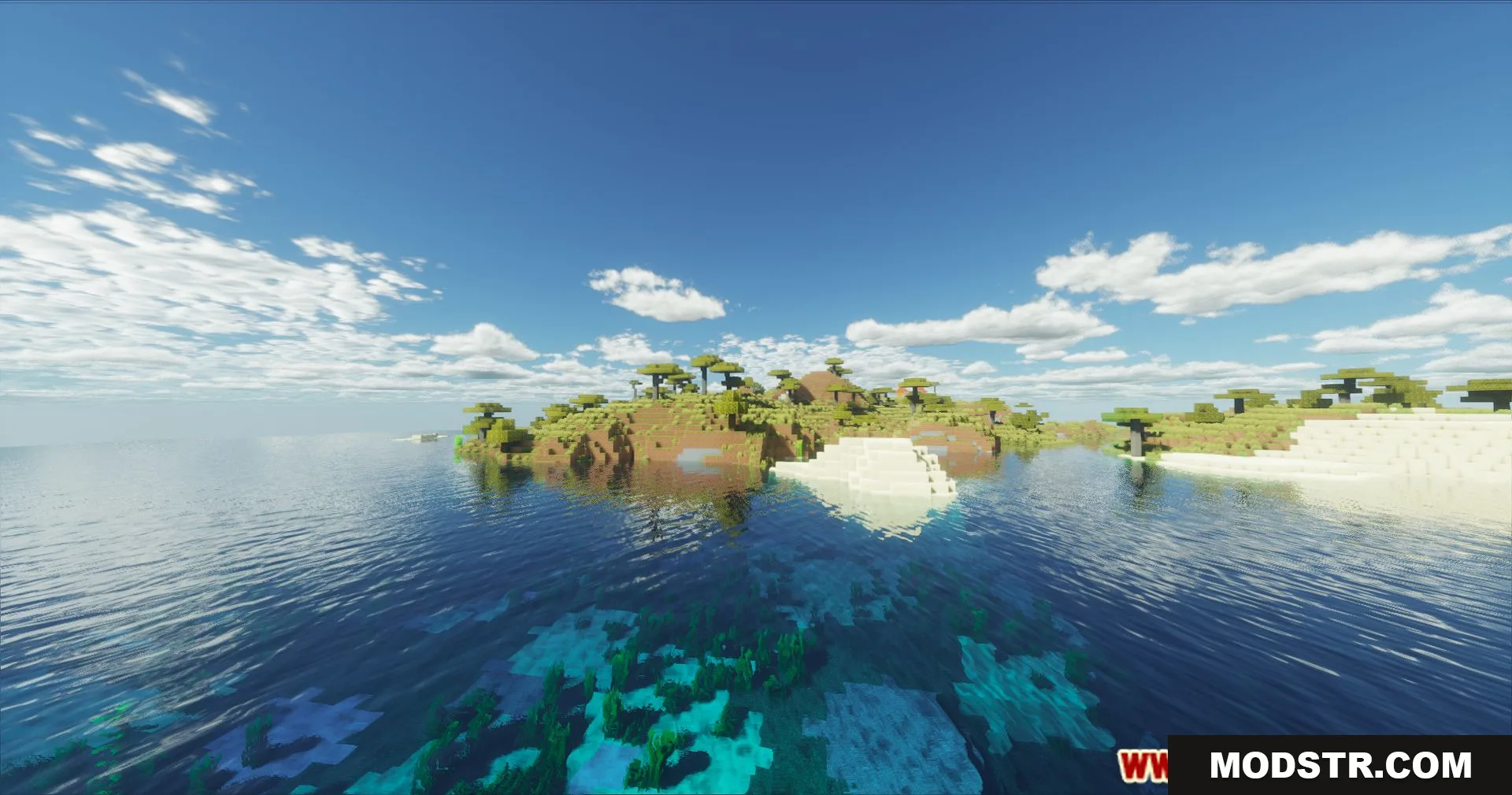
- Improved water reflections with enhanced surface detail.
- Enhanced sky visuals with detailed cloud formations.
Installation
- Ensure you have OptiFine or a compatible shader loader installed for Minecraft 1.20.1.
- Download the Derivative Shaders file to your computer.
- Place the shader file in your shaderpacks folder (located in your Minecraft directory).
- Launch Minecraft and open Options, then Shaders.
- Select Derivative Shaders from the list and apply.
Compatibility
Derivative Shaders version 26.1.2 is designed for Minecraft 1.20.1. Compatibility with other versions may vary depending on your shader loader and graphics settings.
DOWNLOAD FILES
- shader