
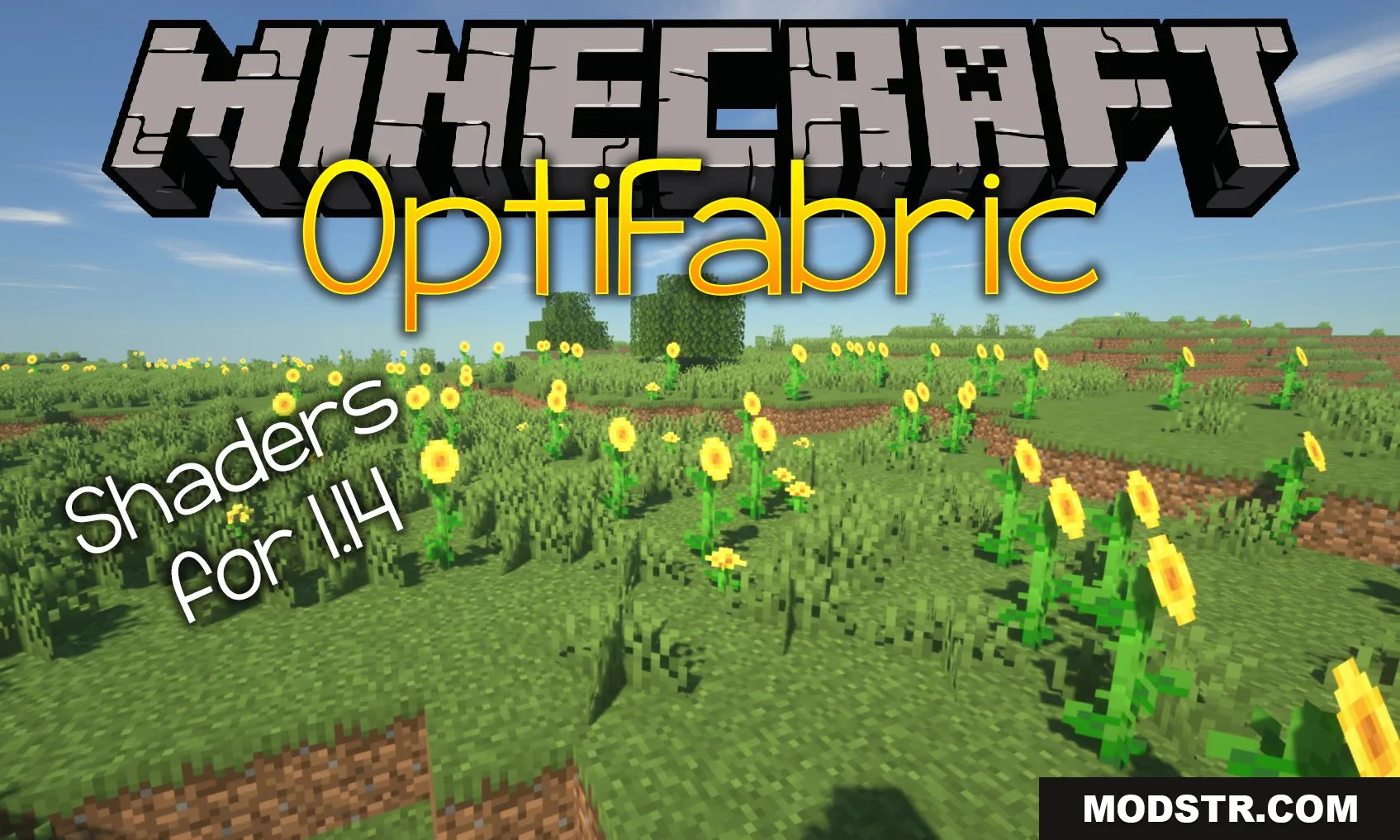
Optifabric Mod (1.20.1) – Run Optifine On the Fabric, Shaders for 1.14+
OptiFabric allows you to run OptiFine on Fabric, enabling shader support and performance optimizations alongside other mods for versions 1.14+.
- OptiFine
- 1.16.5 → 1.20.4 +10
Show all 10 versions
- 1.20.4
- 1.20.2
- 1.20.1
- 1.20
- 1.19.4
- 1.19.3
- 1.19.2
- 1.19.1
- 1.19
- 1.16.5
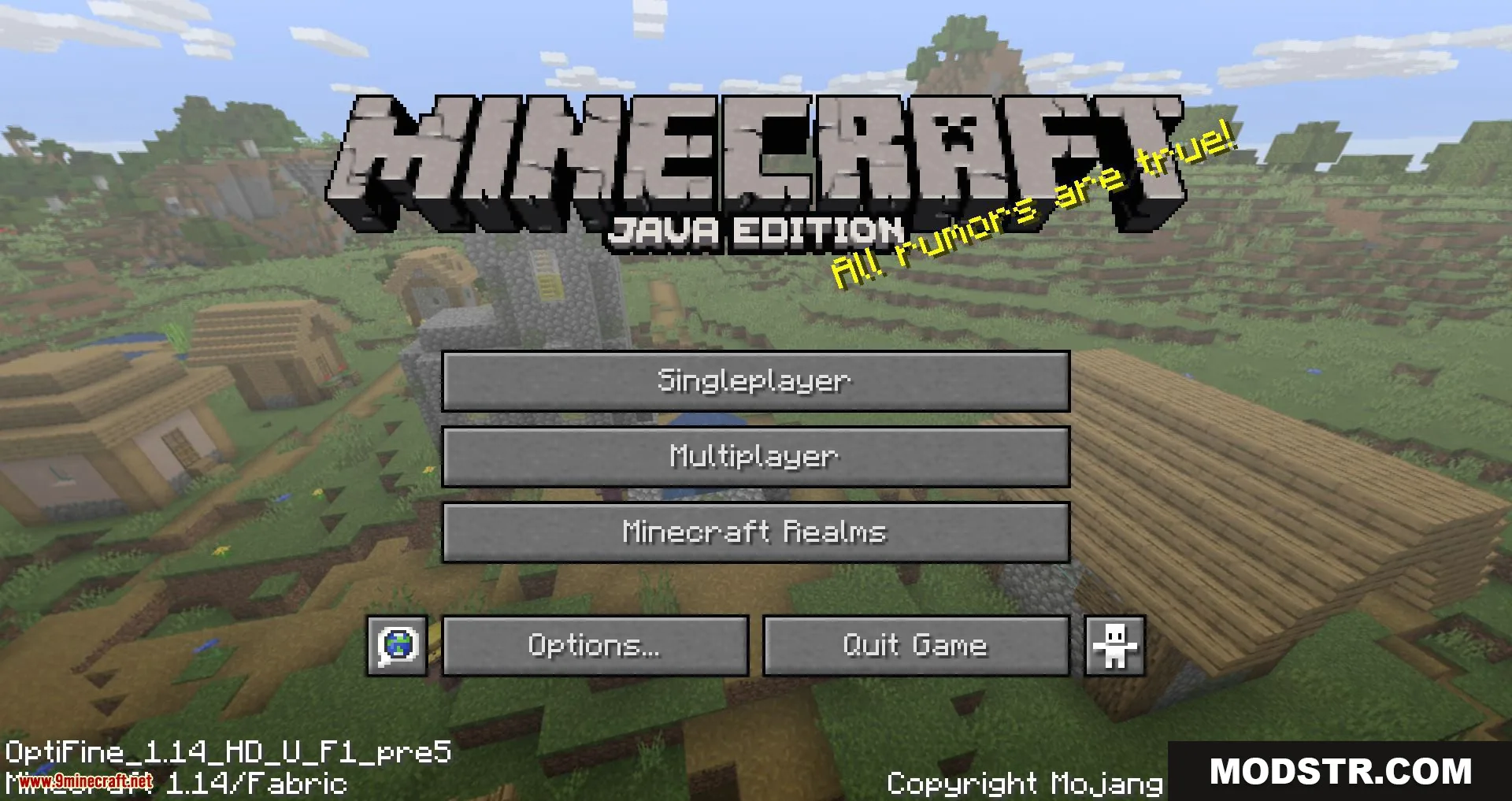
OptiFabric is a compatibility layer that runs OptiFine on the Fabric modloader. It wraps the official OptiFine mod to work with Fabric at runtime, letting you combine OptiFine's features—including shaders and custom textures—with other mods.
Features
- Reduces lag and improves performance by optimizing block entity rendering, game physics, mob AI, and block ticking.
- Automatically lowers frame rate when the game is not in focus to maintain system stability.
- Supports custom and random entity textures, including emissive and blinking variants.
- Provides quick language switching in-game.
- Reduces overall RAM usage.
- Optimizes the network stack for better multiplayer performance.
Installation
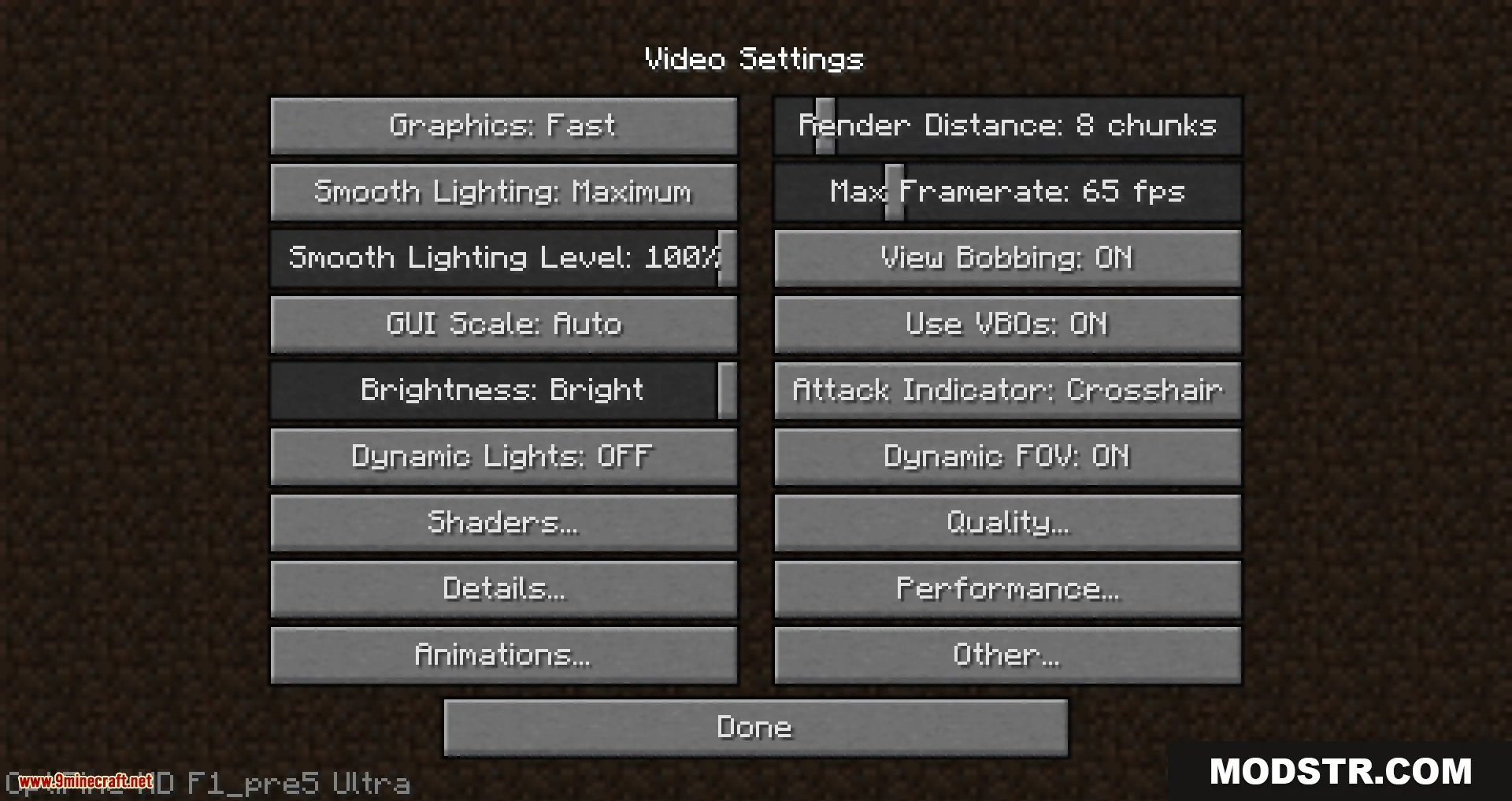
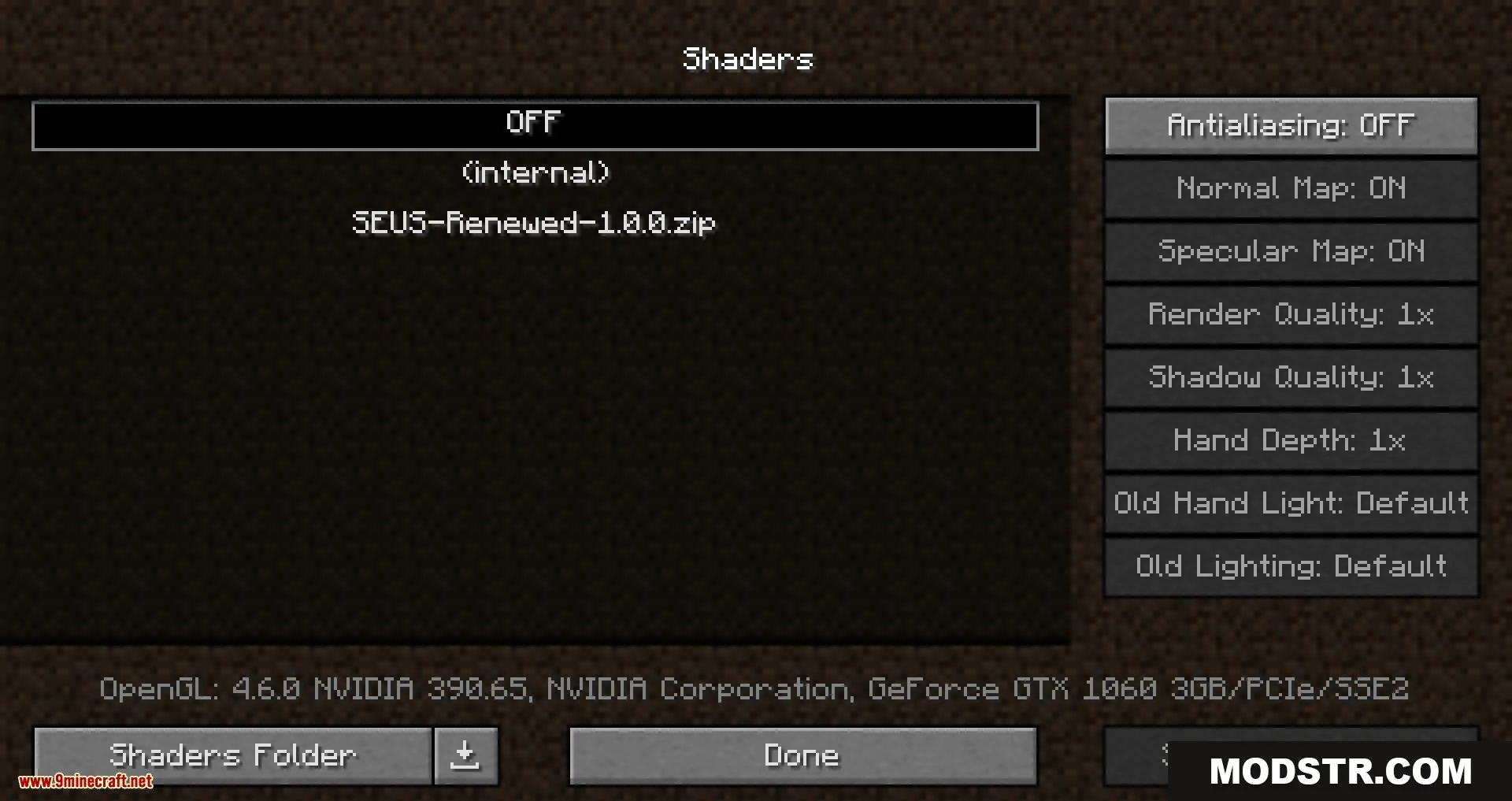
- Install Fabric and Fabric API for your target Minecraft version.
- Download OptiFine separately from the official source.
- Download OptiFabric and place it in your mods folder.
- Place the OptiFine JAR file in your mods folder alongside OptiFabric.
- Launch the game using the Fabric profile.
Compatibility
OptiFabric supports Minecraft 1.14 and later versions on Fabric. This project is unofficial and not endorsed by Fabric or OptiFine. You must provide your own OptiFine installation; OptiFabric does not include it.
DOWNLOAD FILES
- shader
- jar
- jar
- jar