
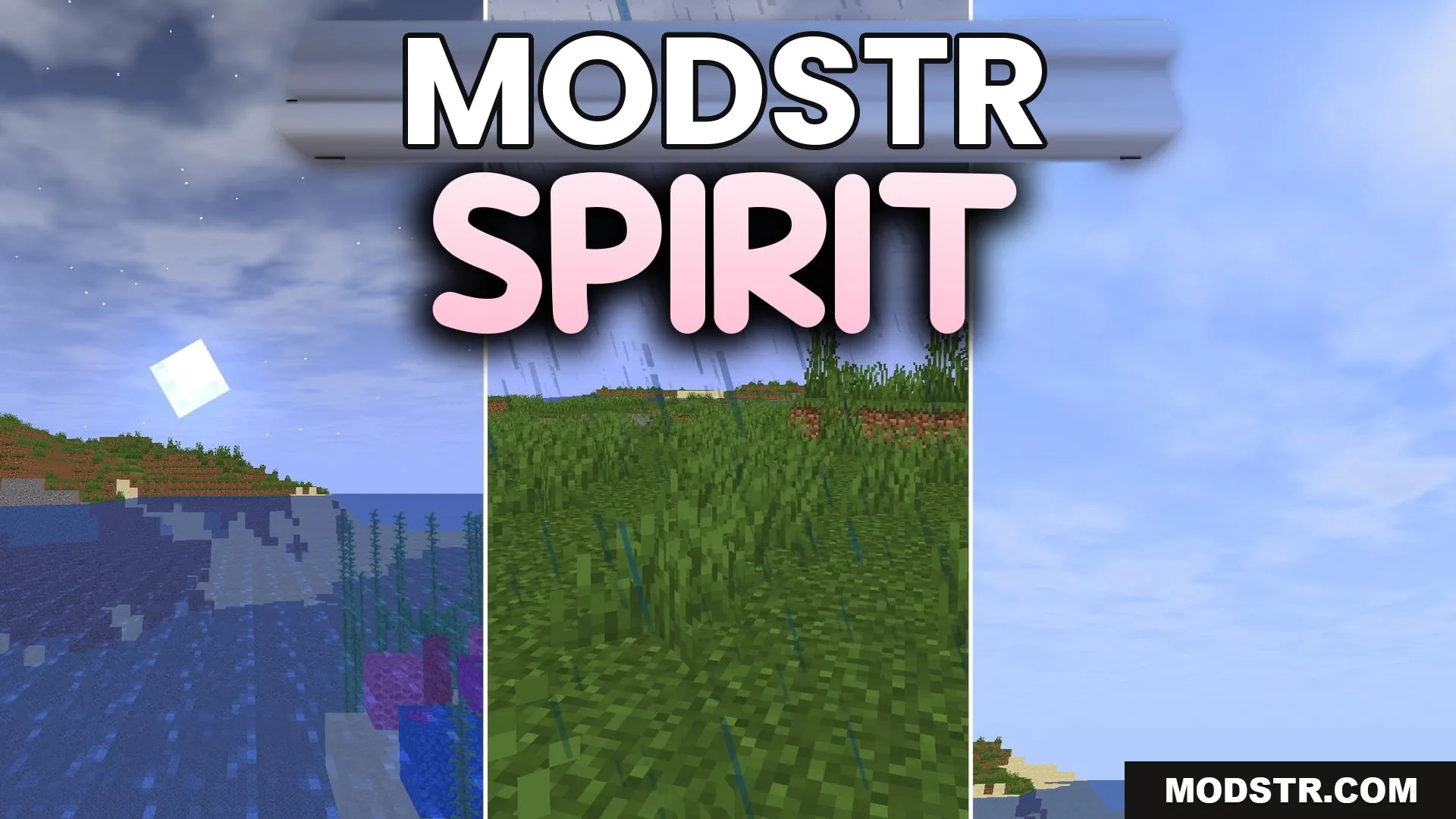
Spirit Shaders (26.2, 1.20.1) – Shadowless Fantasy Lighting for High FPS
Spirit Shaders enhances Minecraft with a bright fantasy aesthetic while maintaining high FPS. It is designed for players seeking a lightweight shader option.
- 1.20.1
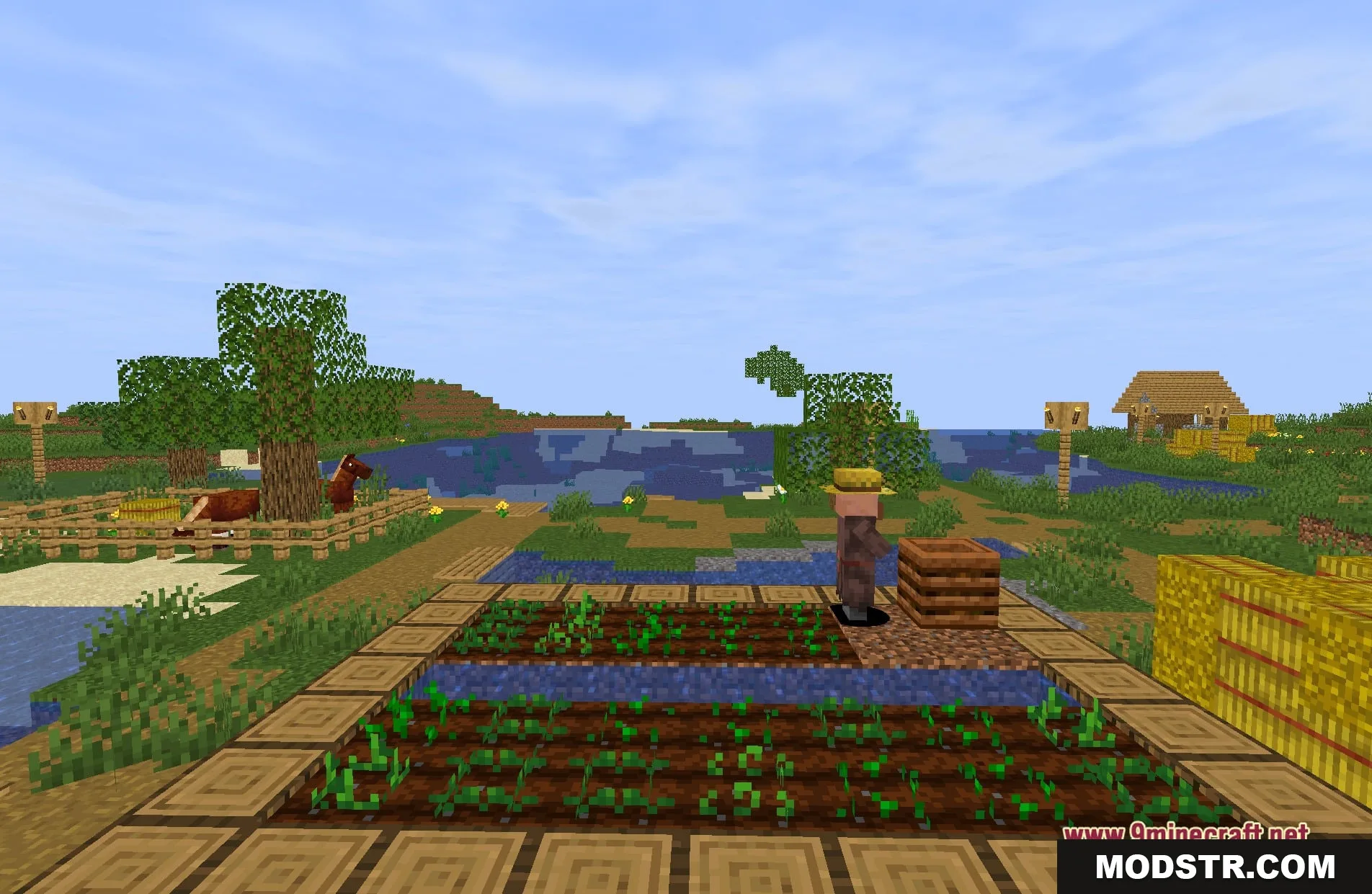
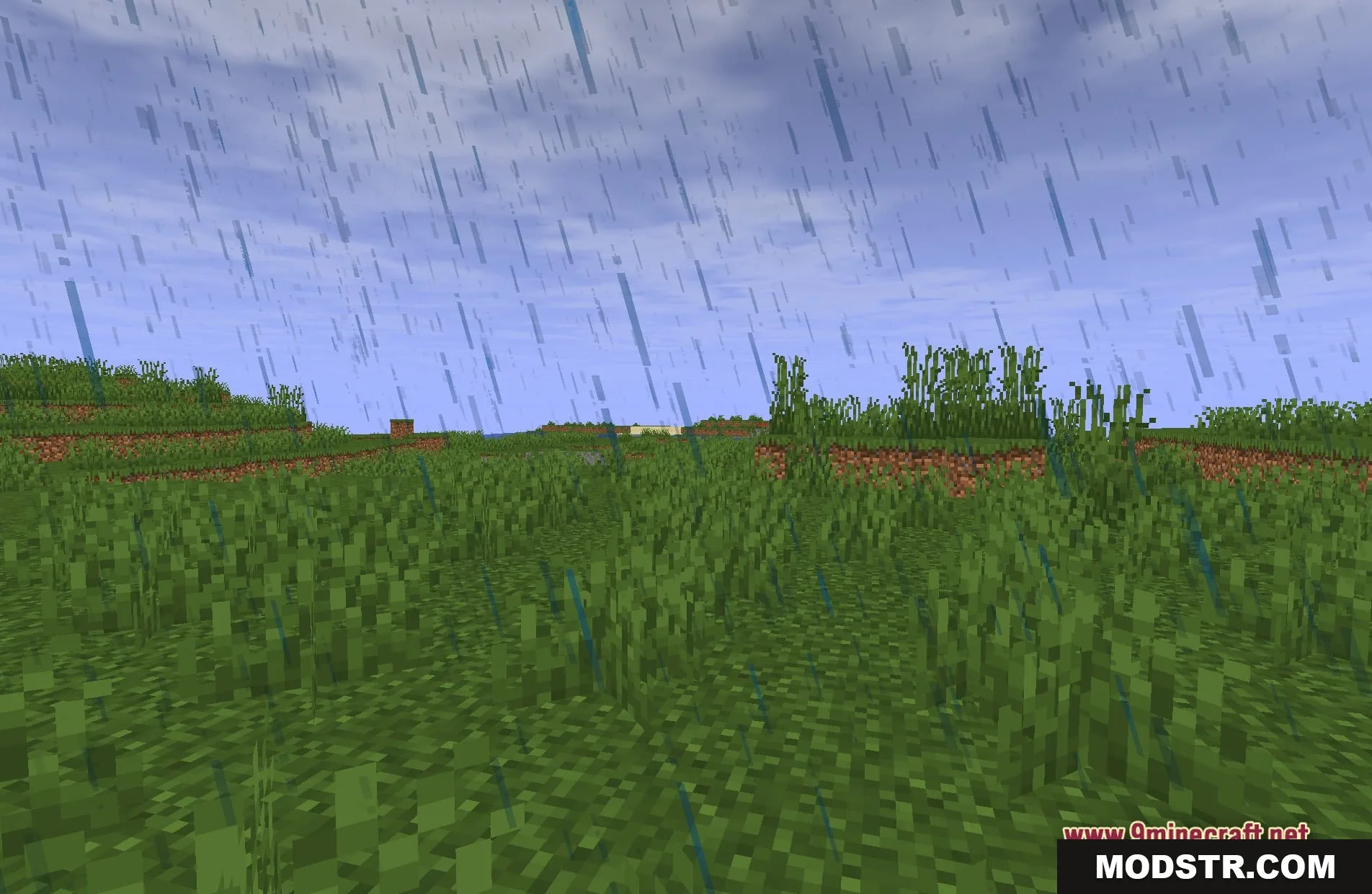
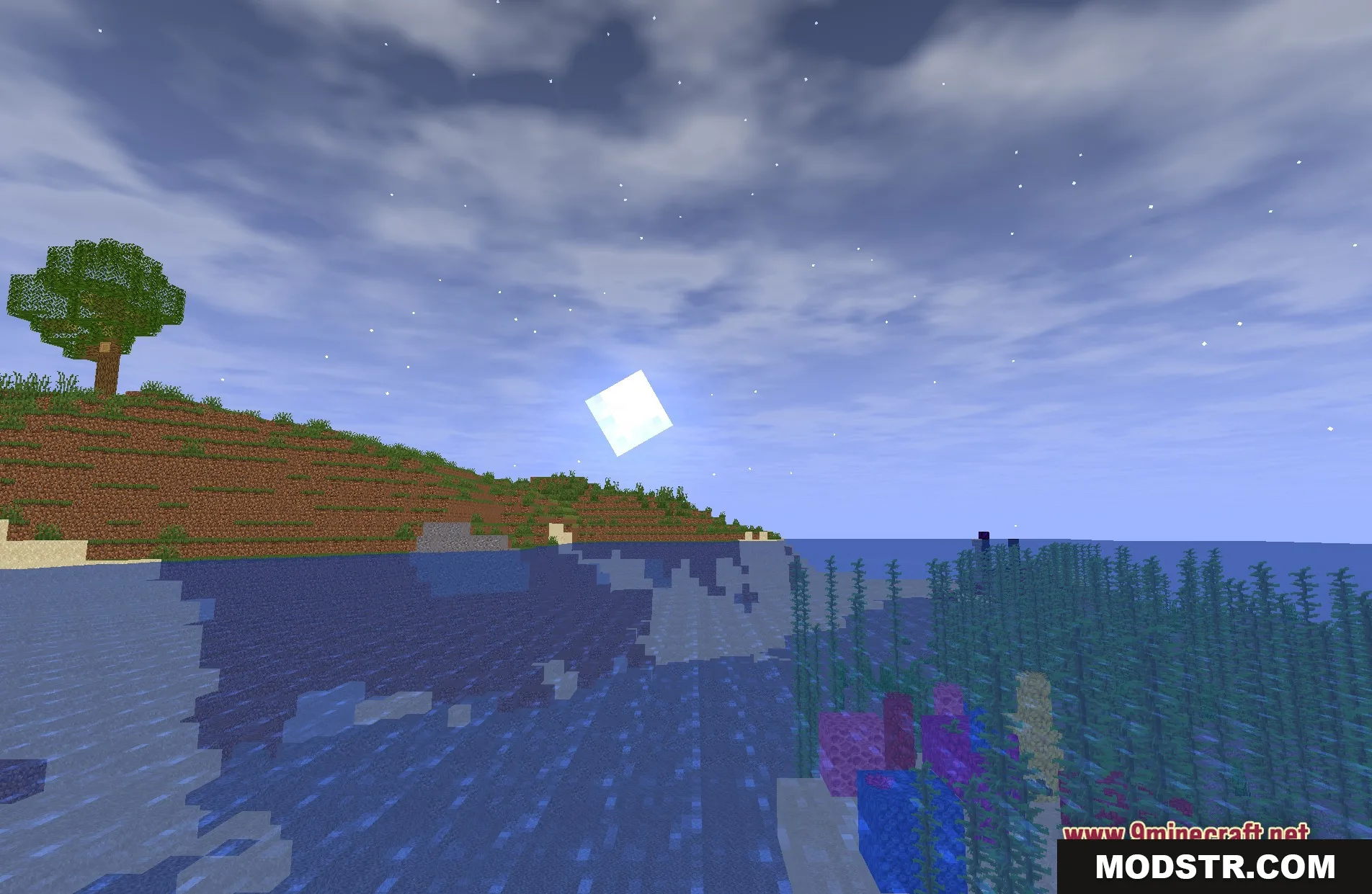
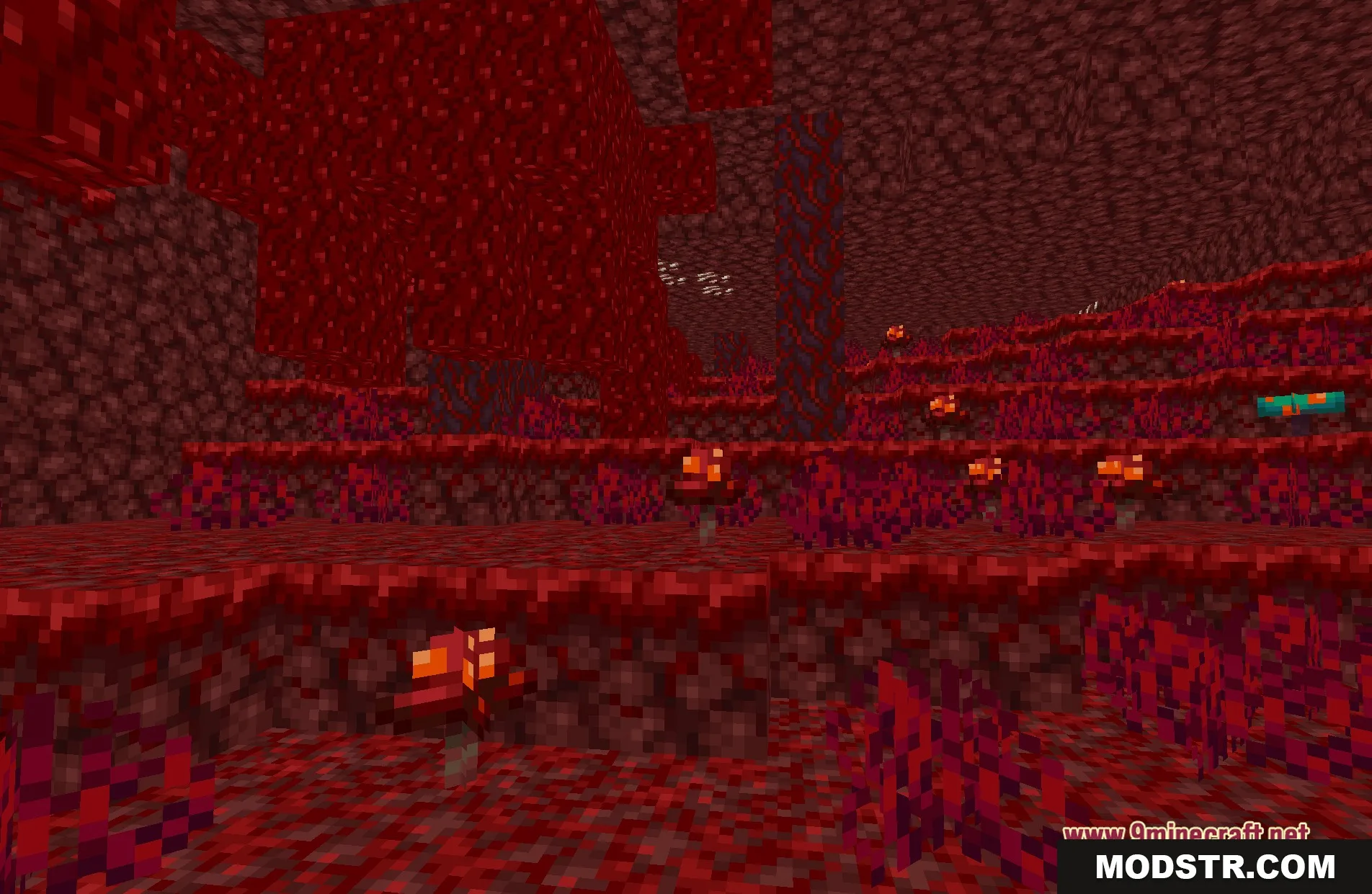
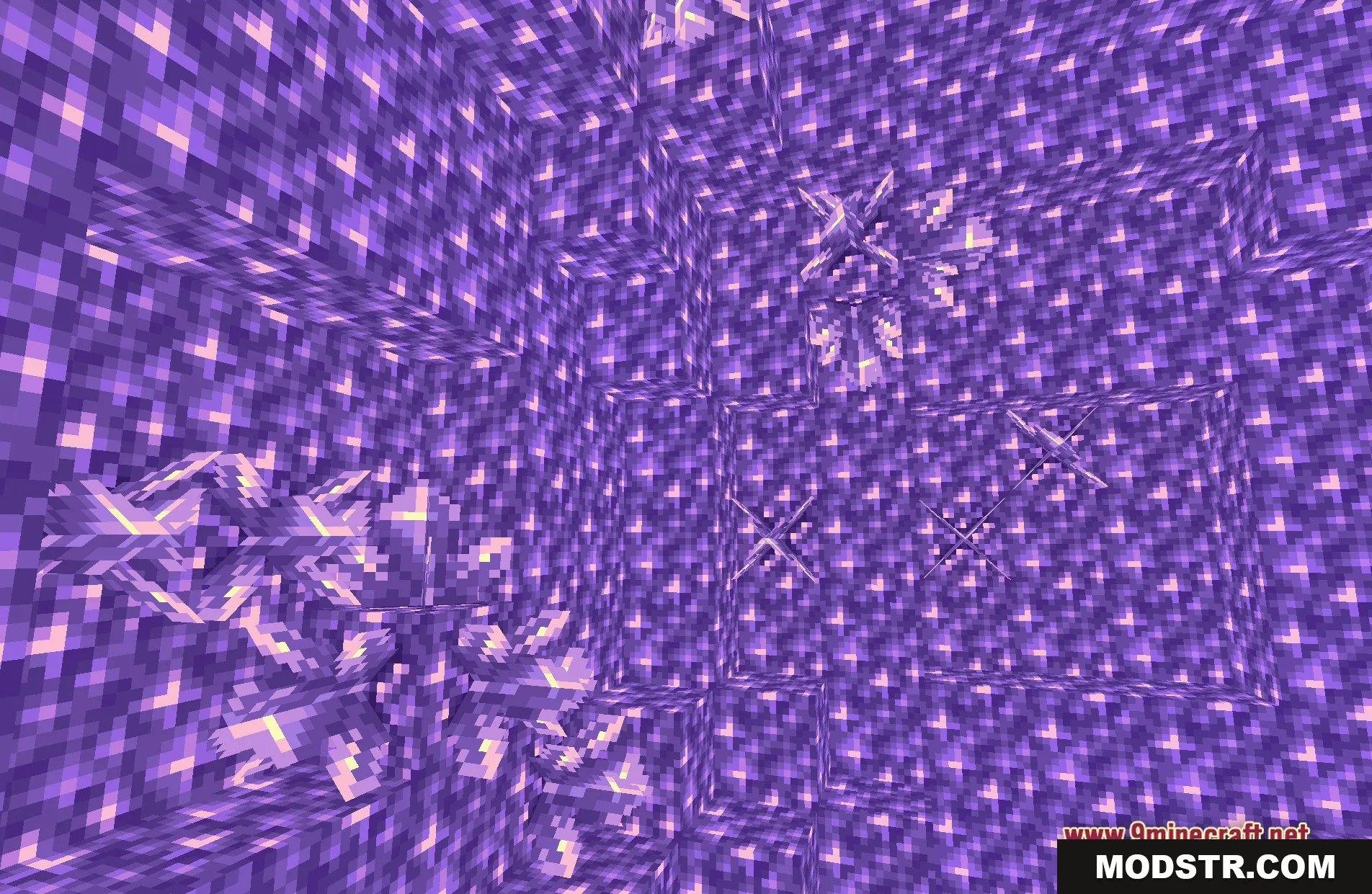
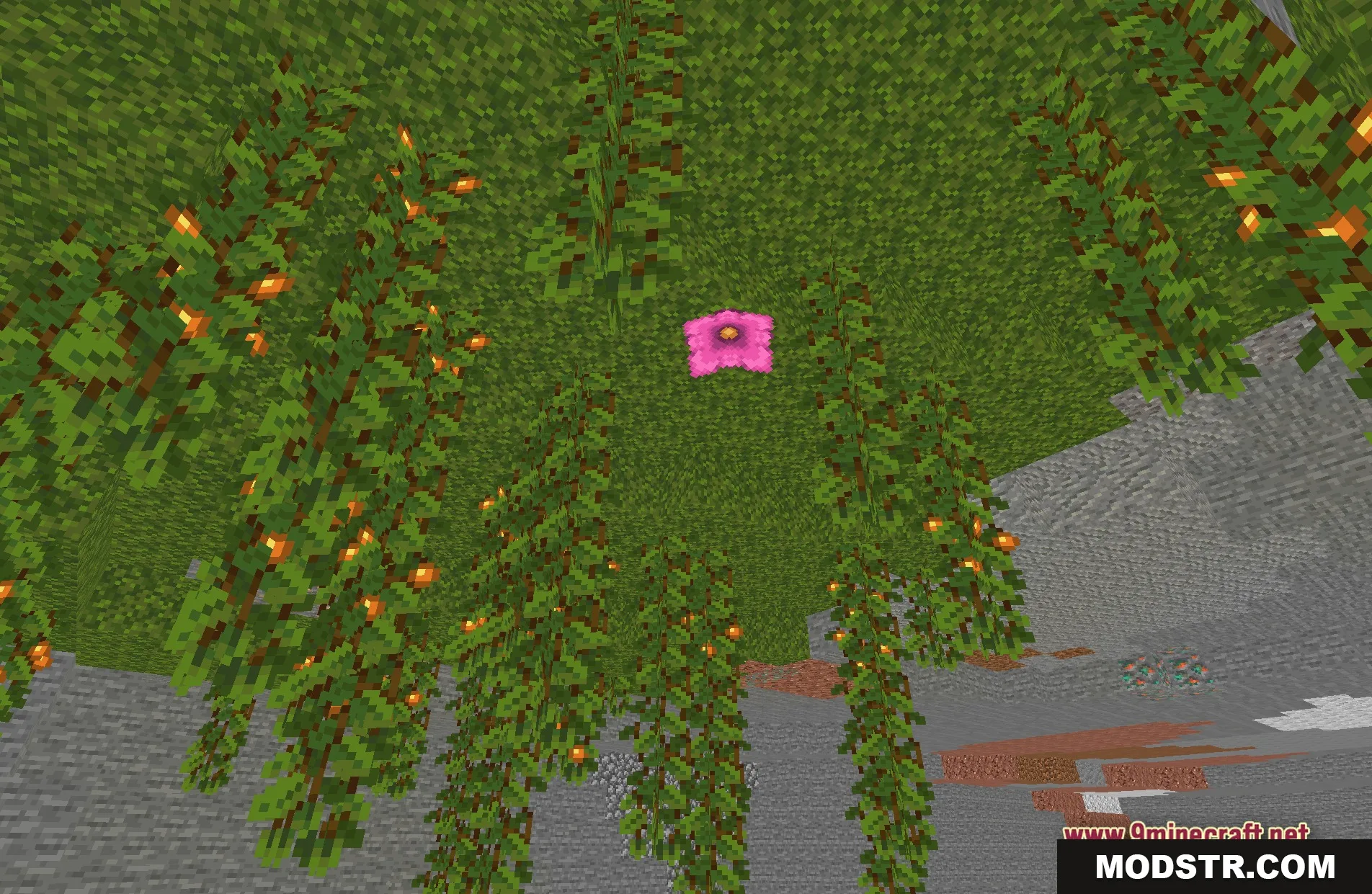
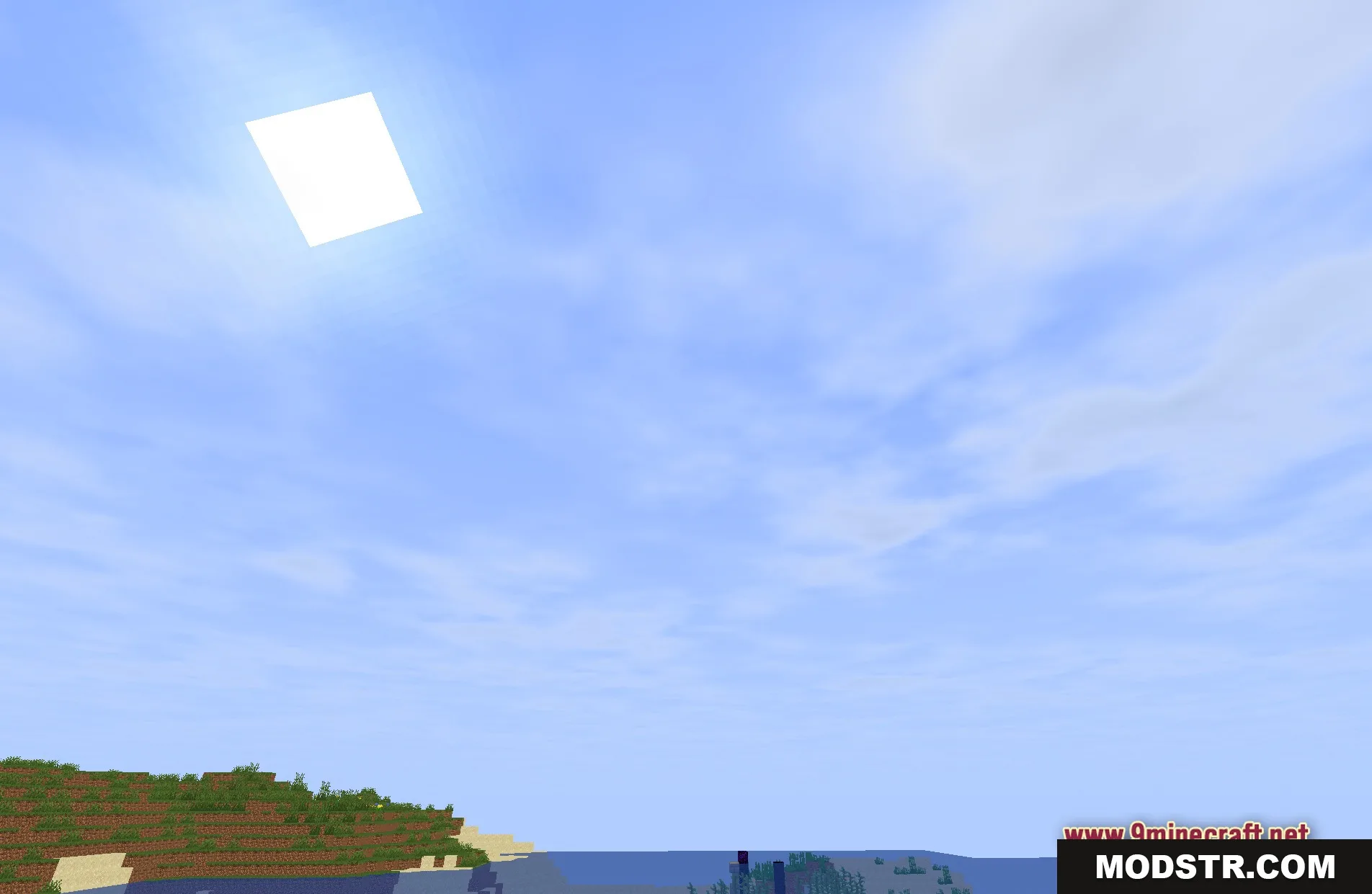
Spirit Shaders offers a bright, fantasy-inspired lighting effect for Minecraft. This shader pack is suitable for players who prefer a clean look without heavy shadows, allowing for efficient gameplay, particularly on older hardware.
Features
- Removes all shadows to keep the game running fast.
- Adds a soft fantasy style to the standard graphics.
- Keeps lighting simple so you can see clearly everywhere.
- Helps older computers get high frame rates while playing.
- Gives the sky and blocks a clean, bright appearance.
Installation
- Download the shader pack file from the source.
- Open Minecraft and go to the settings menu.
- Select the 'Shaders' option and click on 'Shader Packs.'
- Drag and drop the downloaded shader pack file into the shader packs folder.
- Select Spirit Shaders from the list to apply.
Screenshots
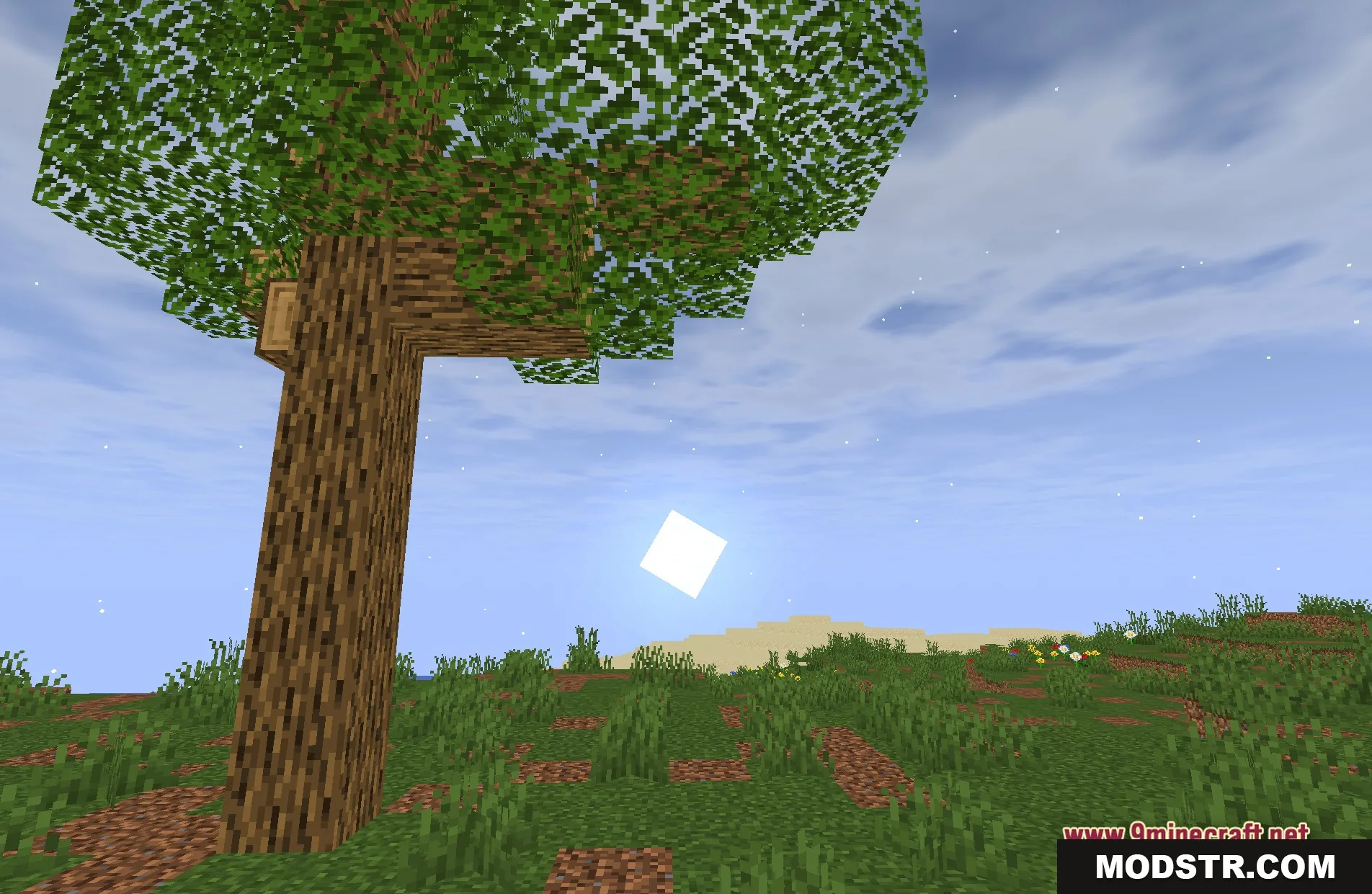
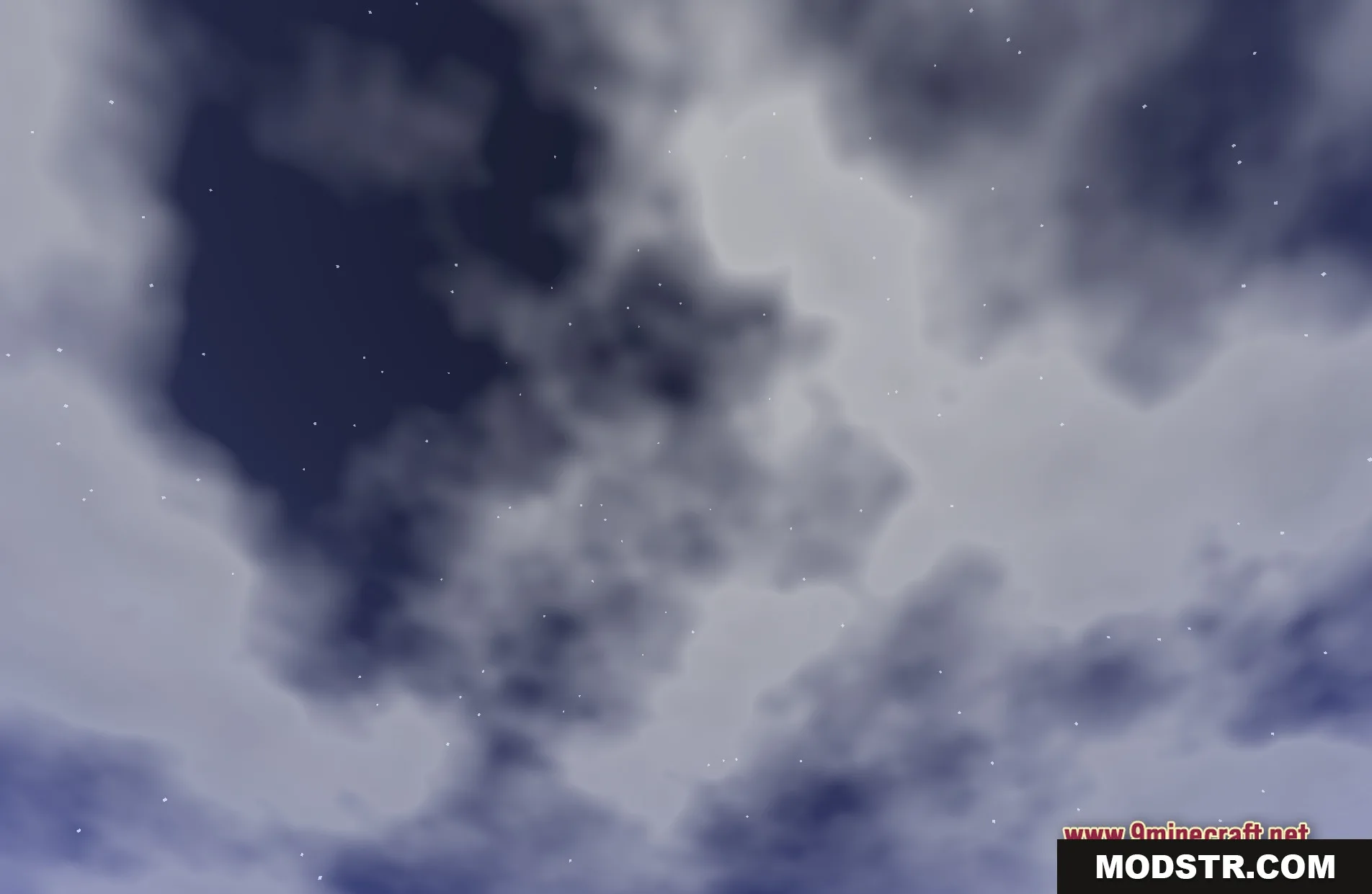
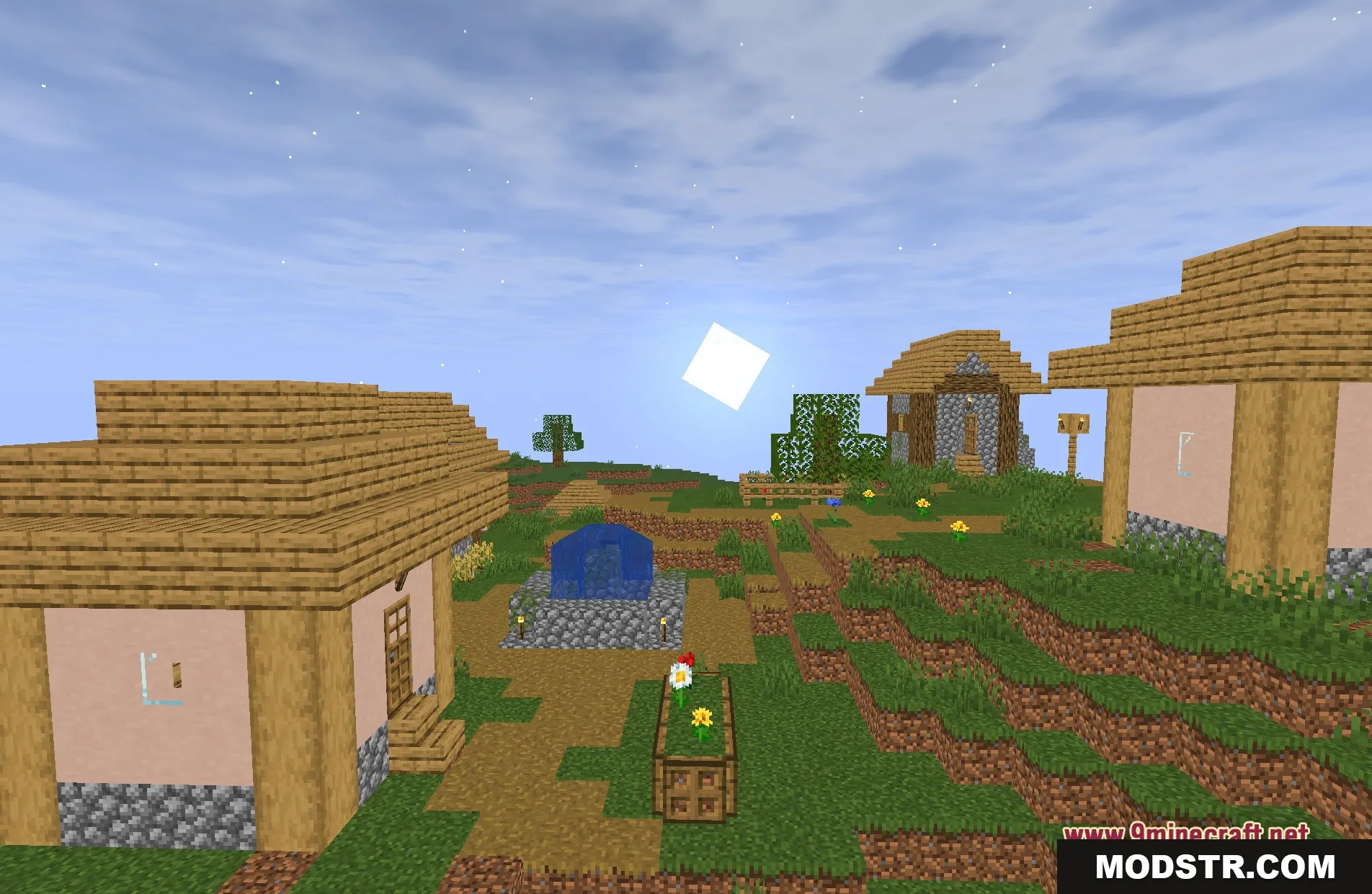
DOWNLOAD FILES
- shader