
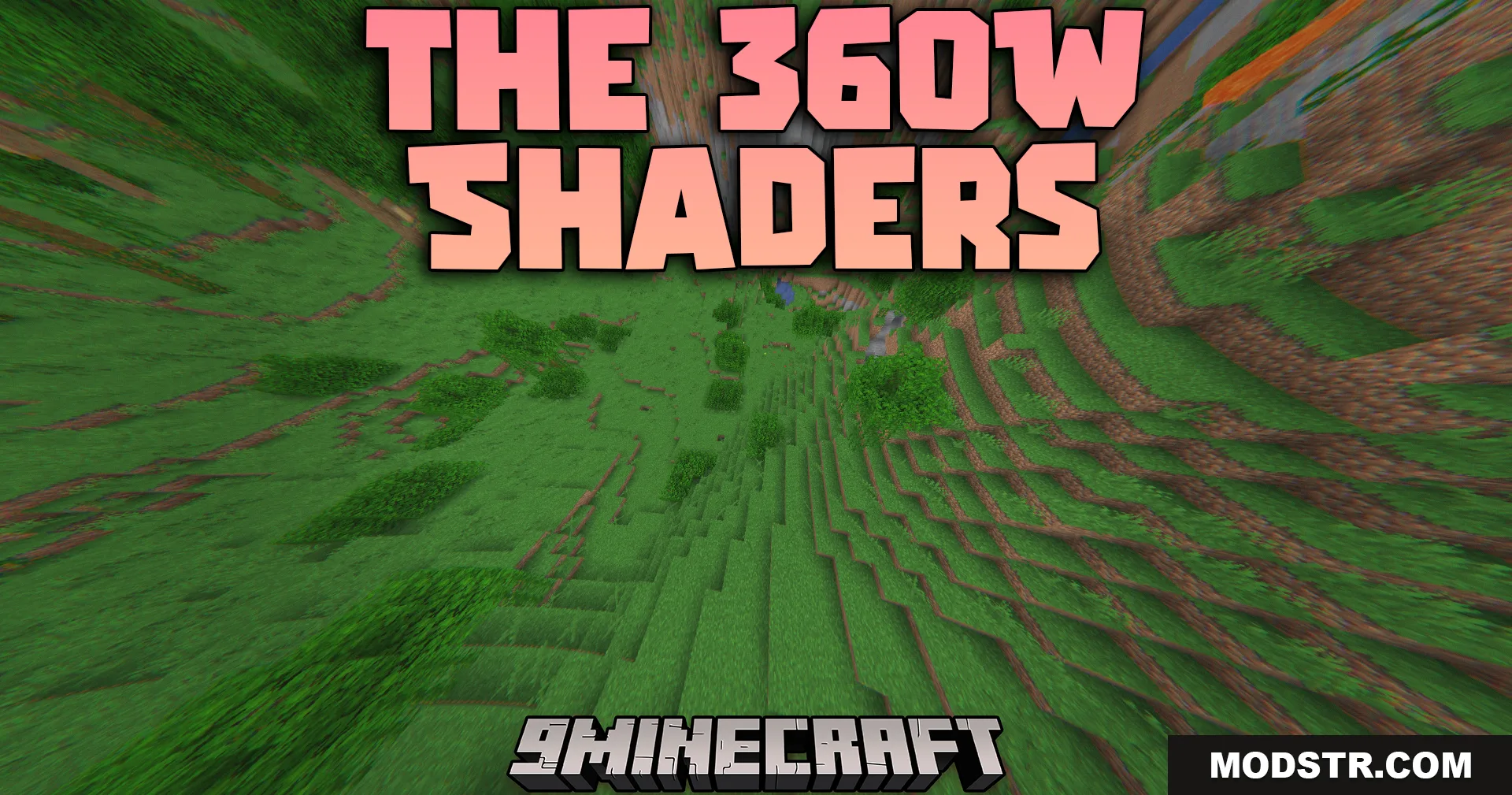
The 360W Shaders (26.2, 1.20.1) – Wide-Angle Drone Camera Motion
A shader that simulates drone camera footage with wide-angle lens effects, altitude haze, and camera motion for Minecraft 1.20.1. Optimized for older hardware.
- 1.7.10 → 1.21.11 +71
Show all 71 versions
- 1.21.11
- 1.21.10
- 1.21.9
- 1.21.8
- 1.21.7
- 1.21.6
- 1.21.5
- 1.21.4
- 1.21.3
- 1.21.2
- 1.21.1
- 1.21
- 1.20.6
- 1.20.5
- 1.20.4
- 1.20.3
- 1.20.2
- 1.20.1
- 1.20
- 1.19.4
- 1.19.3
- 1.19.2
- 1.19.1
- 1.19
- 1.18.2
- 1.18.1
- 1.18
- 1.17.1
- 1.17
- 1.16.5
- 1.16.4
- 1.16.3
- 1.16.2
- 1.16.1
- 1.16
- 1.15.2
- 1.15.1
- 1.15
- 1.14.4
- 1.14.3
- 1.14.2
- 1.14.1
- 1.14
- 1.13.2
- 1.13.1
- 1.13
- 1.12.2
- 1.12.1
- 1.12
- 1.11.2
- 1.11.1
- 1.11
- 1.10.2
- 1.10.1
- 1.10
- 1.9.4
- 1.9.3
- 1.9.2
- 1.9.1
- 1.9
- 1.8.9
- 1.8.8
- 1.8.7
- 1.8.6
- 1.8.5
- 1.8.4
- 1.8.3
- 1.8.2
- 1.8.1
- 1.8
- 1.7.10
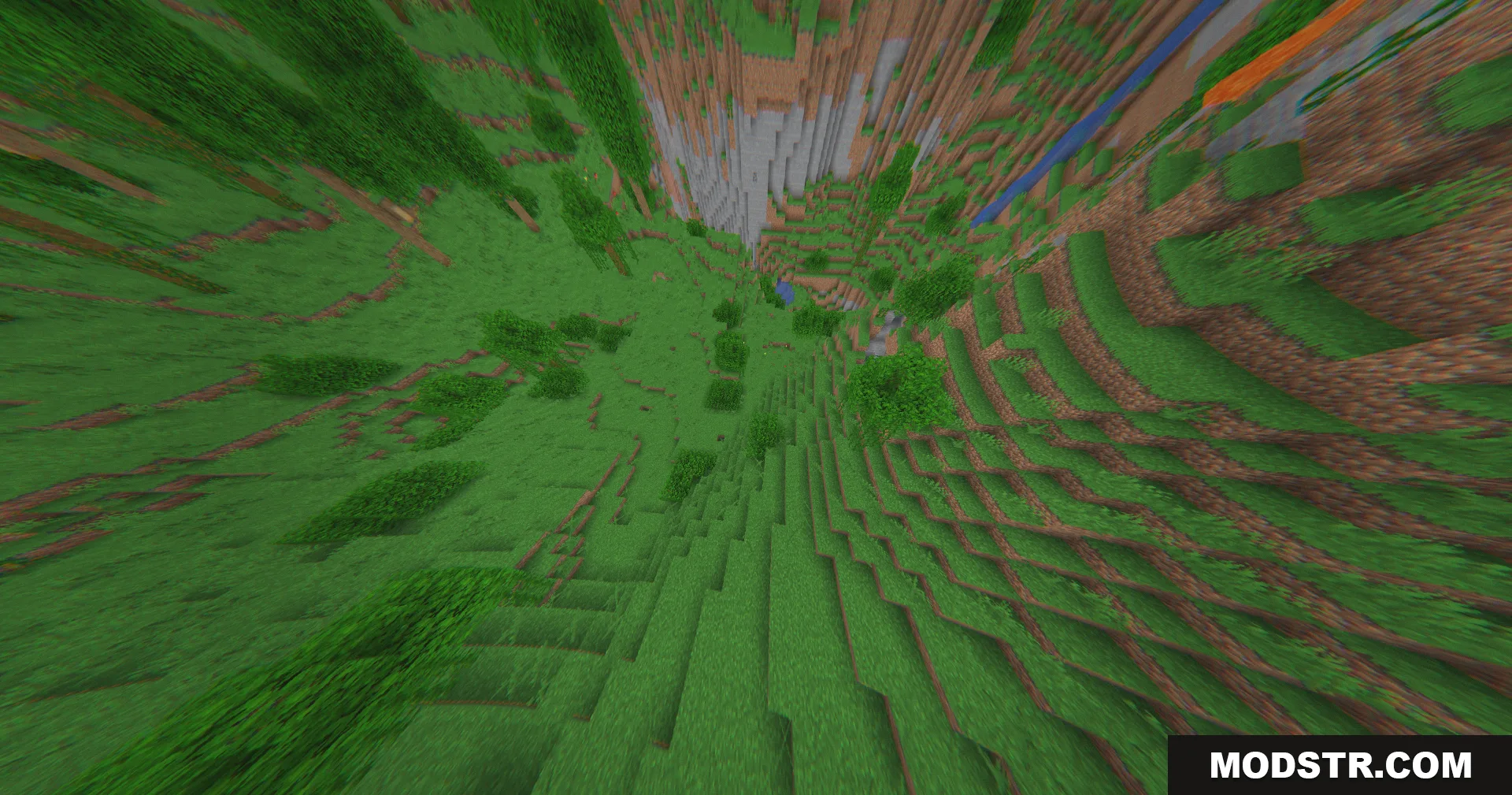
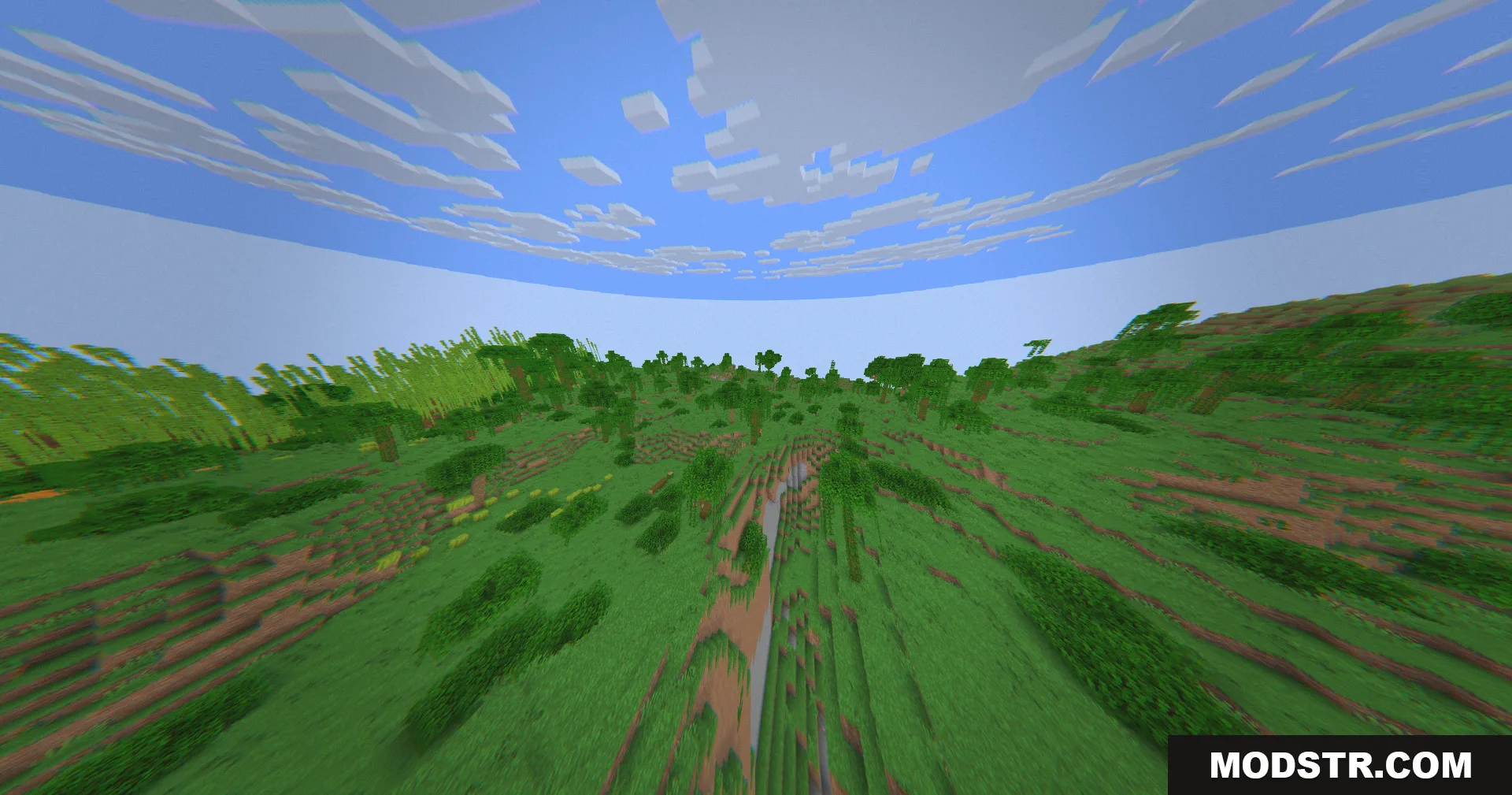
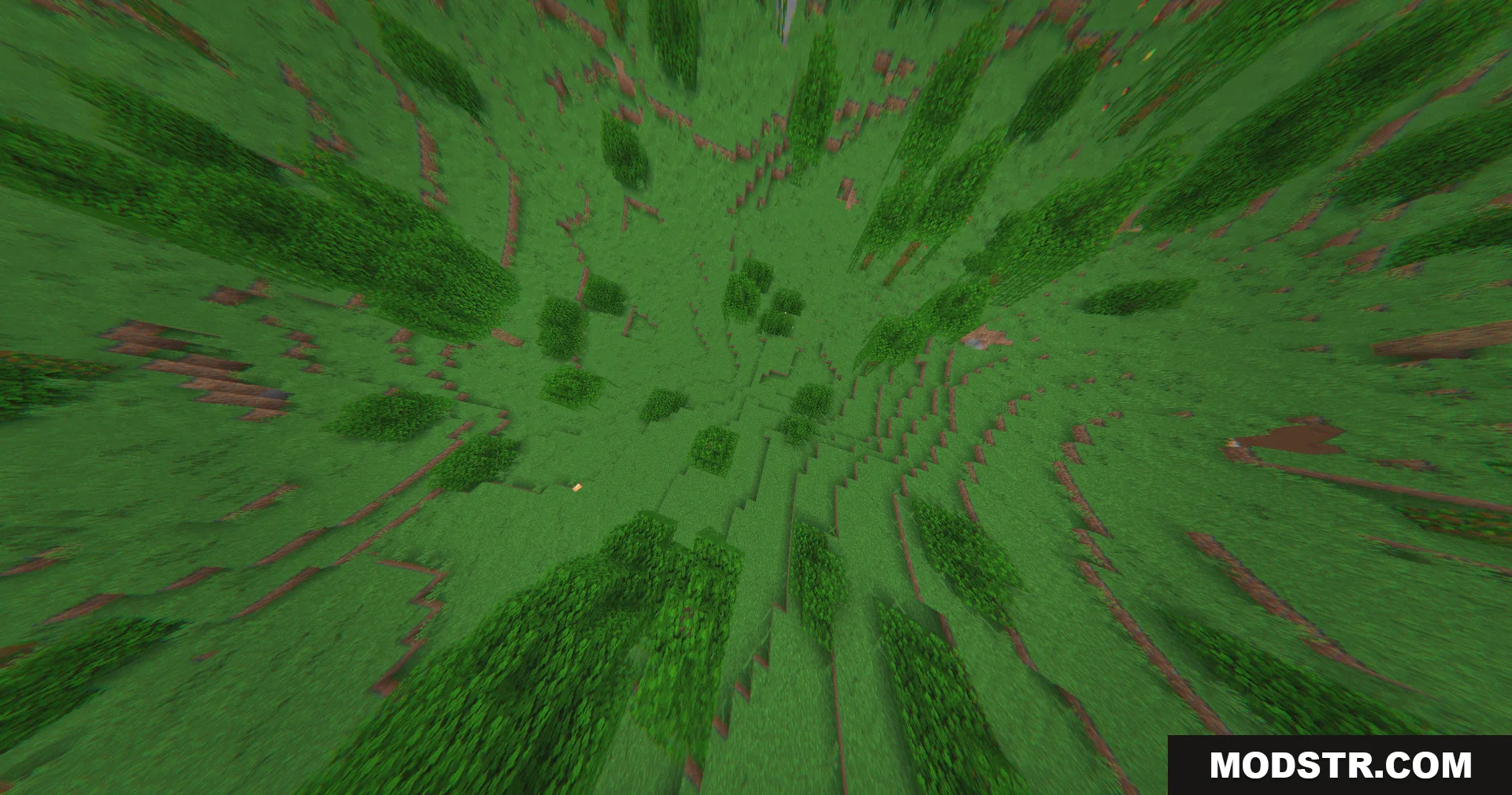
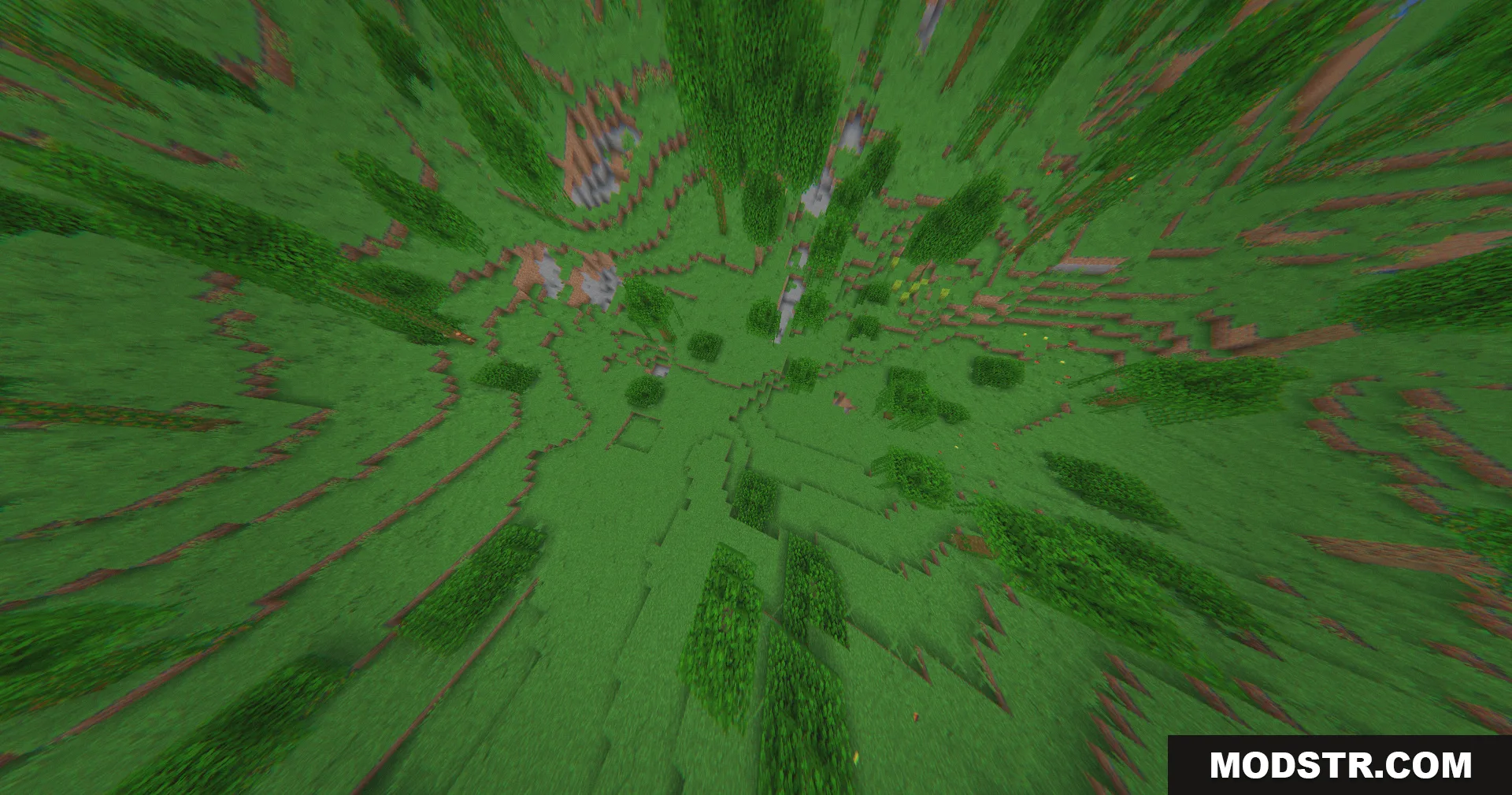
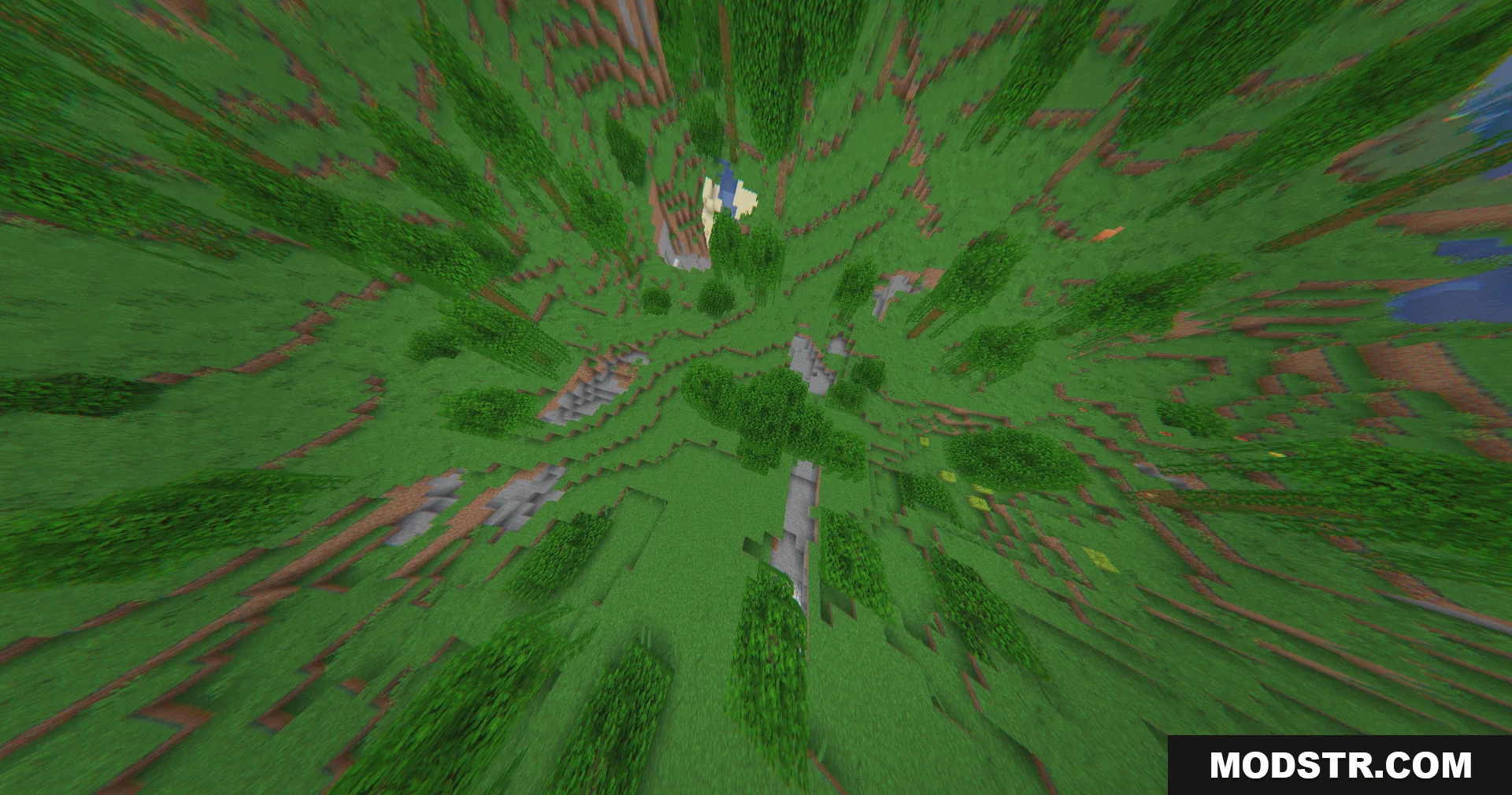
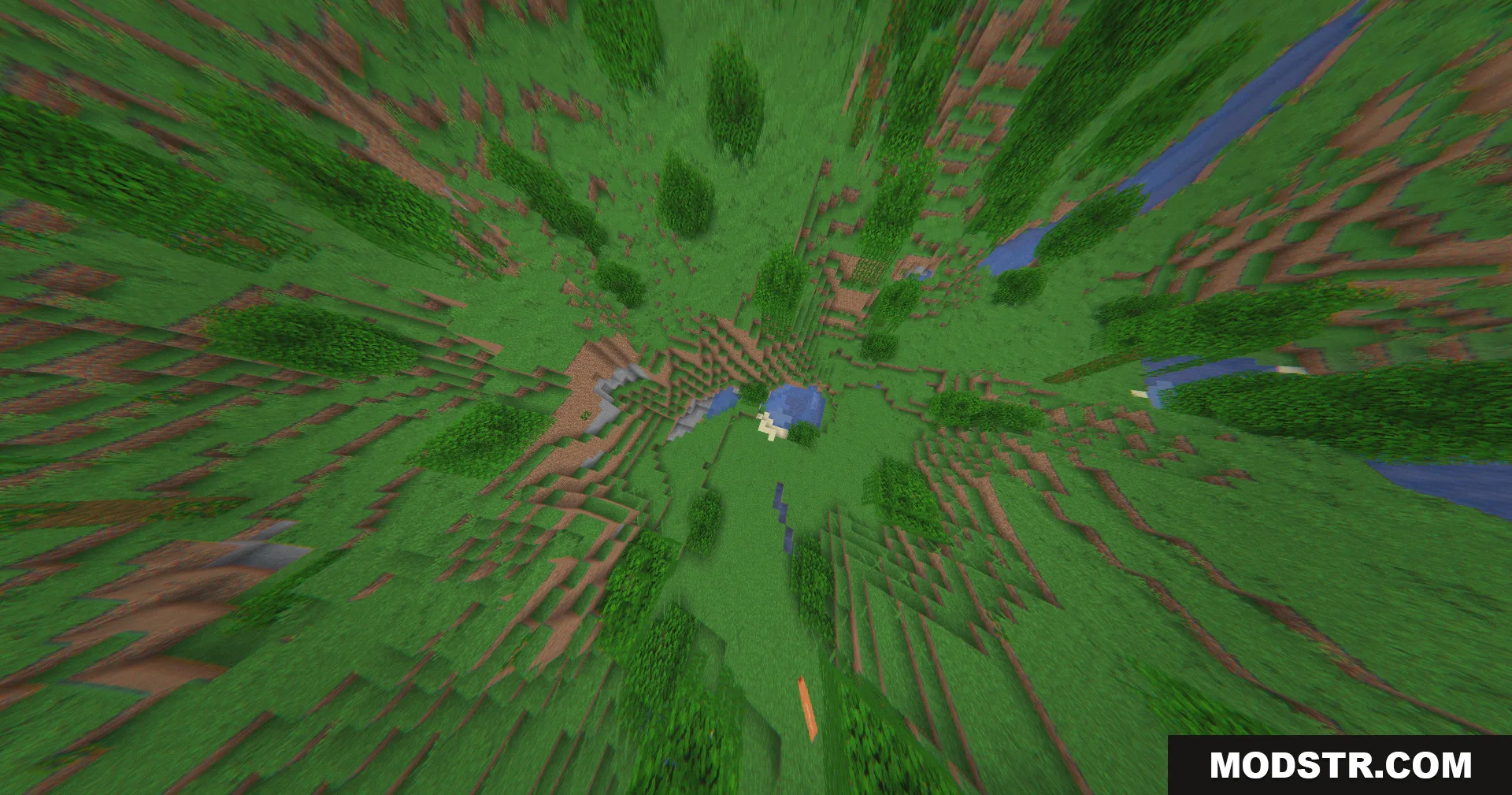
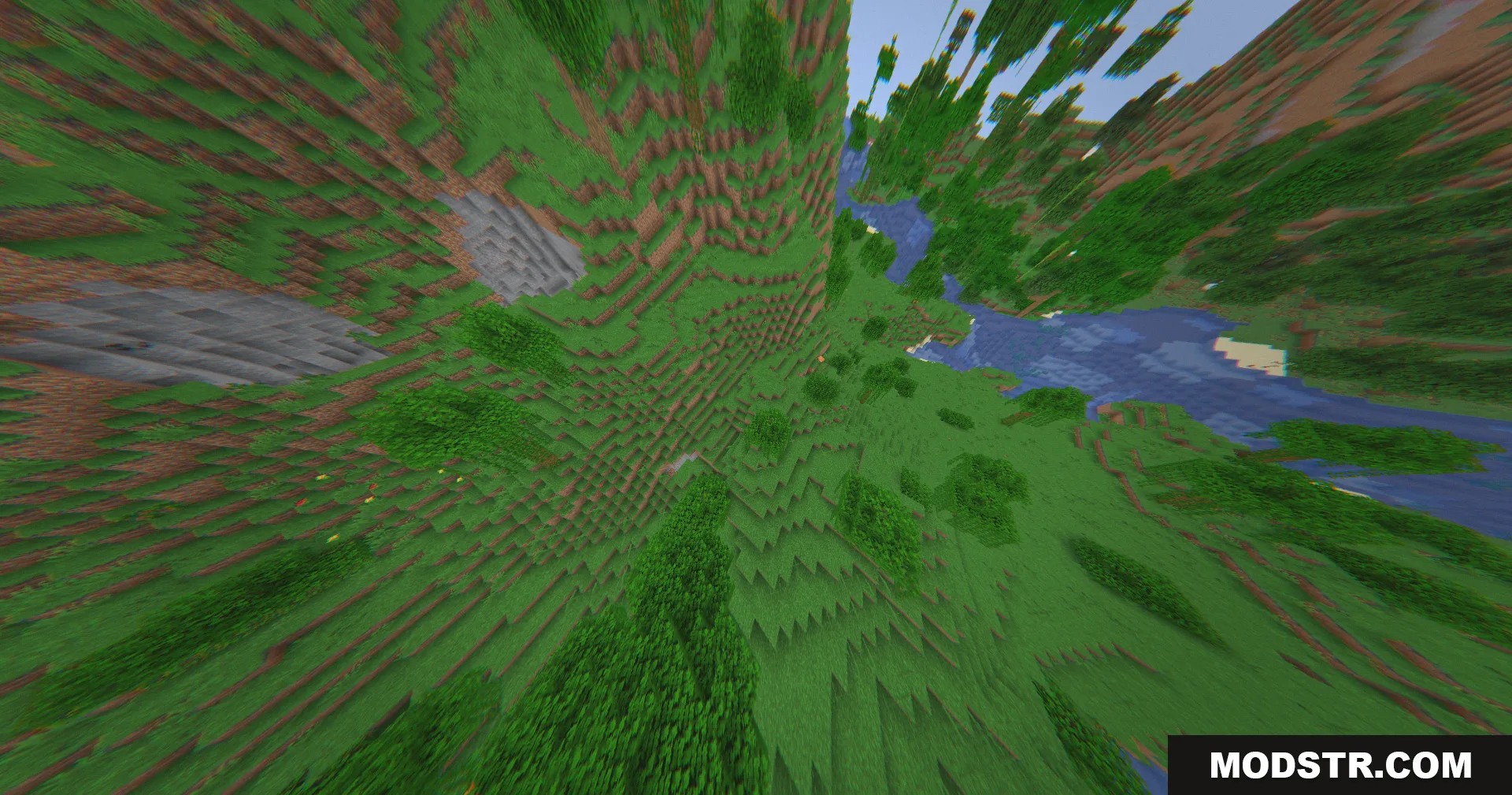
The 360W Shaders transforms your Minecraft view to simulate footage from a flying drone camera. Rather than modifying game lighting, it applies post-processing camera effects to create the appearance of watching the world through an action camera mounted high in the sky. The shader is designed to run smoothly on older computers.
Features
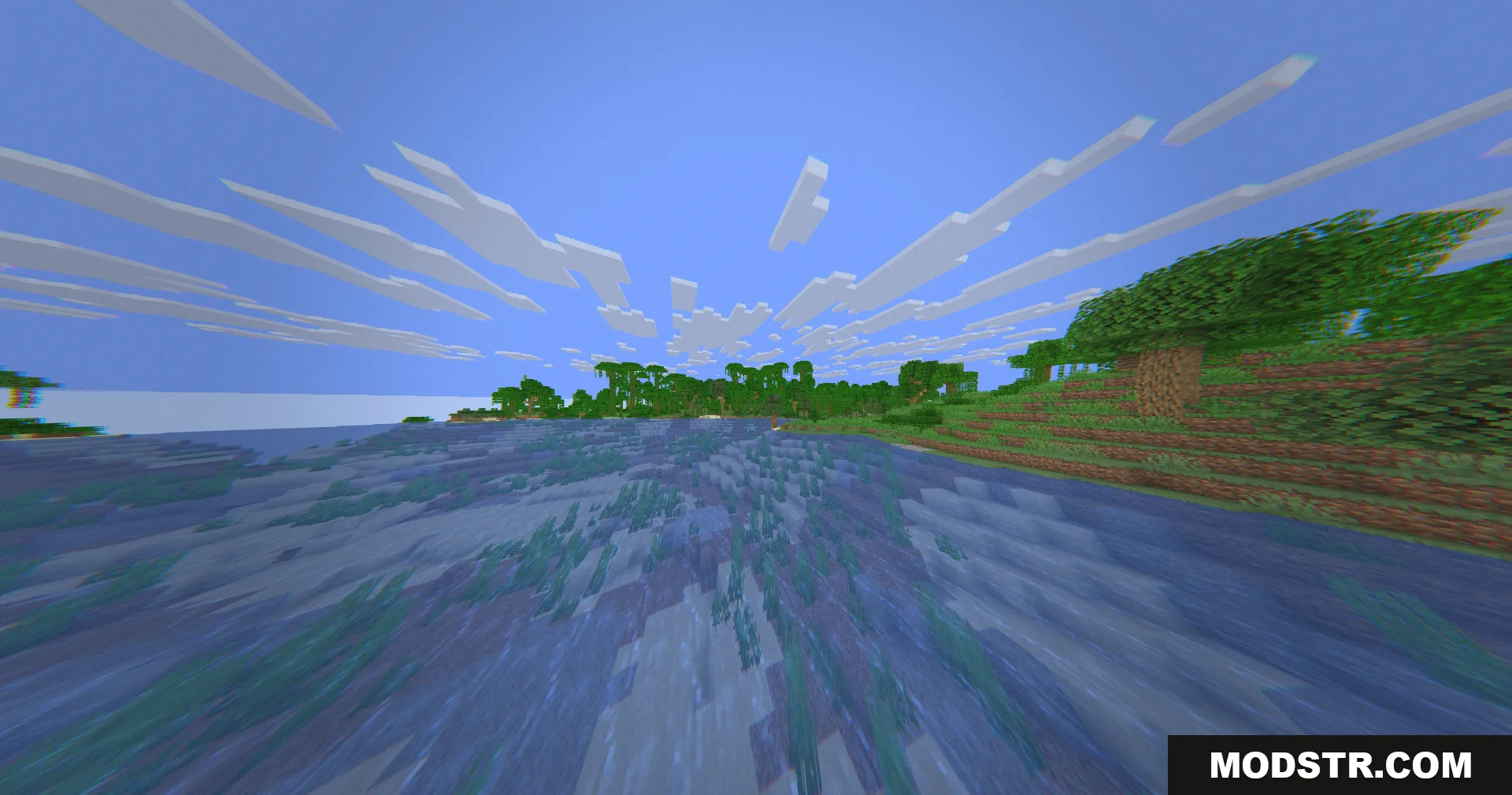
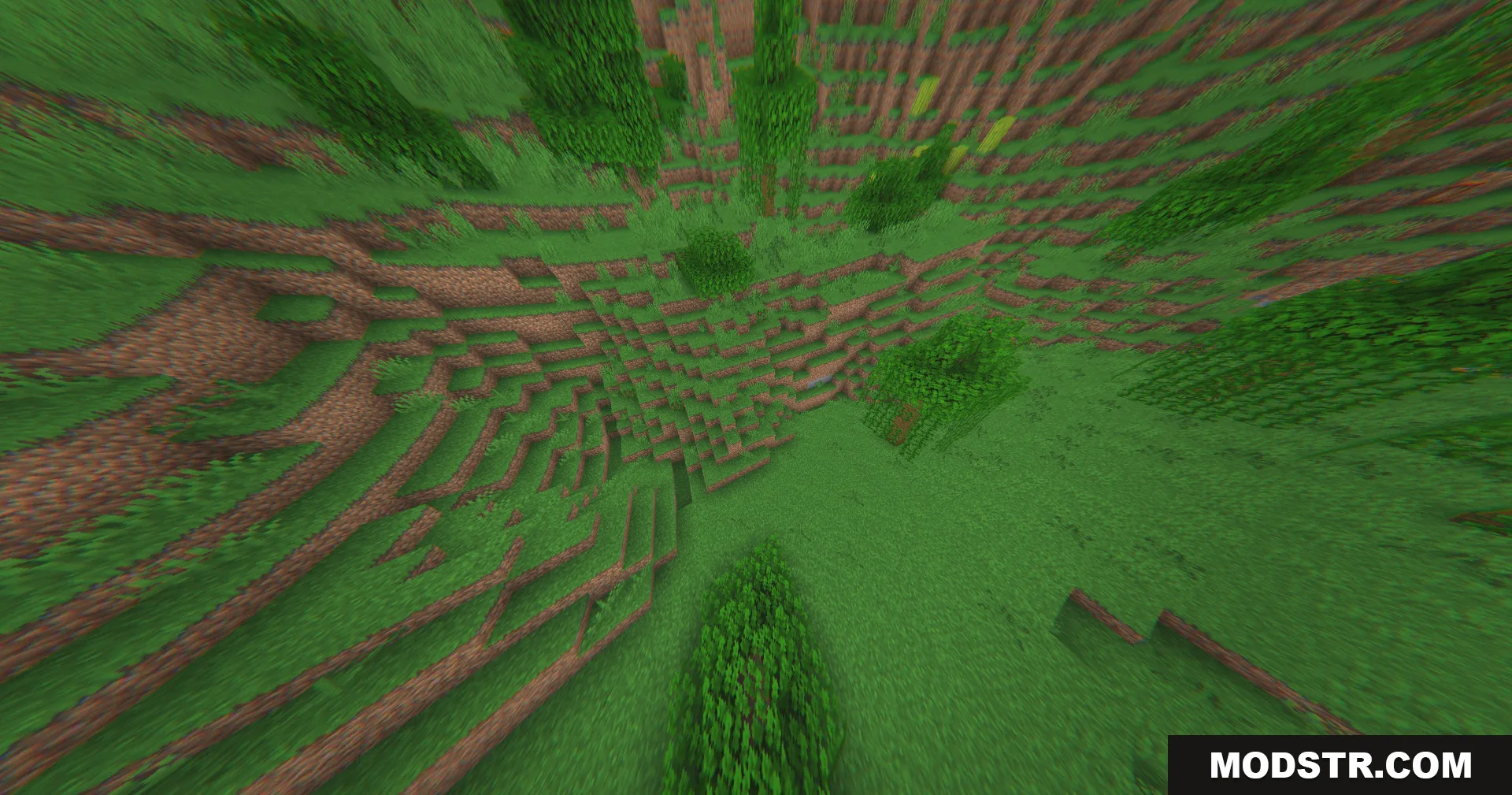
- Drone camera motion adds small continuous movements to simulate motor vibrations and wind drift.
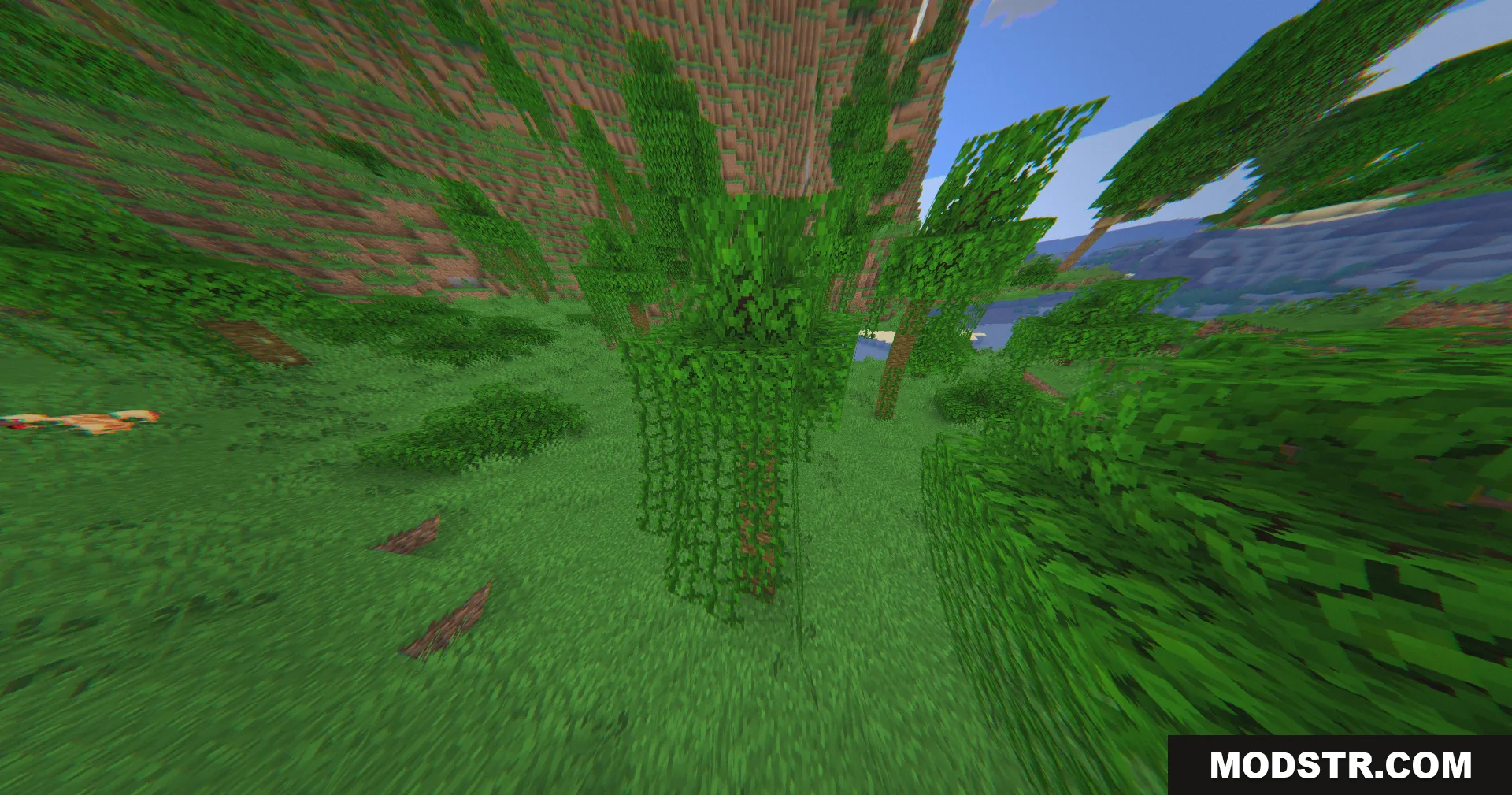
- Wide-angle lens distortion bends straight lines at screen edges to expand the field of view.
- Altitude haze blends distant blocks with blue coloring to create an aerial video atmosphere.
- Chromatic aberration separates colors slightly at screen edges to replicate camera lens artifacts.
- Bloom softening reduces harsh bright spots on the sky and blocks for easier viewing.
- Vignette darkening frames the view by darkening the screen corners like a physical camera lens.
- Digital sensor noise adds subtle animated grain texture to mimic camera sensor output.
- Lightweight processing avoids heavy features like custom shadows or reflections to maintain performance.
Installation
- Ensure you have a shader-compatible resource pack loader installed for your Minecraft version.
- Download the 360W Shaders file for Minecraft 1.20.1.
- Place the shader file in your shader pack folder or resource pack directory.
- Launch Minecraft and navigate to Settings > Video Settings > Shaders.
- Select the 360W Shaders from the list and apply the changes.
DOWNLOAD FILES
- shader