
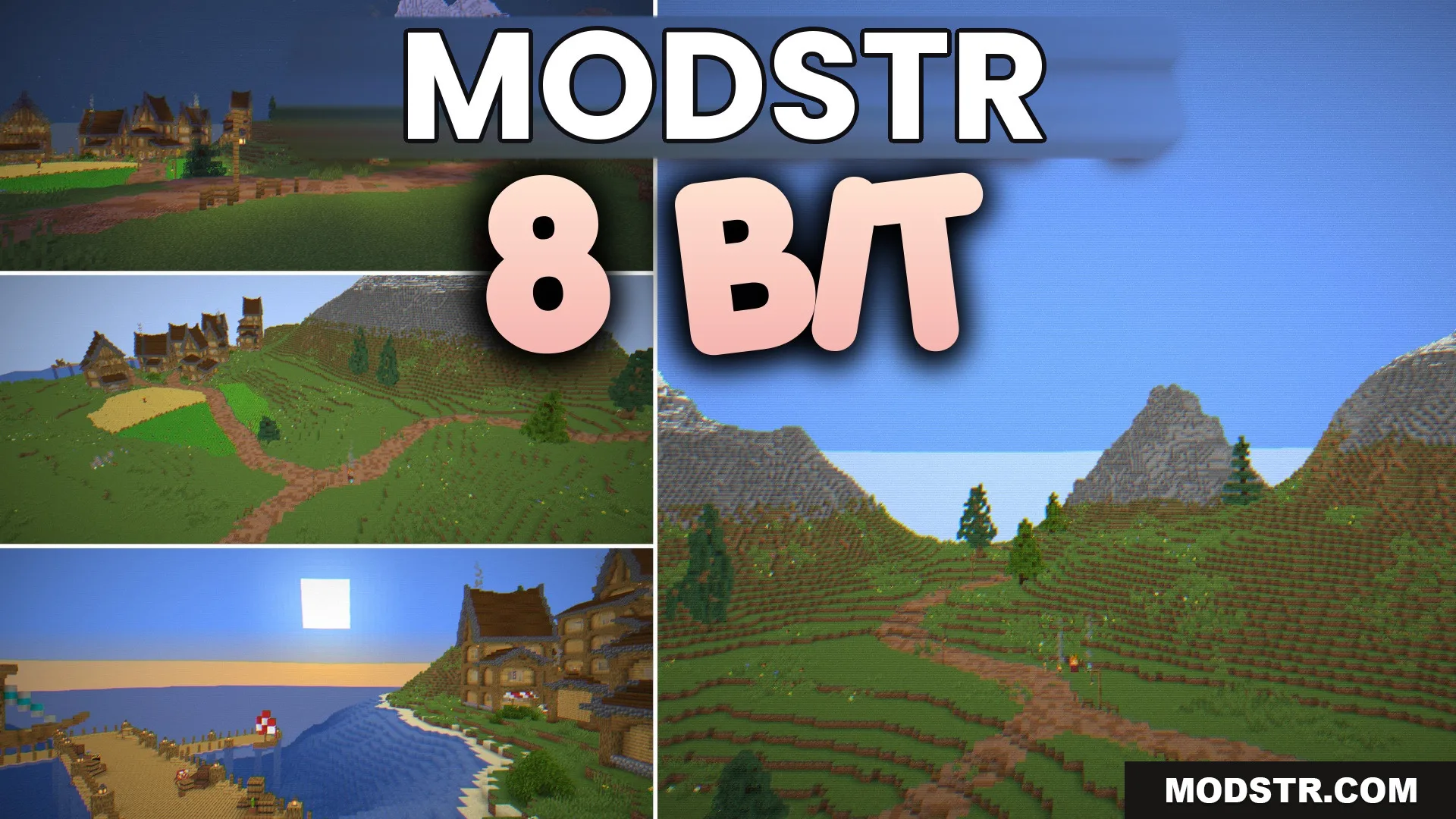
8 BIT Shaders (26.2, 1.20.1) – Retro Arcade Scanlines and Pixel Art
The 8 BIT Shaders provide a retro aesthetic to Minecraft, featuring pixel art graphics and arcade-style visuals. These shaders enhance the gaming experience with classic scanlines and vibrant colors.
- 1.20.1
The 8 BIT Shaders introduce a vintage style to your Minecraft experience. This shader set is designed for players who appreciate a pixelated aesthetic reminiscent of classic arcade games.
Features
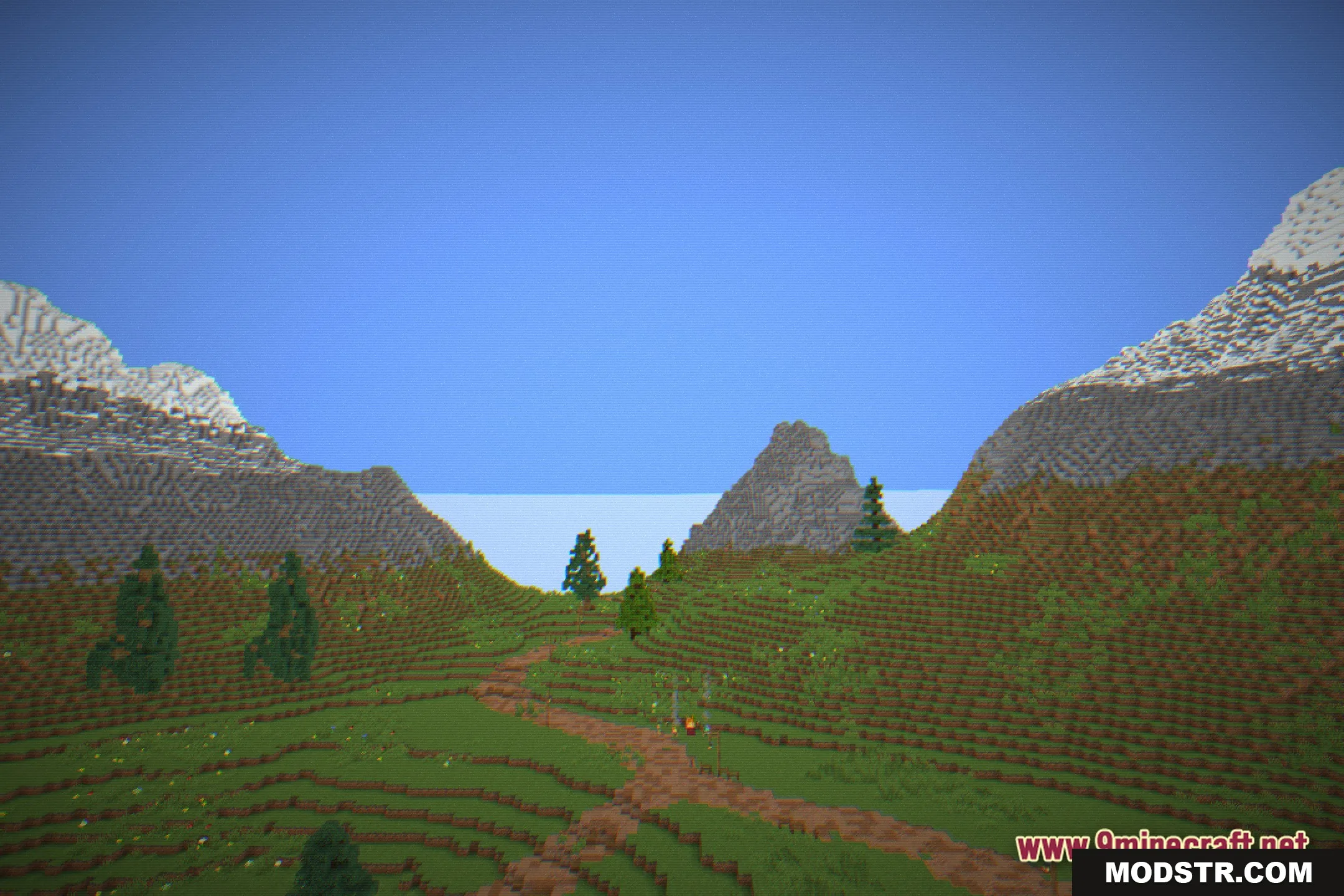
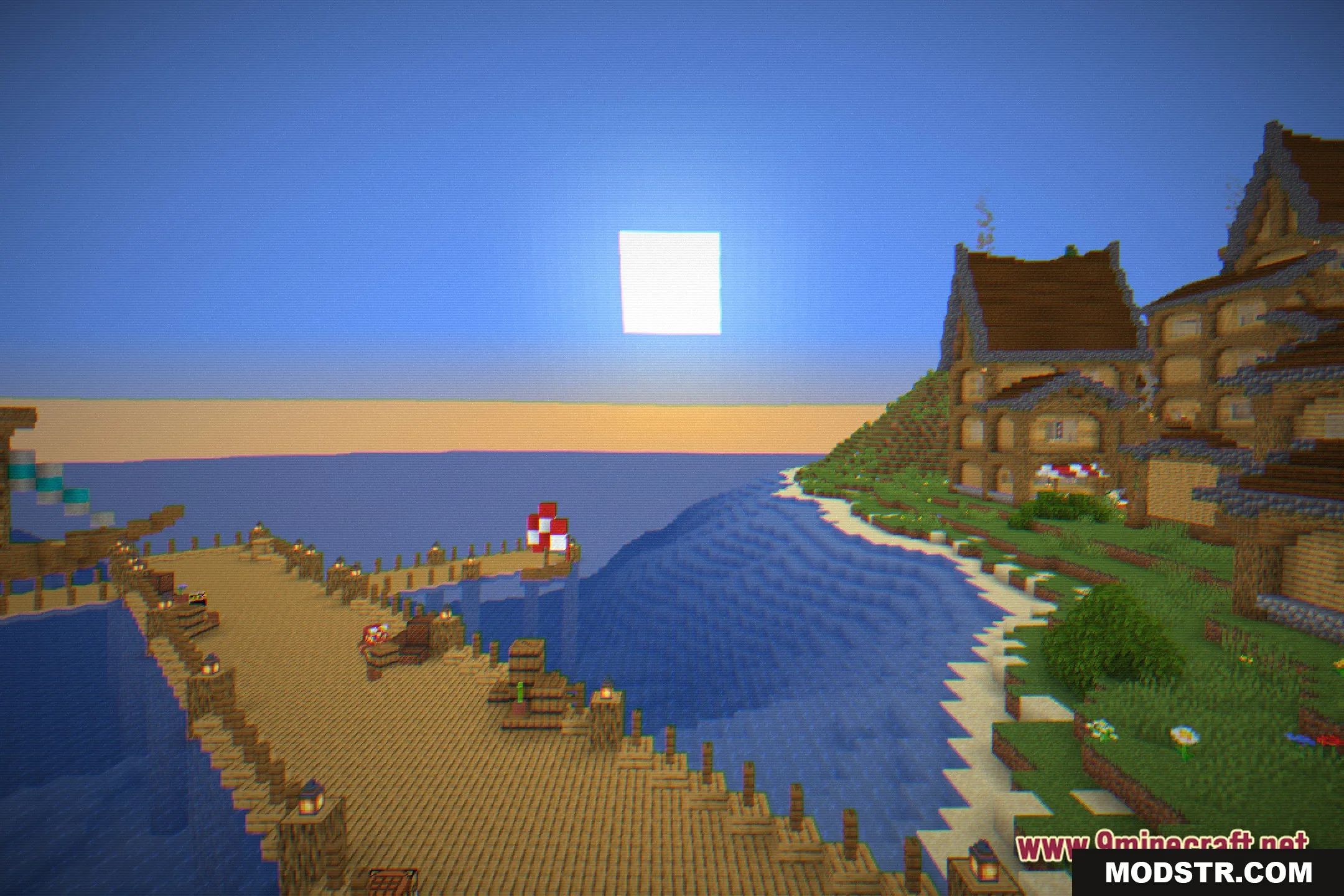
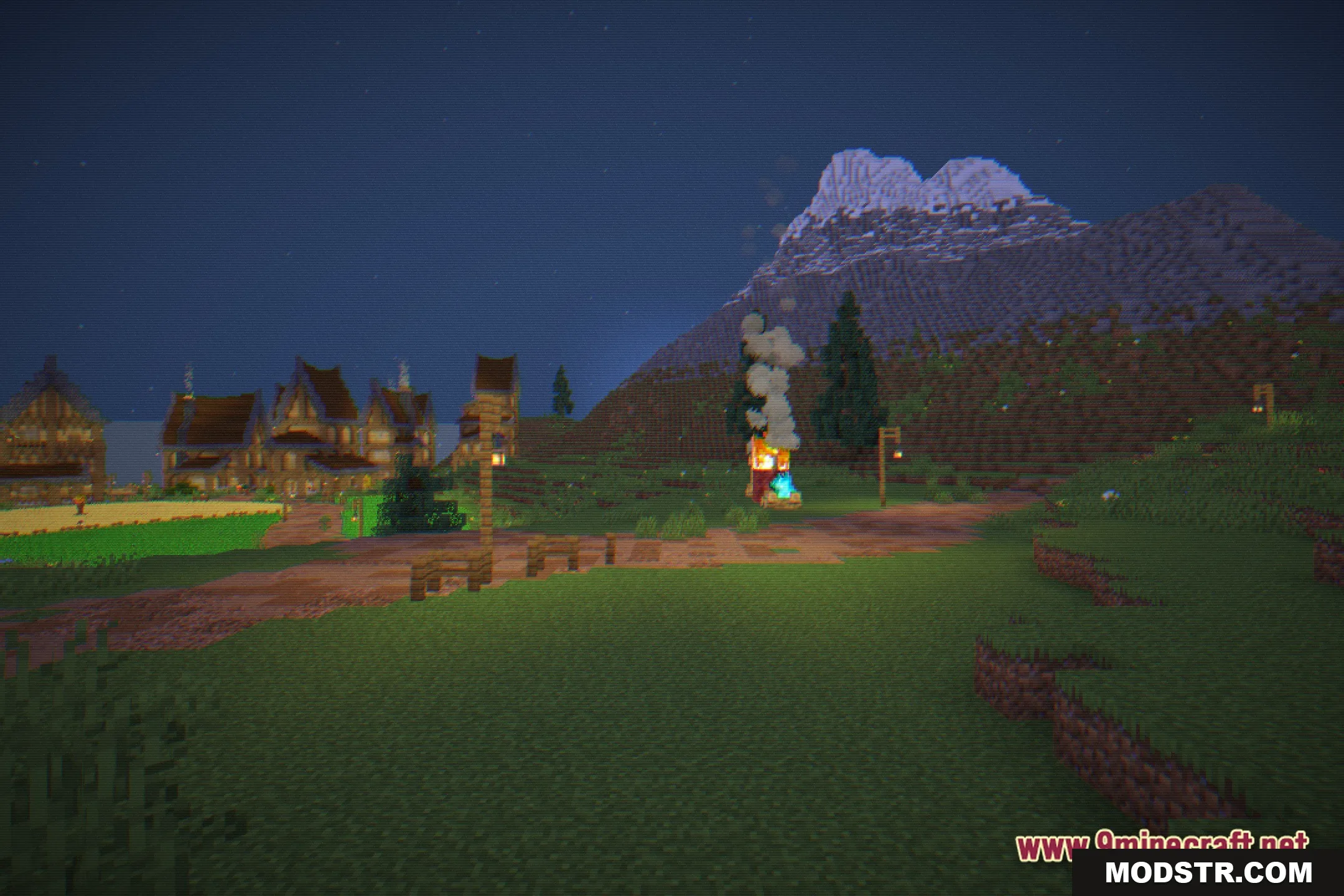
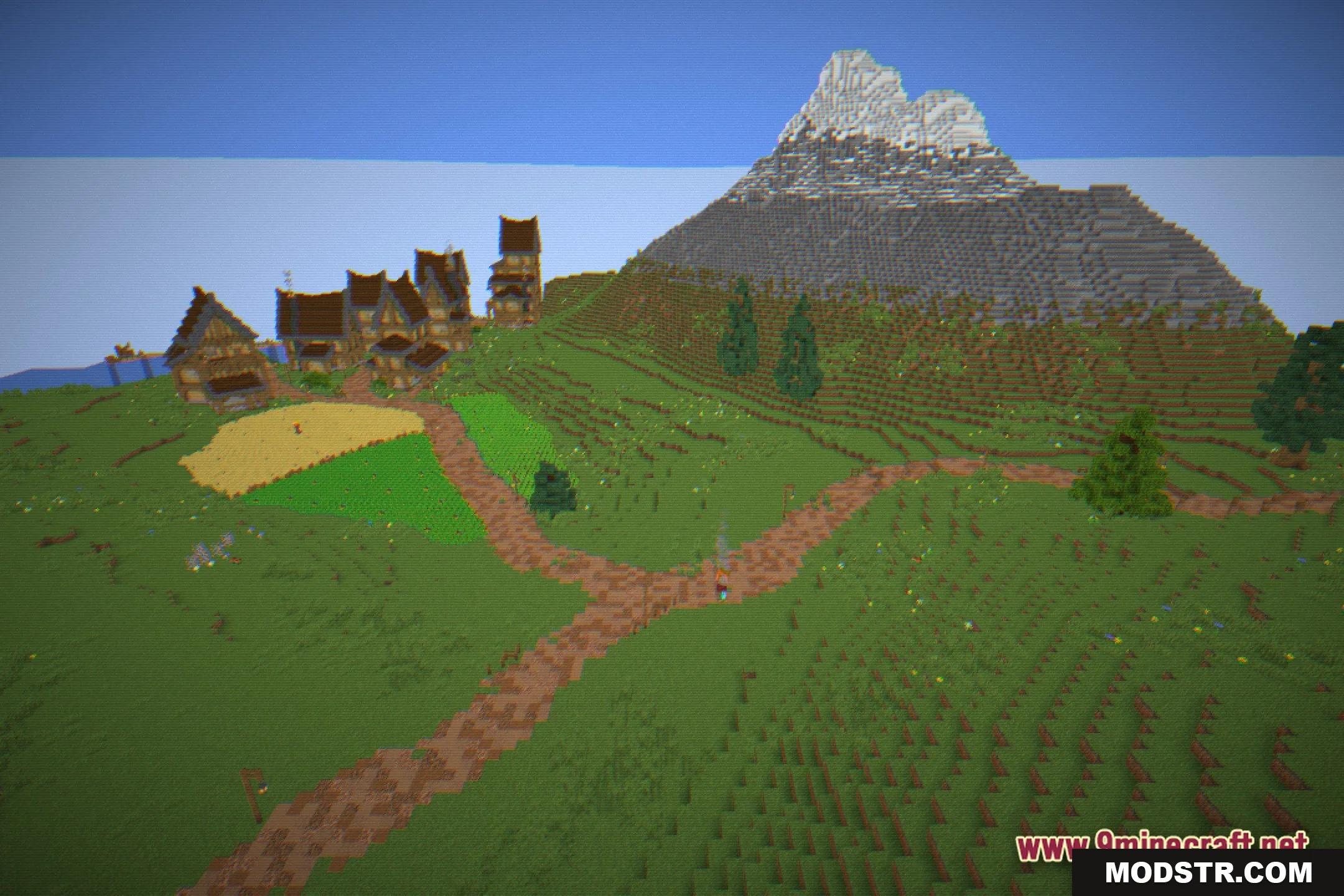
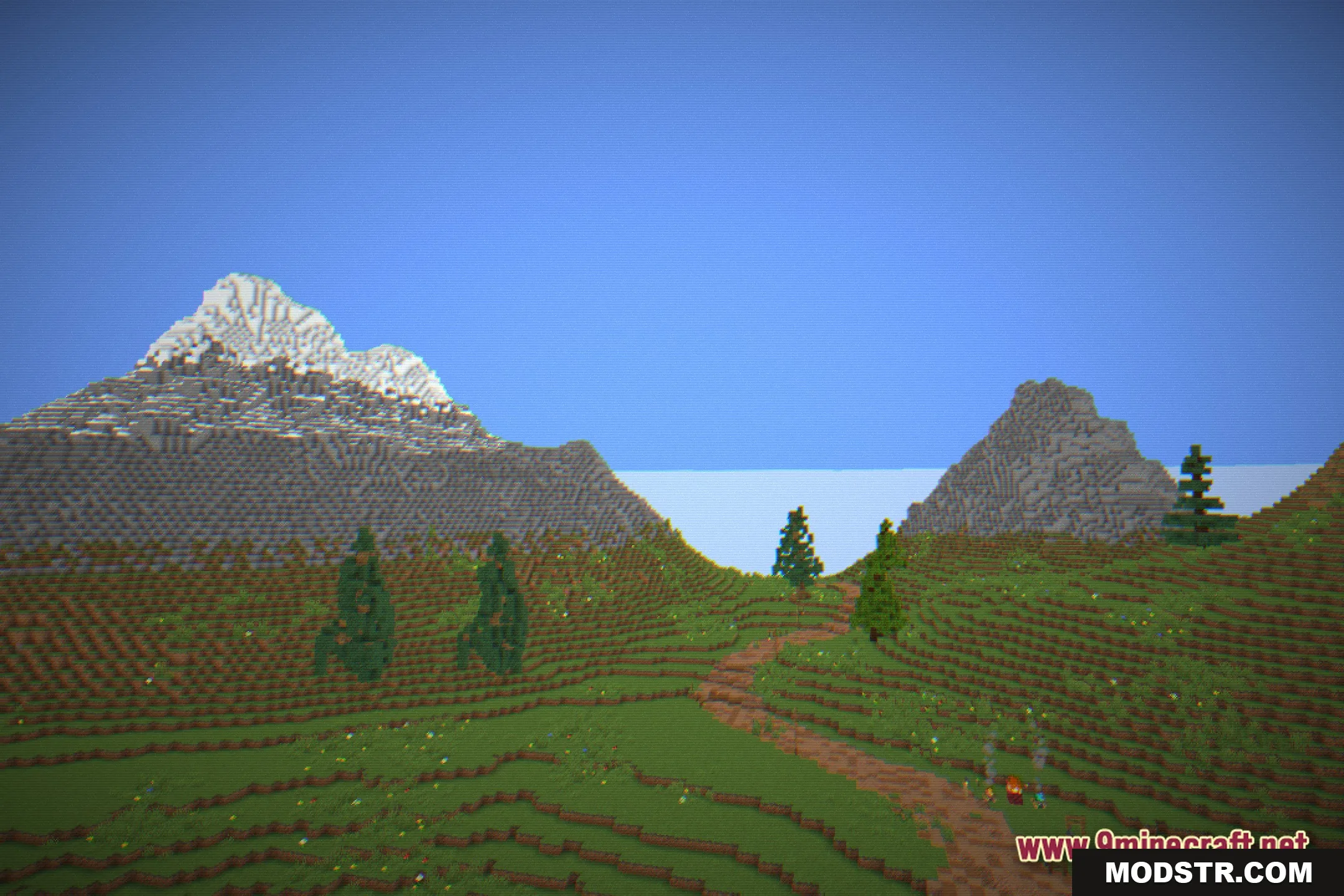
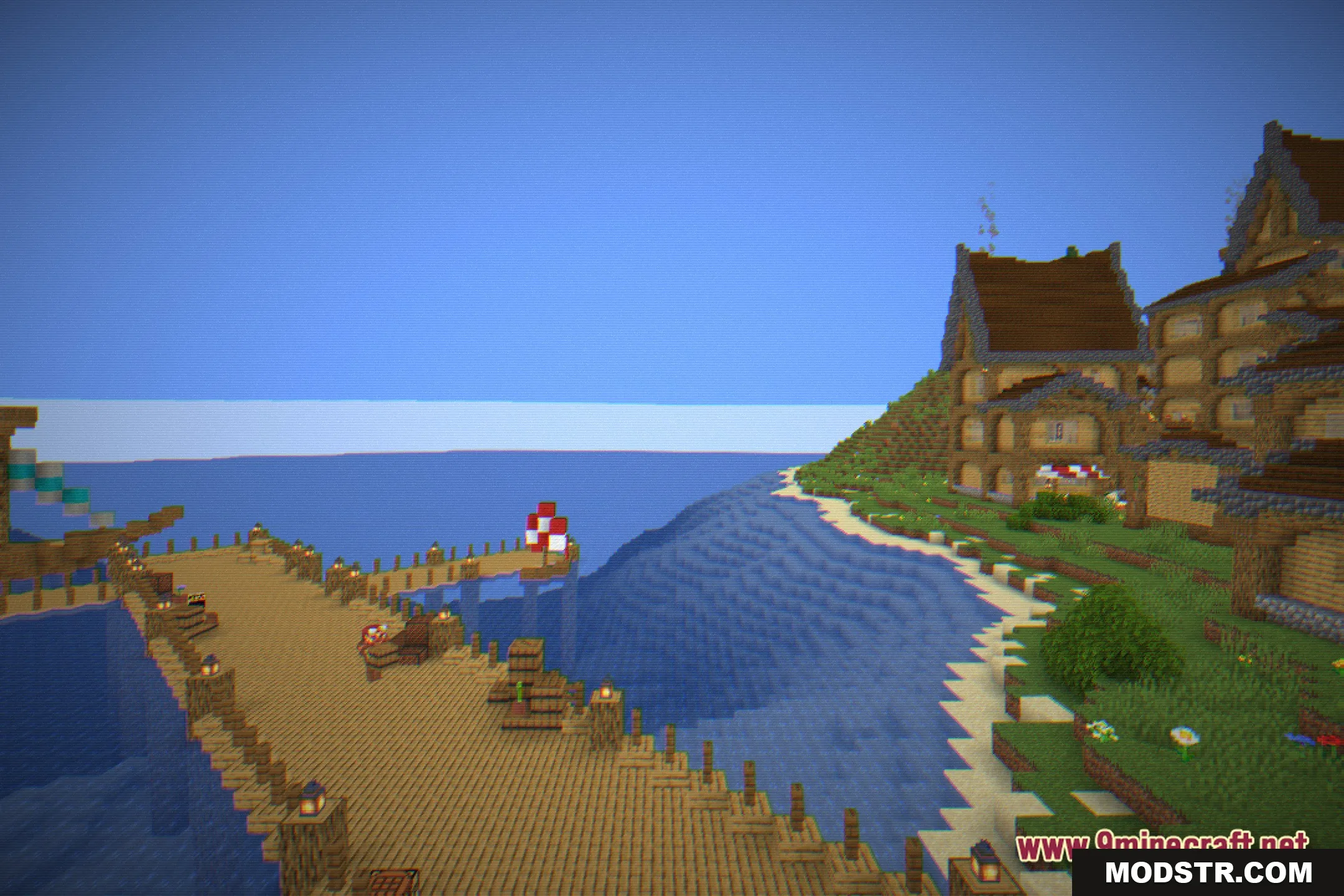
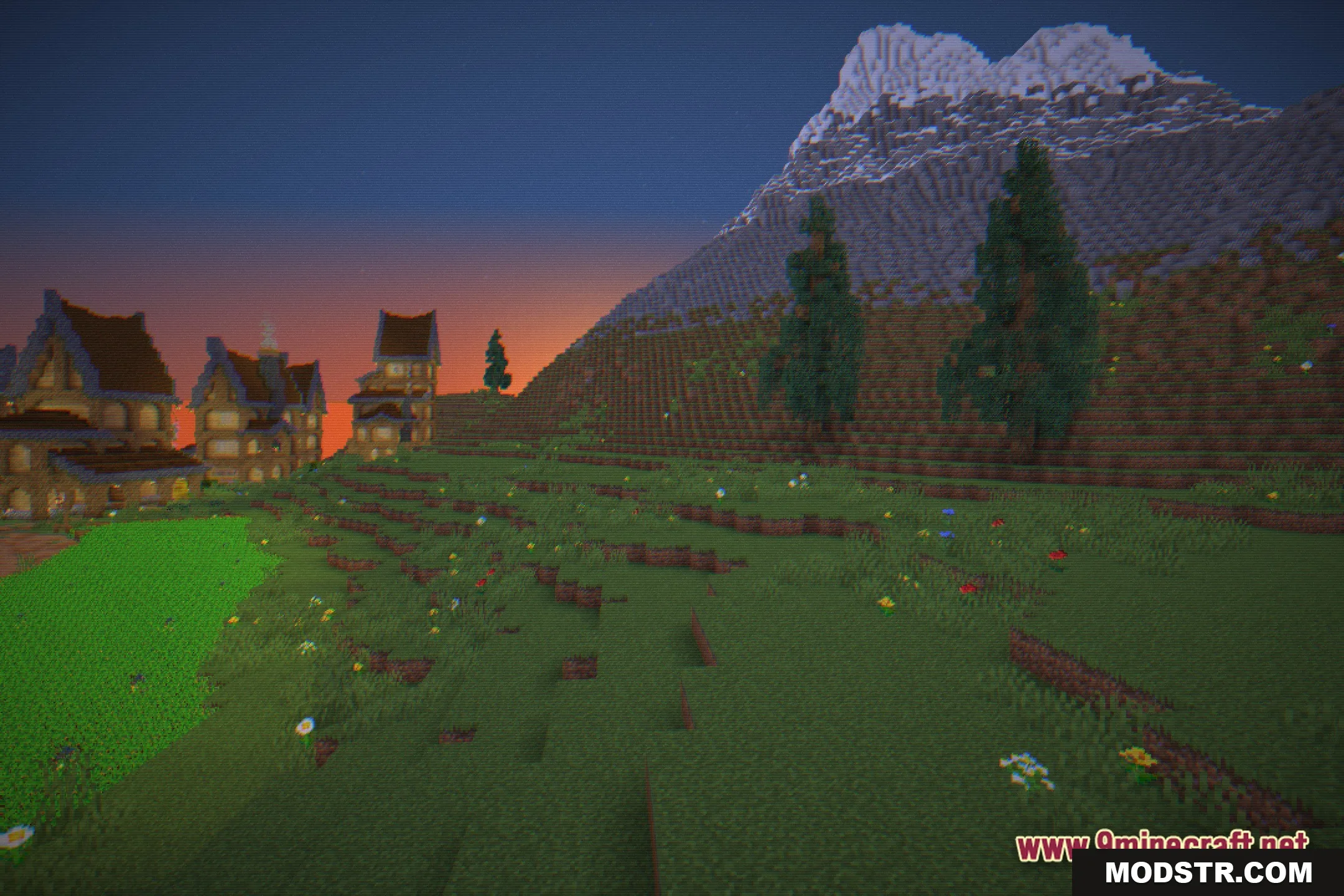
- Retro Scanlines: Adds faint lines across your screen to mimic old arcade monitors and box TVs.
- Pixelated Look: Transforms blocky graphics into a sharper, pixel-art style for an authentic 8-bit experience.
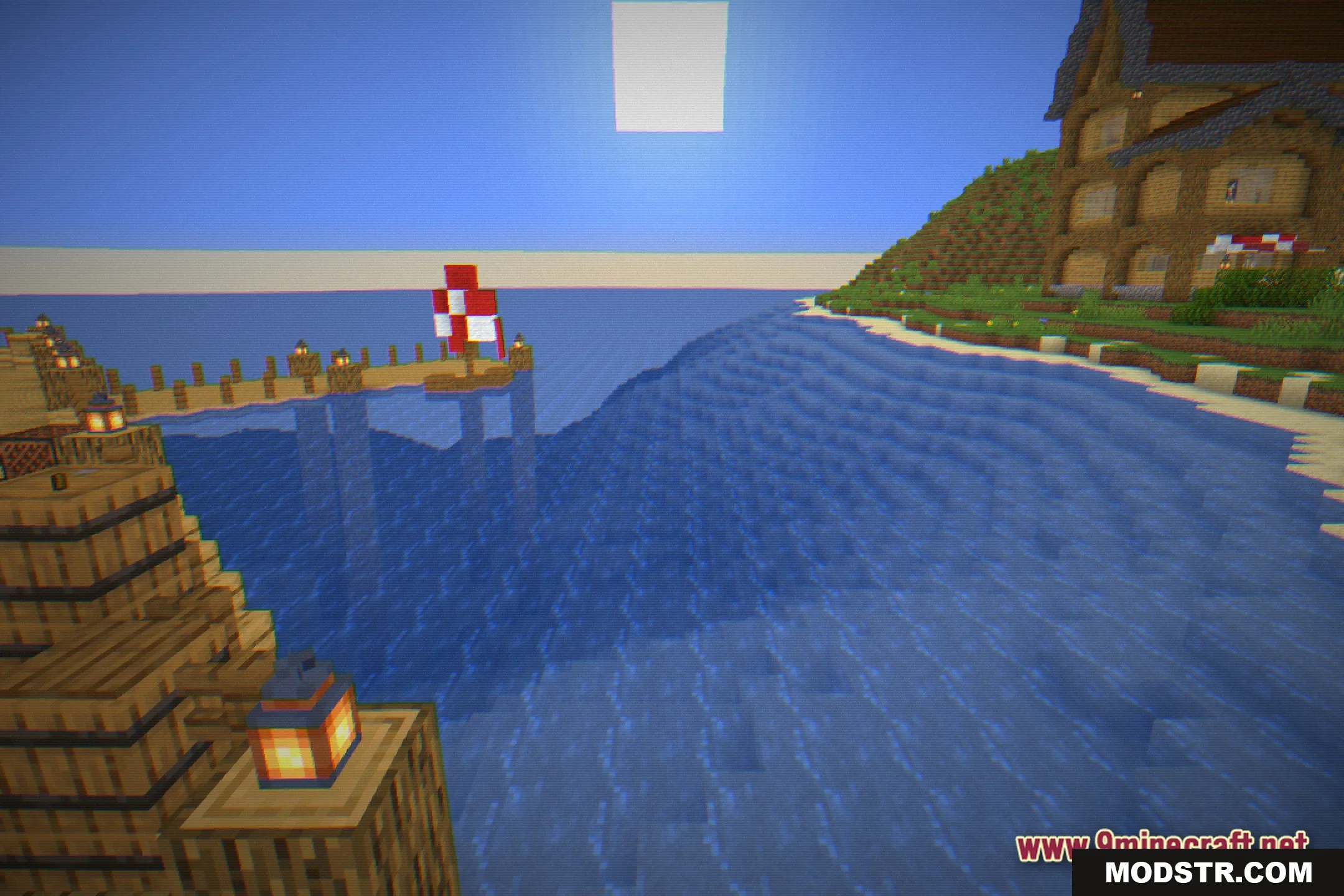
- Subtle Item Glint: Enhances enchanted tools and armor with a soft, glowing effect.
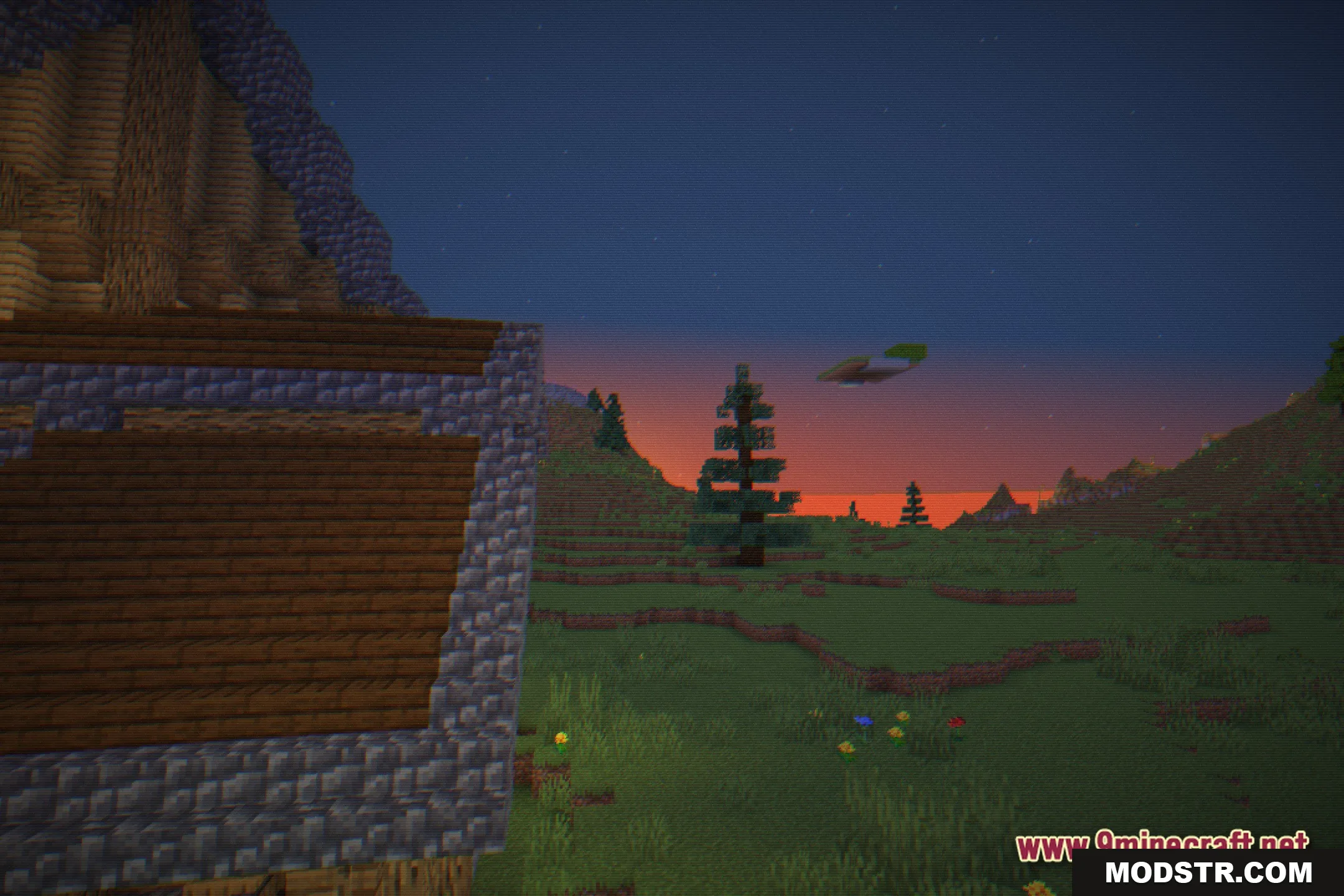
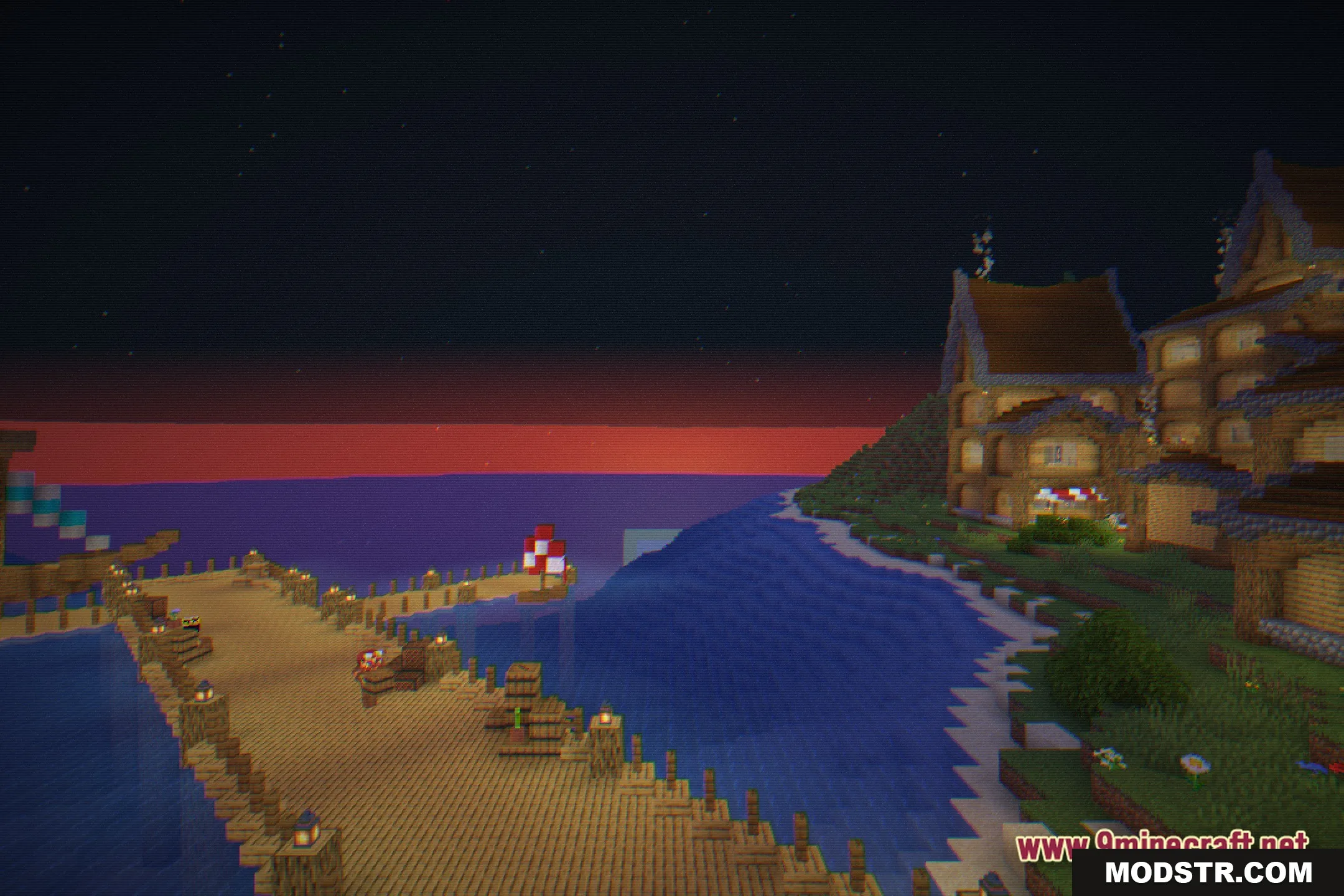
- Colorfully paints the world with bright, changing hues that make nights unique.
- Combines realistic lighting techniques with the vintage arcade style, ensuring shadows and light remain visually appealing.
Installation
- Download the shader pack from the appropriate source.
- Locate the Minecraft installation folder on your device.
- Open the "shaderpacks" folder within the Minecraft directory.
- Place the downloaded shader pack file into the "shaderpacks" folder.
- Launch Minecraft, navigate to the graphics settings, and select the shader from the shader pack menu.
Screenshots
DOWNLOAD FILES
- shader