
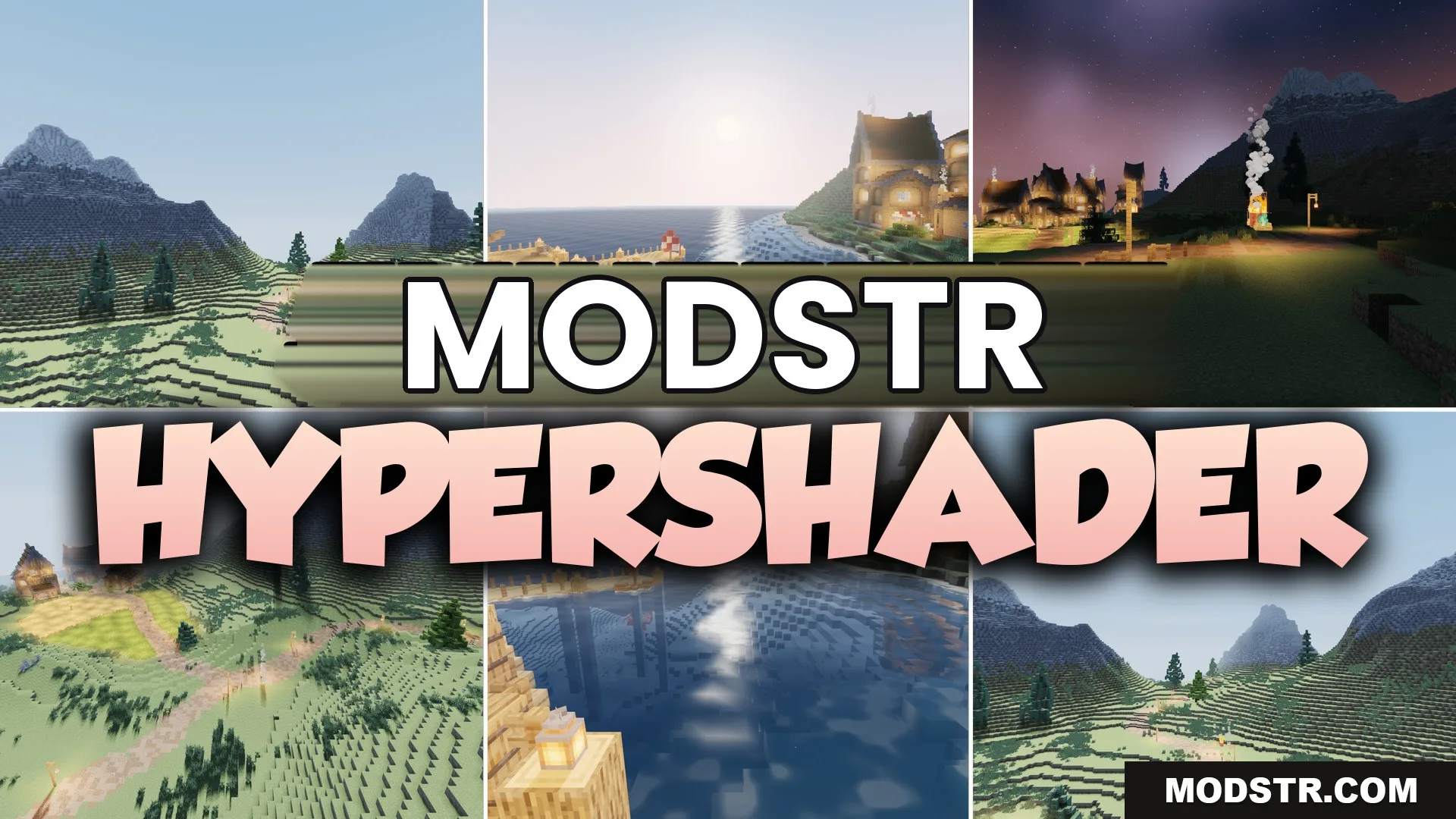
HyperShader Shaders (26.2, 1.20.1) – Realistic Lighting with High FPS
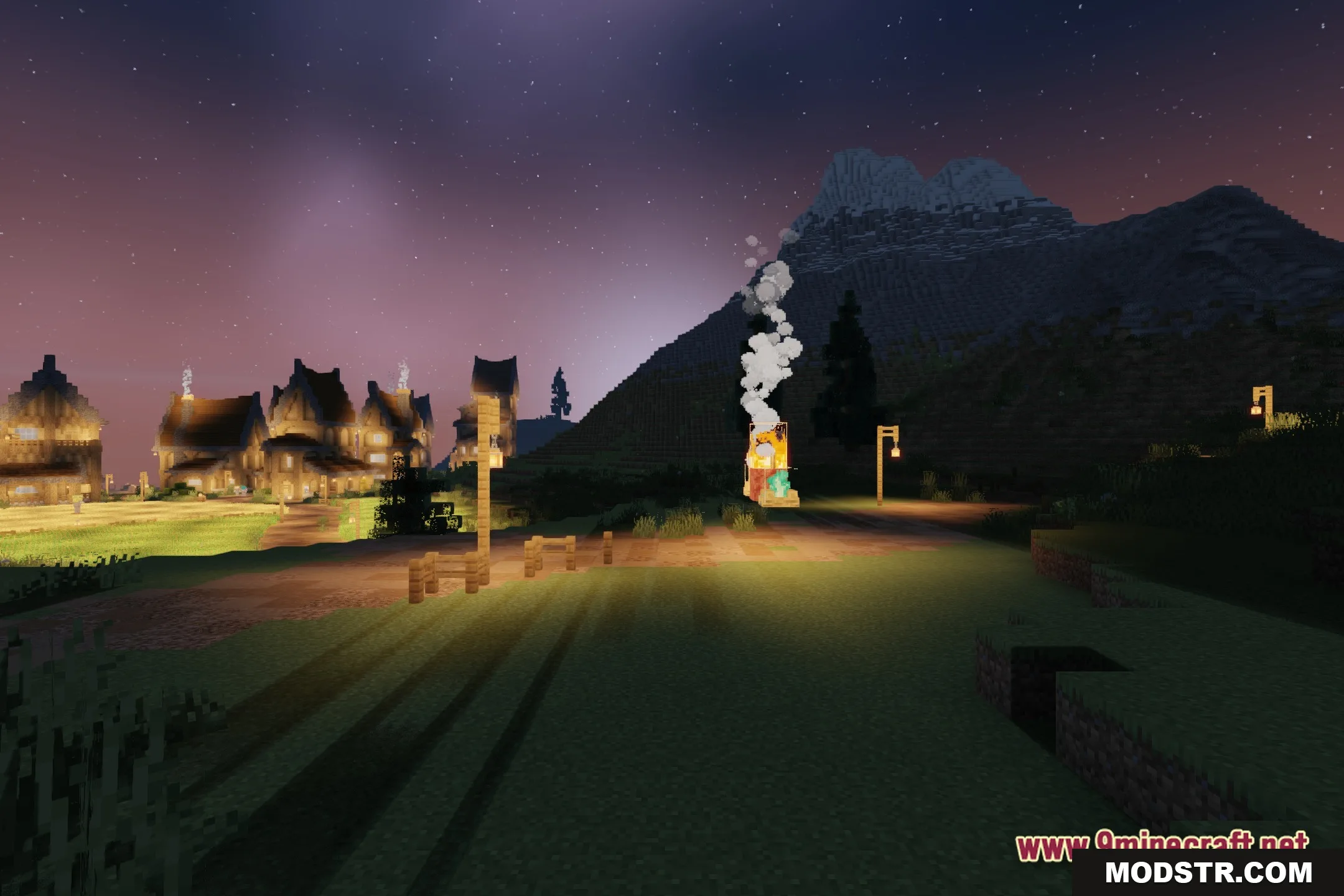
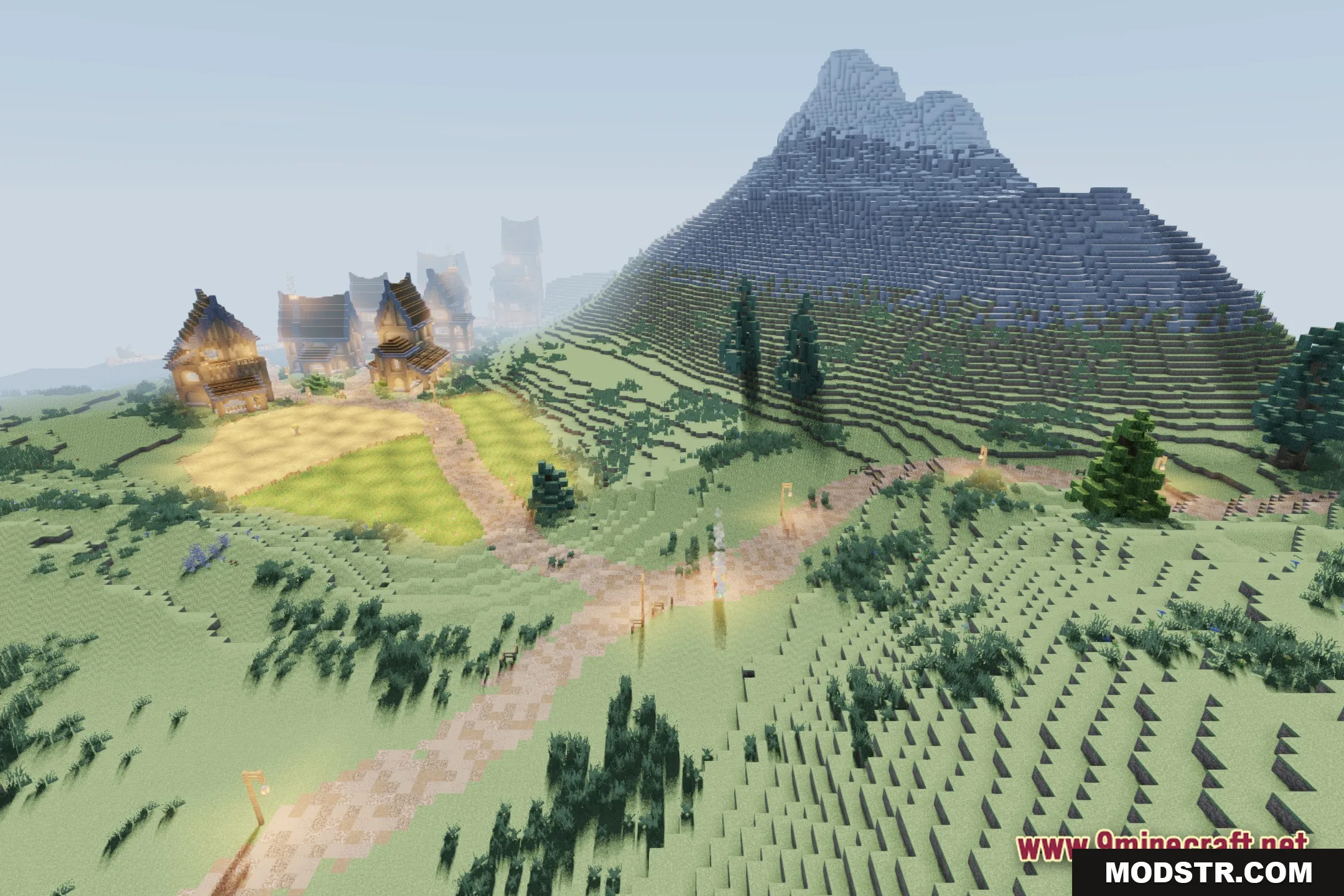
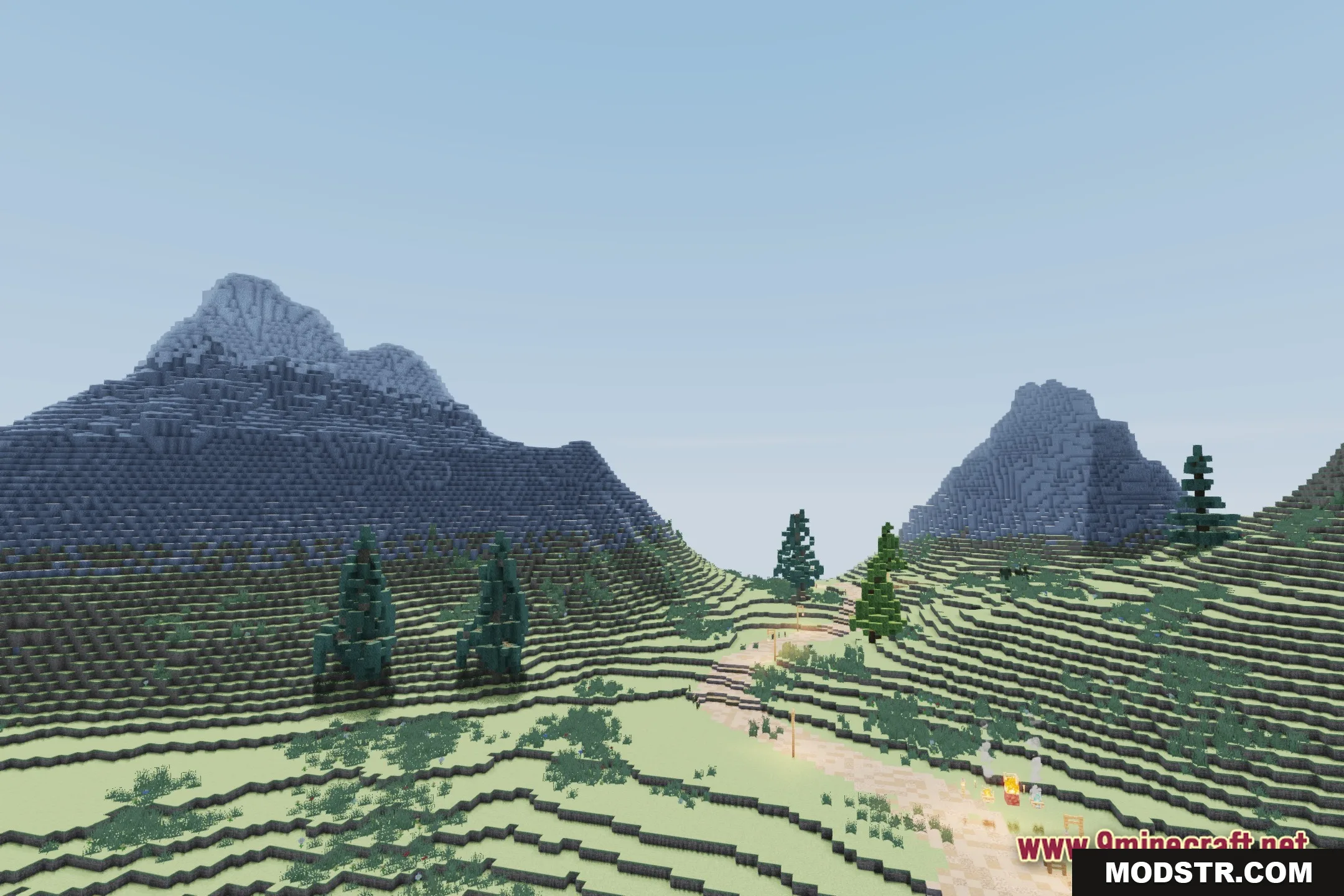
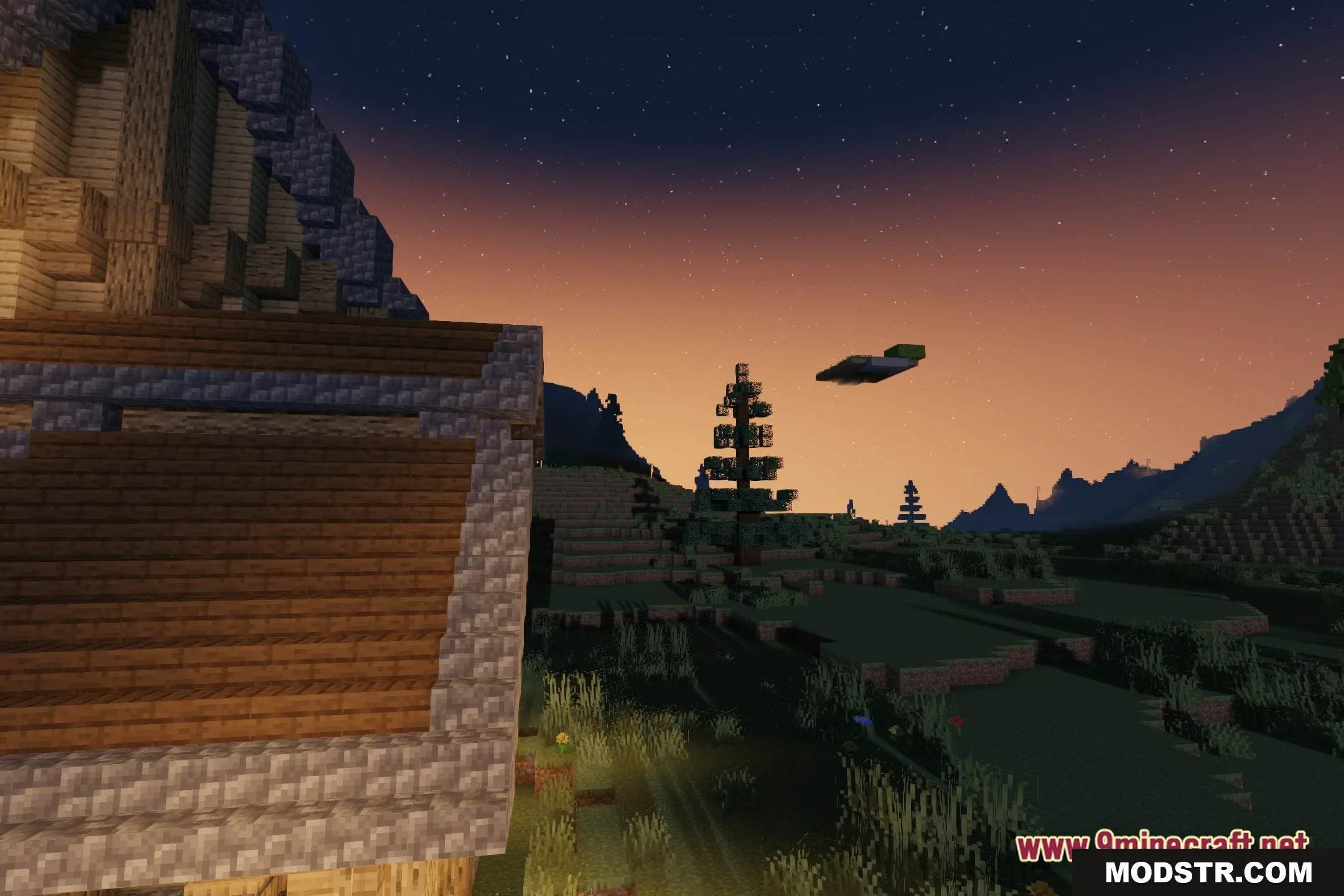
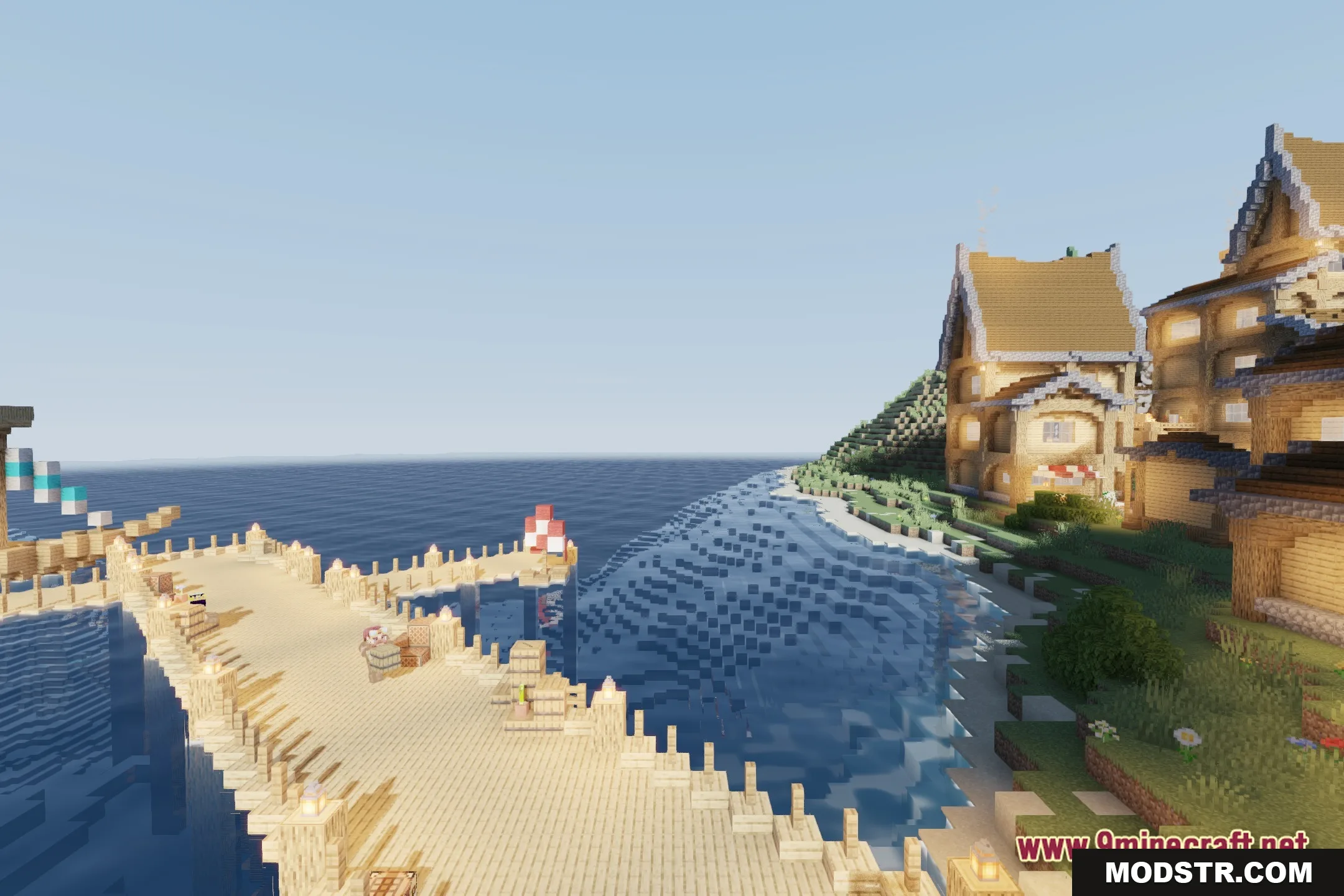
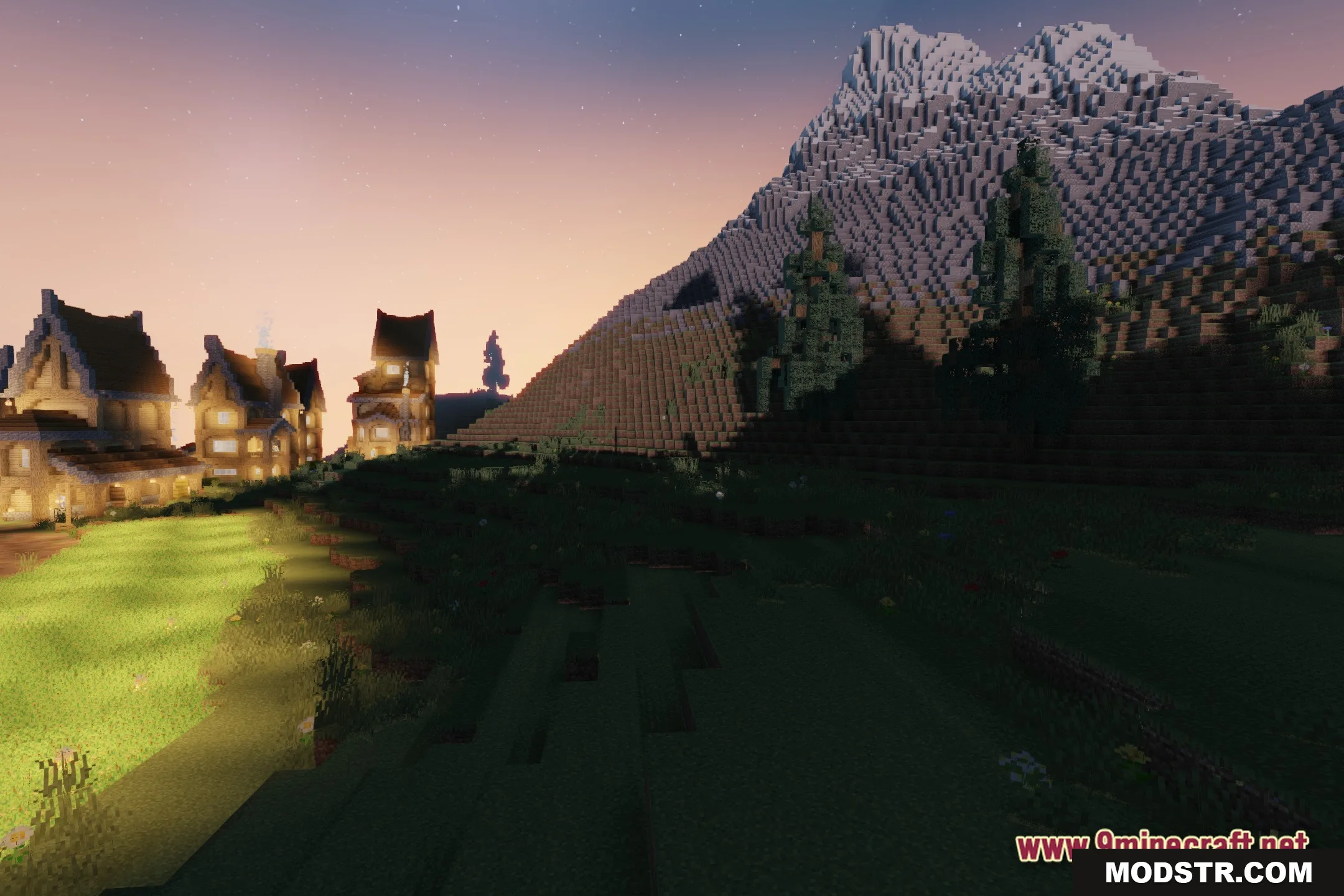
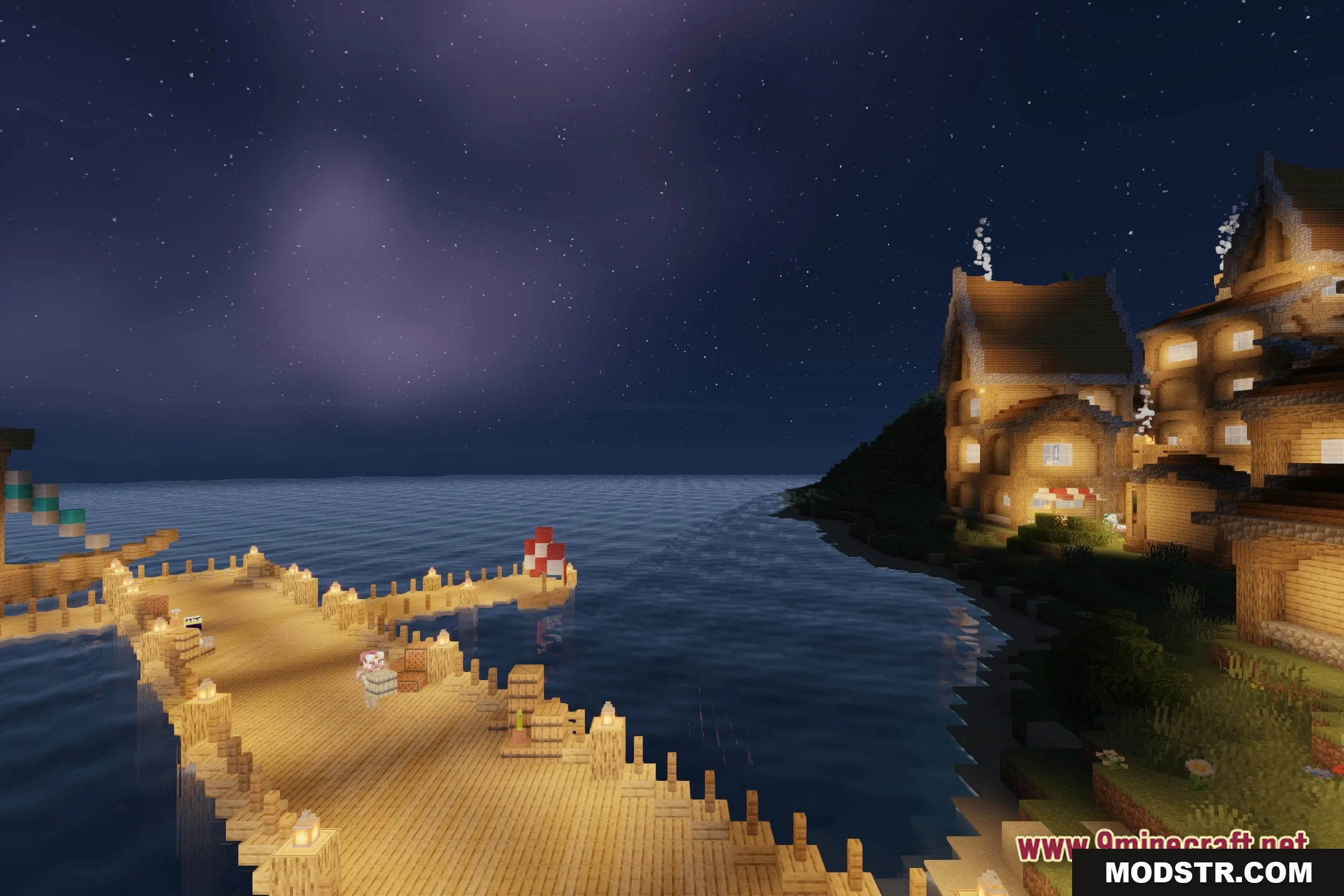
HyperShader Shaders enhances lighting in Minecraft for players with less powerful hardware, offering a blend of realism and vanilla aesthetics. Ideal for maintaining high FPS while improving visual quality.
- 1.20.1
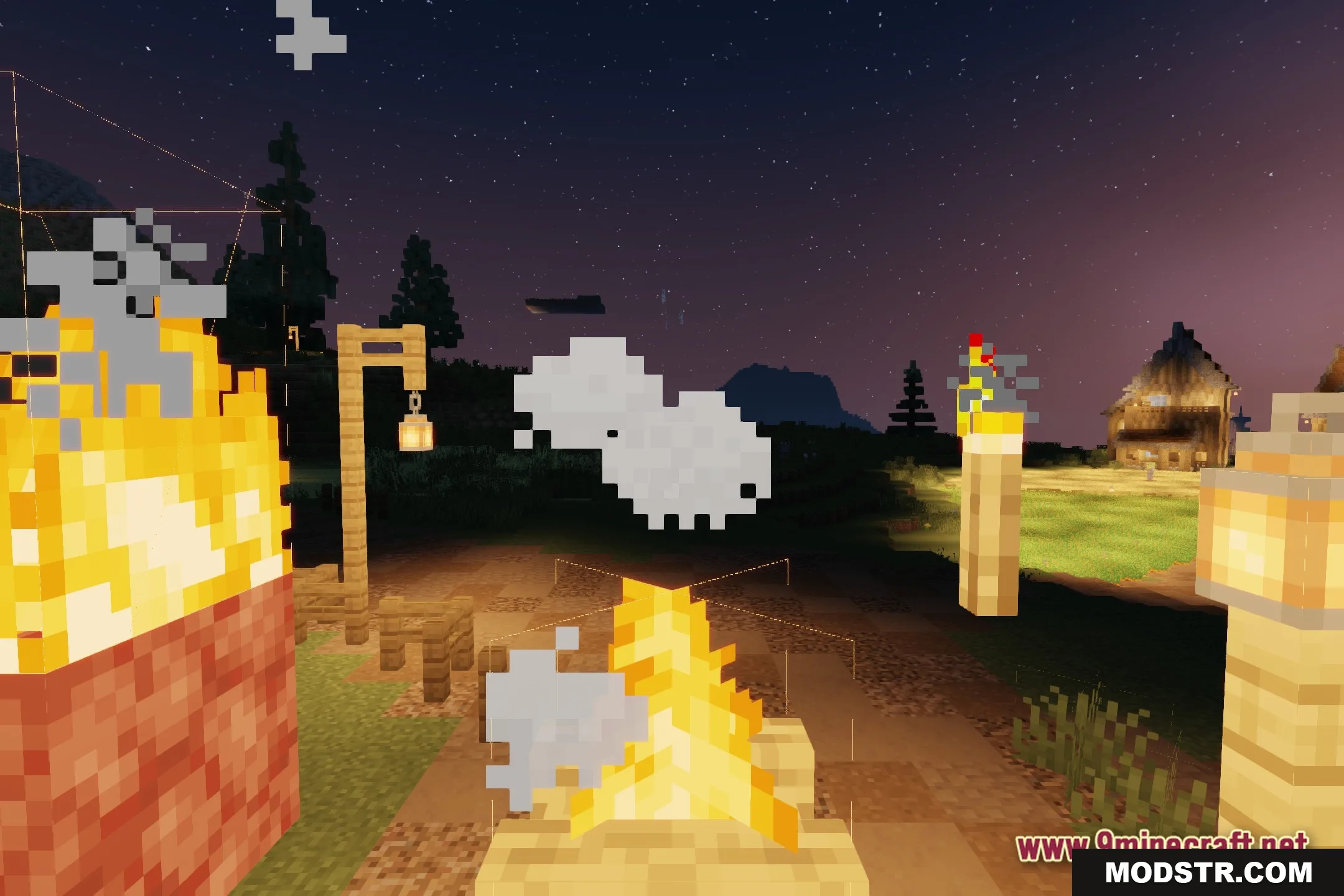
HyperShader Shaders modifies the lighting in Minecraft to create a realistic appearance while maintaining high frames per second, making it suitable for players using less powerful computers.
Features
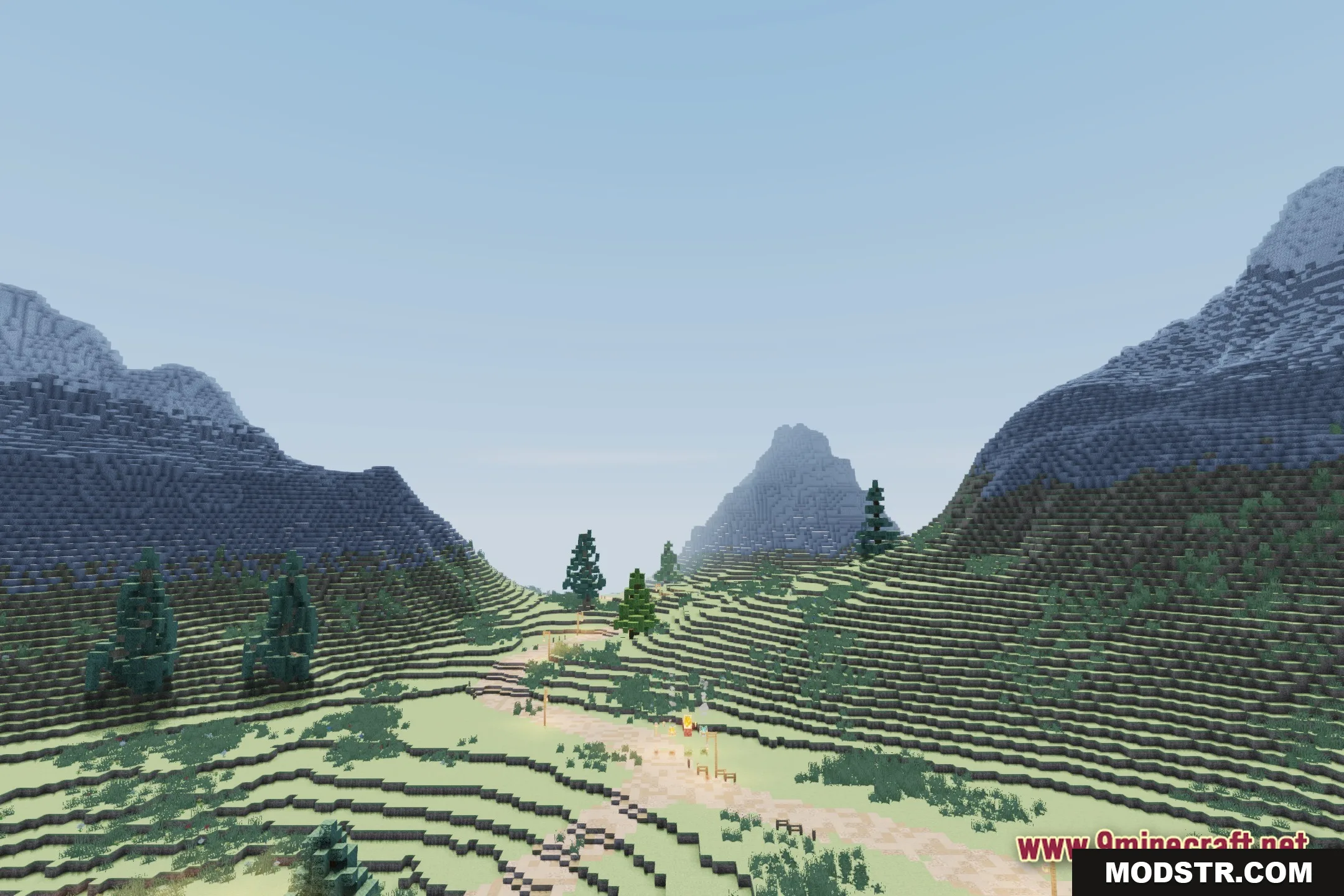
- Smooth Performance: Keeps your frame rate high on older or weaker computers.
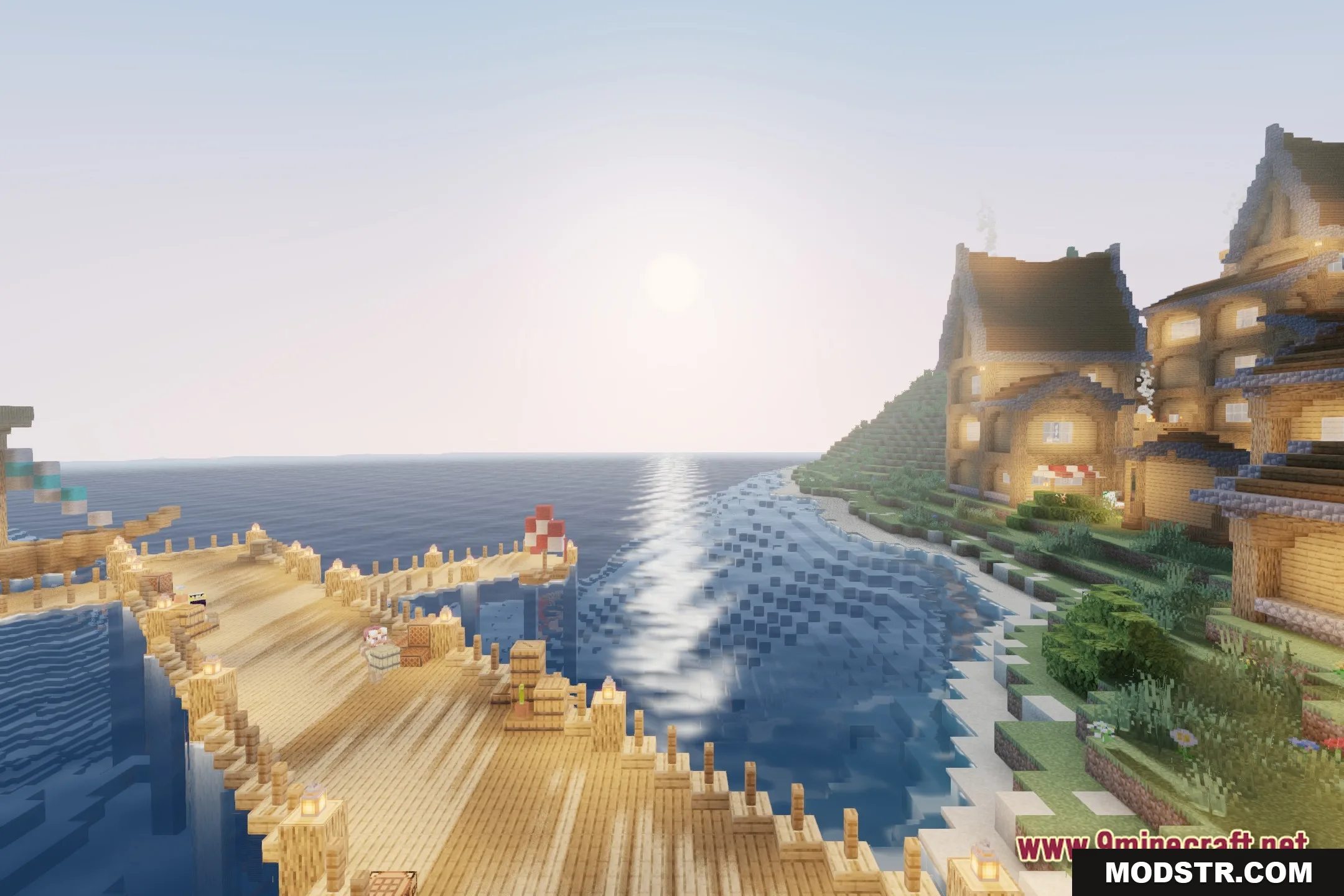
- Custom Settings: Lets you change the look of water, lava, the sun, the moon, and stars right from the menu.
- Blends realistic lighting with the classic vanilla style of the game.
- Adds a gentle fantasy touch to the sky and world lighting.
- Gives you control over small details to match what your computer can handle.
Installation
- Download the HyperShader Shaders file from a trusted source.
- Open your Minecraft launcher and navigate to the 'Options' menu.
- Select 'Resource Packs' and click on 'Open Resource Pack Folder.'
- Move the downloaded shader file into the opened folder.
- Activate the shaders in the 'Video Settings' of the game.
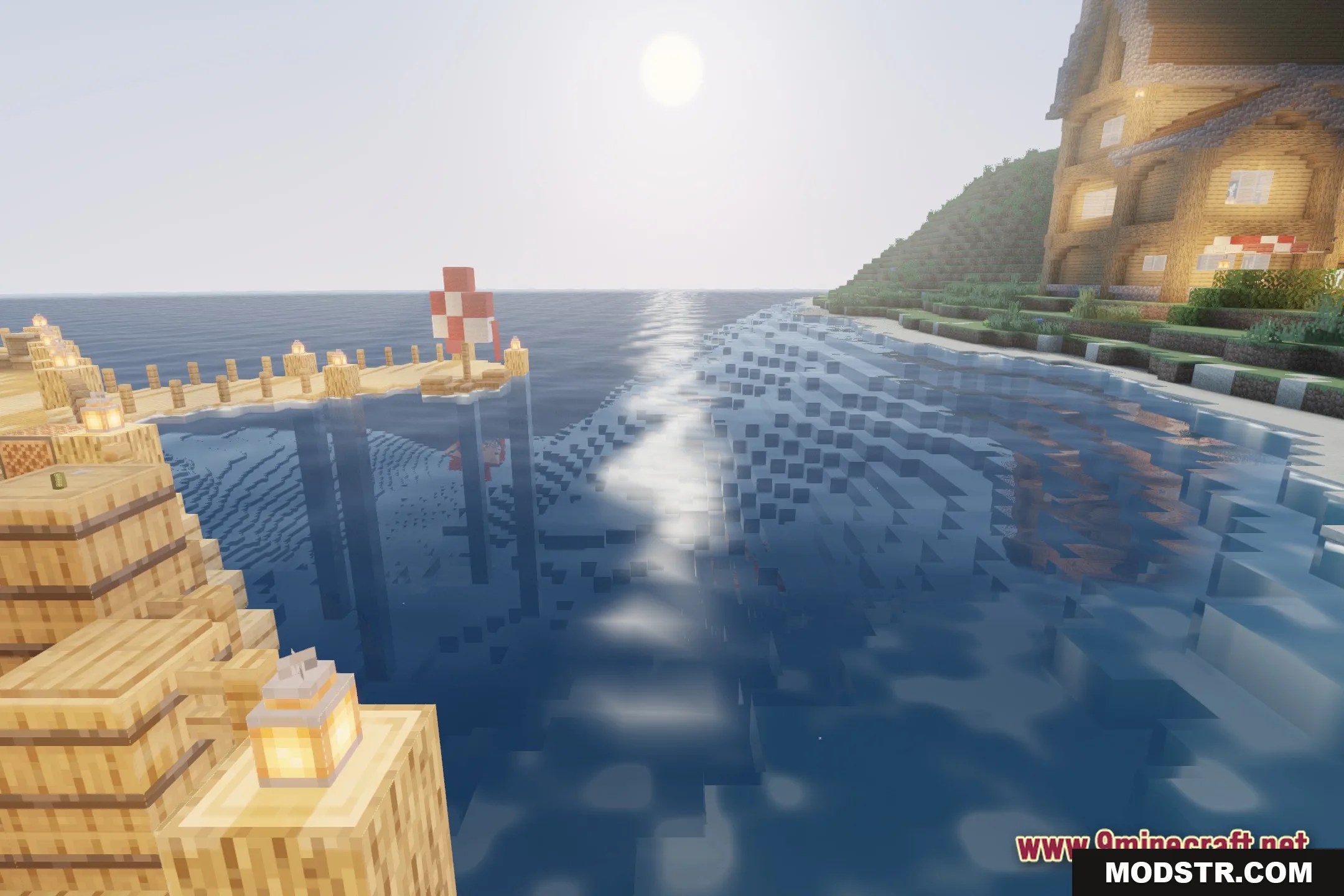
Screenshots
DOWNLOAD FILES
- shader