
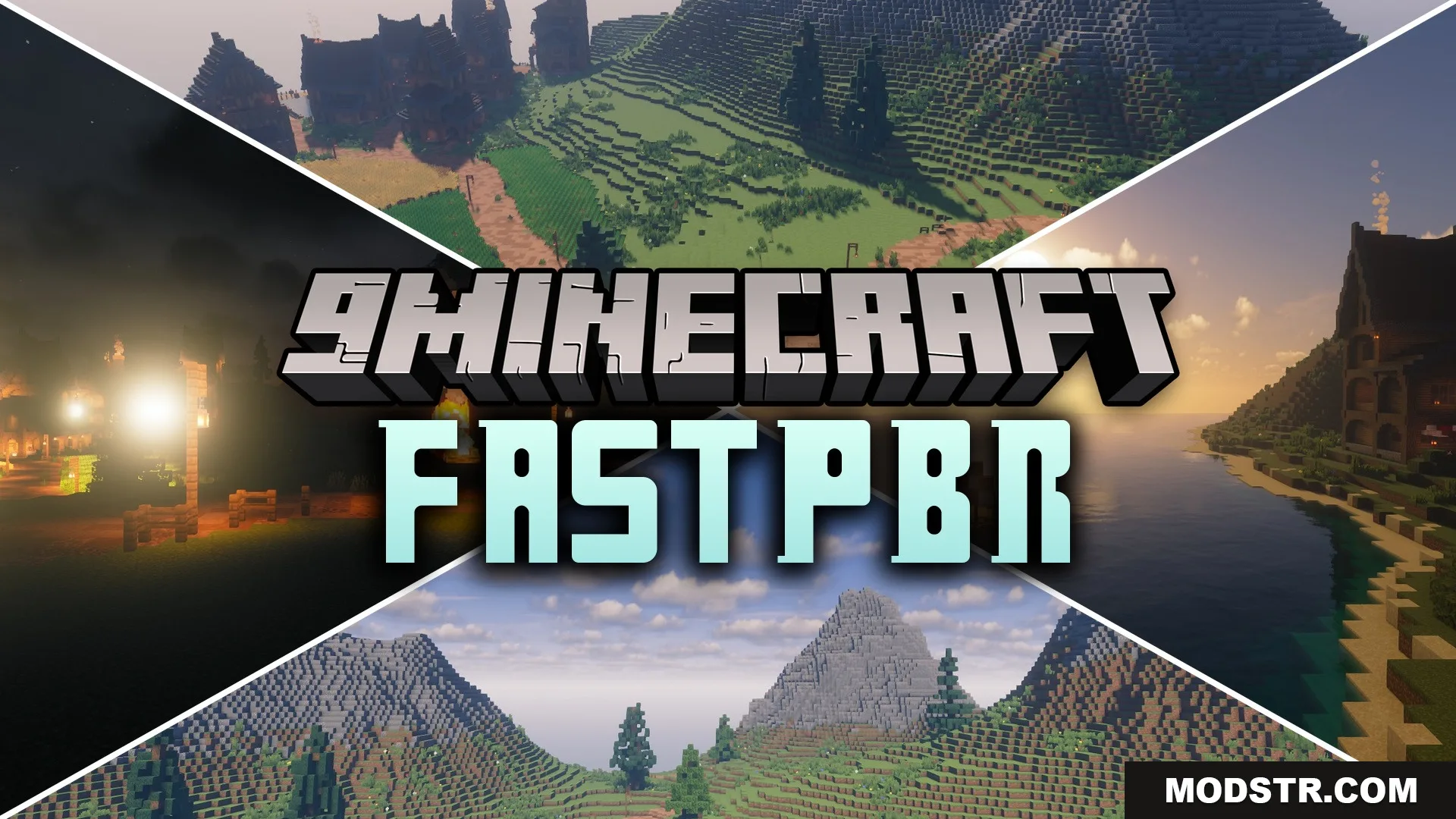
FastPBR Shaders (26.2, 1.20.1) – Fast PBR Lighting and Soft Shadows
PBR shader for Minecraft 1.20.1 with realistic lighting, soft shadows, and bloom effects optimized for smooth performance.
- 1.20.1
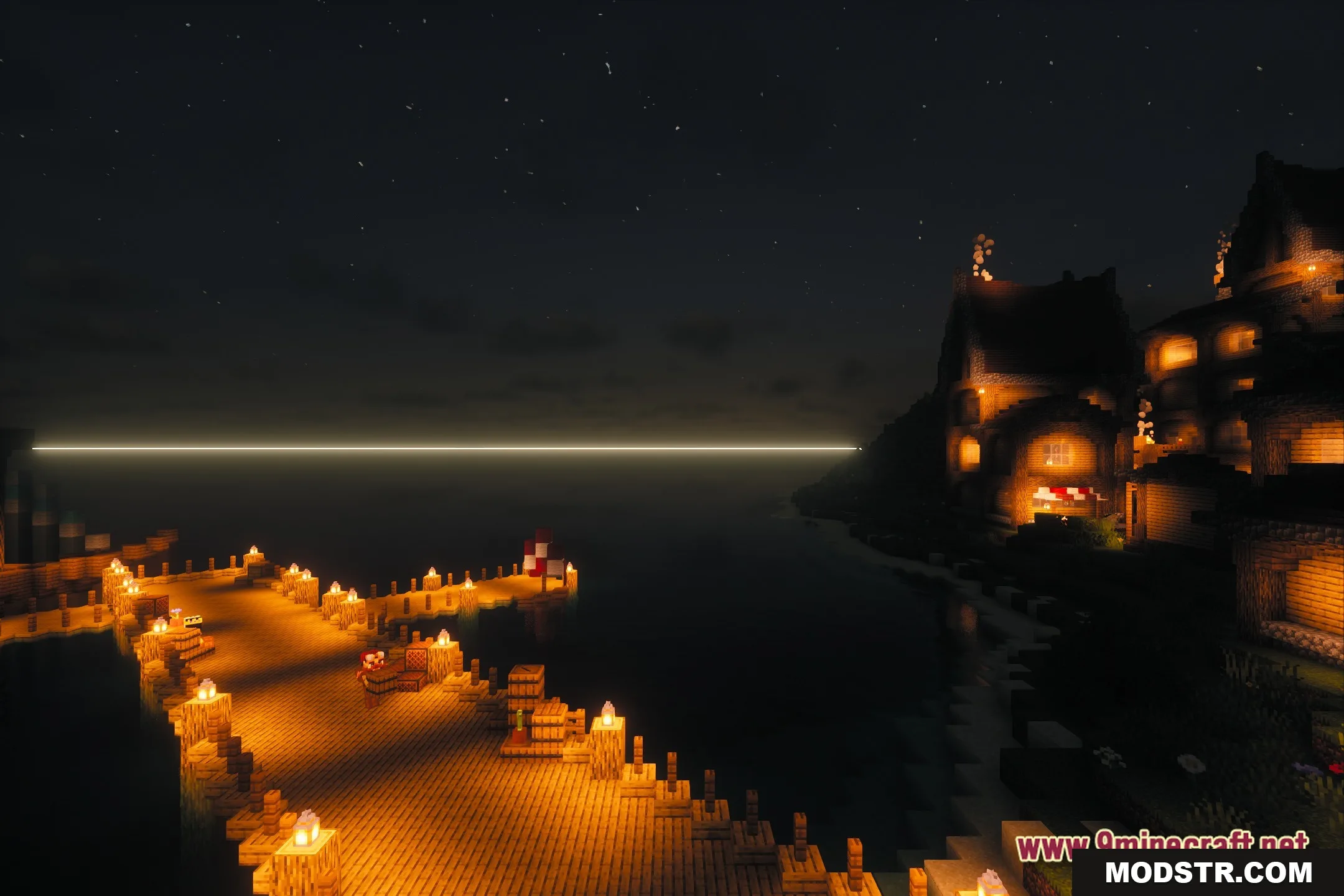
FastPBR is a shader that applies physically-based rendering (PBR) techniques to Minecraft's lighting system. It delivers realistic visuals including soft shadows and bloom effects while maintaining playable framerates on mid-range hardware.
Features
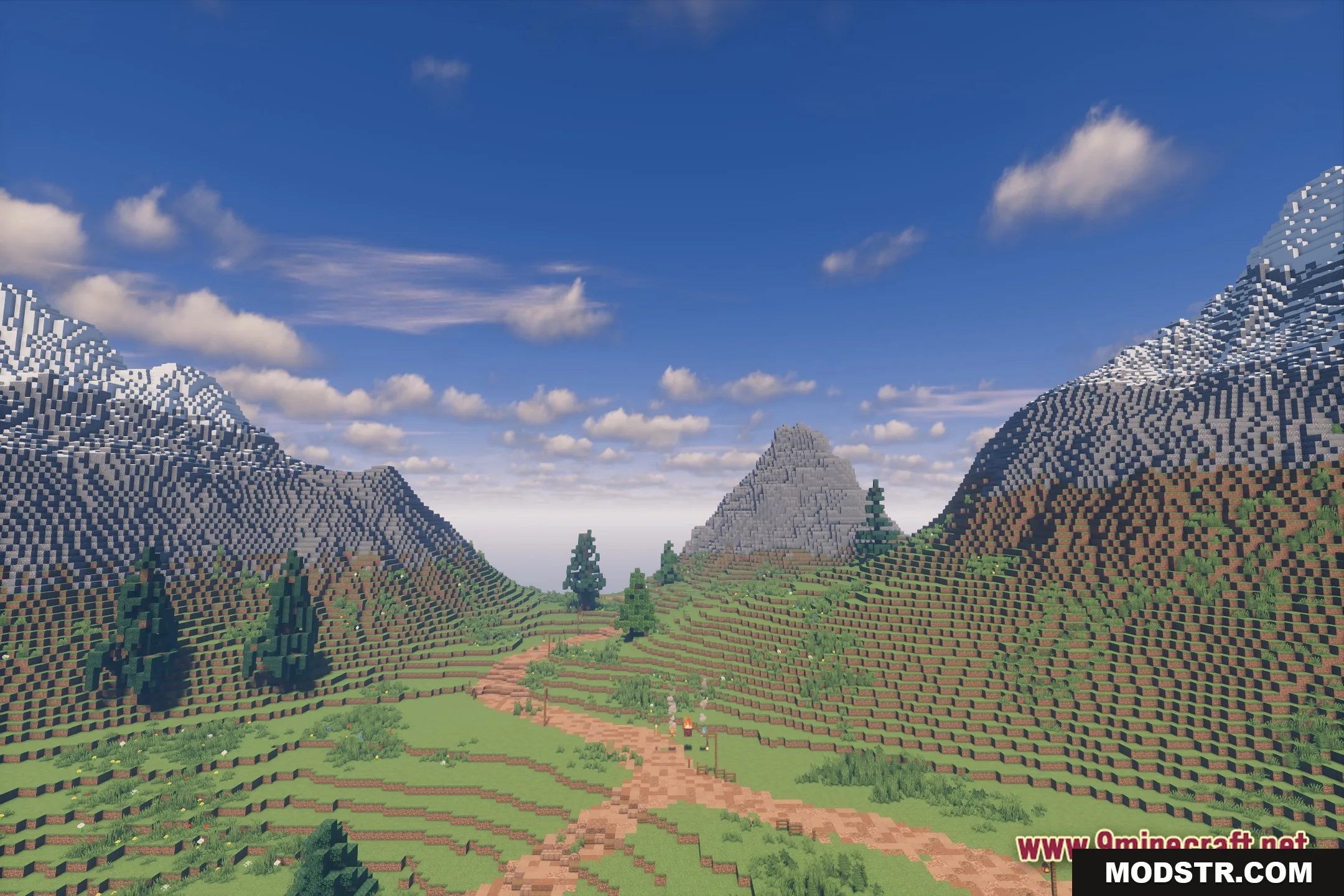
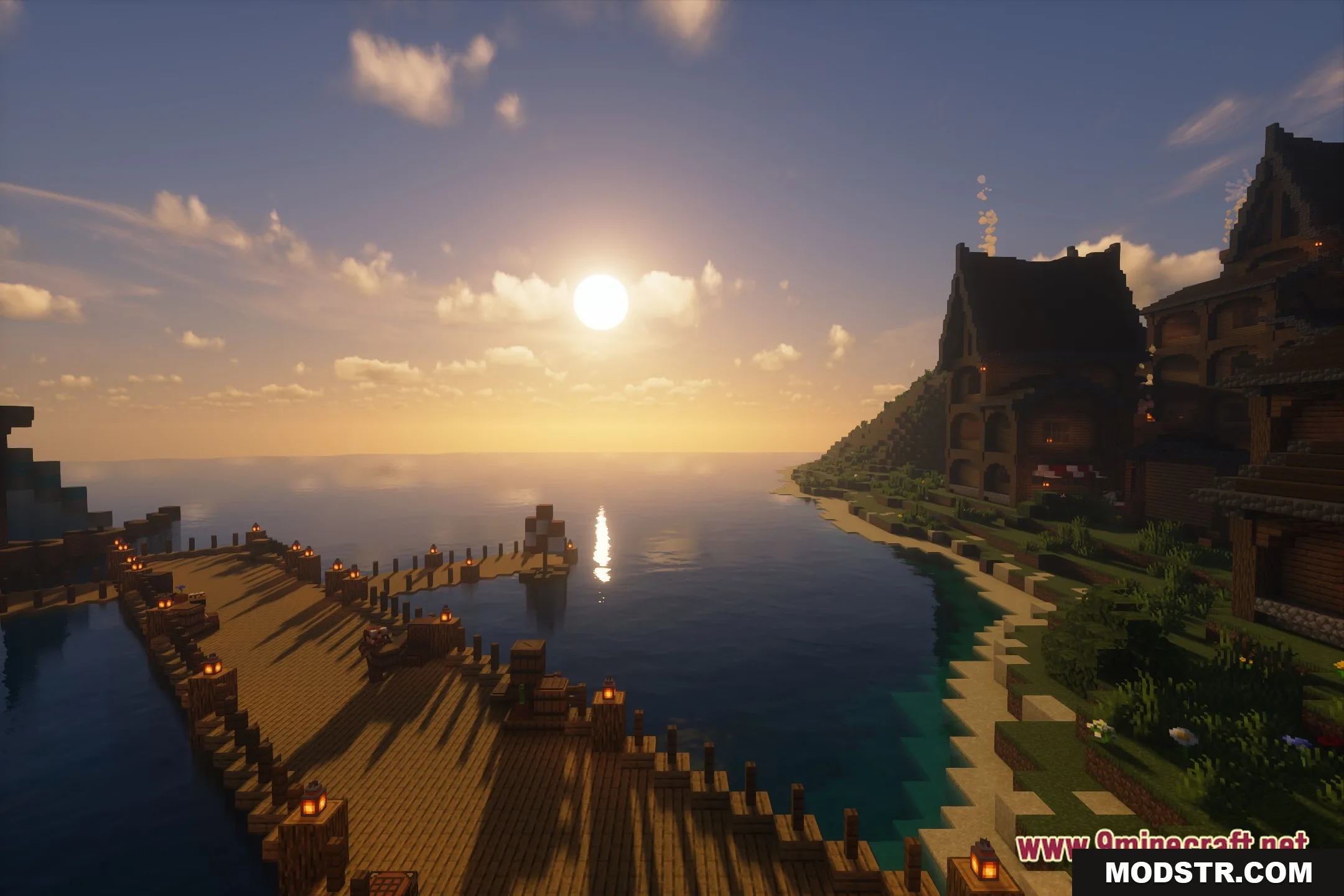
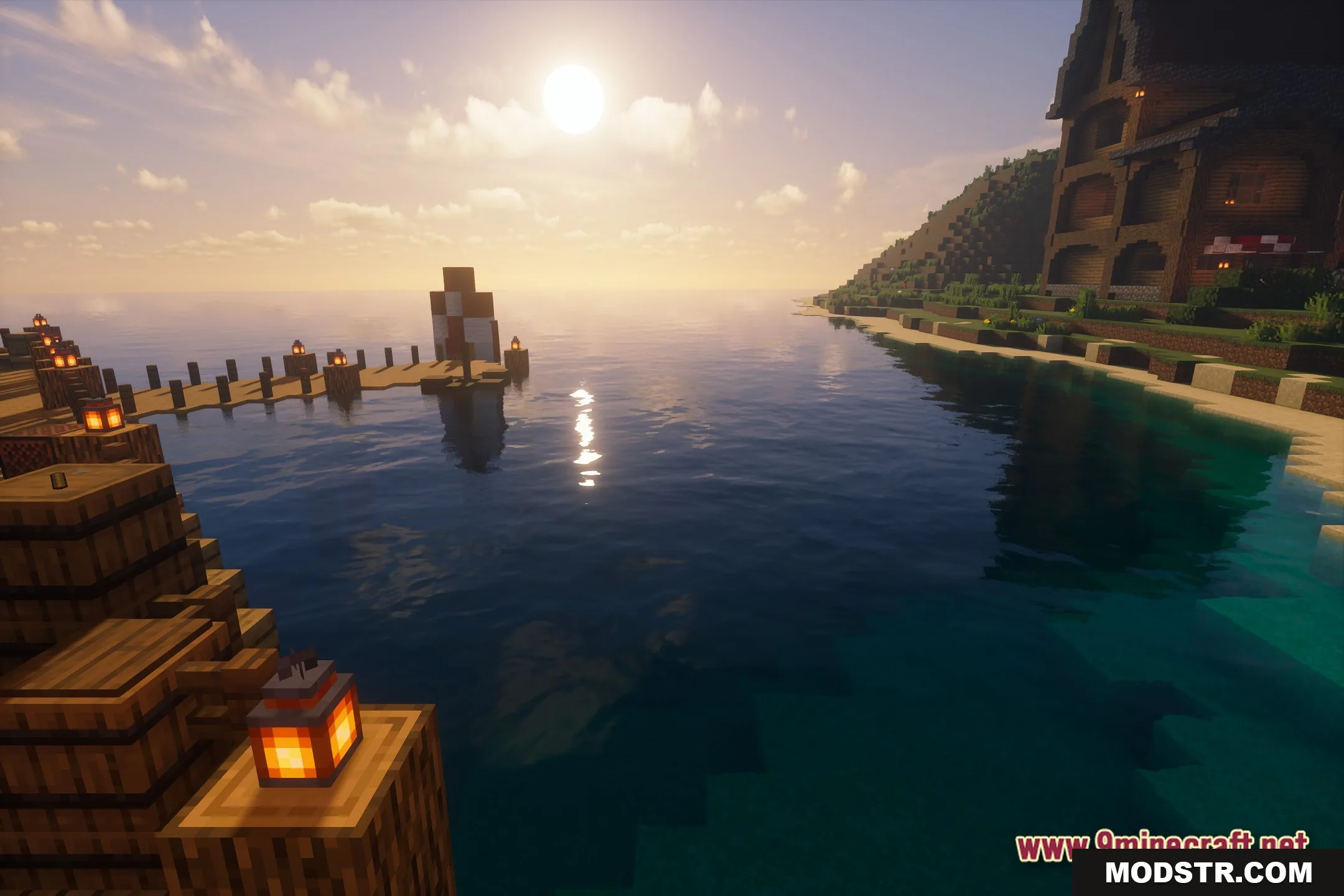
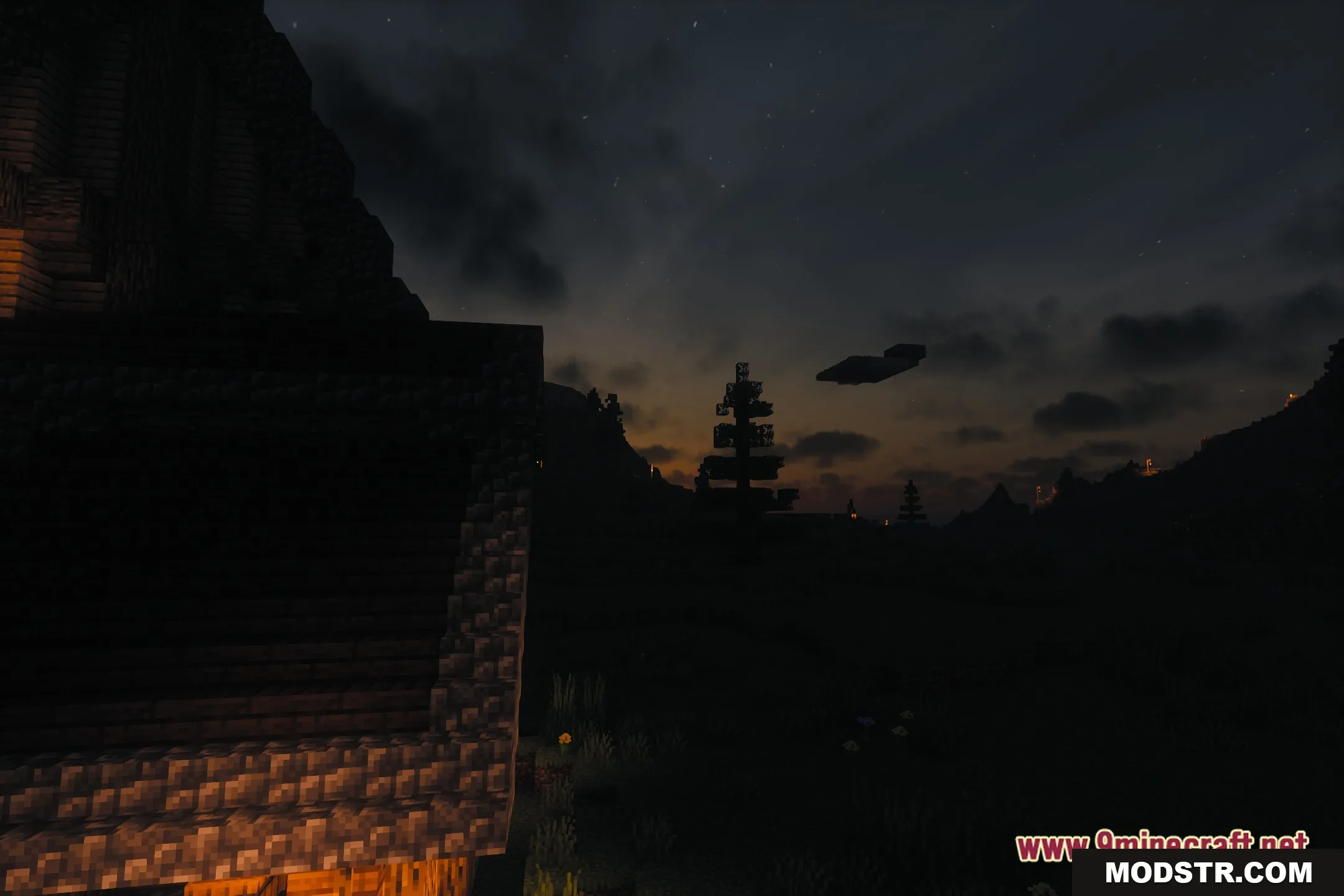
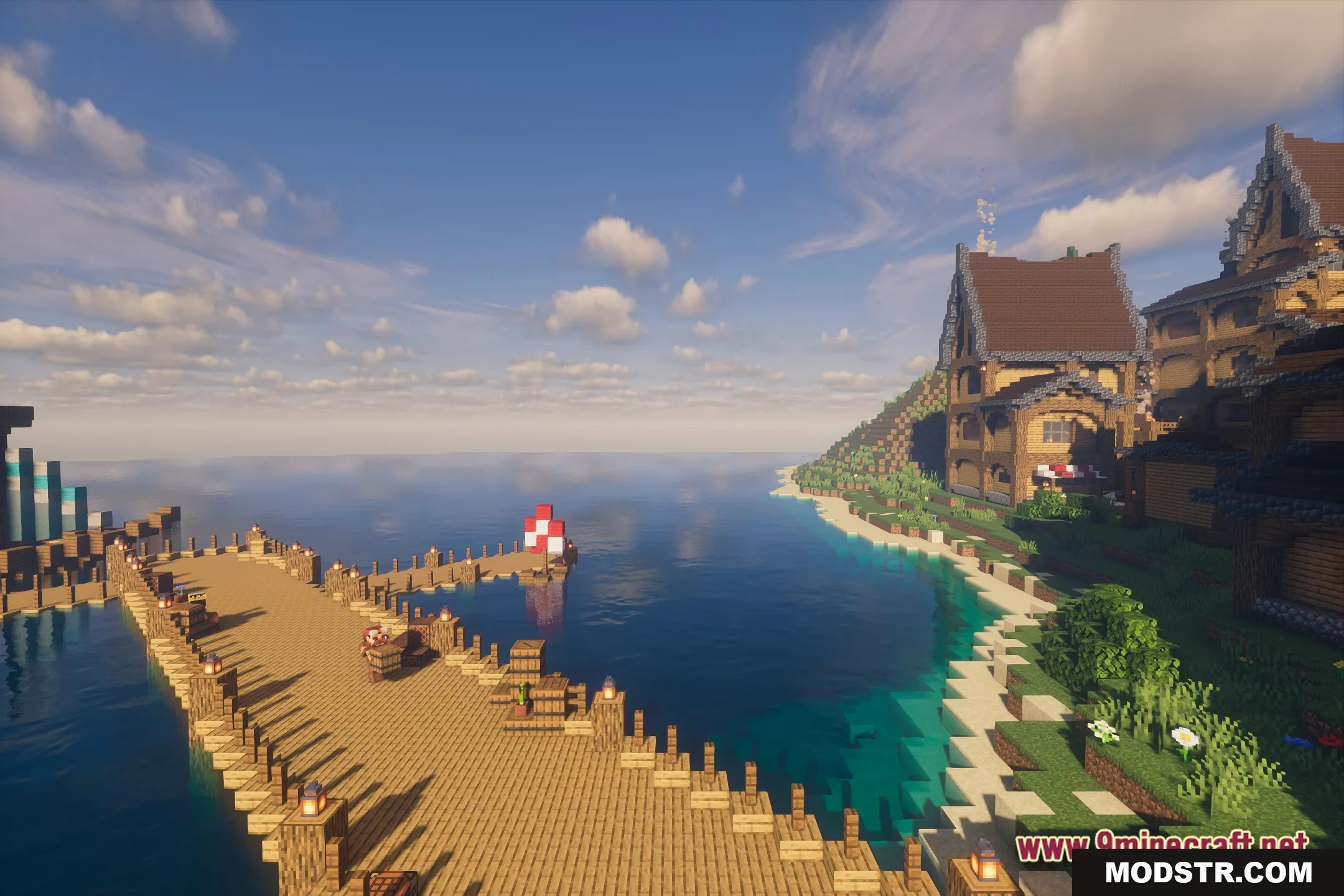
- PBR atmospherics apply detailed lighting and material properties to blocks for natural appearance.
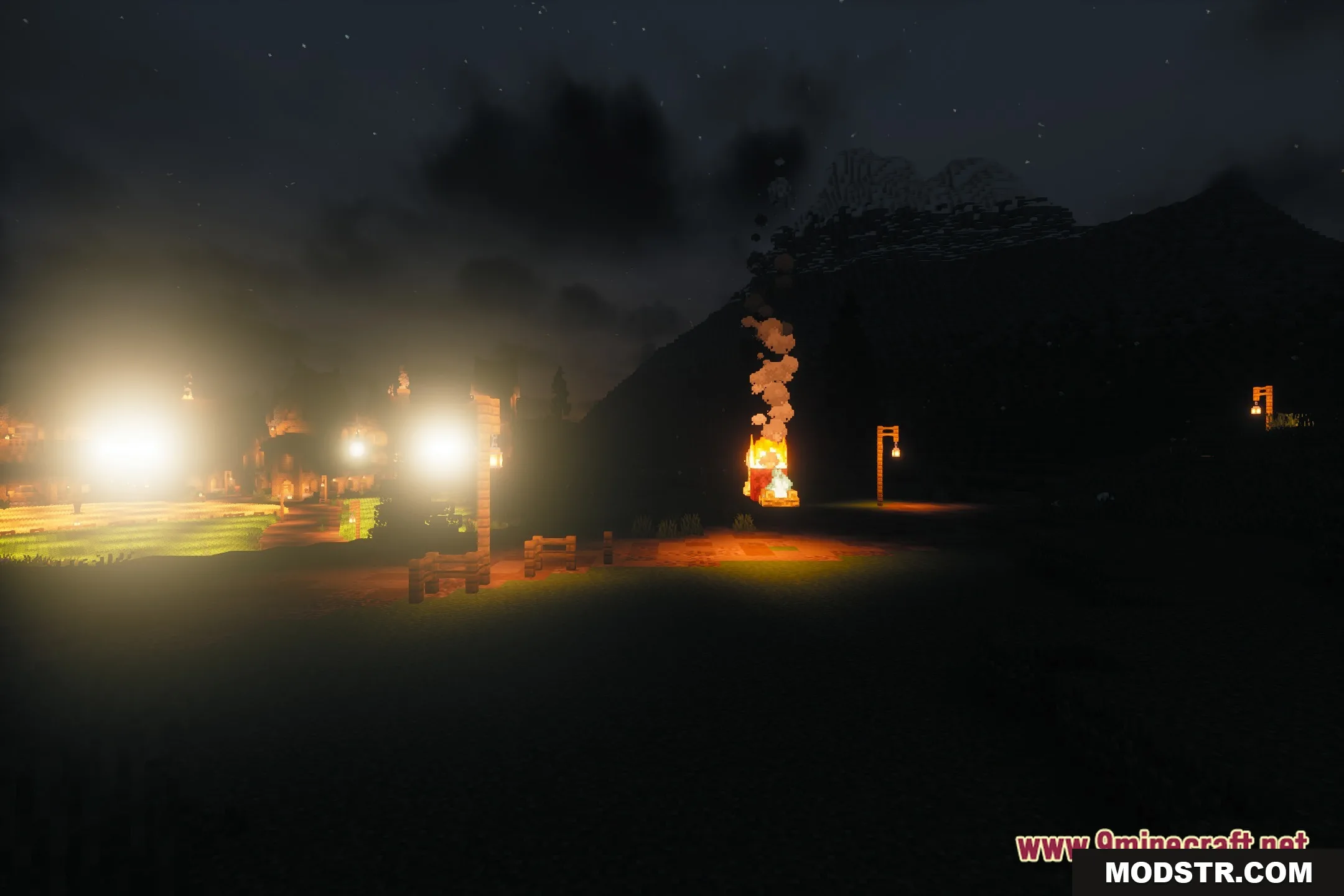
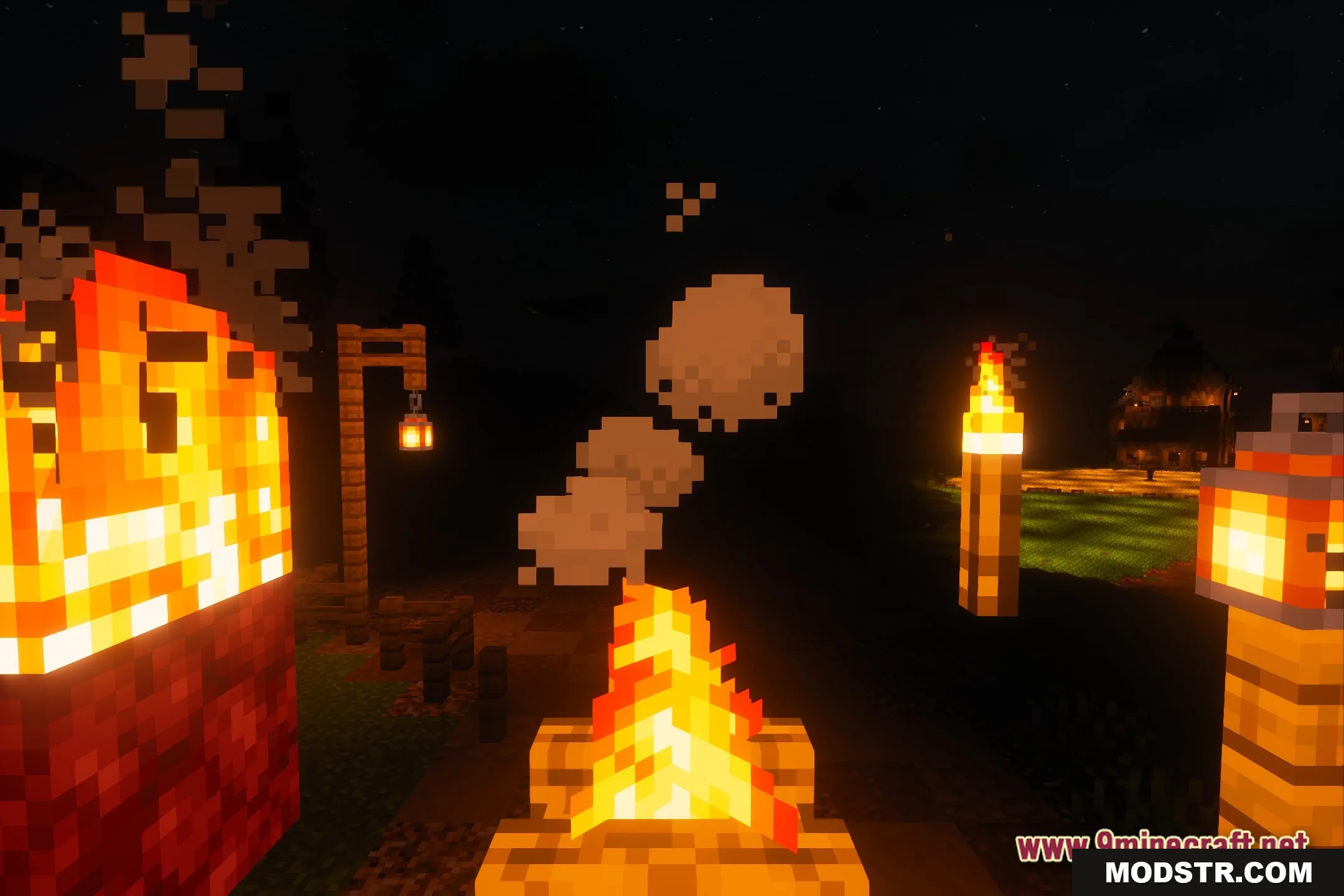
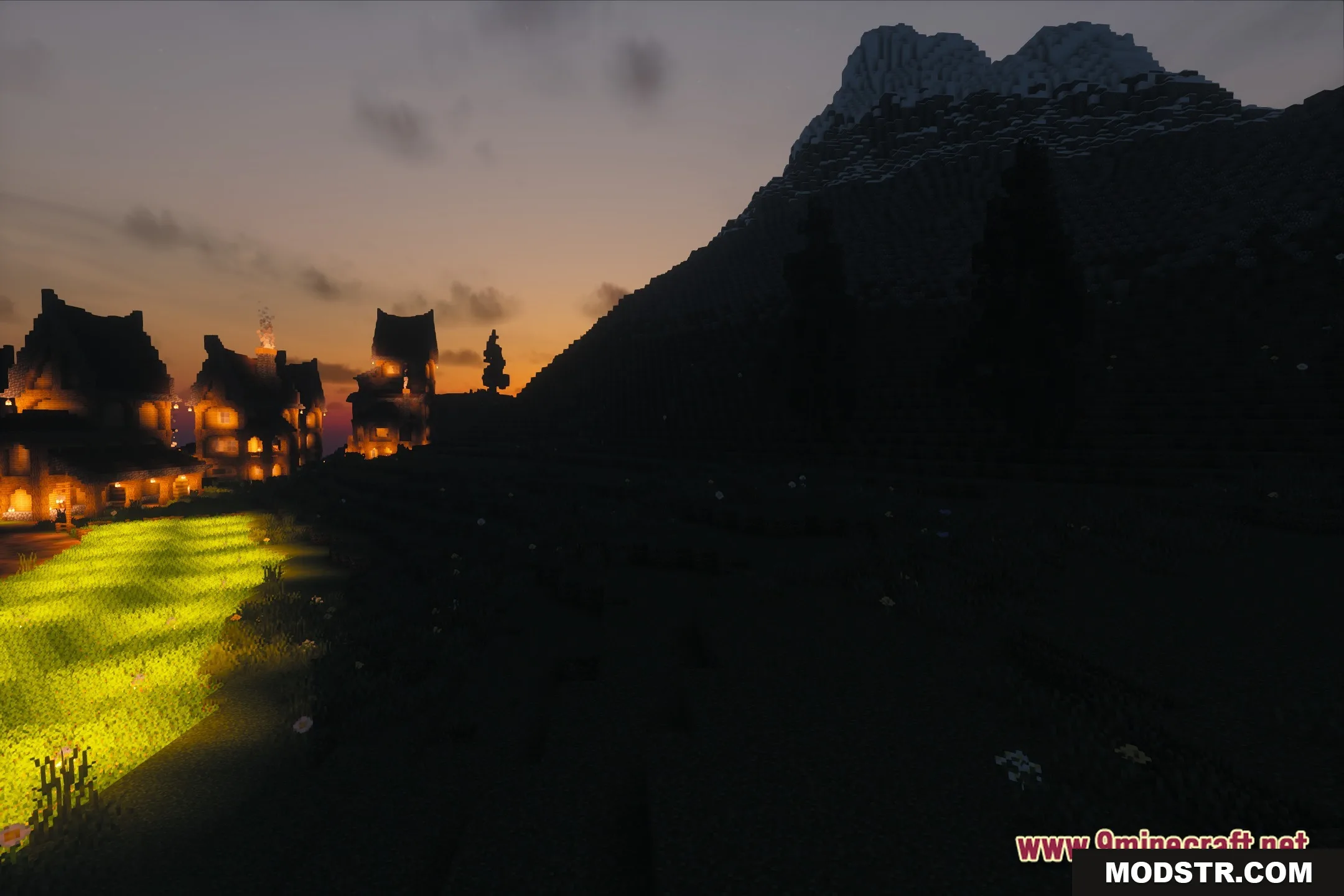
- Bloom effects create soft glows around light sources like torches and lamps.
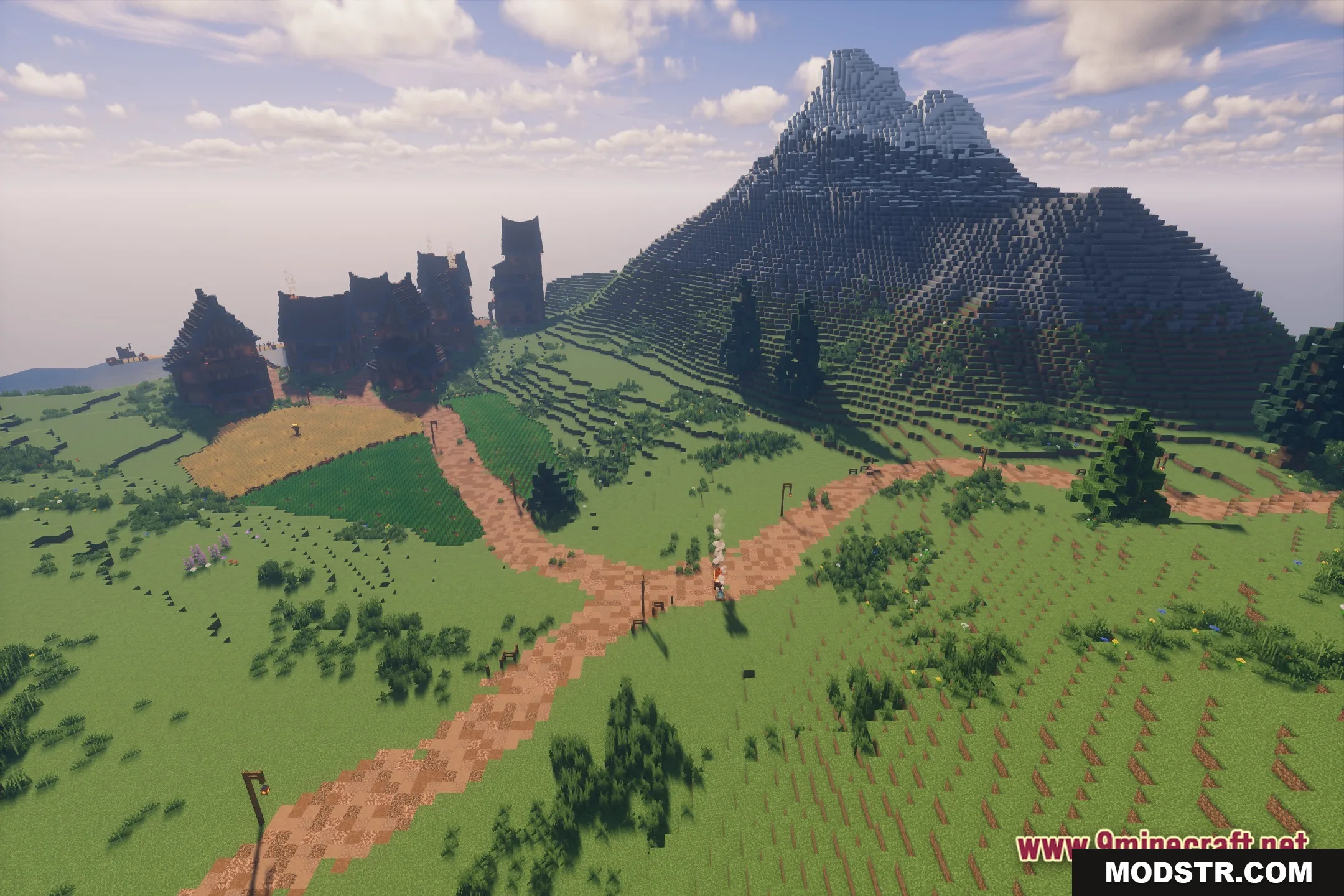
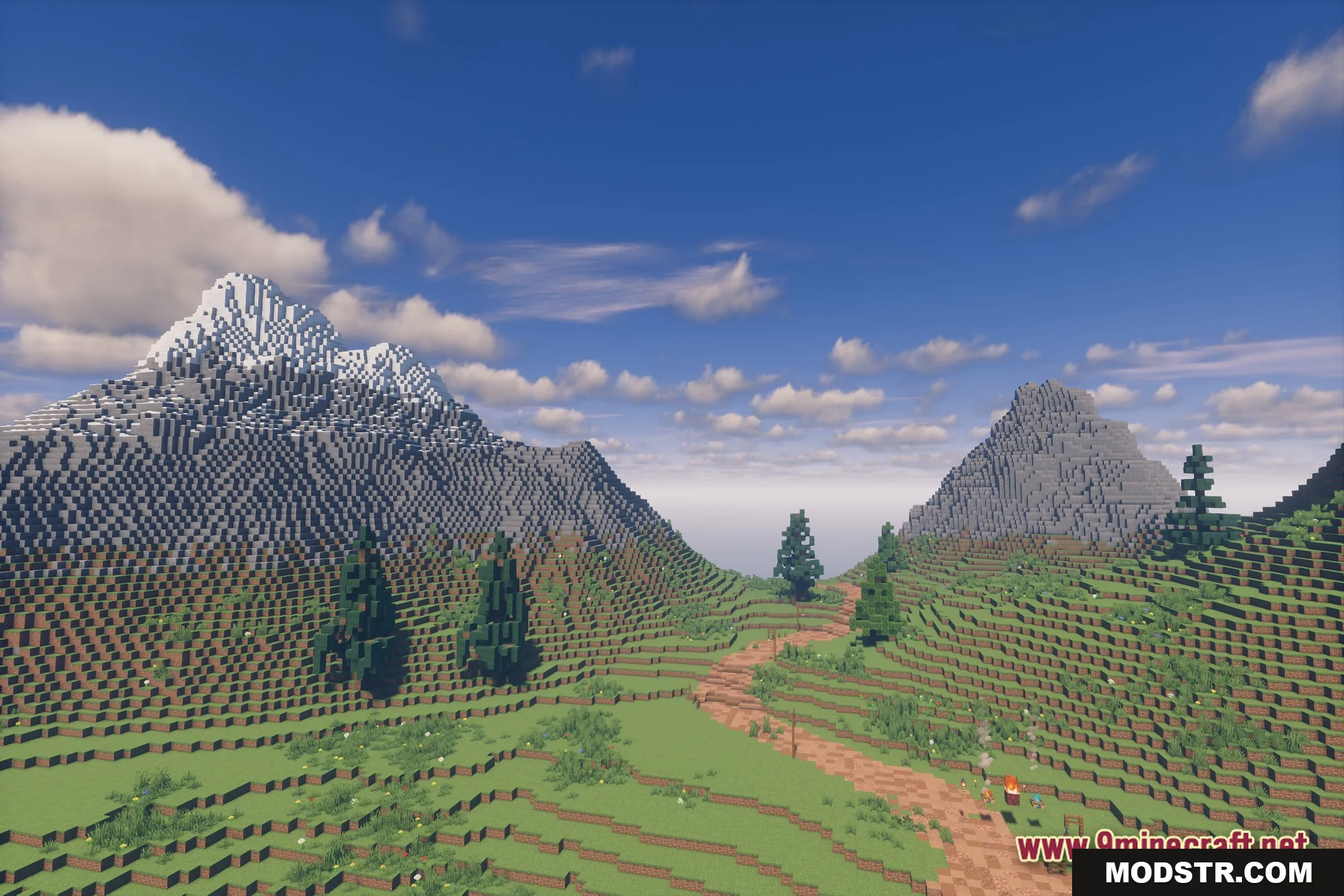
- Dynamic shadows cast from blocks, trees, and structures onto terrain.
- Enhanced foliage rendering makes plants and leaves appear more detailed.
- Semi-realistic visual style that preserves Minecraft's blocky aesthetic.
- Performance optimization keeps framerates stable despite visual enhancements.
Installation
- Ensure you have OptiFine or a compatible shader loader installed.
- Download the FastPBR shader package for your Minecraft version.
- Extract the shader files to your shaderpack folder (usually .minecraft/shaderpacks).
- Launch Minecraft and navigate to Video Settings > Shaders.
- Select FastPBR from the shader list and apply.
Compatibility
FastPBR is designed for Minecraft Java Edition 1.20.1. Version 26.2 is the current release. Requires a shader-compatible launcher and OpenGL 4.1 or higher. Performance depends on your GPU; integrated graphics may require reduced settings.
DOWNLOAD FILES
- shader