Telegram
Hyperopia Shaders (26.2, 1.20.1) – Reversed Depth Of Field With Blurry cover art

Hyperopia Shaders (26.2, 1.20.1) – Reversed Depth Of Field With Blurry

A shader that reverses depth of field, blurring nearby objects while keeping distant terrain sharp. Creates an optical illusion effect with minimal performance impact.

16 JAVA
  • 1.7.10 → 1.21.11 +71
Show all 71 versions
  • 1.21.11
  • 1.21.10
  • 1.21.9
  • 1.21.8
  • 1.21.7
  • 1.21.6
  • 1.21.5
  • 1.21.4
  • 1.21.3
  • 1.21.2
  • 1.21.1
  • 1.21
  • 1.20.6
  • 1.20.5
  • 1.20.4
  • 1.20.3
  • 1.20.2
  • 1.20.1
  • 1.20
  • 1.19.4
  • 1.19.3
  • 1.19.2
  • 1.19.1
  • 1.19
  • 1.18.2
  • 1.18.1
  • 1.18
  • 1.17.1
  • 1.17
  • 1.16.5
  • 1.16.4
  • 1.16.3
  • 1.16.2
  • 1.16.1
  • 1.16
  • 1.15.2
  • 1.15.1
  • 1.15
  • 1.14.4
  • 1.14.3
  • 1.14.2
  • 1.14.1
  • 1.14
  • 1.13.2
  • 1.13.1
  • 1.13
  • 1.12.2
  • 1.12.1
  • 1.12
  • 1.11.2
  • 1.11.1
  • 1.11
  • 1.10.2
  • 1.10.1
  • 1.10
  • 1.9.4
  • 1.9.3
  • 1.9.2
  • 1.9.1
  • 1.9
  • 1.8.9
  • 1.8.8
  • 1.8.7
  • 1.8.6
  • 1.8.5
  • 1.8.4
  • 1.8.3
  • 1.8.2
  • 1.8.1
  • 1.8
  • 1.7.10

Hyperopia Shaders inverts standard depth of field mechanics in Minecraft. Instead of rendering nearby blocks clearly and distant objects blurry, this shader applies the opposite effect—objects close to the camera become blurred while far terrain remains sharp and defined. Designed as a visual experiment rather than a traditional enhancement shader.
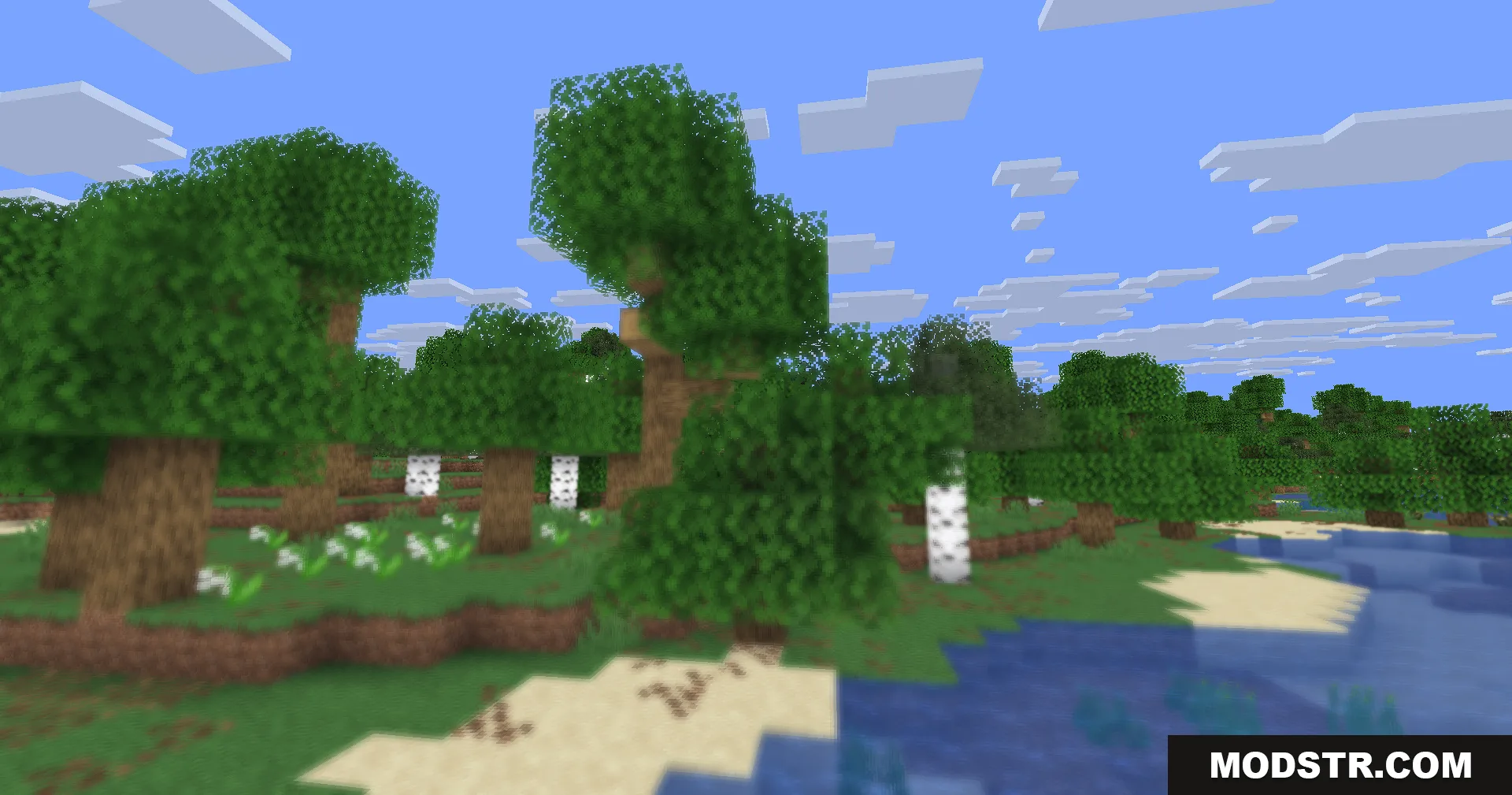
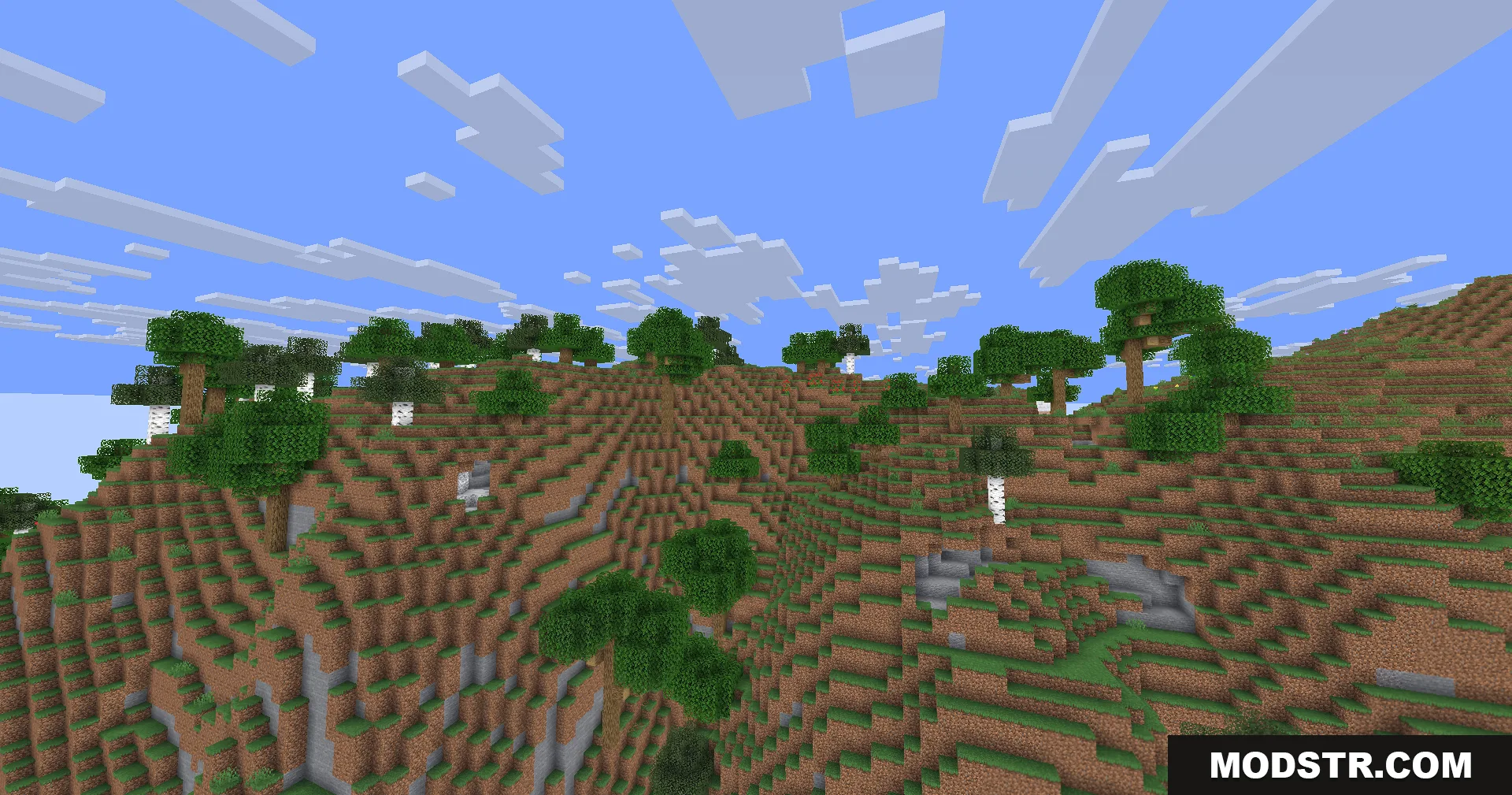
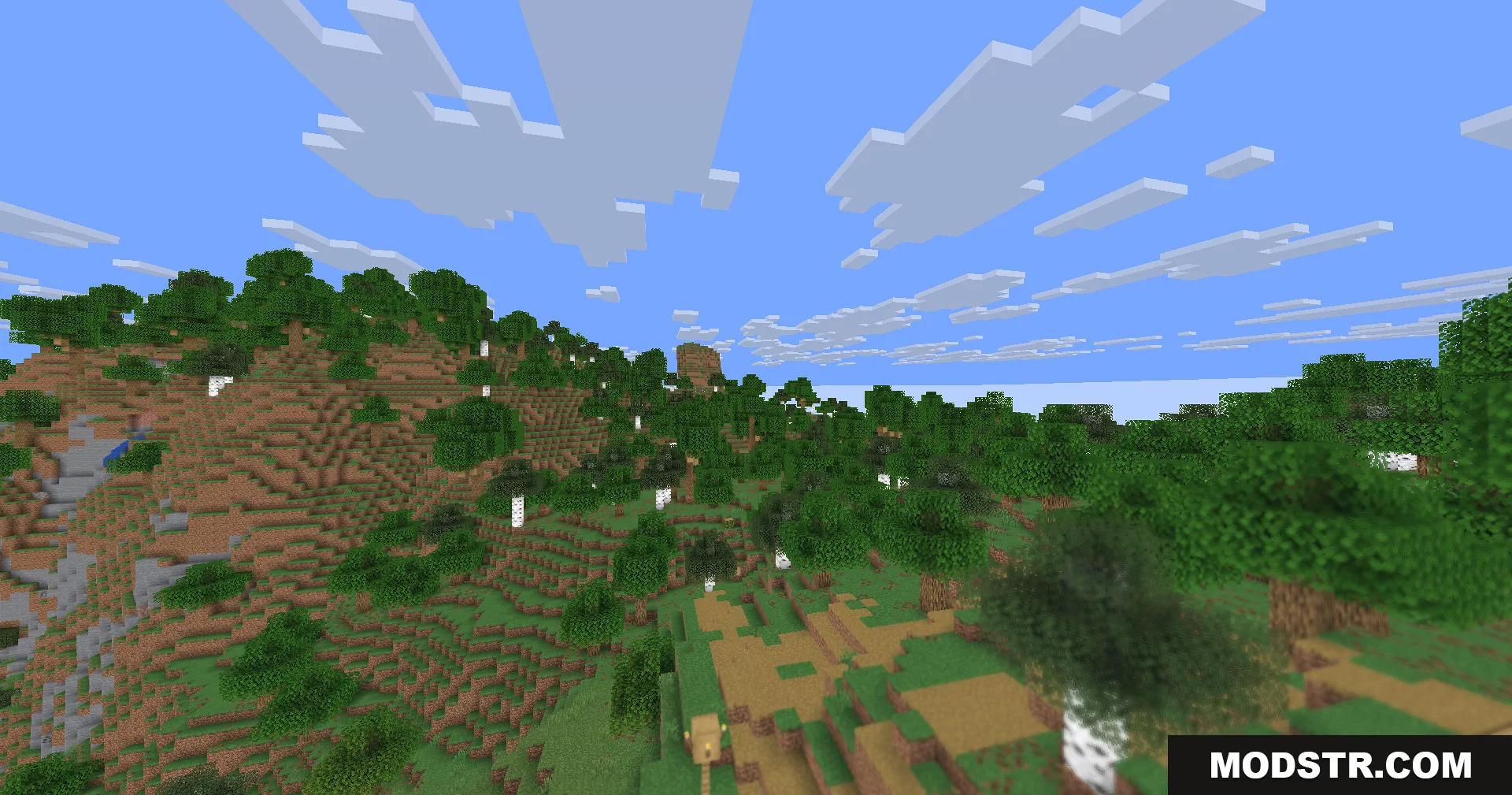
Hyperopia Shaders blurs the foreground trees while keeping the background sharp

Features

  • Reverses depth of field by blurring nearby objects while keeping distant blocks sharp.
  • Applies smooth circular blur to close-range items for a soft visual effect.
  • Implements a slow breathing effect that shifts the focus point over time.
  • Enhances sharpness on distant objects to increase contrast and visibility.
  • Applies distance-based color shifts with cool blue tones for depth perception effects.
  • Optimized for older hardware by excluding shadows, bloom effects, and advanced water rendering.
  • Functions as a visual experiment rather than a standard shader pack.
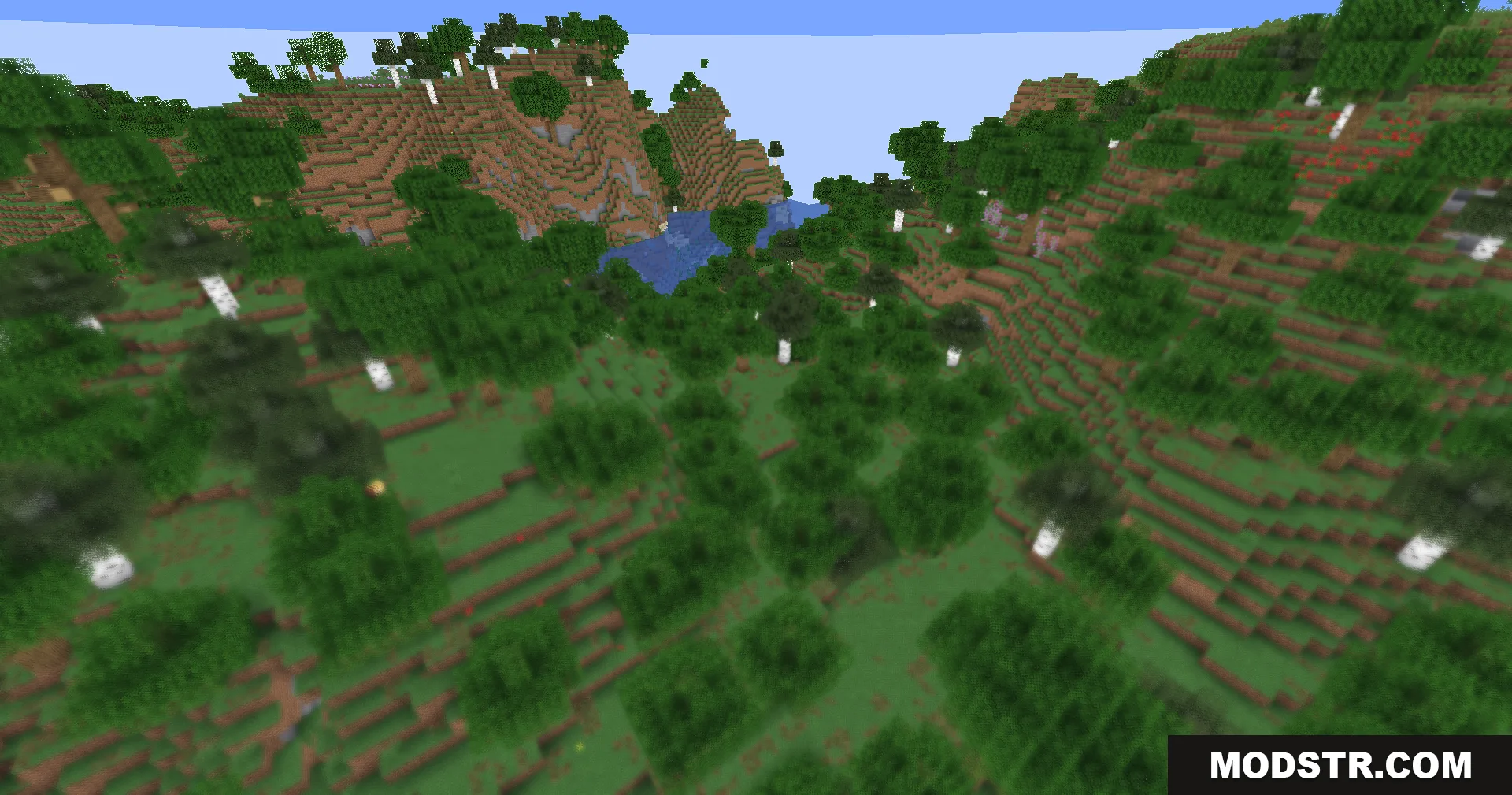
A hilly Minecraft landscape with a blurred foreground and clear background
Minecraft landscape with blurry foreground birch trees and sharp distant hills and sky

Installation

  1. Ensure you have a compatible shader loader installed.
  2. Download the shader file.
  3. Place the file in your shader folder within your Minecraft directory.
  4. Launch Minecraft and enable the shader from the video settings menu.
  5. Adjust focus depth and blur intensity in shader options if available.
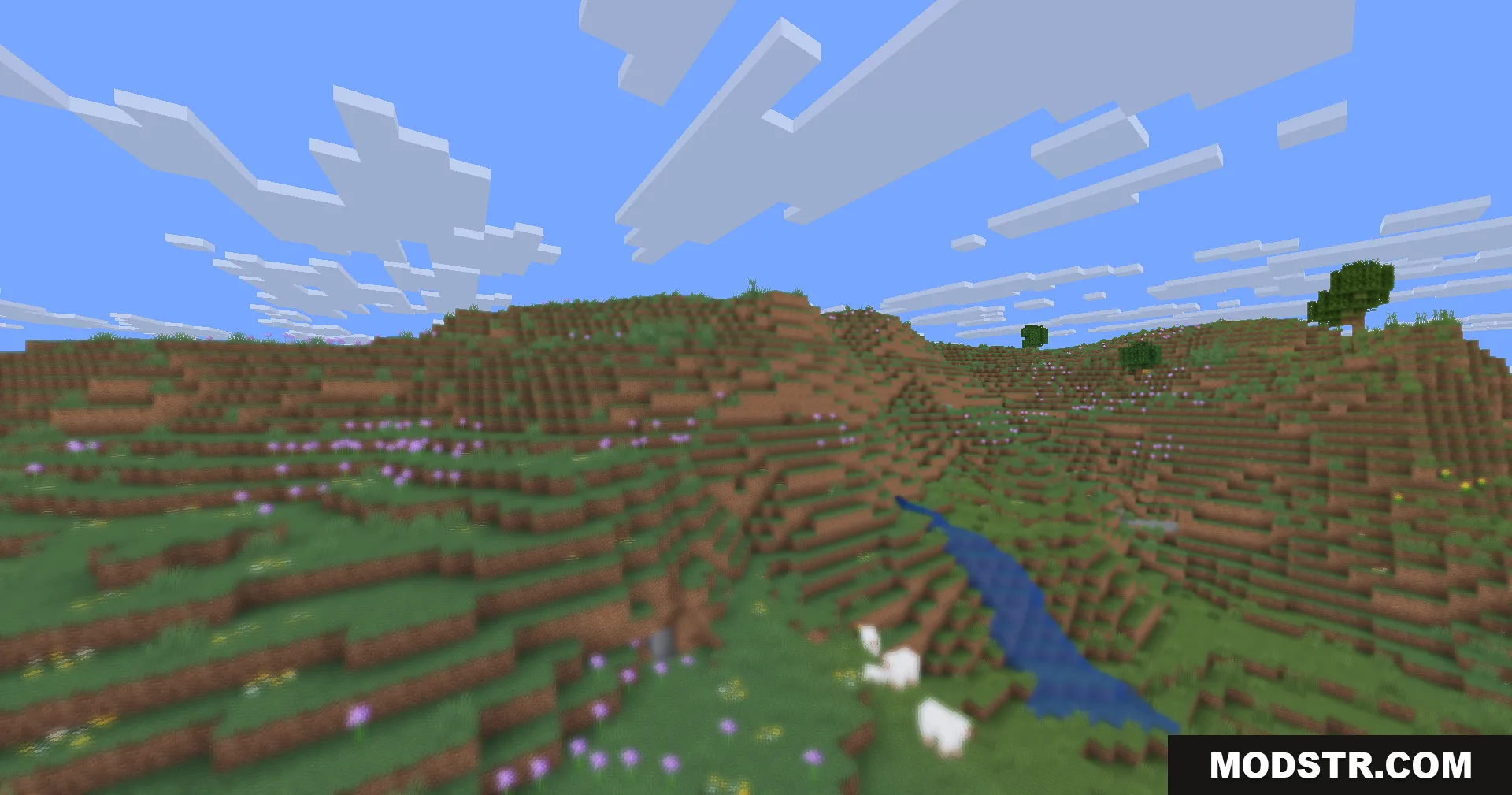
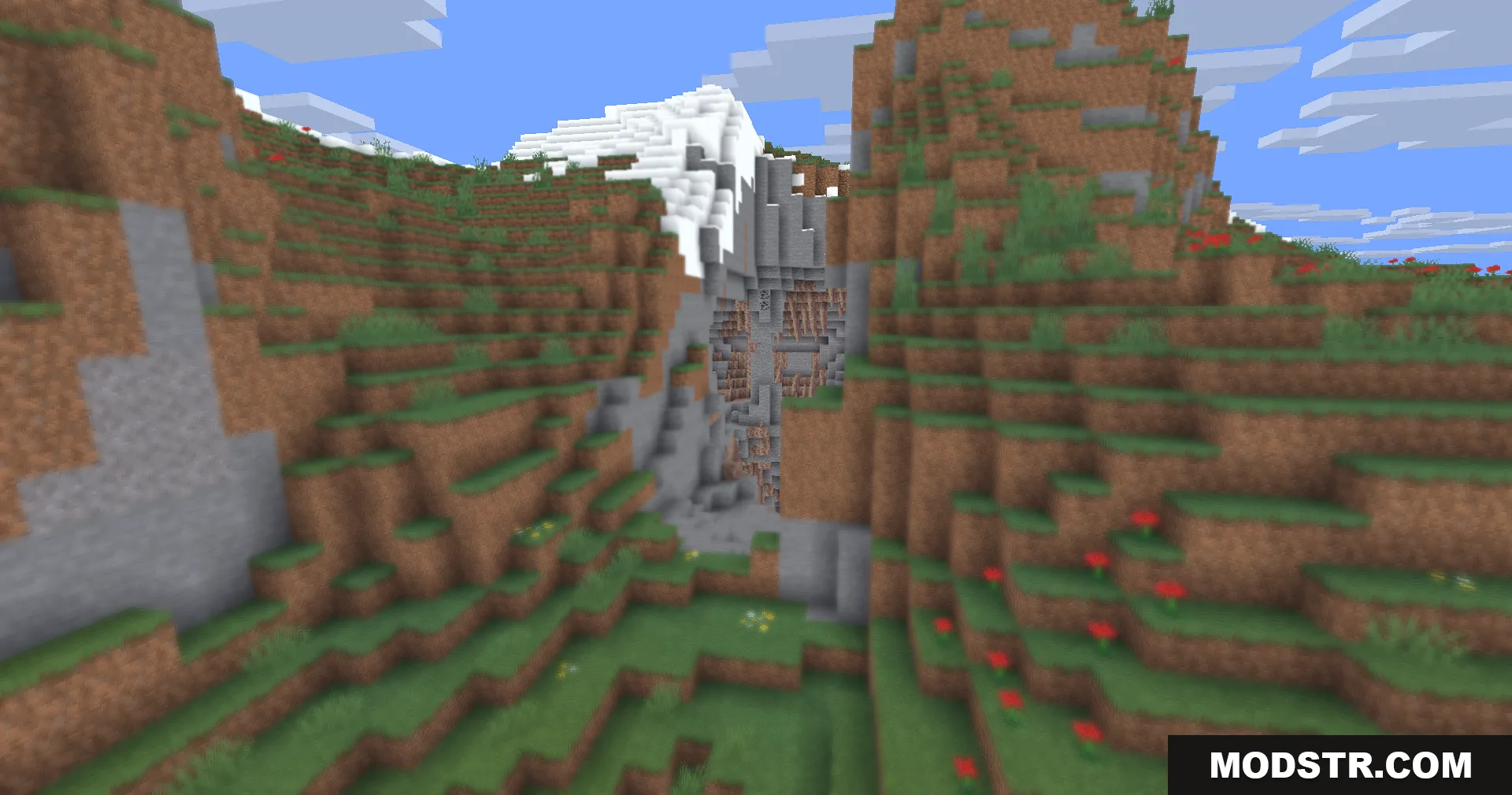
Blurry foreground allium flowers and grass with sharp distant hills and white sheep
A mountain view with a snowy peak and a blurry foreground effect

Compatibility

Hyperopia Shaders is designed for Minecraft version 1.20.1. Performance-focused design makes it suitable for systems with limited GPU capabilities.
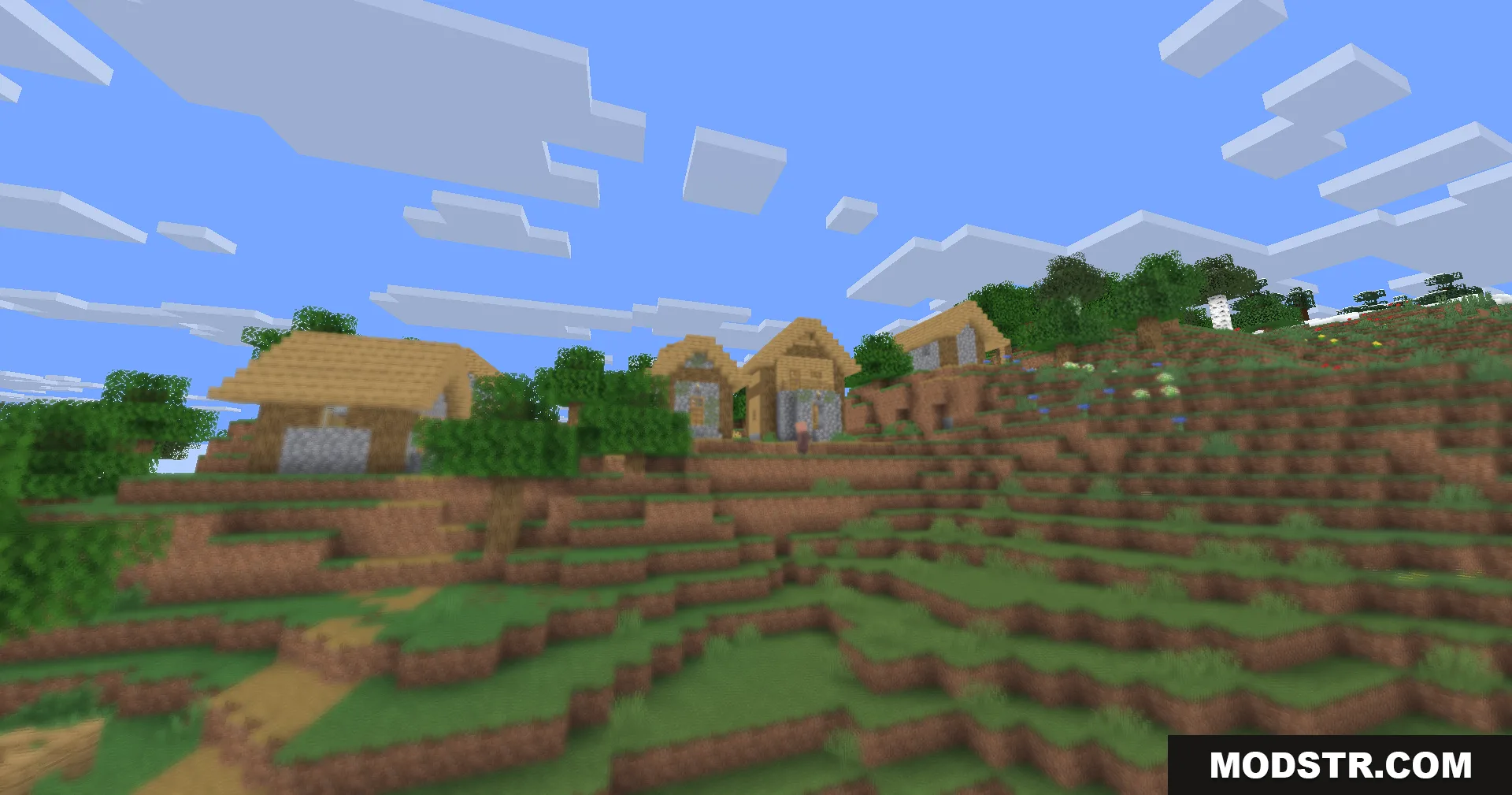
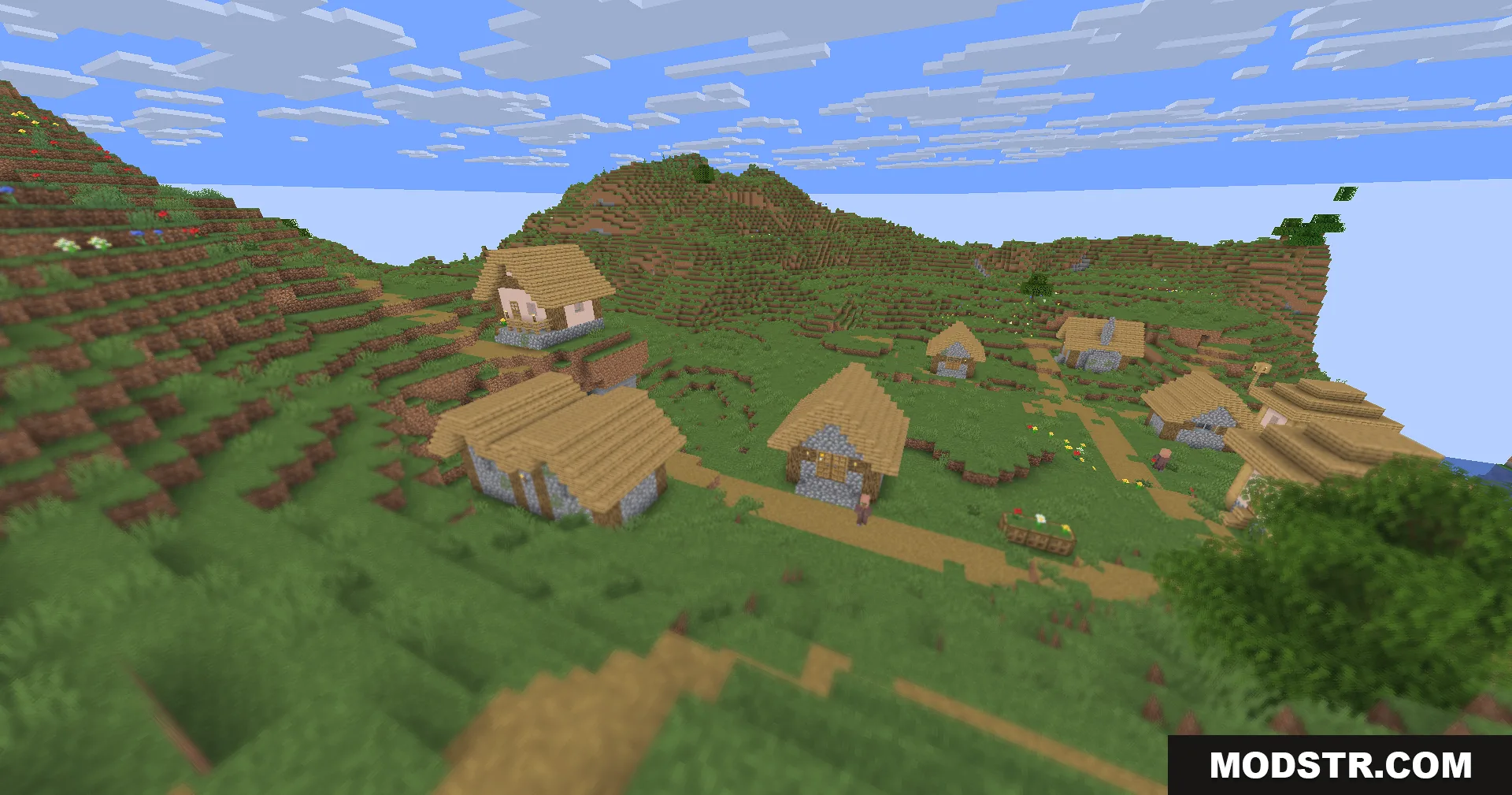
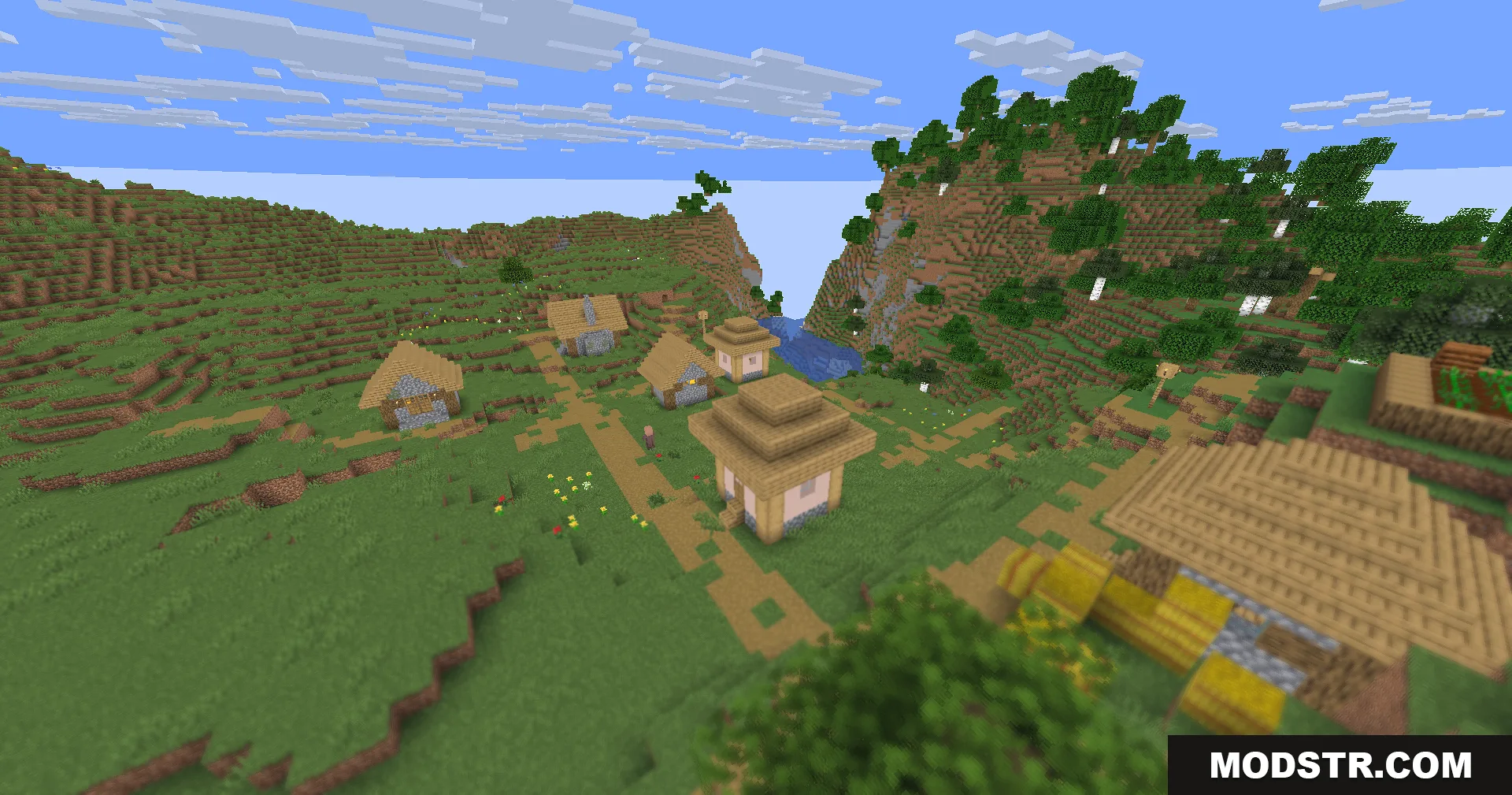
A hillside village with wooden houses and a soft blurry foreground area
Hyperopia Shaders makes the Minecraft foreground blurry while keeping distant landscapes perfectly sharp
Sharp distant village buildings and mountains with a blurry foreground foliage effect
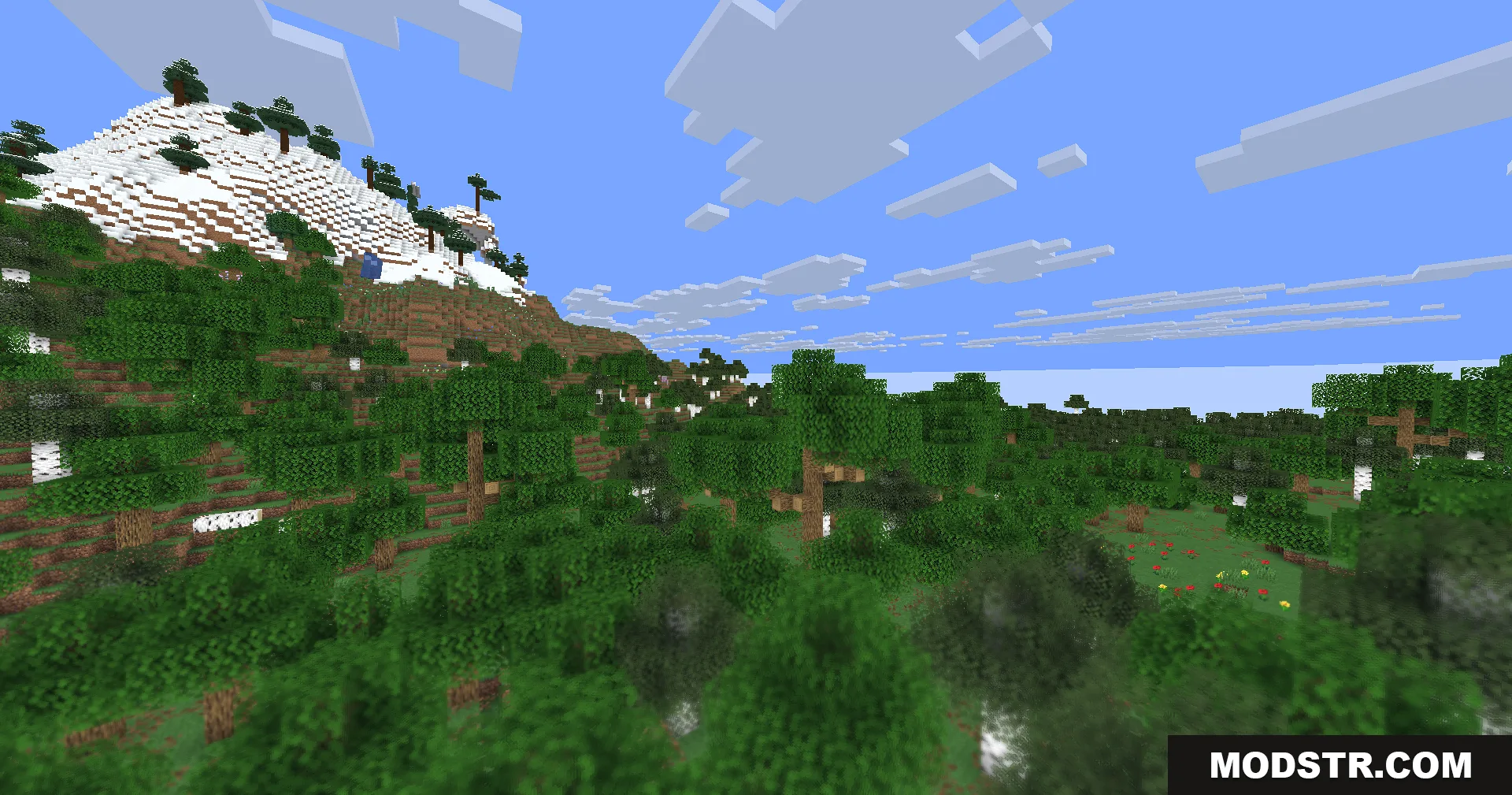
Hyperopia Shaders makes distant snowy mountains sharp while blurring the nearby green forest
Nearby grass and birch trees are blurry while the distant landscape is sharp

DOWNLOAD FILES

  • shader
    26.2, 26.1.2, 26.1.1 (+72 more) All Versions Covered 26.2 26.1.2 26.1.1 26.1 1.21.11 1.21.10 1.21.9 1.21.8 1.21.7 1.21.6 1.21.5 1.21.4 1.21.3 1.21.2 1.21.1 1.21 1.20.6 1.20.5 1.20.4 1.20.3 1.20.2 1.20.1 1.20 1.19.4 1.19.3 1.19.2 1.19.1 1.19 1.18.2 1.18.1 1.18 1.17.1 1.17 1.16.5 1.16.4 1.16.3 1.16.2 1.16.1 1.16 1.15.2 1.15.1 1.15 1.14.4 1.14.3 1.14.2 1.14.1 1.14 1.13.2 1.13.1 1.13 1.12.2 1.12.1 1.12 1.11.2 1.11.1 1.11 1.10.2 1.10.1 1.10 1.9.4 1.9.3 1.9.2 1.9.1 1.9 1.8.9 1.8.8 1.8.7 1.8.6 1.8.5 1.8.4 1.8.3 1.8.2 1.8.1 1.8 1.7.10 ▲ Collapse · Hyperopia-Shaders-All-Versions.zip
    • 1.21.11