
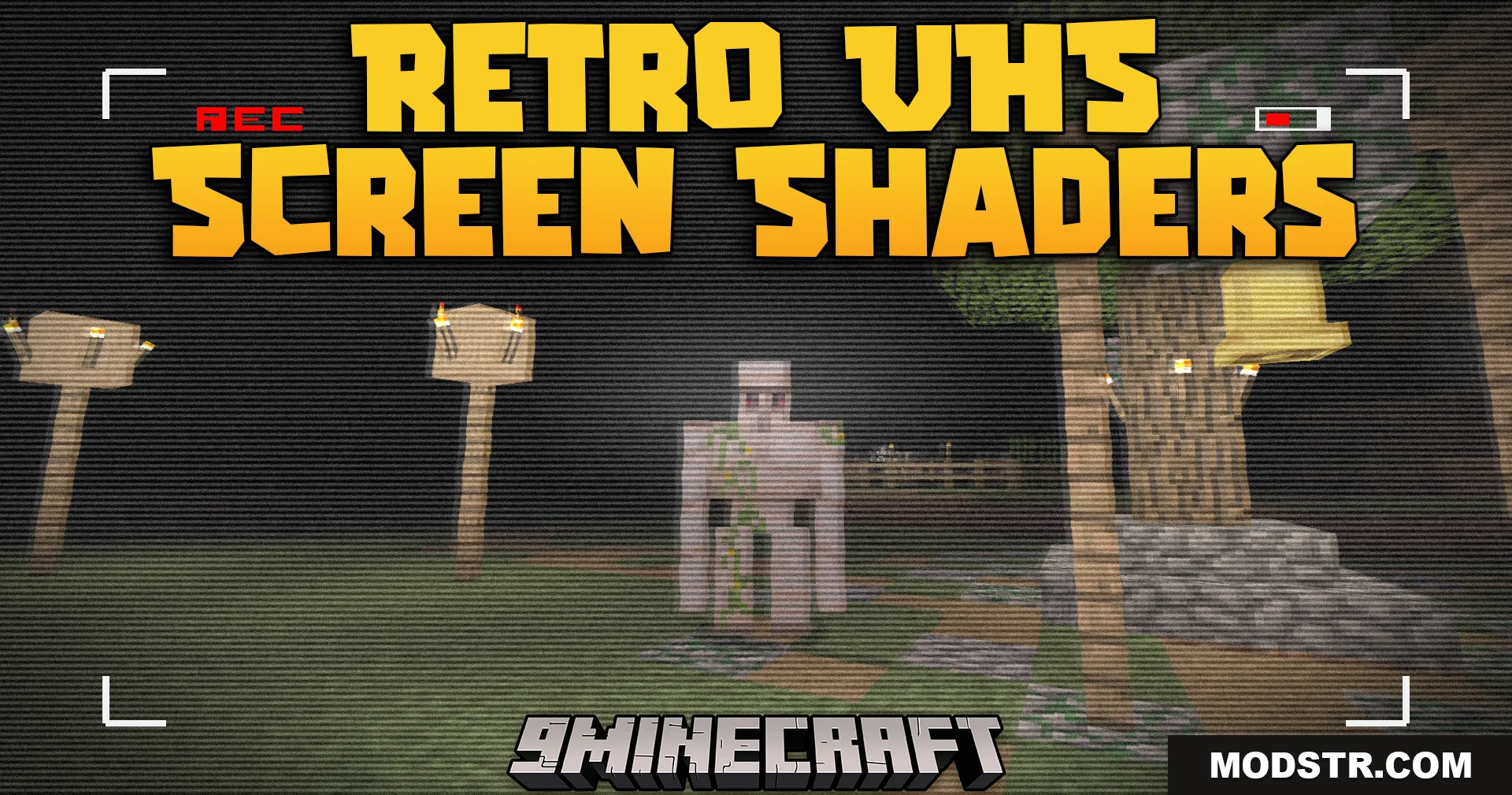
Retro VHS Screen Shaders (1.21.11, 1.20.1) – Vintage Camcorder Filter
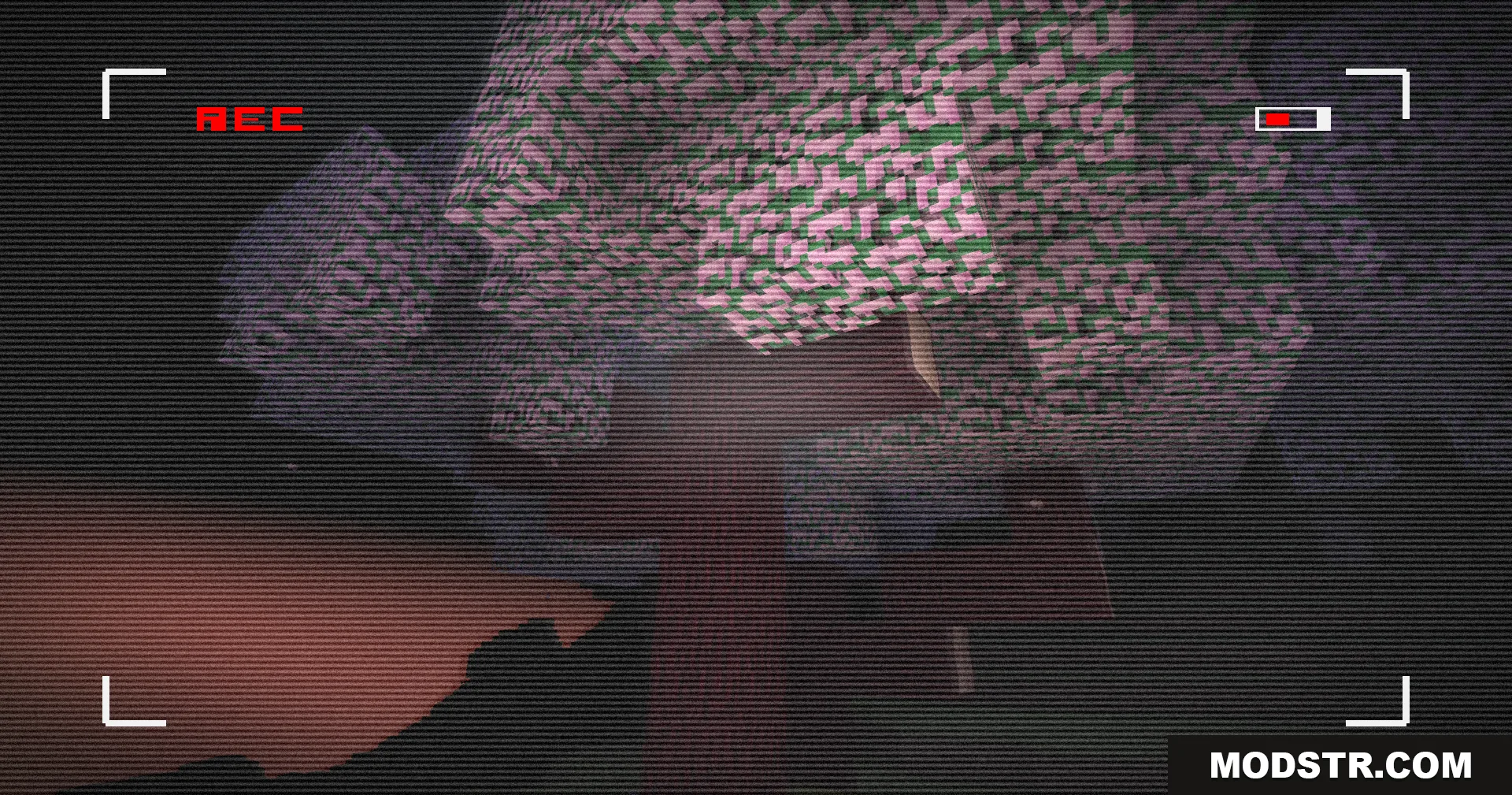
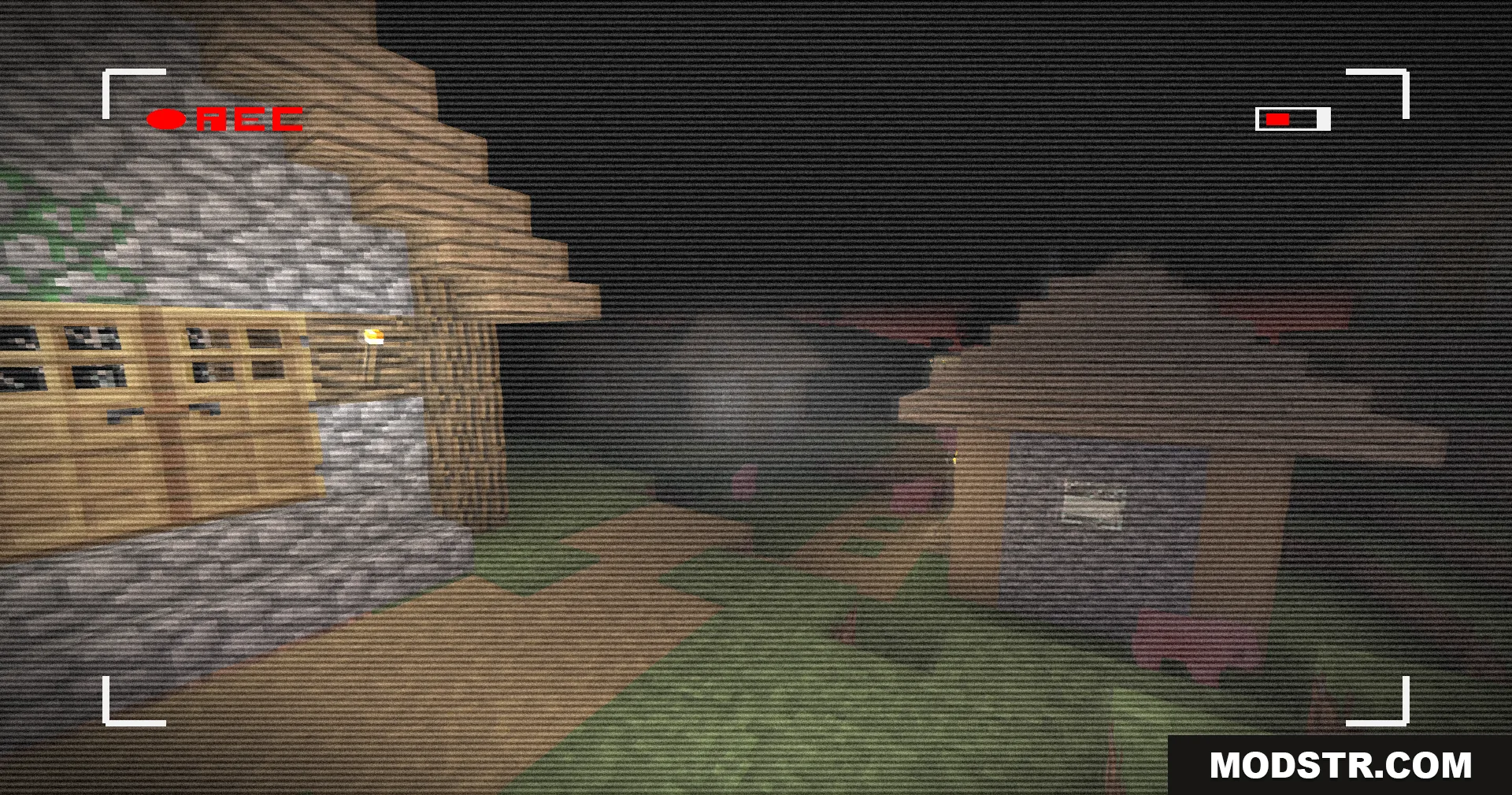
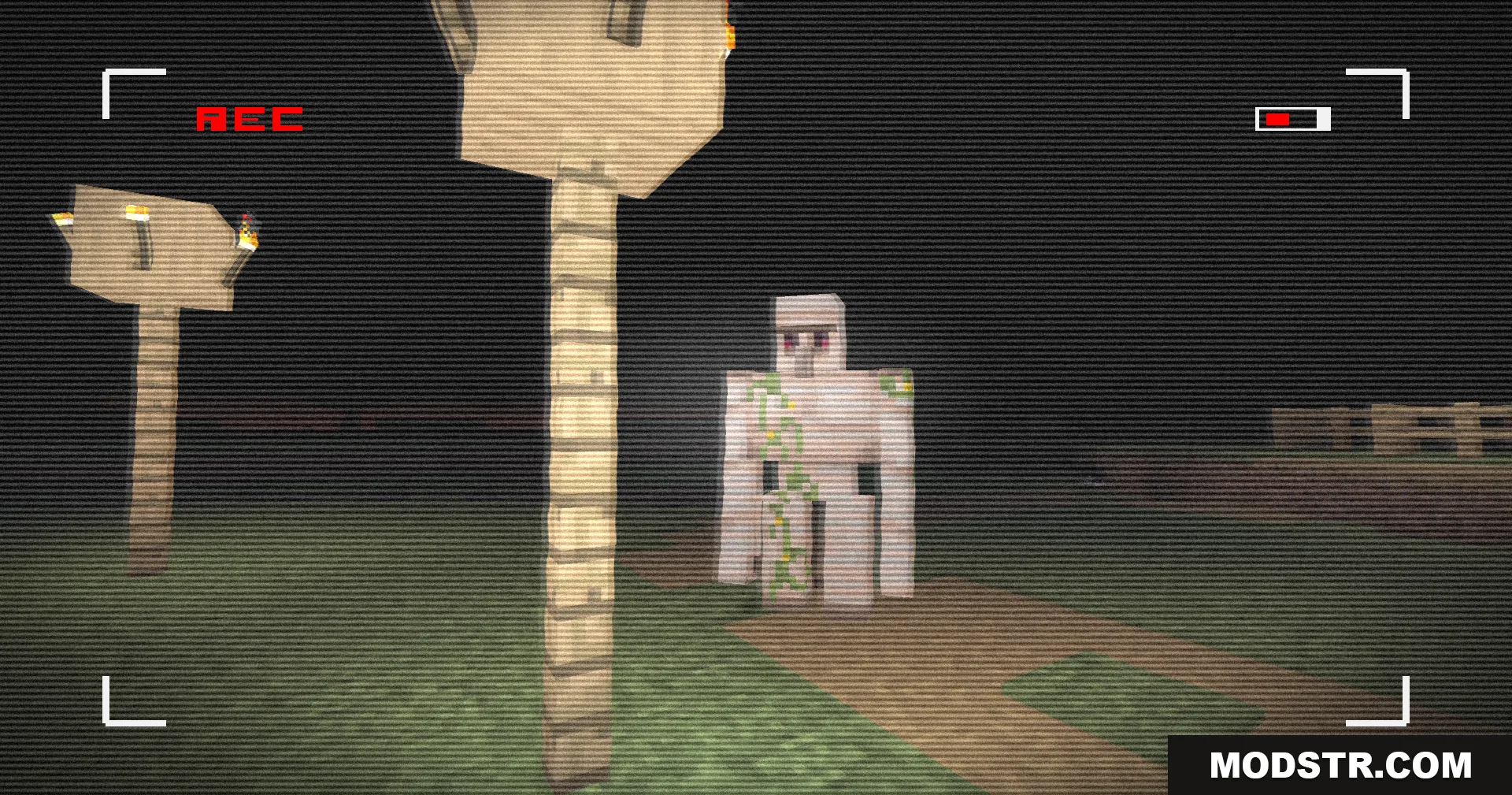
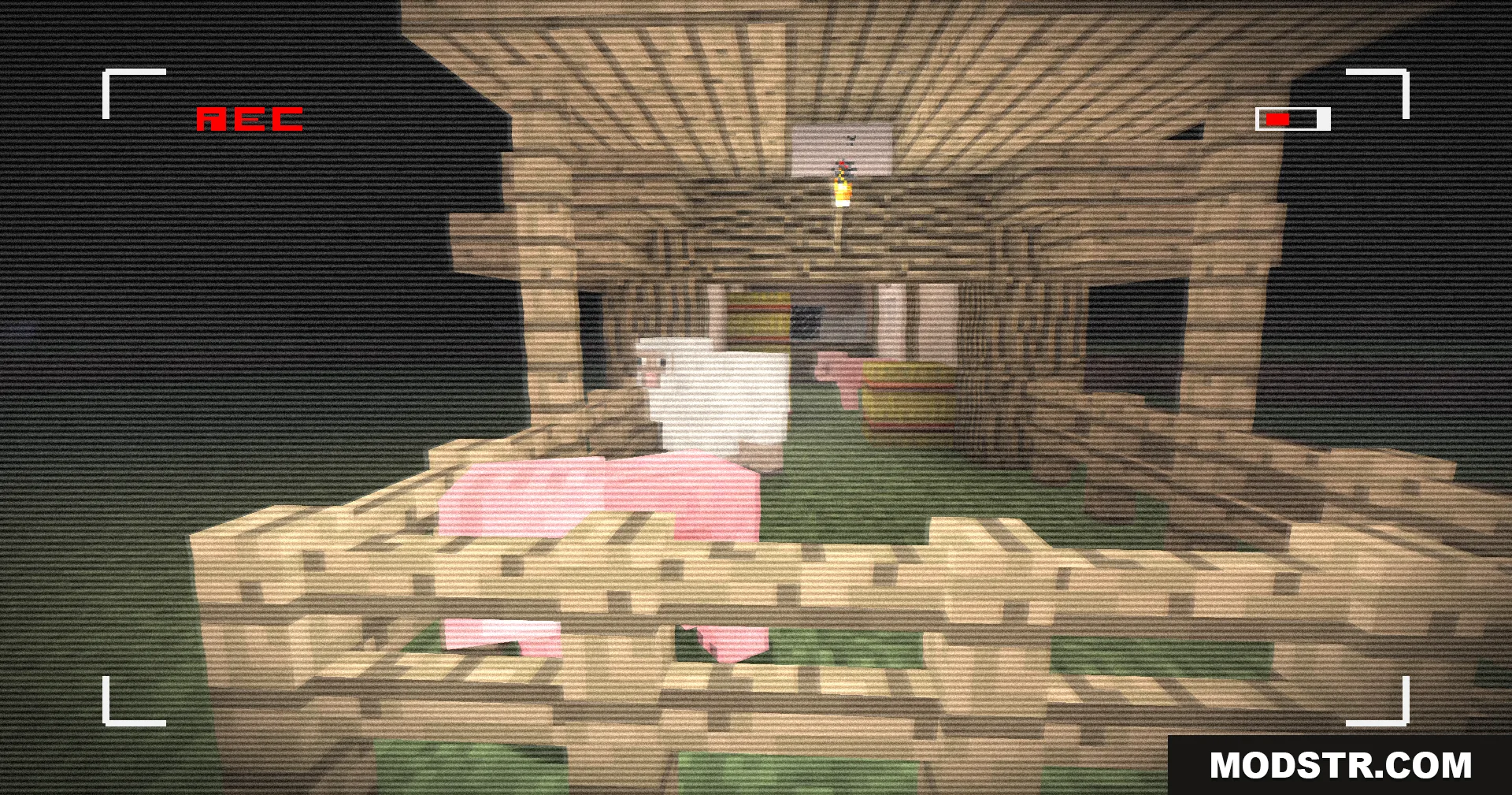
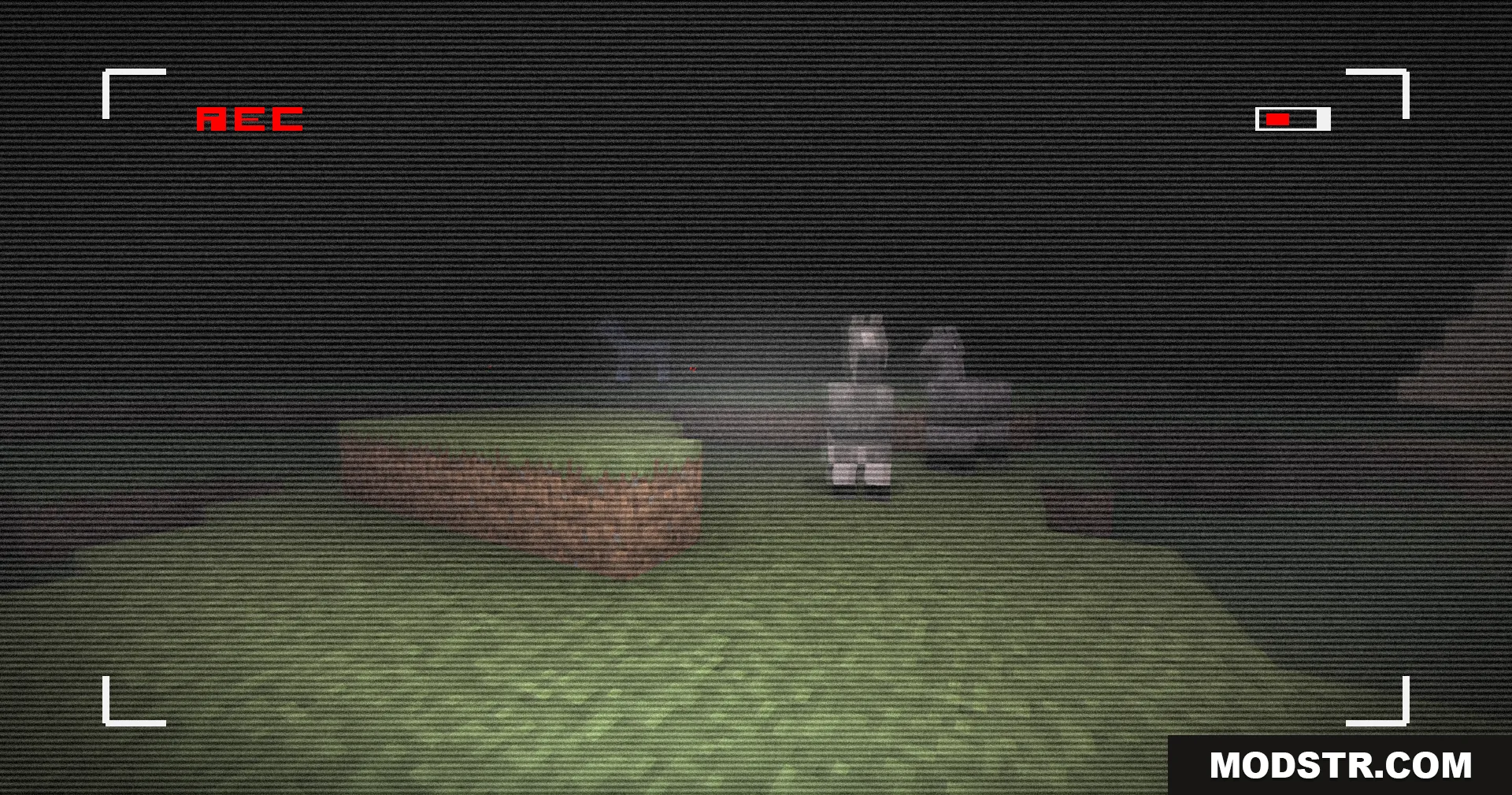
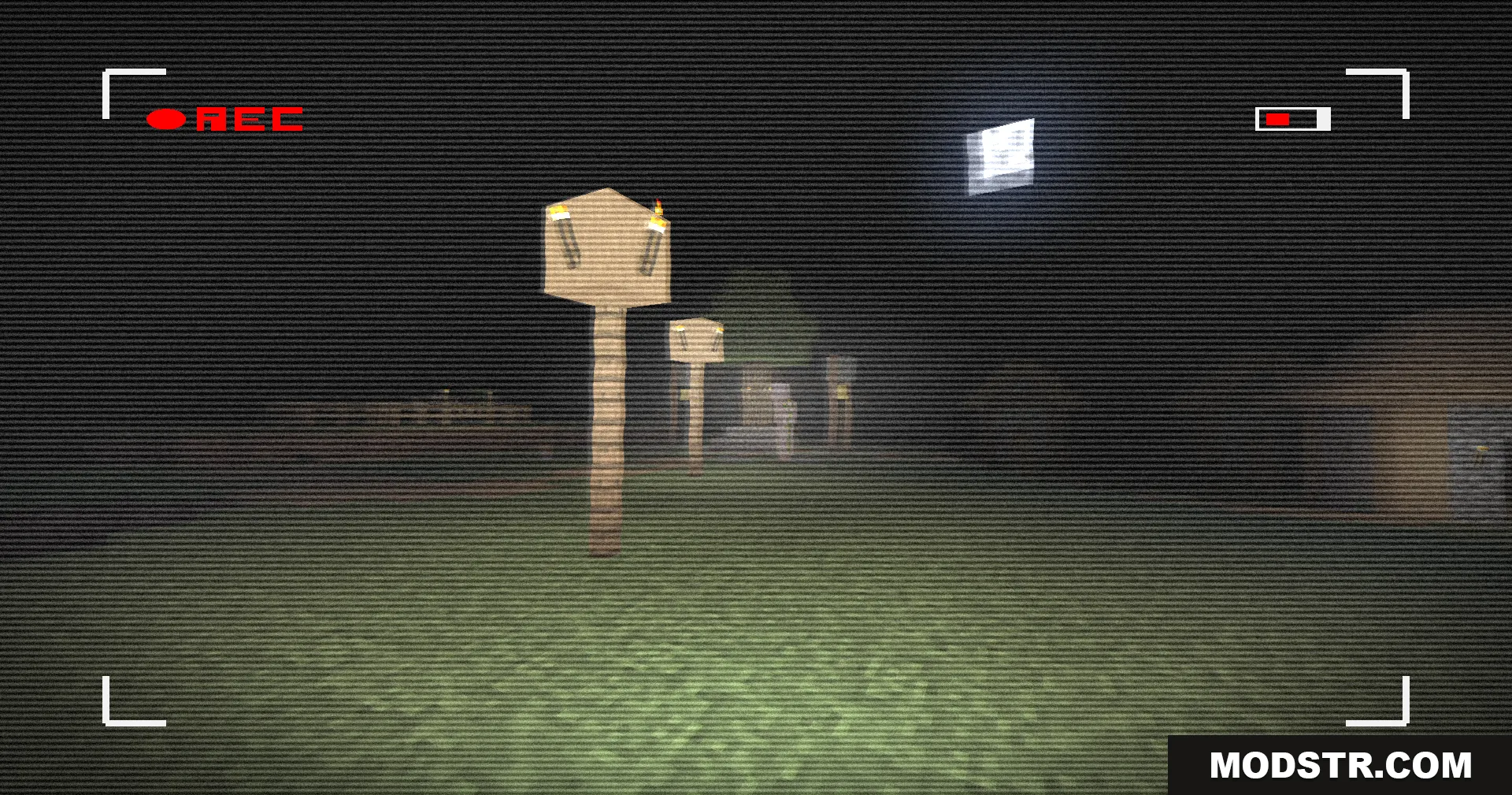
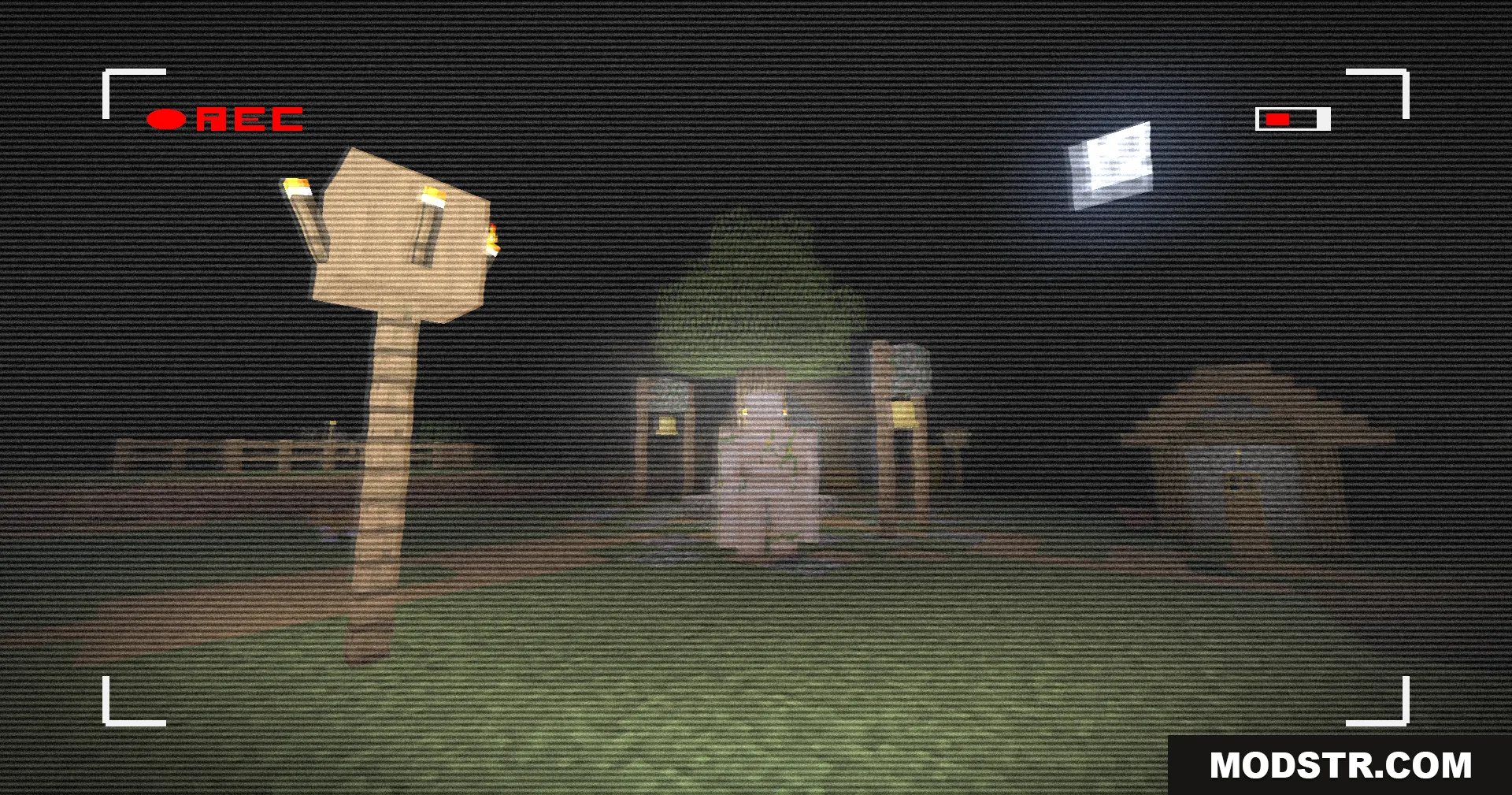
Retro VHS Screen Shaders applies a vintage camcorder filter to Minecraft, adding tape effects, color grading, and a flickering recording icon for a nostalgic or creepy atmosphere.
- 1.21.11
- 1.21.1
- 1.21
- 1.20.1
- 1.20
Retro VHS Screen Shaders overlays your Minecraft world with a vintage camcorder aesthetic. It applies classic VHS tape effects, color shifts, and visual artifacts to create an old-school recording feel. This shader is useful for playing horror maps or revisiting older game versions with a nostalgic filter.
Features
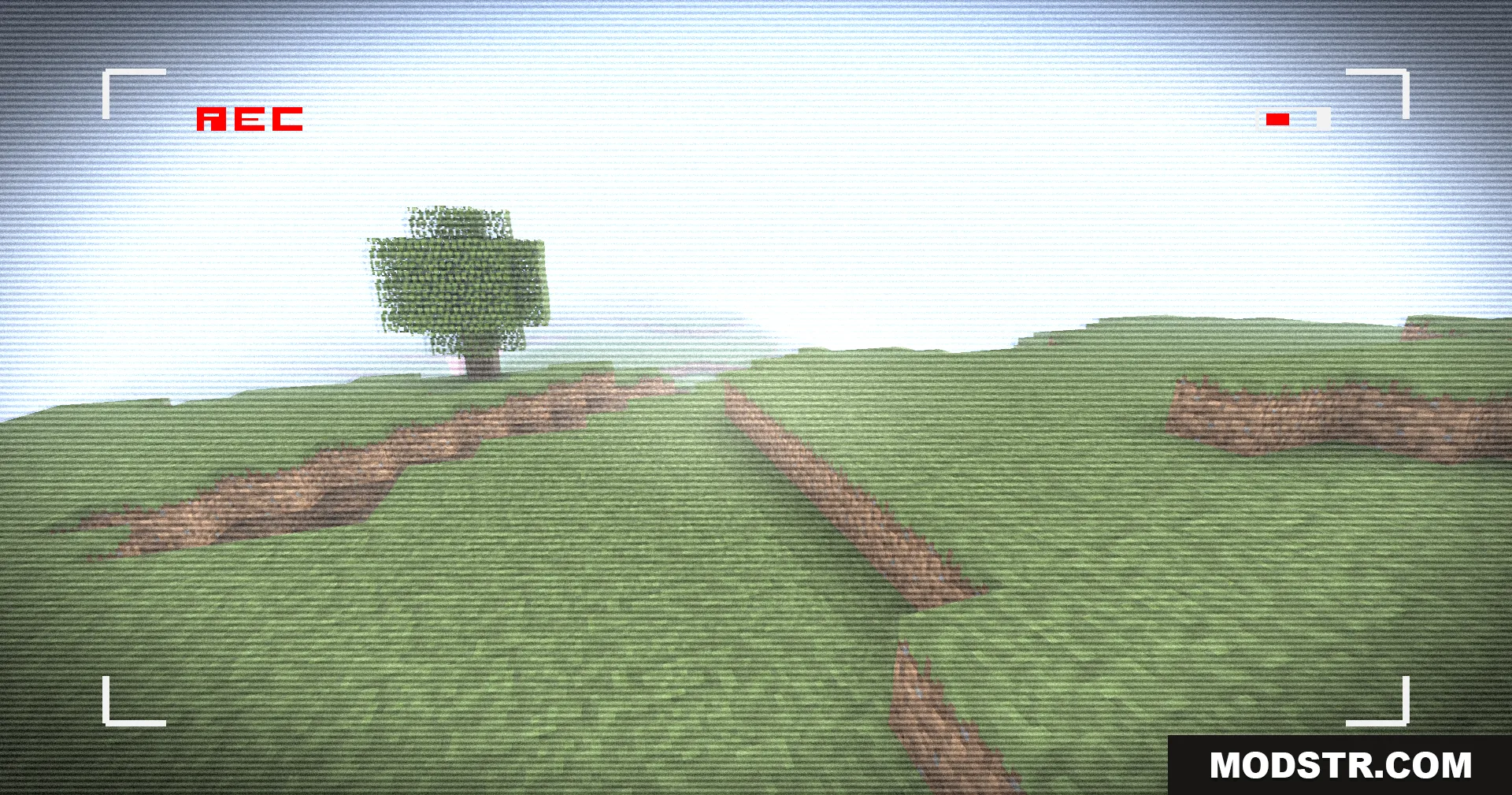
- Flickering red REC icon displayed in the corner of the screen.
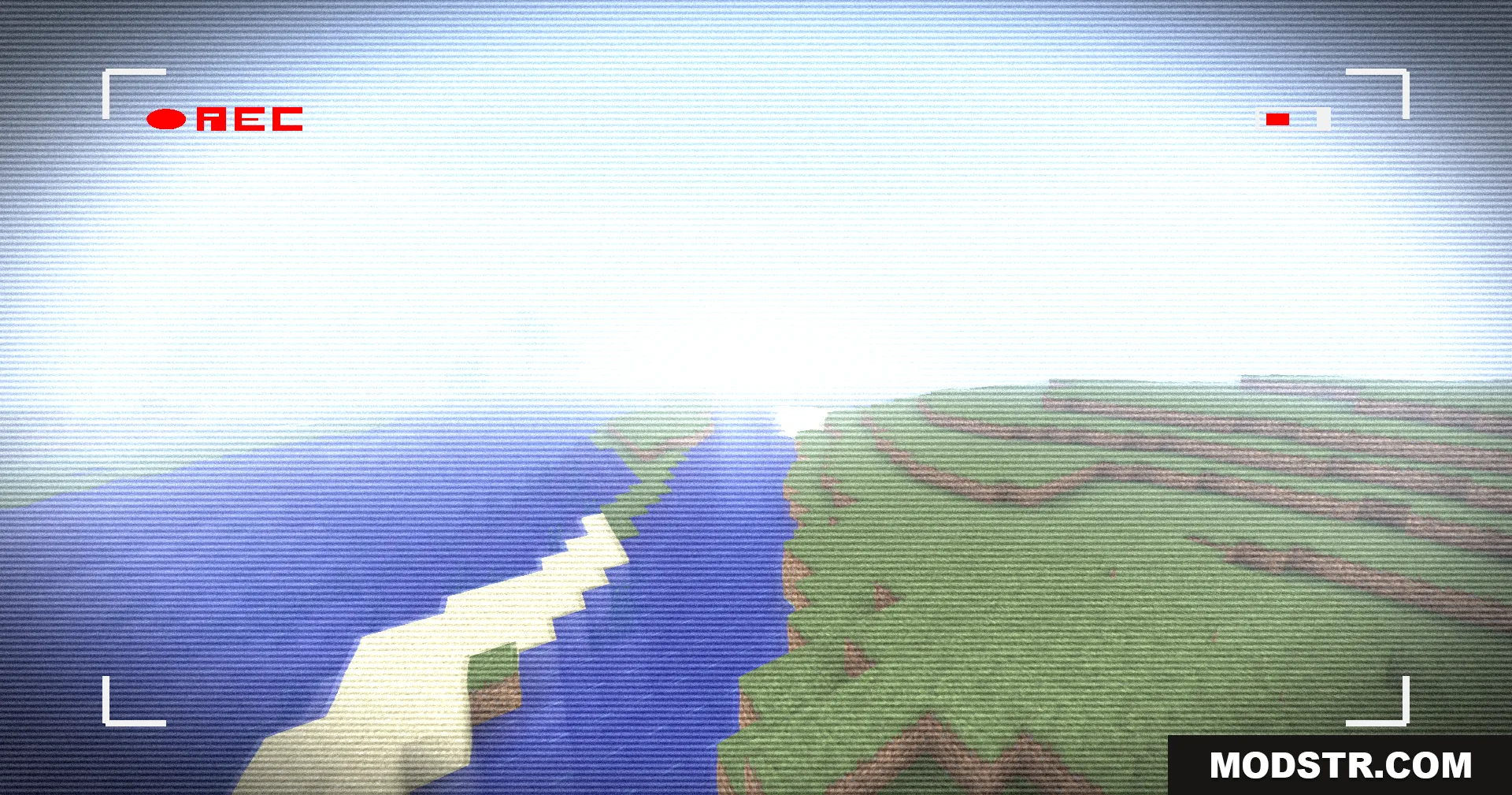
- Color and lighting adjustments that mimic aged video tape appearance.
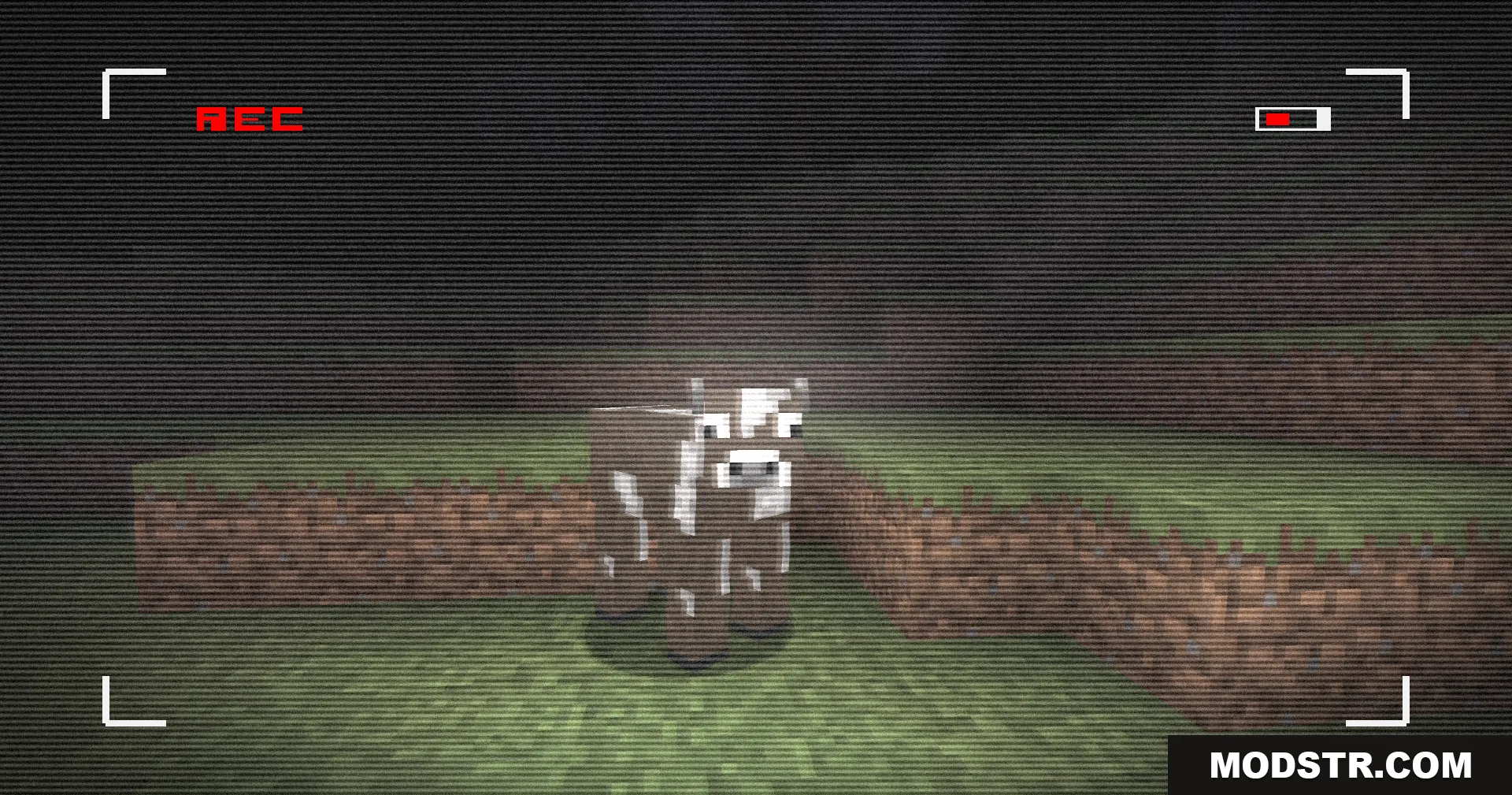
- Grainy filter overlay applied across the camera view.
- Creates a creepy visual tone suited to scary maps and horror gameplay.
- Enhanced nostalgia effect for classic alpha and beta-era worlds.
Installation
- Download the shader pack file.
- Open your Minecraft shaders folder (usually located in .minecraft/shaderpacks/).
- Place the downloaded file into the shaderpacks folder.
- Launch Minecraft and navigate to Video Settings.
- Select this shader from the Shaders menu and apply.
Compatibility
This shader is compatible with Minecraft 1.21.11 and 1.20.1. Check your game version before installing to ensure compatibility.
DOWNLOAD FILES
- shader