
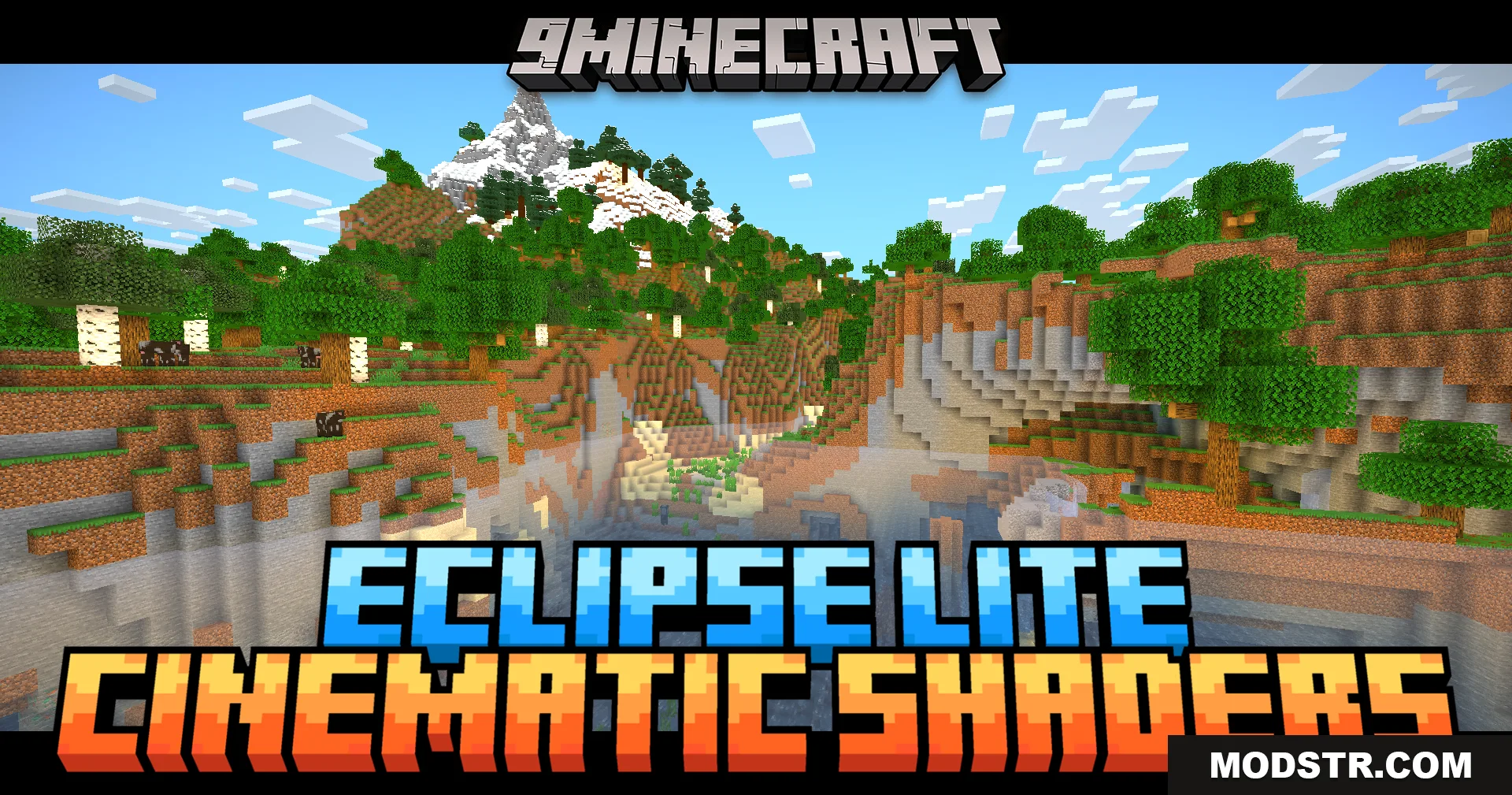
Eclipse Lite Cinematic Shaders (26.1.2, 1.20.1) – Cinematic Black Bars
Lightweight cinematic shader for Minecraft 1.20.1 that adds widescreen black bars and clear water while maintaining high frame rates on older systems.
- 1.20 → 1.21.10 +18
Show all 18 versions
- 1.21.10
- 1.21.9
- 1.21.8
- 1.21.7
- 1.21.6
- 1.21.5
- 1.21.4
- 1.21.3
- 1.21.2
- 1.21.1
- 1.21
- 1.20.6
- 1.20.5
- 1.20.4
- 1.20.3
- 1.20.2
- 1.20.1
- 1.20
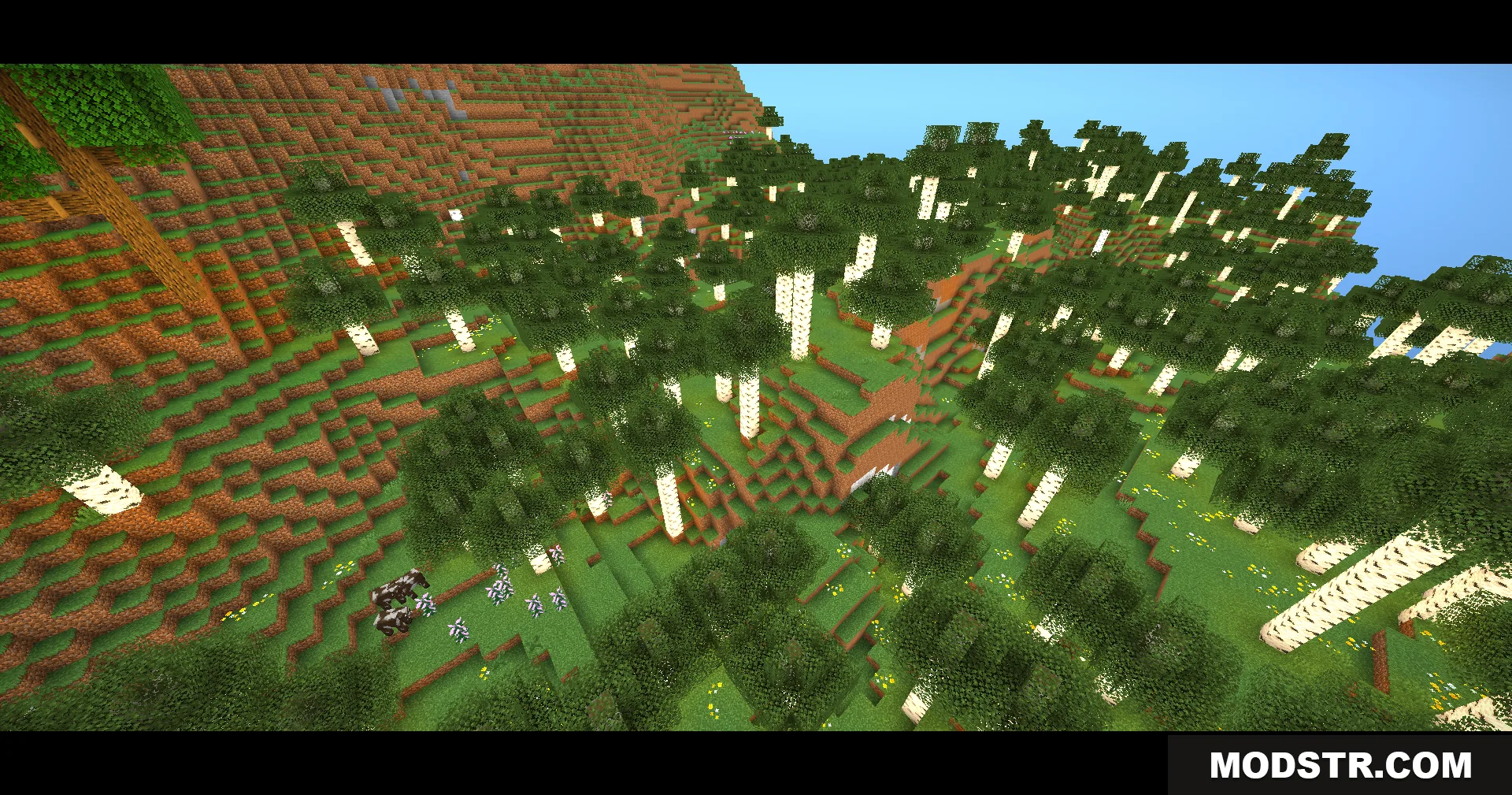
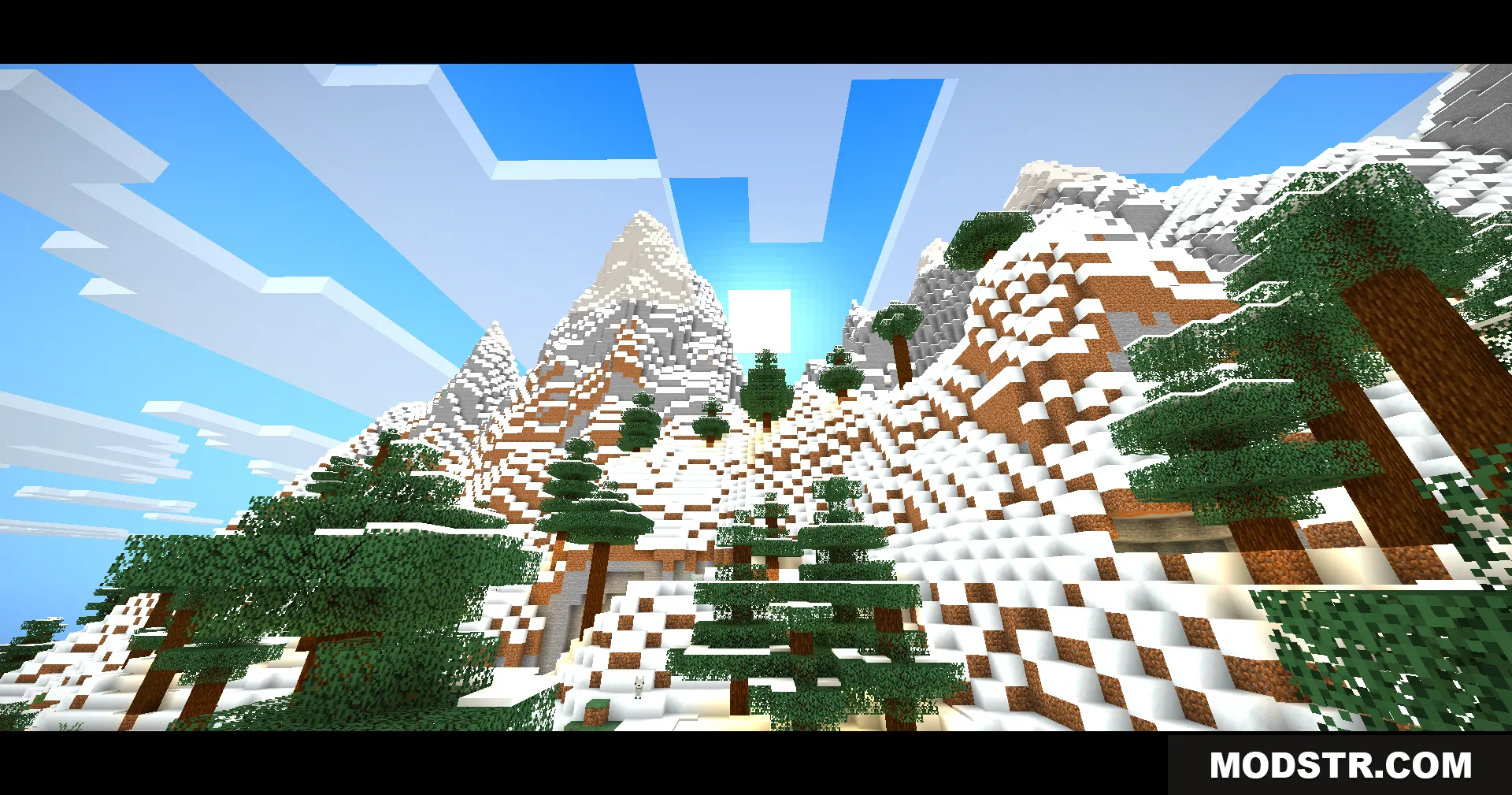
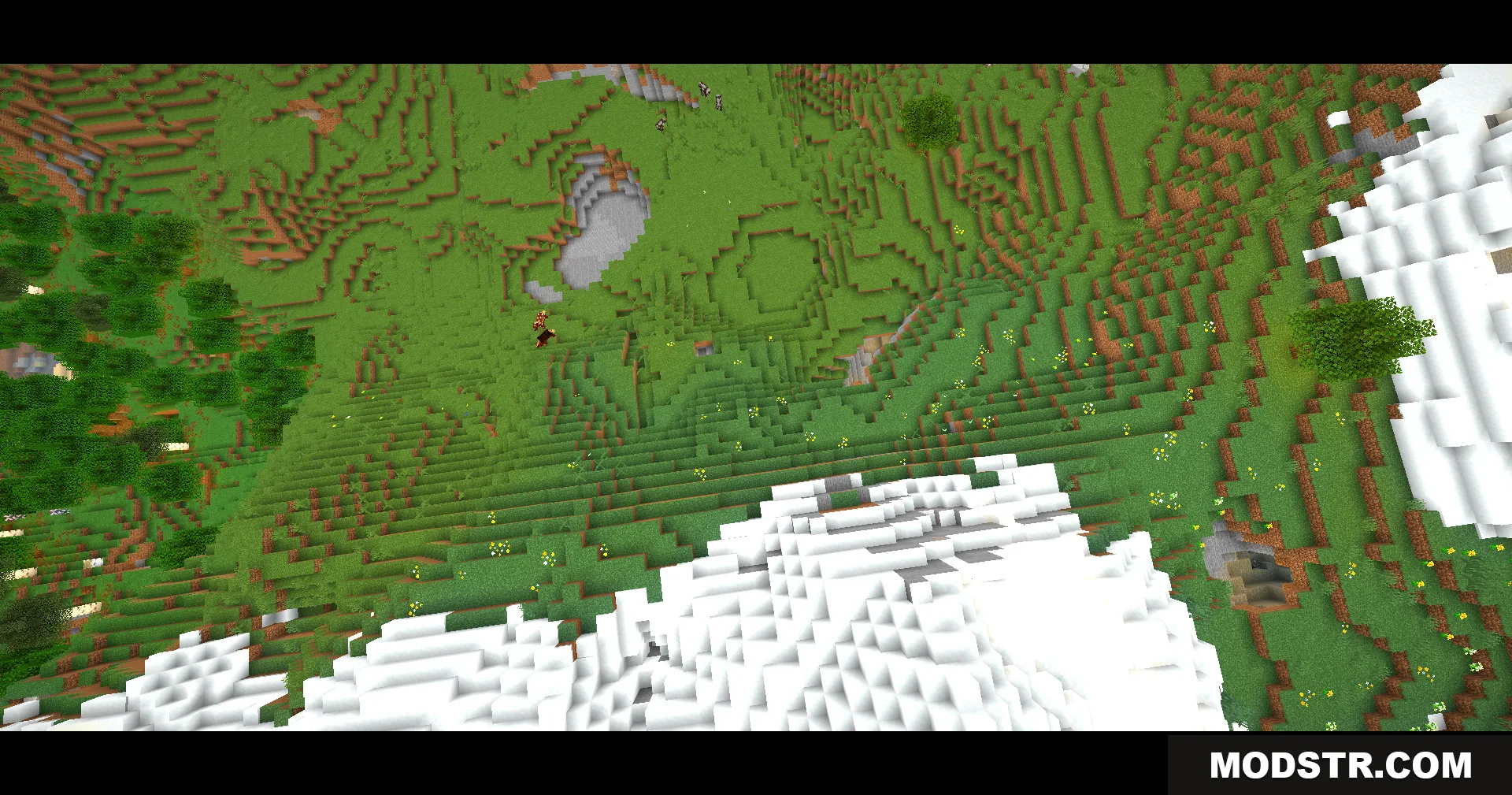
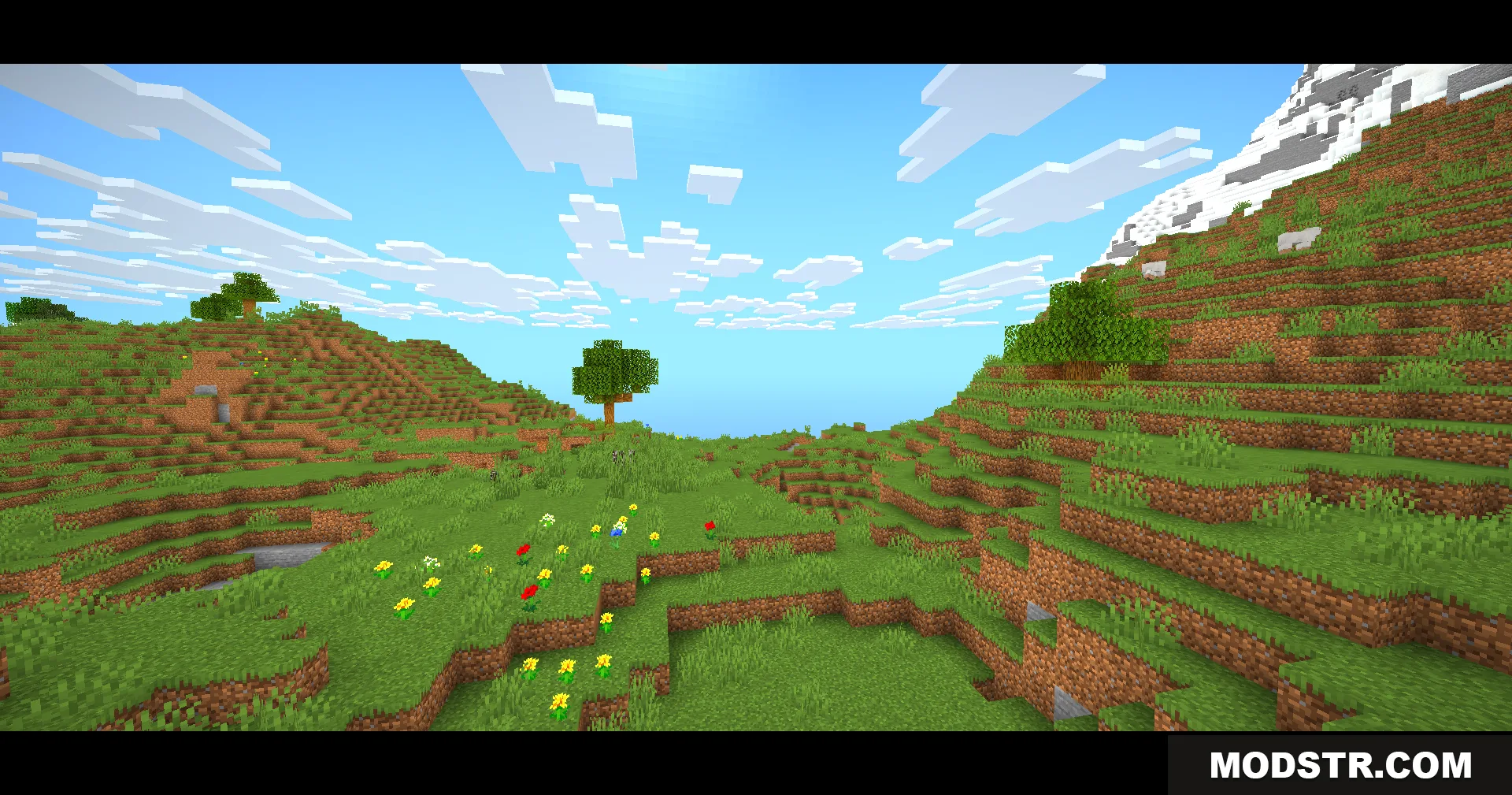
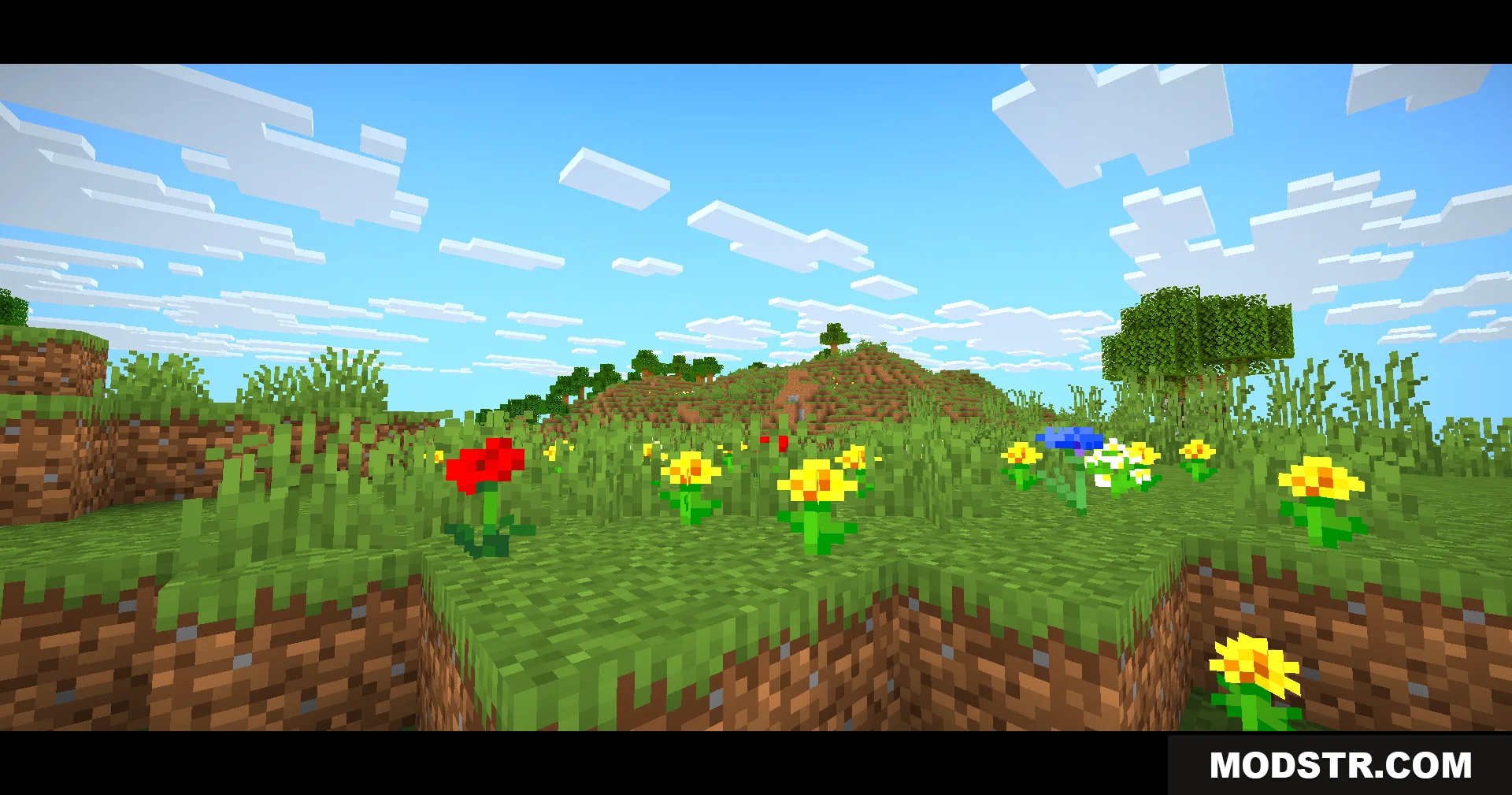
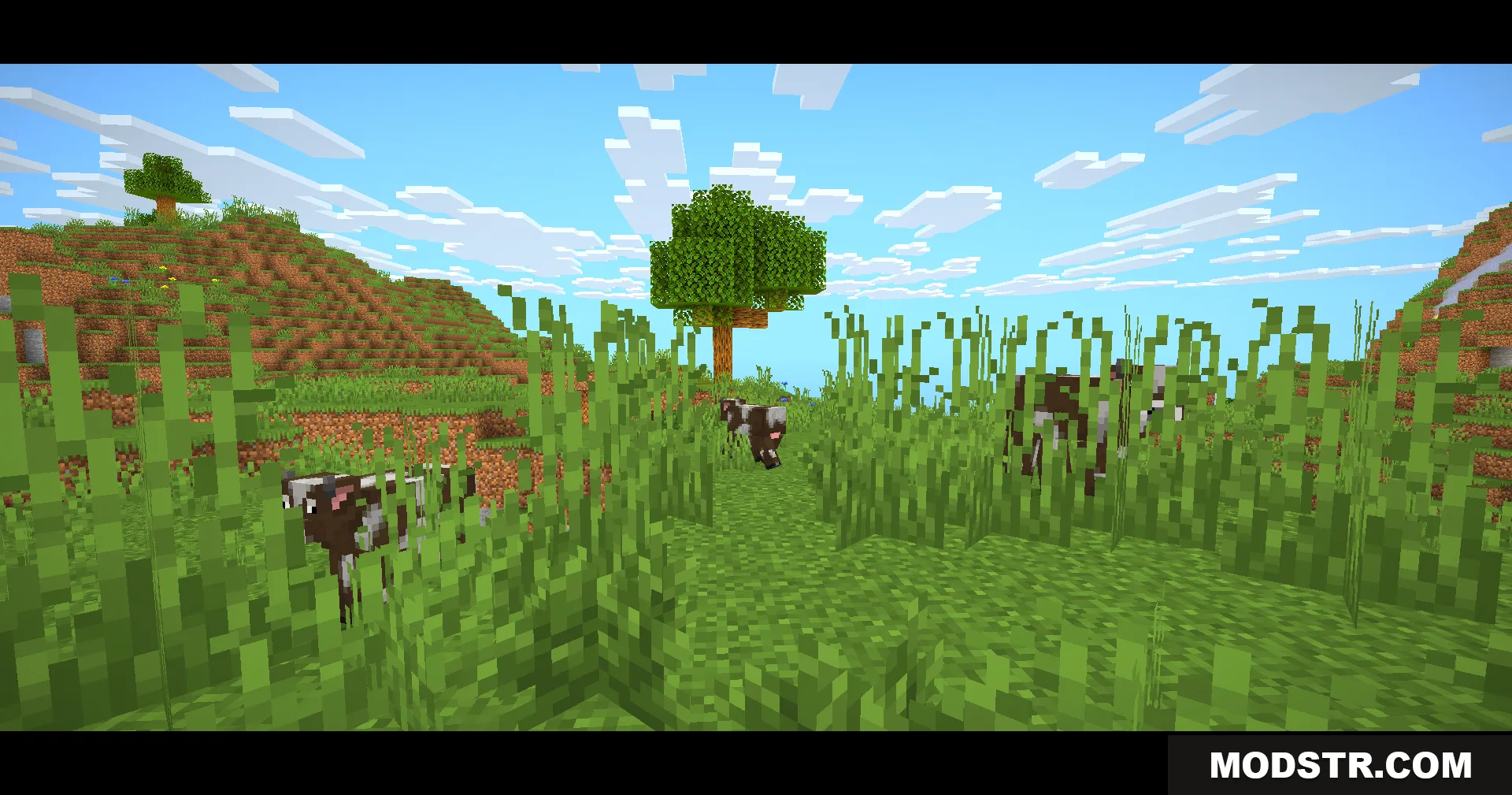
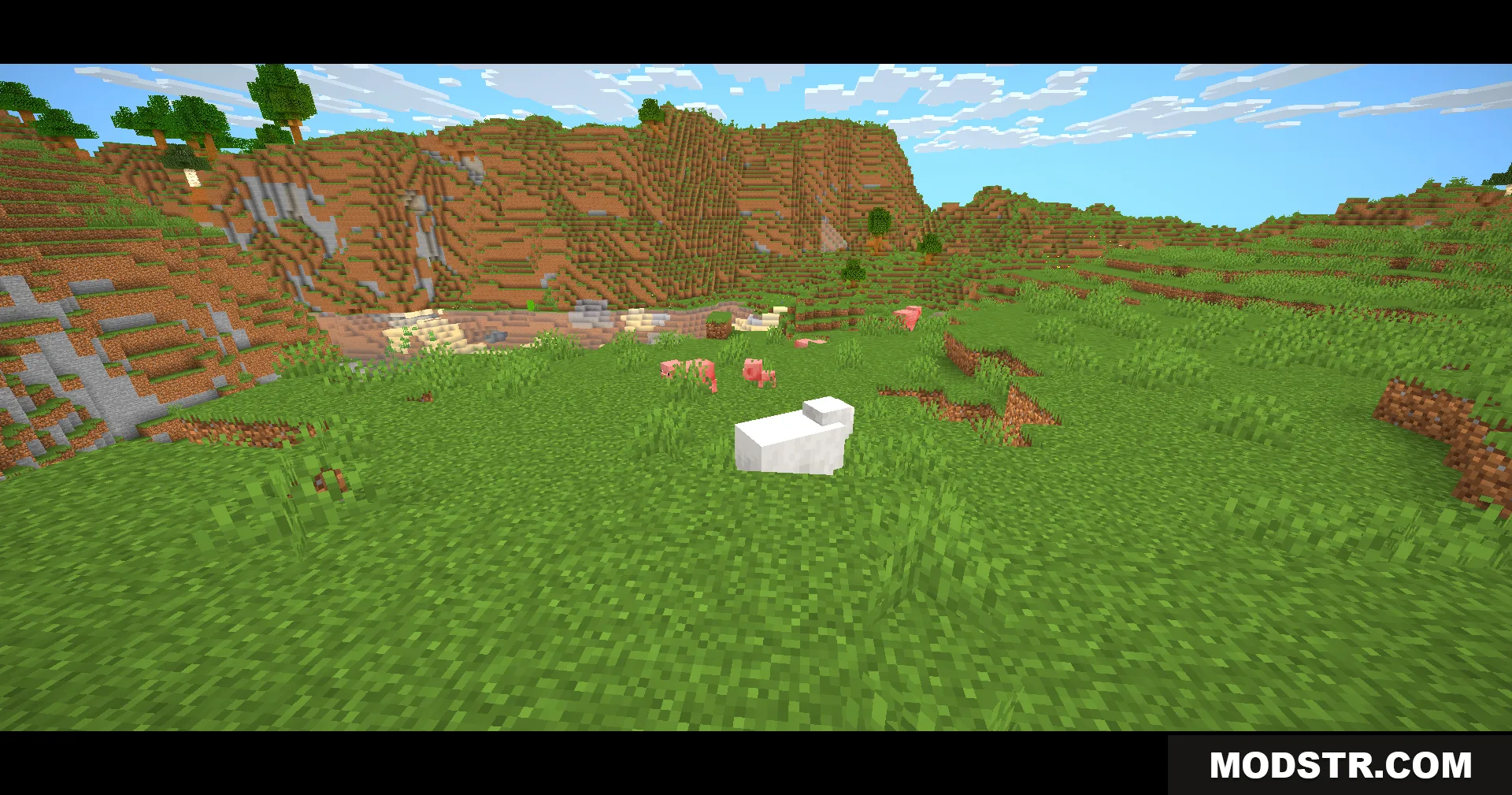
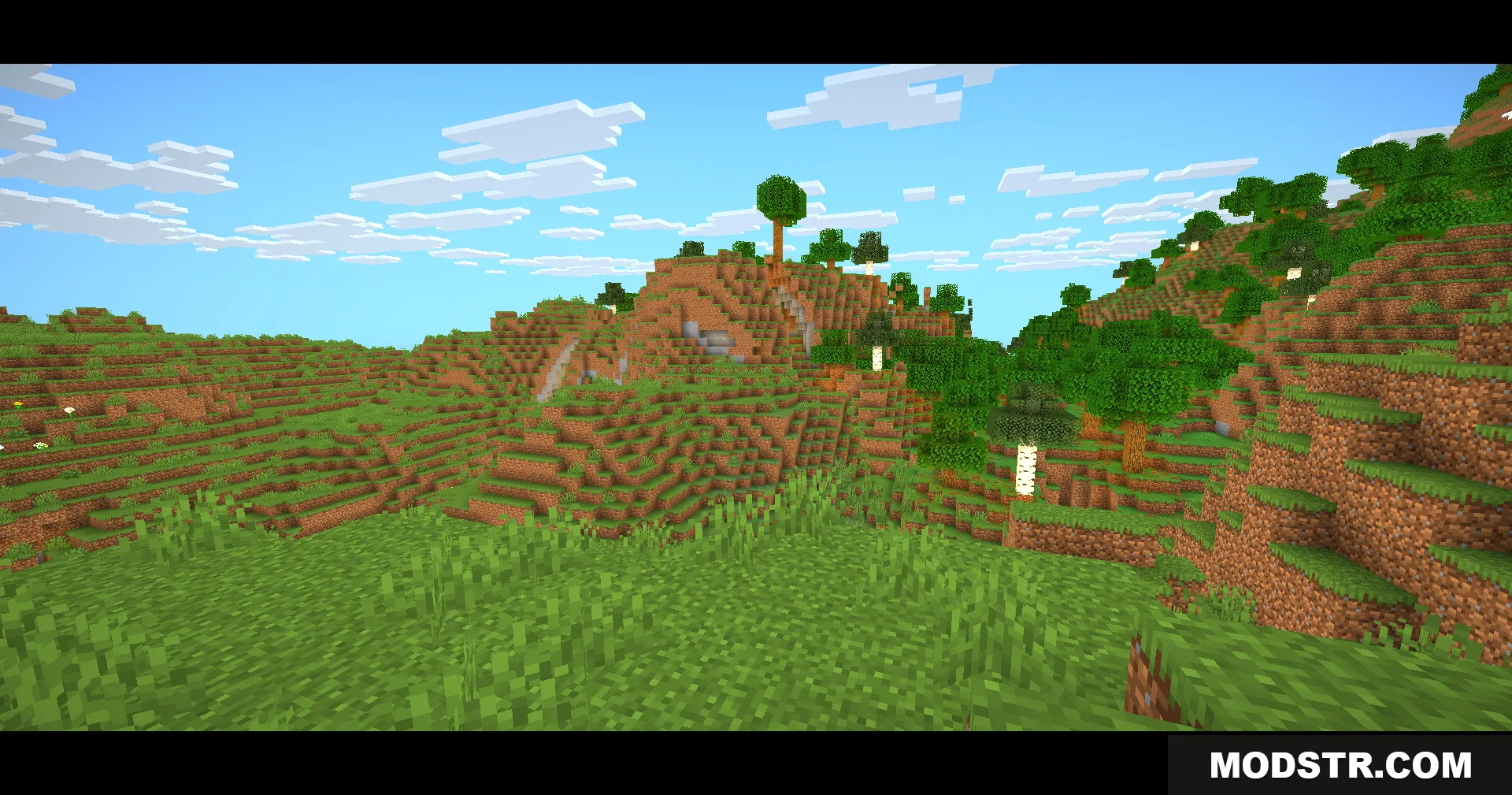
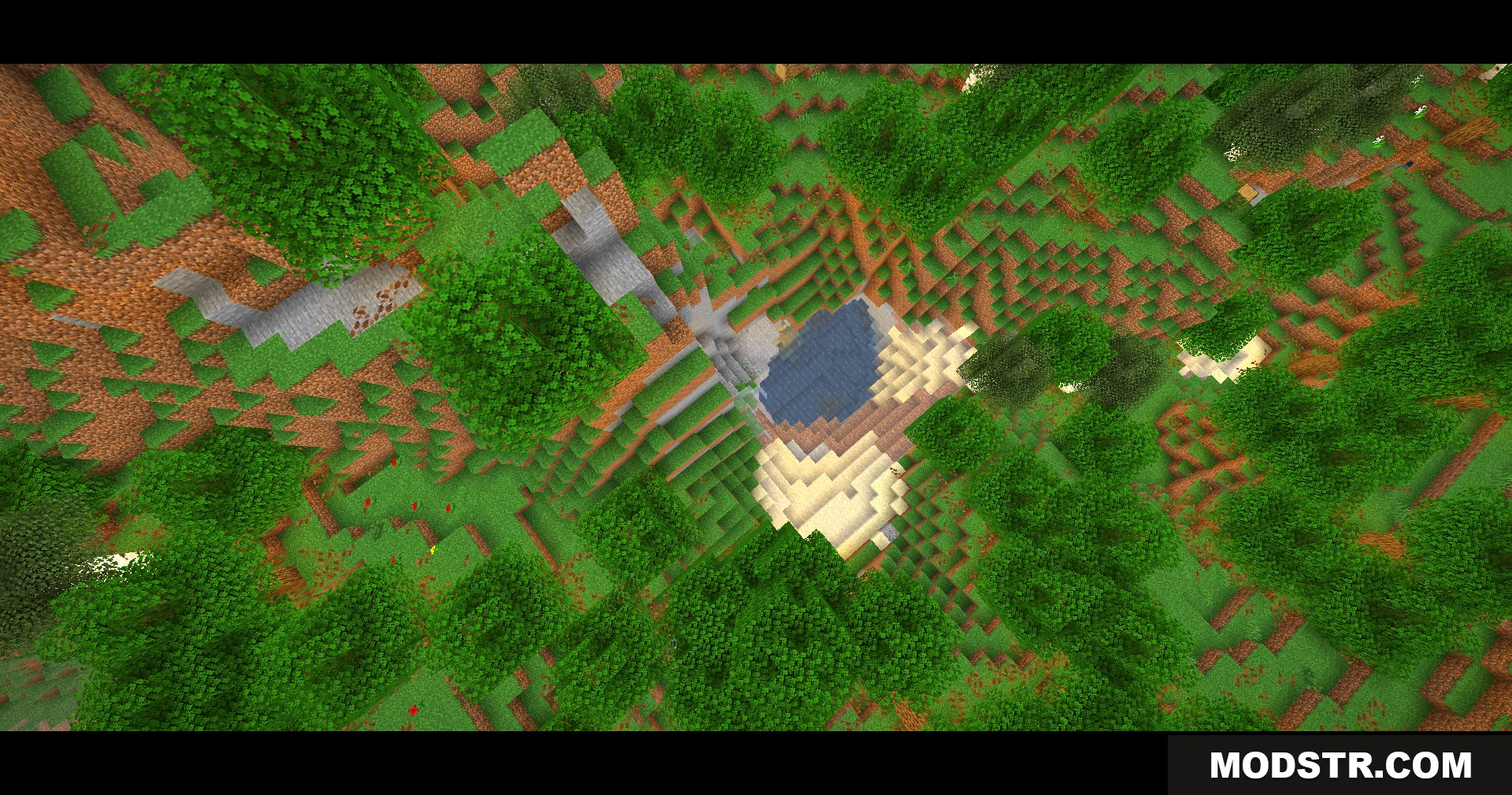
Eclipse Lite Cinematic Shaders is a performance-focused shader pack designed for laptops and older computers. It adds cinematic black bars to the top and bottom of your screen while maintaining Minecraft's visual style and keeping frame rates stable.
Features
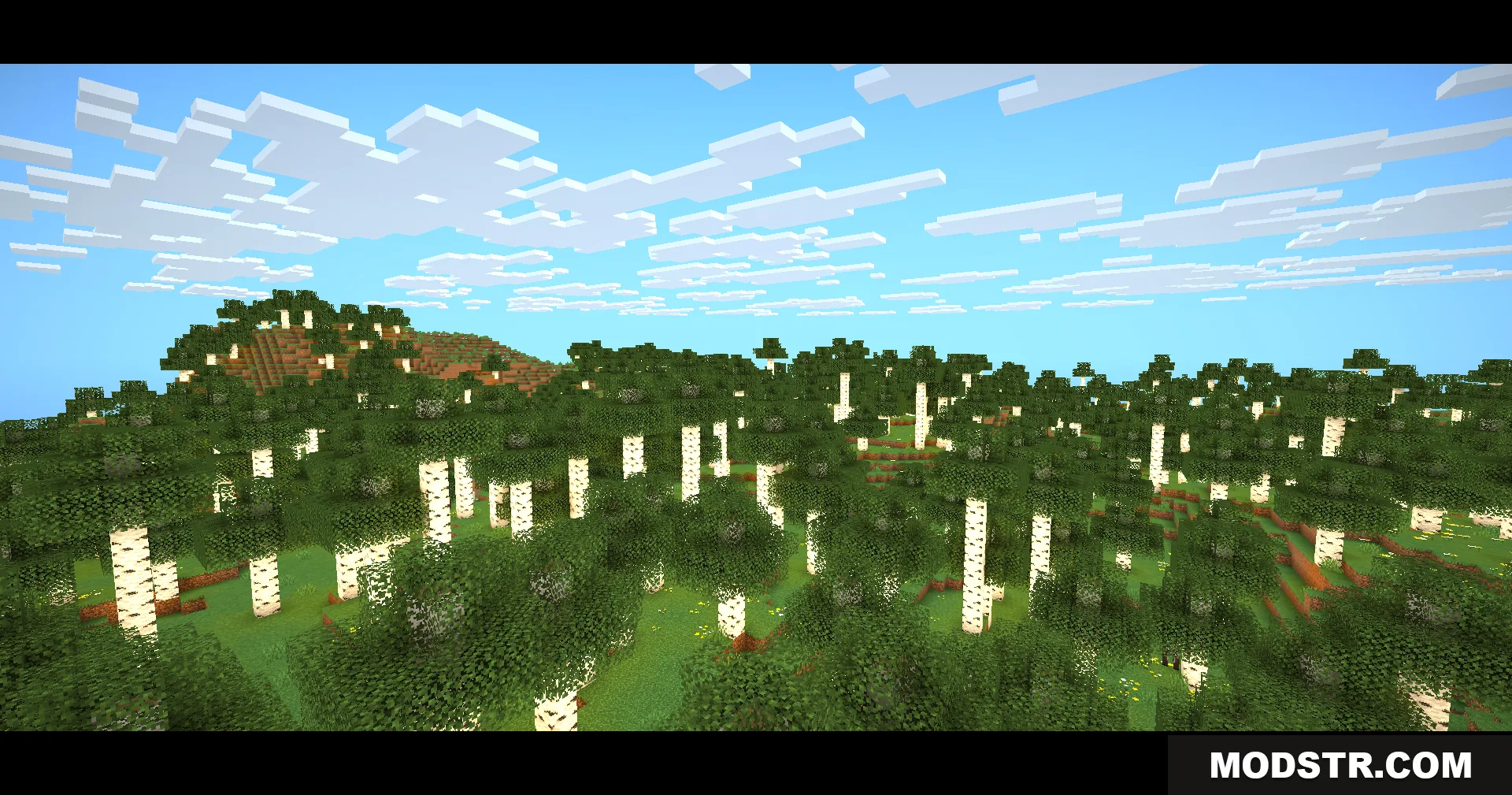
- Cinematic black bars at the top and bottom of the screen for a widescreen movie appearance.
- Optimized for low-end hardware by excluding heavy effects such as bloom, motion blur, and depth of field.
- Clear and transparent water rendering without excessive visual overhead.
- Disables plant and leaf animations to reduce processing load.
- Maintains standard Minecraft textures and block appearance.
Installation
- Download the shader pack file.
- Open your Minecraft launcher and navigate to the shader pack folder in your game directory.
- Place the downloaded file into the shaders folder.
- Launch Minecraft and select the shader from your shader options menu.
DOWNLOAD FILES
- shader