
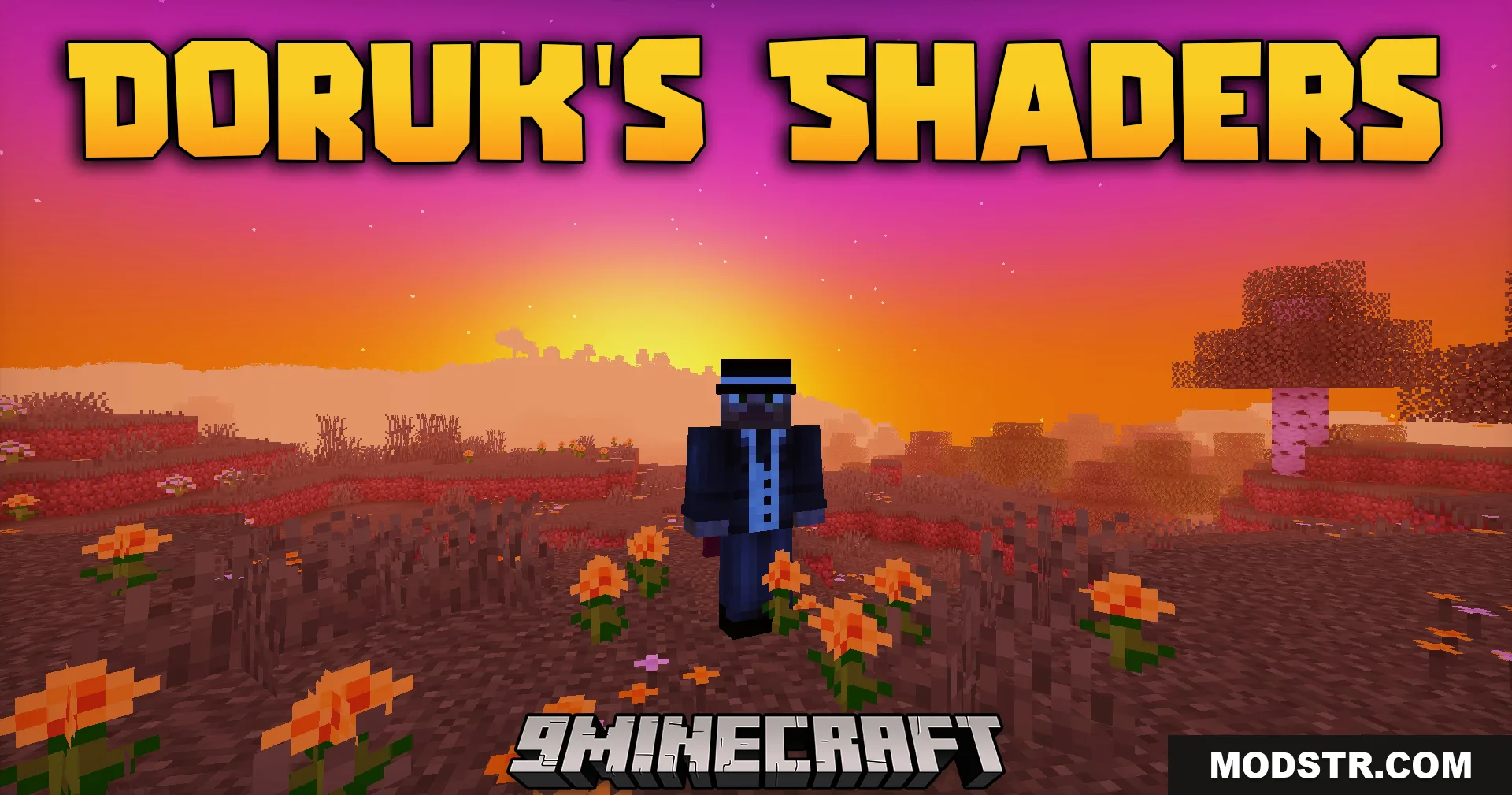
Doruk’s Shaders (26.2, 1.20.1) – Semi-Realistic Lighting With Low GPU Cost
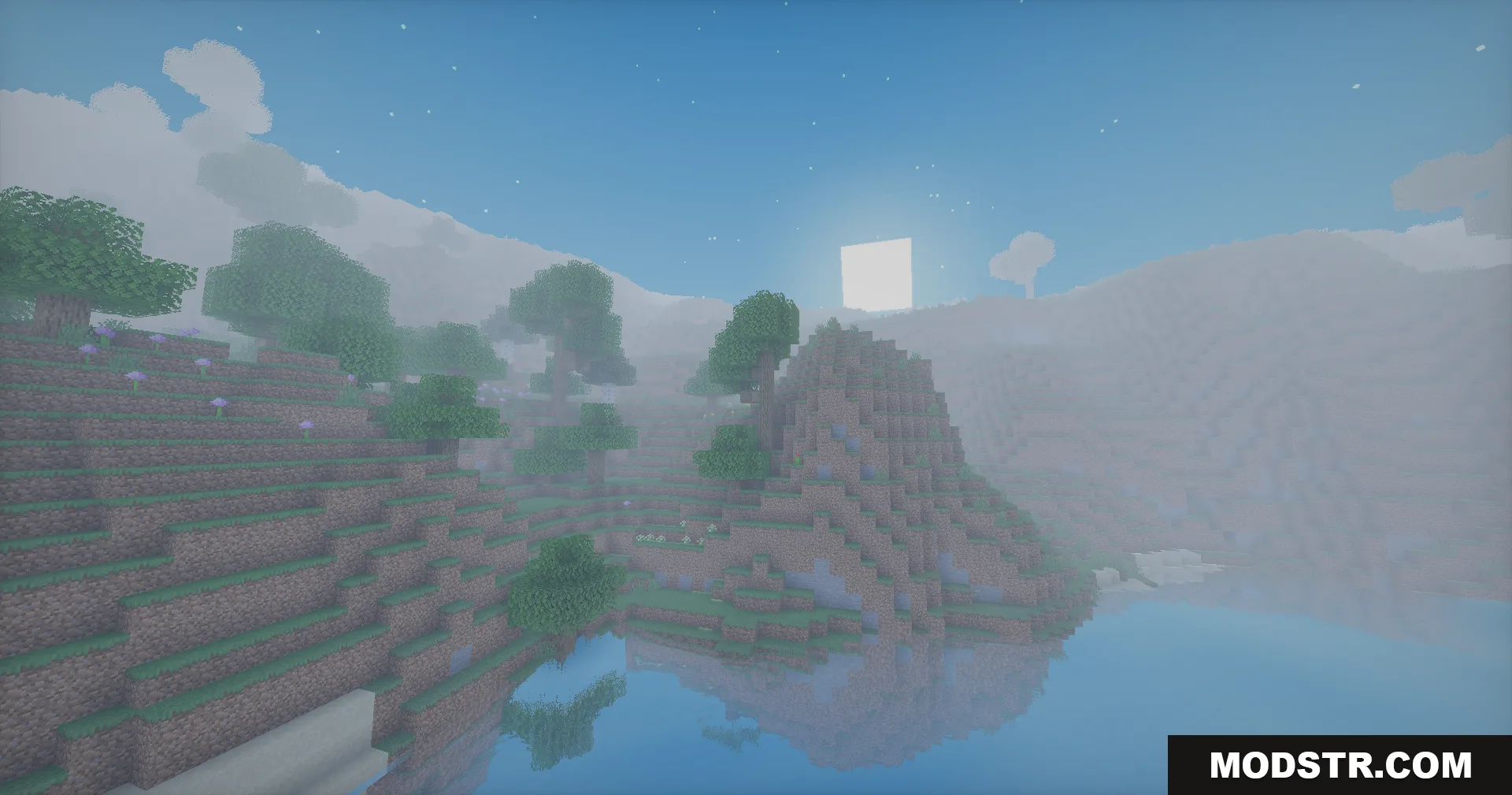
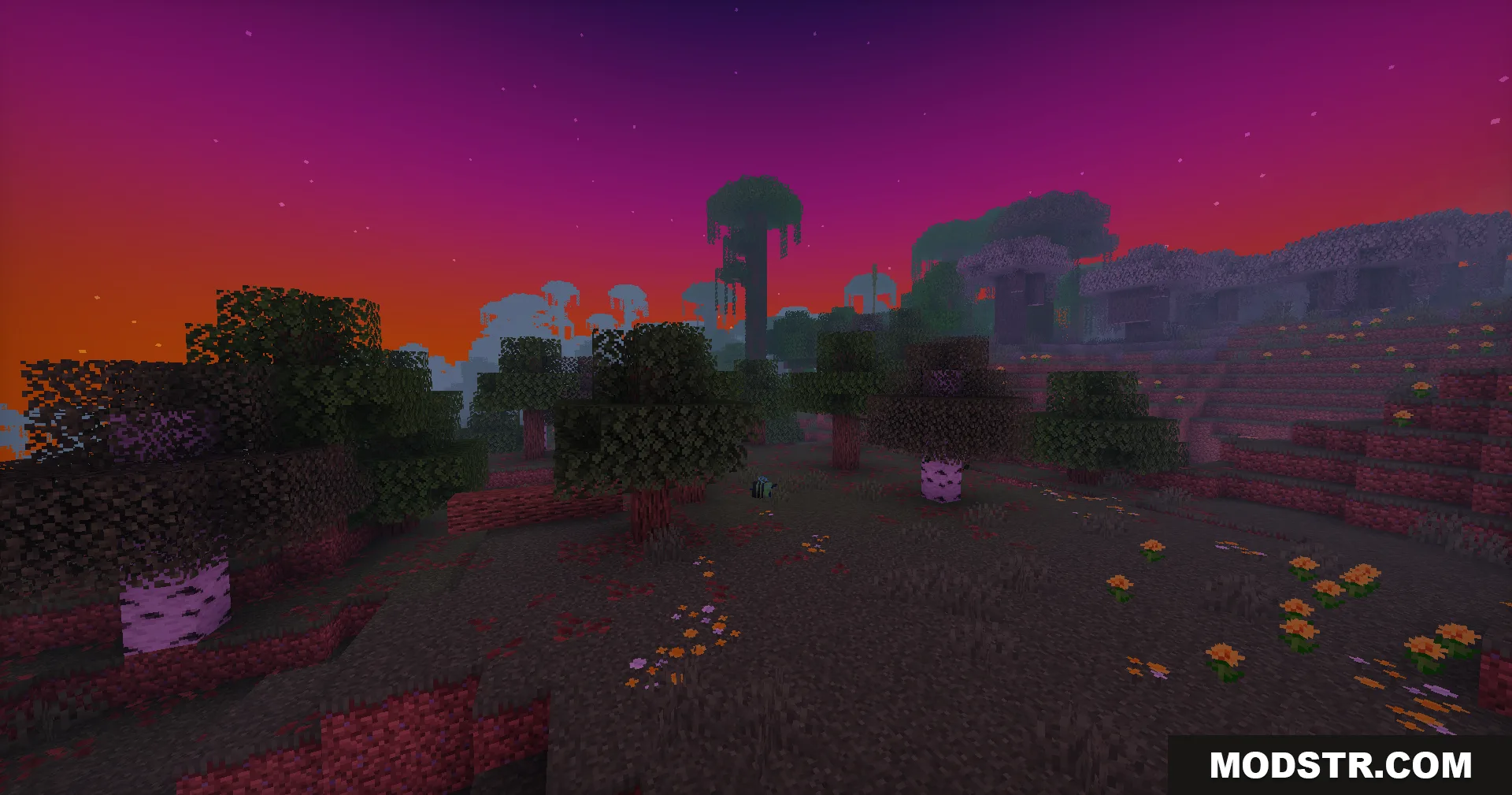
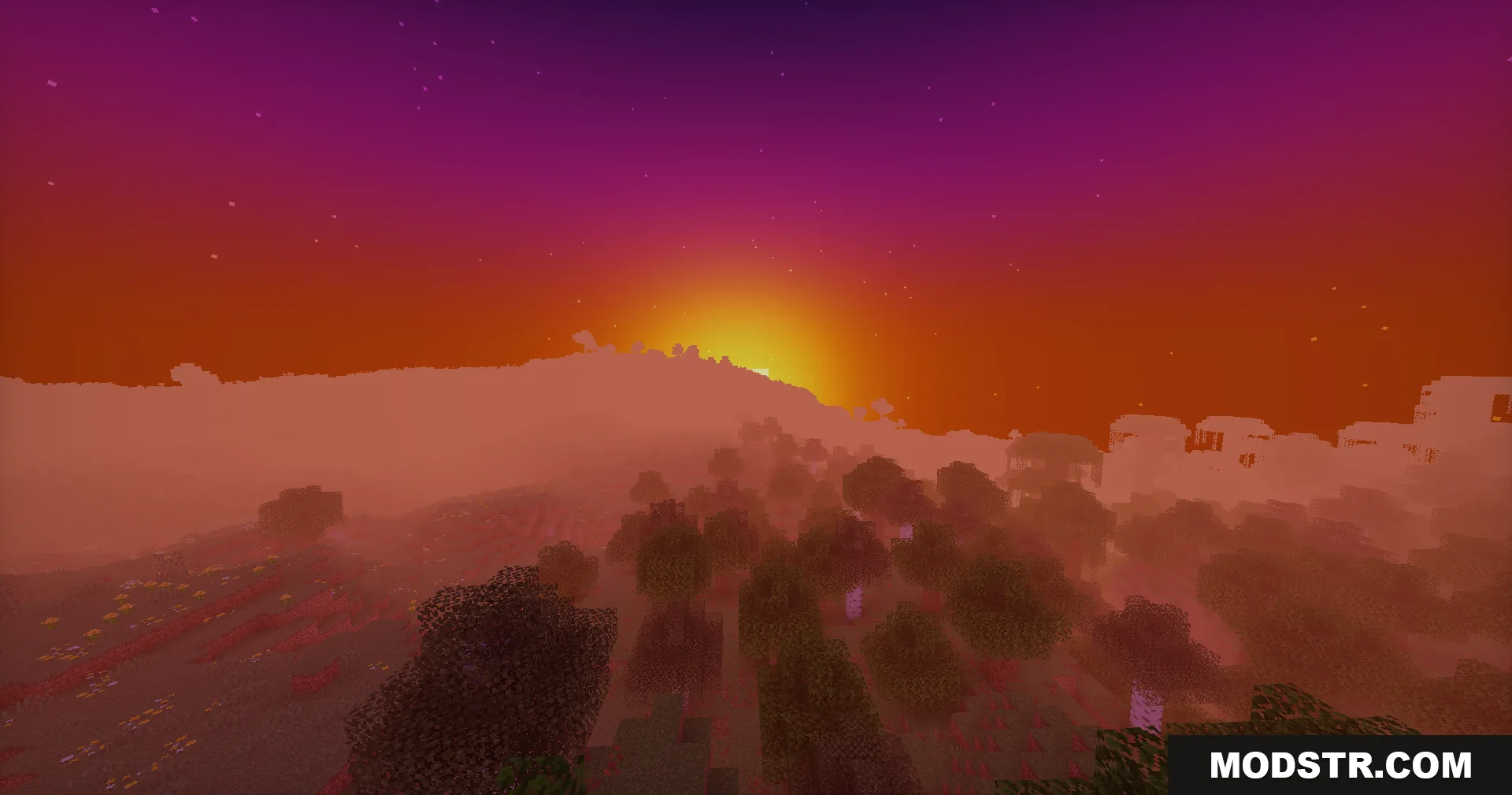
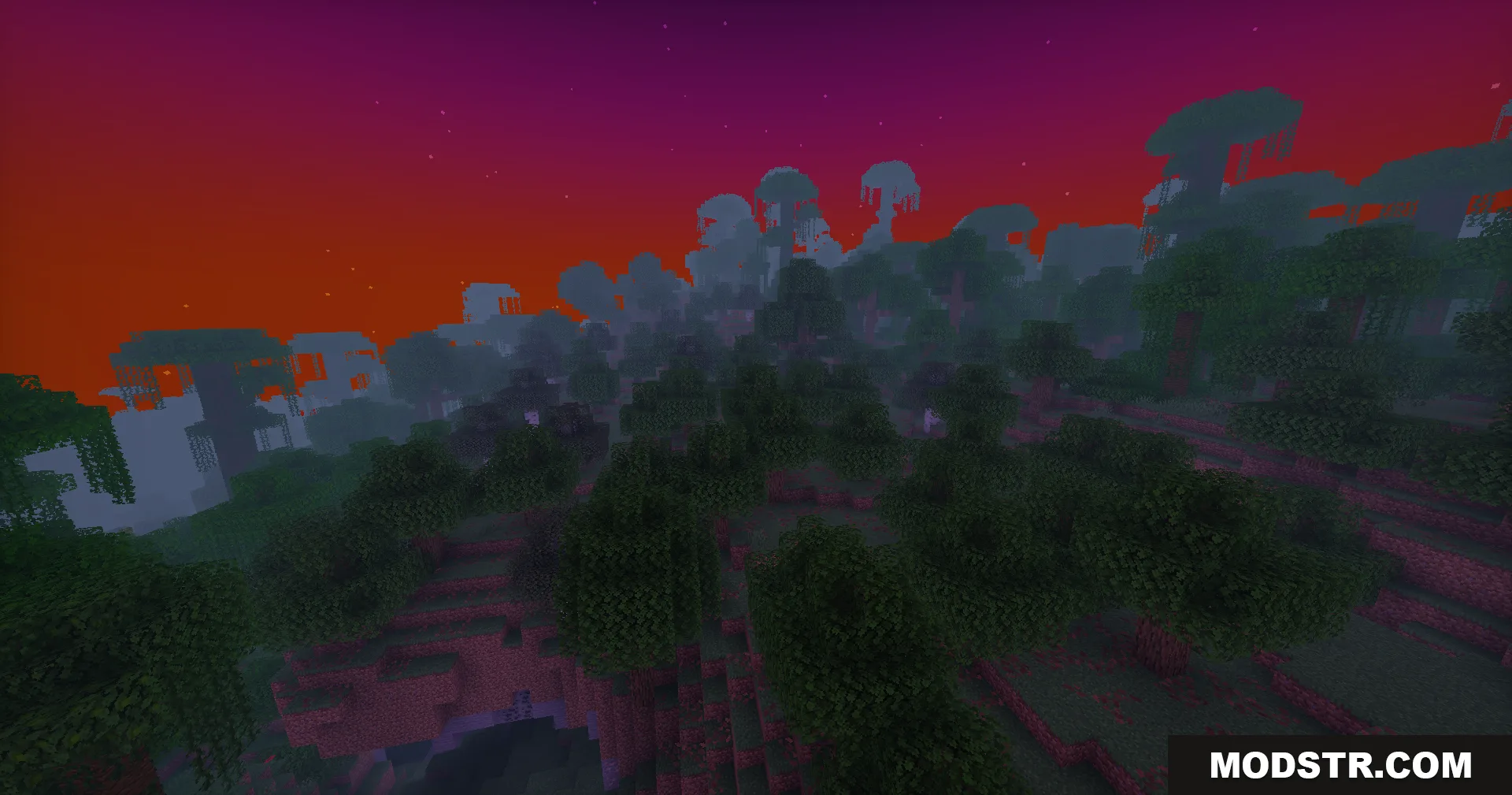
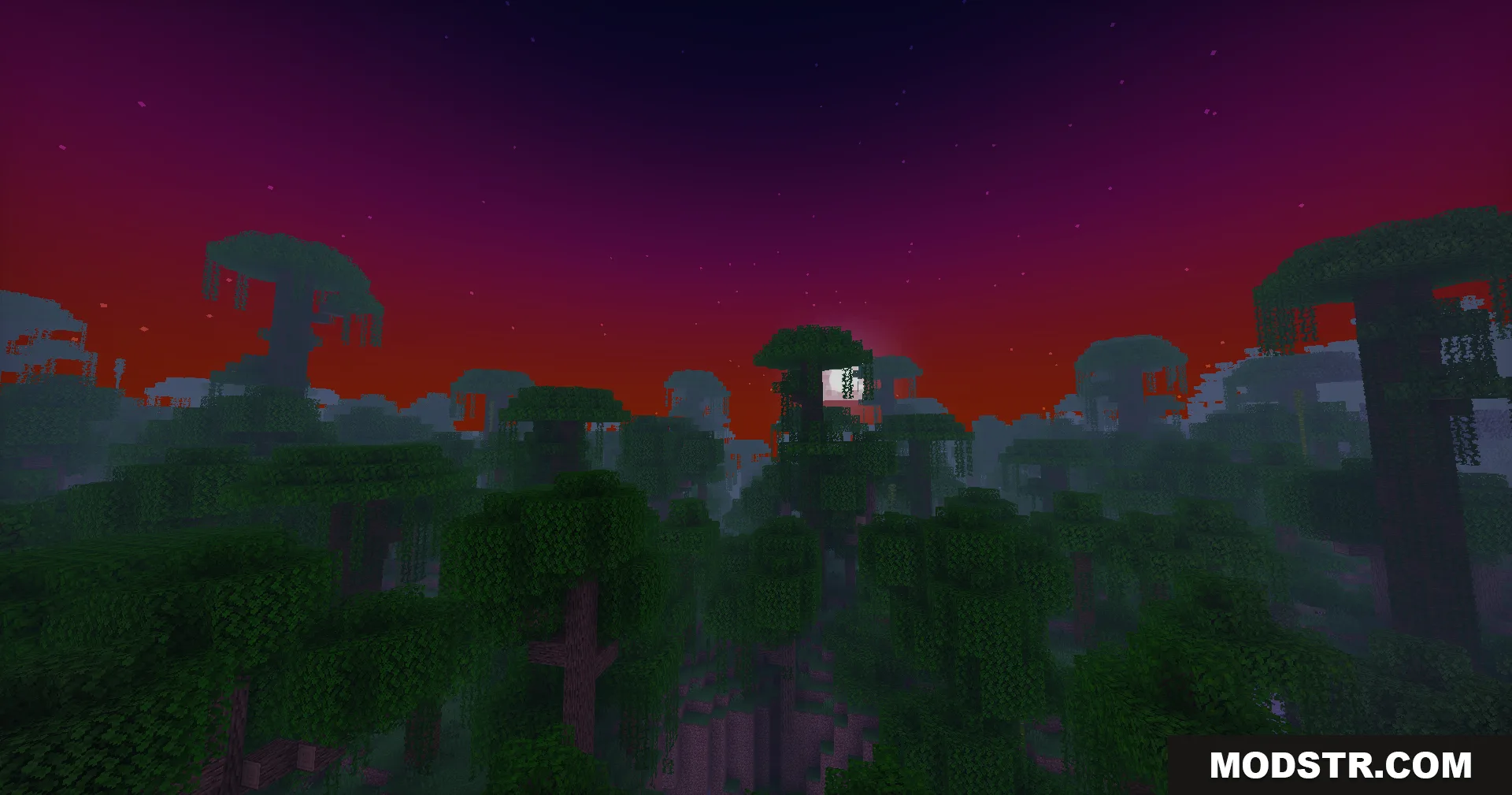
Semi-realistic lighting shader with low performance impact. Features enhanced shadows, sky gradients, and cave lighting while maintaining Minecraft's classic blocky aesthetic.
- 1.20 → 1.21.11 +19
Show all 19 versions
- 1.21.11
- 1.21.10
- 1.21.9
- 1.21.8
- 1.21.7
- 1.21.6
- 1.21.5
- 1.21.4
- 1.21.3
- 1.21.2
- 1.21.1
- 1.21
- 1.20.6
- 1.20.5
- 1.20.4
- 1.20.3
- 1.20.2
- 1.20.1
- 1.20
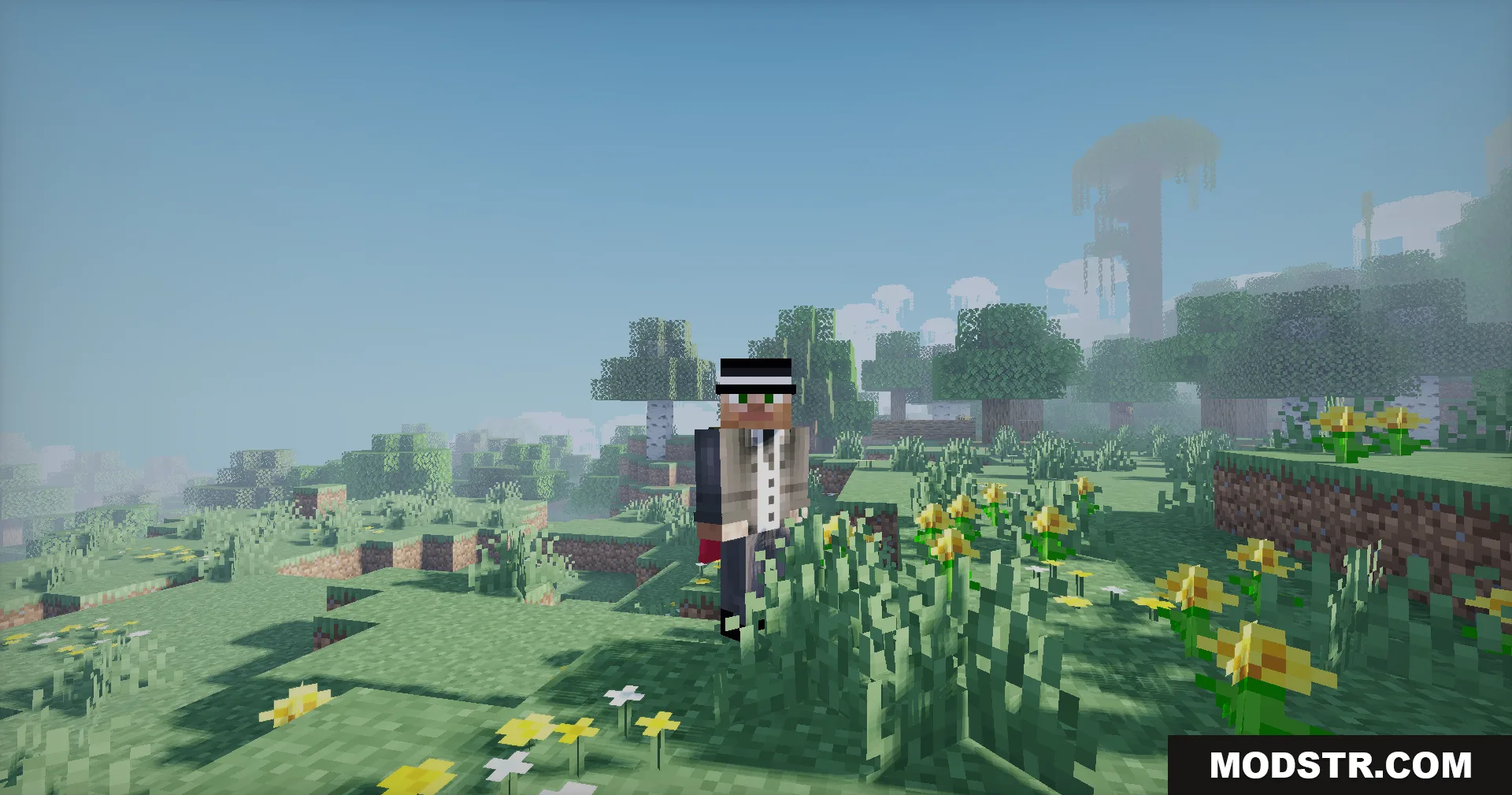
Doruk's Shaders is a lightweight shader pack that applies semi-realistic lighting to Minecraft without requiring high-end hardware. It enhances the visual appearance of your world through improved lighting and shadows while preserving the game's traditional blocky style.
Features
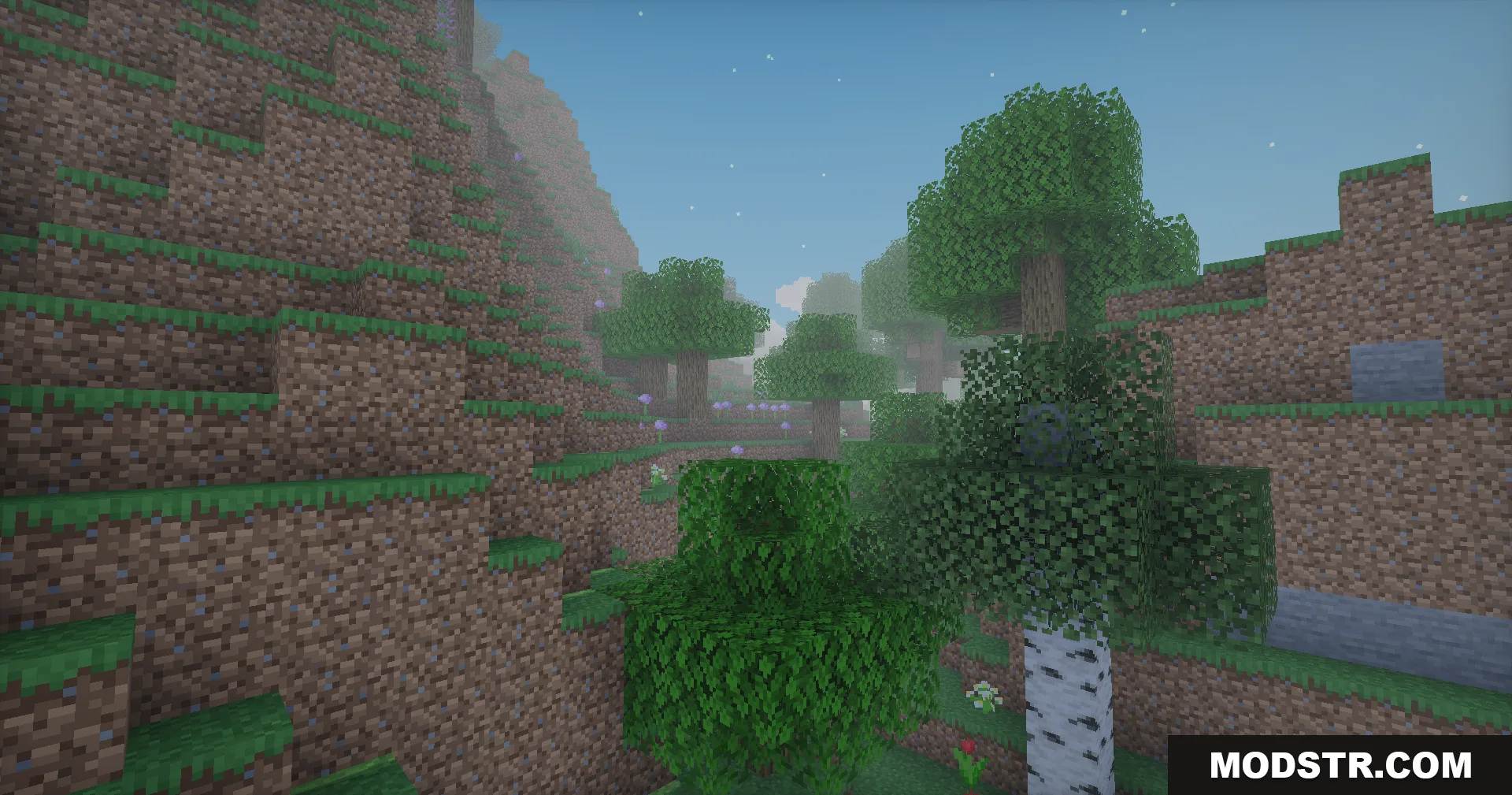
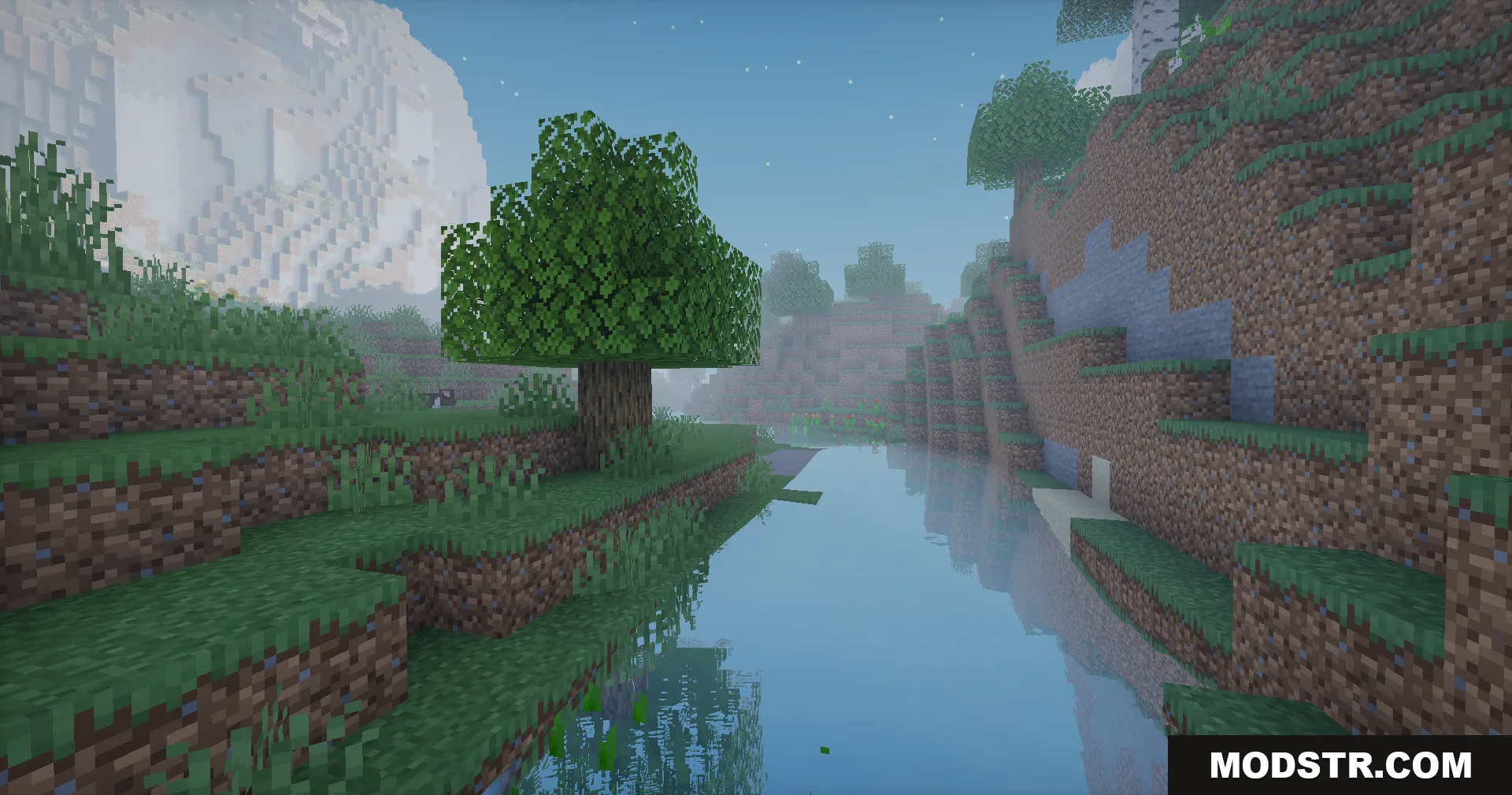
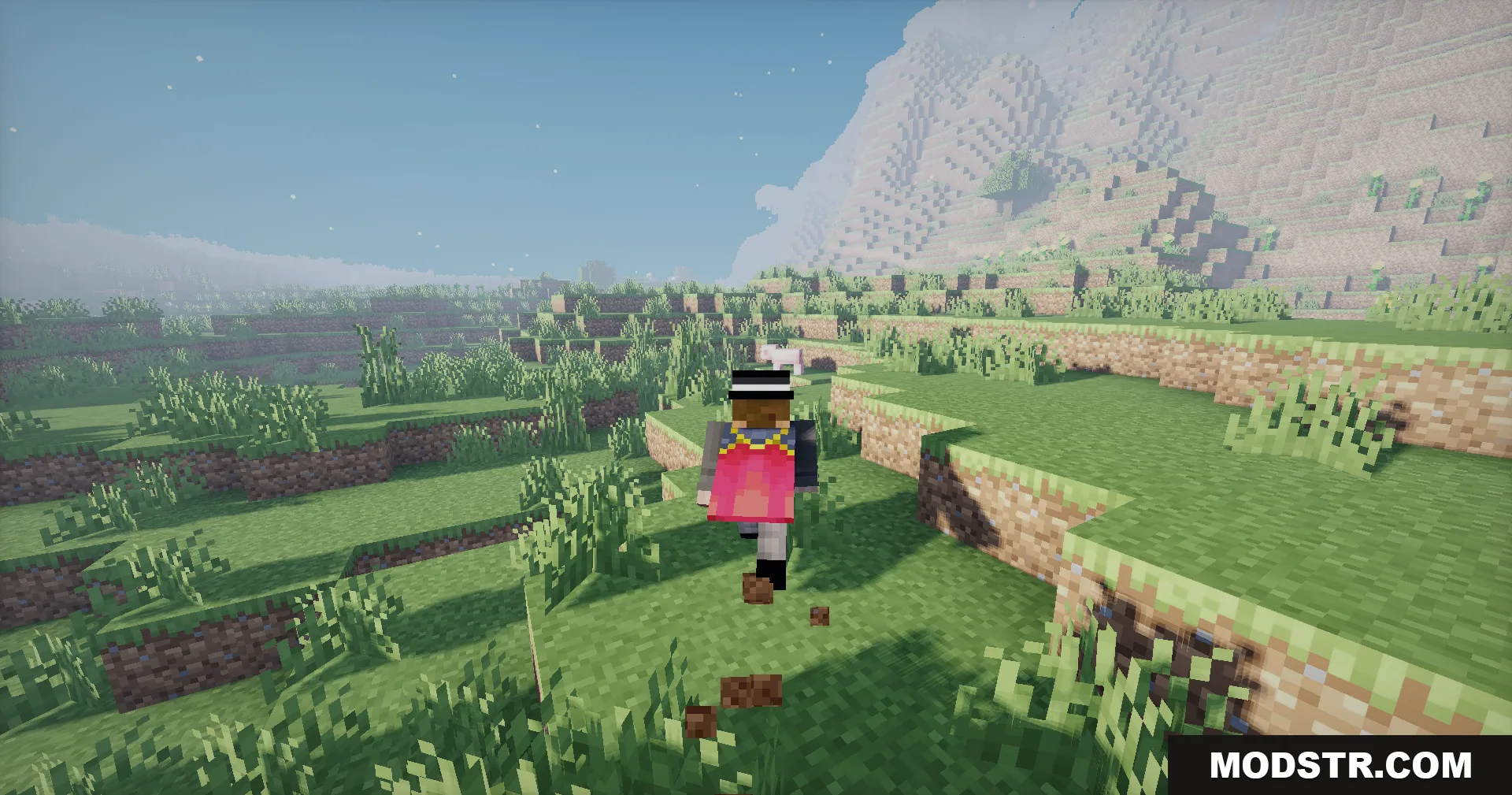
- Semi-realistic lighting that improves overall visual clarity.
- Maintains vanilla Minecraft's classic blocky appearance.
- Low GPU impact, compatible with mid-range systems.
- Enhanced sky colors during sunrise and sunset.
- Dynamic shadows on terrain, structures, and vegetation.
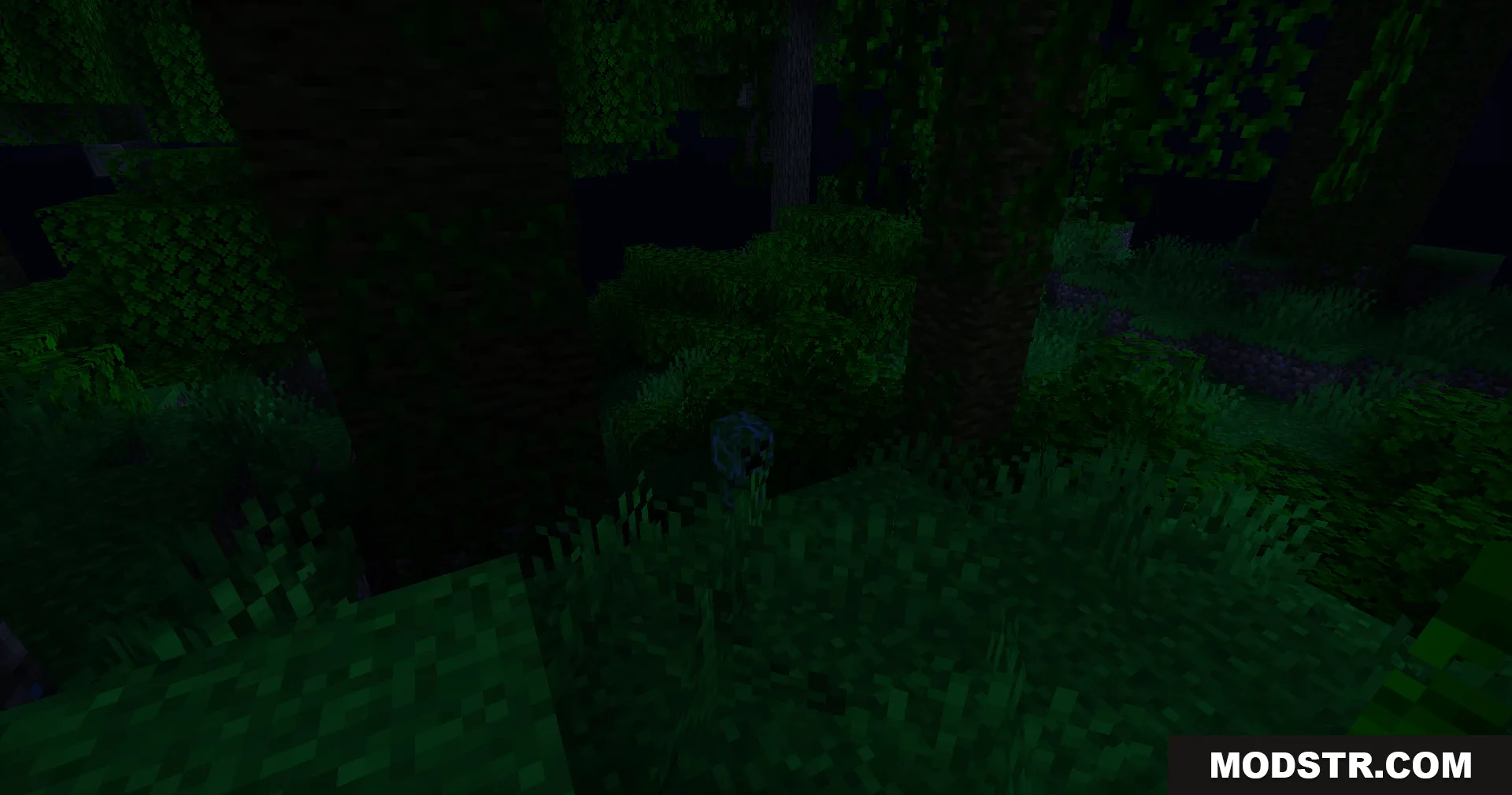
- Improved lighting in caves and underground areas.
Installation
- Ensure Optifine or a compatible shader loader is installed.
- Download the shader pack file.
- Place the file in your shaders folder (usually shaderpacks directory).
- Launch Minecraft and select the shader from the shaders menu.
- Adjust settings in the shader options if needed.
Compatibility
This shader is designed for Minecraft 1.20.1 and version 26.2 of the pack. It requires a shader-compatible launcher setup with Optifine or similar loader support.
DOWNLOAD FILES
- shader