
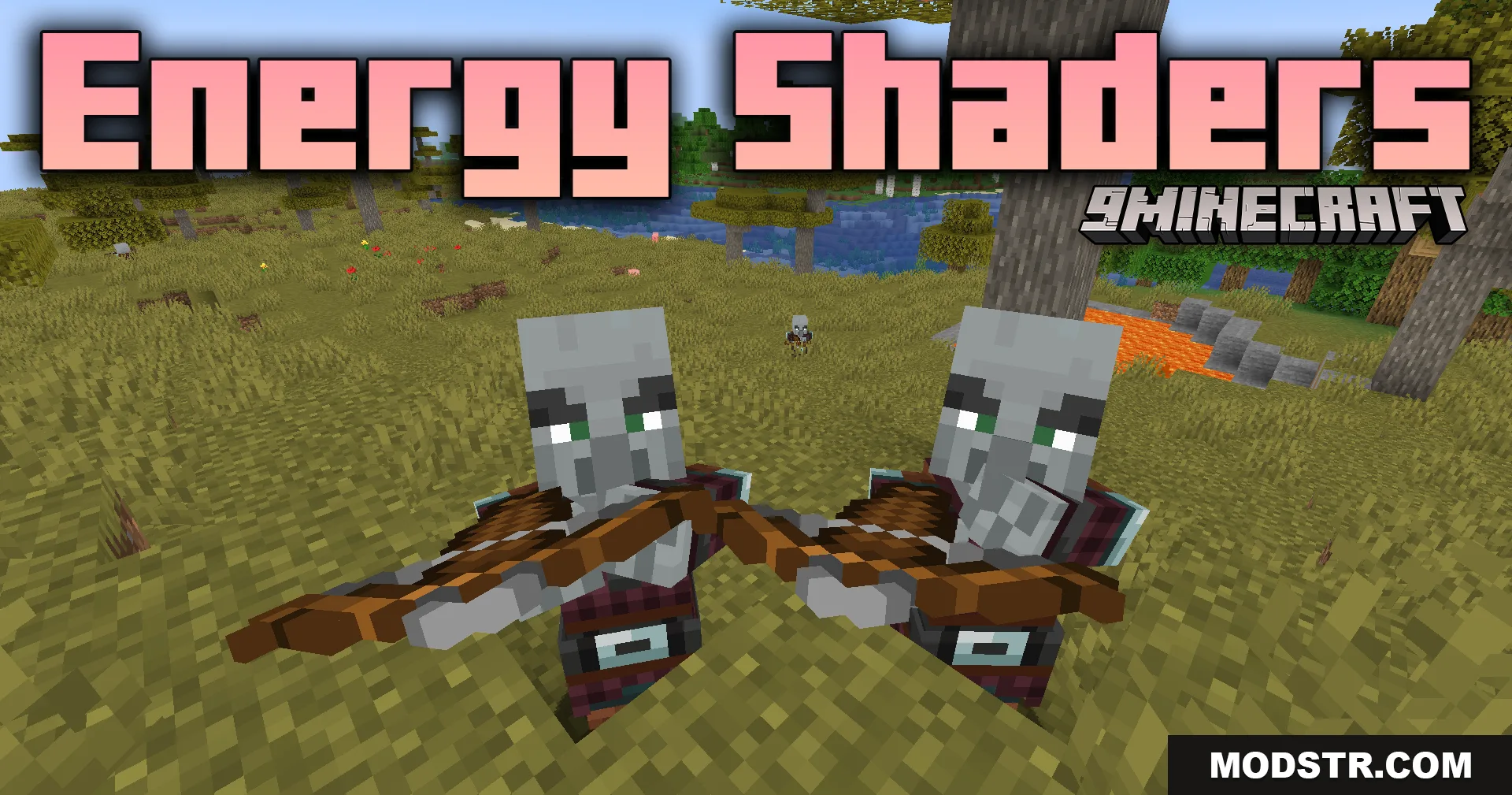
Energy Shaders (26.2, 1.20.1) – Custom Lighting And Fog
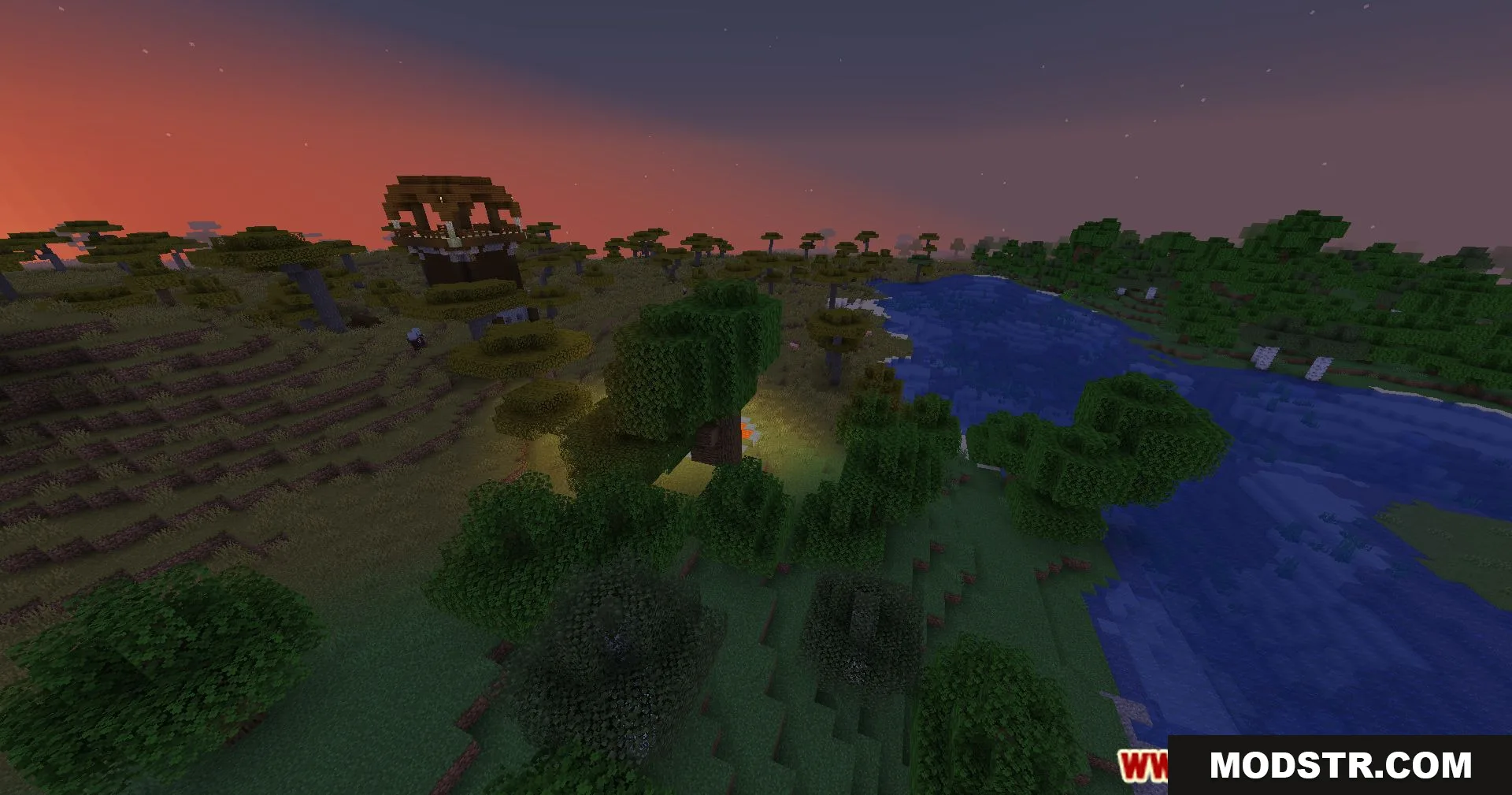
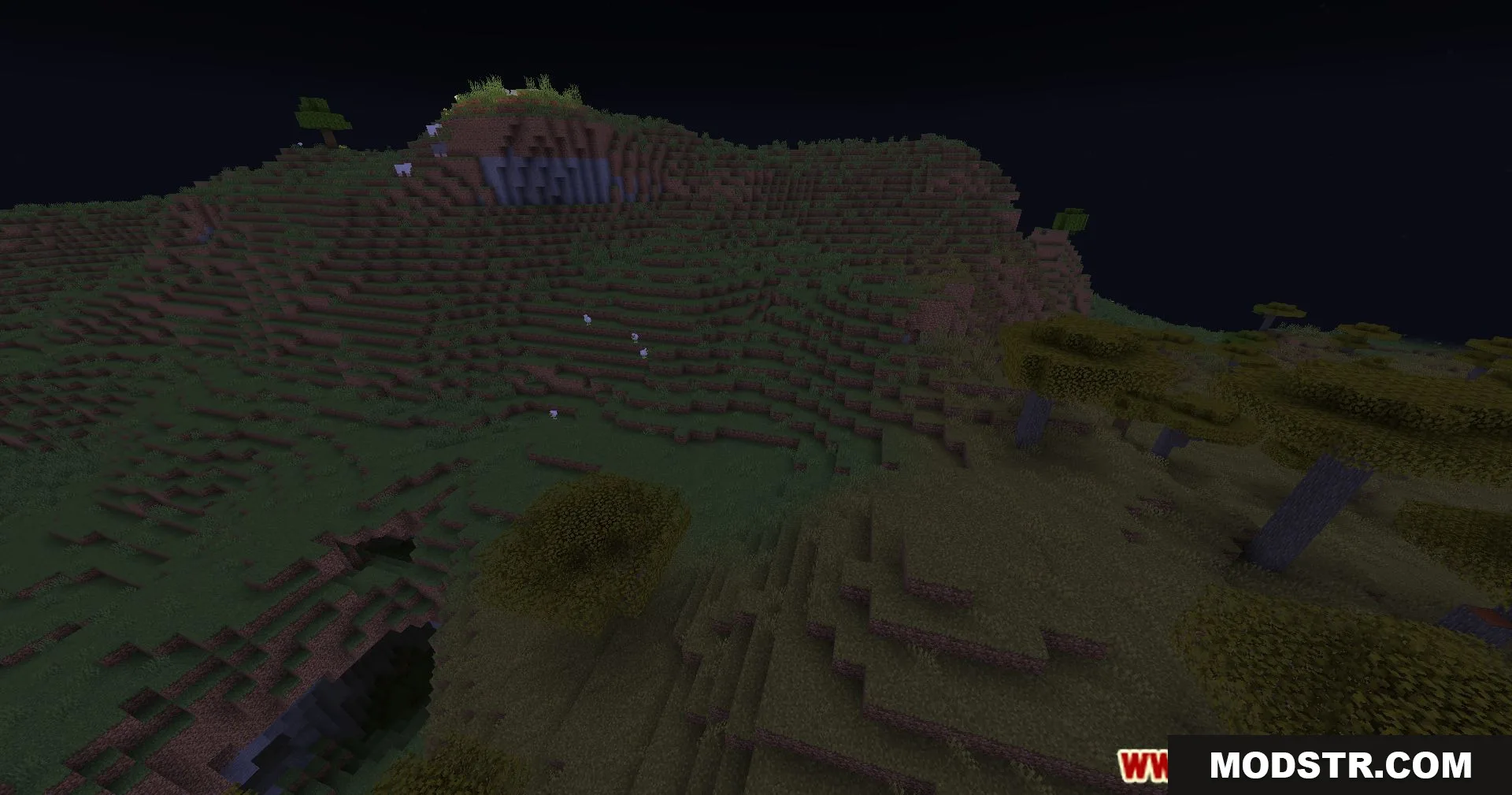
Energy Shaders enhances Minecraft's visuals with custom lighting and fog effects, tailored for different dimensions and times of day. Suitable for players seeking a refined aesthetic experience.
- 1.20.1
Energy Shaders aims to improve the vanilla aesthetic of Minecraft through custom lighting and fog effects. This shader is designed for players looking to refresh their gameplay visuals.
Features
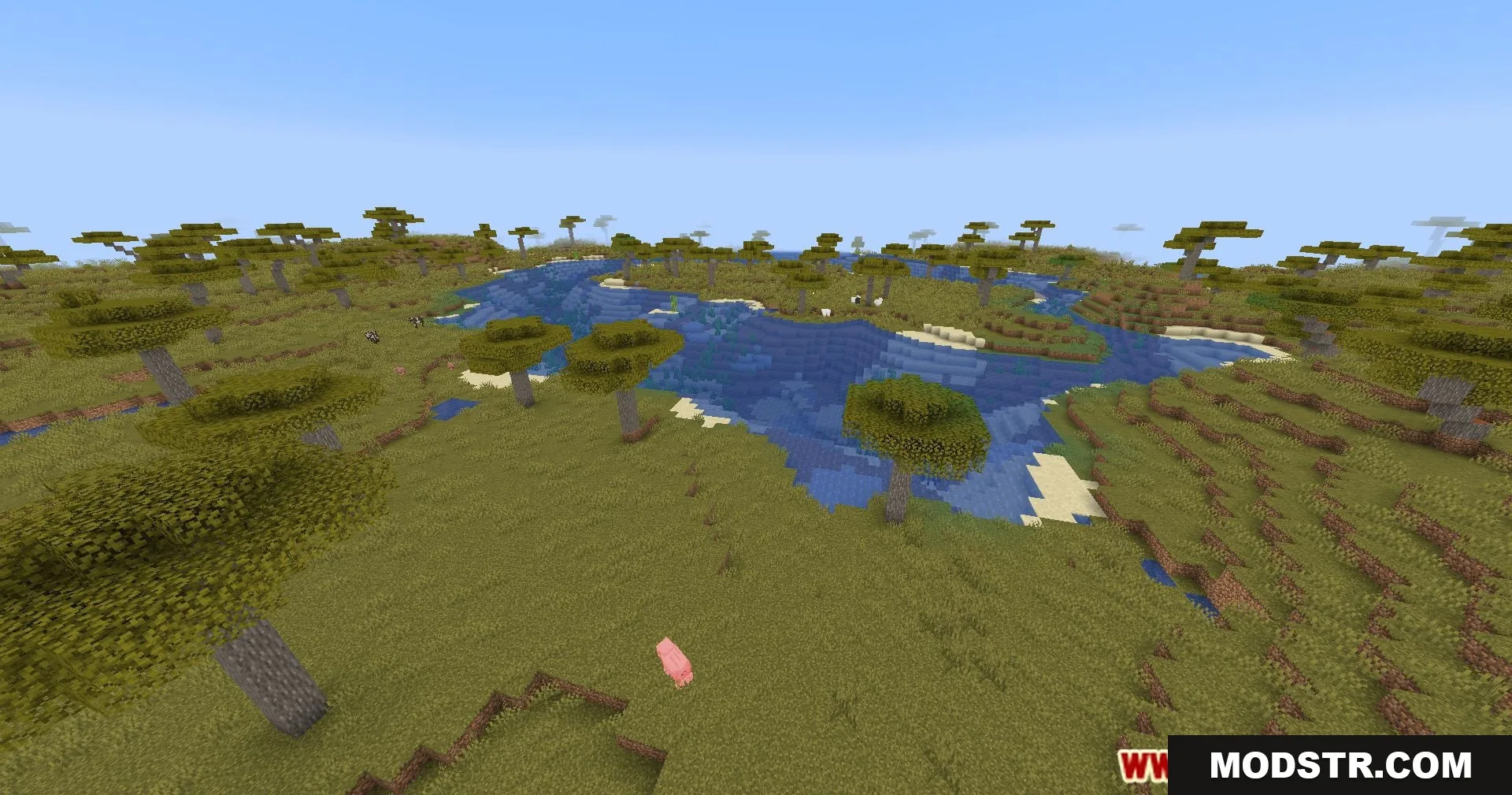
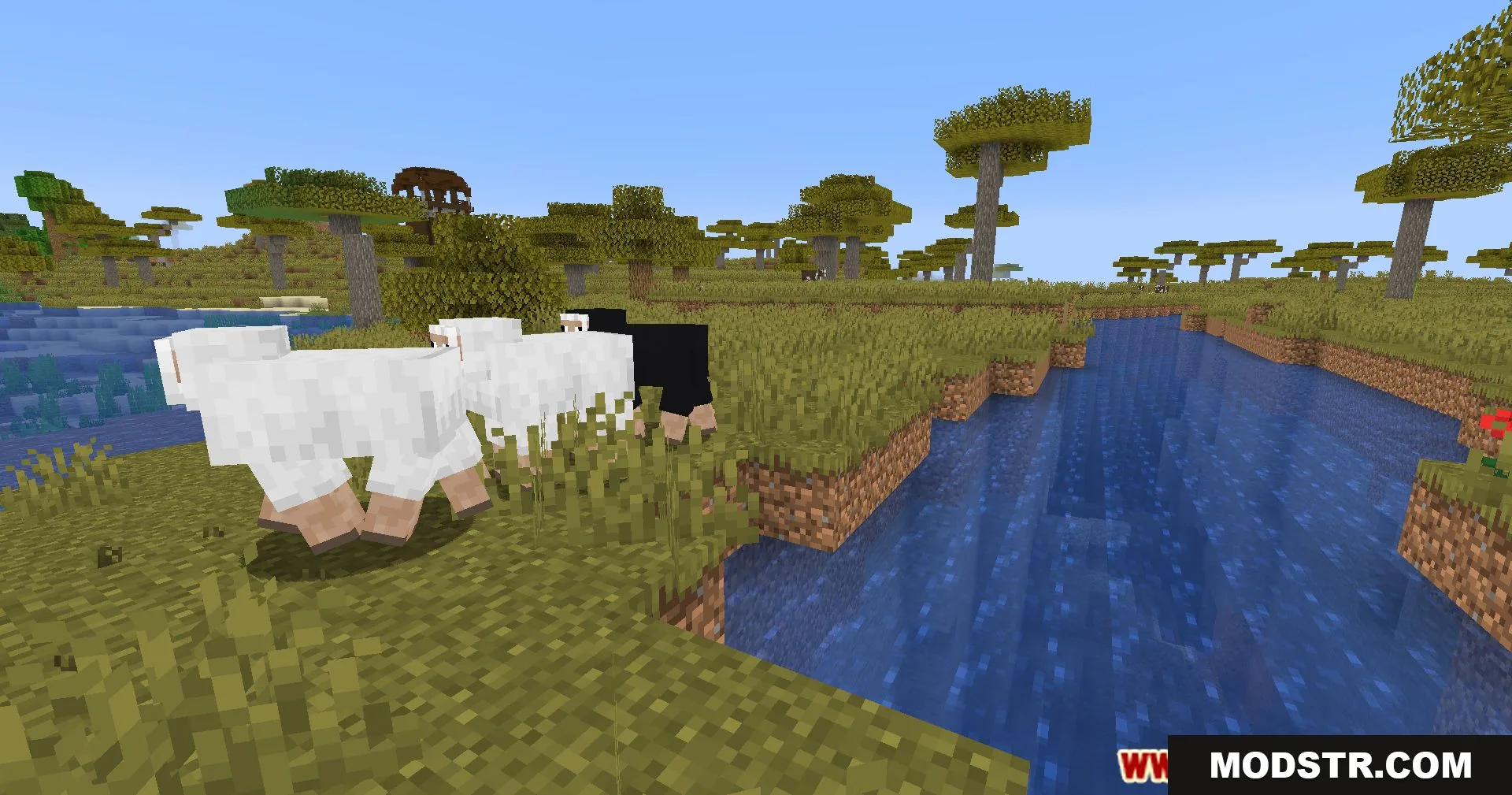
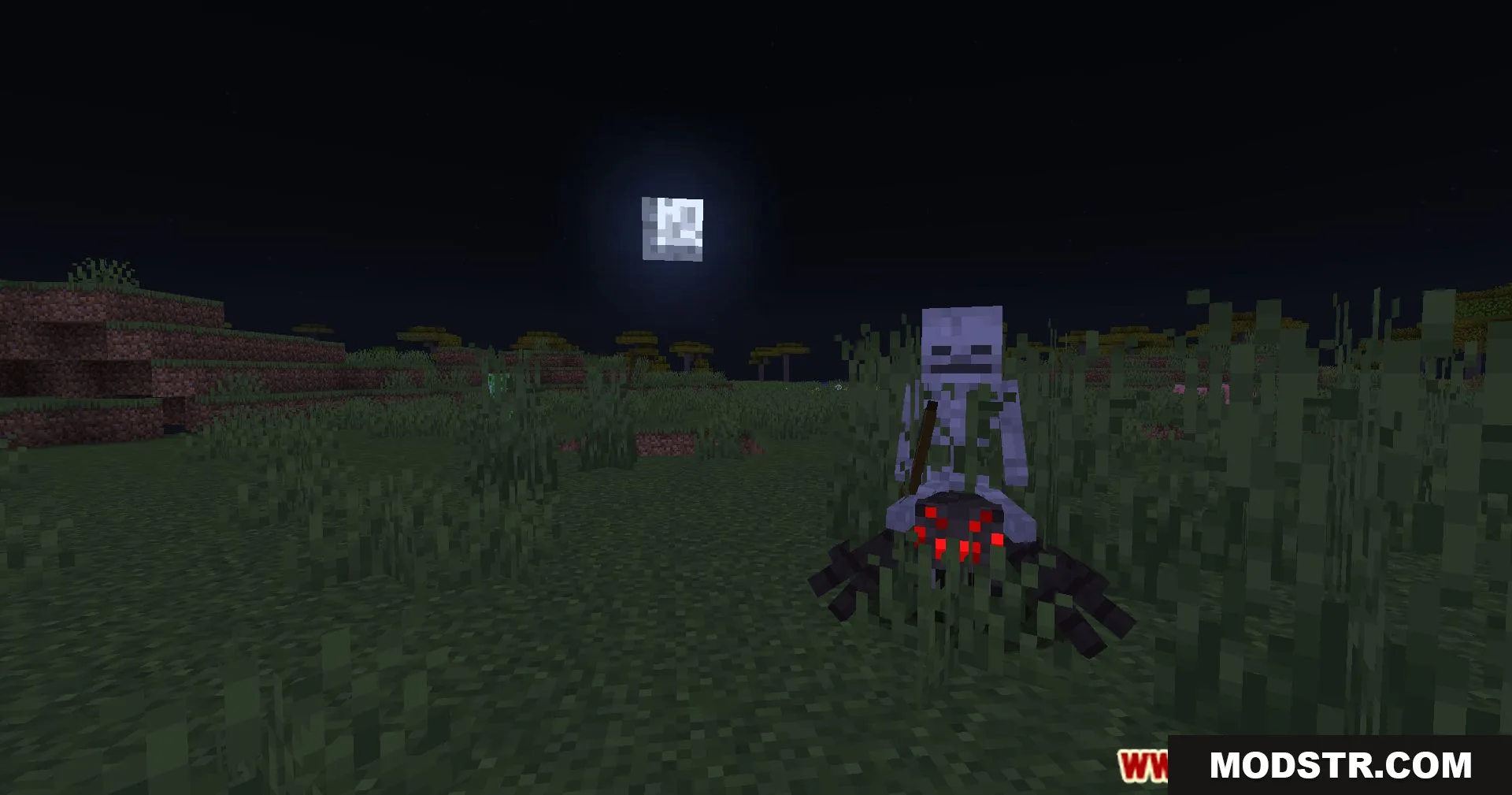
- Custom lighting effects that enhance the game's atmosphere.
- Distinct visuals that vary across different dimensions.
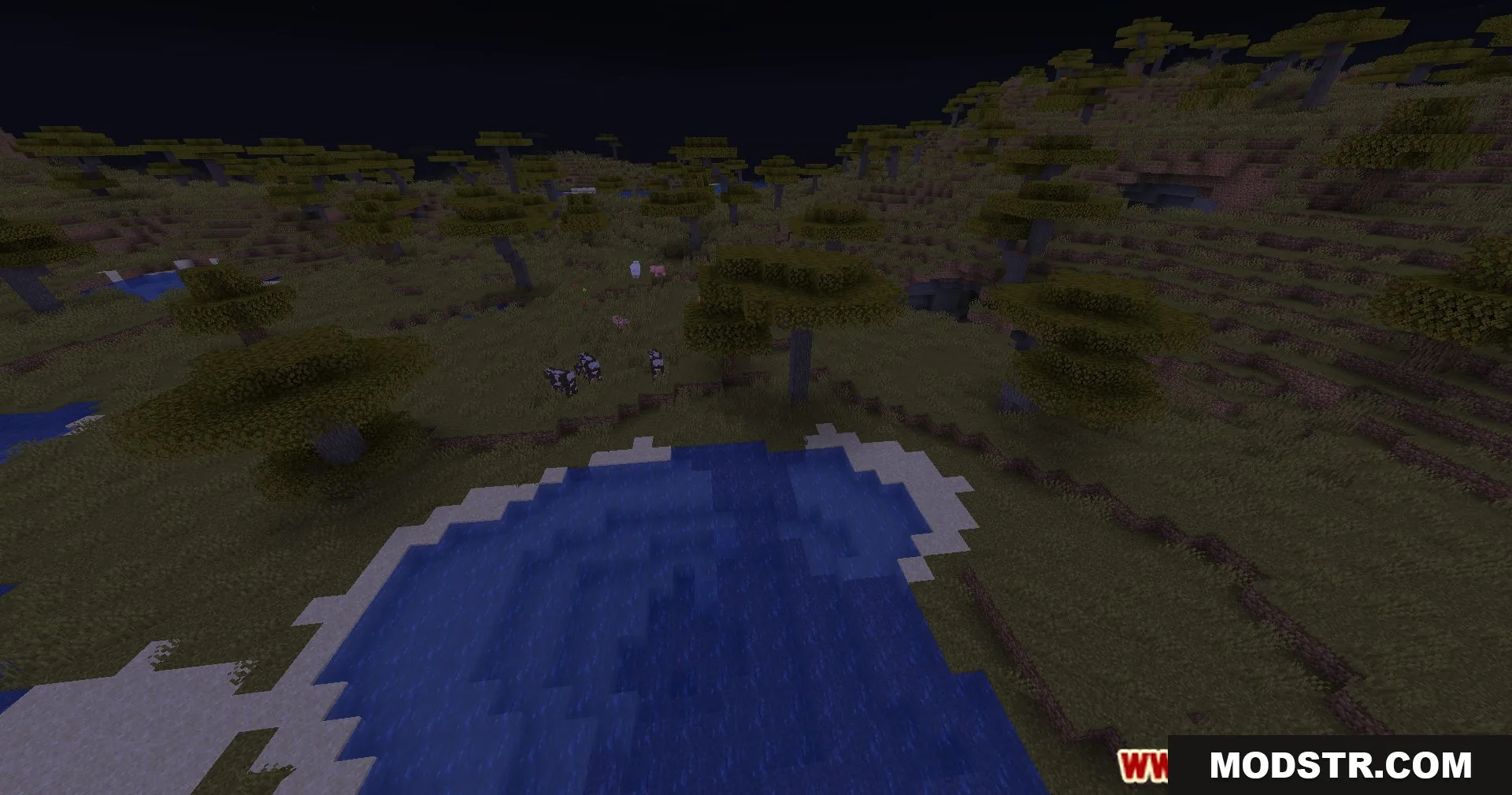
- Fog effects that add depth and realism to the environment.
- Day and night transitions that are visually striking.
Installation
- Download the Energy Shaders from the appropriate source.
- Place the shader file into the 'shaderpacks' folder of your Minecraft directory.
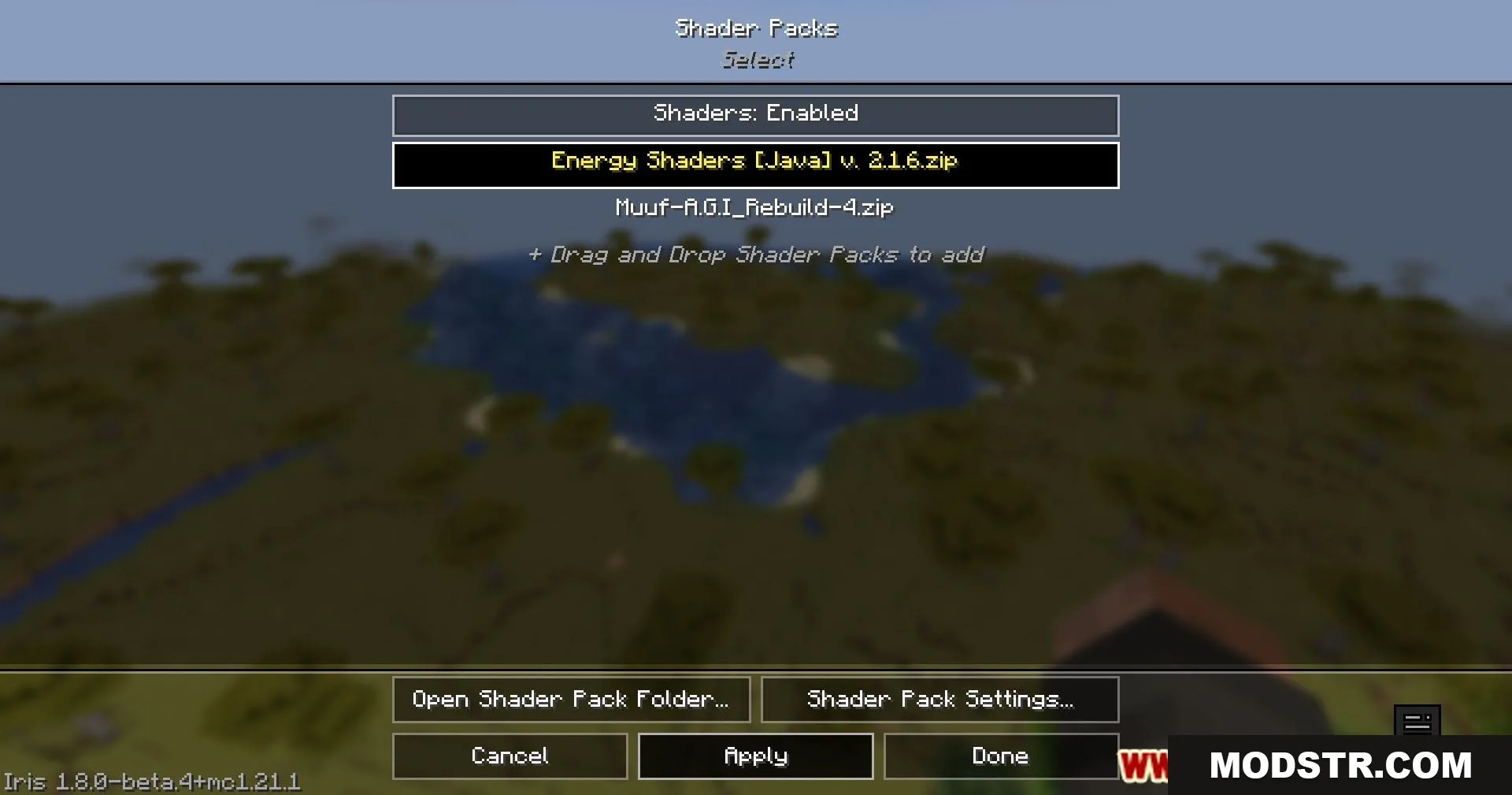
- Launch Minecraft and navigate to the options menu.
- Select 'Shaders' and choose Energy Shaders from the list.
- Apply the shader and enjoy the enhanced visuals.
Compatibility
Energy Shaders is compatible with Minecraft version 1.20.1 and can be utilized with other mods that do not conflict with shader functionality.
Screenshots
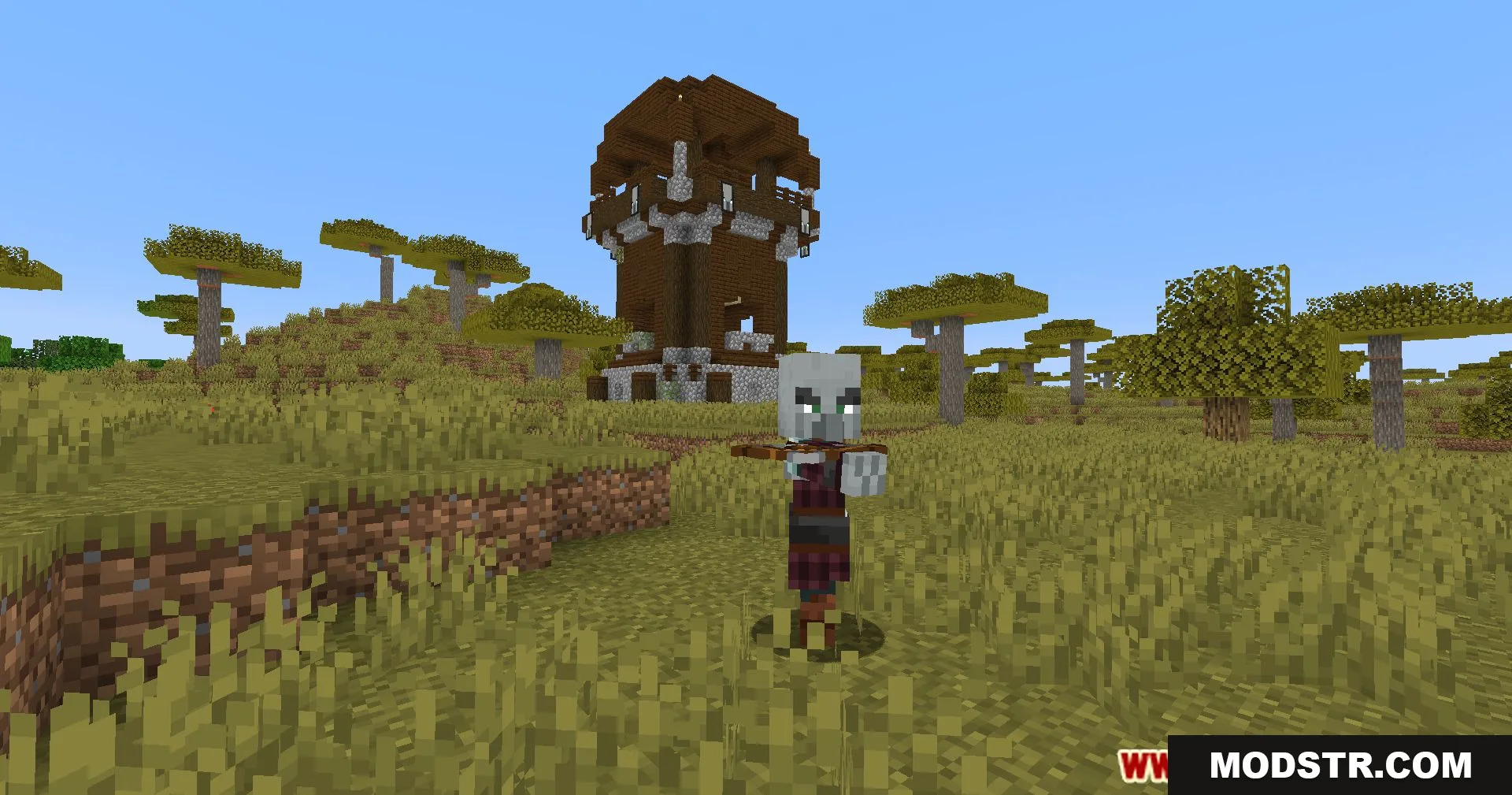
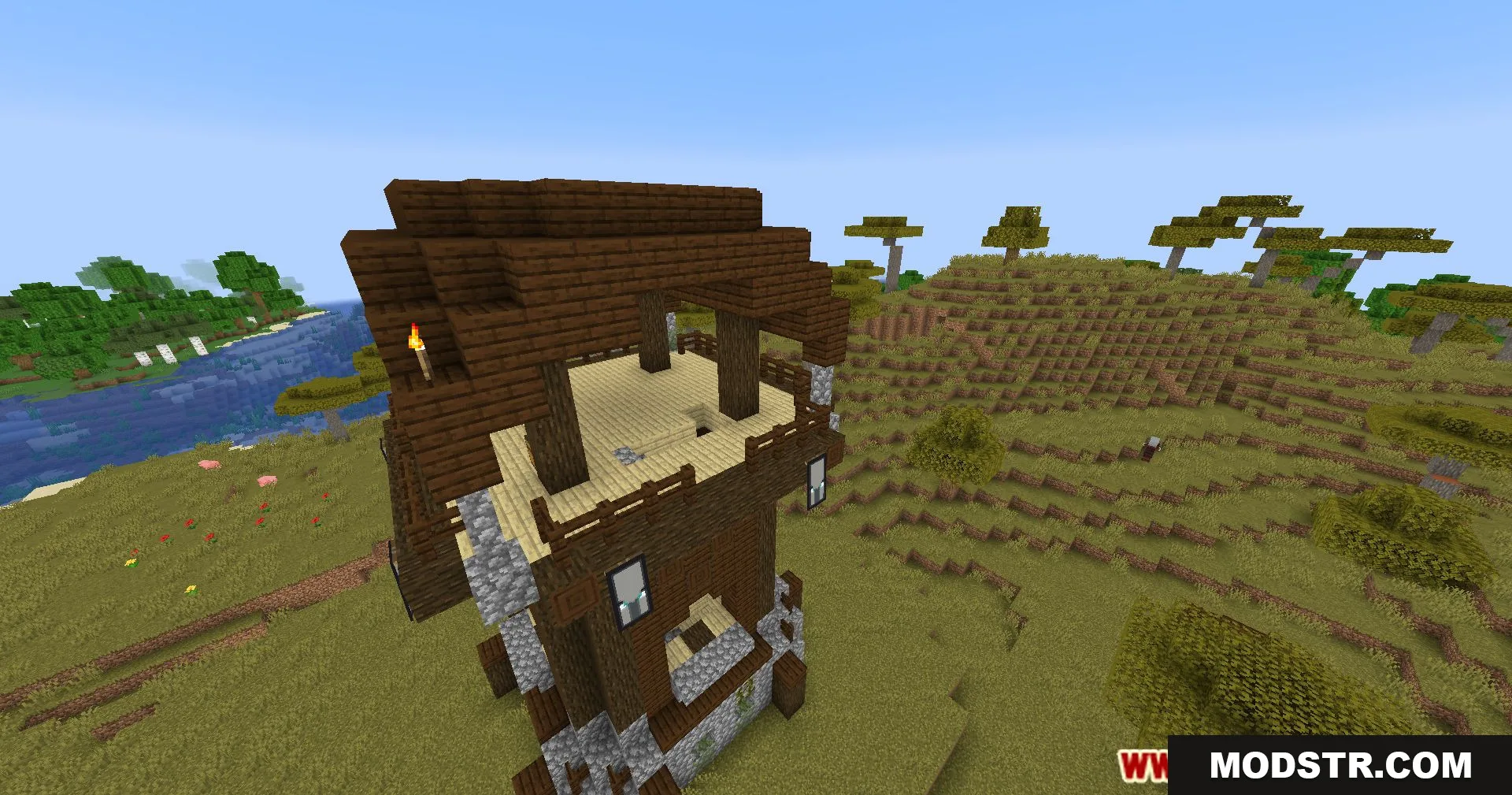
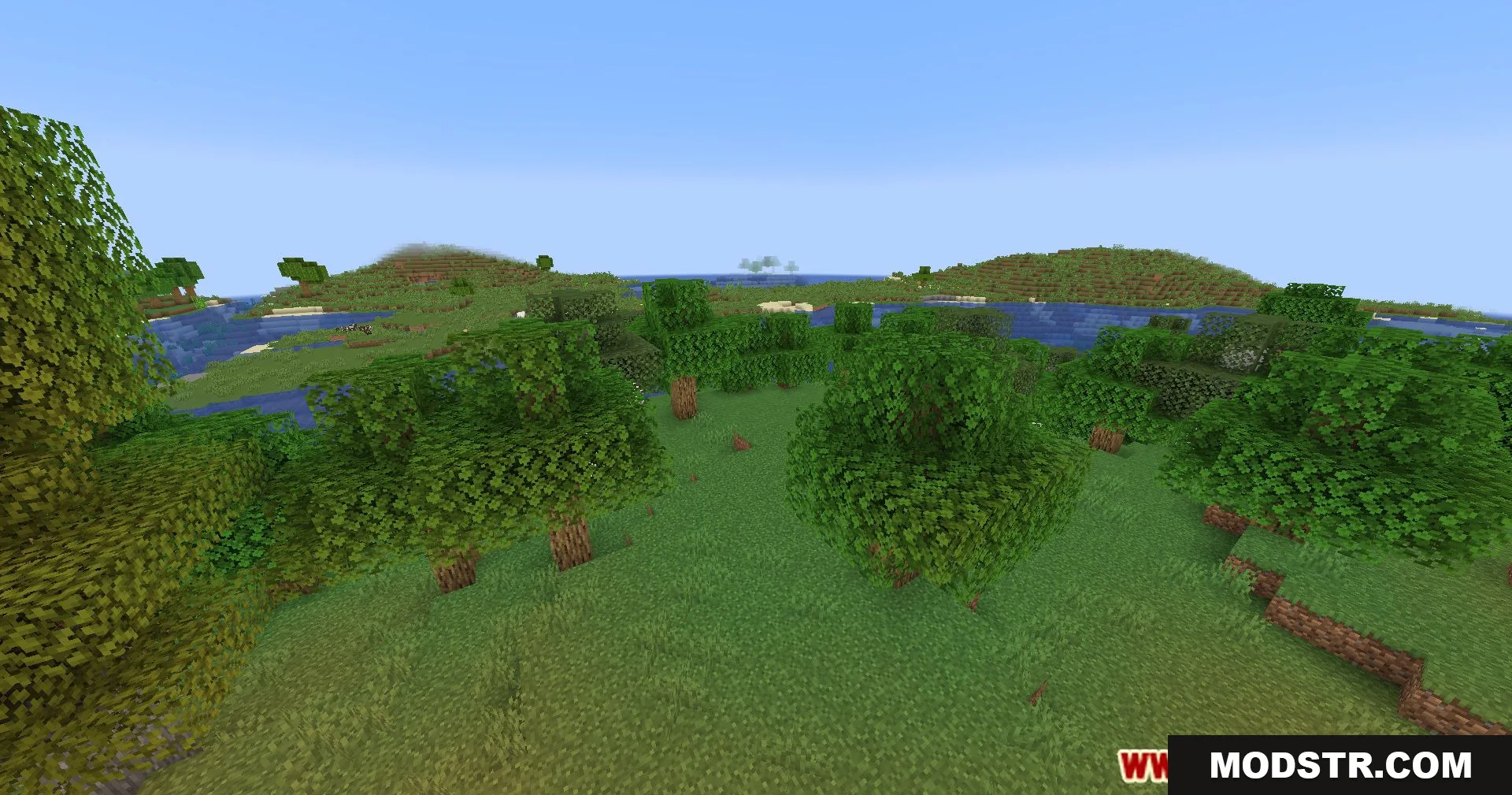
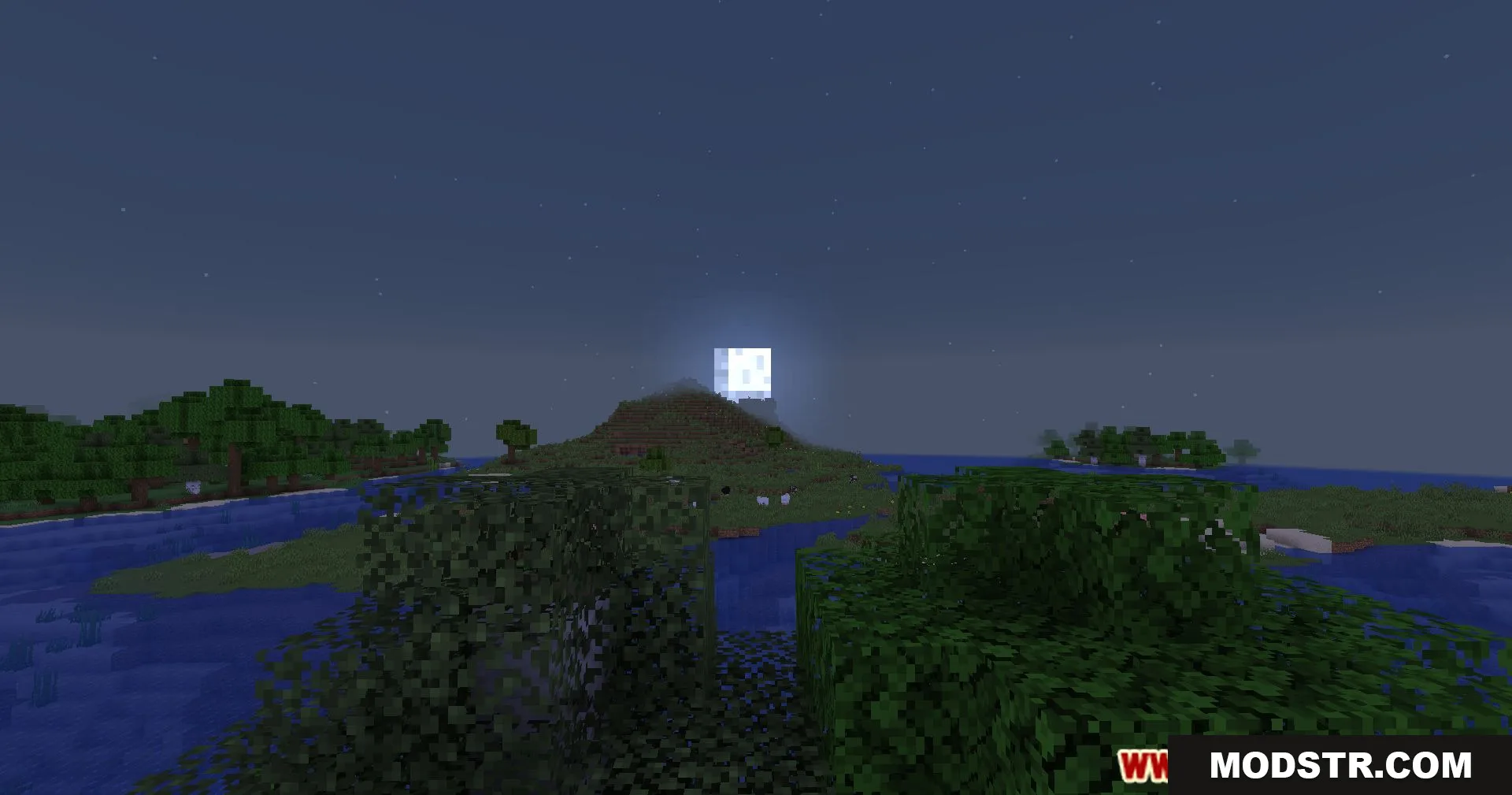
DOWNLOAD FILES
- shader