
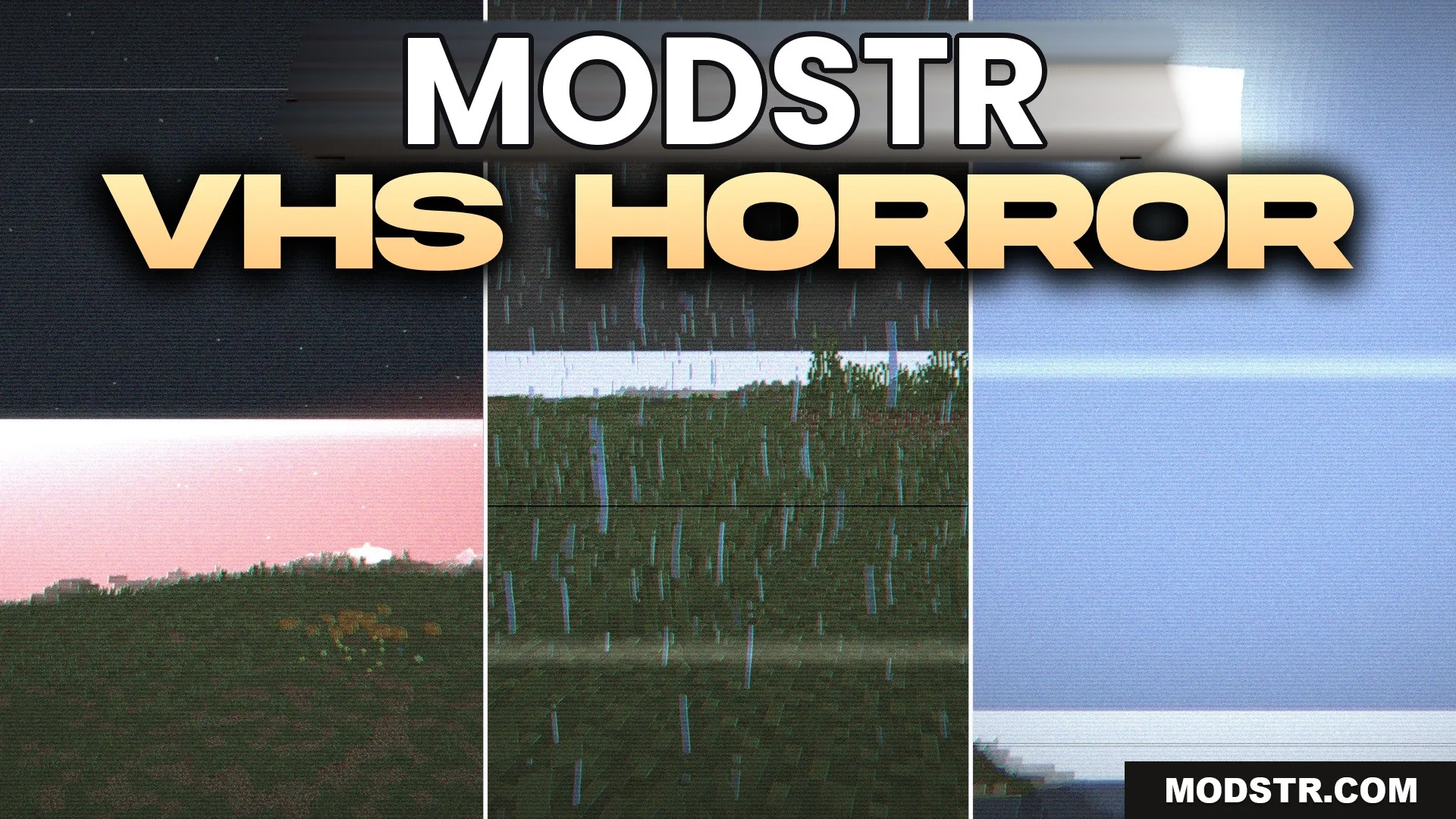
VHS Horror Shaders (26.2, 1.20.1) – Realistic Lighting with VHS Filters
VHS Horror Shaders enhances Minecraft with a unique visual style. It combines realistic and fantasy effects while maintaining a familiar vanilla look.
- 1.20.1
VHS Horror Shaders introduces a distinctive visual style to Minecraft, blending realistic lighting with fantasy elements. It is designed for players who want to modify the game's graphics while preserving the vanilla experience.
Features
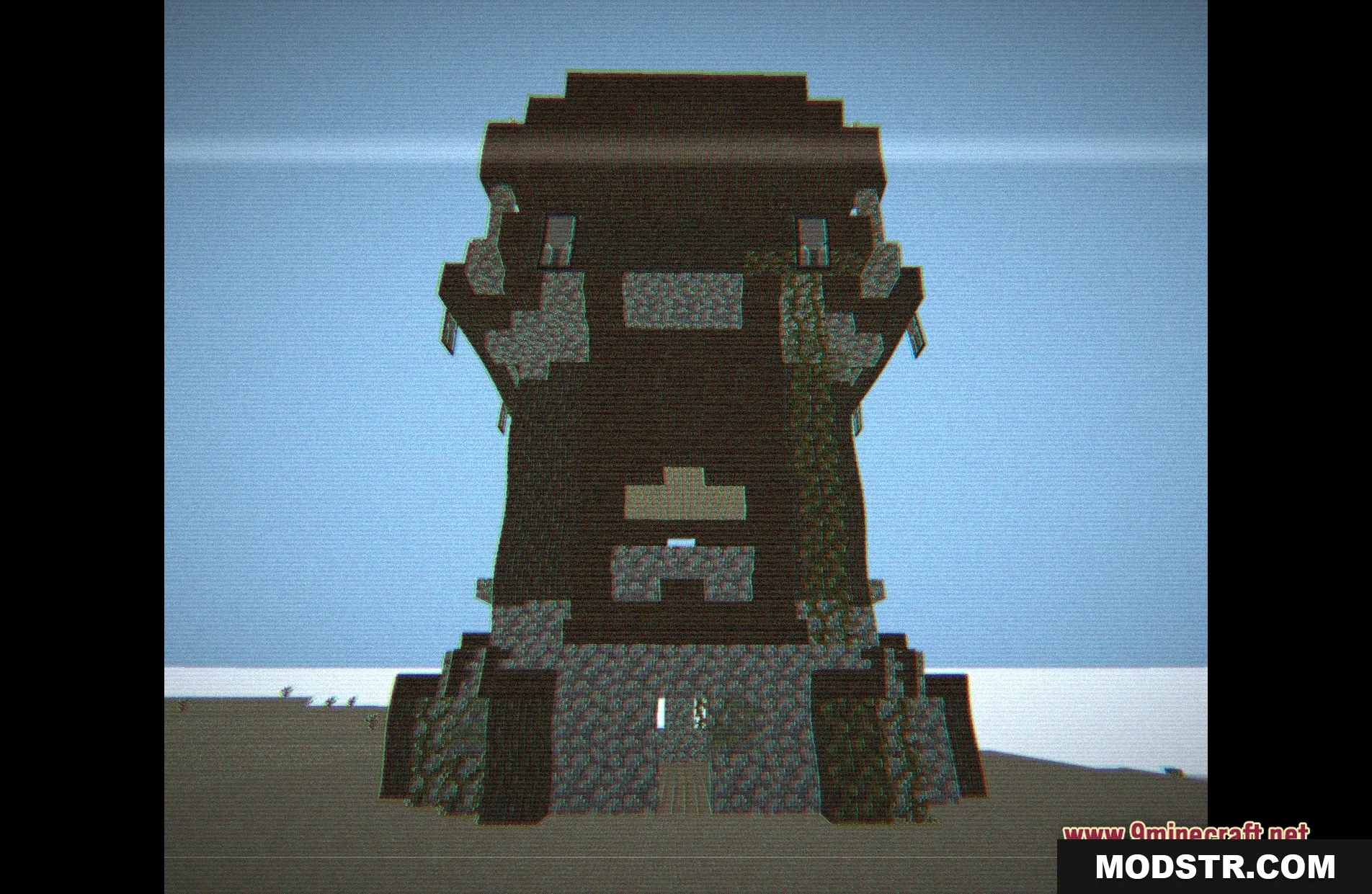
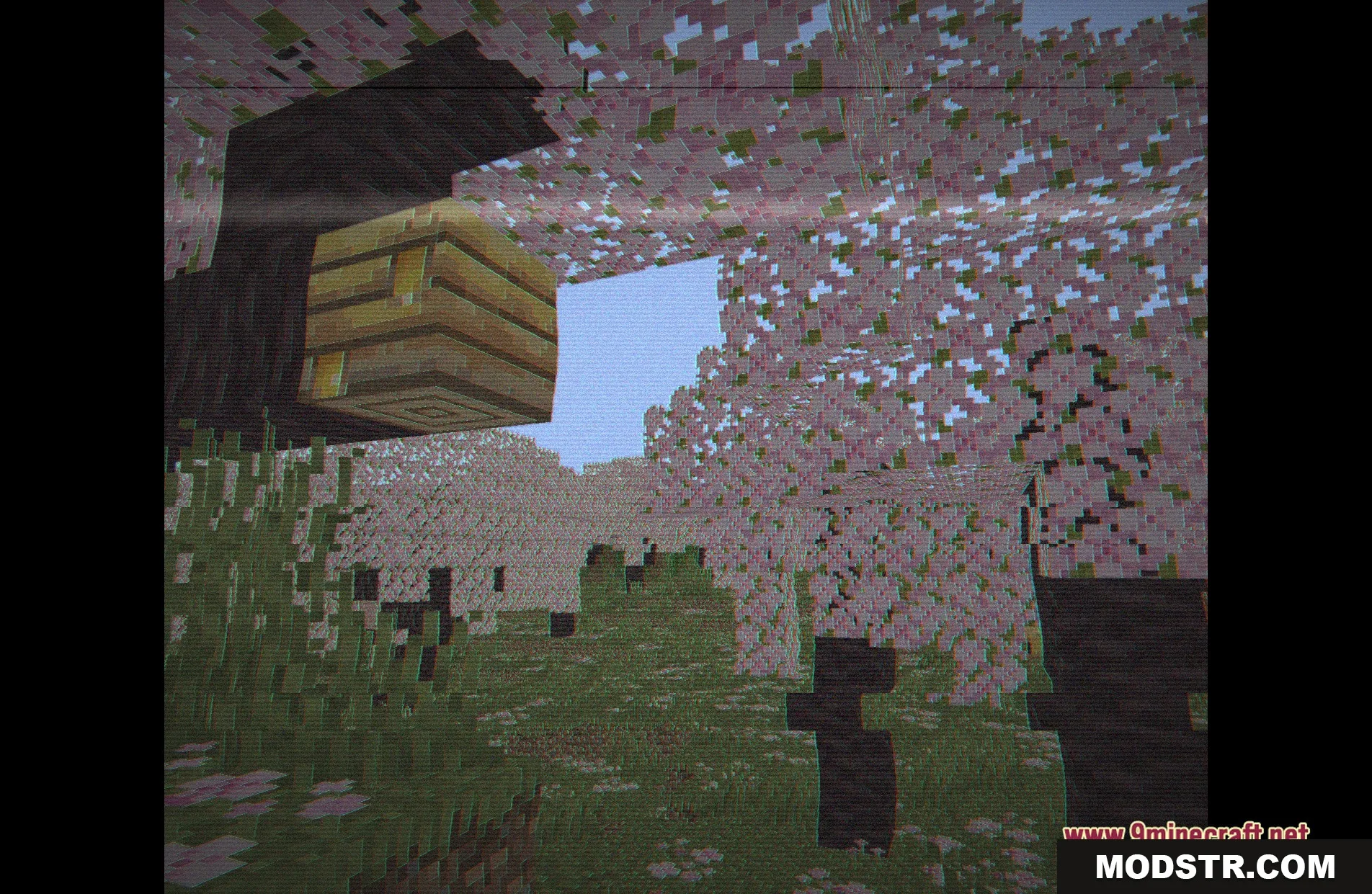
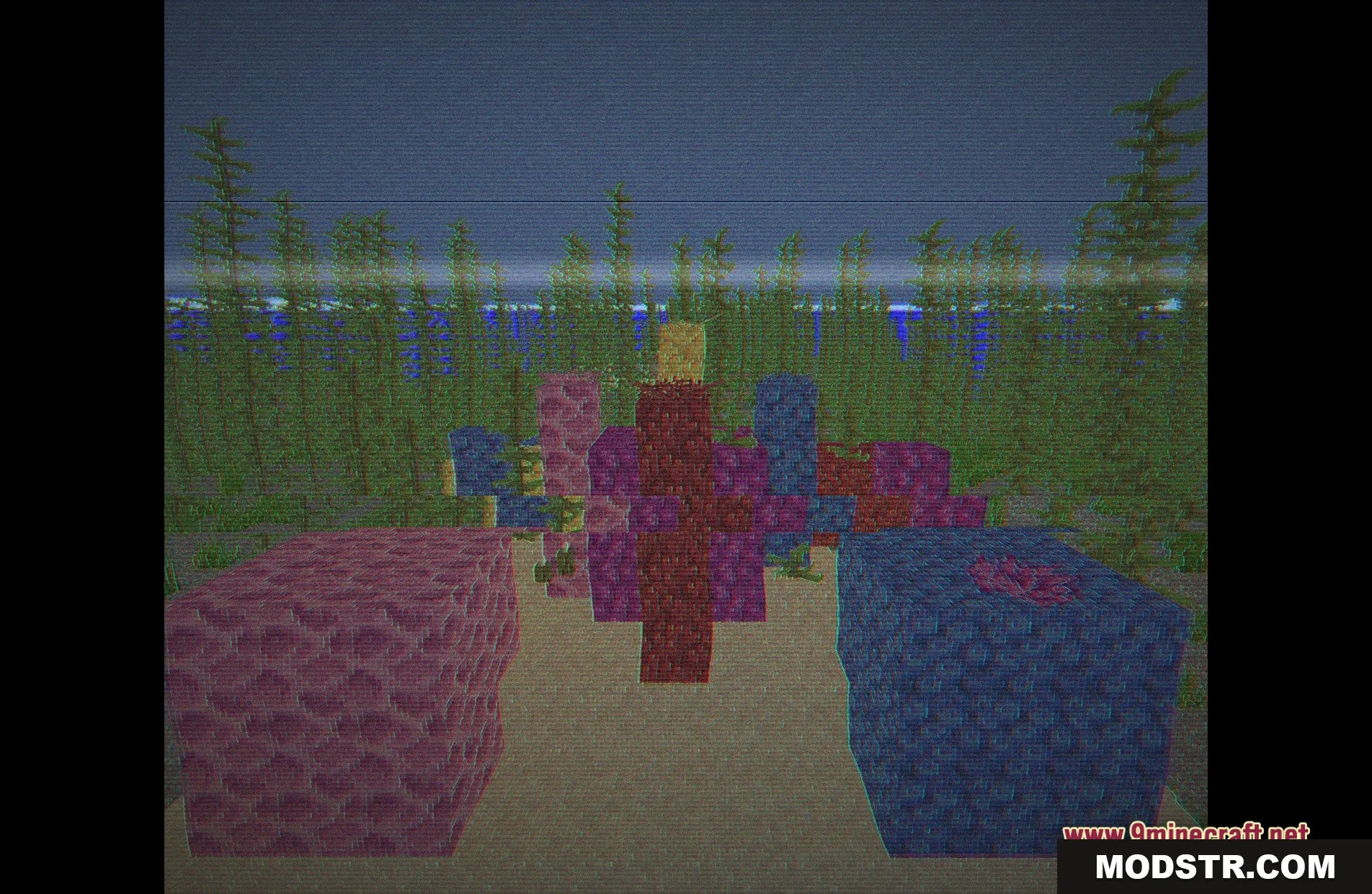
- Changes the game lighting to appear more realistic.
- Adds a fantasy theme to the game's visuals.
- Keeps the standard vanilla style, ensuring familiarity.
Installation
- Download the shader pack from the appropriate source.
- Open your Minecraft launcher and navigate to the options.
- Select the 'Shaders' menu and then 'Shaders Folder.'
- Move the downloaded shader pack into the folder.
- Return to the game and select the shader from the list.
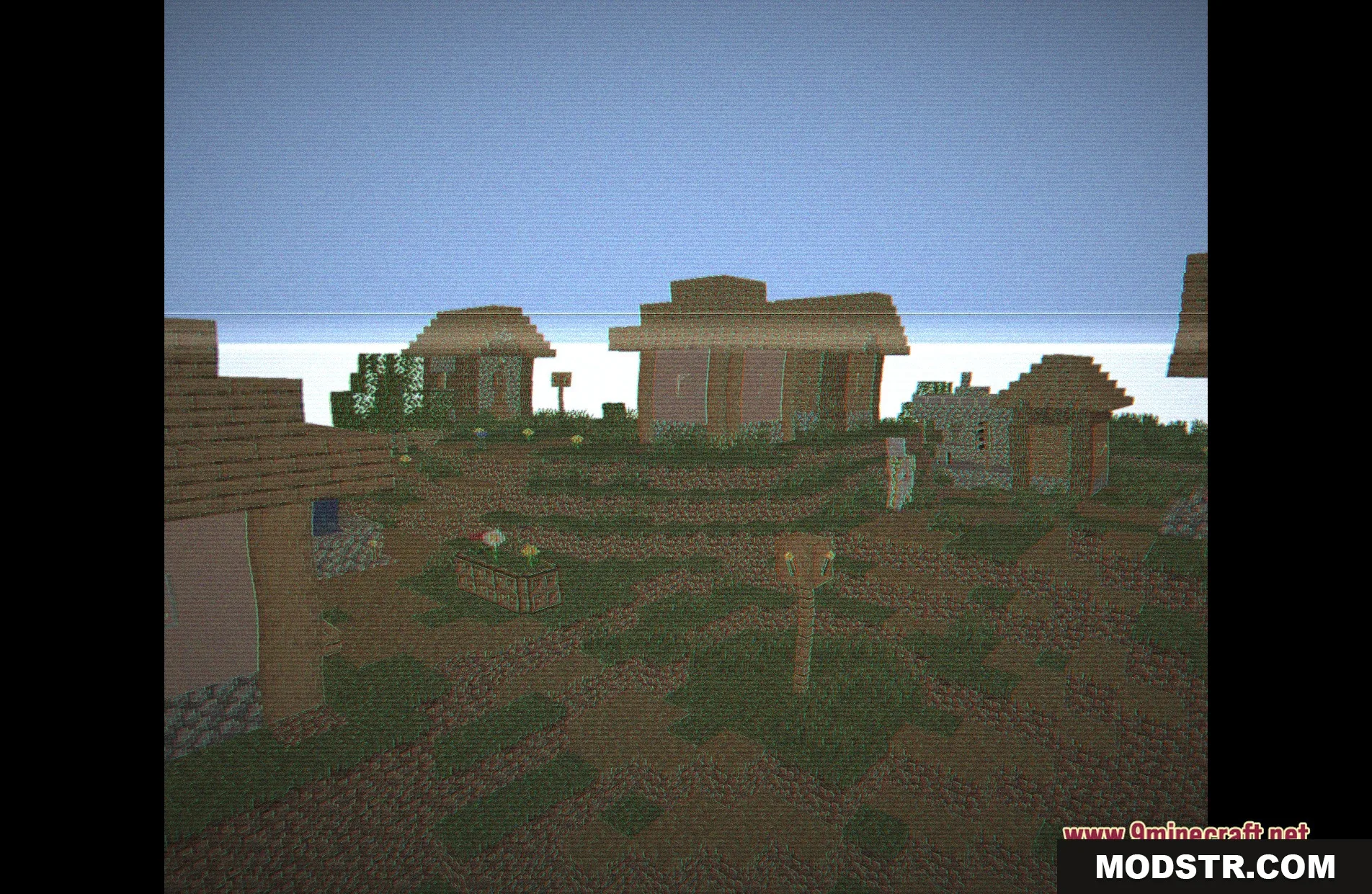
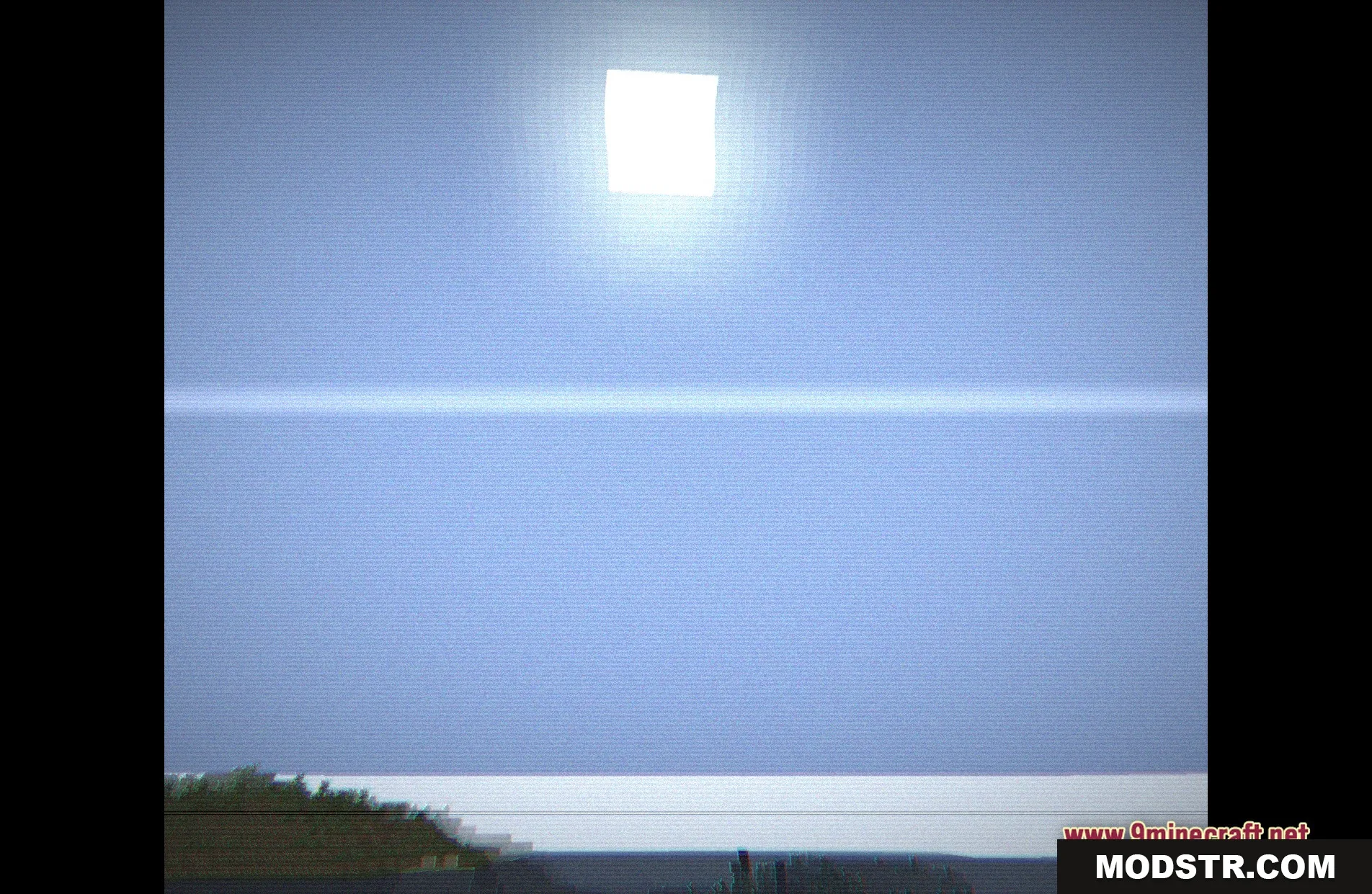
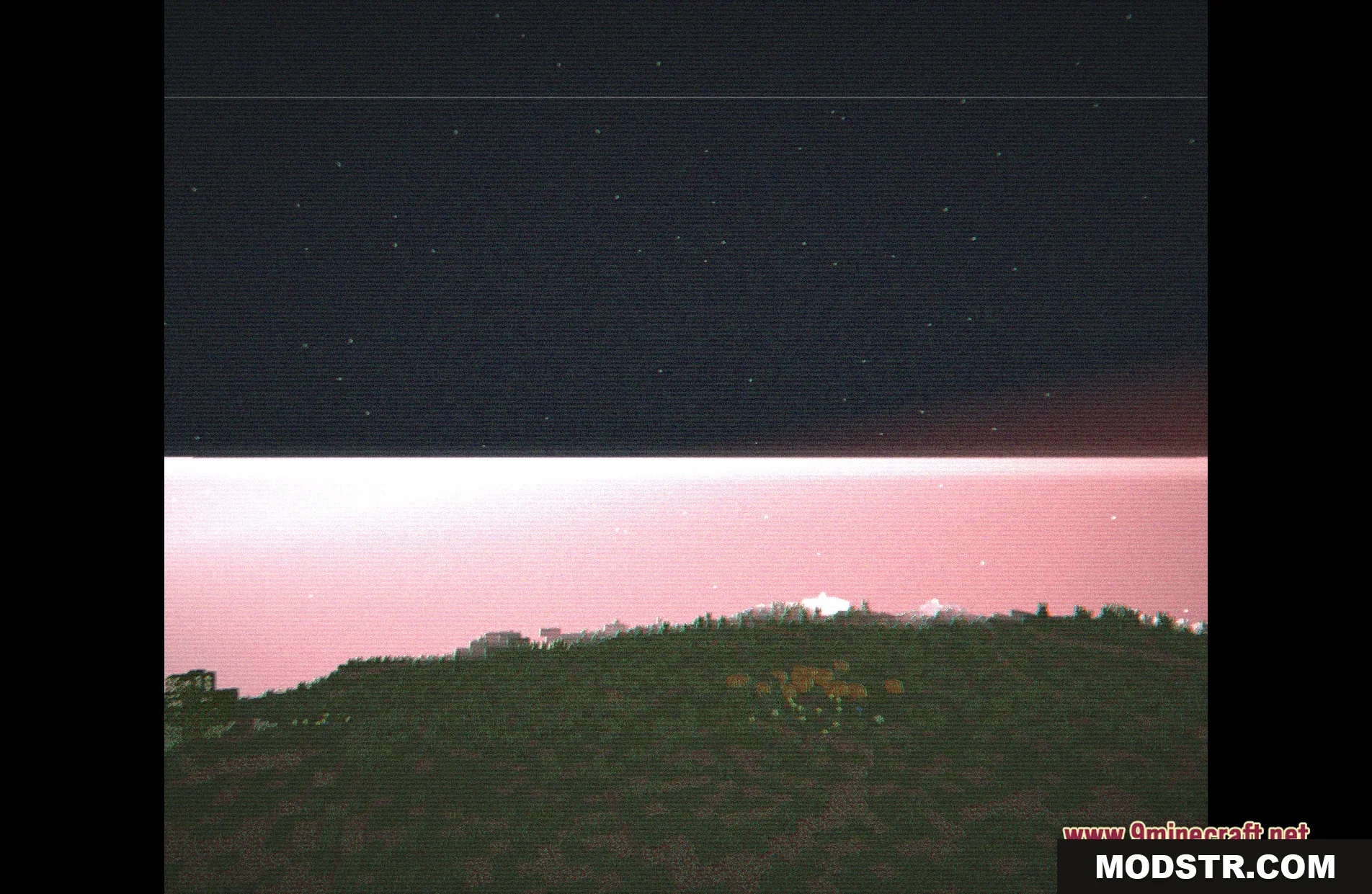
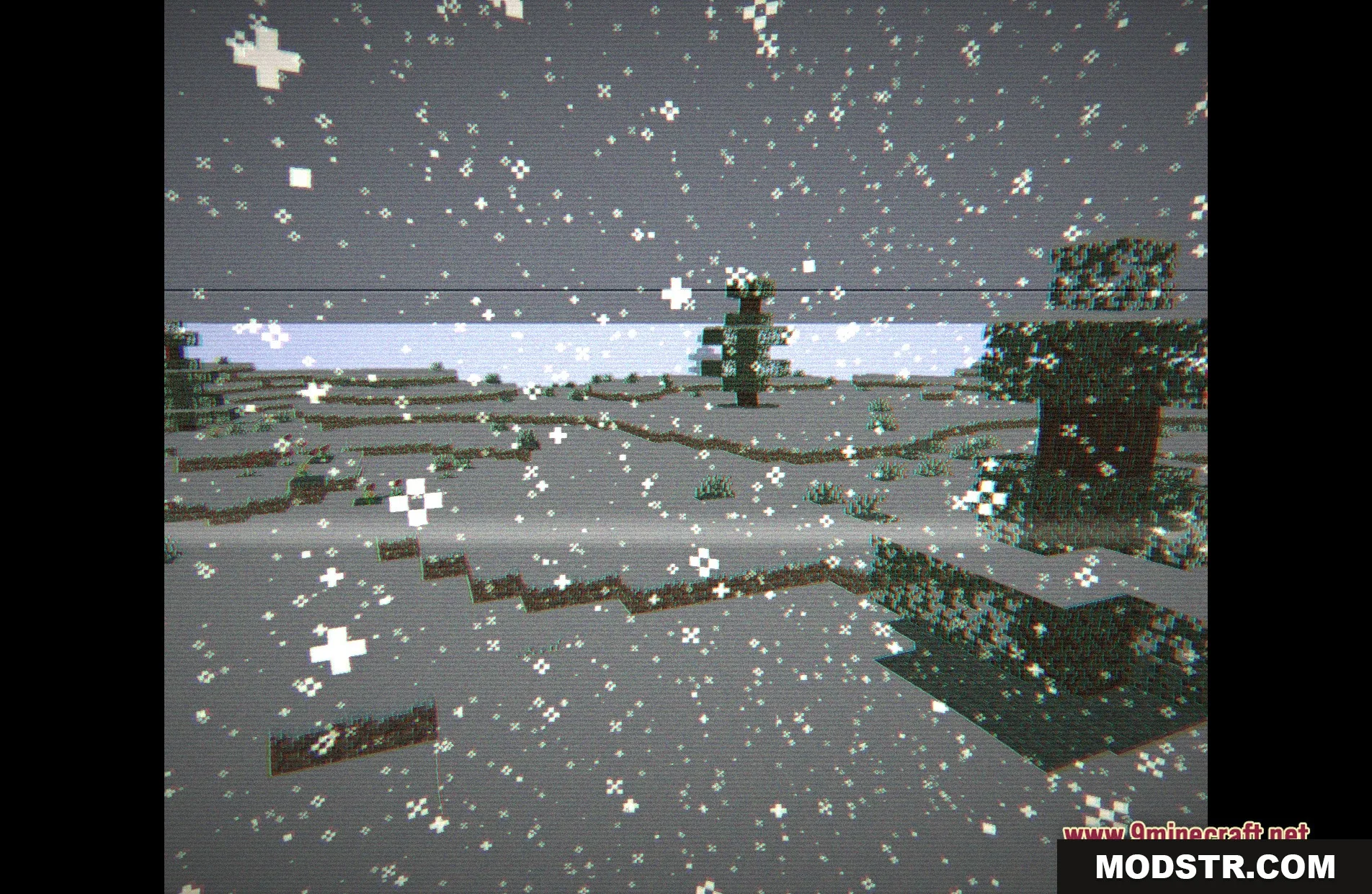
Screenshots
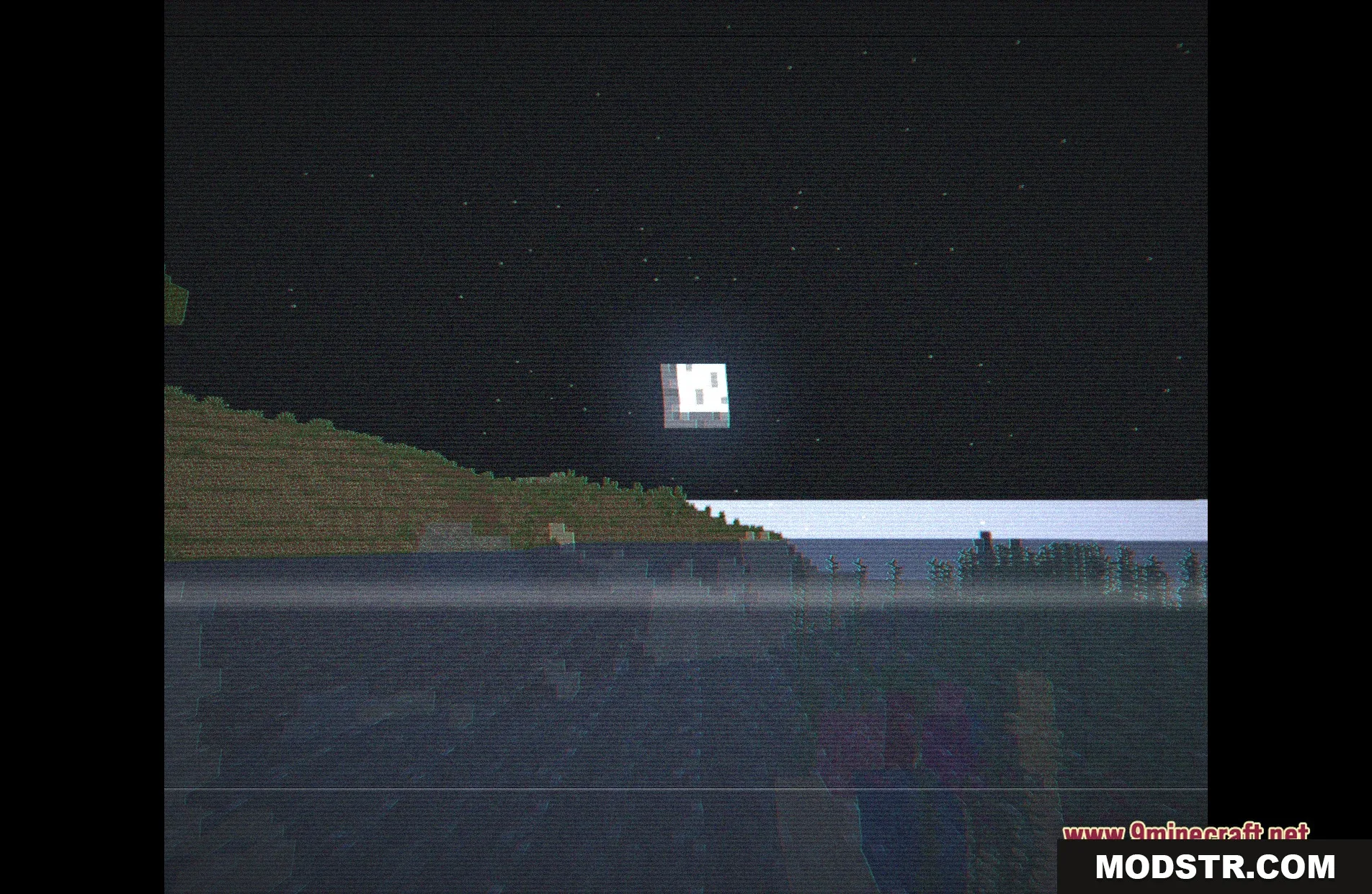
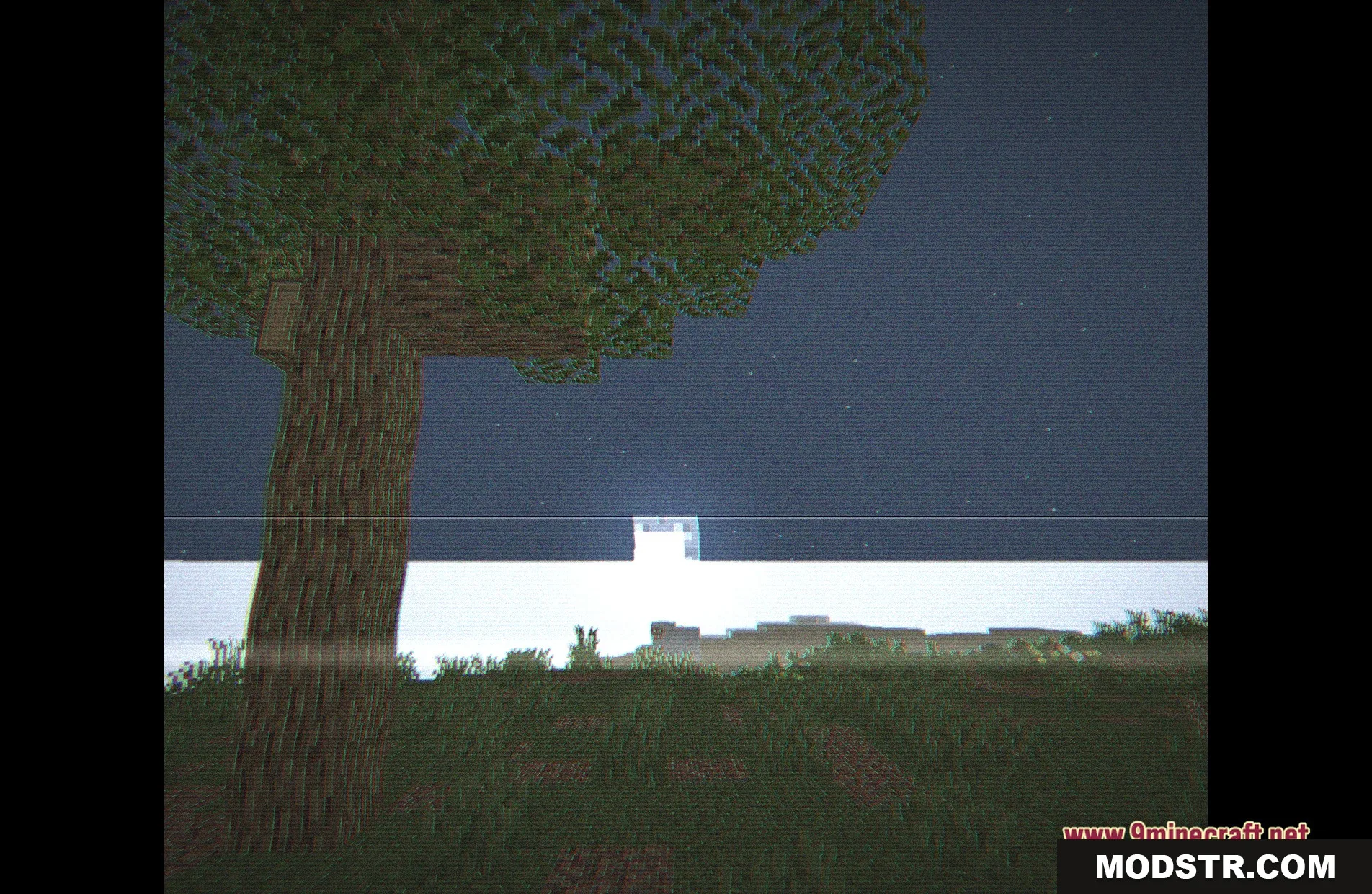
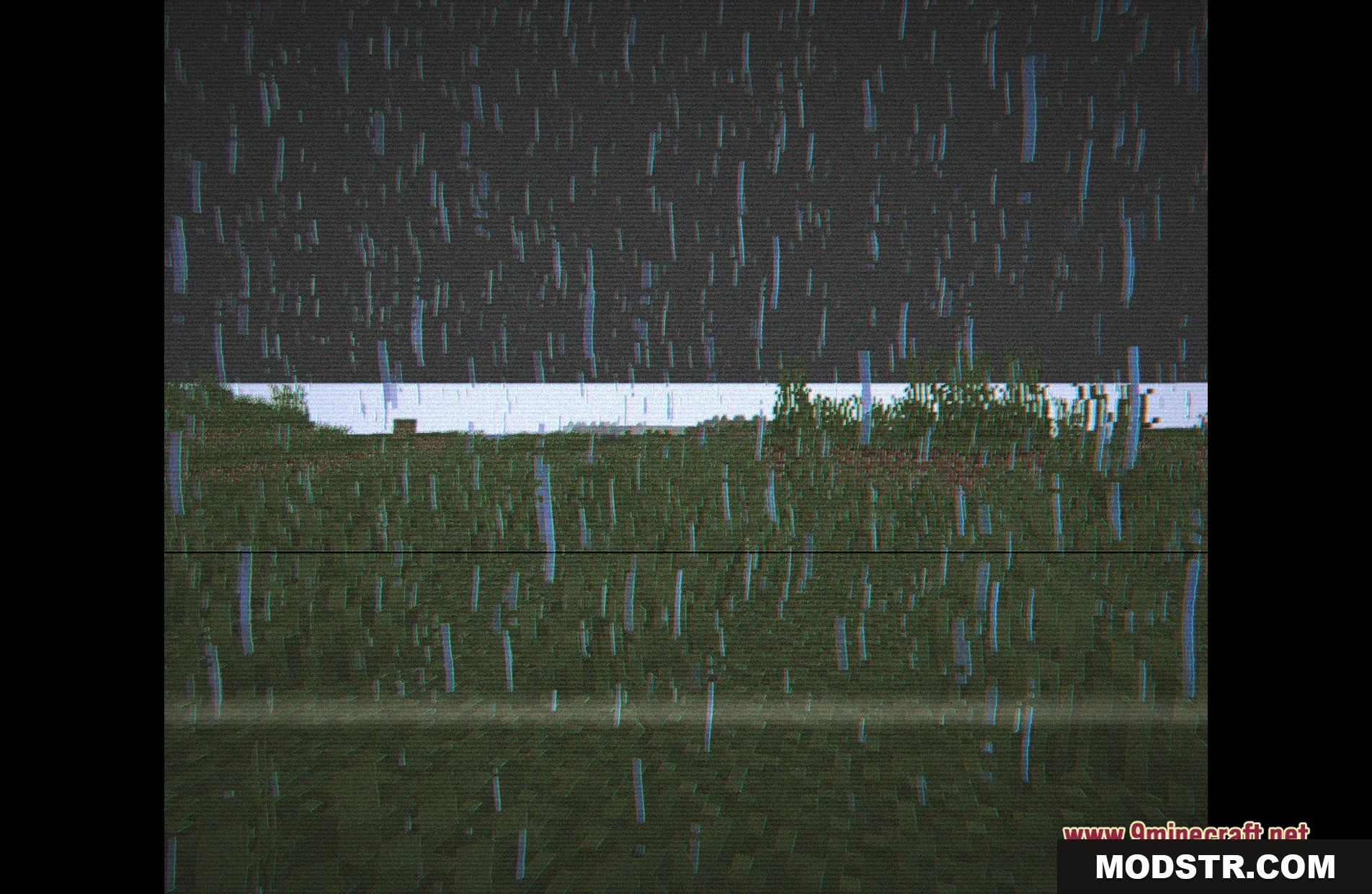
DOWNLOAD FILES
- shader