
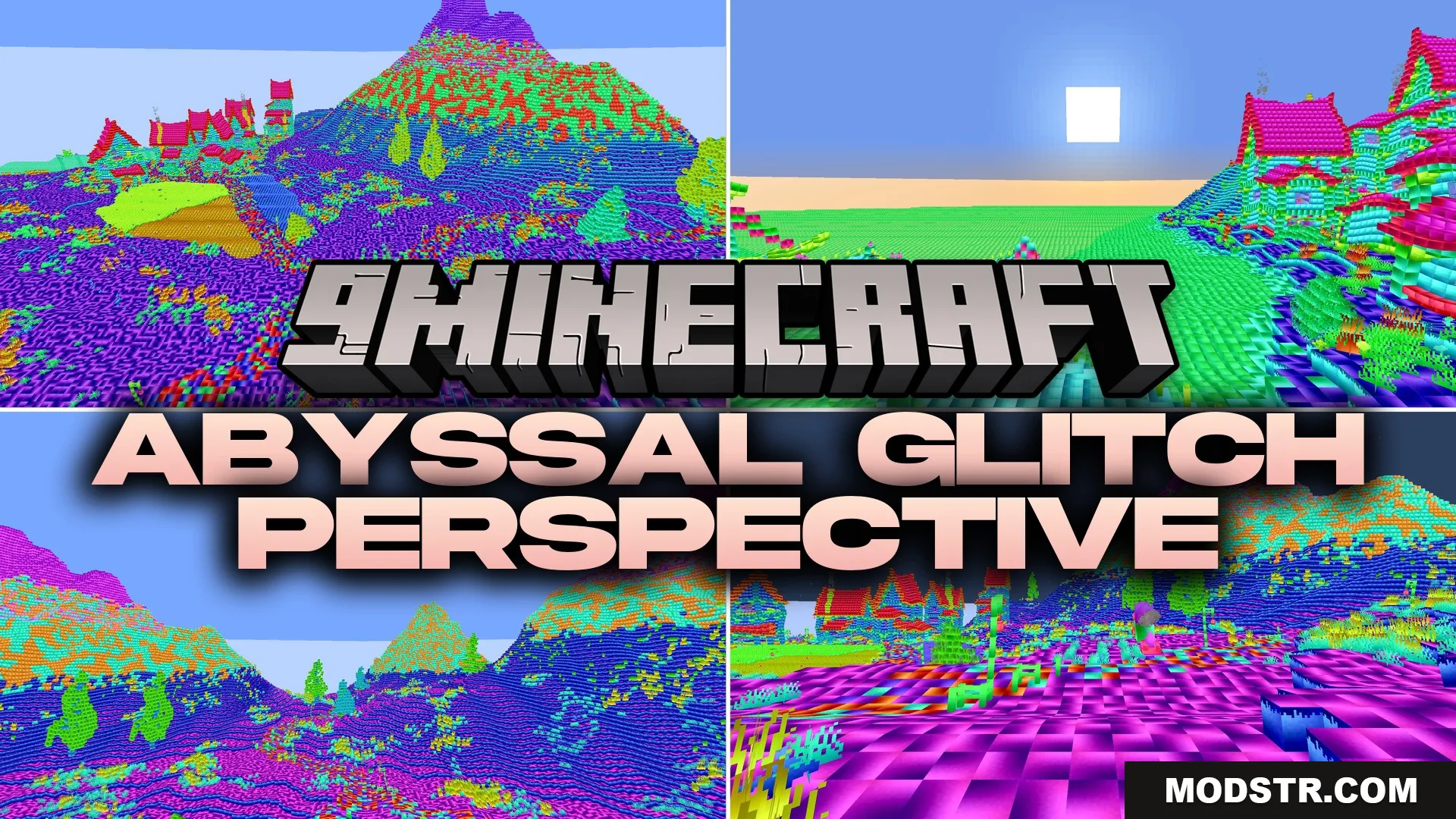
Abyssal Glitch Perspective Shaders (26.2, 1.20.1) – Surreal World Distortion
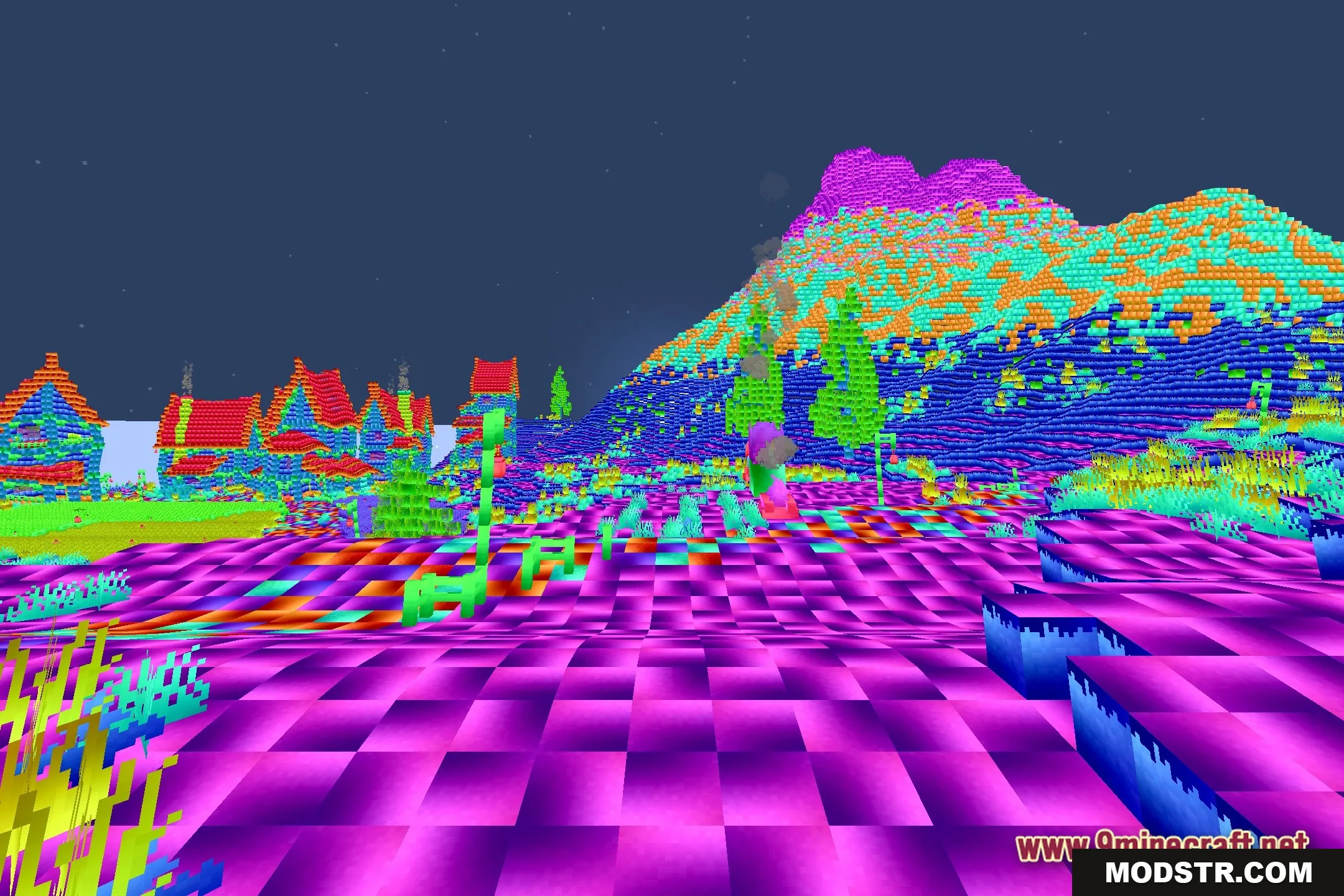
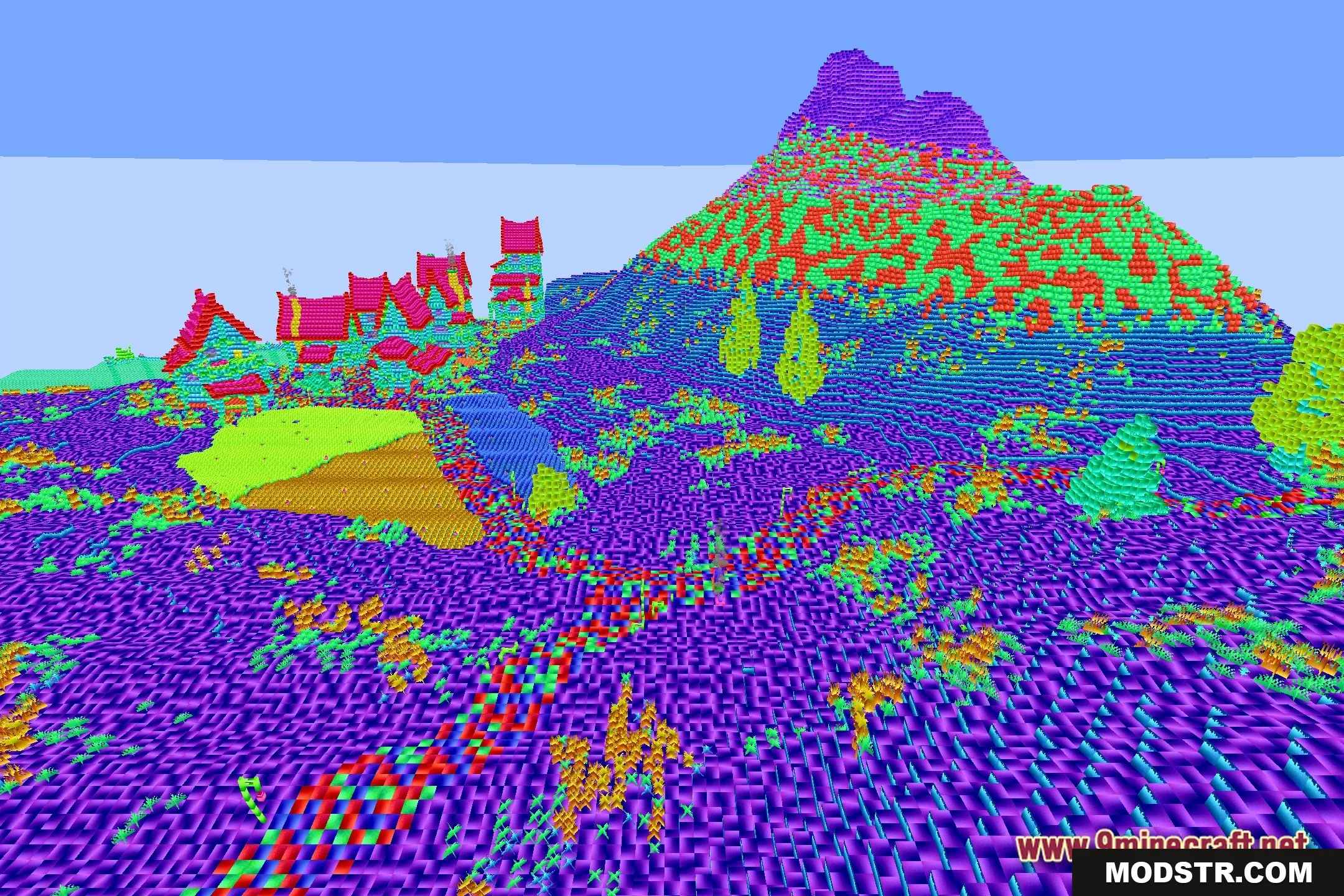
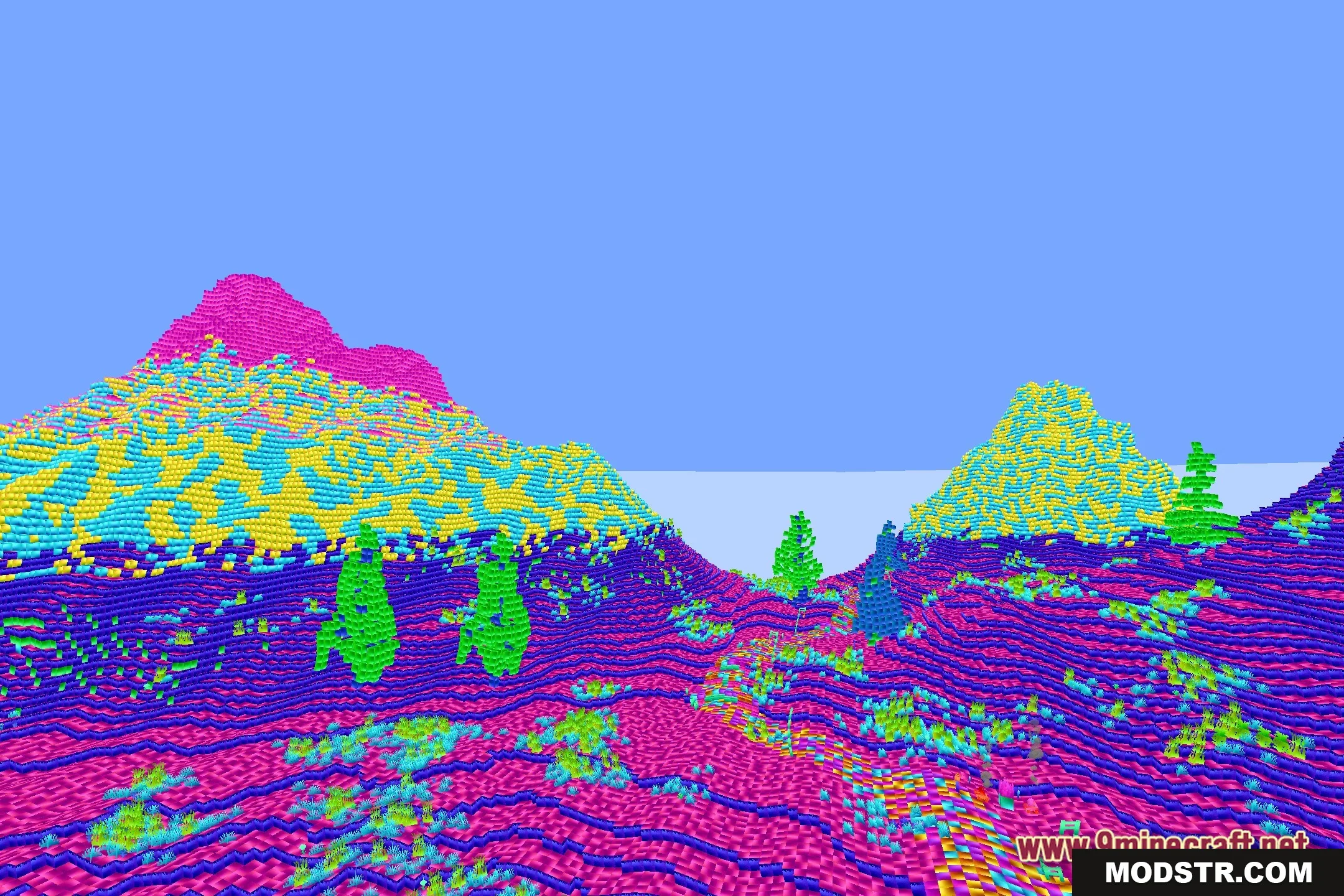
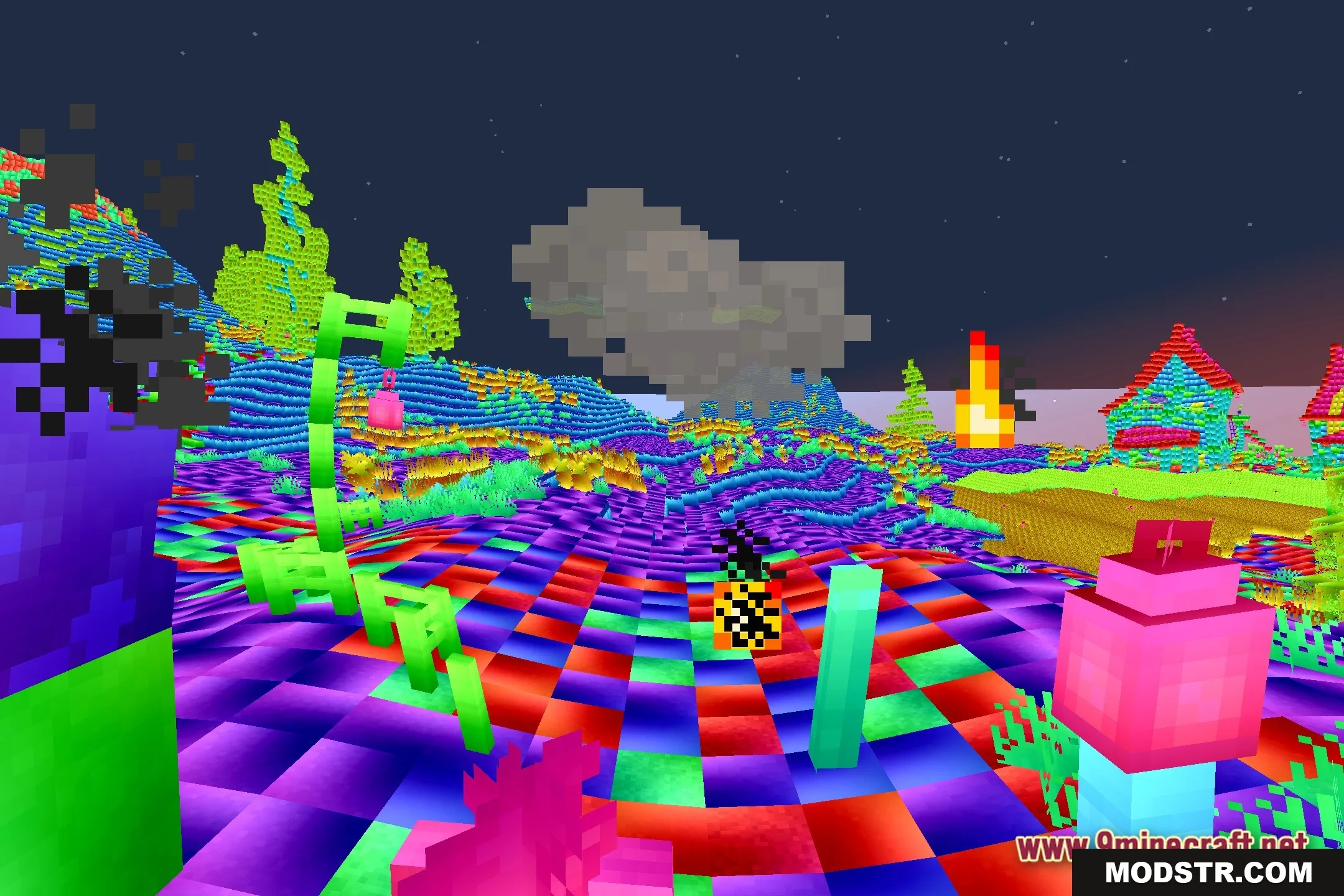
Abyssal Glitch Perspective Shaders modifies Minecraft's visuals with surreal distortions and glitch effects. This shader is suited for players seeking a unique visual experience.
- 1.20.1
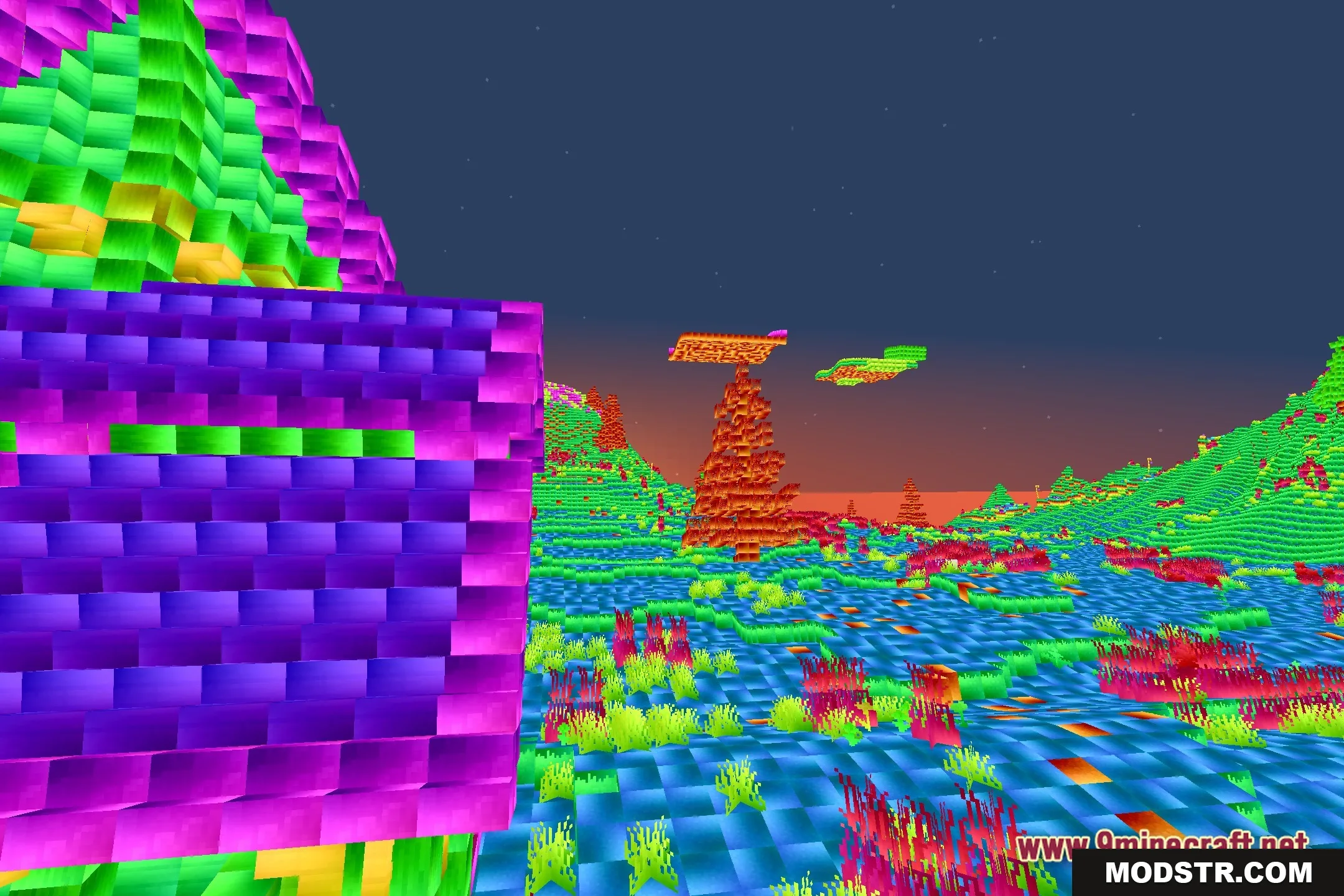
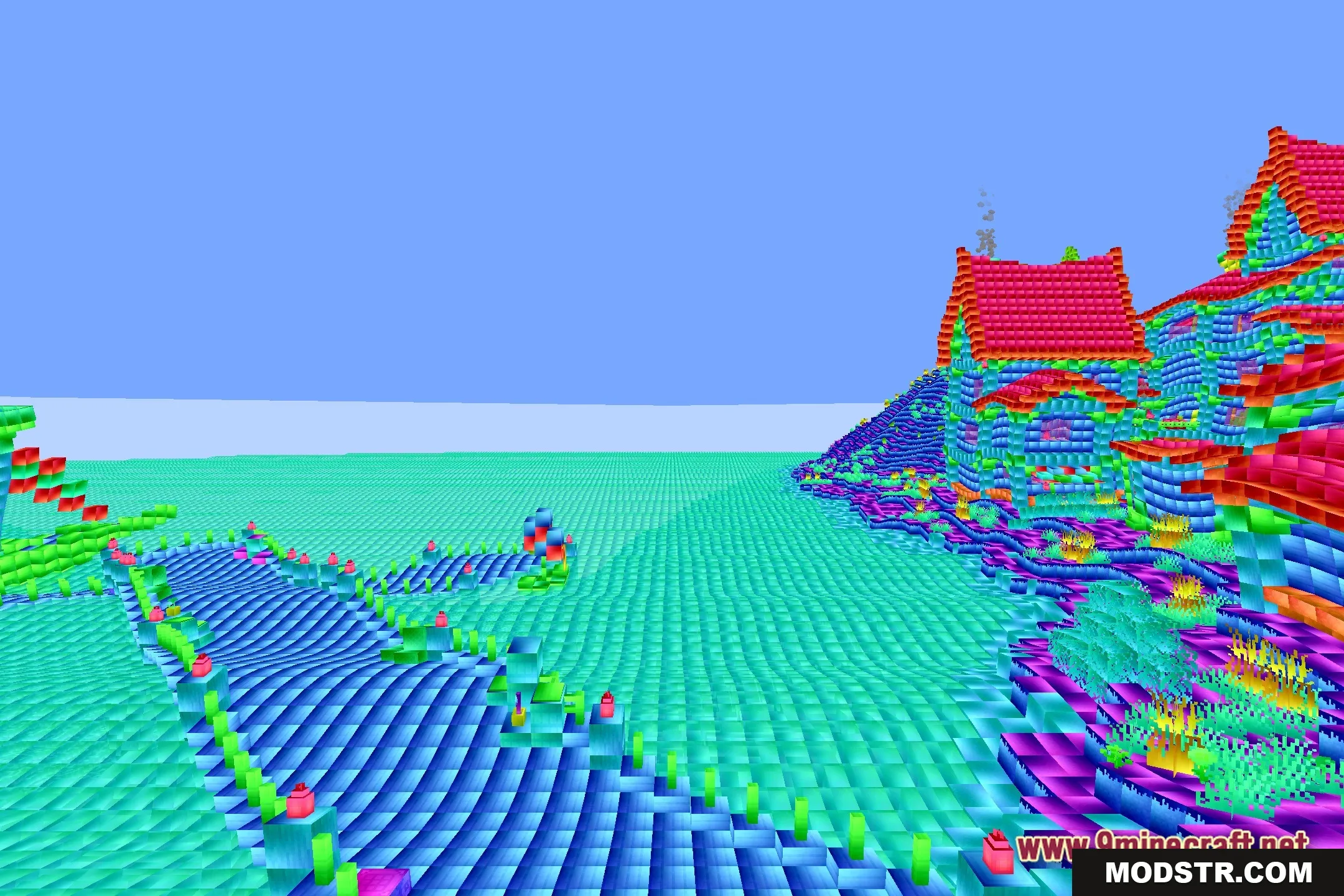
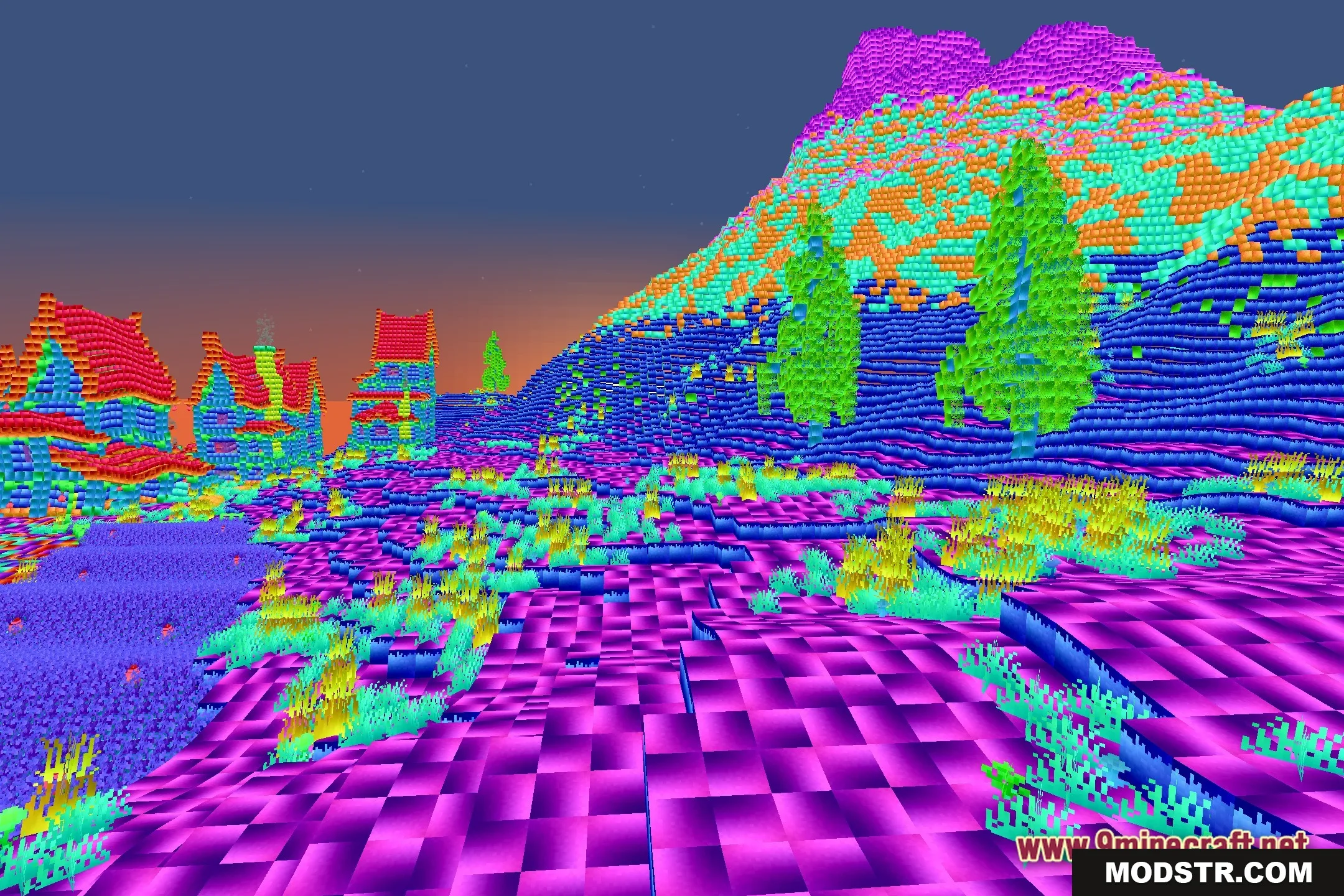
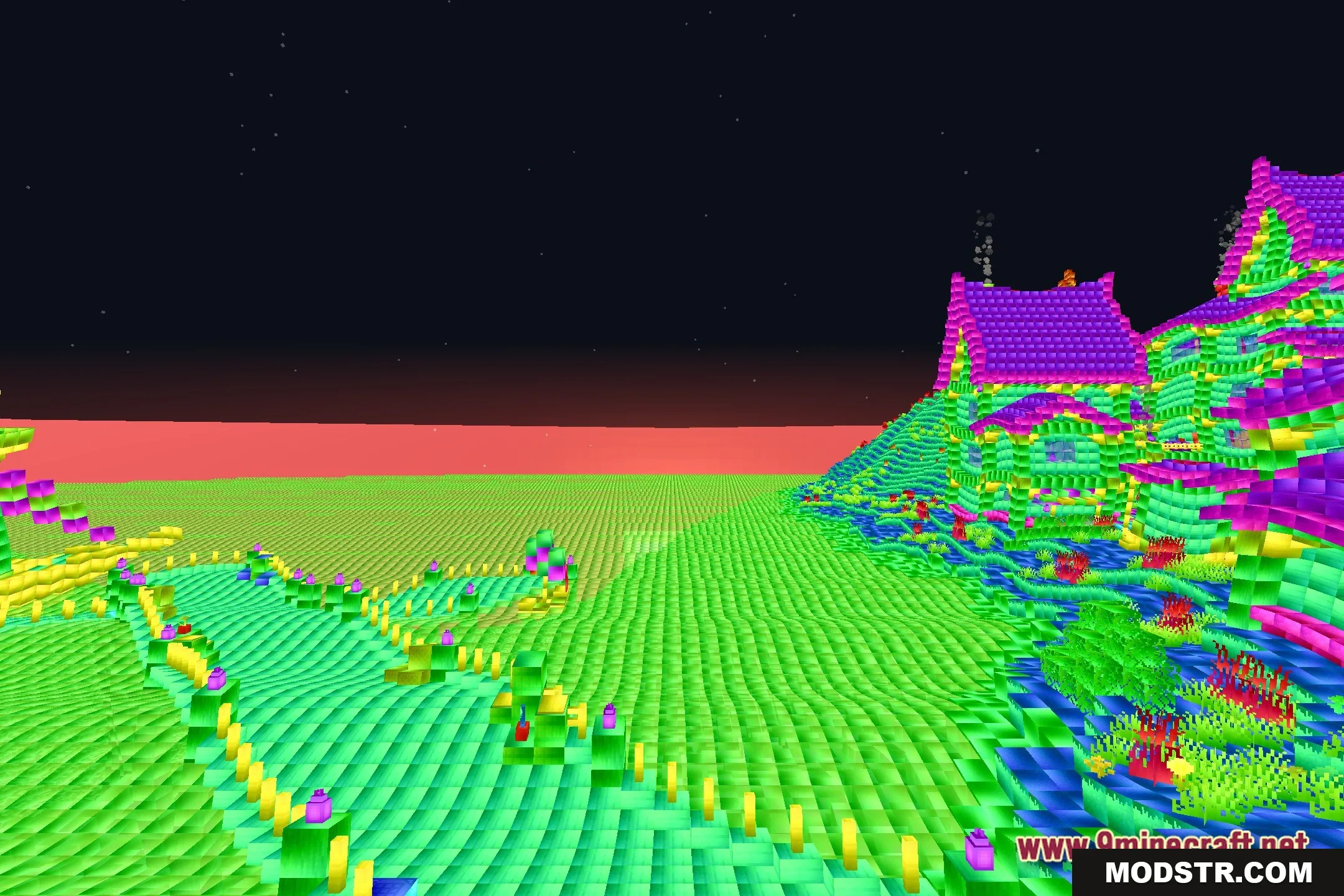
Abyssal Glitch Perspective Shaders provides players with a surreal visual distortion of the Minecraft world. It alters block appearances and horizons to create an unusual aesthetic, blending familiar gameplay elements with a fantasy twist.
Features
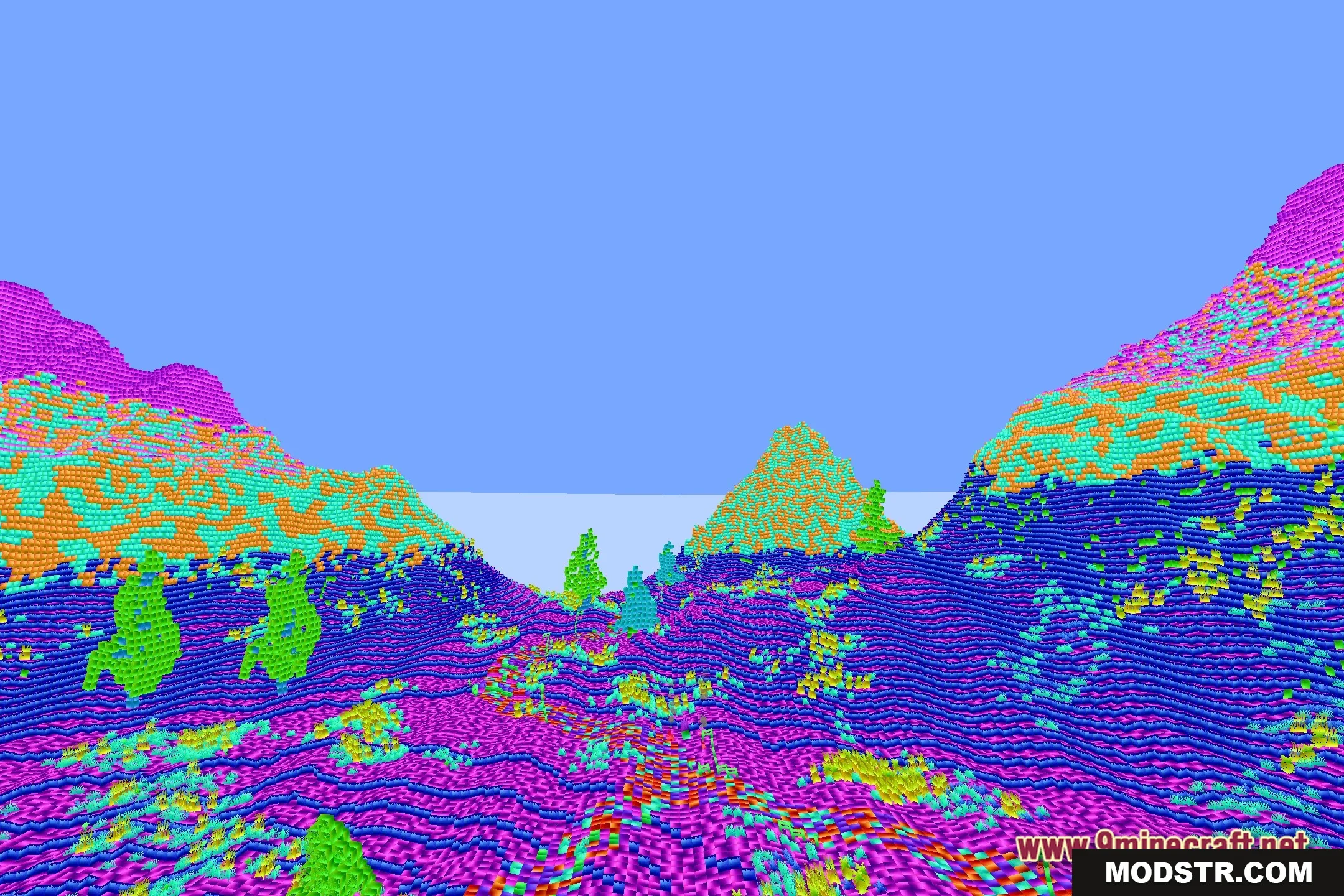
- Distorted World View: Warps the screen perspective to give landscapes an eerie and unusual shape.
- Adds subtle visual glitch artifacts across surfaces and open skies.
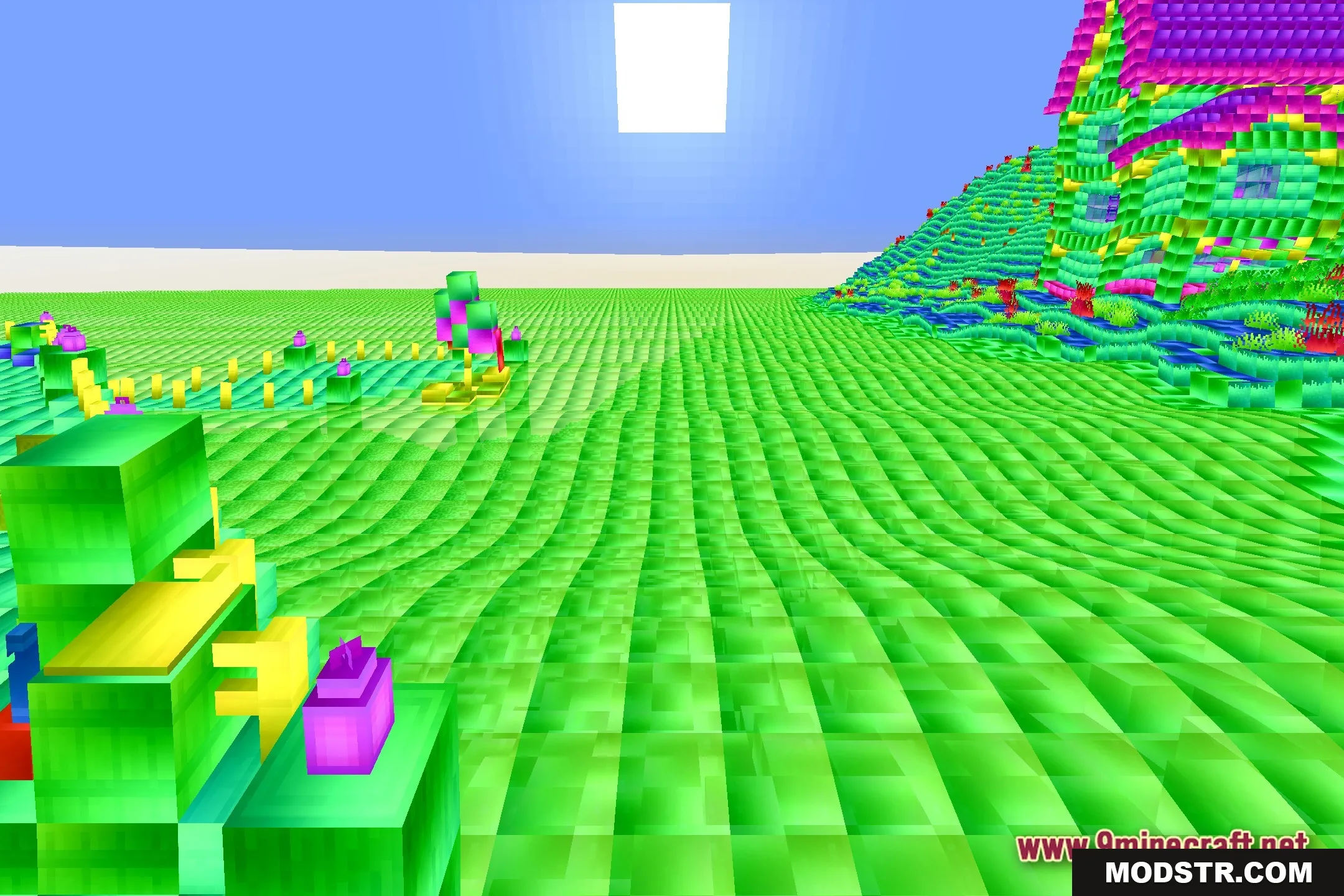
- Blends fantasy visual effects with standard vanilla block textures.
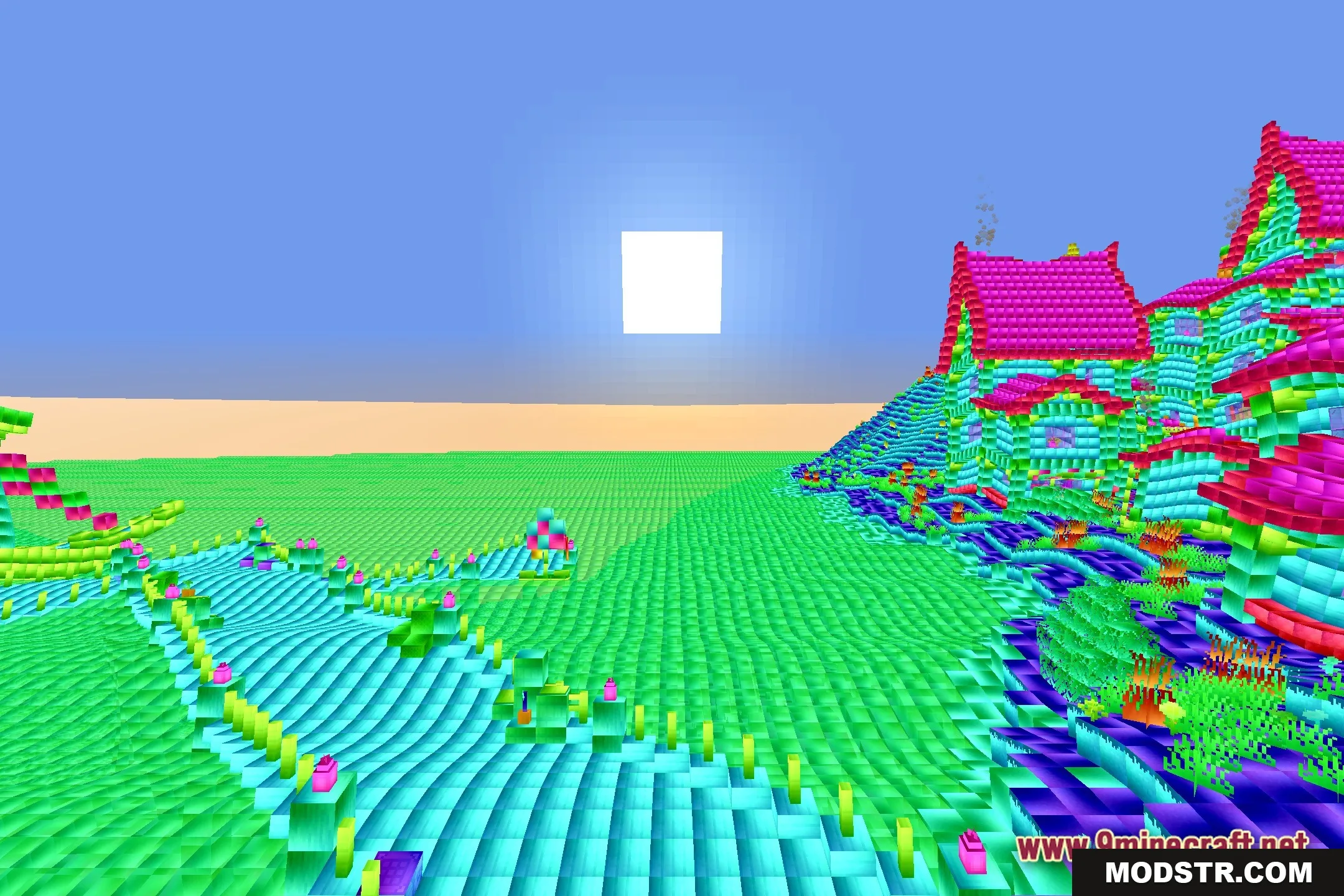
- Changes daylight brightness and surface contrast across different biomes.
- Offers a quirky graphic style for players looking for strange visual surprises.
Installation
- Download the shader pack file.
- Open Minecraft and navigate to the settings.
- Select the 'Shaders' option and then 'Shader Packs.'
- Click on 'Open Shader Packs Folder' to place the downloaded file.
- Return to the game and select the shader pack from the list to enable it.
DOWNLOAD FILES
- shader