
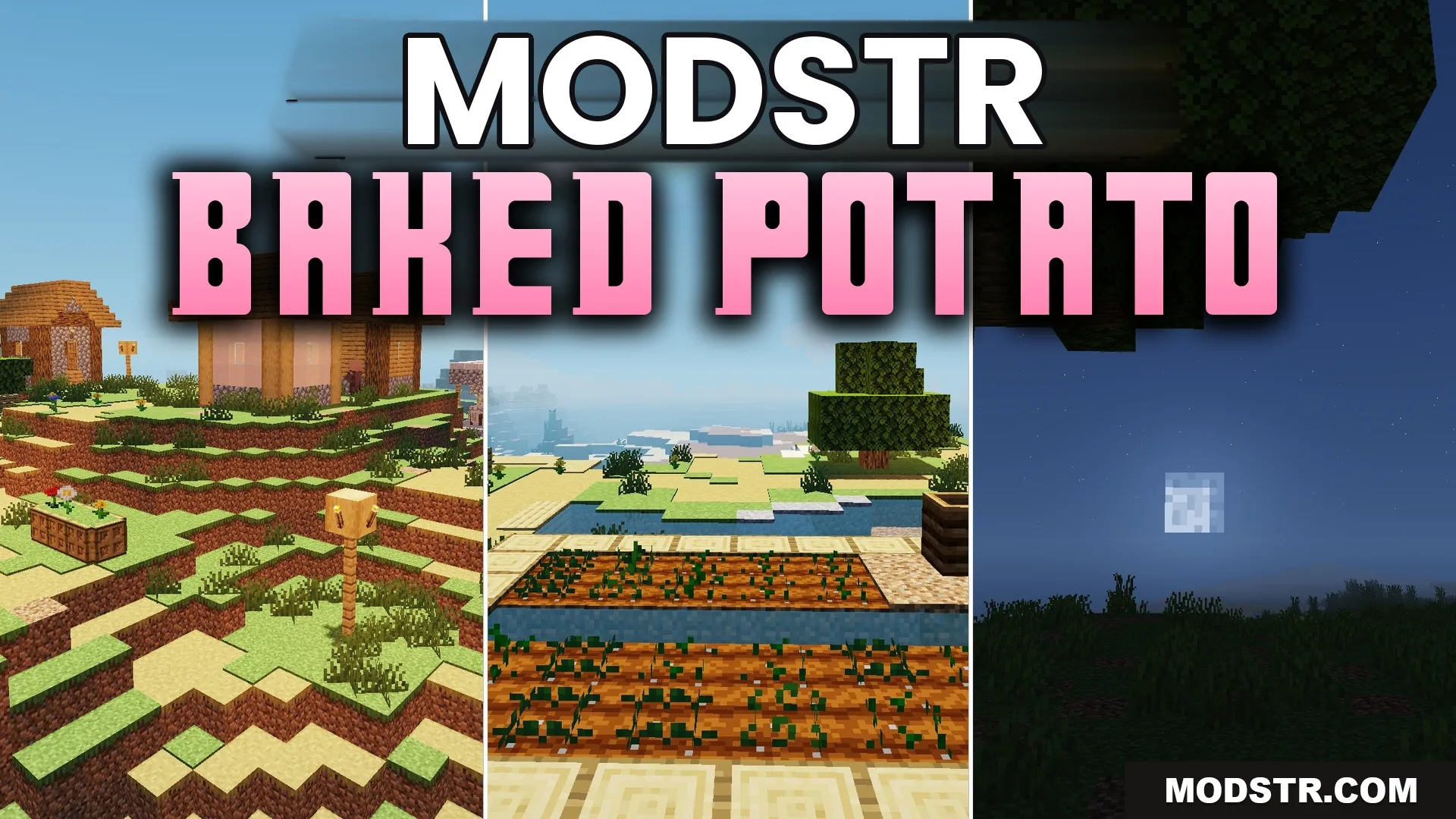
Baked Potato Shaders (26.2, 1.20.1) – Soft Shadows for Low-End PCs
Baked Potato Shaders enhances the lighting in Minecraft while remaining performance-friendly. It is designed for players with lower-end PCs who want improved visual effects without sacrificing speed.
- 1.20.1
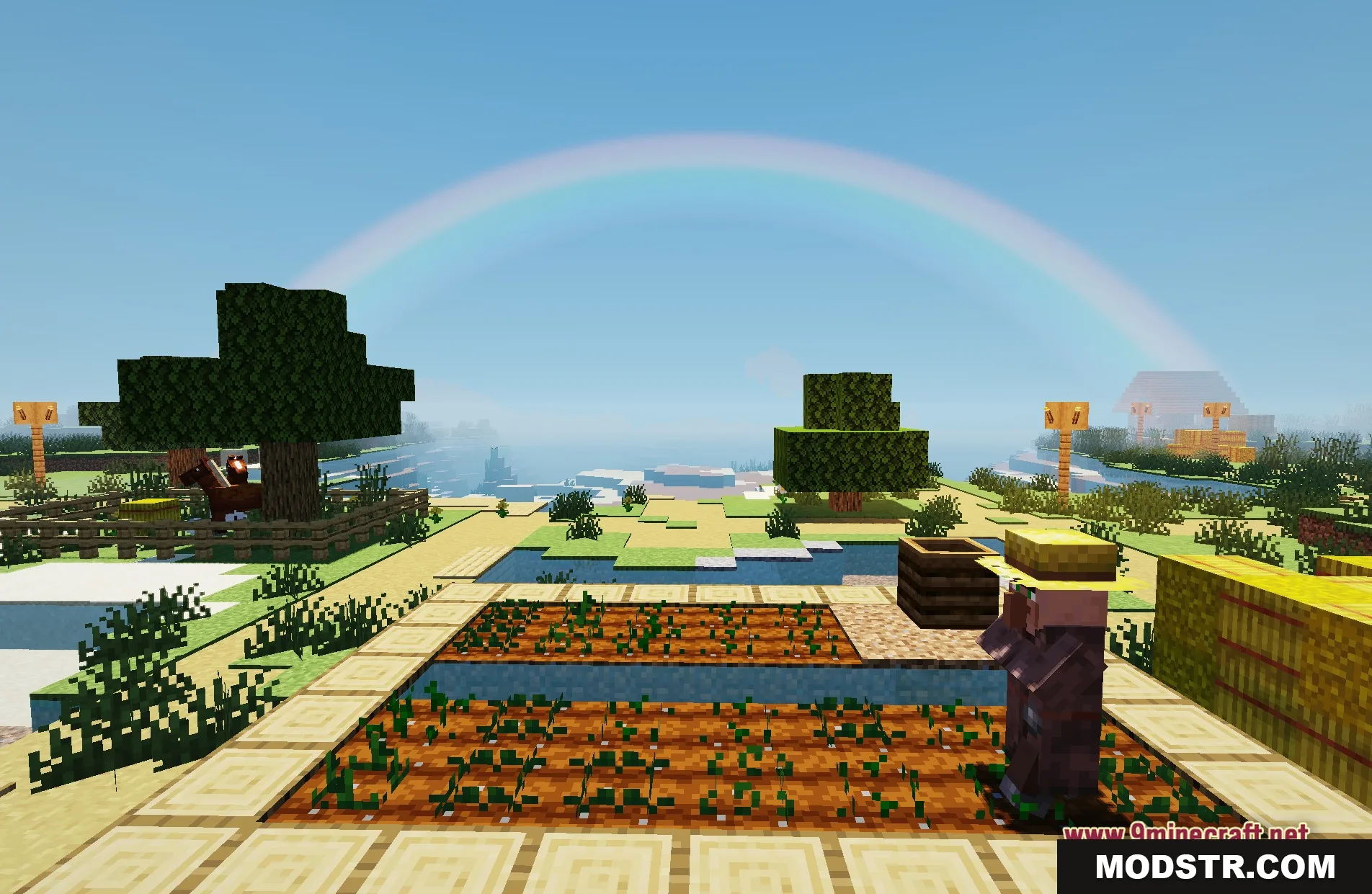
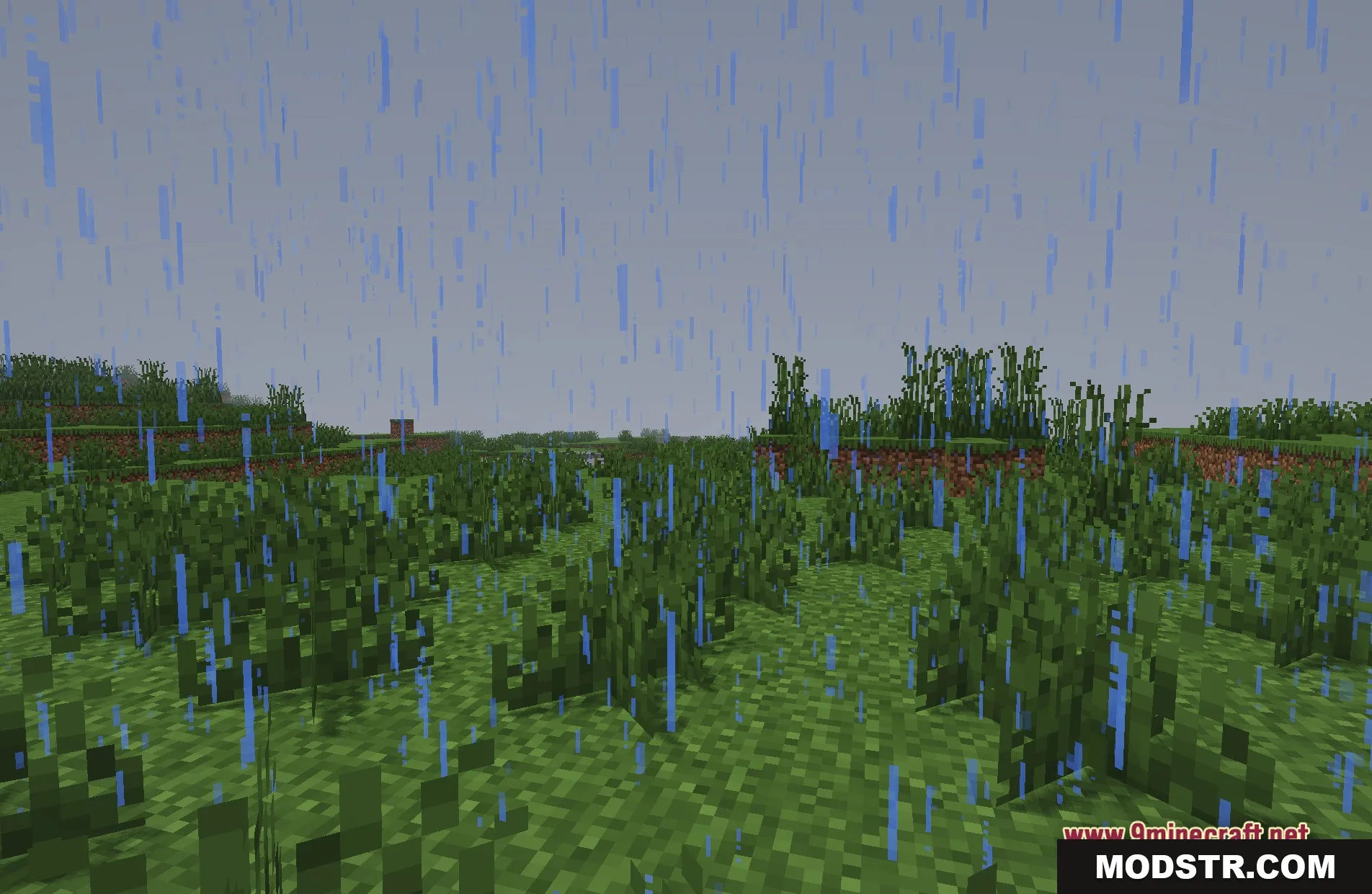
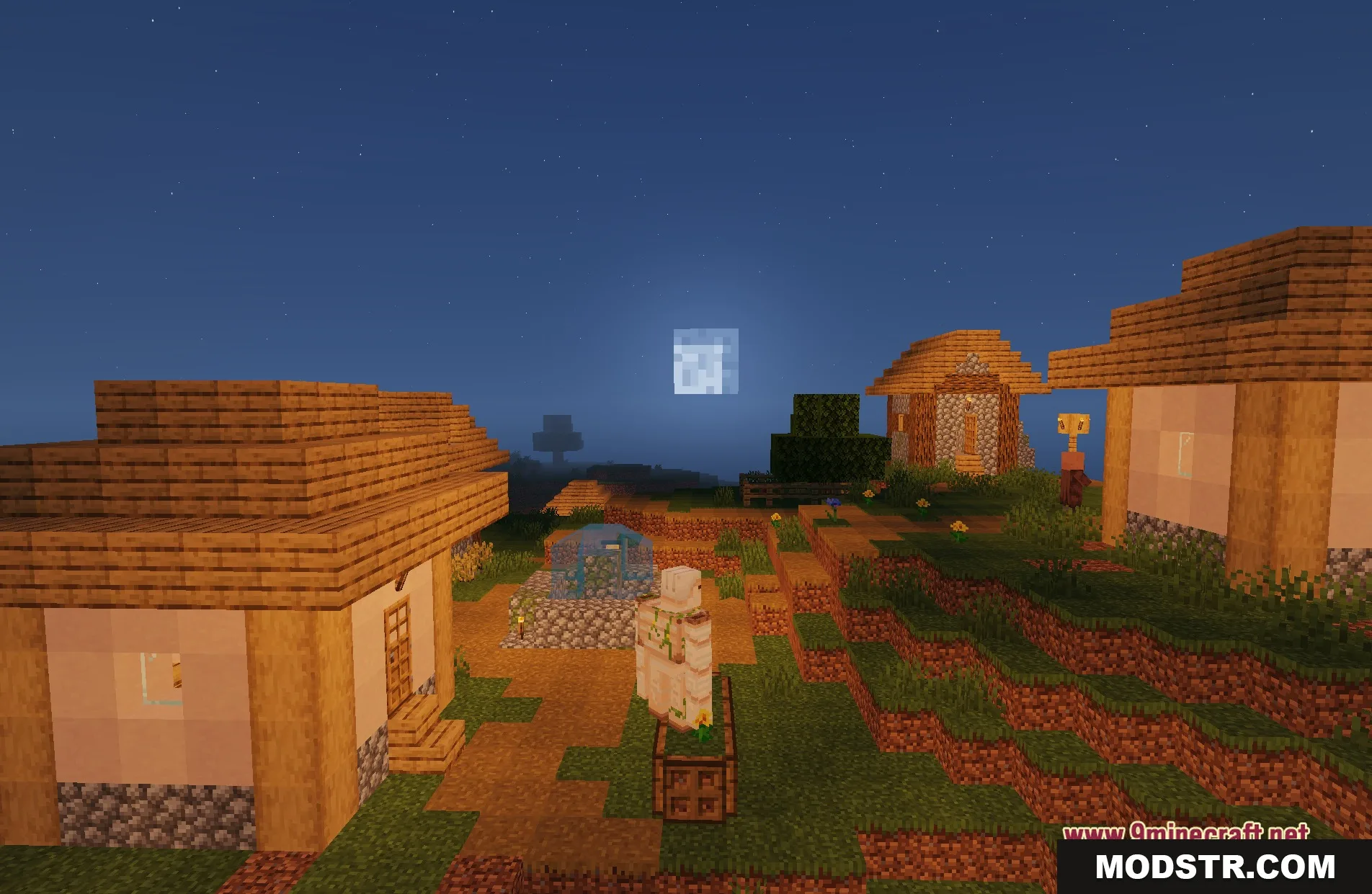
Baked Potato Shaders improves the lighting of your Minecraft world without impacting performance. This shader is suitable for players on older machines, offering enhanced visuals like soft shadows and vibrant lighting while maintaining gameplay speed.
Features
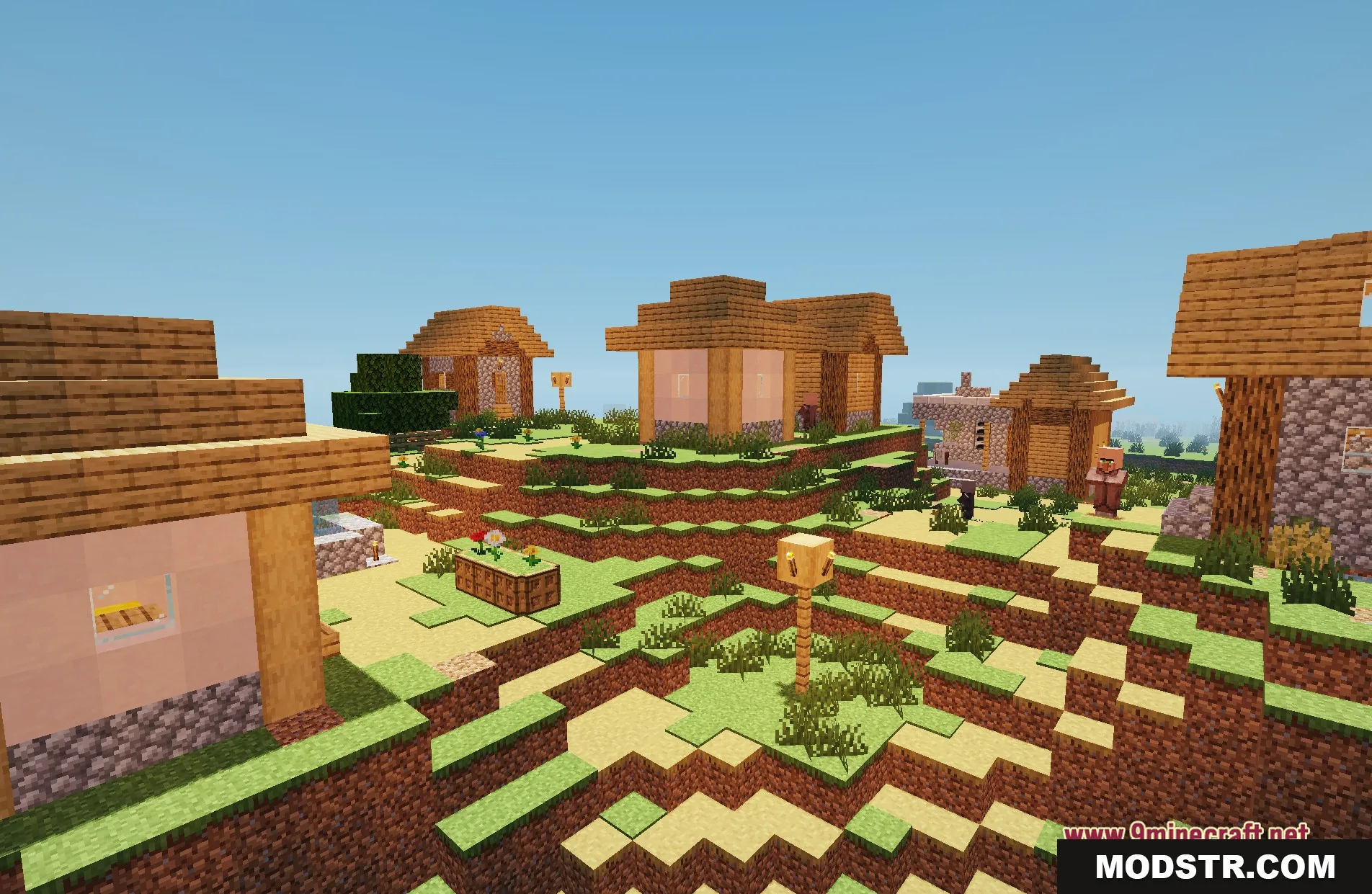
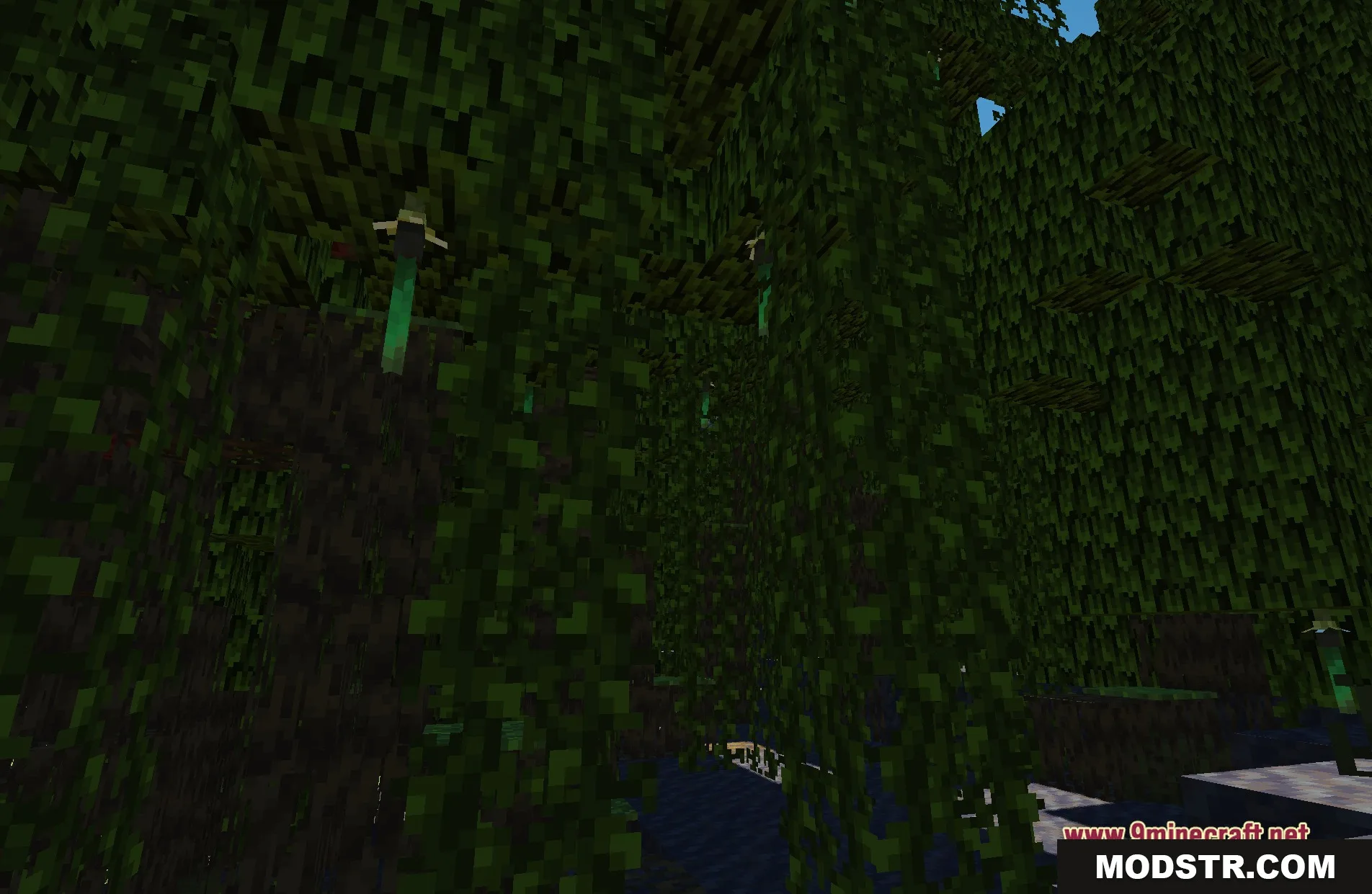
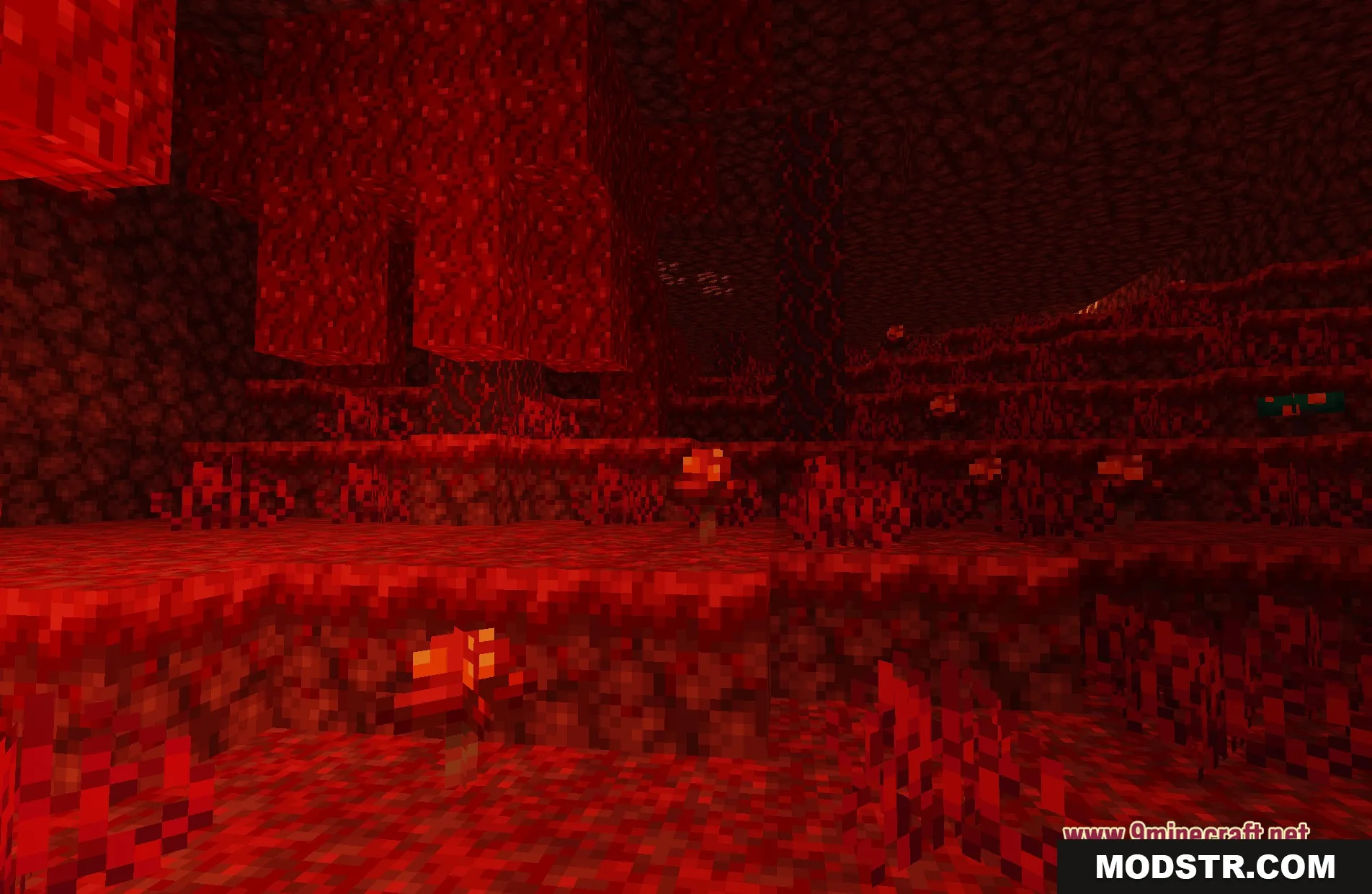
- Colored Lighting: Introduces bright, colorful lights from sources such as torches, lava, and glowing blocks.
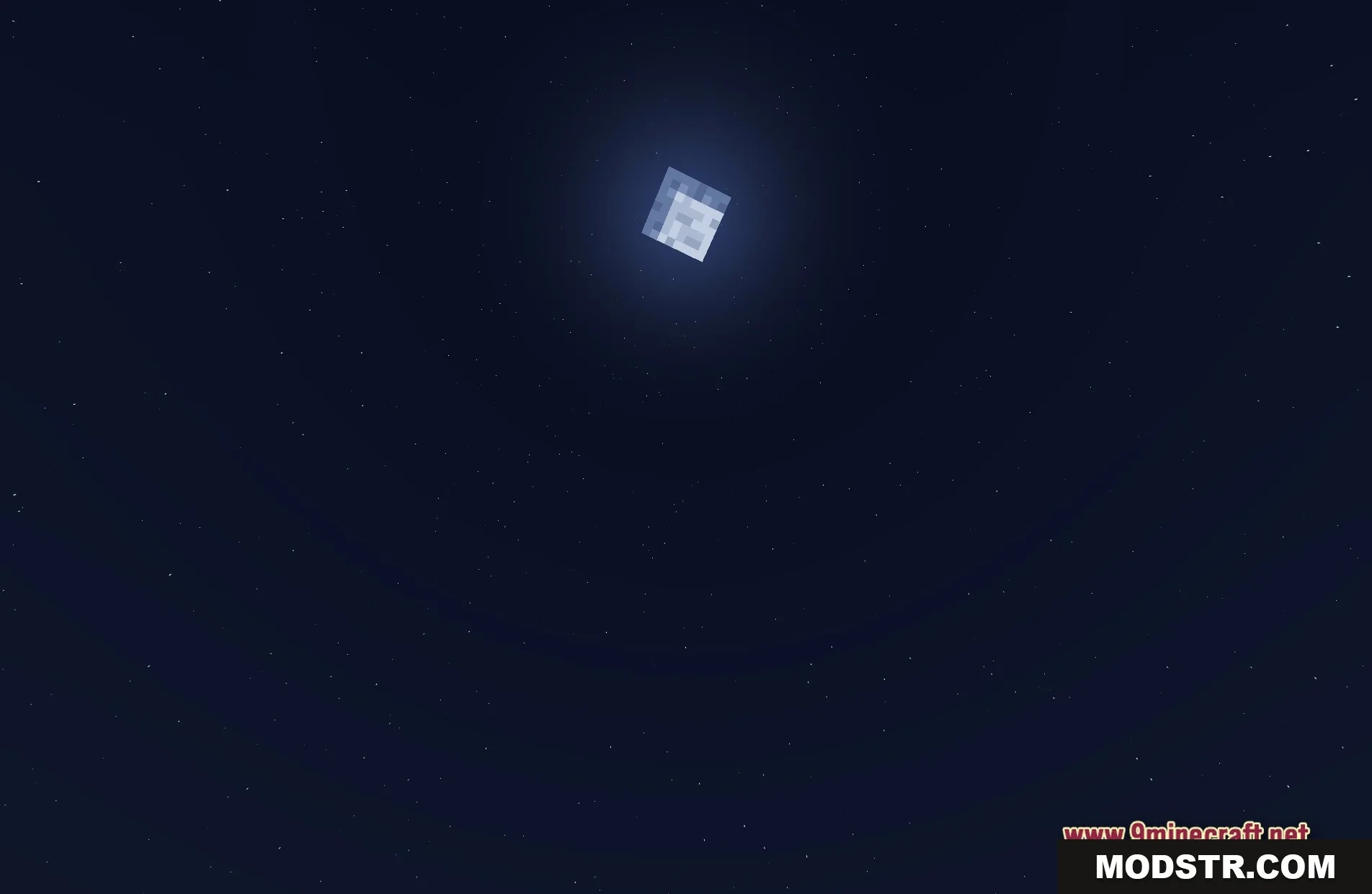
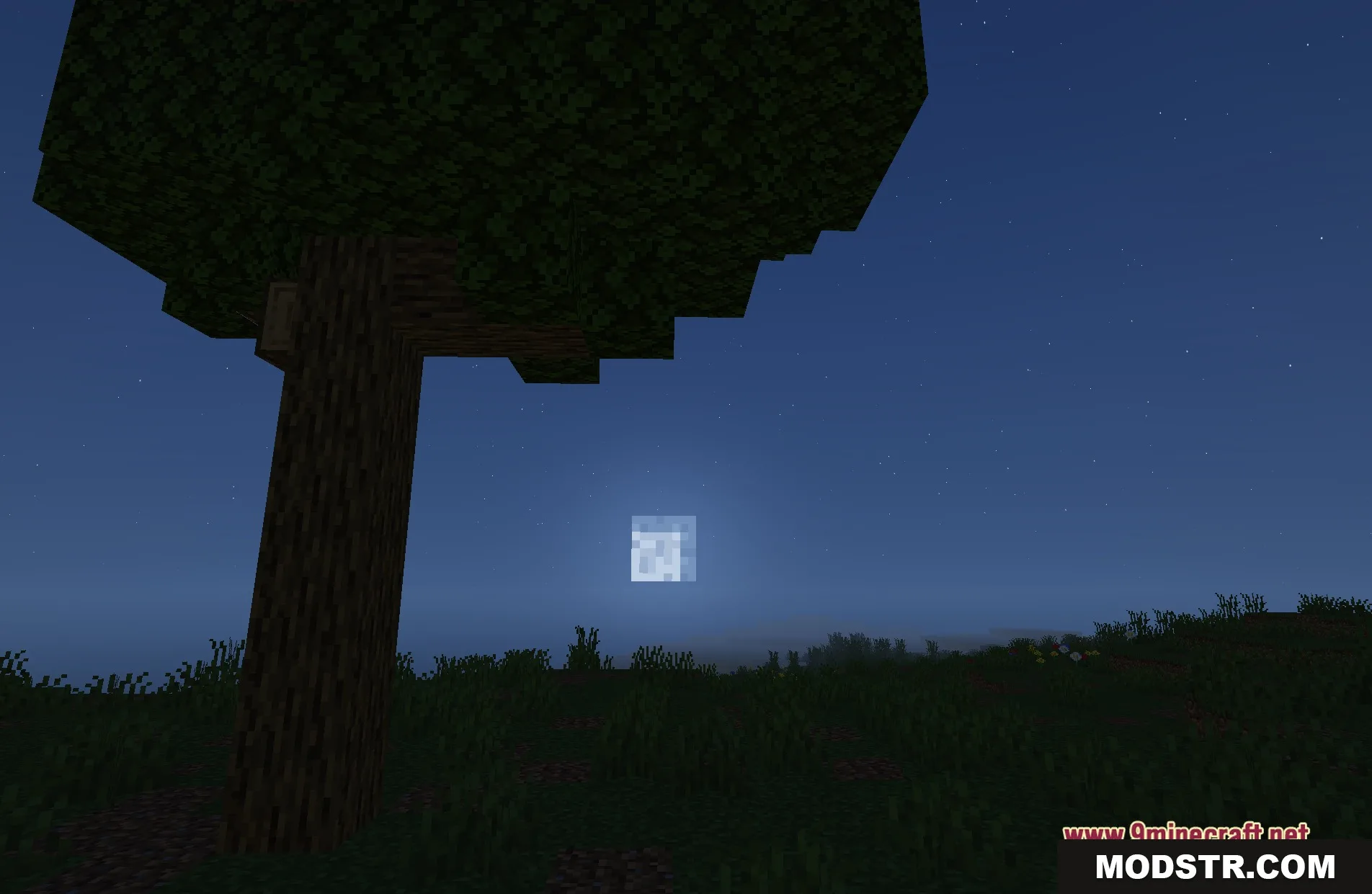
- Soft Shadows: Casts realistic shadows based on the sun and moon.
- Adds a gentle bloom effect, causing bright objects to softly glow in low light.
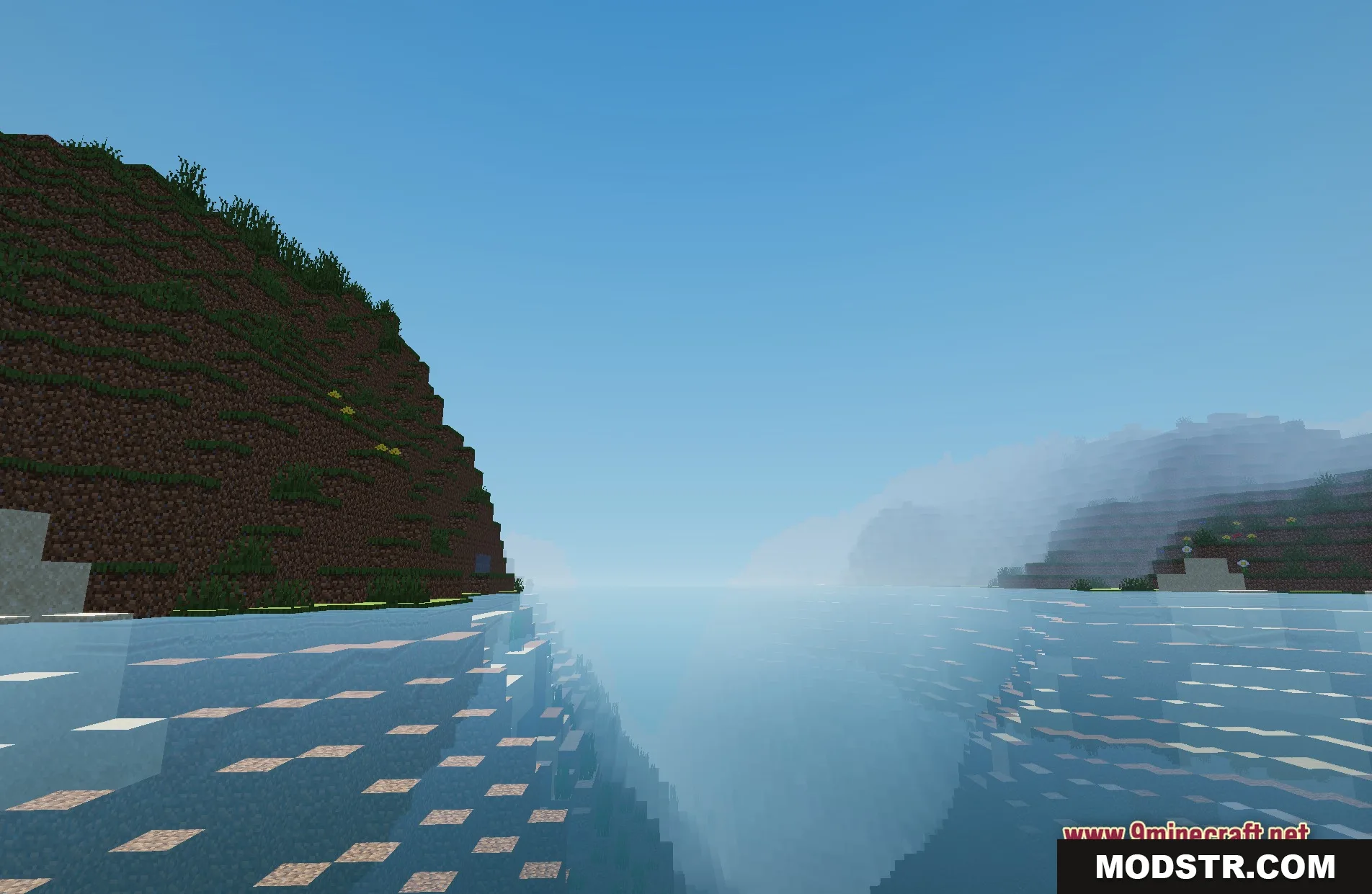
- Enhances water reflections, improving the appearance of oceans and rivers.
- Optimized for smooth performance on older computers and basic laptops.
- Presents a semi-realistic lighting update while preserving the game's classic blocky aesthetics.
Installation
- Download the Baked Potato Shaders.
- Place the shader files in the shaderpacks folder in your Minecraft directory.
- Launch Minecraft and navigate to the video settings.
- Select 'Shaders' and choose Baked Potato Shaders from the list.
- Adjust any settings as needed and enjoy your new lighting effects.
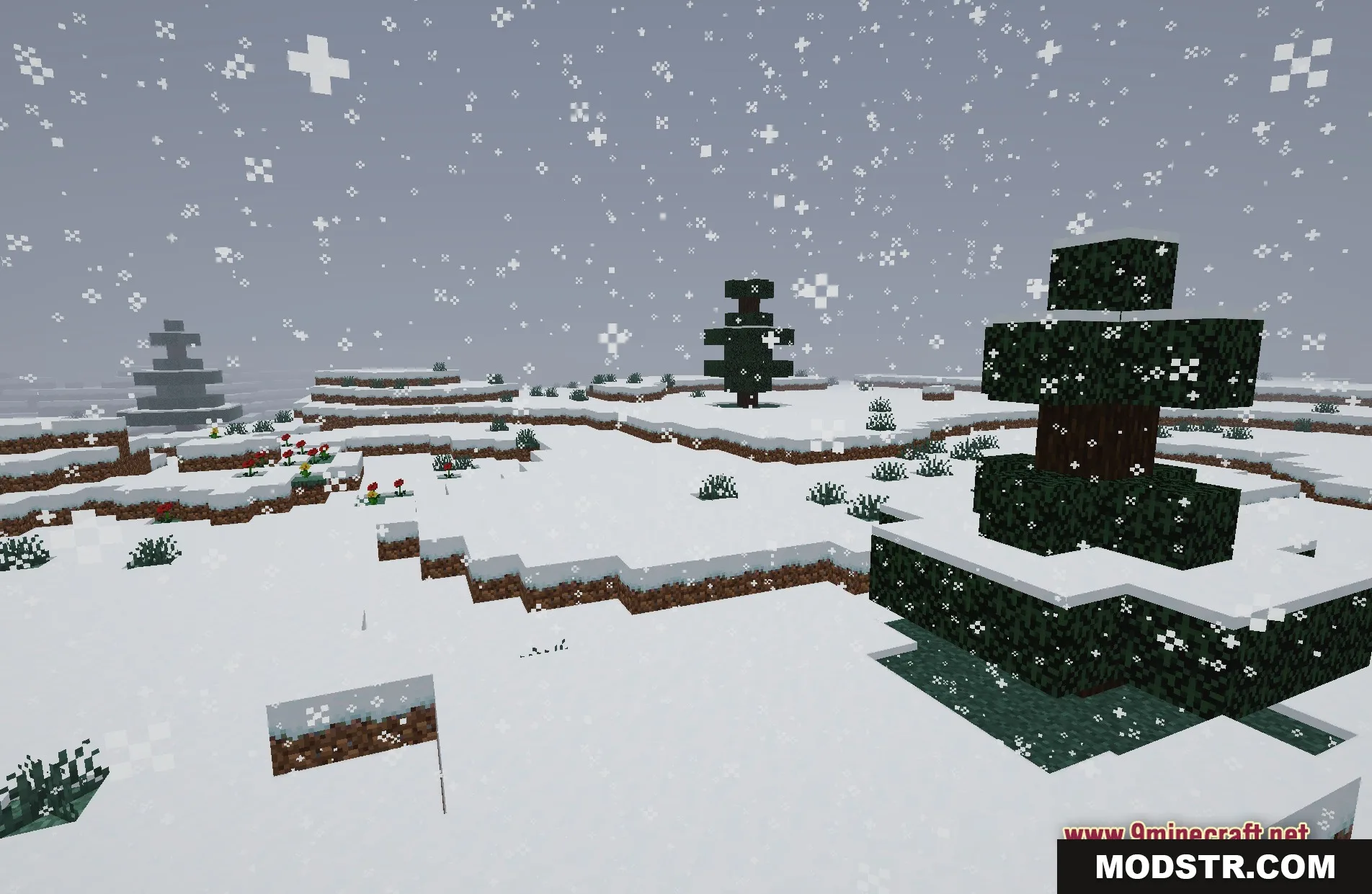
Screenshots
DOWNLOAD FILES
- shader