
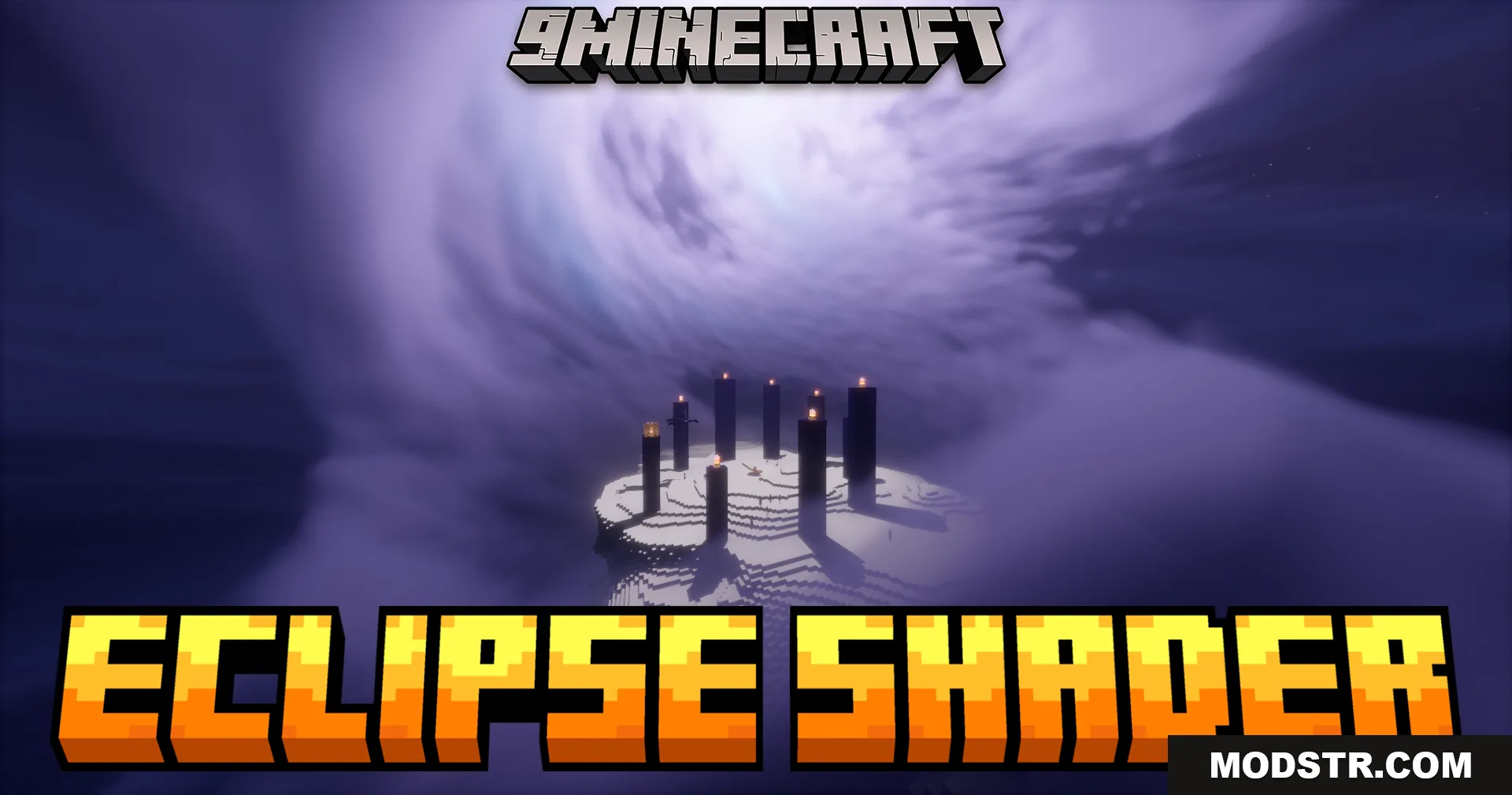
Eclipse Shaders (26.1.2, 1.20.1) – Advanced Sky And Environmental Effects
Advanced shader adding dynamic moon behavior, eclipse support, enhanced clouds, and environmental effects like water waves and improved lighting for Minecraft 1.20.1.
- 1.20.1
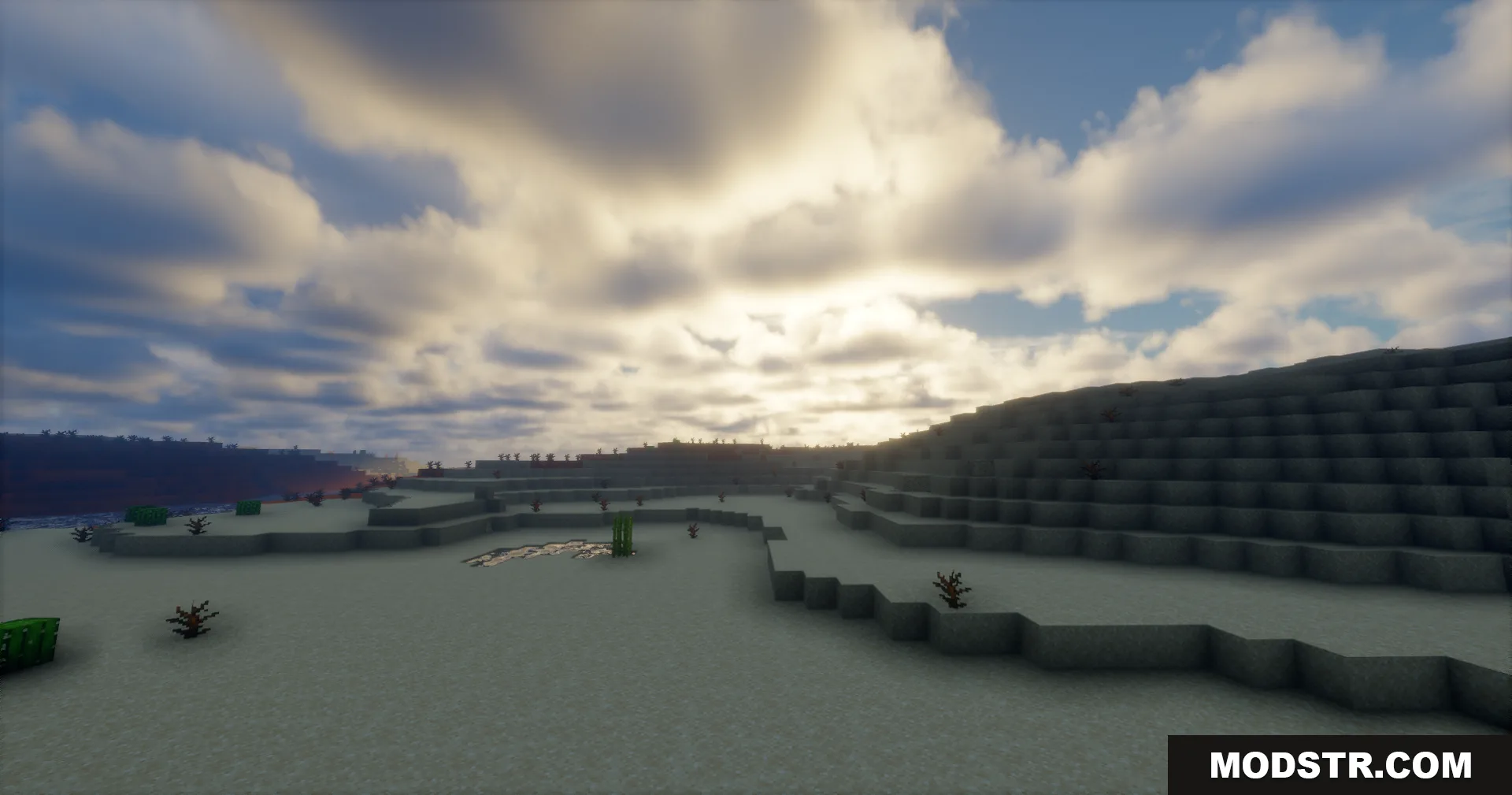
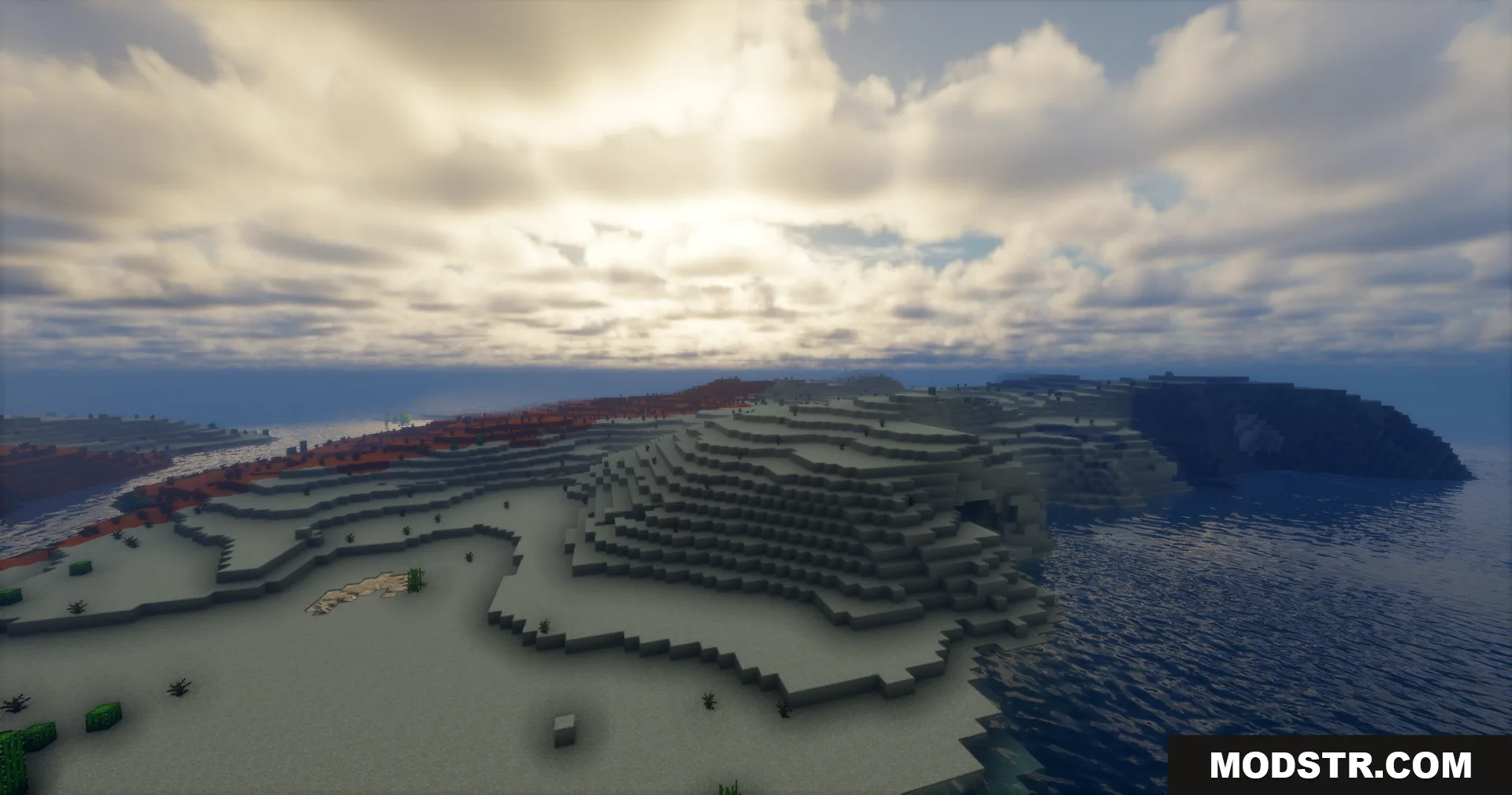
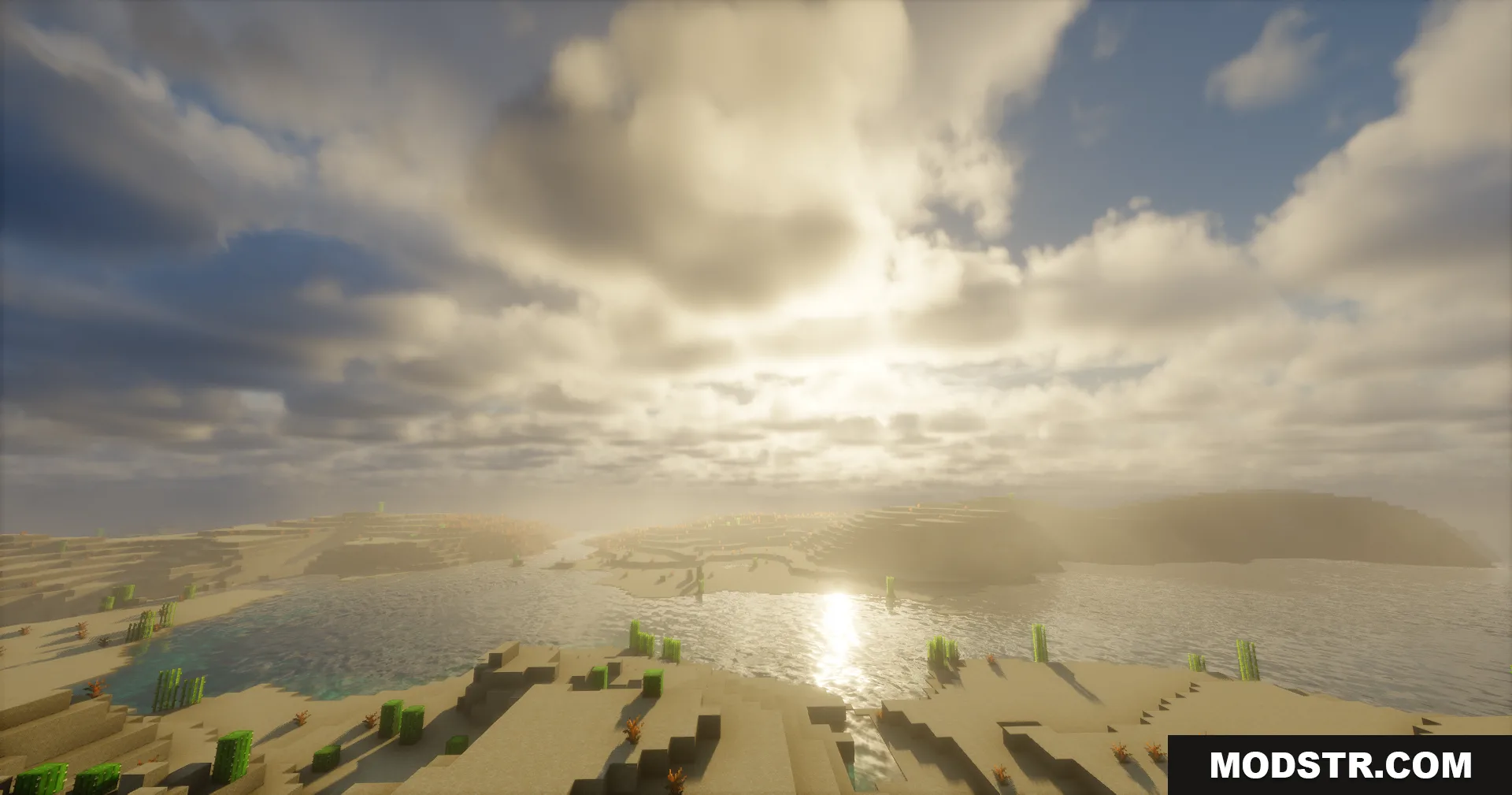
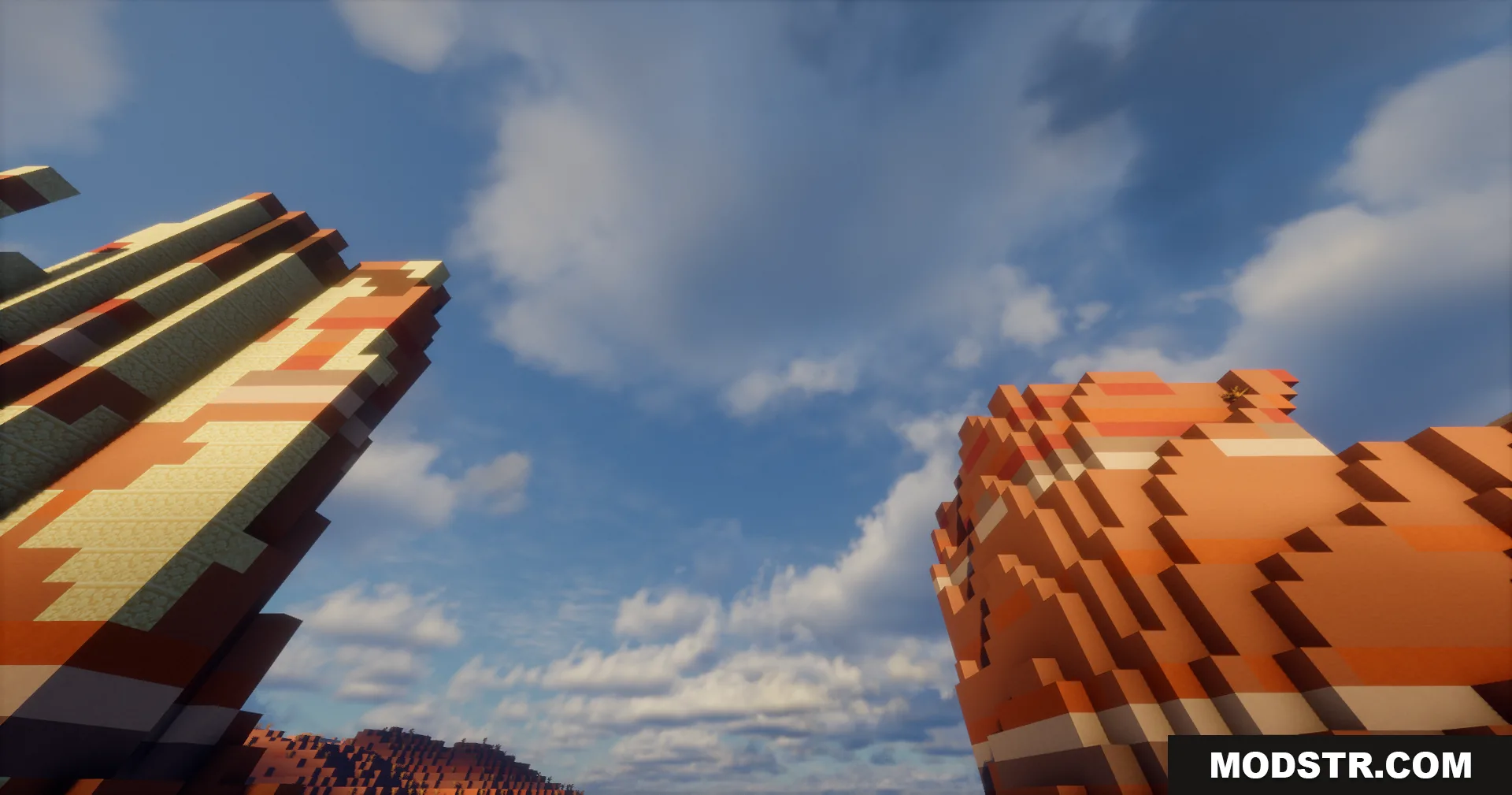
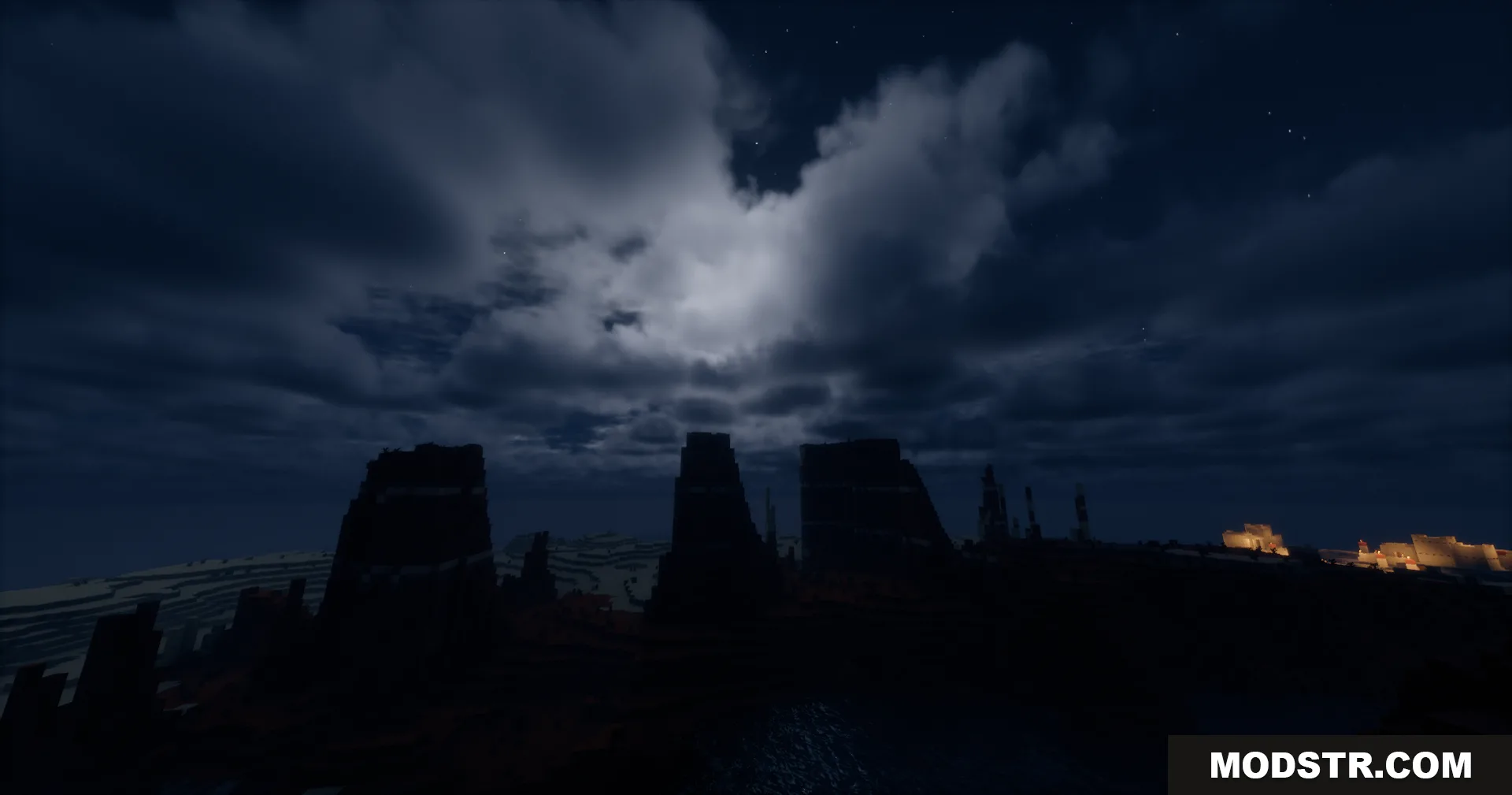
Eclipse Shaders expands the visual possibilities of Minecraft's sky and environment by adding dynamic celestial phenomena and atmospheric effects. Built on the Bliss shader foundation, it introduces orbital moon mechanics, eclipses, enhanced cloud rendering, and improved environmental interactions while maintaining performance.
Features
- Custom moon orbit with eclipse mechanics
- Moon phases and custom moon textures
- Aurora and rainbow rendering
- Additional cirrus and cumulonimbus cloud layers
- Distant Horizons chunk fading support
- Shader-based grass animation
- Water wave simulation affecting the player
- Handheld light sources casting shadows
- Snow overlays and rain ripple effects
- Improved emissive handling for blocks and items
- Emissive ores and armor trims
- Enhanced lightning with cloud illumination and shadows
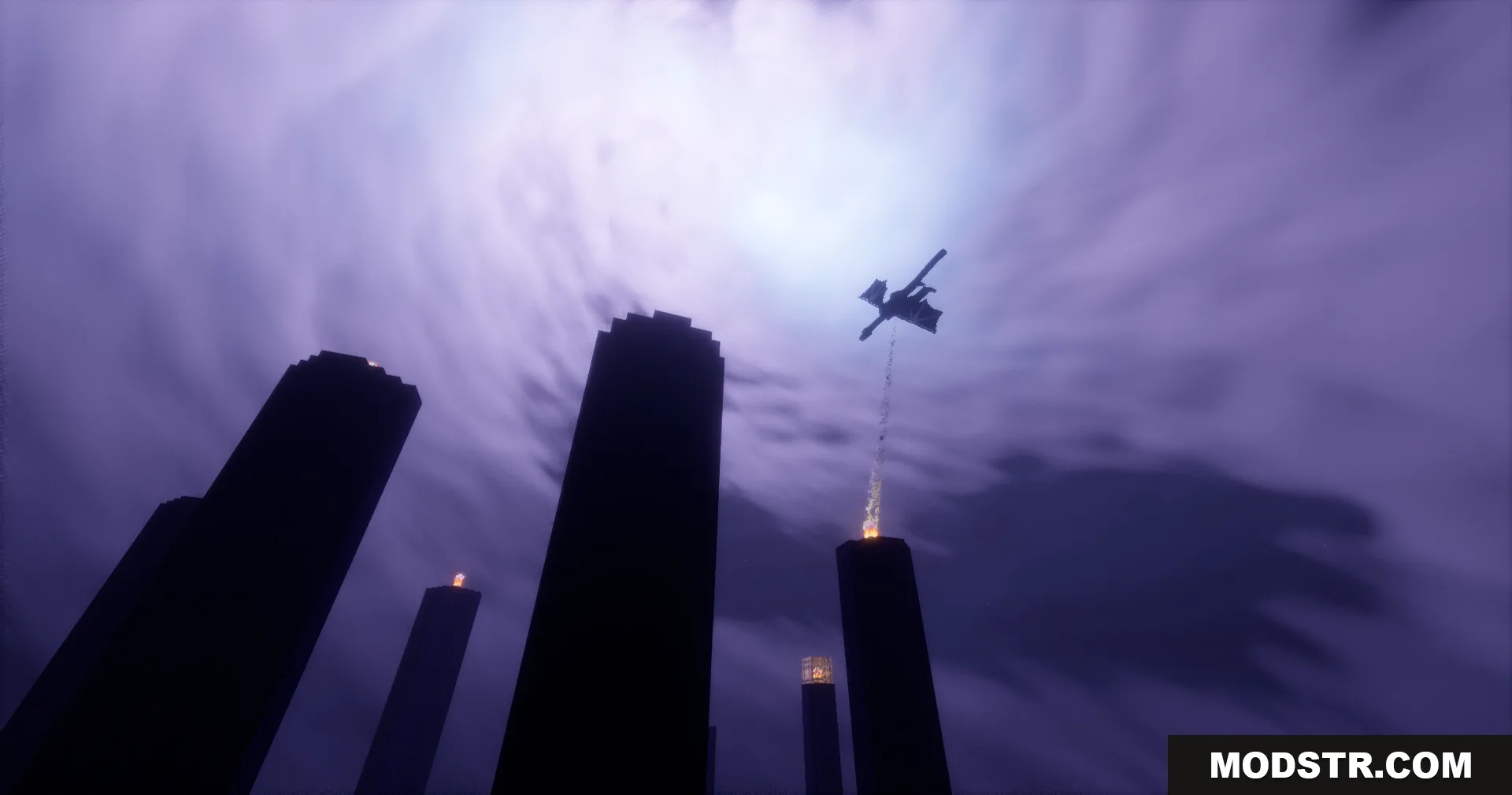
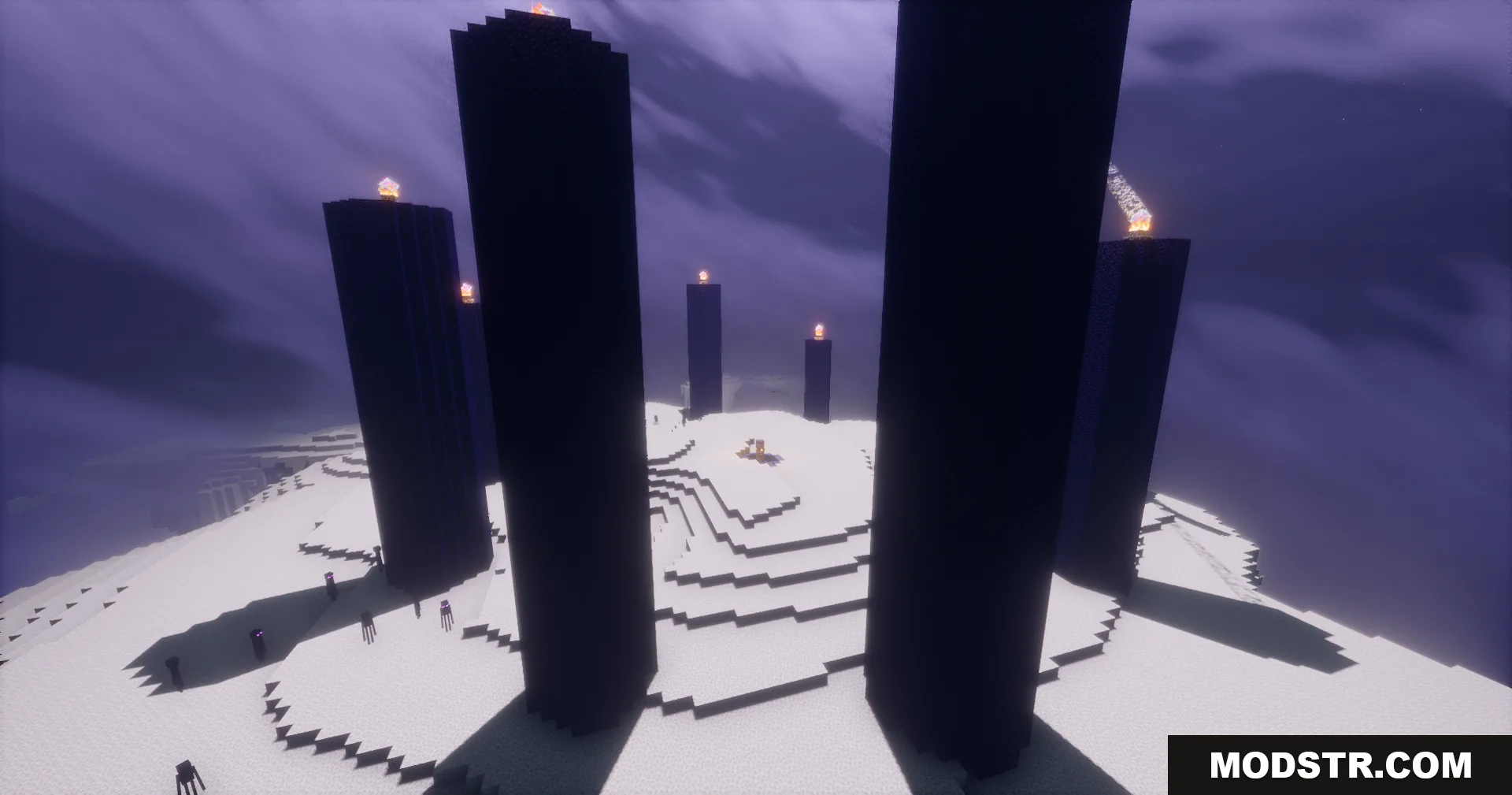
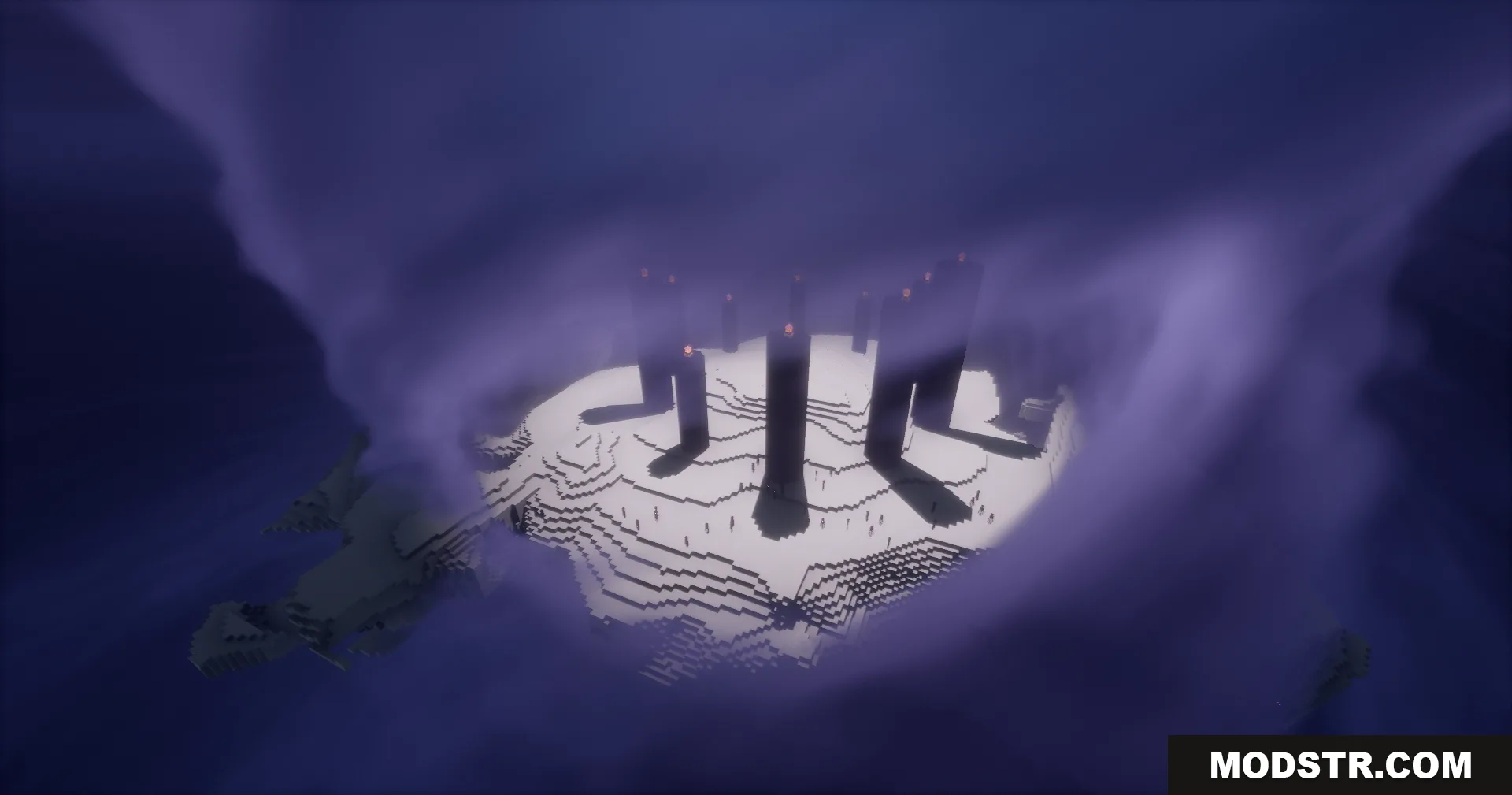
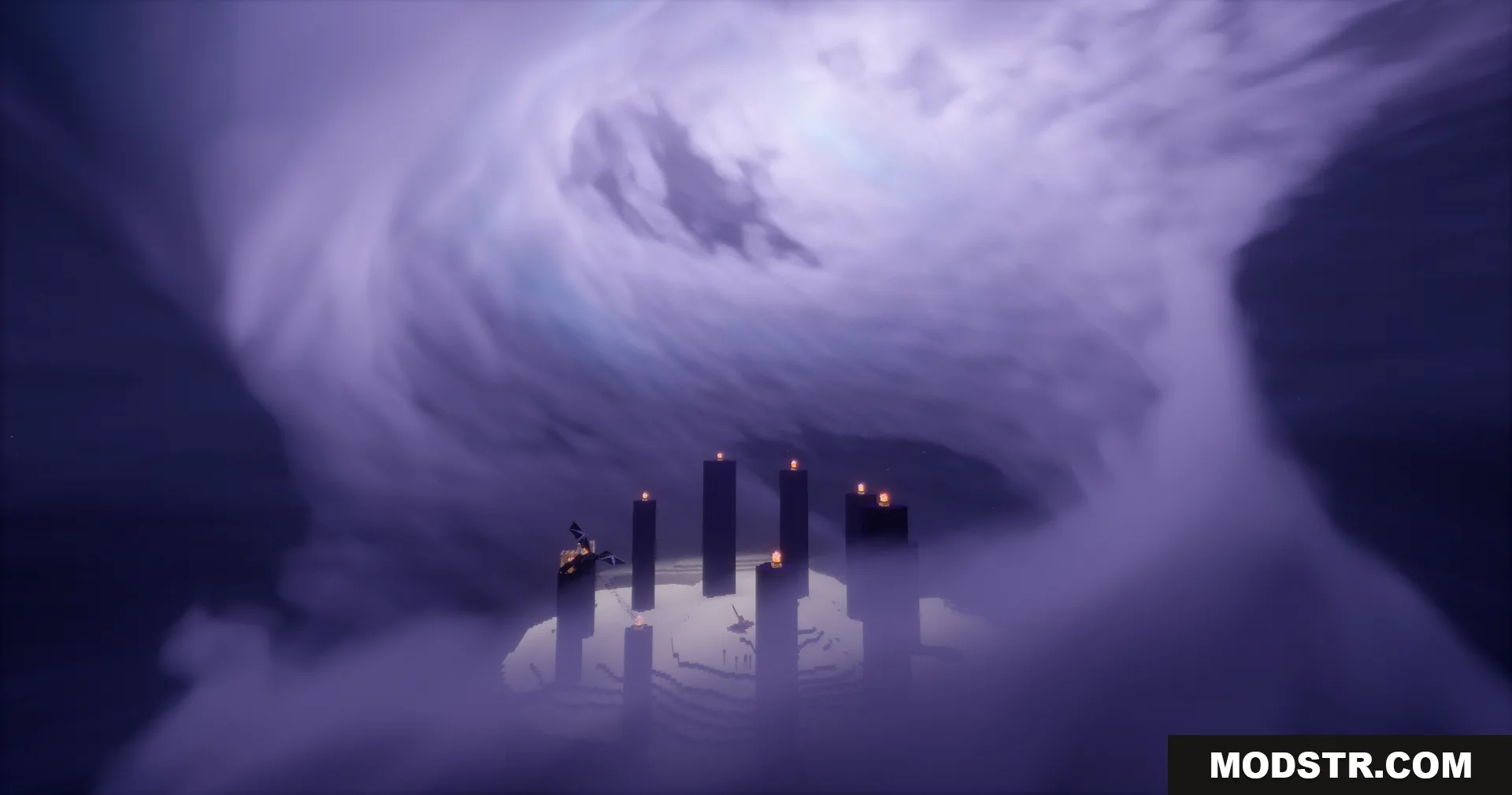
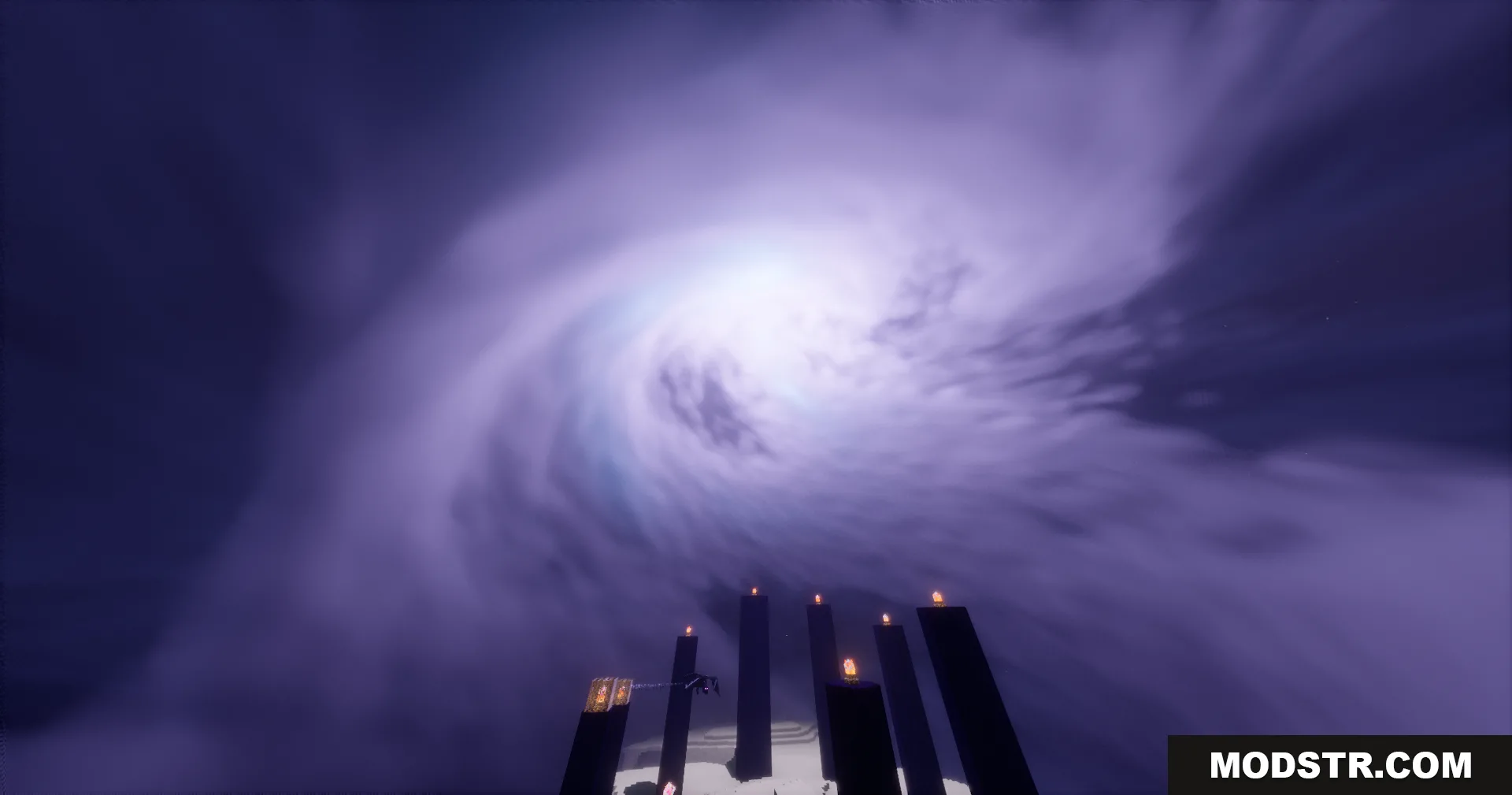
- Main End island light source with shadows
Installation
- Ensure Optifine or Iris Shaders is installed for your Minecraft version.
- Download the Eclipse Shaders file.
- Place the shader file in your shaderpacks folder.
- Launch Minecraft and select Eclipse Shaders from the shaders menu.
- Adjust shader settings in the options screen to match your hardware.
DOWNLOAD FILES
- shader