
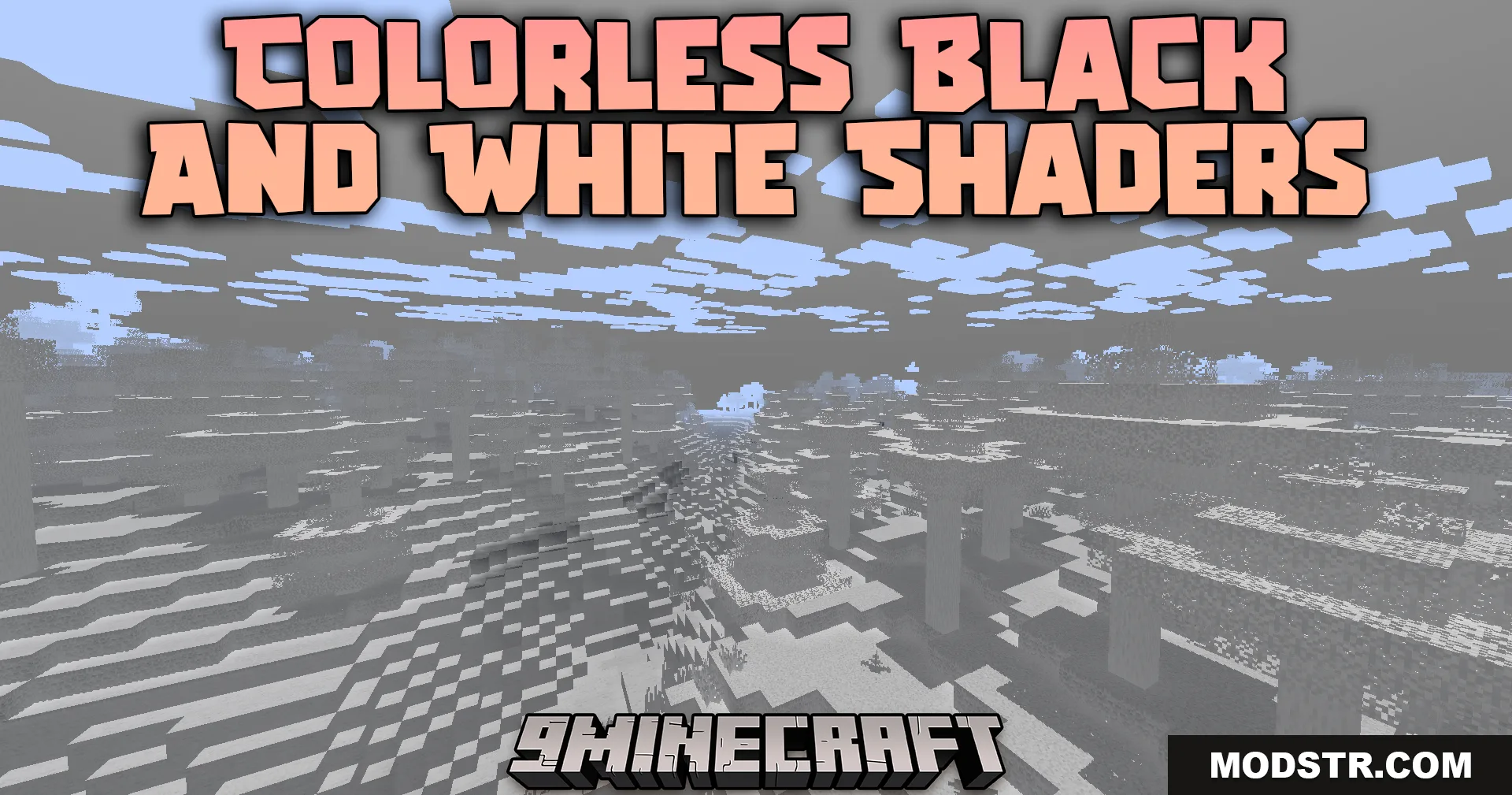
Colorless Black And White Shaders (26.1.2, 1.20.1) – Grayscale Visuals
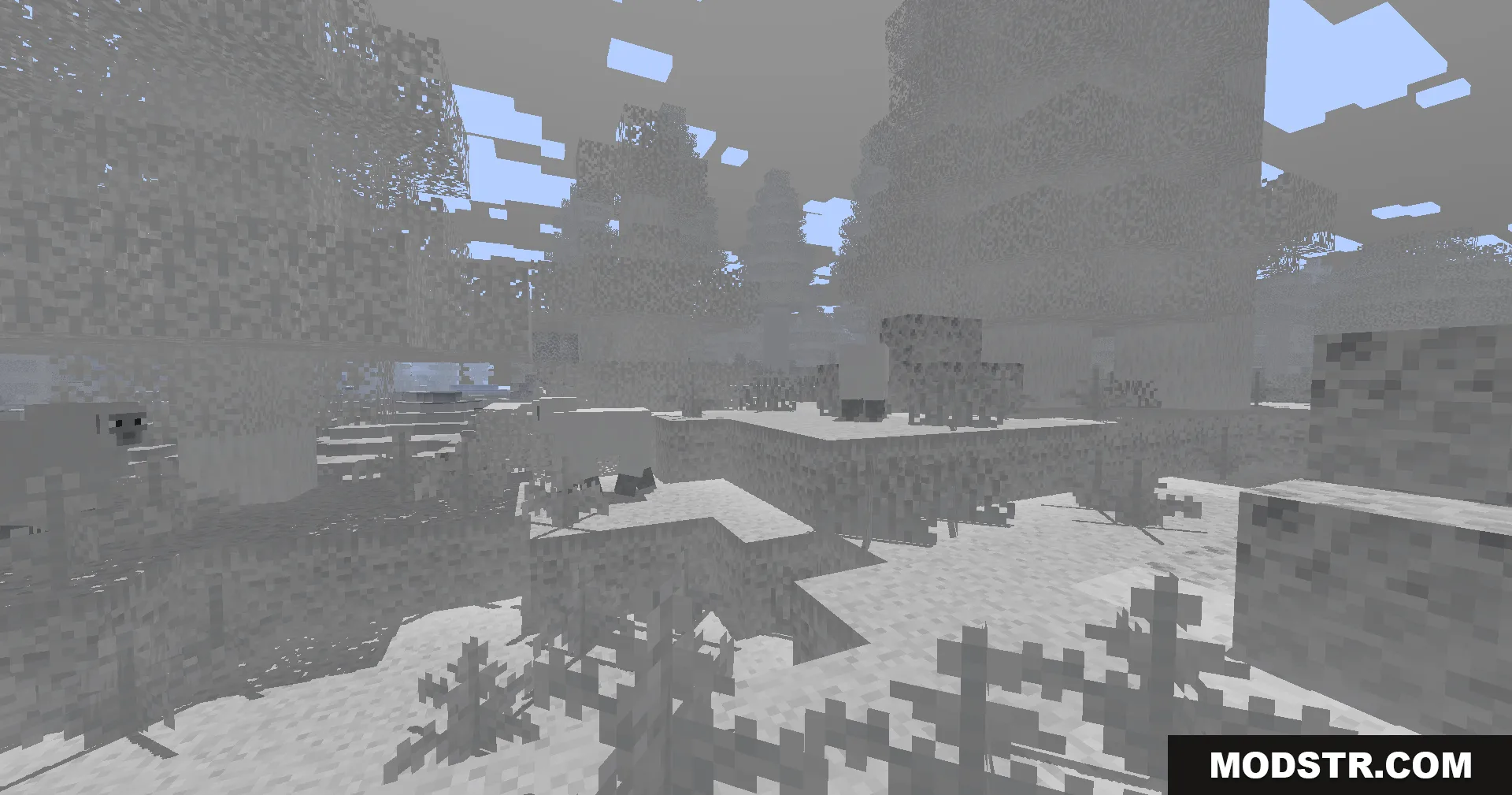
Grayscale shader that converts Minecraft to black and white visuals while maintaining performance on low-end systems. Includes optional colored lighting effects from torches and stained glass.
- 1.18 → 1.21.11 +27
Show all 27 versions
- 1.21.11
- 1.21.10
- 1.21.9
- 1.21.8
- 1.21.7
- 1.21.6
- 1.21.5
- 1.21.4
- 1.21.3
- 1.21.2
- 1.21.1
- 1.21
- 1.20.6
- 1.20.5
- 1.20.4
- 1.20.3
- 1.20.2
- 1.20.1
- 1.20
- 1.19.4
- 1.19.3
- 1.19.2
- 1.19.1
- 1.19
- 1.18.2
- 1.18.1
- 1.18
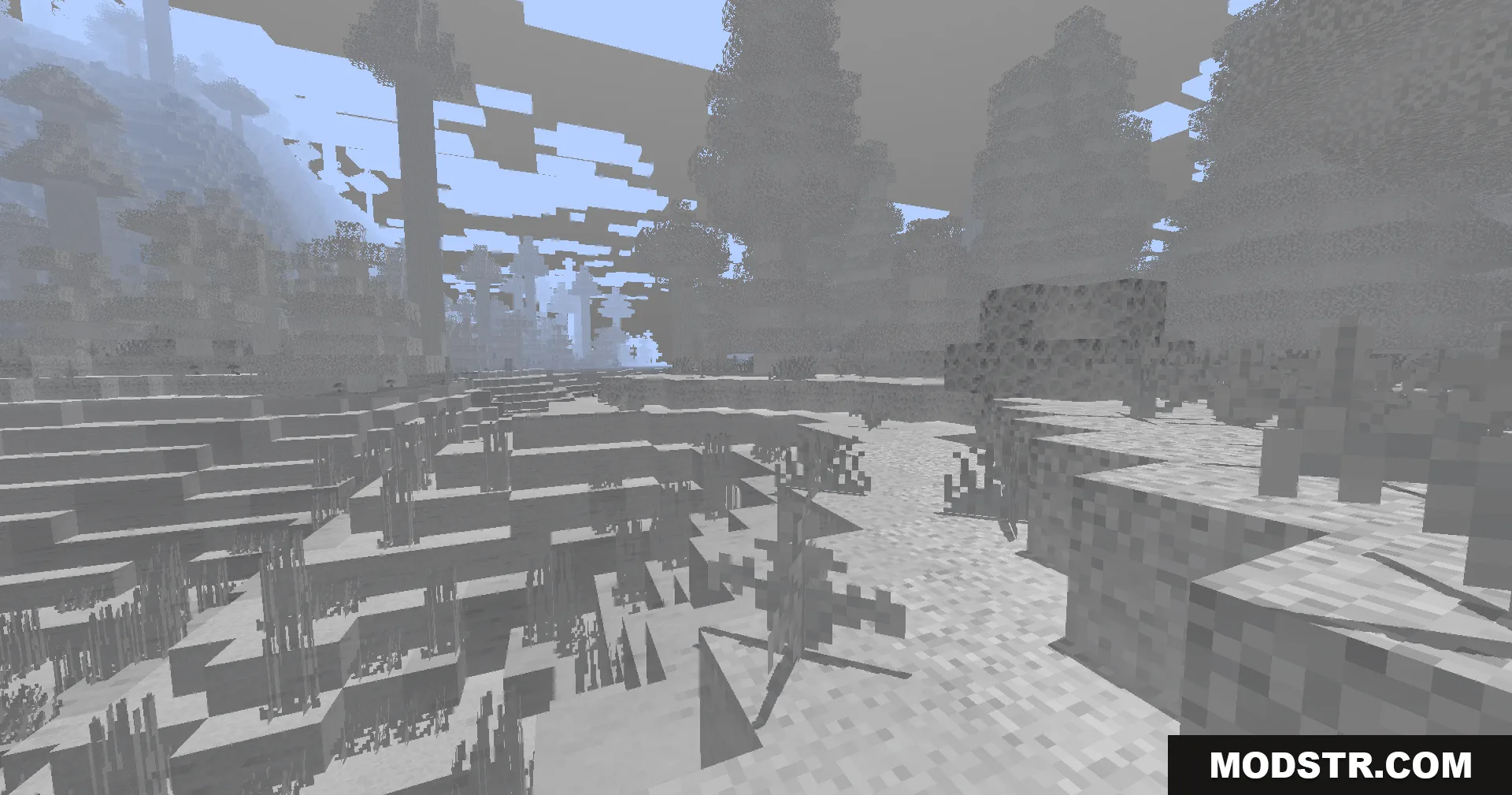
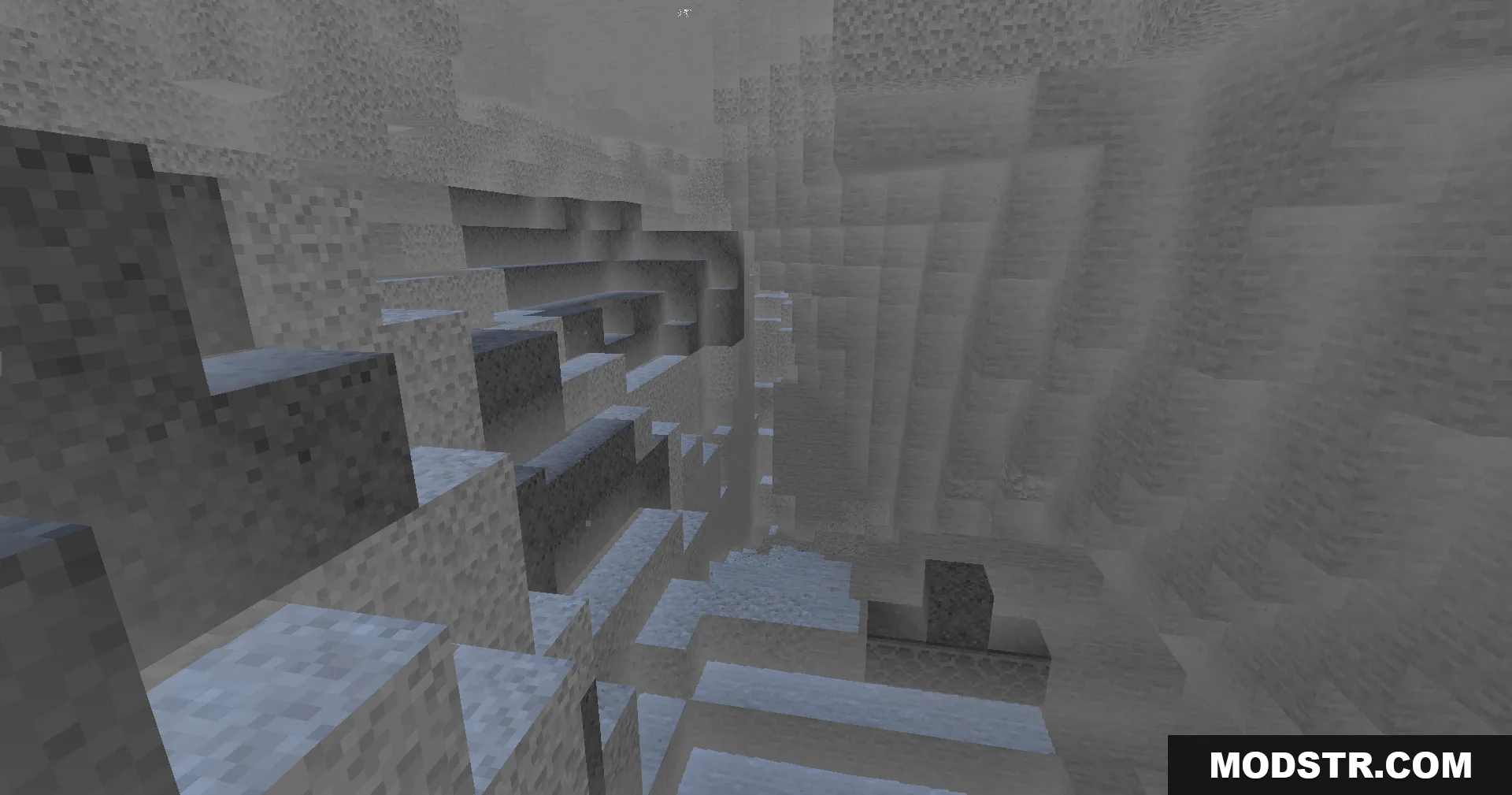
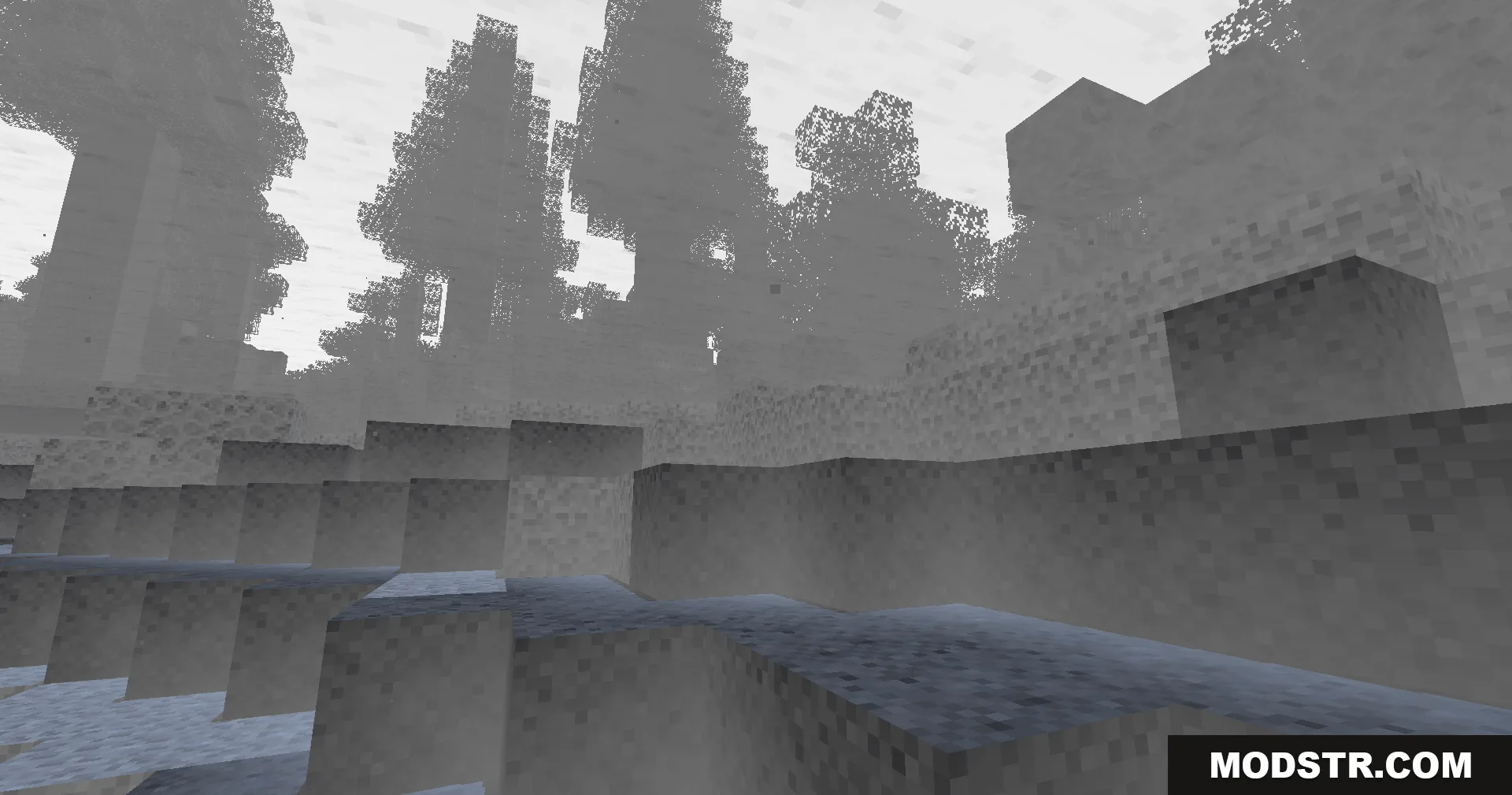
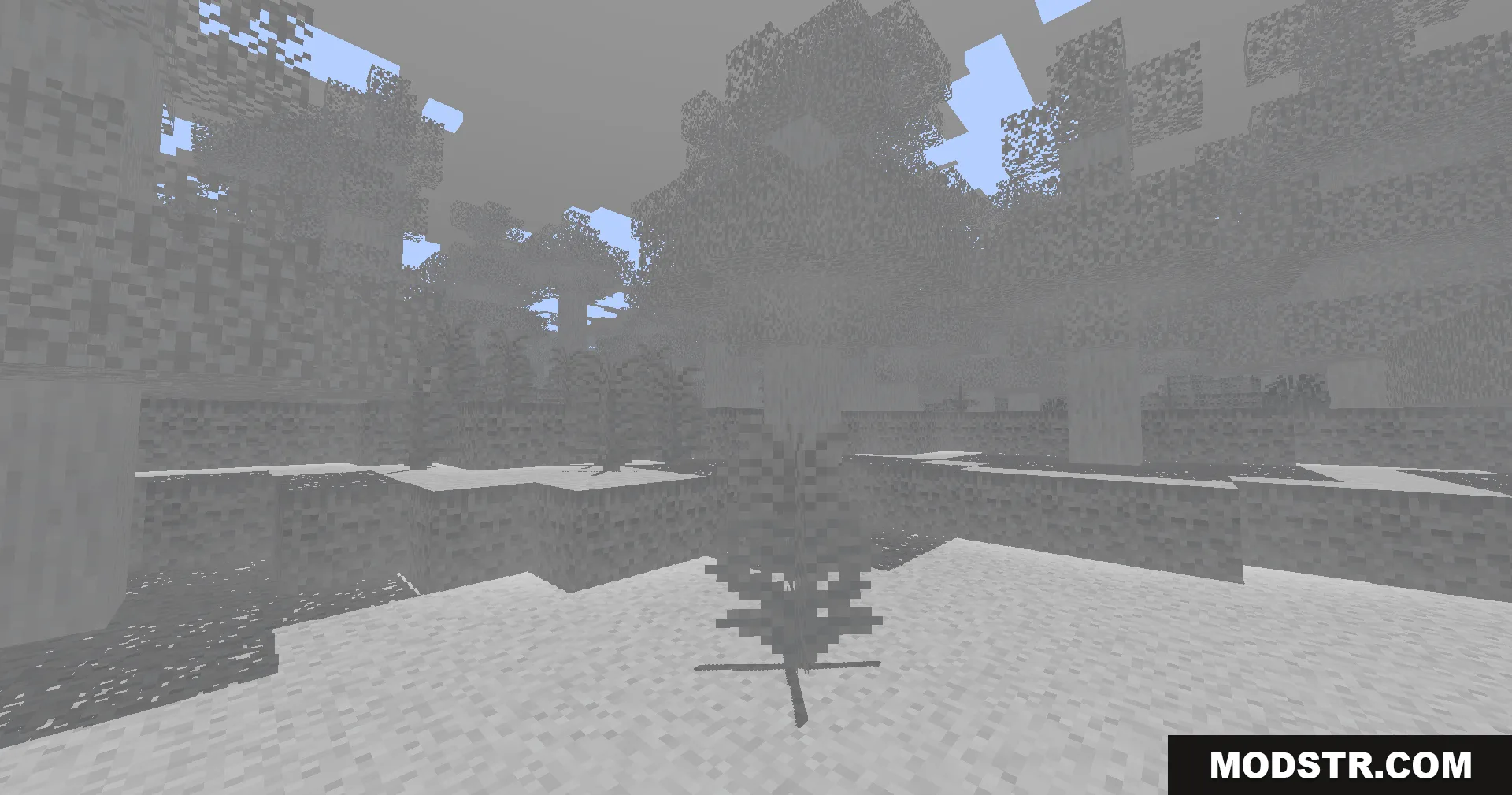
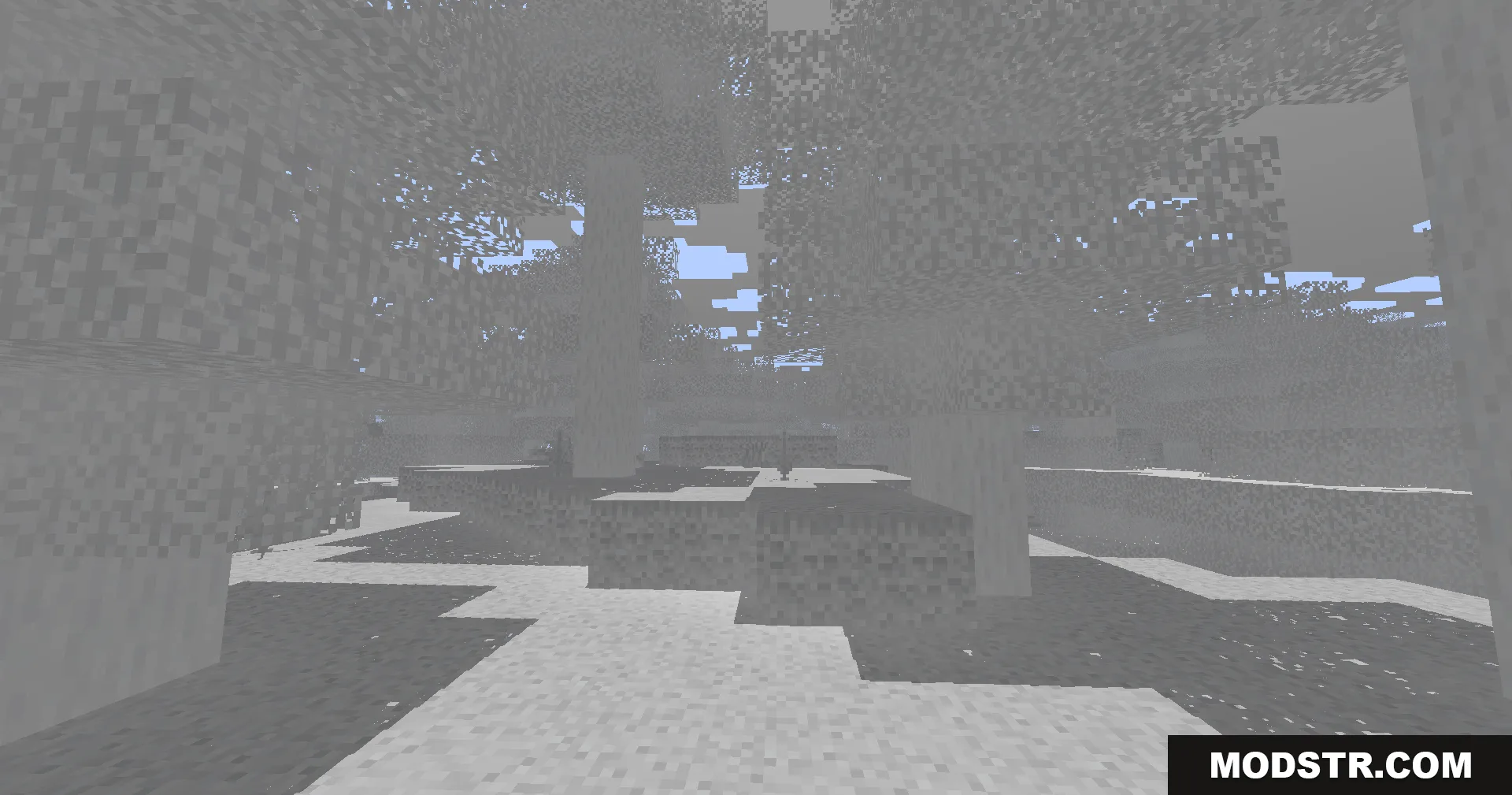
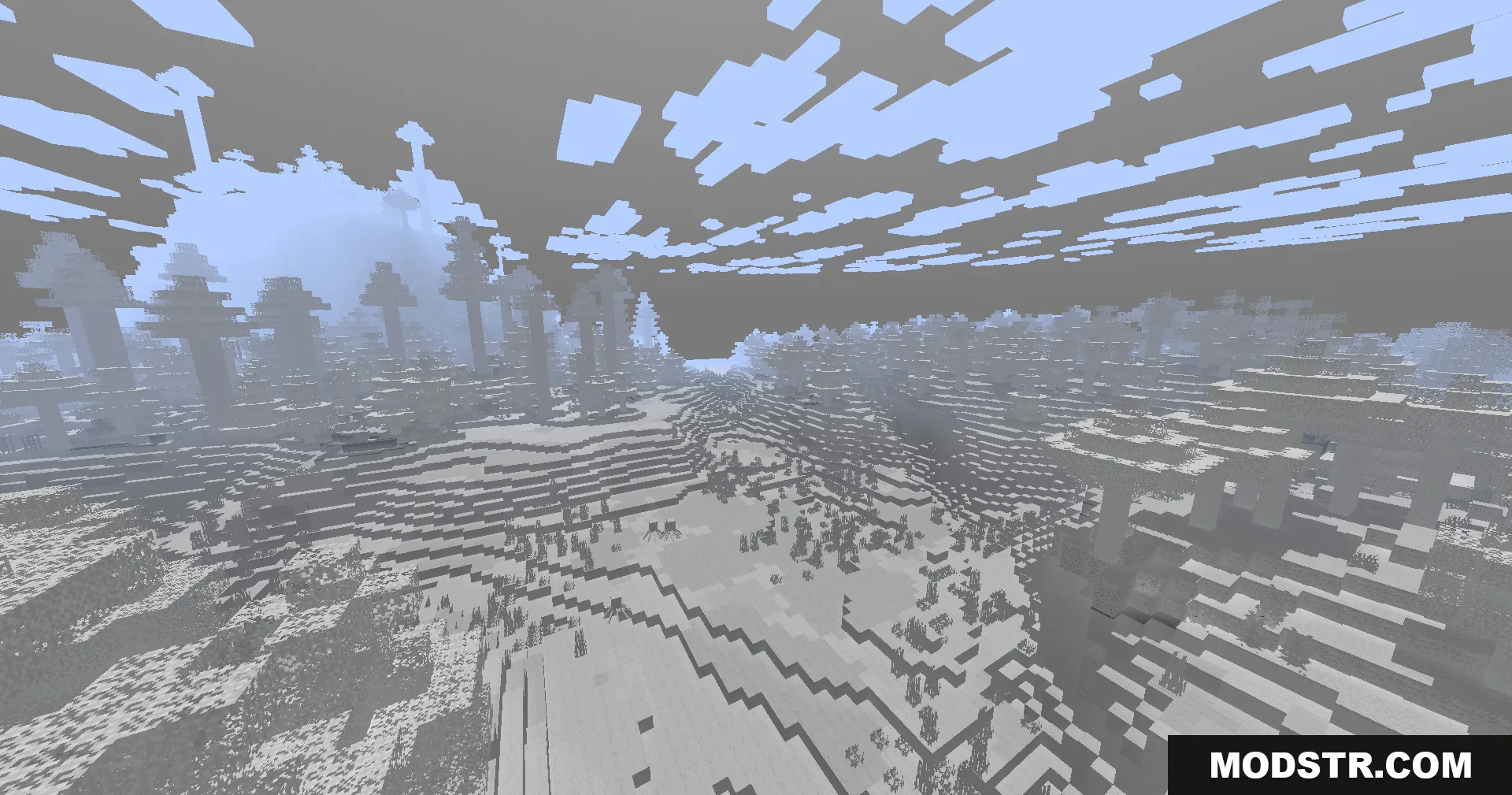
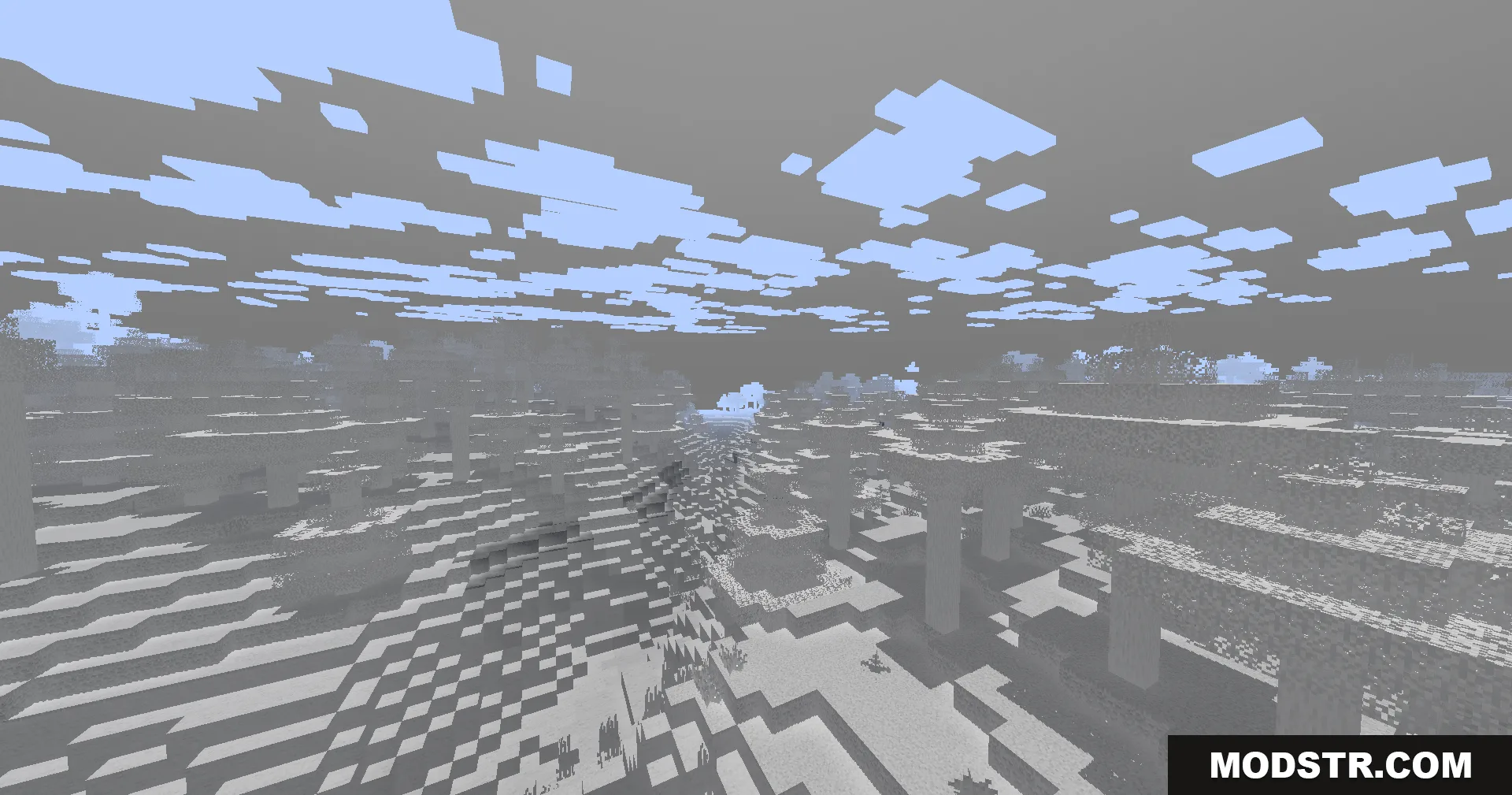
Colorless Black and White Shaders converts your Minecraft world into grayscale, rendering the entire landscape in shades of black, white, and gray. The shader is designed to run smoothly on older computers with limited graphics capabilities while still maintaining visual clarity and depth.
Features
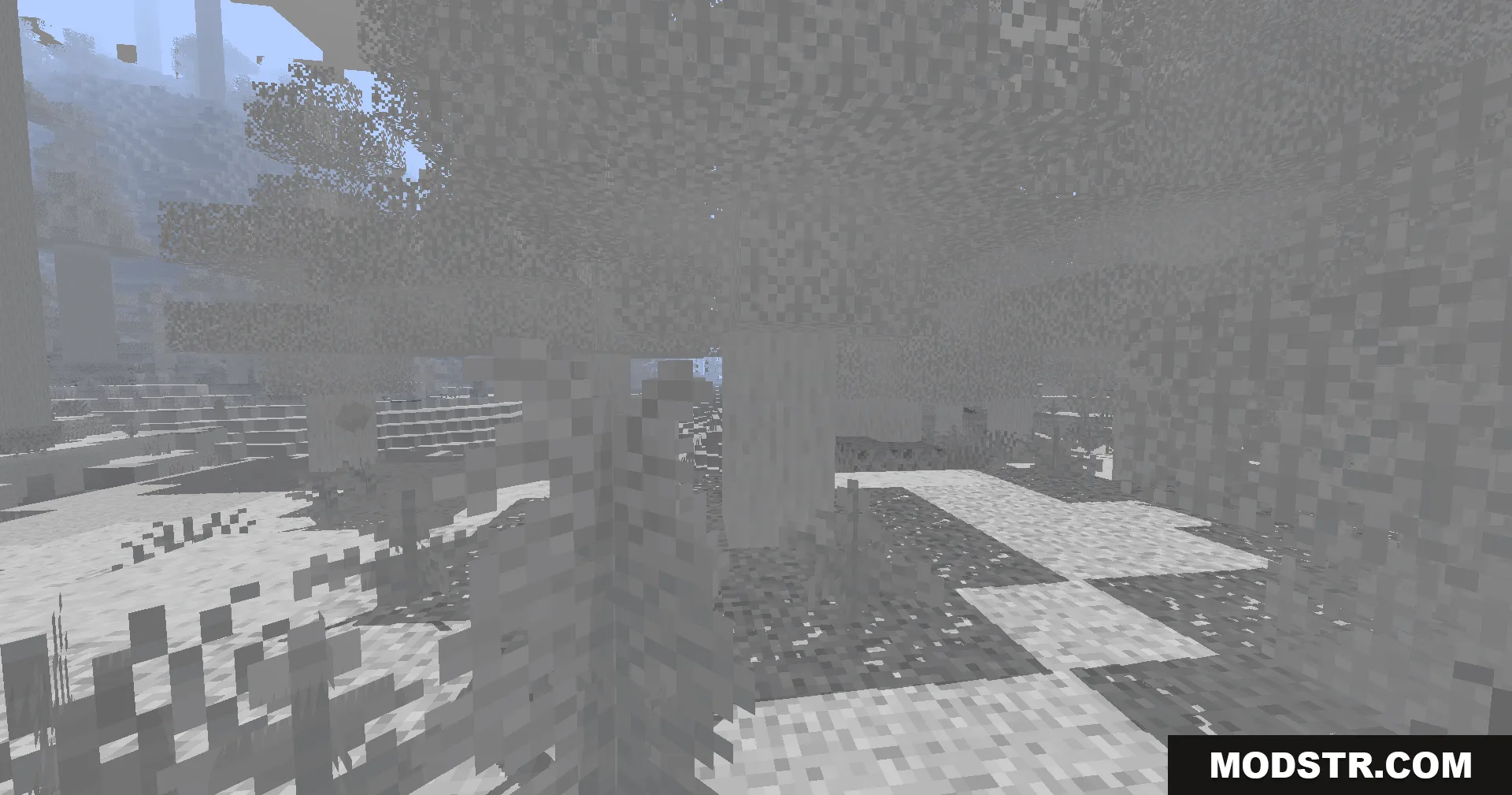
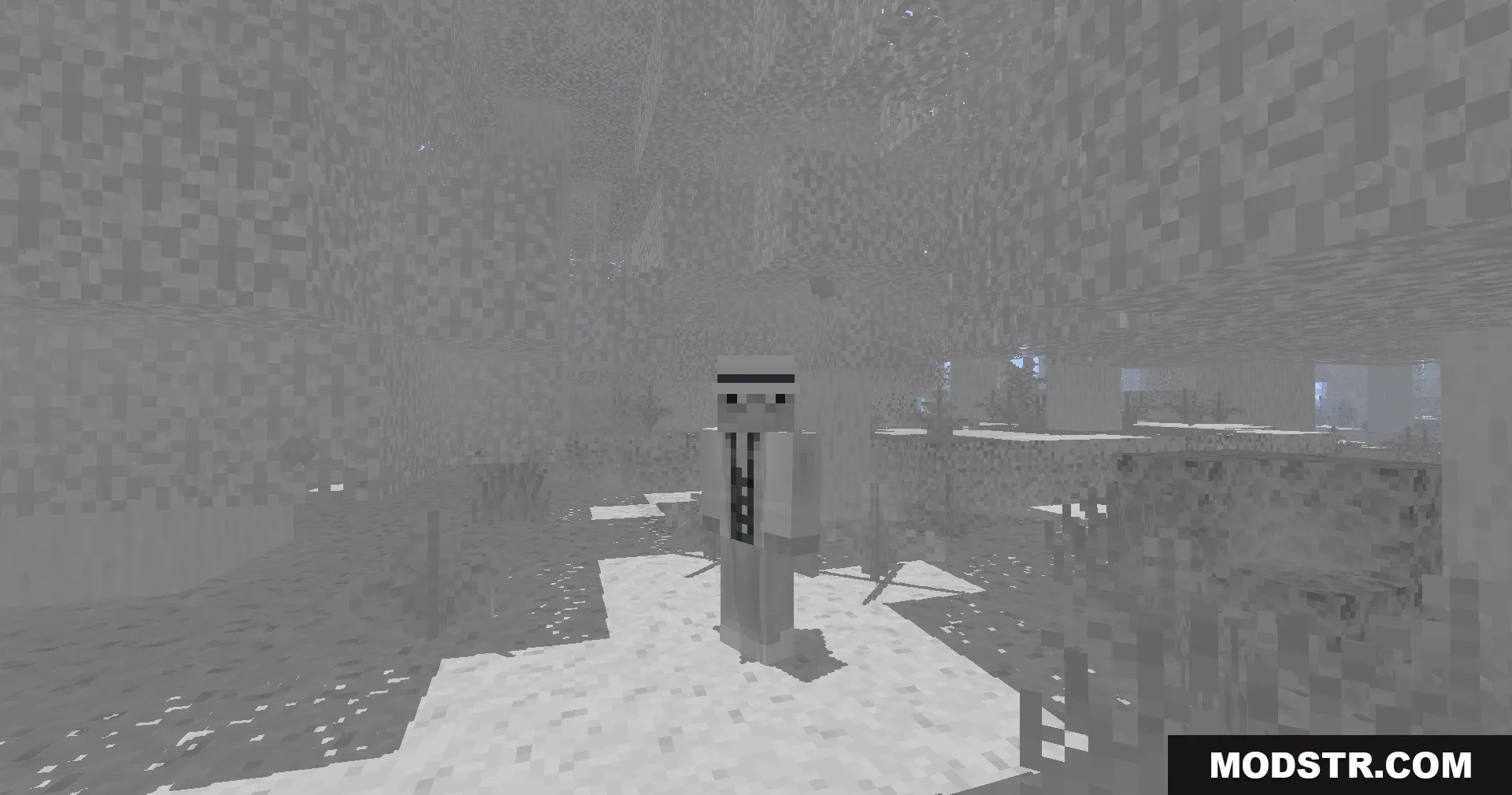
- Black and white color mode for the entire world.
- Low-end PC compatibility with minimal performance impact.
- Hand-held torch that illuminates nearby areas.
- Basic shadow and fog effects for depth perception.
- Torch light color can be set to neutral gray or warm orange.
- Damage indicator that flashes red light around your character when taking hits.
- Colored light projection from stained glass onto surfaces below.
- Inverted color option available in the settings menu.
Installation
- Ensure you have OptiFine or a compatible shader loader installed.
- Download the shader file for your preferred version.
- Place the file in your shaderpacks folder.
- Open Minecraft and navigate to Options > Shaders to select and activate the shader.
- Adjust individual settings in the shader options menu as needed.
Compatibility
This shader is compatible with Minecraft Java Edition 1.20.1 and shader version 26.1.2. Performance may vary based on system specifications; the shader is optimized for lower-end systems but can run on any compatible setup.
DOWNLOAD FILES
- shader