
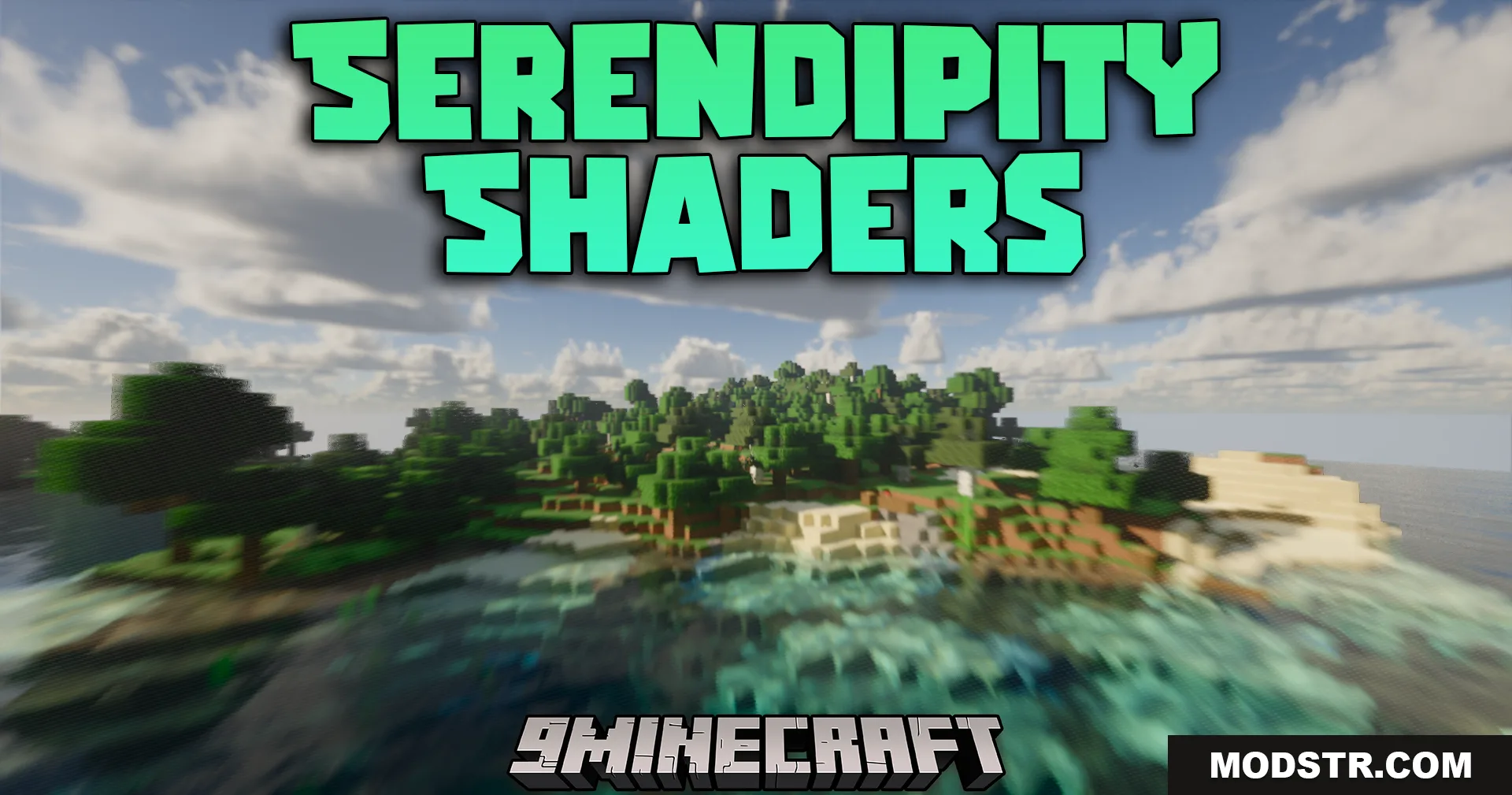
Serendipity Shaders (26.2, 1.20.1) – Screen Space Path Tracing
Screen space path tracing shader with semi-realistic lighting, volumetric clouds, and dynamic water. Optimized for performance on standard systems.
- 1.20 → 1.21.11 +19
Show all 19 versions
- 1.21.11
- 1.21.10
- 1.21.9
- 1.21.8
- 1.21.7
- 1.21.6
- 1.21.5
- 1.21.4
- 1.21.3
- 1.21.2
- 1.21.1
- 1.21
- 1.20.6
- 1.20.5
- 1.20.4
- 1.20.3
- 1.20.2
- 1.20.1
- 1.20
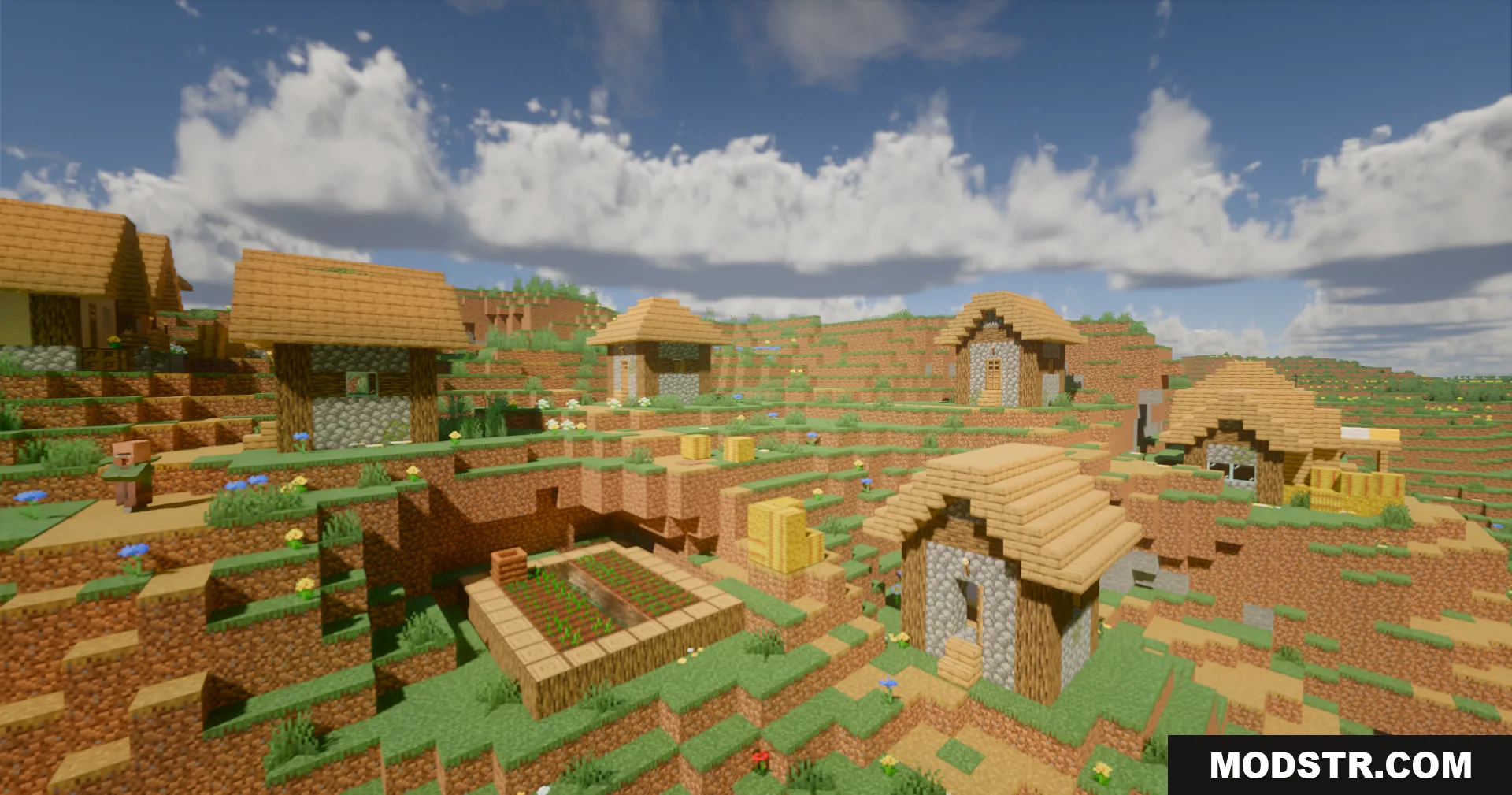
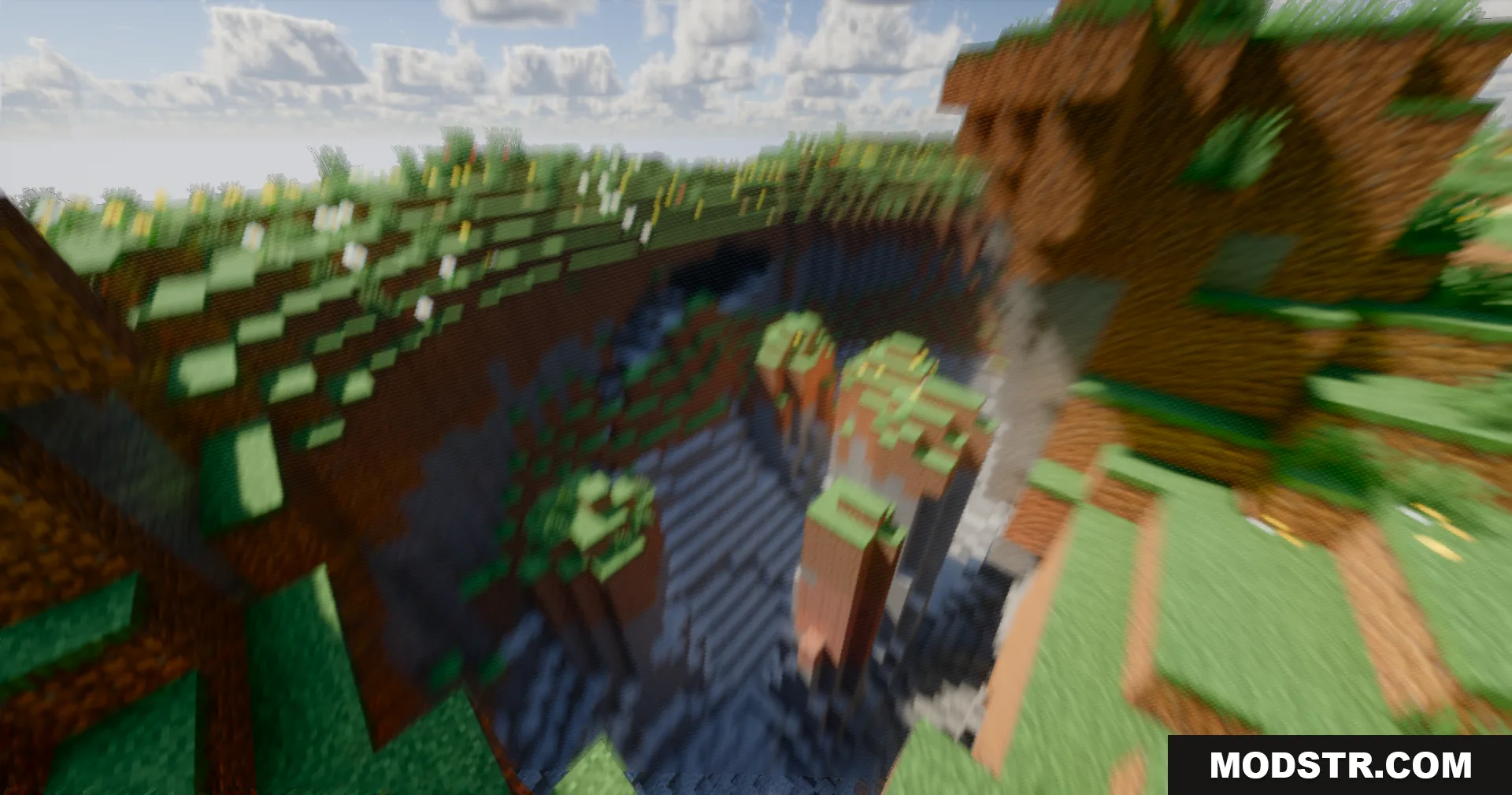
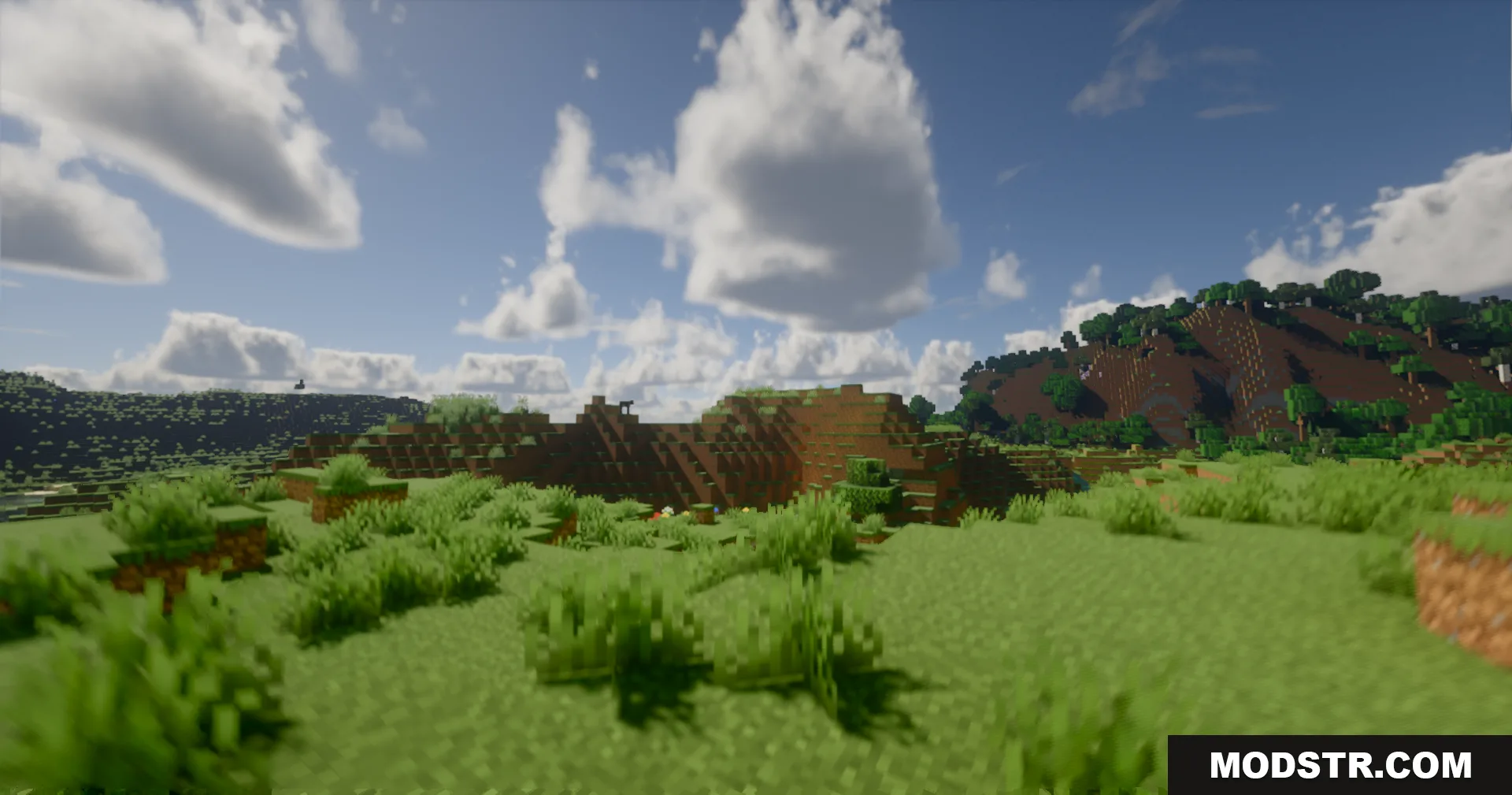
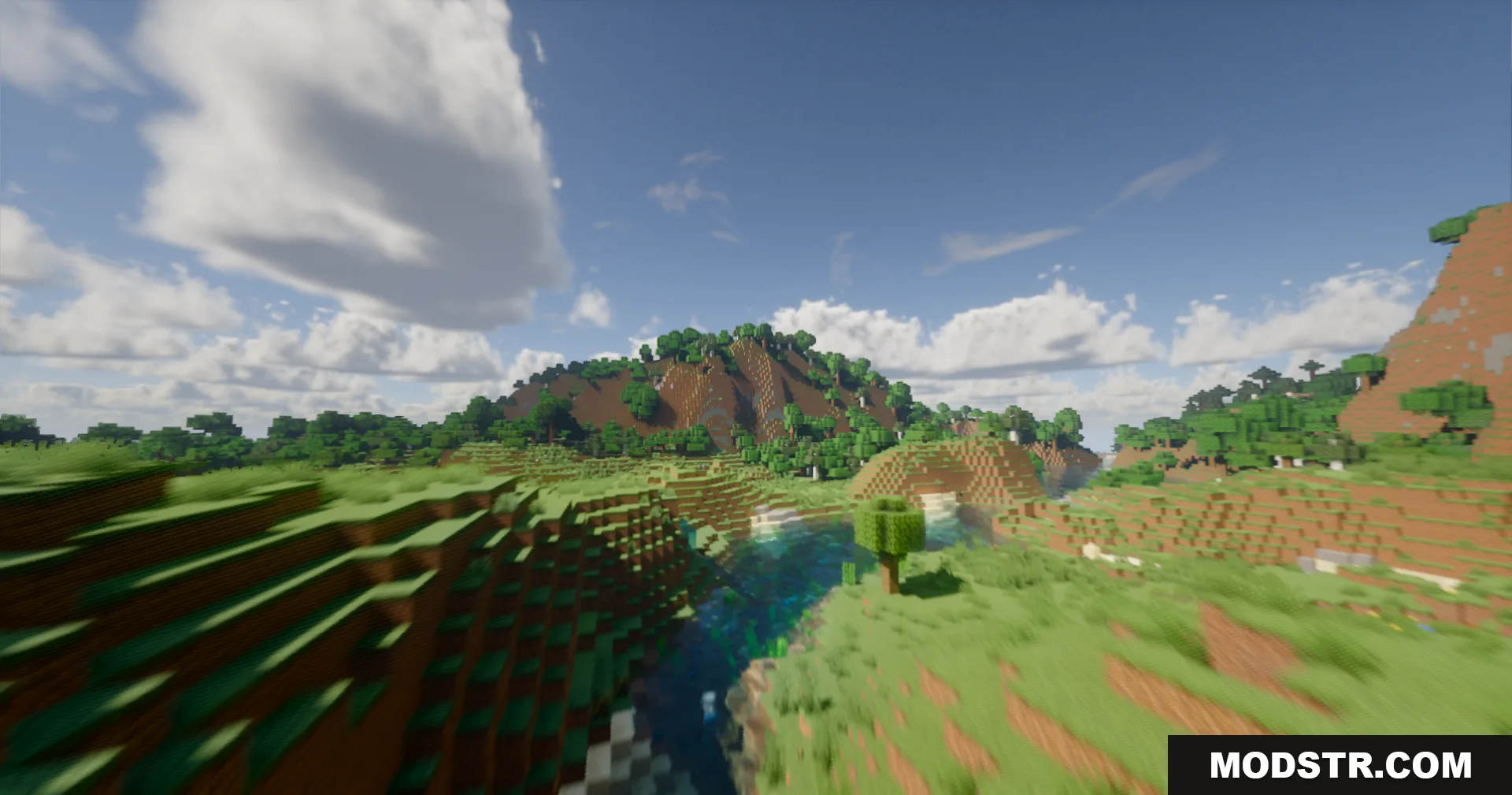
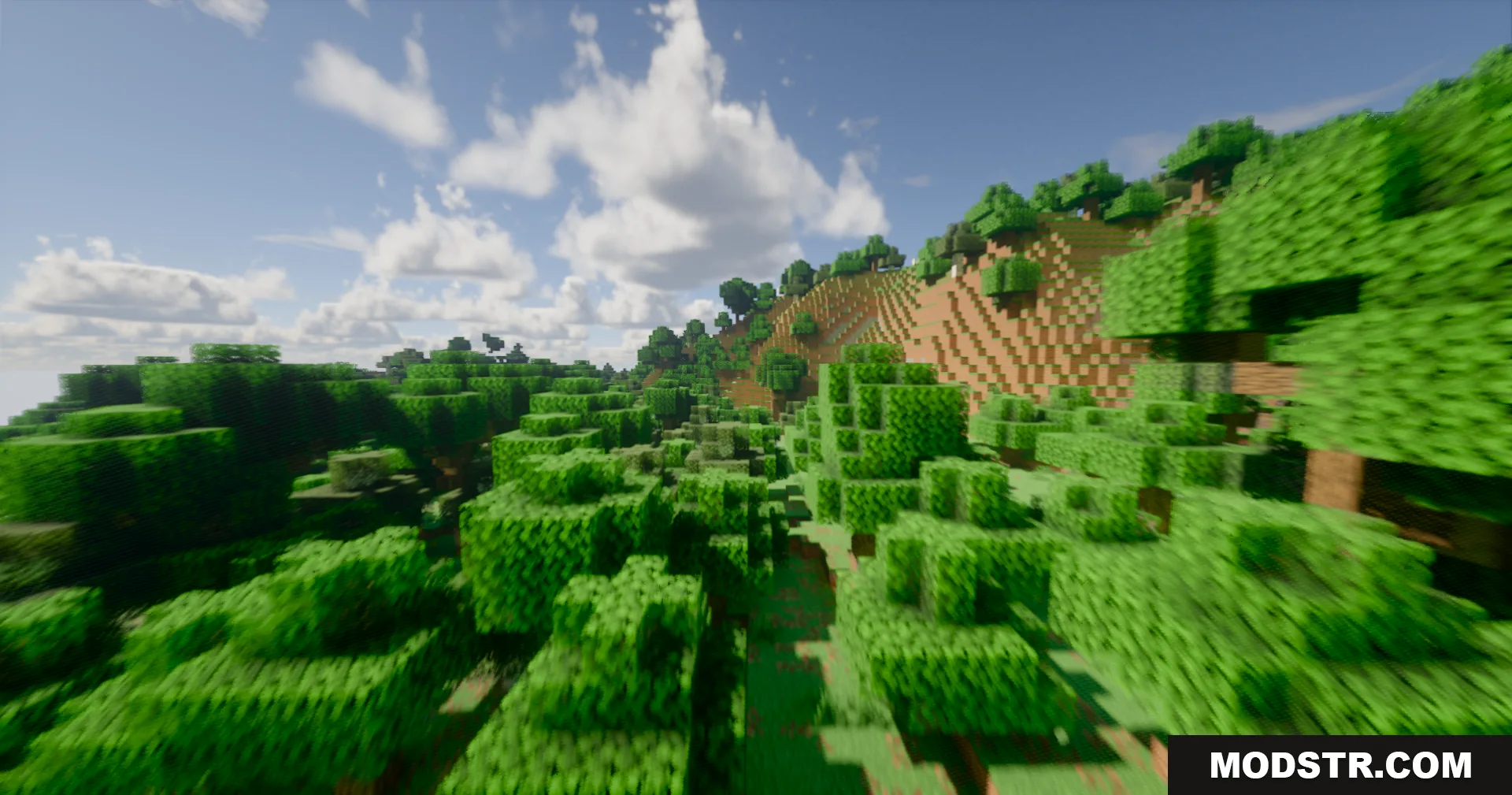
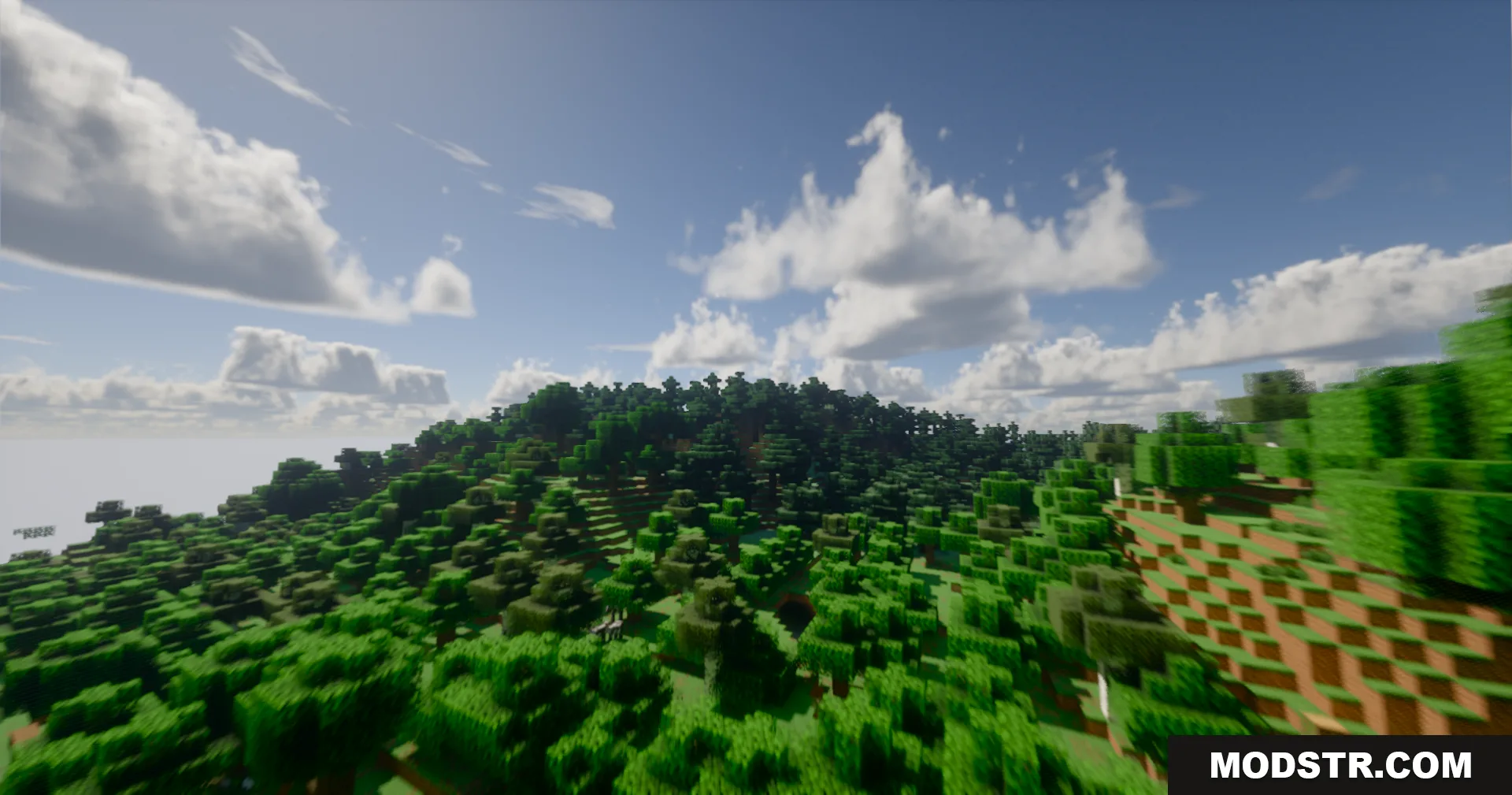
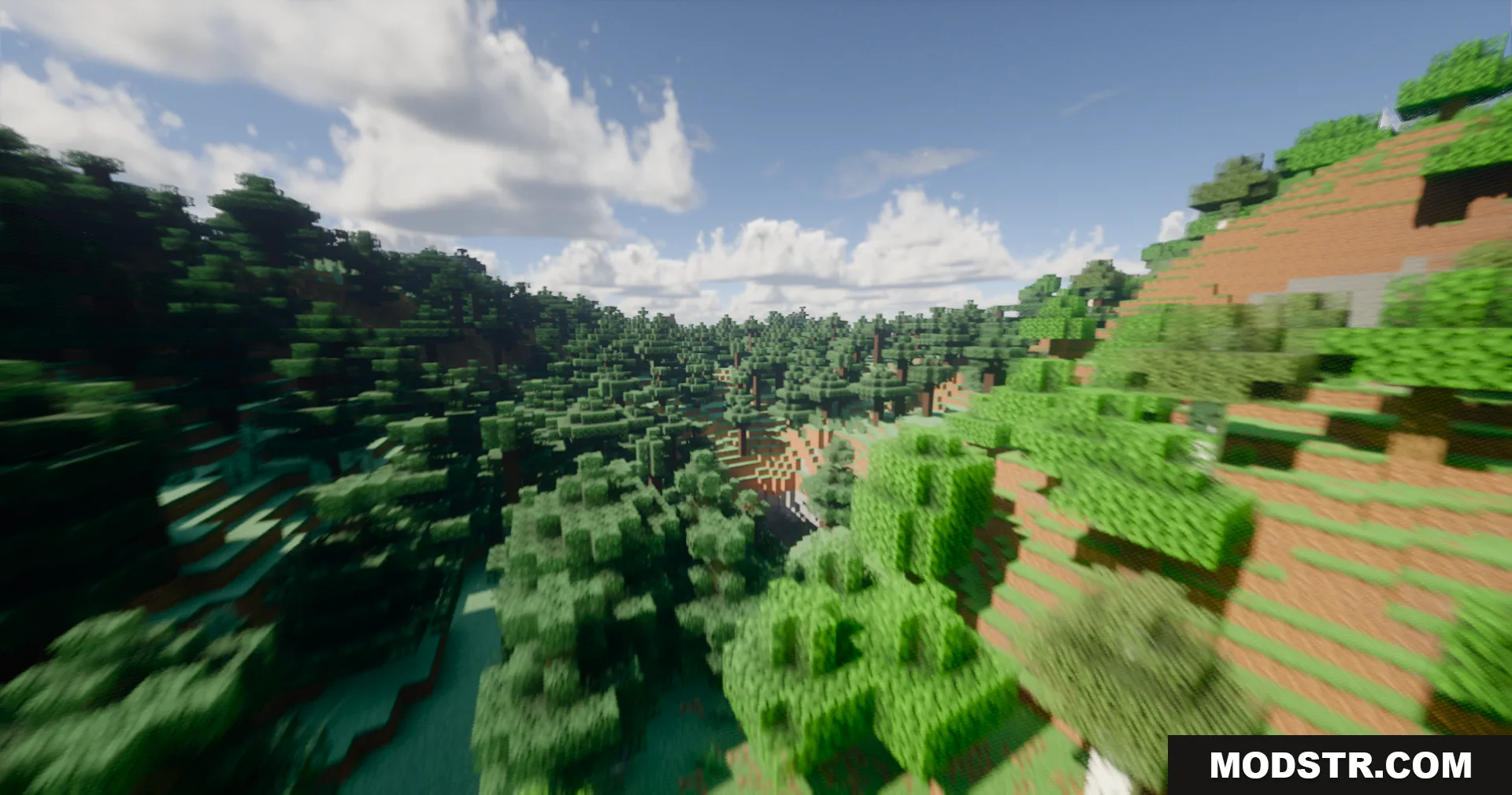
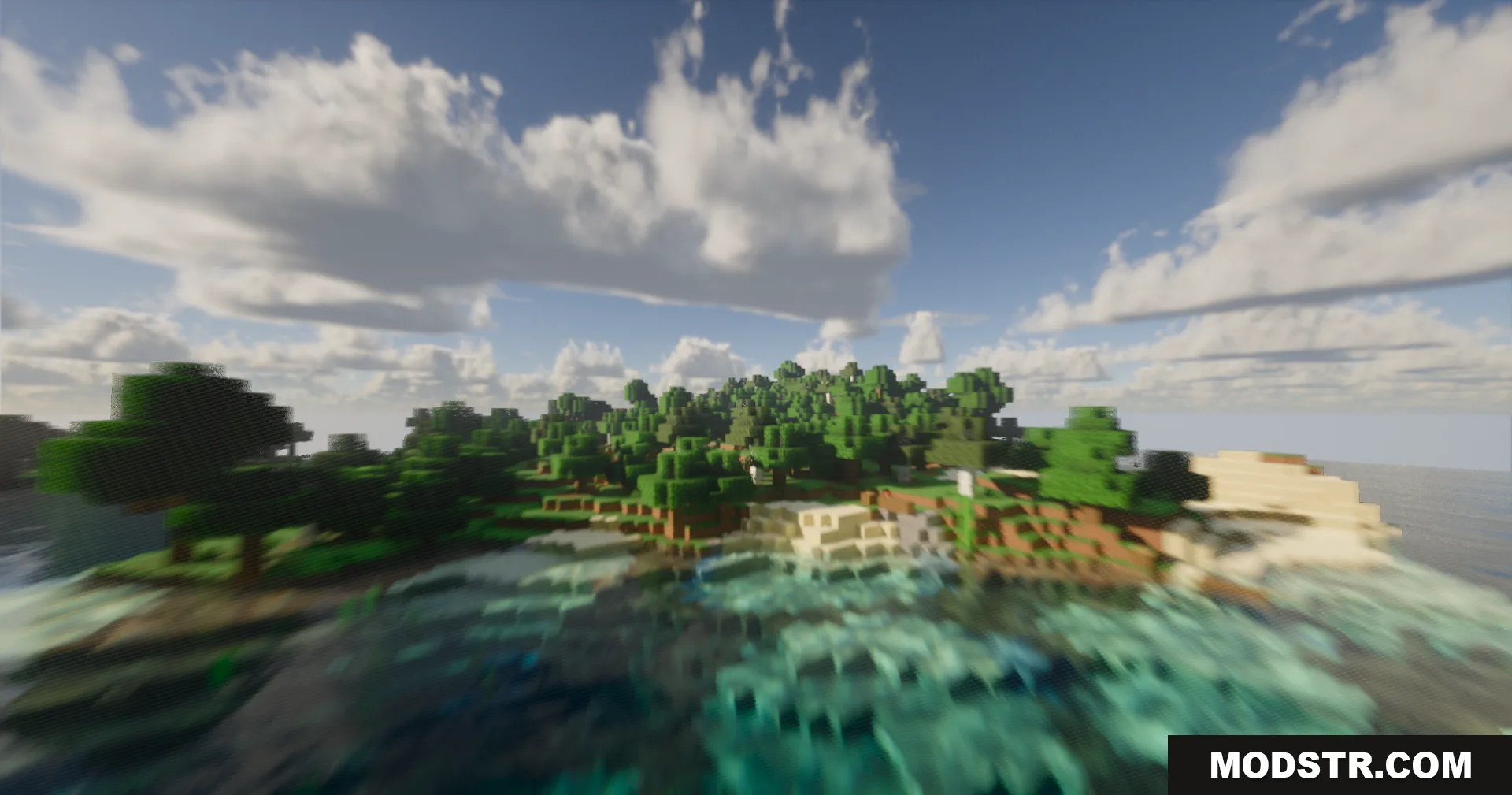
Serendipity Shaders applies screen space path tracing to render natural lighting and shadows across your world while maintaining playable performance. The shader emphasizes visual clarity through realistic water rendering, volumetric cloud effects, and accurate material reflections without requiring high-end hardware.
Features
- Screen space path tracing for natural light and shadow casting.
- Weather-dependent effects including rain puddles and wet surface reflections.
- Volumetric and flat cloud rendering with customizable density.
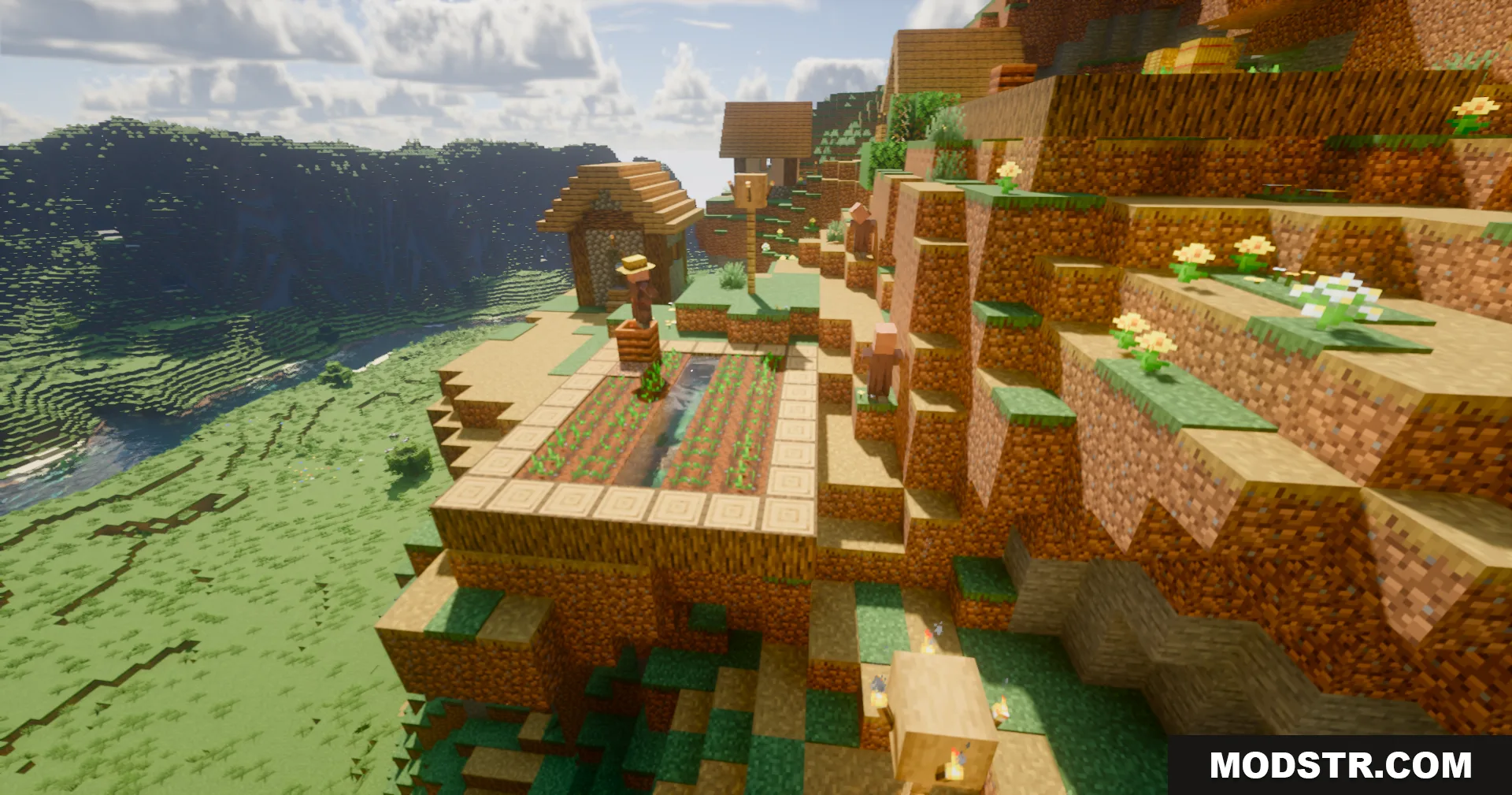
- Ground truth ambient occlusion darkening corners and recessed areas.
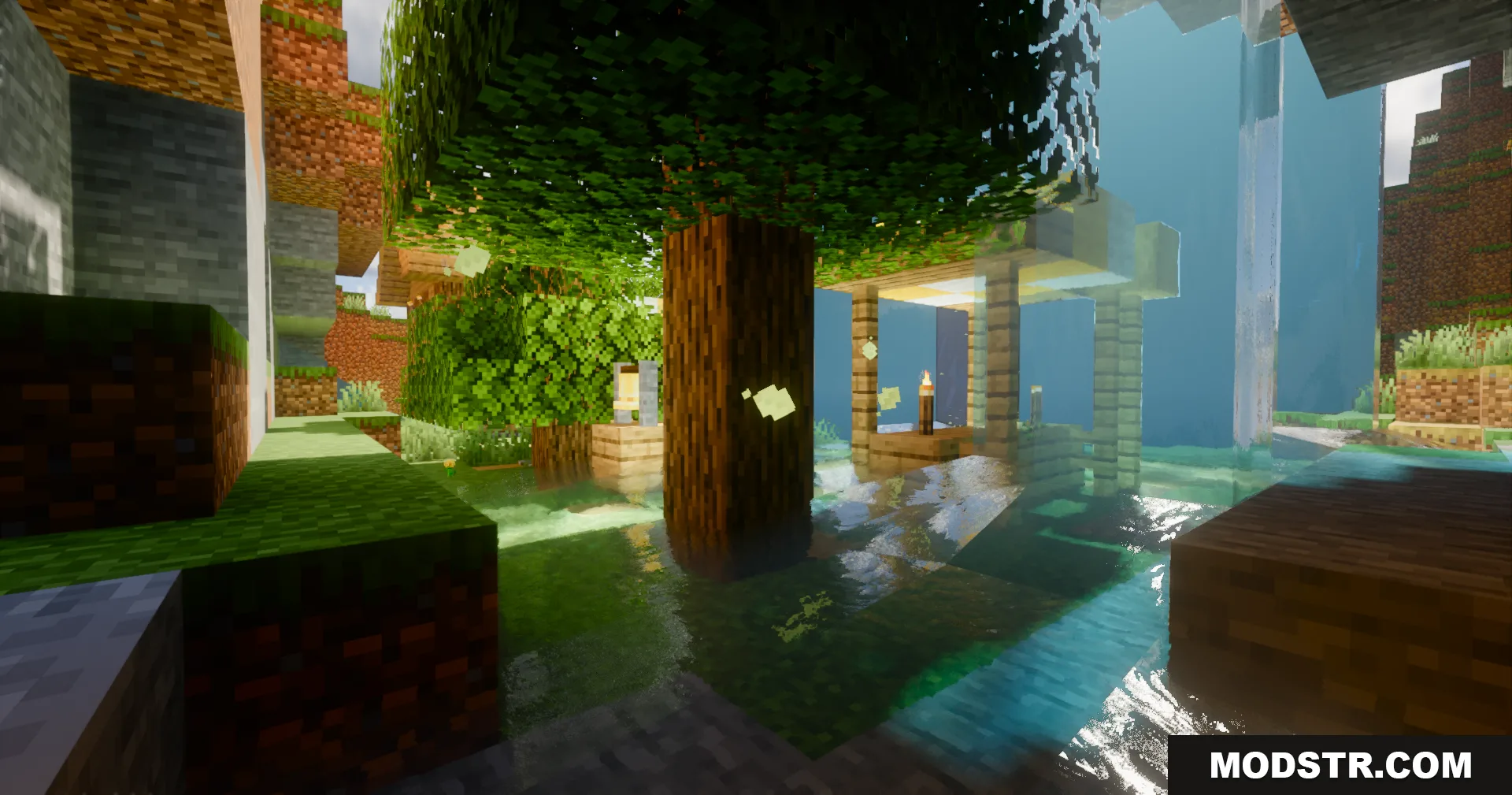
- Reflective shadow maps for inter-object light bouncing.
- Bloom effect around bright light sources such as torches and lava.
- AgX tonemapping for adjusted color grading and visual tone.
- Dynamic water with wave animation and surface reflections.
- Parallax occlusion mapping for block surface depth.
- Temporal anti-aliasing to reduce edge aliasing.
- Specular reflections on appropriate block materials.
- Optimized for Intel integrated graphics and standard PC setups.
Installation
- Ensure you have a compatible shader-supporting mod installed (such as OptiFine or Iris).
- Download the Serendipity Shaders pack.
- Extract the shader folder to your shaderpacks directory.
- Launch Minecraft and select Serendipity from your shader options.
- Adjust settings in the shader menu to match your system performance.
Compatibility
This shader is designed for Minecraft 1.20.1. Performance varies by system specifications; integrated Intel graphics are supported but may require reduced render distance or quality settings for stable framerates.
DOWNLOAD FILES
- shader