Telegram
Fullbright Plus Shaders (26.2, 1.20.1) – Total Brightness With Zero Shadows cover art

Fullbright Plus Shaders (26.2, 1.20.1) – Total Brightness With Zero Shadows

A lightweight shader that removes all shadows and darkness for full visibility in caves, underwater, and at night. Maintains smooth performance by skipping heavy lighting calculations.

145 JAVA
  • 1.16 → 1.21.11 +35
Show all 35 versions
  • 1.21.11
  • 1.21.10
  • 1.21.9
  • 1.21.8
  • 1.21.7
  • 1.21.6
  • 1.21.5
  • 1.21.4
  • 1.21.3
  • 1.21.2
  • 1.21.1
  • 1.21
  • 1.20.6
  • 1.20.5
  • 1.20.4
  • 1.20.3
  • 1.20.2
  • 1.20.1
  • 1.20
  • 1.19.4
  • 1.19.3
  • 1.19.2
  • 1.19.1
  • 1.19
  • 1.18.2
  • 1.18.1
  • 1.18
  • 1.17.1
  • 1.17
  • 1.16.5
  • 1.16.4
  • 1.16.3
  • 1.16.2
  • 1.16.1
  • 1.16

Fullbright Plus Shaders removes shadows and darkness throughout your world, allowing you to see clearly in caves, underwater, and at night without performance impact. This shader prioritizes visibility by simplifying lighting calculations rather than adding complex effects. It works with Iris, Oculus, and OptiFine loaders.
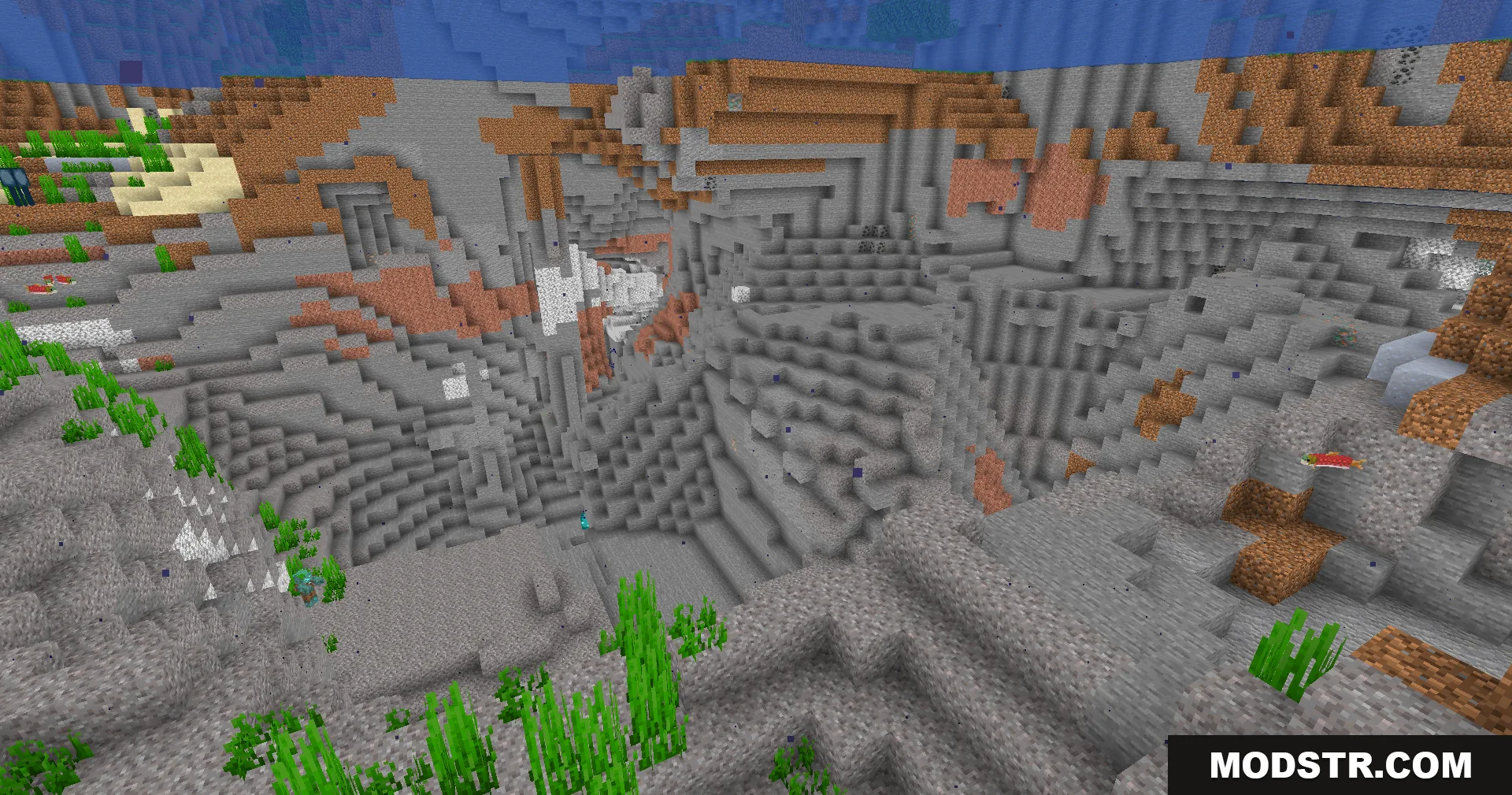
A bright underwater ravine showing various stone and dirt blocks without shadows

Features

  • Removes all shadows and dark areas from caves, ocean floors, and nighttime environments.
  • Maintains smooth frame rates by avoiding intensive graphics processing.
  • Includes color profile options such as Warm and Vibrant to adjust screen tint.
  • Compatible with Iris, Oculus, and OptiFine shader loaders.
  • Eliminates the need to carry torches while mining or exploring.
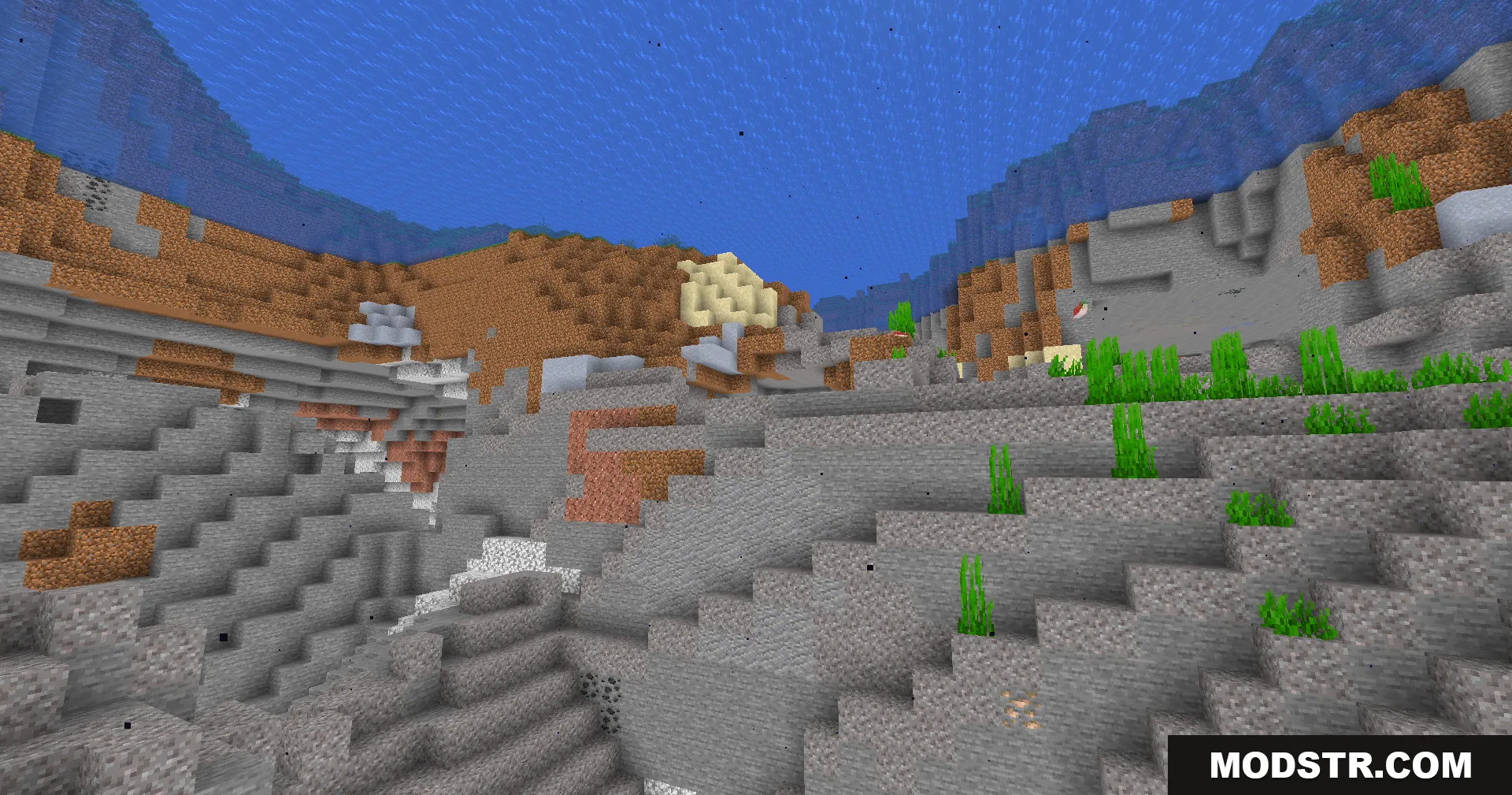
The ocean floor is clearly visible with full brightness on all blocks
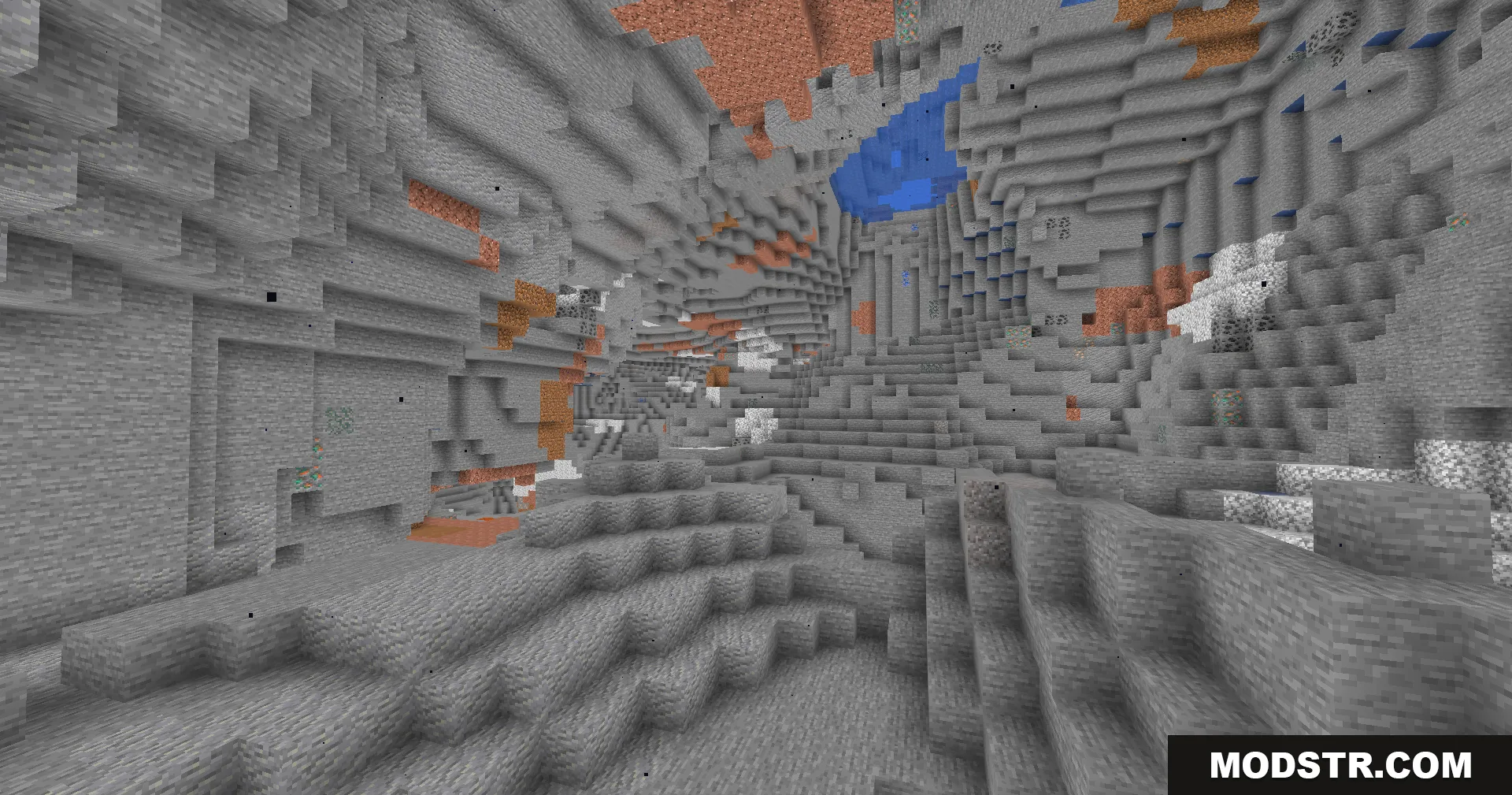
A vast underground cave system fully illuminated by Fullbright Plus Shaders

Installation

  1. Install a compatible shader loader (Iris, Oculus, or OptiFine) for your Minecraft version.
  2. Download the Fullbright Plus Shaders file.
  3. Place the shader pack in your shader directory or import it through your loader.
  4. Launch Minecraft and select the shader from your active shaders list.
  5. Adjust color profile settings in the shader options if desired.
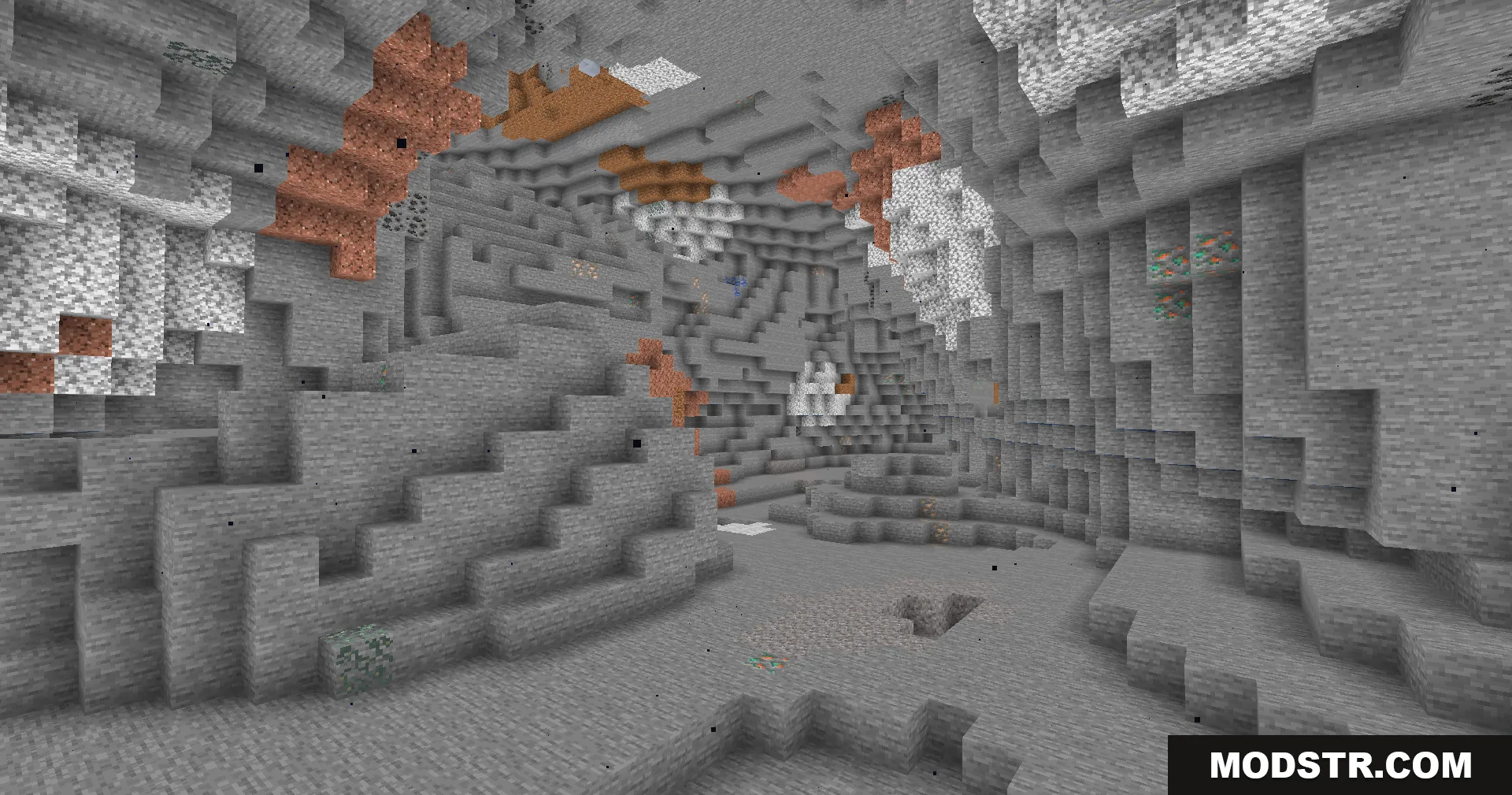
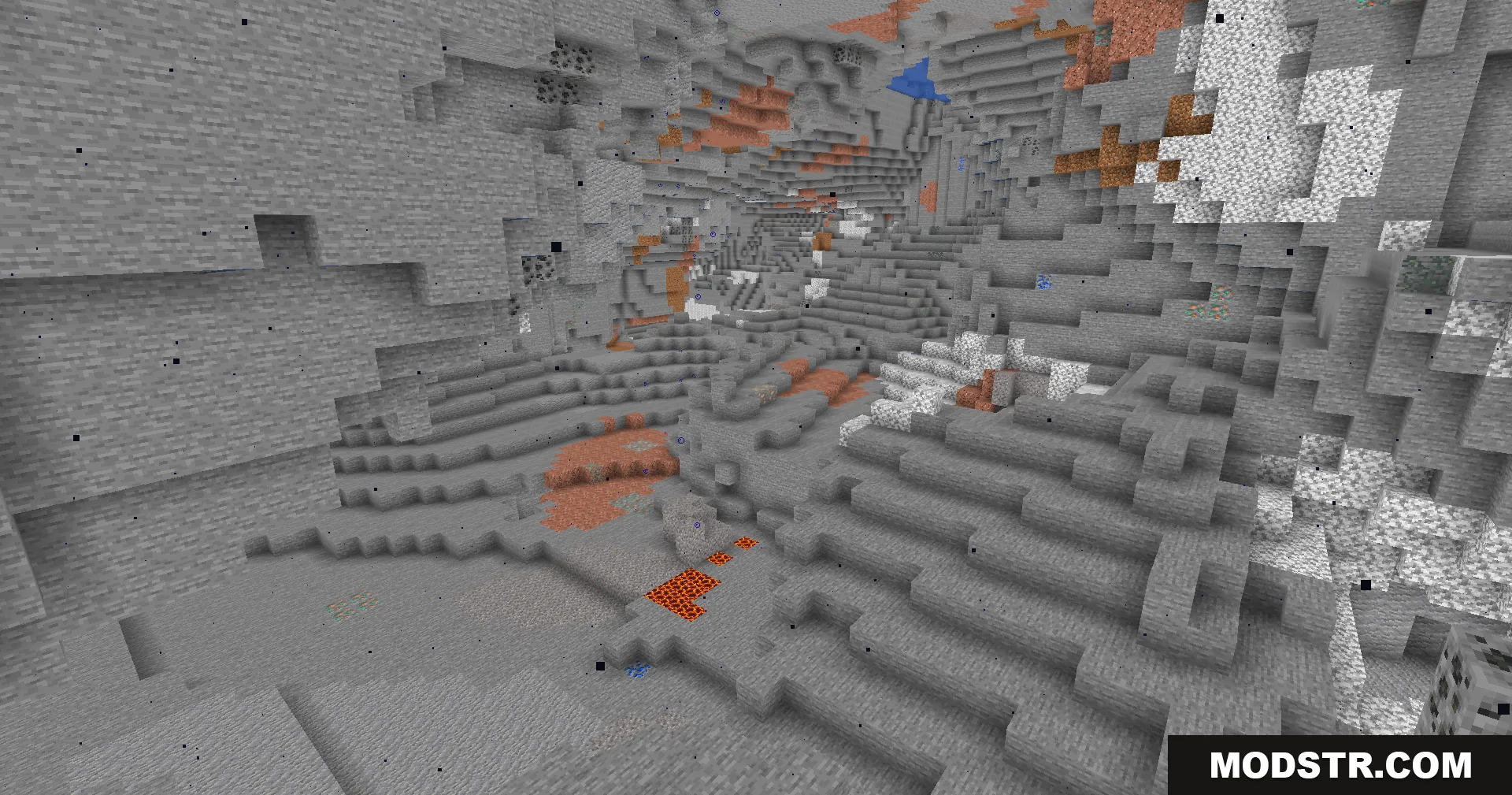
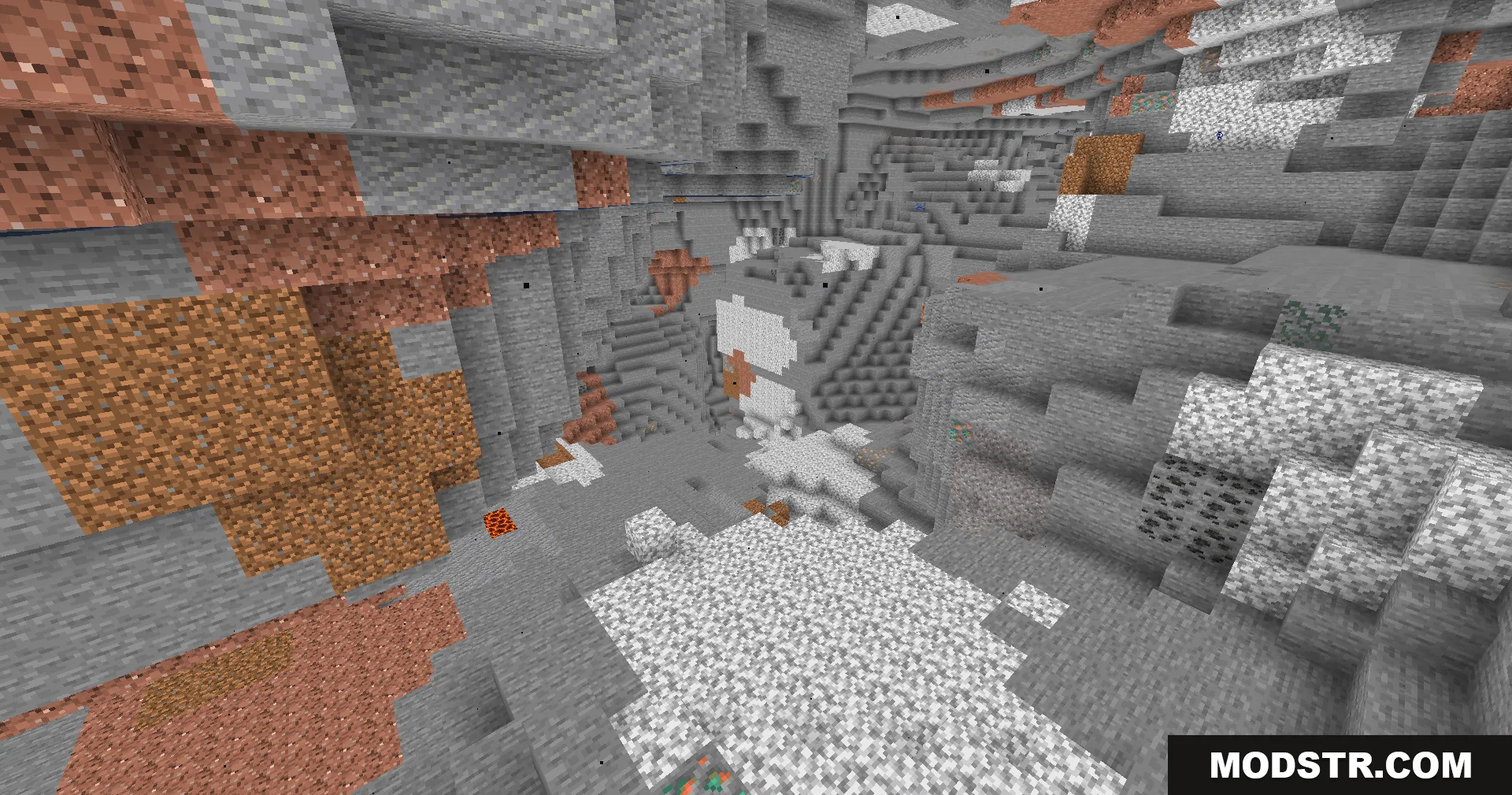
A brightly lit cave showing copper ore and various stone types
A vast underground cavern clearly visible without the need for any torches
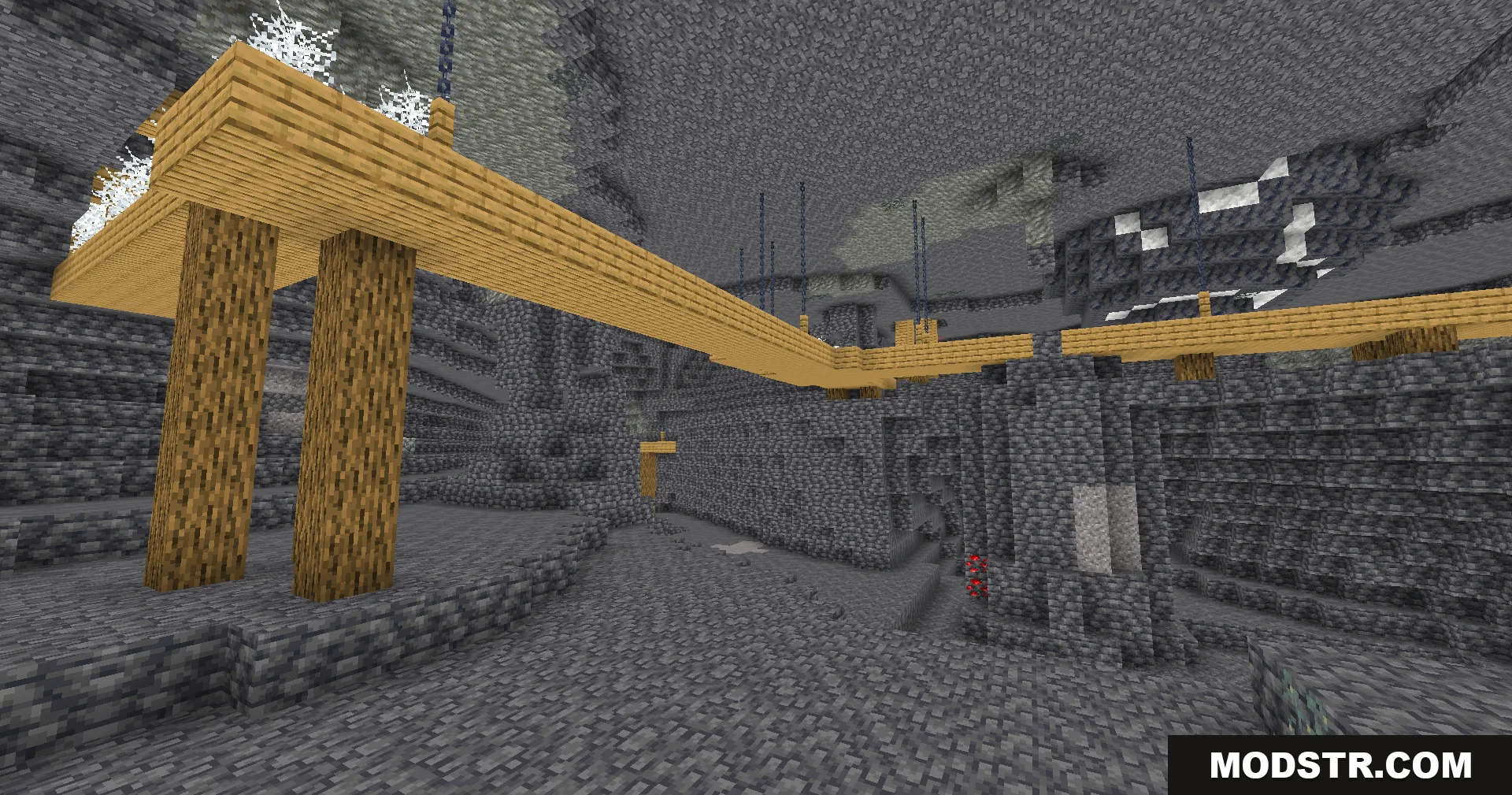
Abandoned mineshaft in a deepslate cave illuminated by the Fullbright Plus Shaders
Brightly lit underground cave system featuring various stone types and mineral ores
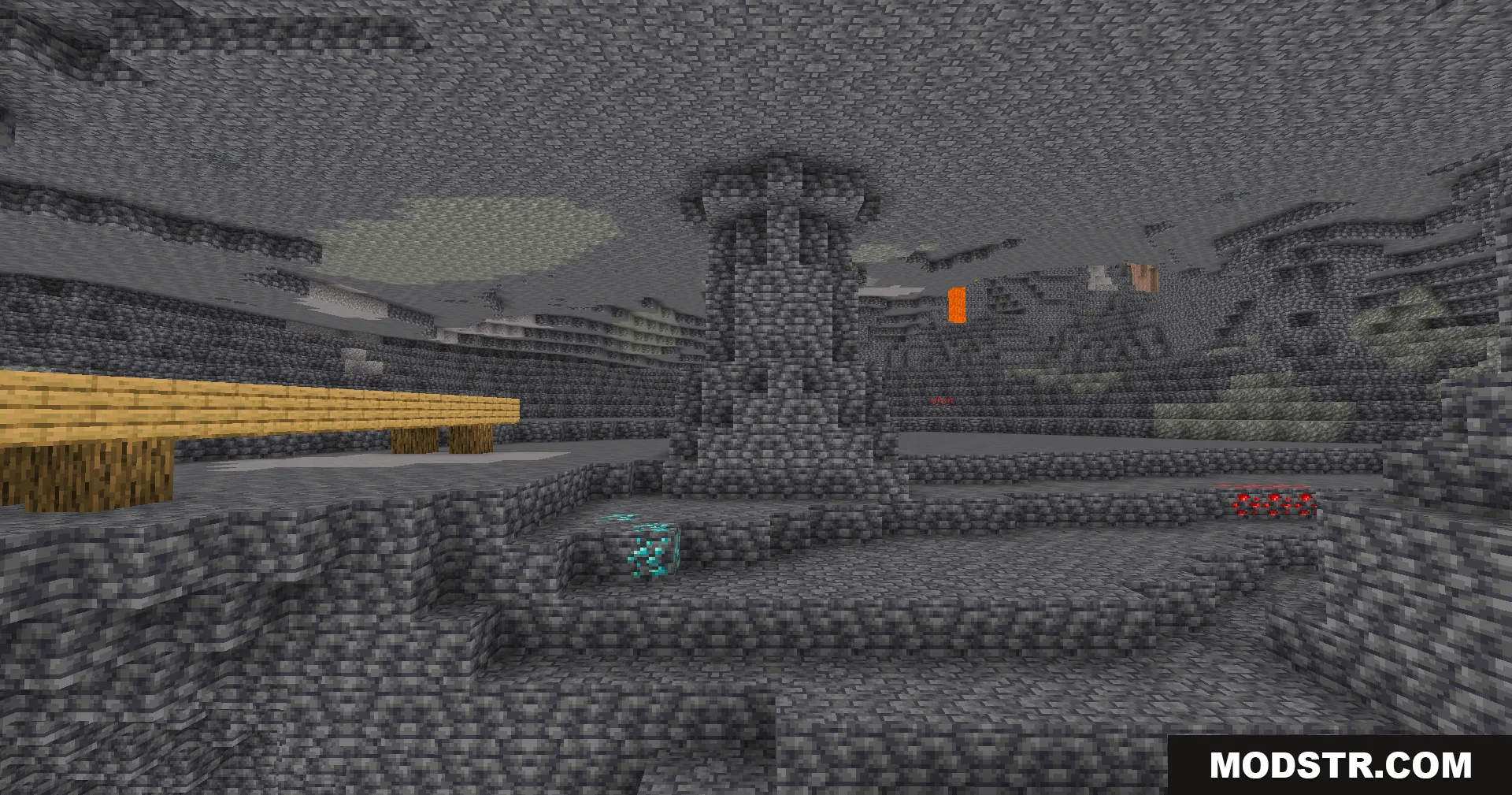
Deepslate cavern with diamond ores and a wooden bridge under full brightness
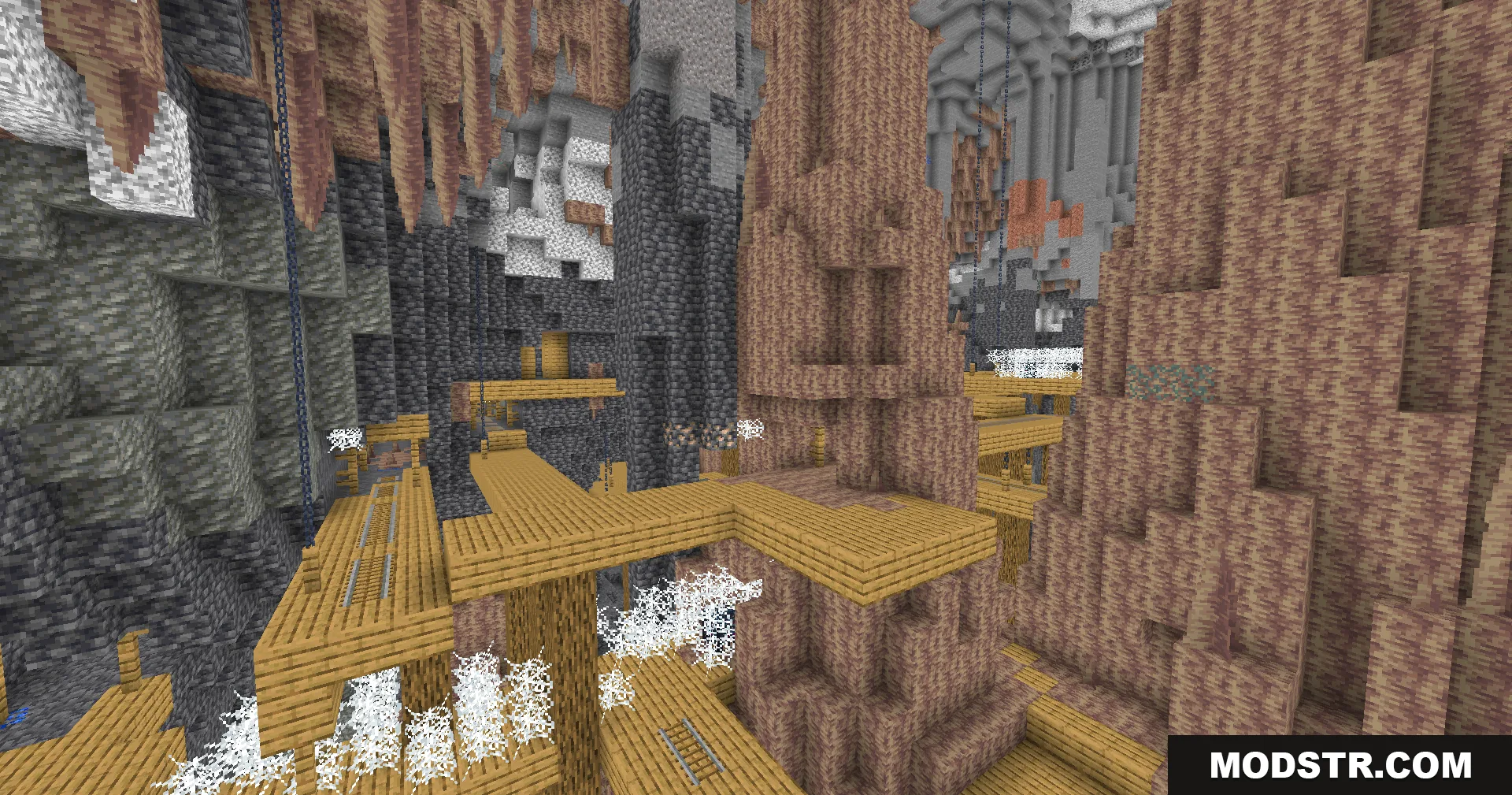
Bright underground mineshaft with wooden bridges and dripstone formations in a large cave
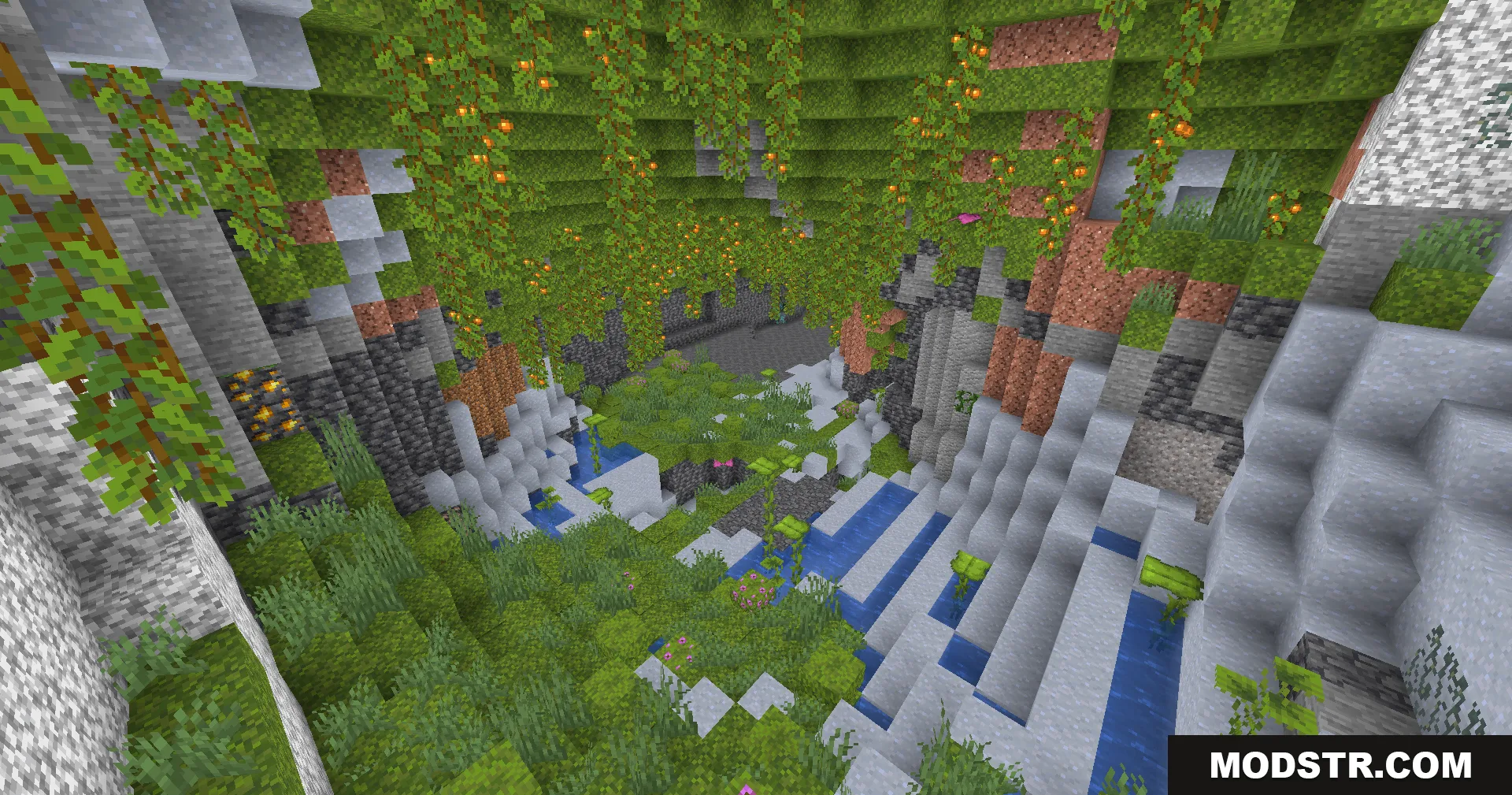
Lush cave biome filled with green moss and hanging glow berries and water

Compatibility

Fullbright Plus Shaders is designed for Minecraft 1.20.1 and requires a compatible shader loader such as Iris, Oculus, or OptiFine.

DOWNLOAD FILES

  • shader
    26.2, 26.1.2, 26.1.1 (+36 more) All Versions Covered 26.2 26.1.2 26.1.1 26.1 1.21.11 1.21.10 1.21.9 1.21.8 1.21.7 1.21.6 1.21.5 1.21.4 1.21.3 1.21.2 1.21.1 1.21 1.20.6 1.20.5 1.20.4 1.20.3 1.20.2 1.20.1 1.20 1.19.4 1.19.3 1.19.2 1.19.1 1.19 1.18.2 1.18.1 1.18 1.17.1 1.17 1.16.5 1.16.4 1.16.3 1.16.2 1.16.1 1.16 ▲ Collapse · Fullbright-Plus-Shaders-All-Versions.zip
    • 1.21.11