
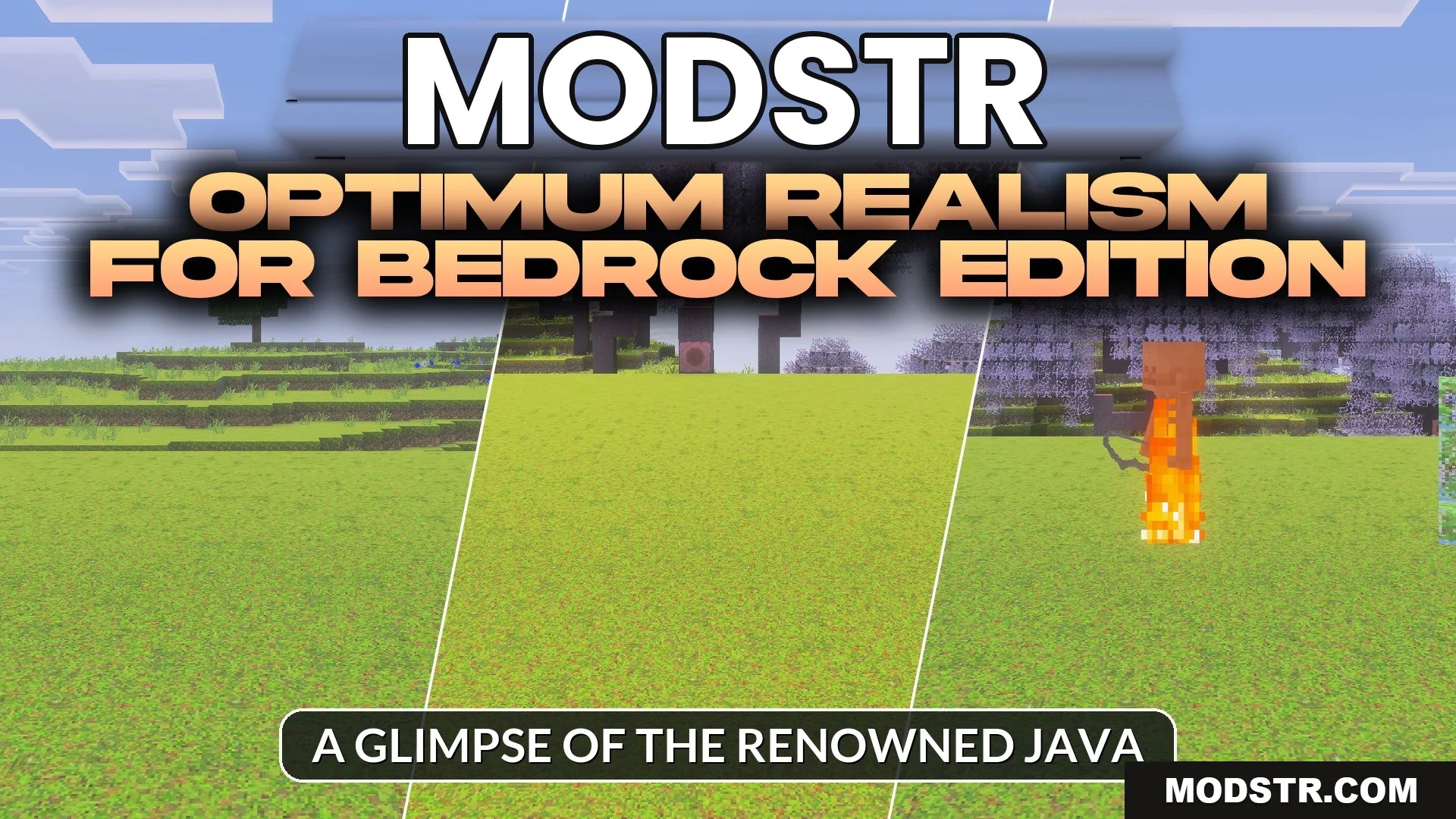
Optimum Realism for Bedrock Edition Texture Pack (26.x, 1.21)
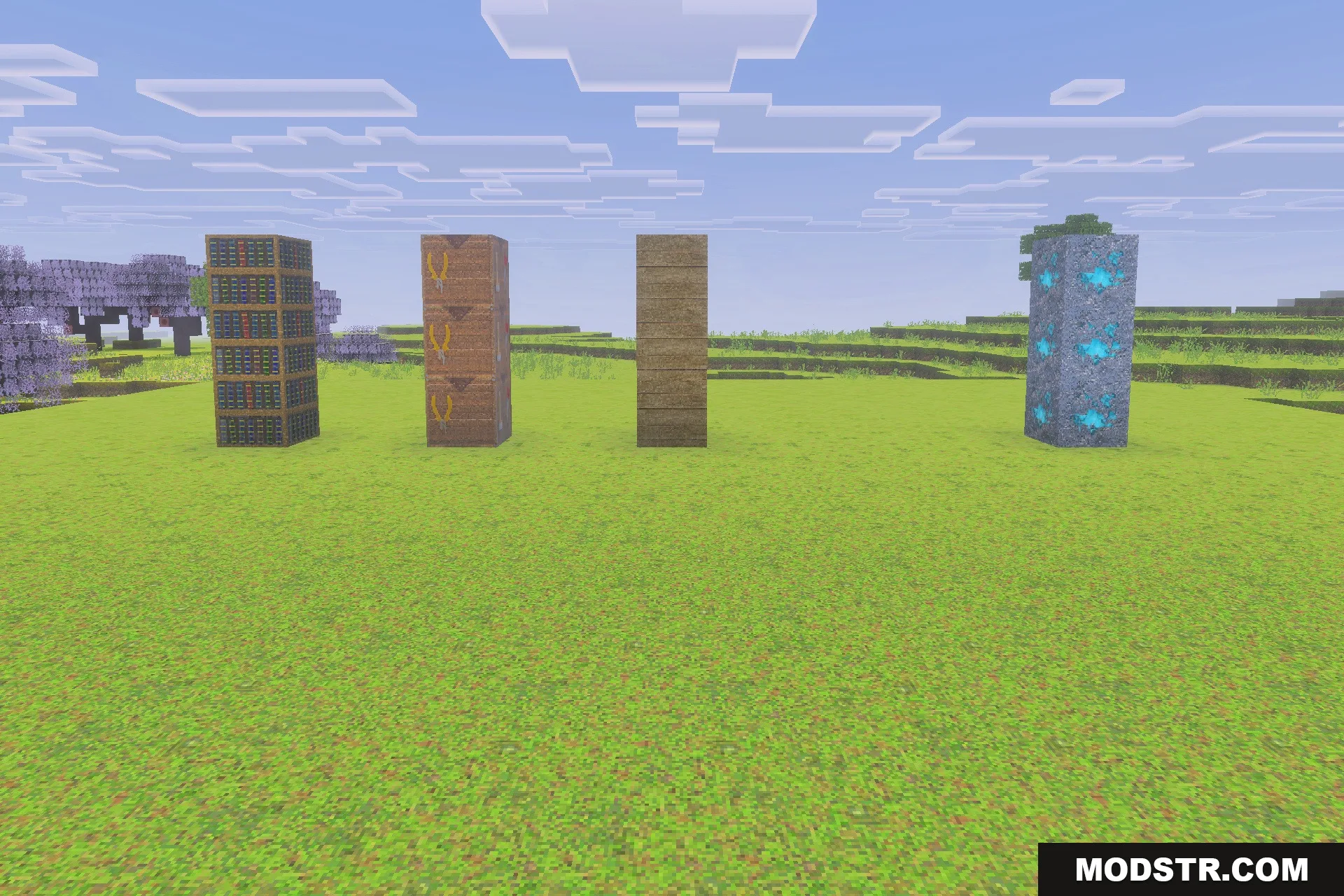
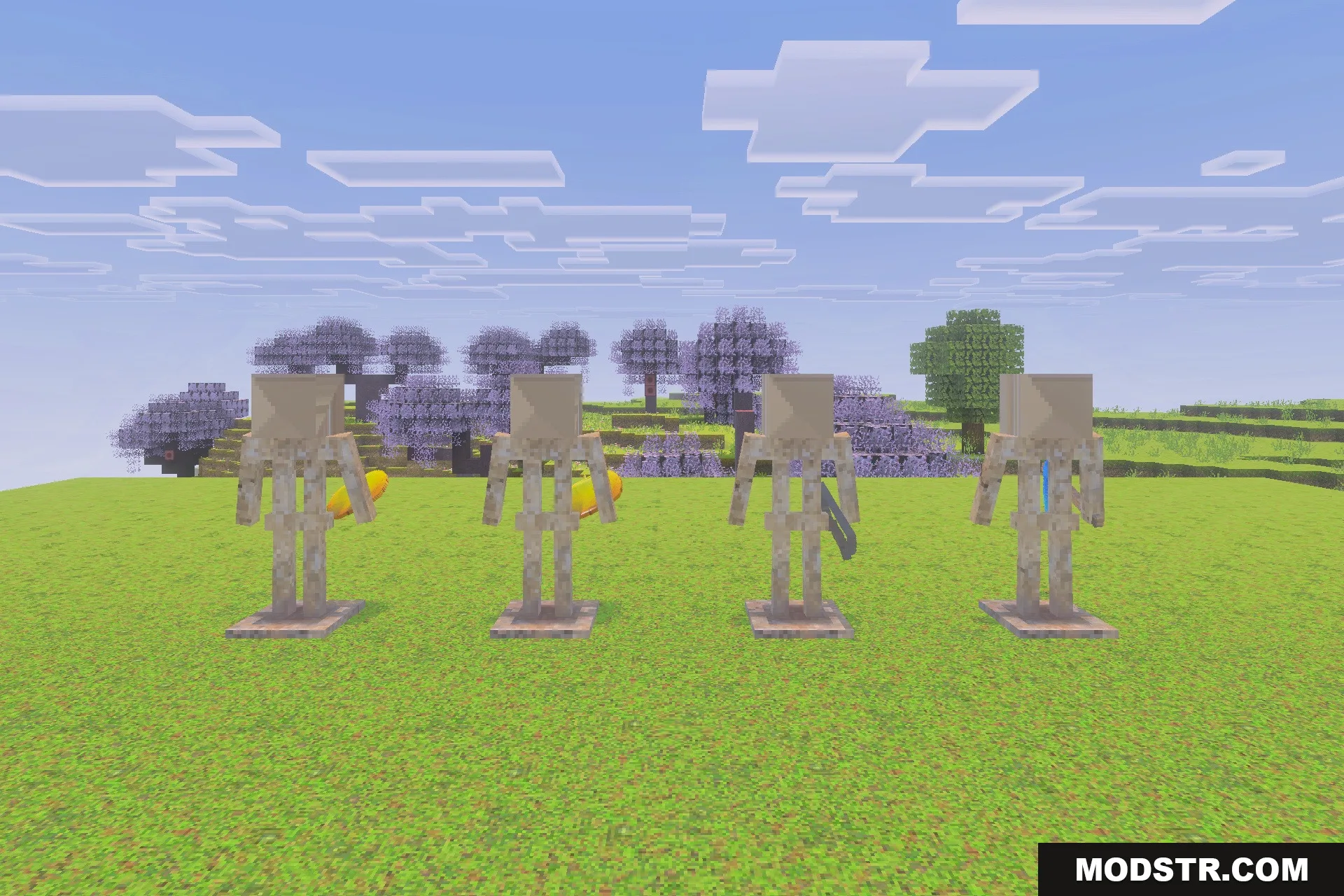
Optimum Realism for Bedrock Edition enhances Minecraft with realistic PBR textures. It's suitable for players seeking improved visuals and effects for better immersion.
- 1.21
- 1.20
- 1.19
- 1.18
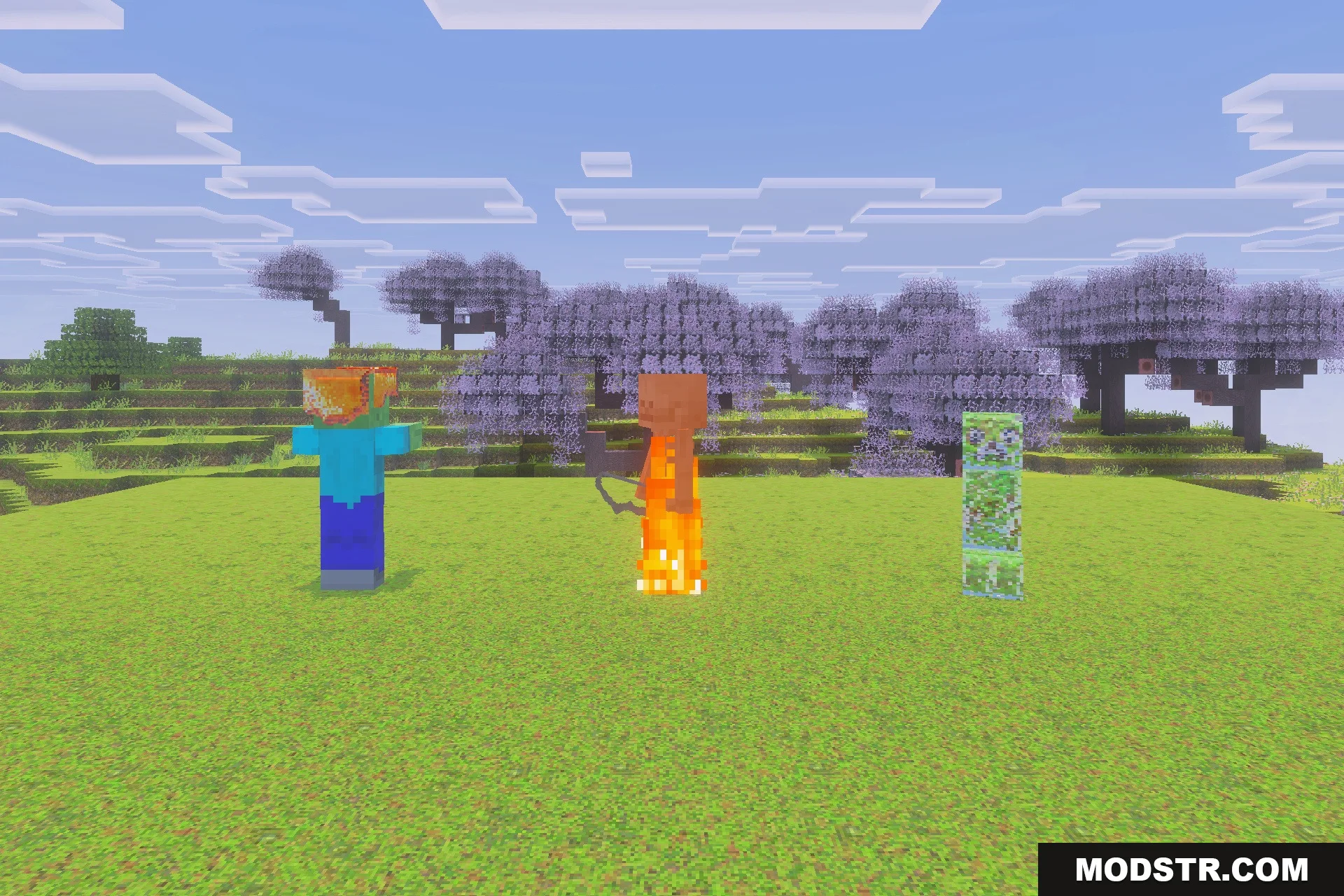
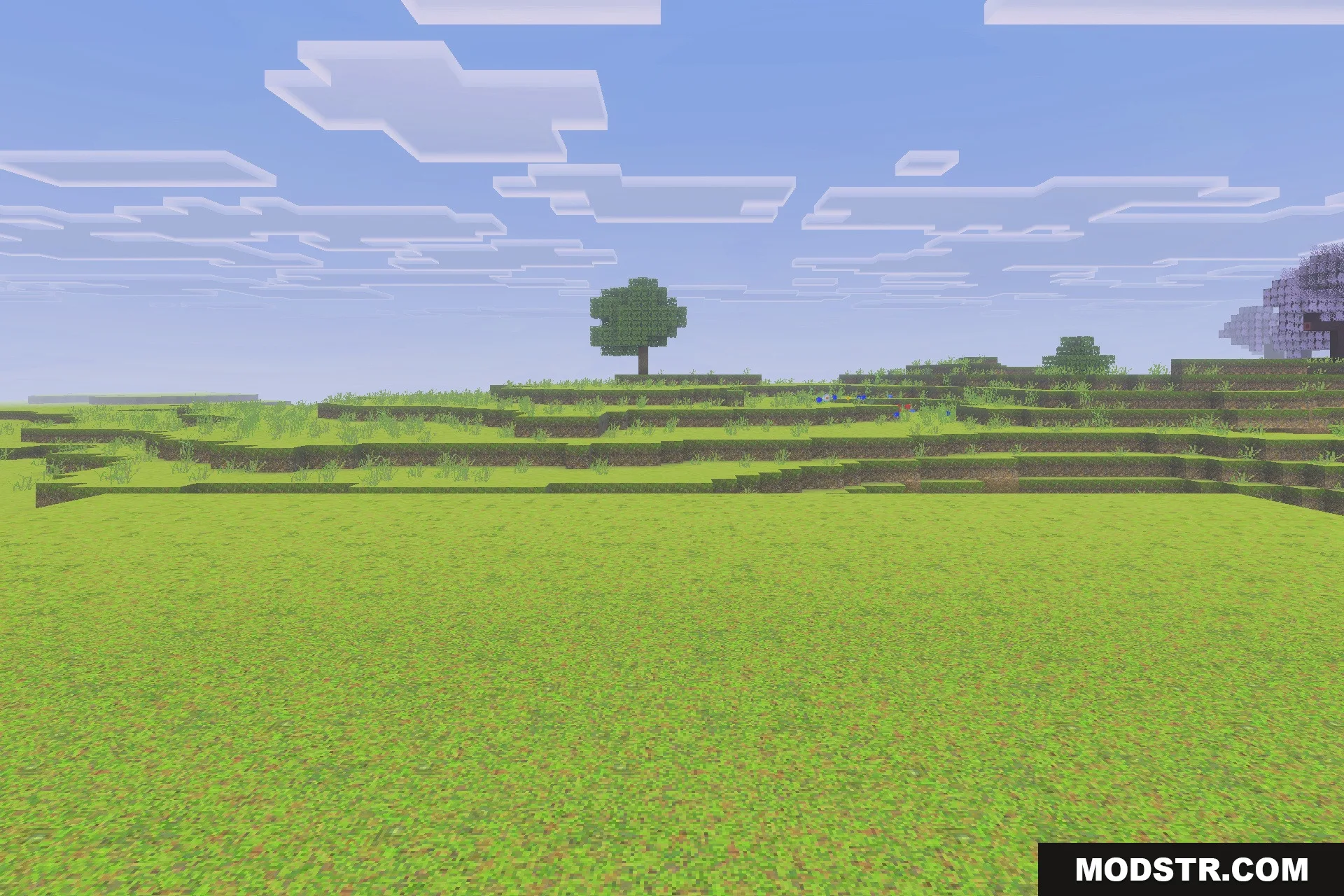
Optimum Realism for Bedrock Edition enhances Minecraft by incorporating realistic PBR textures that improve the visual quality of the game. This texture pack is designed for players who want to experience a more immersive Minecraft world across various devices.
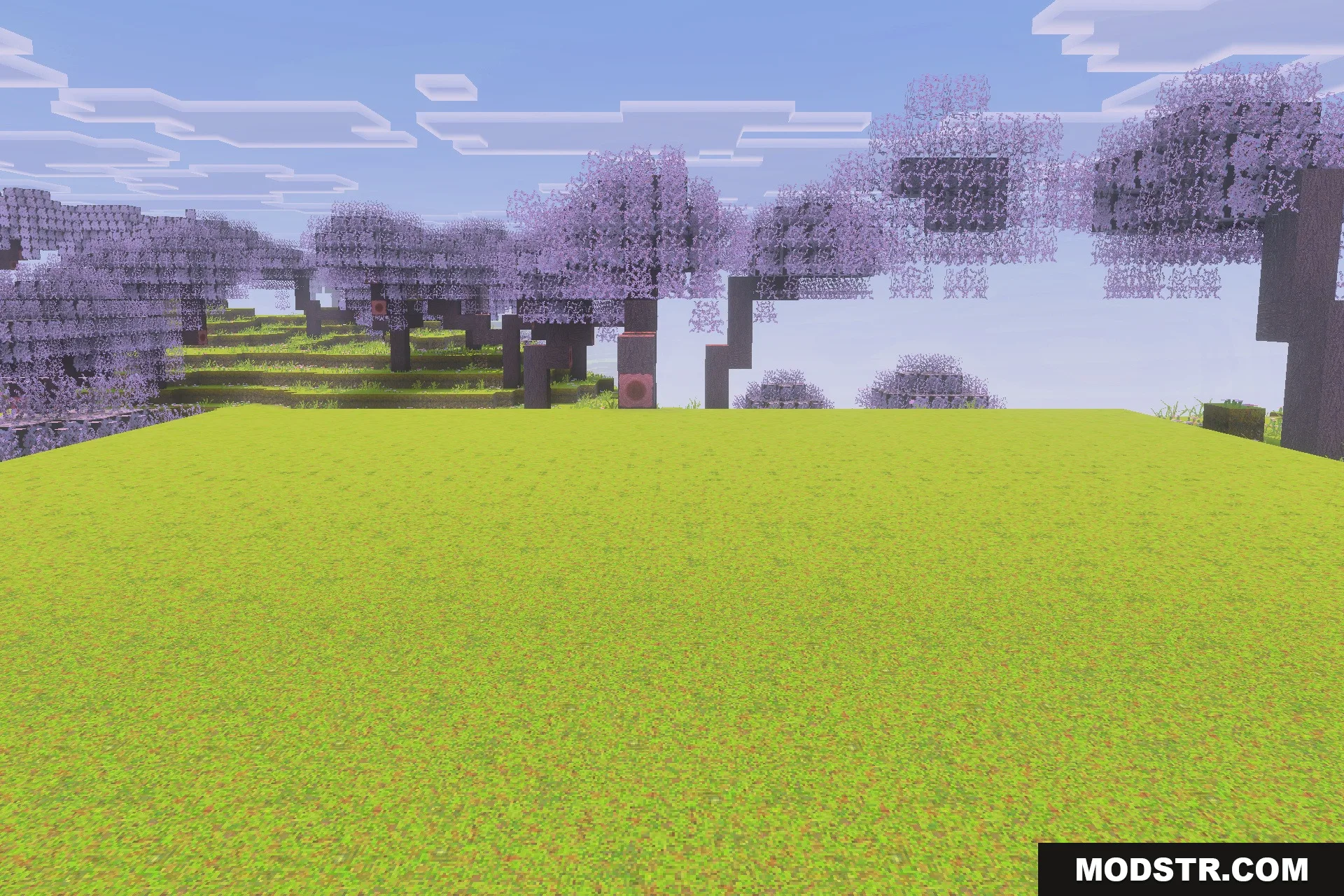
Features
- Includes over 690 realistic PBR block materials.
- Works with RTX, Vibrant Visuals, and deferred shaders.
- Supports all new blocks up to update 1.21.5.
- Runs smoothly across PC, console, and mobile devices.
- Features detailed roughness, metallic, and height surface maps.
Installation
- Download the texture pack file.
- Open Minecraft and navigate to the settings menu.
- Select the 'Storage' option and then 'Import.'
- Locate the downloaded file and import it into the game.
- Select the texture pack in the active settings to enable it.
DOWNLOAD FILES
- mcpack
- mcpack
- mcpack