
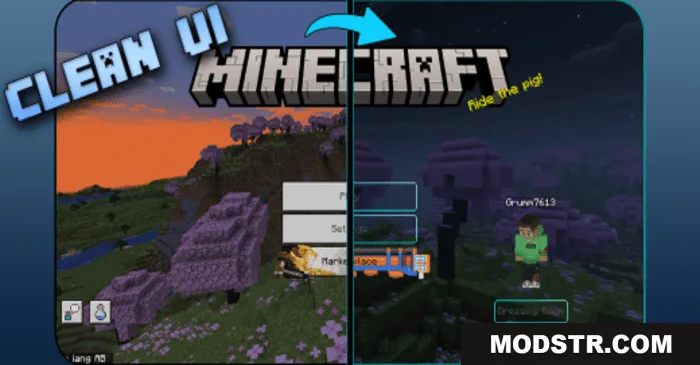
Clean UI Pack (26.x, 1.21) – MCPE/Bedrock
A texture pack that overhauls Minecraft Bedrock's UI with clean, high-contrast visuals and transparent elements. Compatible with version 1.21 and optimized for all devices.
- 1.21
- 1.20
- 1.19
- 1.18
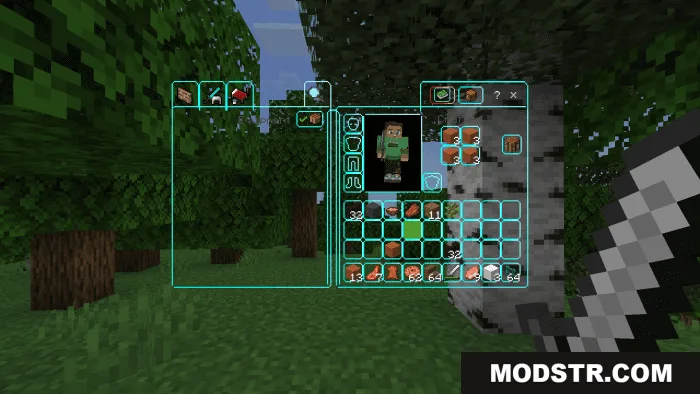
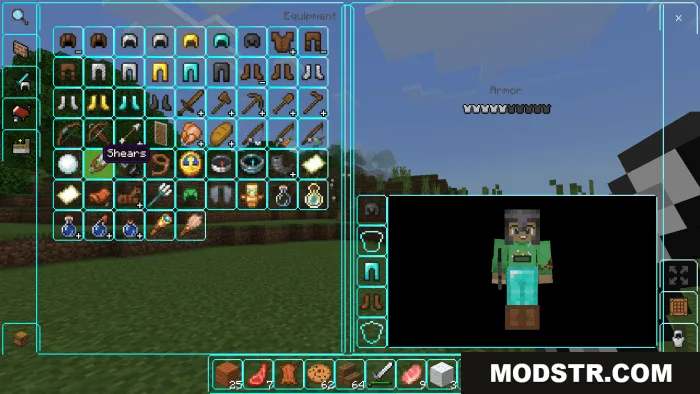
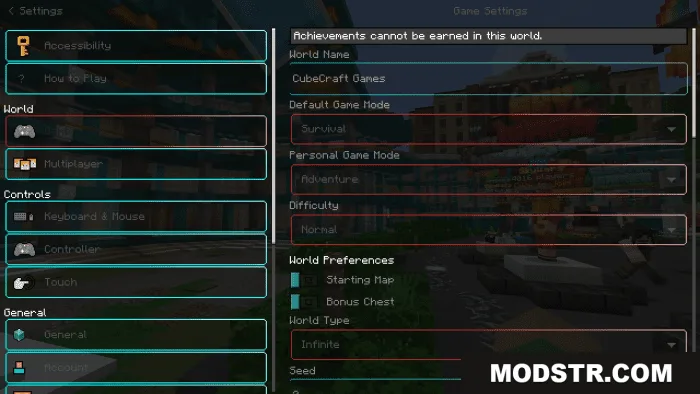
Clean UI Pack redesigns the user interface of Minecraft Bedrock with a clean, high-contrast aesthetic. The pack modifies nearly all UI and GUI elements in the game while maintaining performance on lower-end devices.
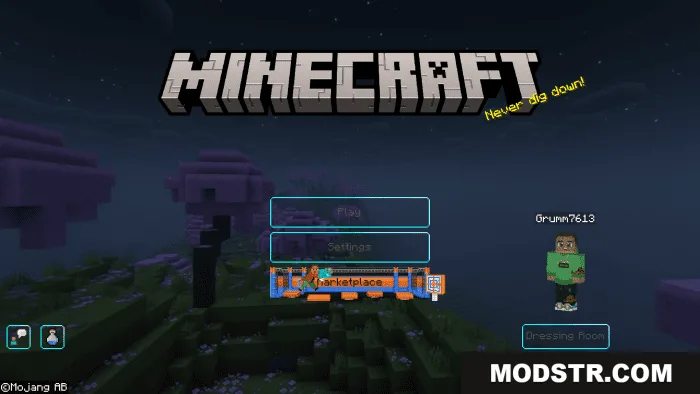
Features
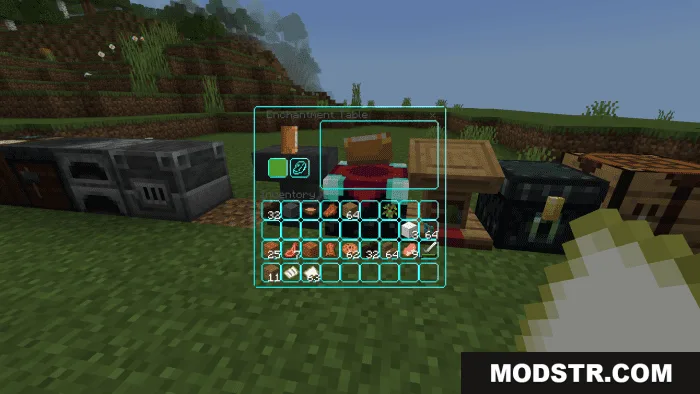
- Reskins all inventory GUIs including chests, stonecutters, smithing tables, enchanting tables, and more, plus the hotbar and XP bar.
- Includes a custom panorama background with balanced color and contrast for UI buttons and backgrounds.
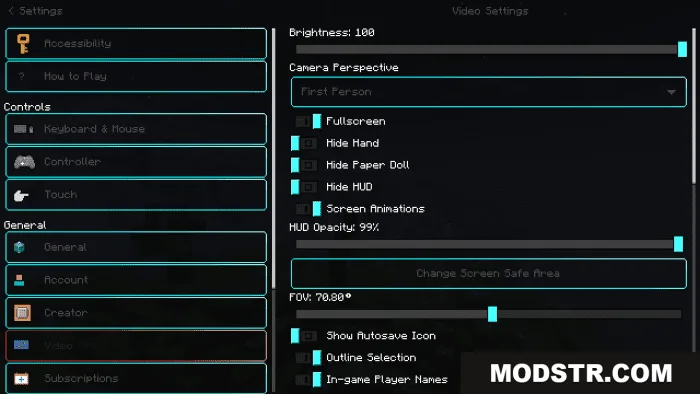
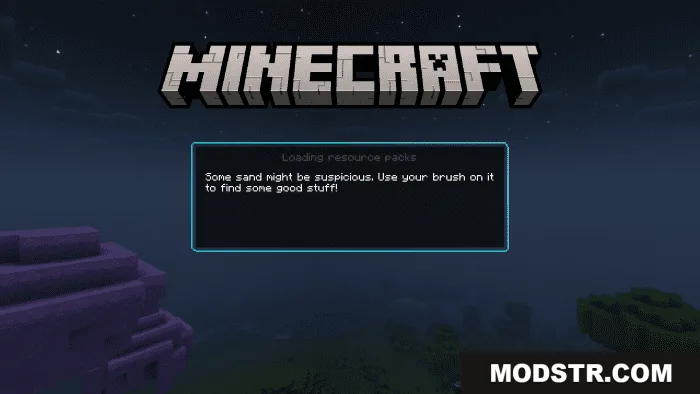
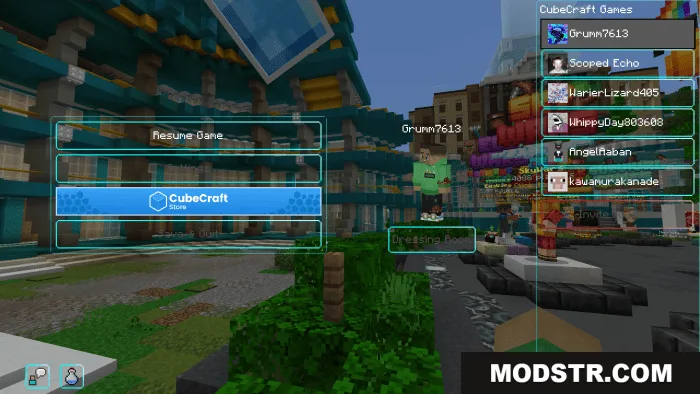
- Changes the Settings menu, marketplace interface, and loading screen.
- Uses default texture resolution, so it runs smoothly even on lower-end devices.
- Supports both Classic and Pocket UI profiles.
- Works in multiplayer and server environments without issues.
Installation
- Download the texture pack file.
- Open the file in Minecraft or move it to your resource packs folder.
- Launch Minecraft and navigate to Settings.
- Select Resource Packs and activate Clean UI Pack from the available list.
- Apply the changes and restart your world if needed.
Compatibility
Clean UI Pack is designed for Minecraft Bedrock Edition versions 1.21 and 1.20 on mobile, console, and Windows 10/11 platforms.
DOWNLOAD FILES
- mcpack
- mcpack