
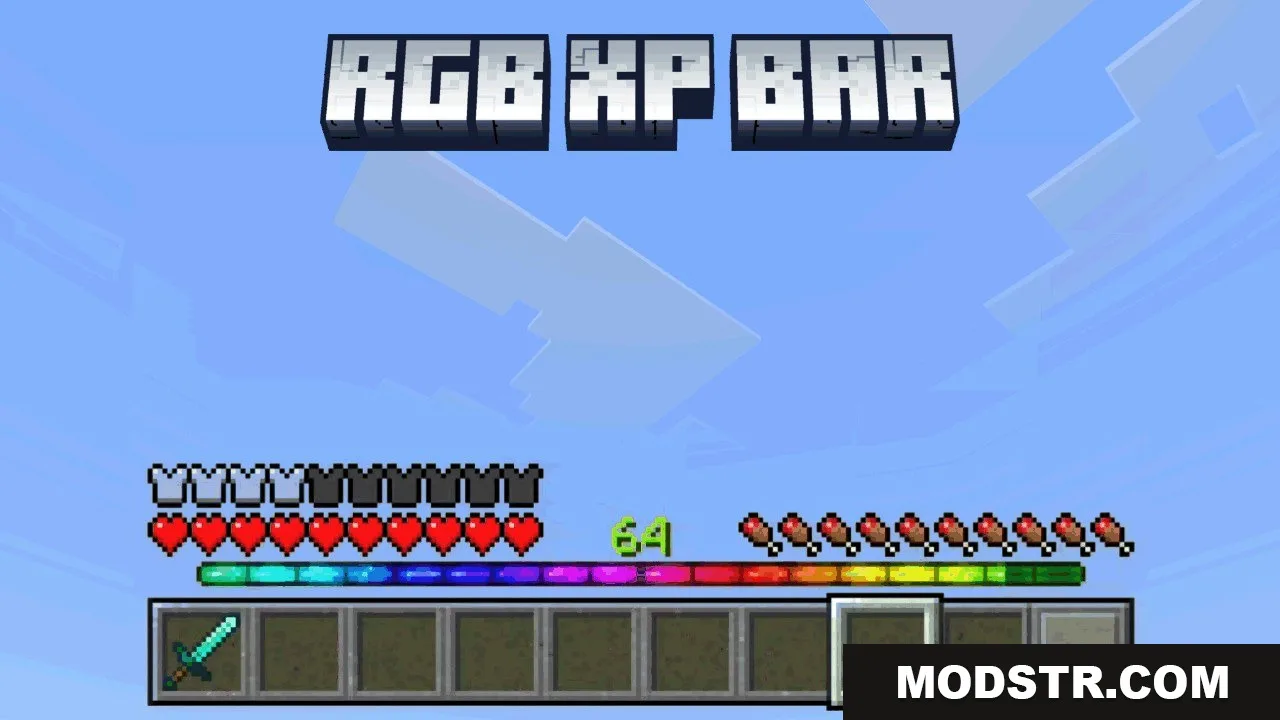
RGB XP Bar Texture Pack (1.21, 1.20) – Vibrant Animated Level Gauge
This texture pack modifies the typical green experience bar to display a vibrant rainbow. It features animated colors for a more engaging user interface.
- 1.21
- 1.20
The RGB XP Bar Texture Pack transforms the standard green experience bar into a dynamic rainbow design. This pack is suitable for players looking to enhance their visual experience while playing.
Features
- Replaces the green experience bar with rainbow colors.
- Adds a moving color animation from left to right.
- Shows colors even when the experience bar is empty.
- Animates the empty experience bar like the full one.
Installation
- Download the texture pack file.
- Open the Minecraft game.
- Navigate to the Options menu and select Resource Packs.
- Click on 'Open Pack Folder' to open the resource pack directory.
- Move the downloaded texture pack file into the directory and activate it in the Resource Packs menu.
DOWNLOAD FILES
- mcpack