
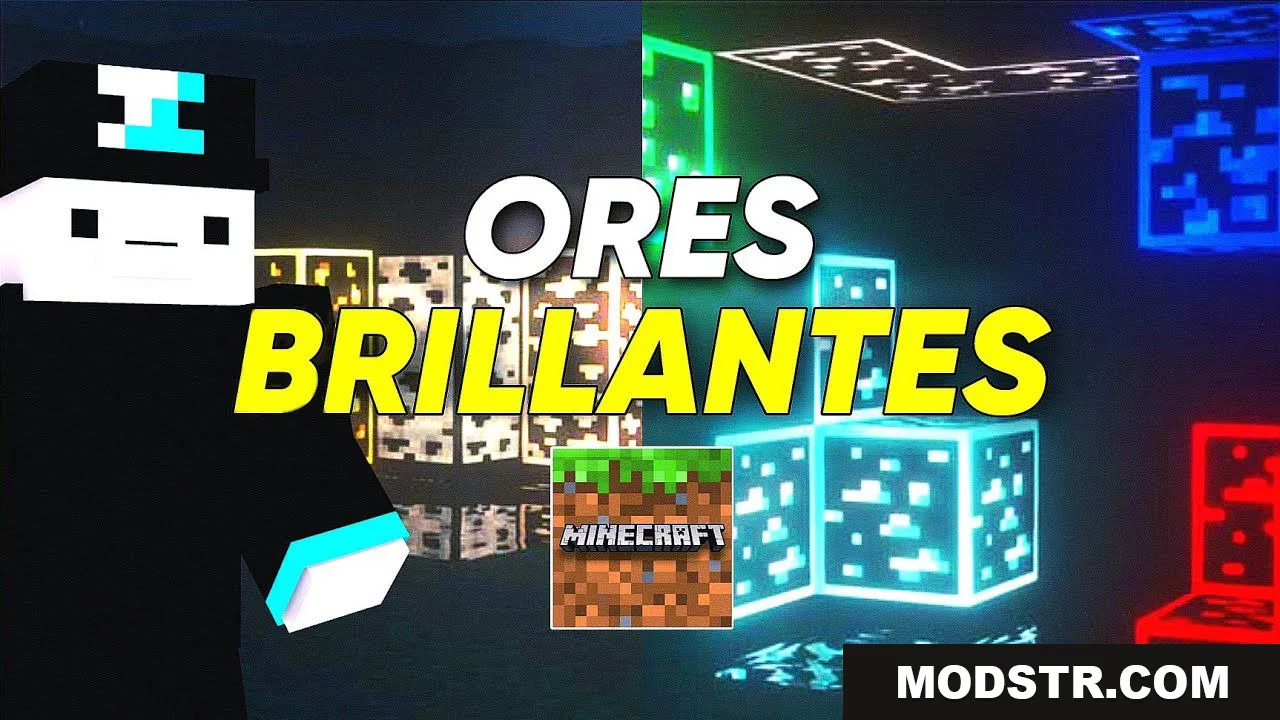
Animated Outlined Ores (26.x, 1.19) – Ores Brillantes Texture Pack MCPE
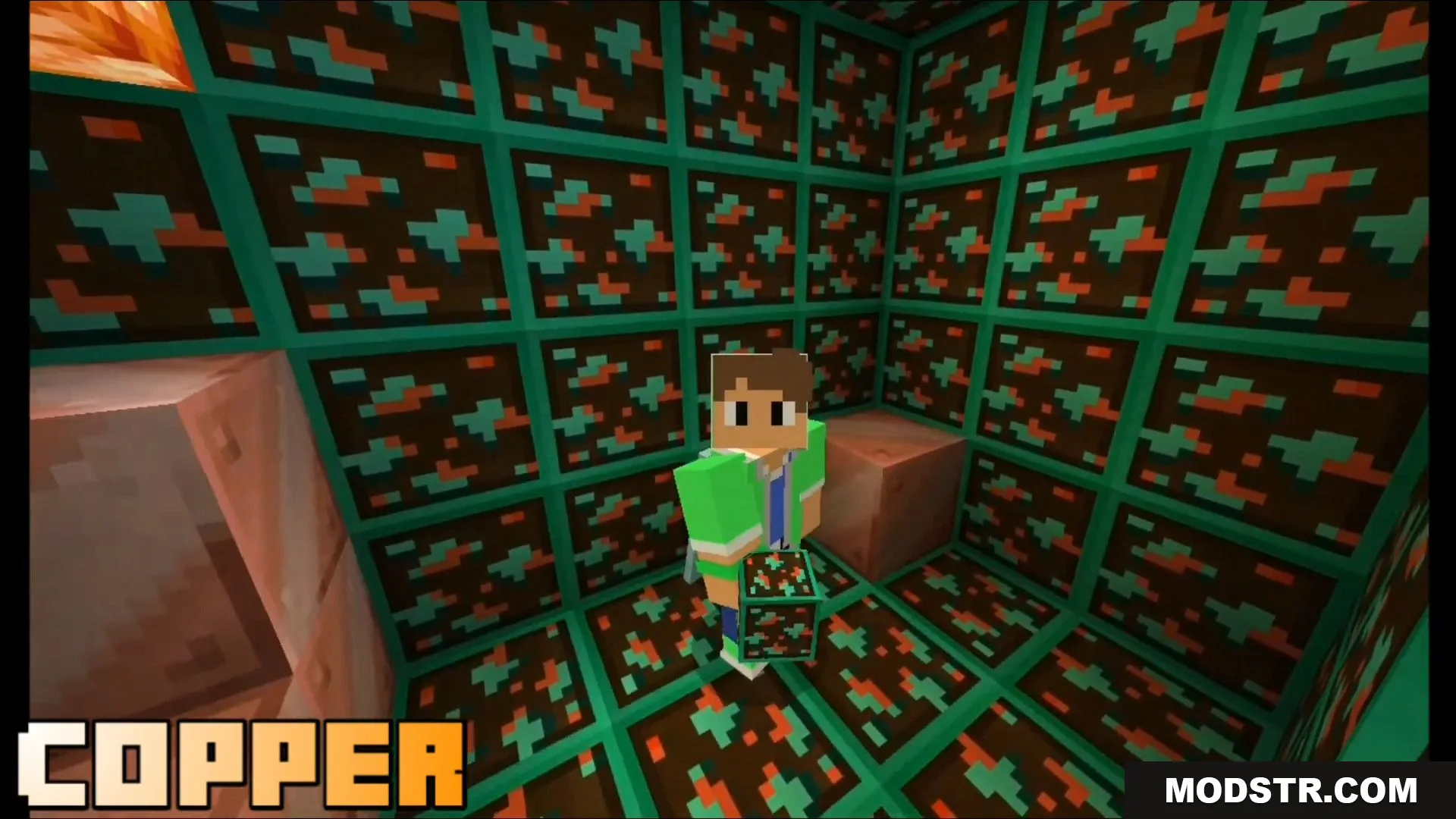
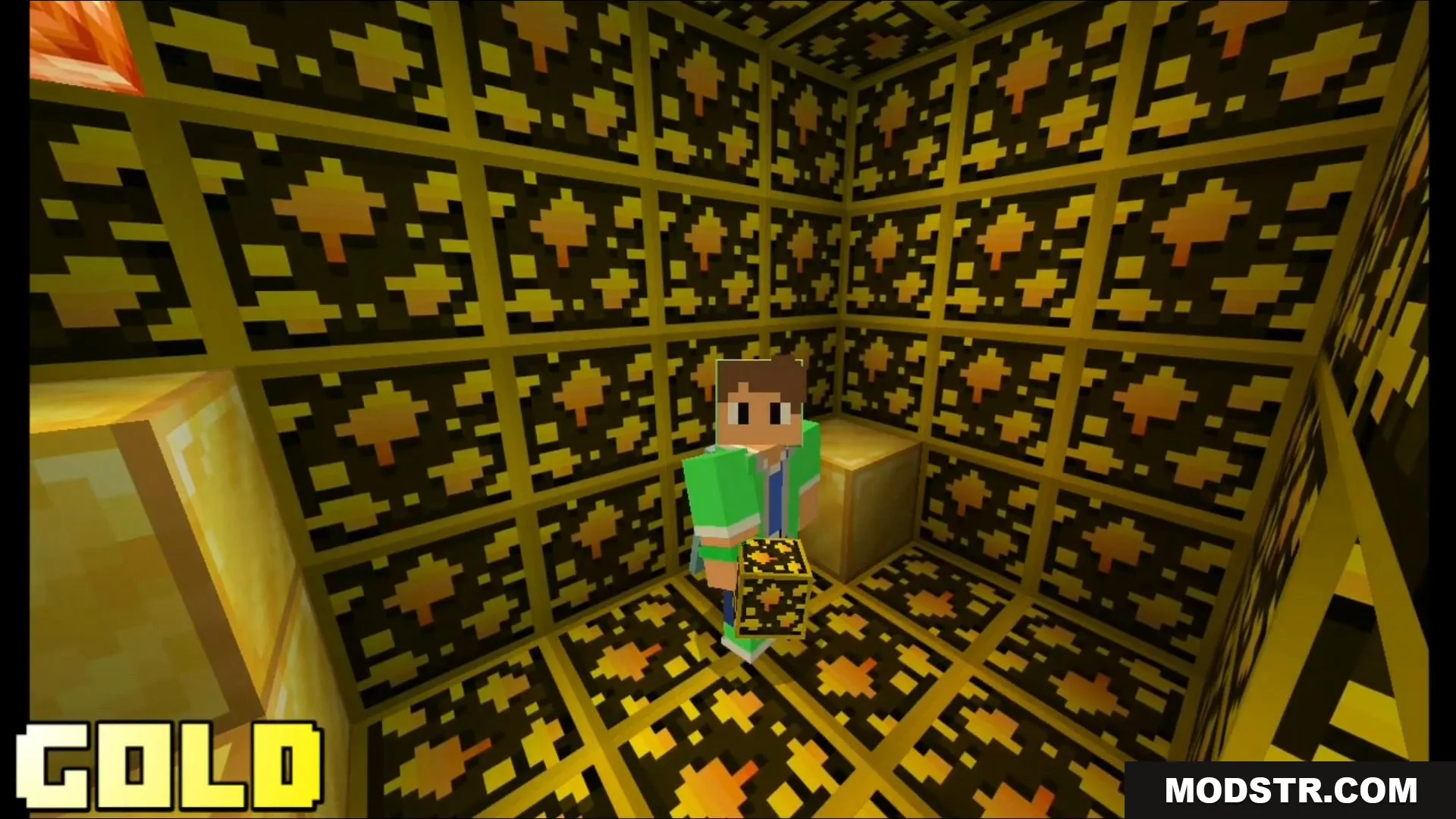
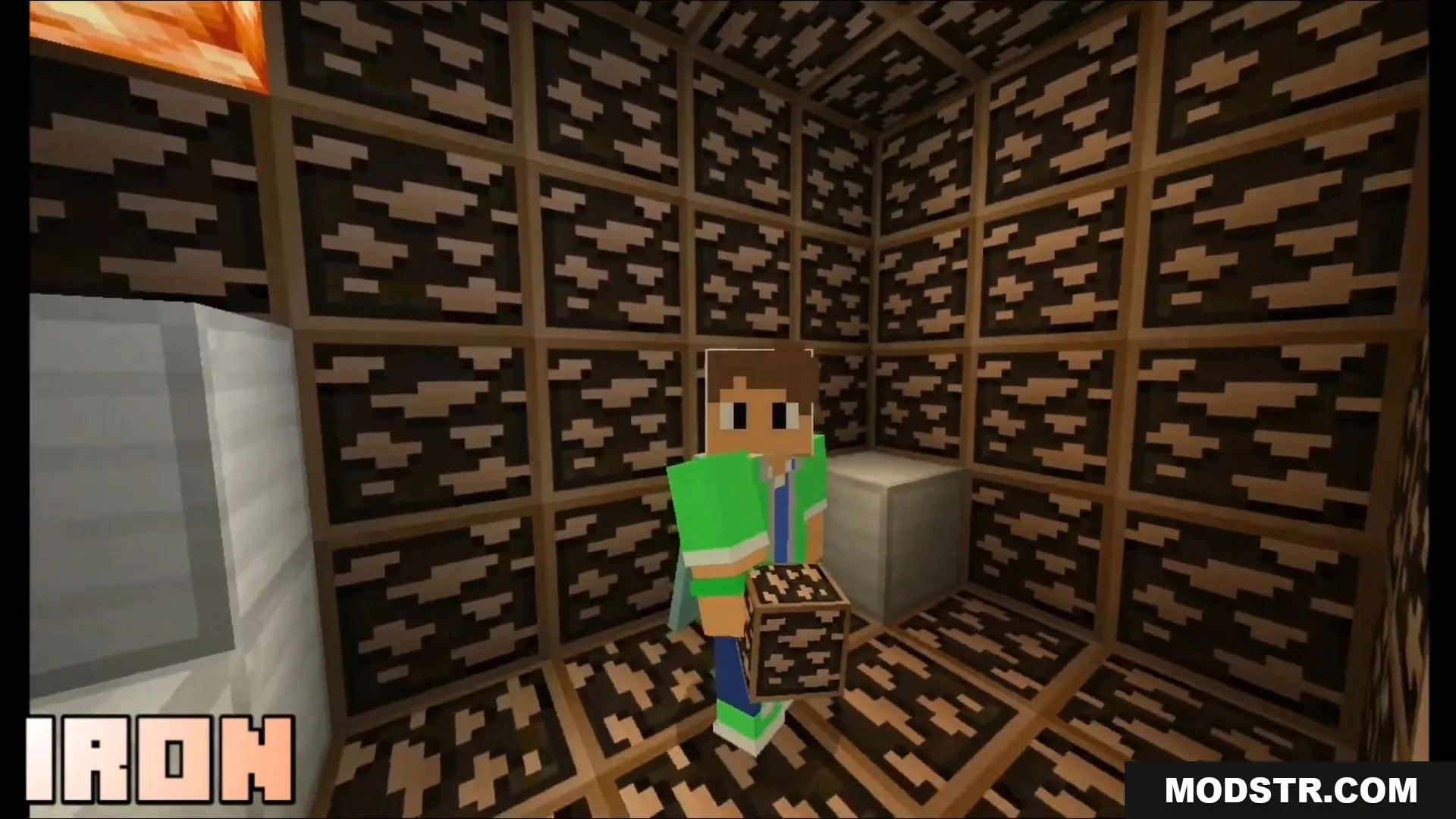
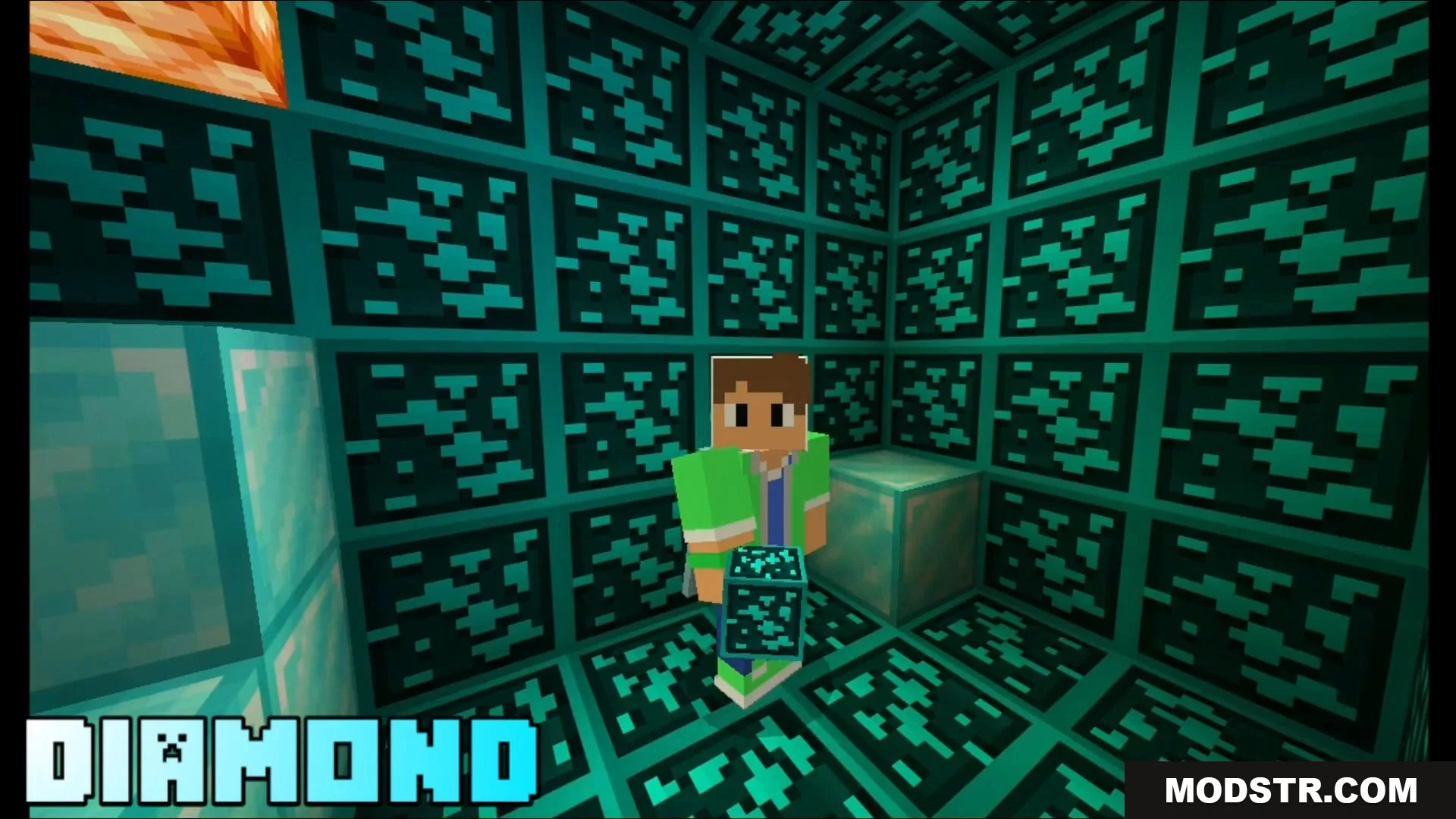
Animated Outlined Ores adds glowing animated borders to ores in Minecraft Bedrock, making them easier to spot in dark caves. Compatible with version 1.19 and above.
- 1.19
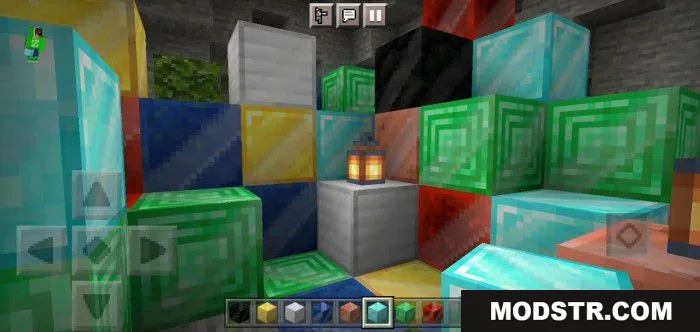
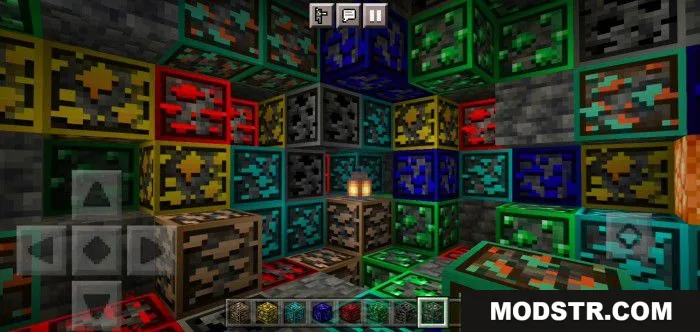
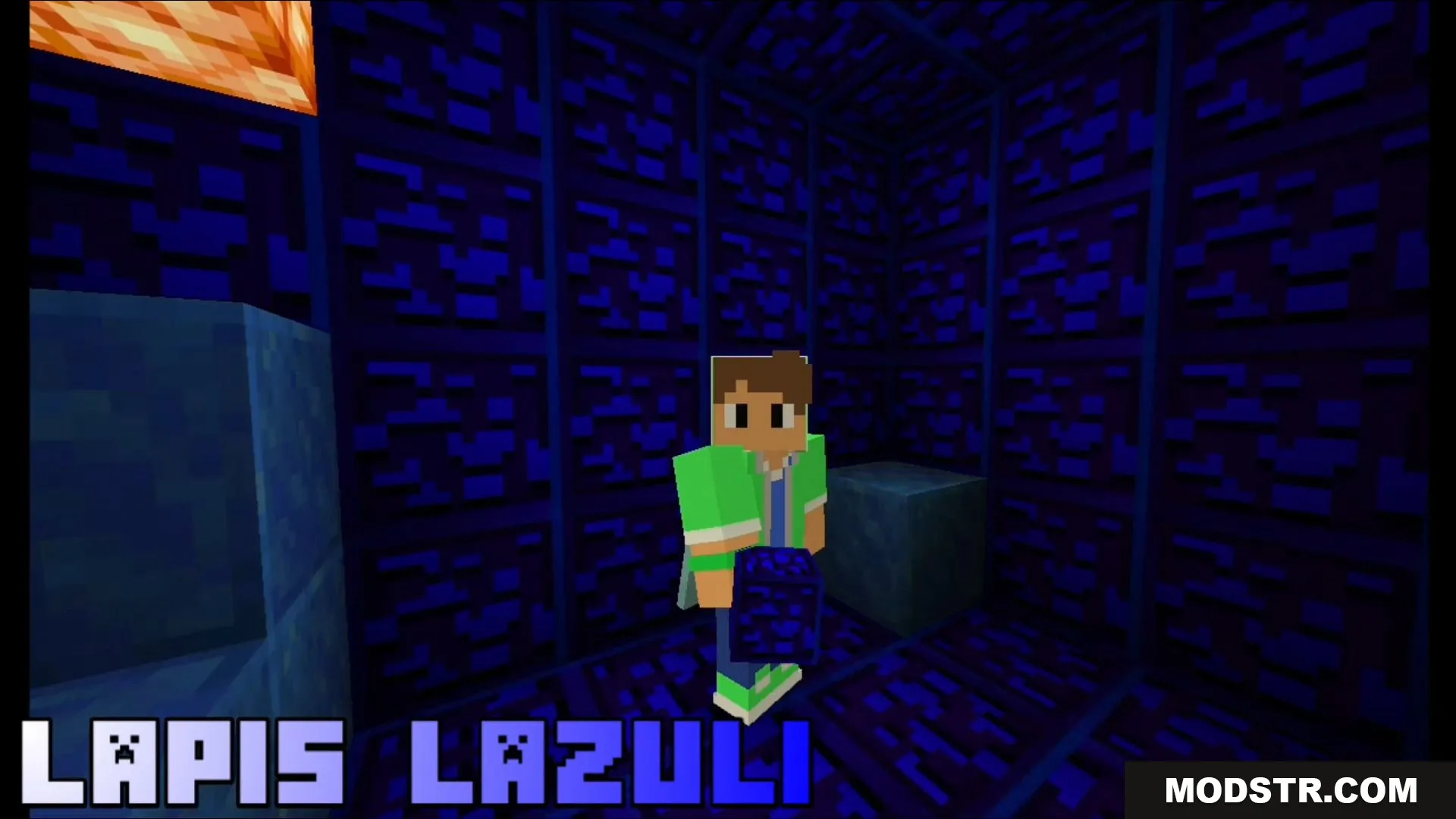
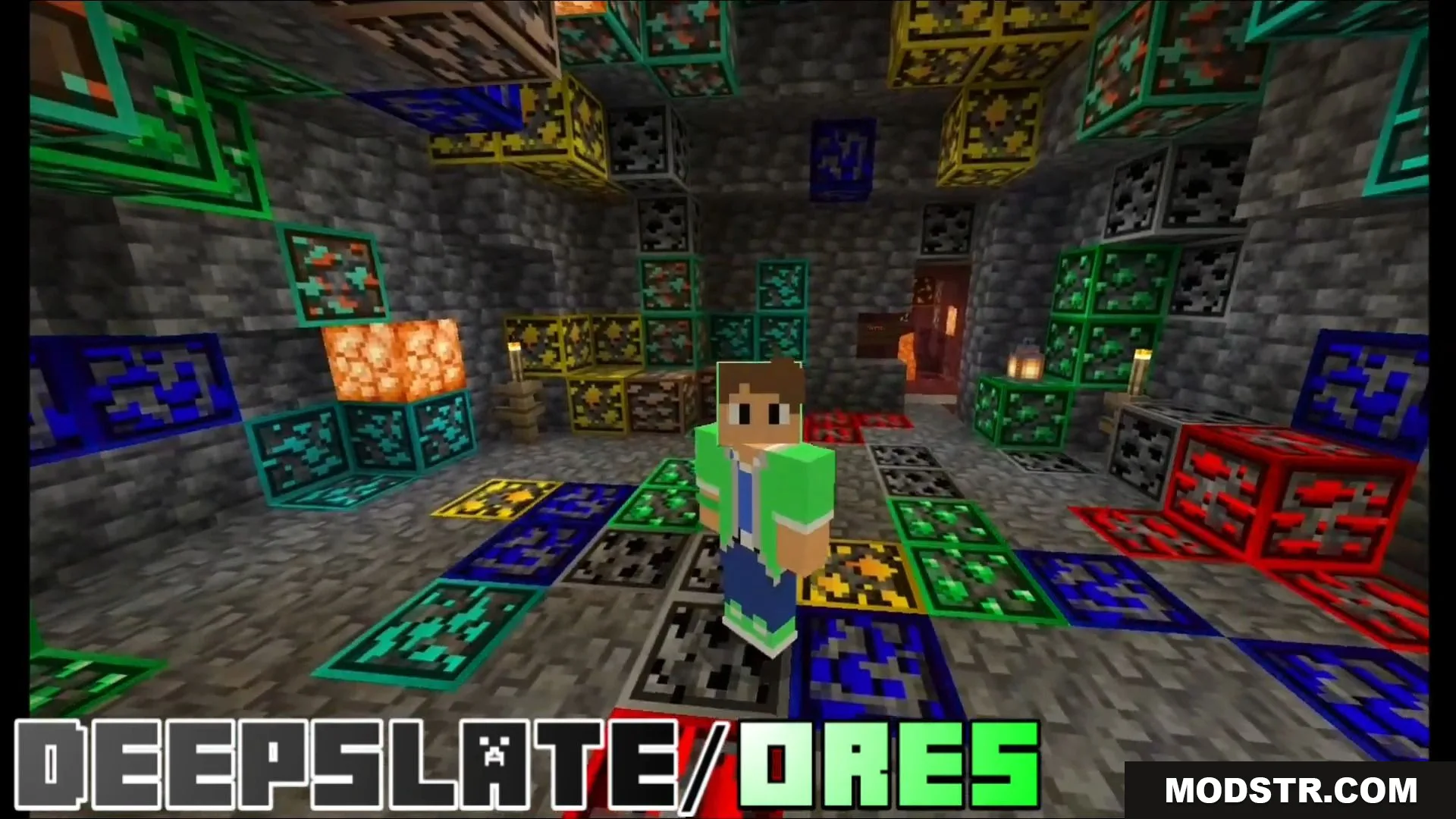
Animated Outlined Ores is a texture pack designed for Minecraft Bedrock Edition that adds animated, highlighted borders around ore blocks. This makes ores significantly easier to locate in dark caves, especially darker ores like coal and deep slate variants that blend into their surroundings.
Features
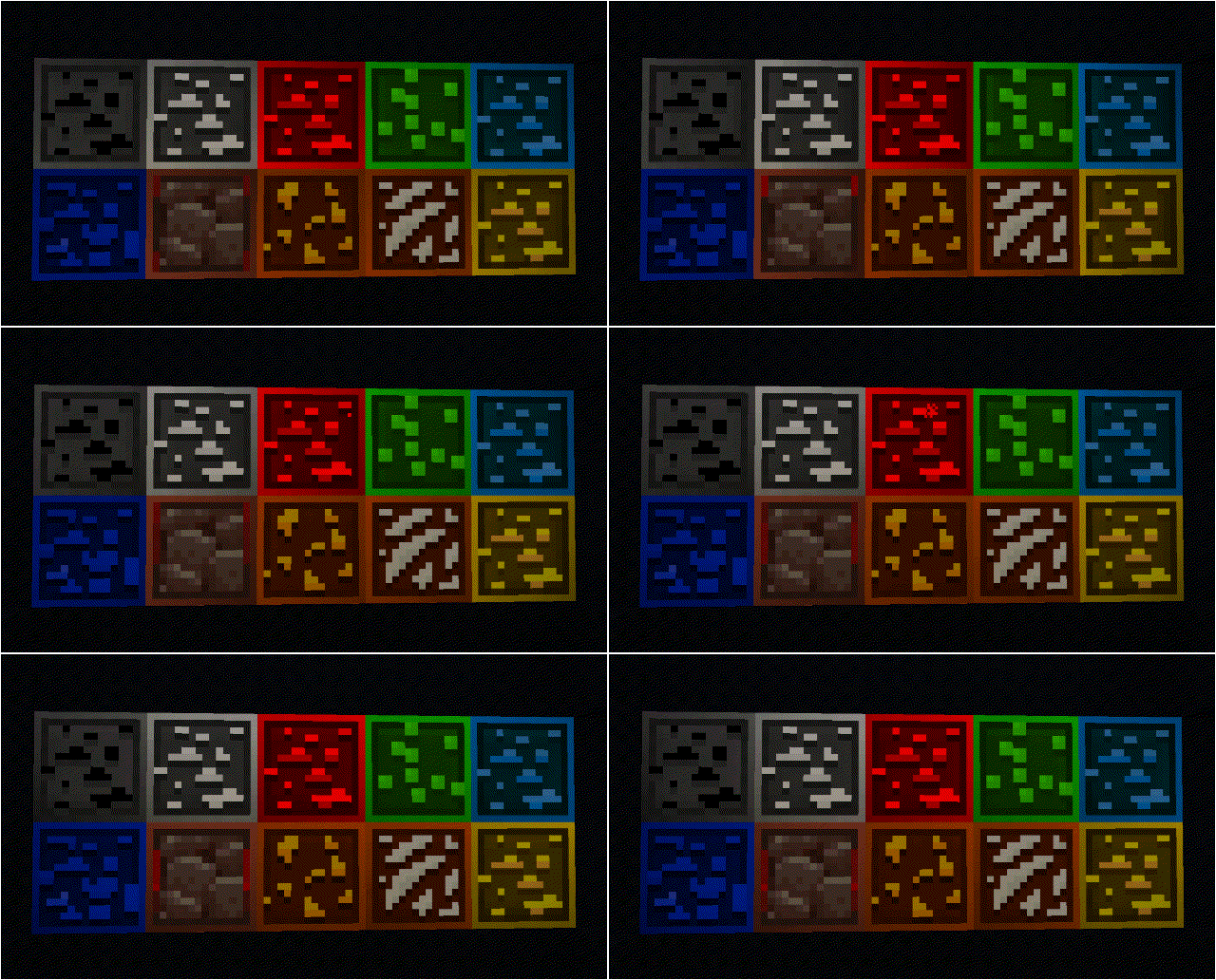
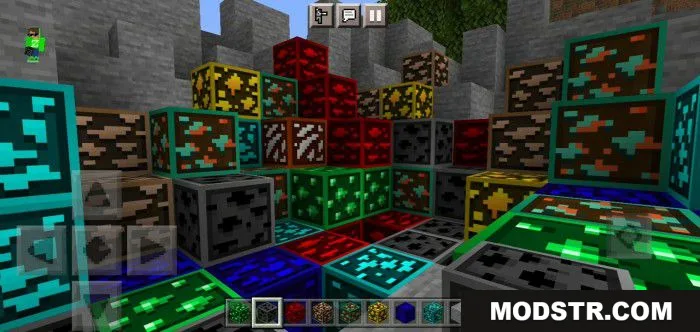
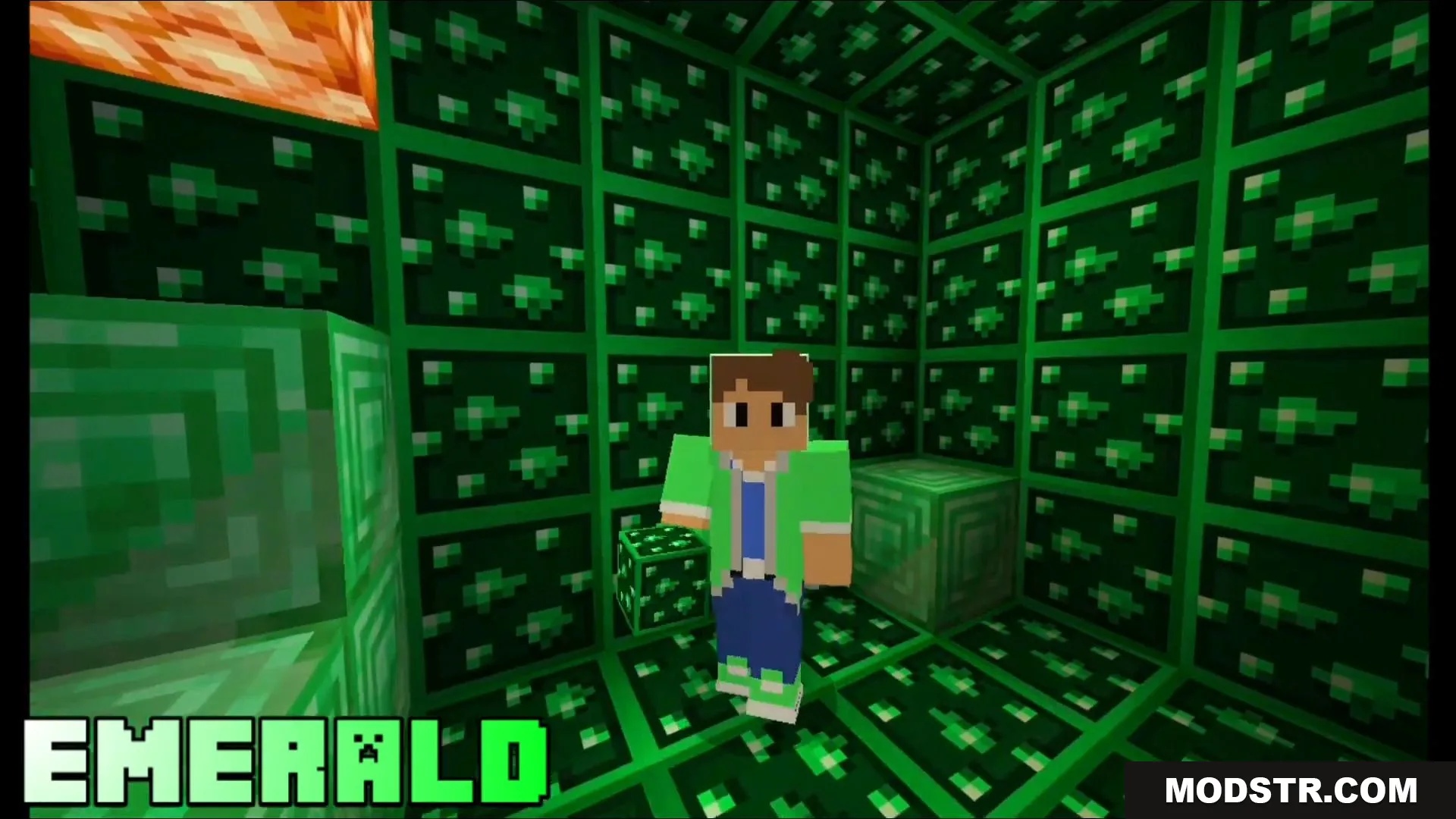
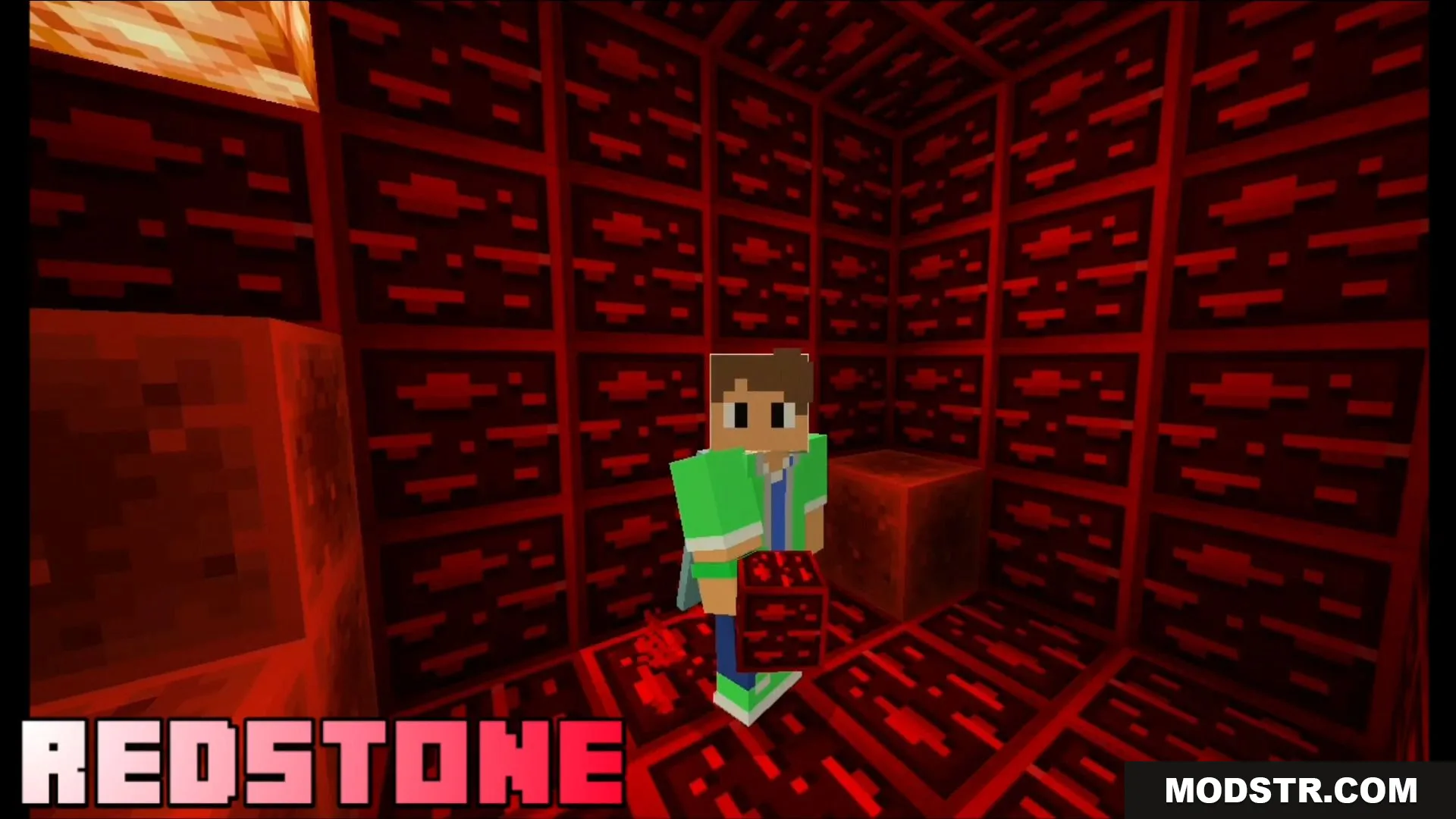
- Animated borders applied to default ores including coal, iron, gold, diamond, emerald, and lapis.
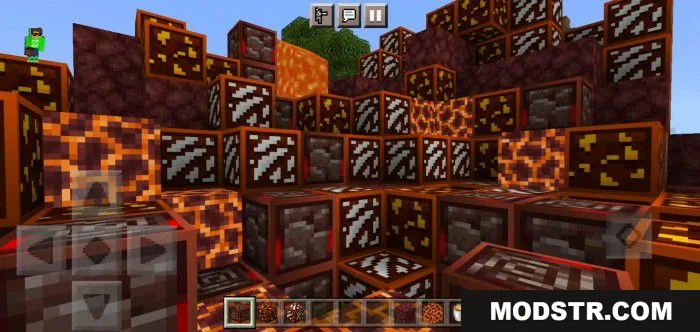
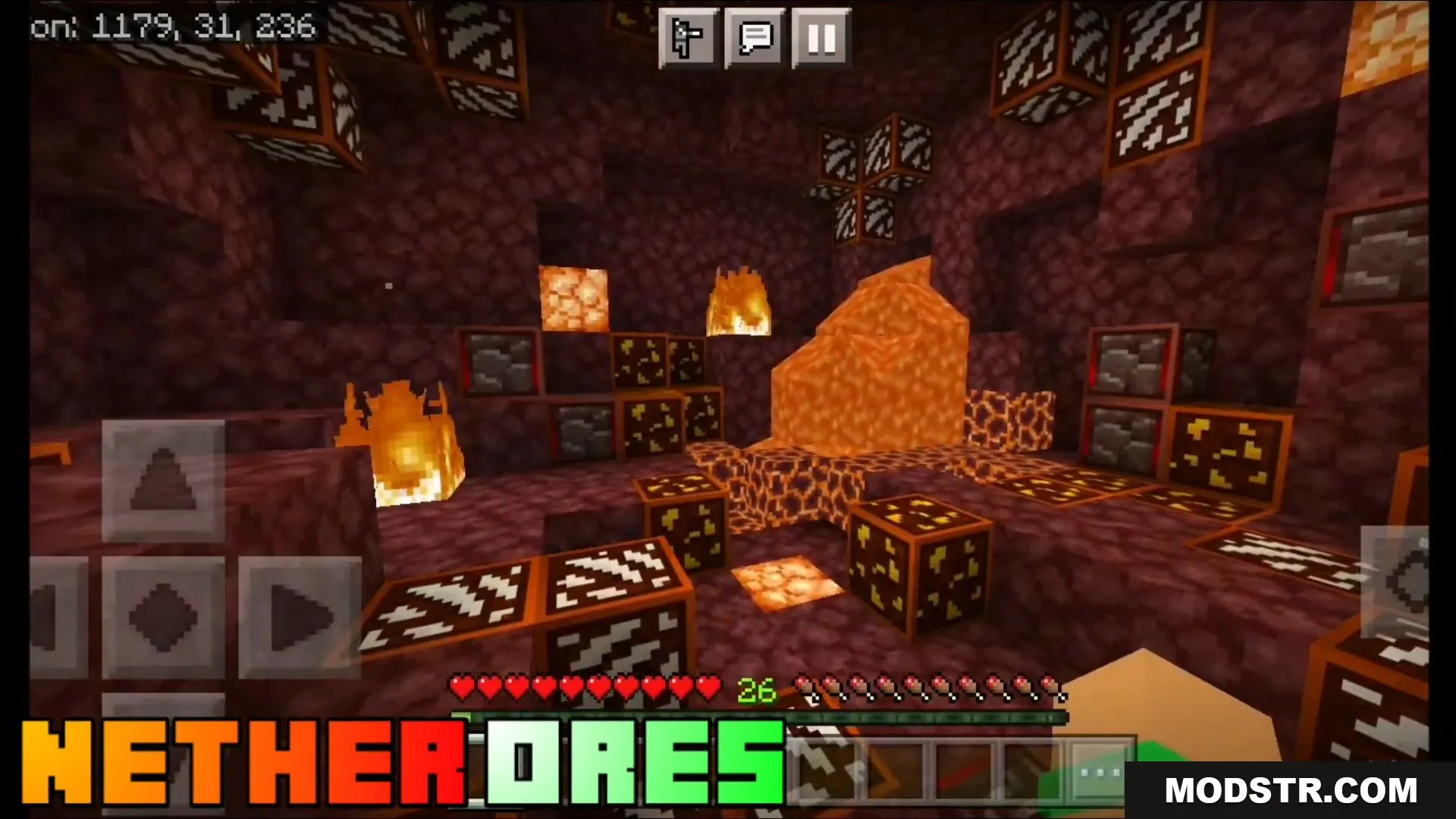
- Nether ore variants are retextured with matching animated outlines.
- Deep slate ore textures include the same animated border treatment.
- Additional block textures updated for visual consistency.
Installation
- Download the texture pack file for your Minecraft Bedrock version.
- Open the downloaded mcpack file, which will automatically prompt Minecraft to import it.
- Launch Minecraft and navigate to world settings.
- Select the texture pack from your active packs list and apply it.
- Restart the world to see the animated ore borders in-game.
Compatibility
This texture pack is compatible with Minecraft Bedrock Edition version 1.19 and later. Earlier versions, including 1.17 and 1.18, may have limited or no compatibility with some features.
DOWNLOAD FILES
- mcpack
- mcpack