Telegram
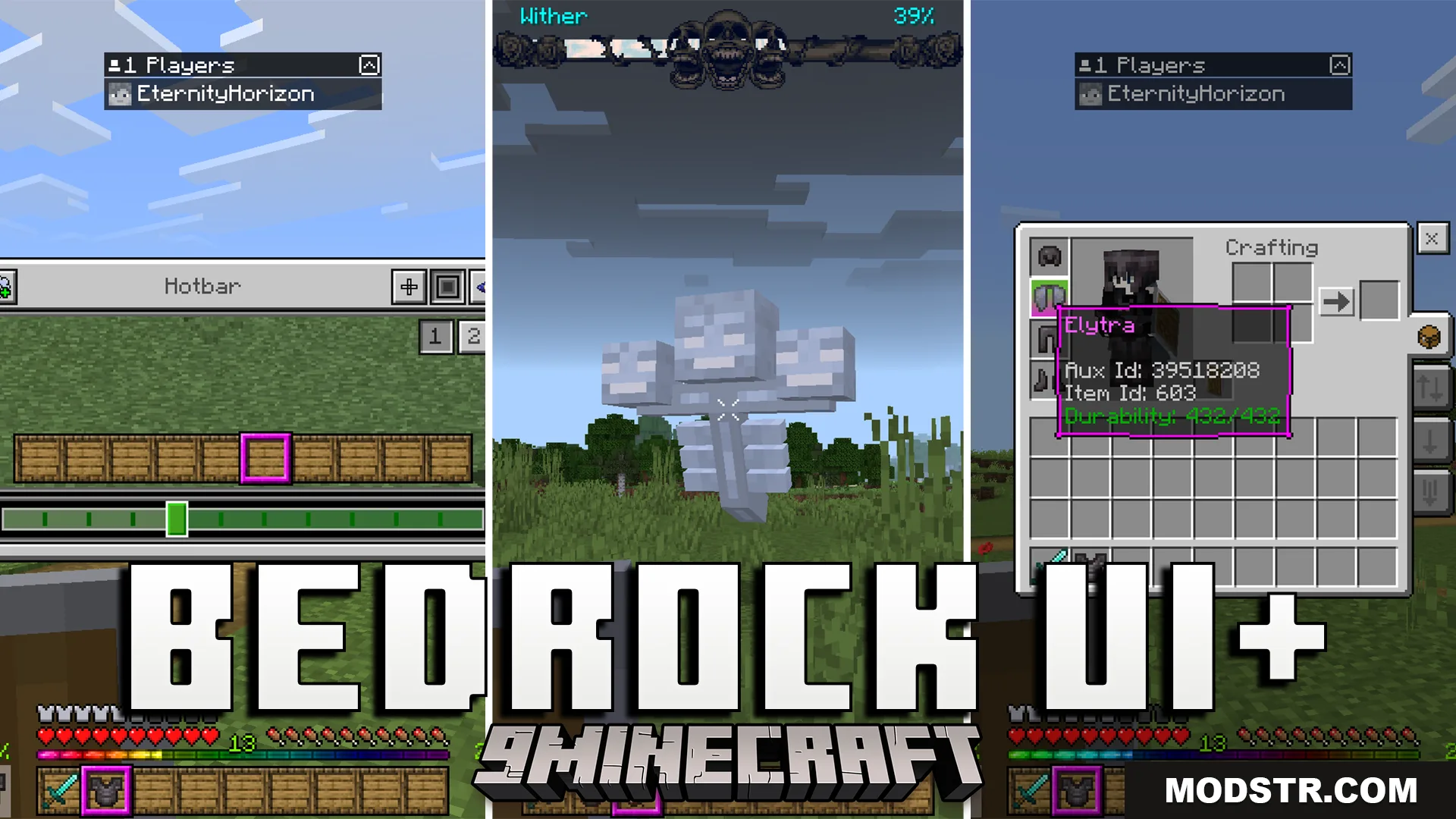
Bedrock UI Plus Texture Pack (26.x, 1.21) – A Custom UI With Helpful Stats cover art

Bedrock UI Plus Texture Pack (26.x, 1.21) – A Custom UI With Helpful Stats

Custom UI texture pack for Bedrock and Java 1.21 with armor durability warnings, ore detection chart, crosshair customization, and on-screen inventory display.

112 MCPE
  • 1.21
  • 1.20

Bedrock UI Plus is a texture pack that modifies your game interface to display additional information during gameplay. It adds durability tracking, ore detection tools, and inventory visibility without opening menus.
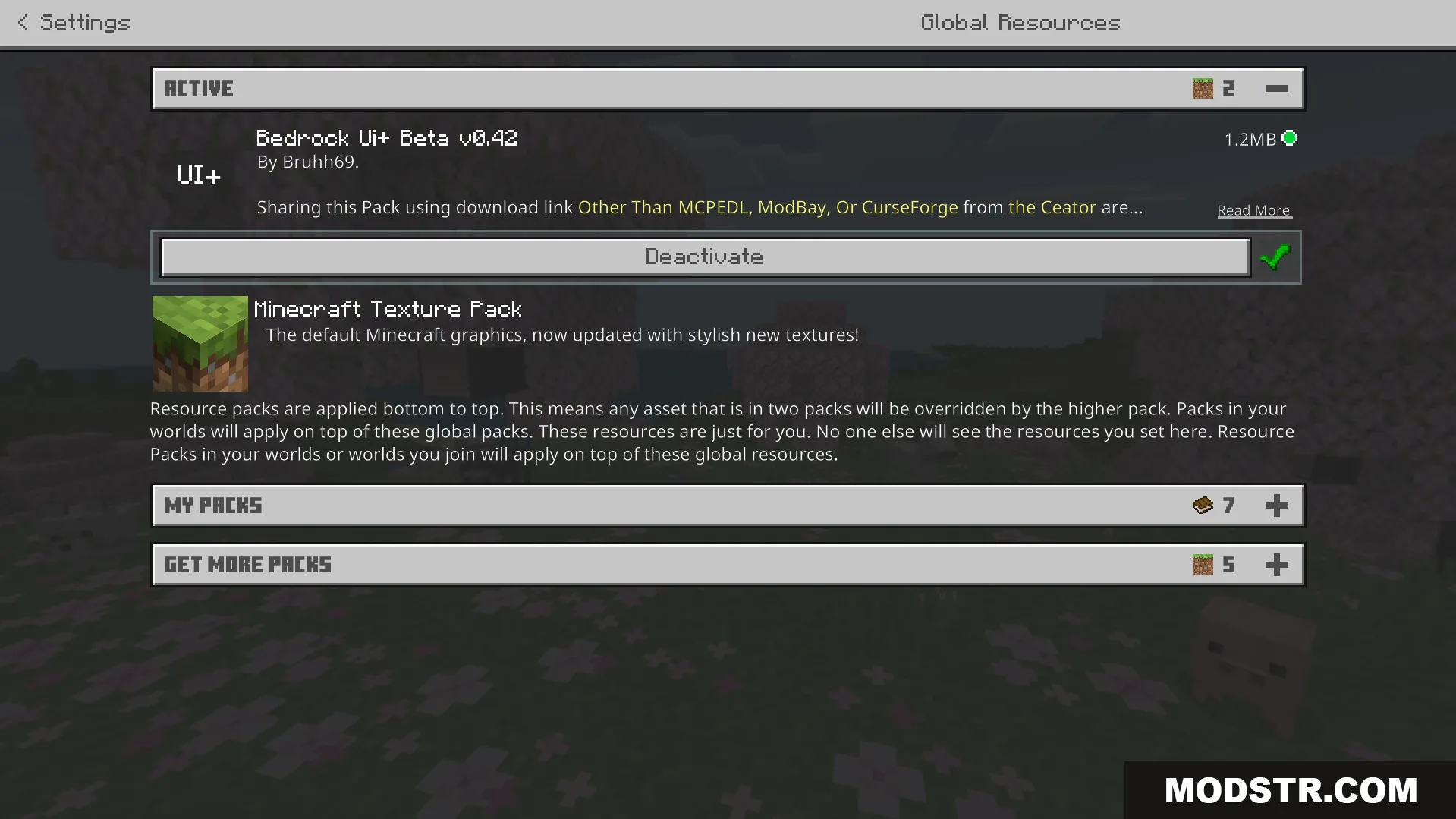
Activating the addon in the global resources menu to change screens

Features

  • Displays armor durability status with warnings when items are low.
  • Includes a visual ore detection chart to locate ores while mining.
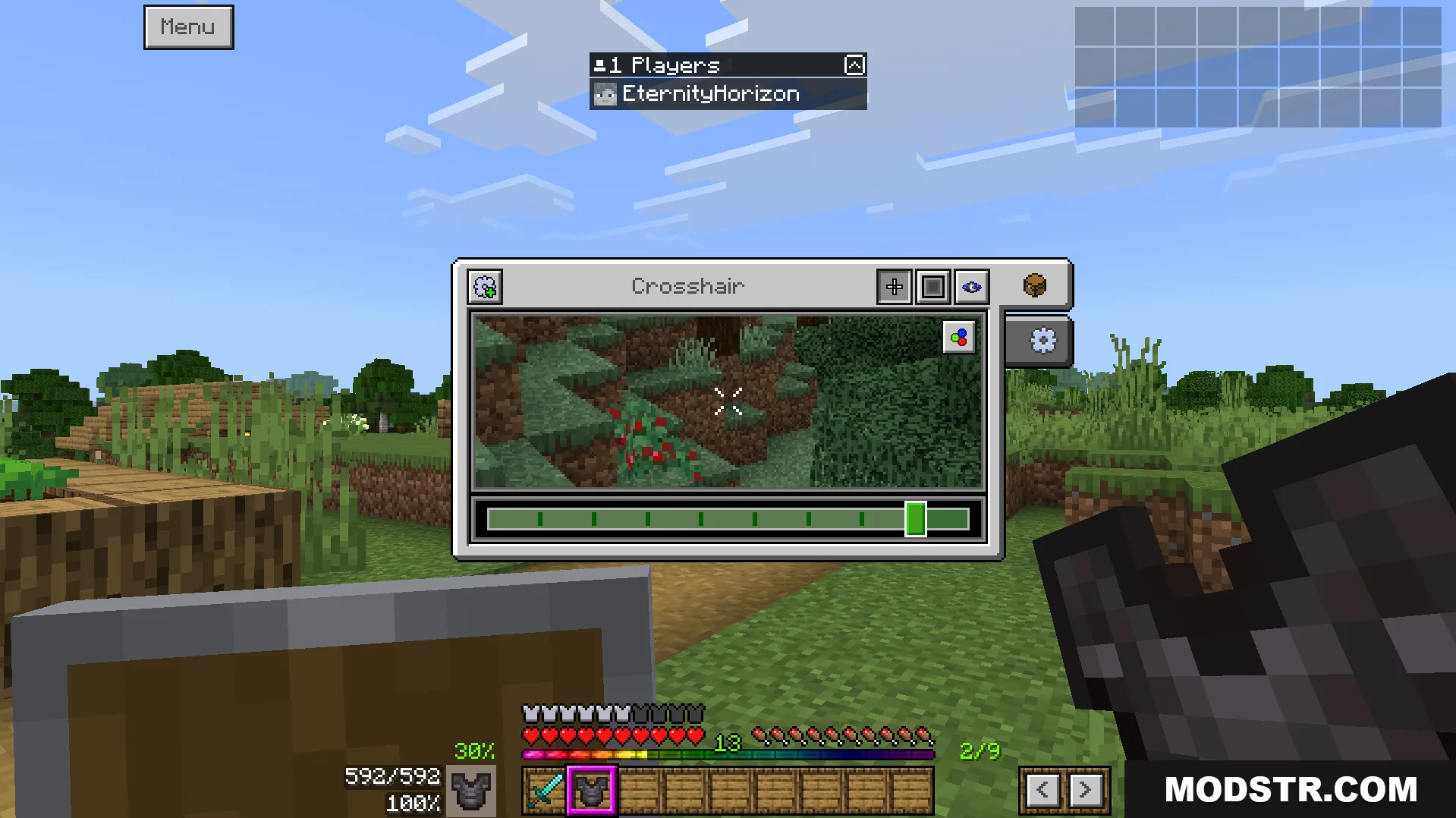
  • Customizable crosshair with color options.
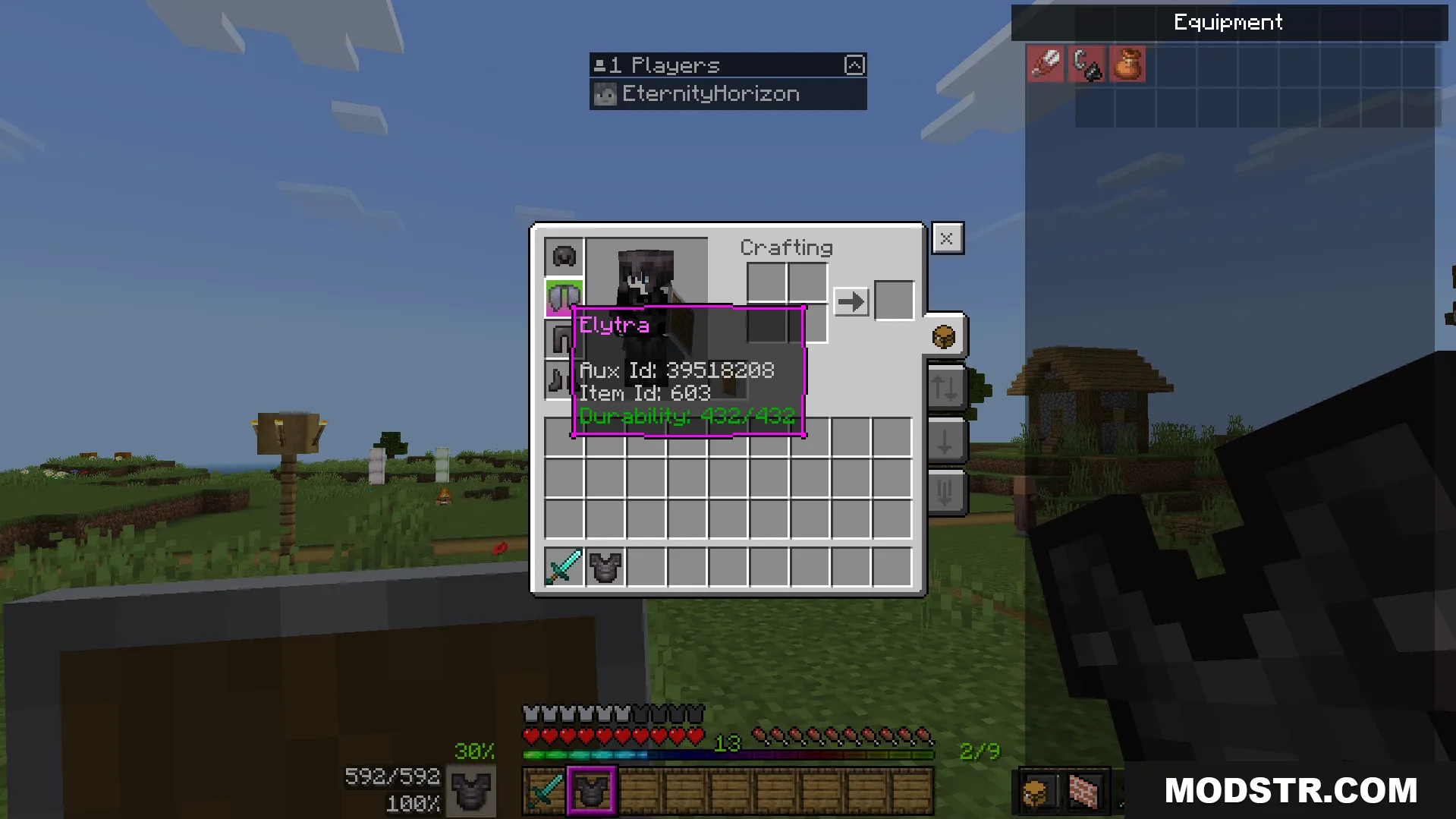
  • Shows your full inventory on screen at all times.
  • Repositions main menu buttons for easier navigation.
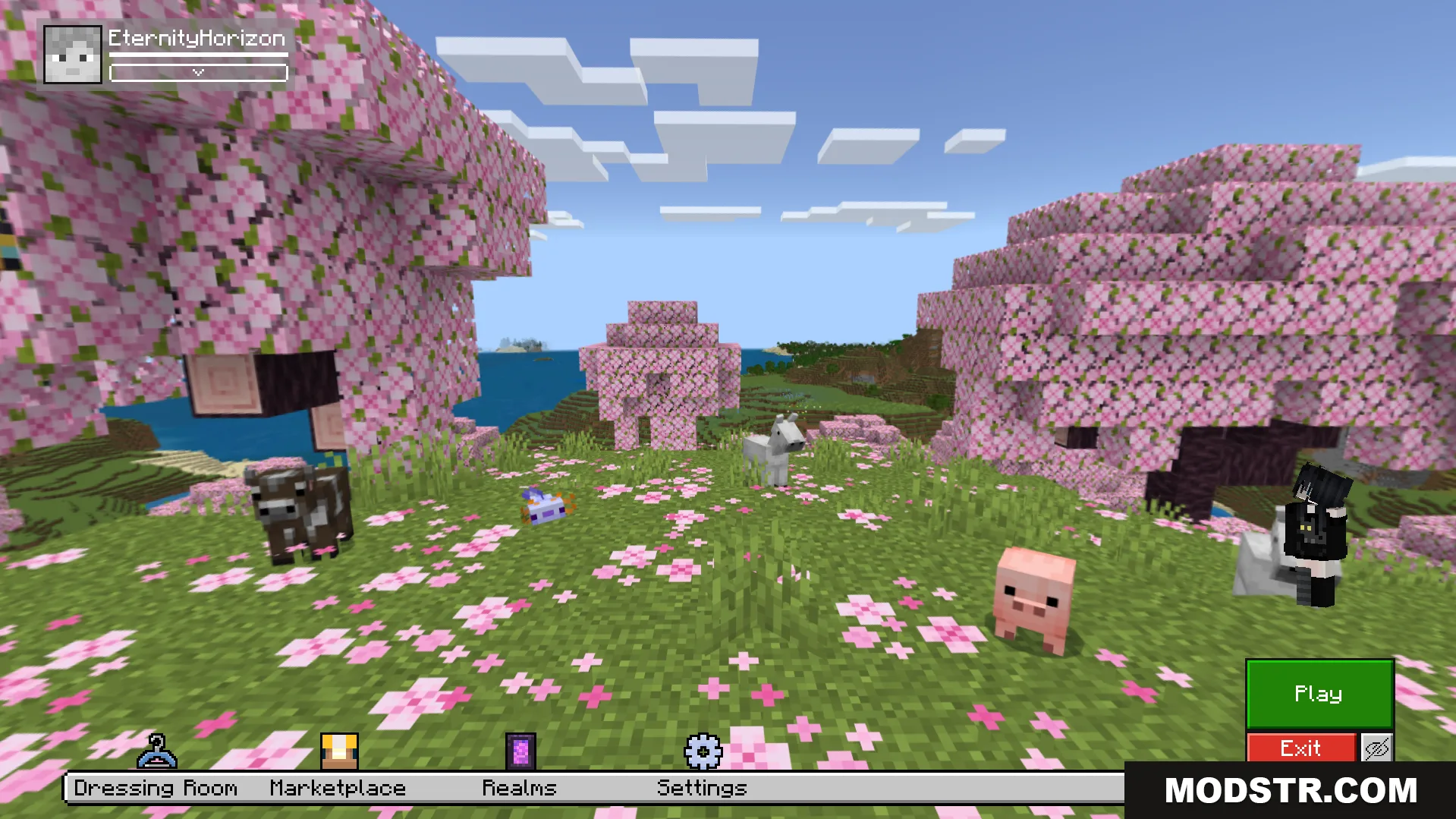
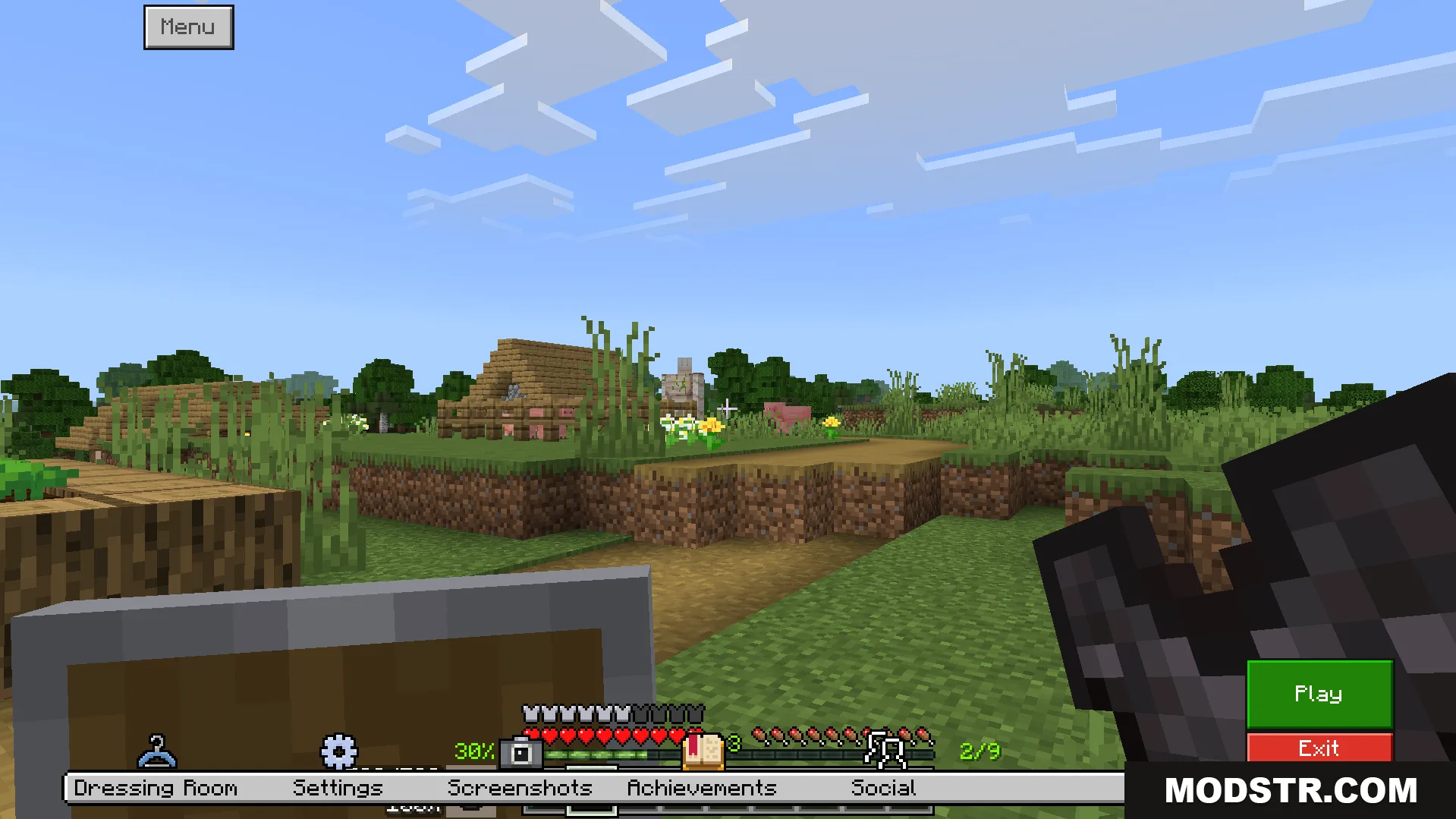
The main menu buttons are moved to make them easier to reach
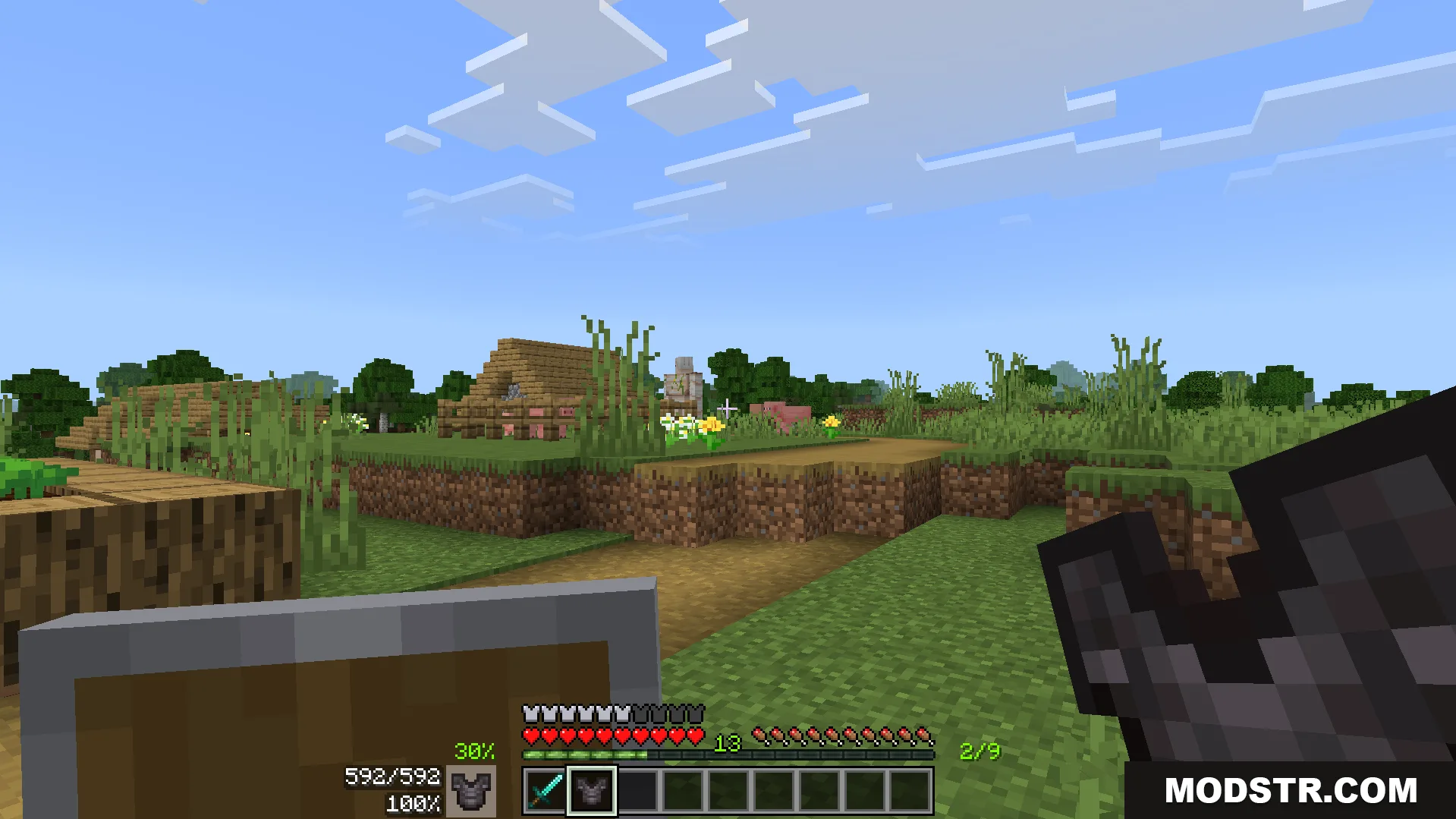
New on screen display shows armor durability and other helpful information
The main menu buttons are moved to the side for access

Installation

  1. Download the texture pack file.
  2. Open your Minecraft resource packs folder.
  3. Place the downloaded file into the resource packs directory.
  4. Launch Minecraft and select the pack from your resource pack list.
  5. Apply the pack and restart your world.
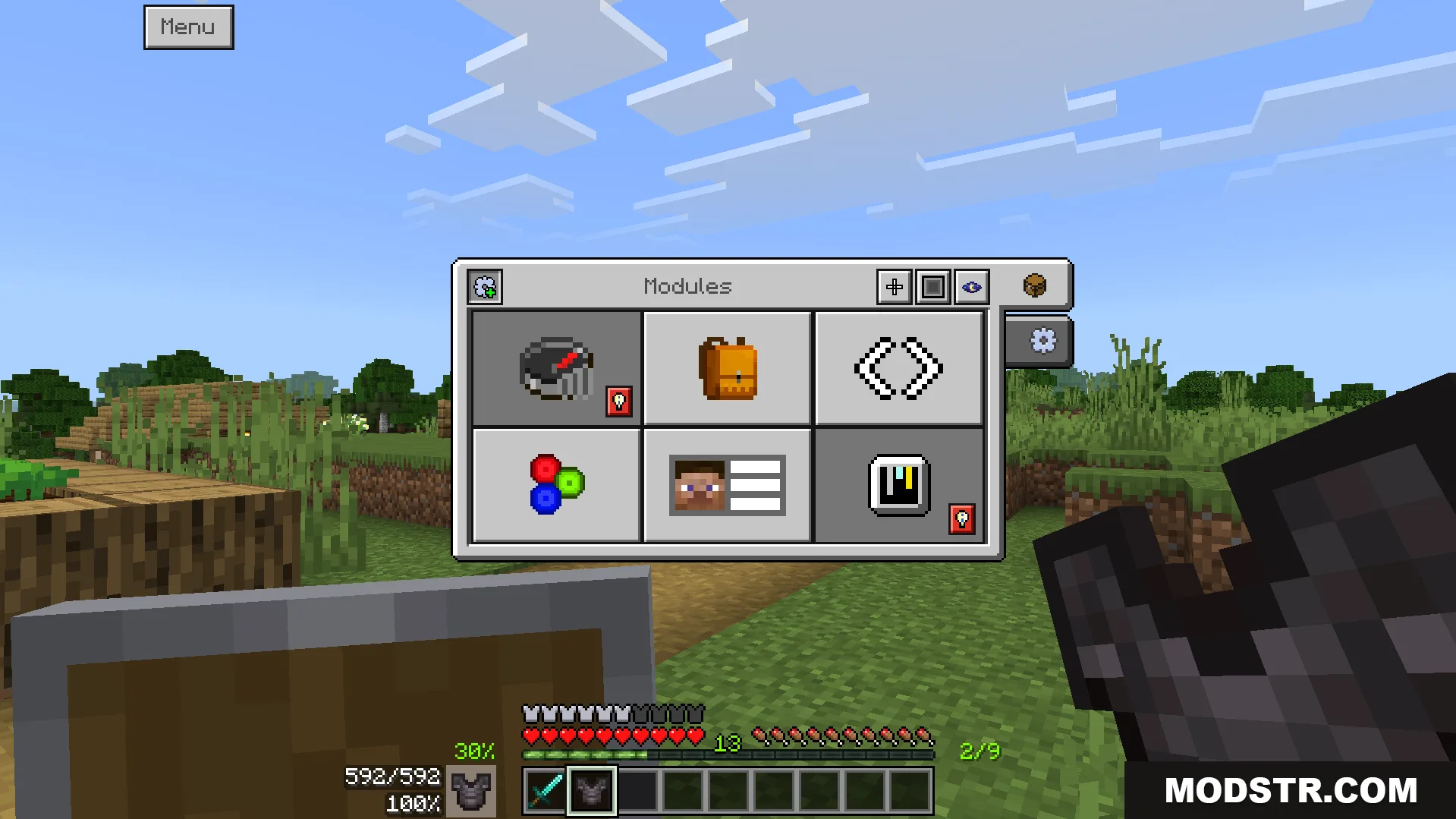
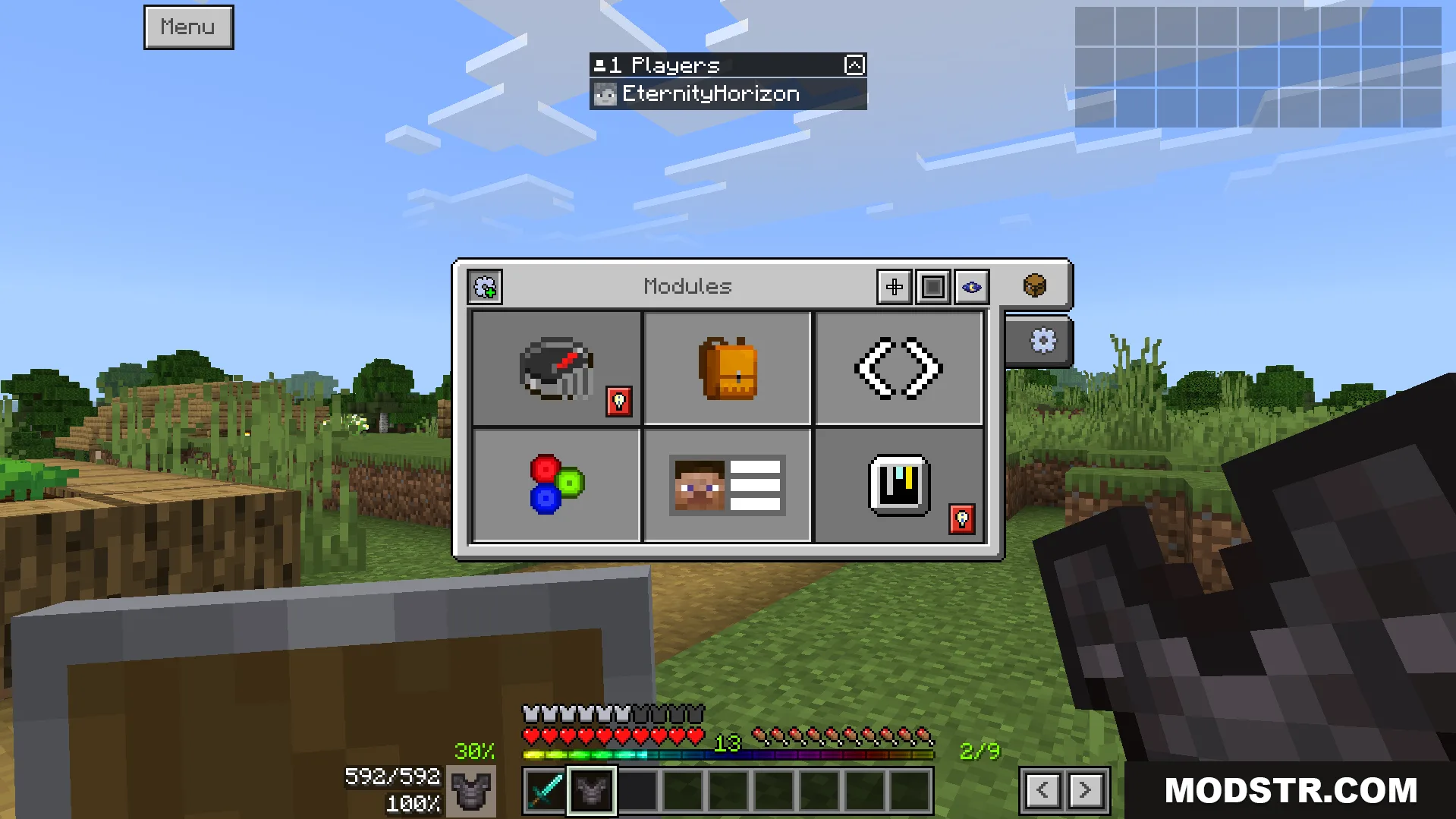
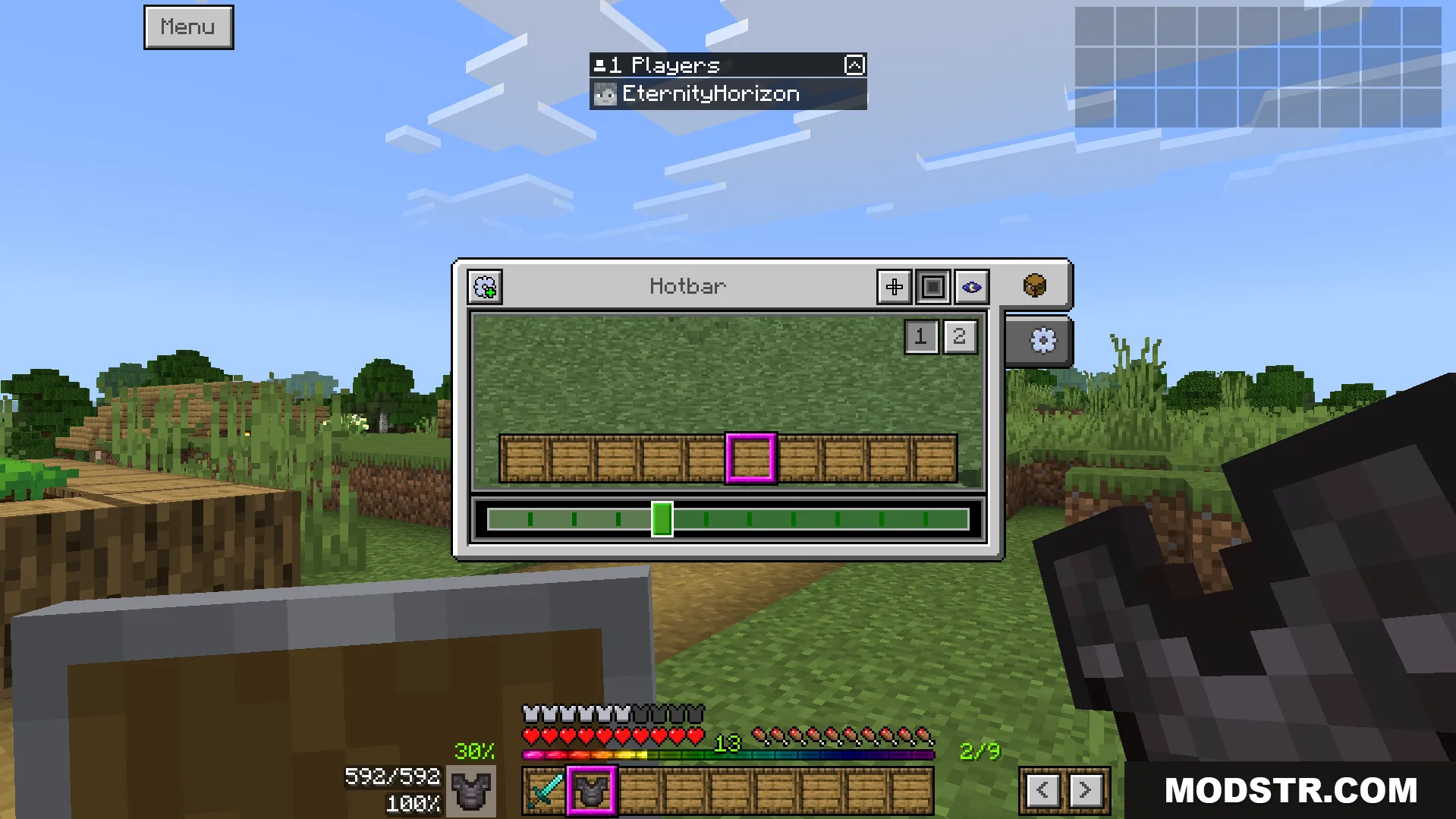
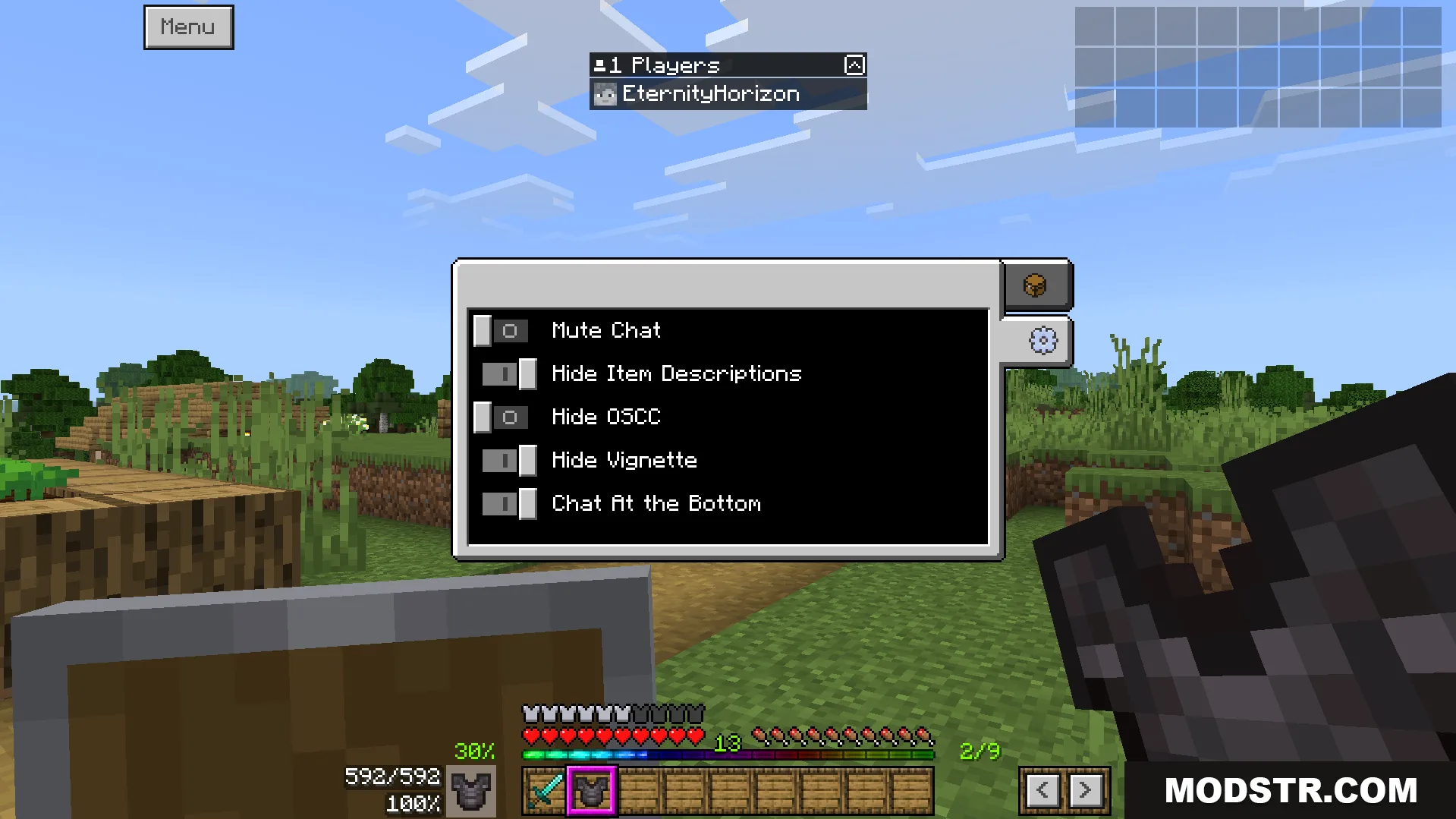
A new menu lets you customize features like the crosshair style
The user interface shows helpful information like your armor durability percentage
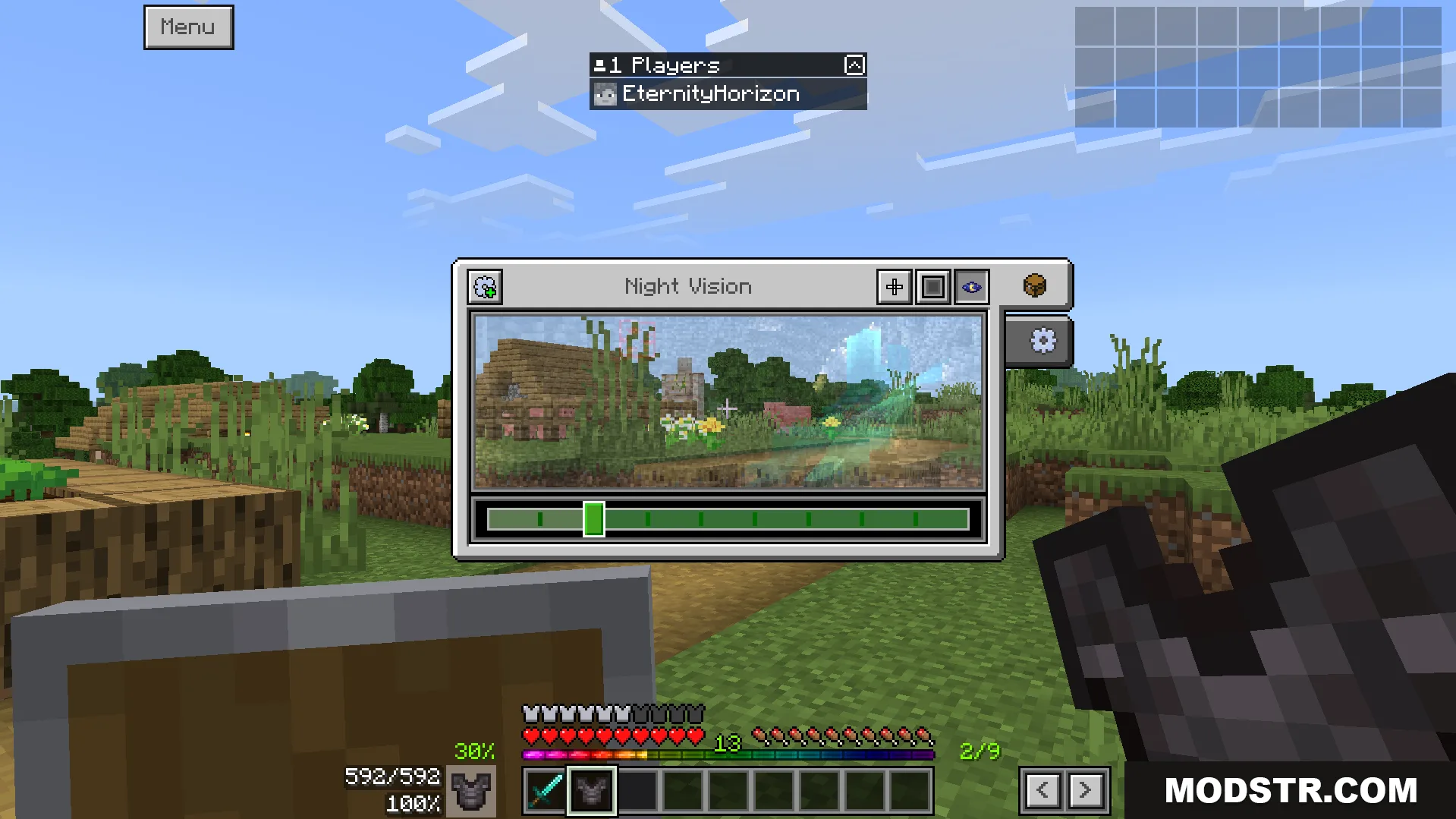
The addon changes game screens to give you helpful information
This pack displays your full inventory on the screen always
You can change your crosshair style and pick custom colors
Customize your game screen with new user interface settings
The new interface shows helpful information like your armor durability
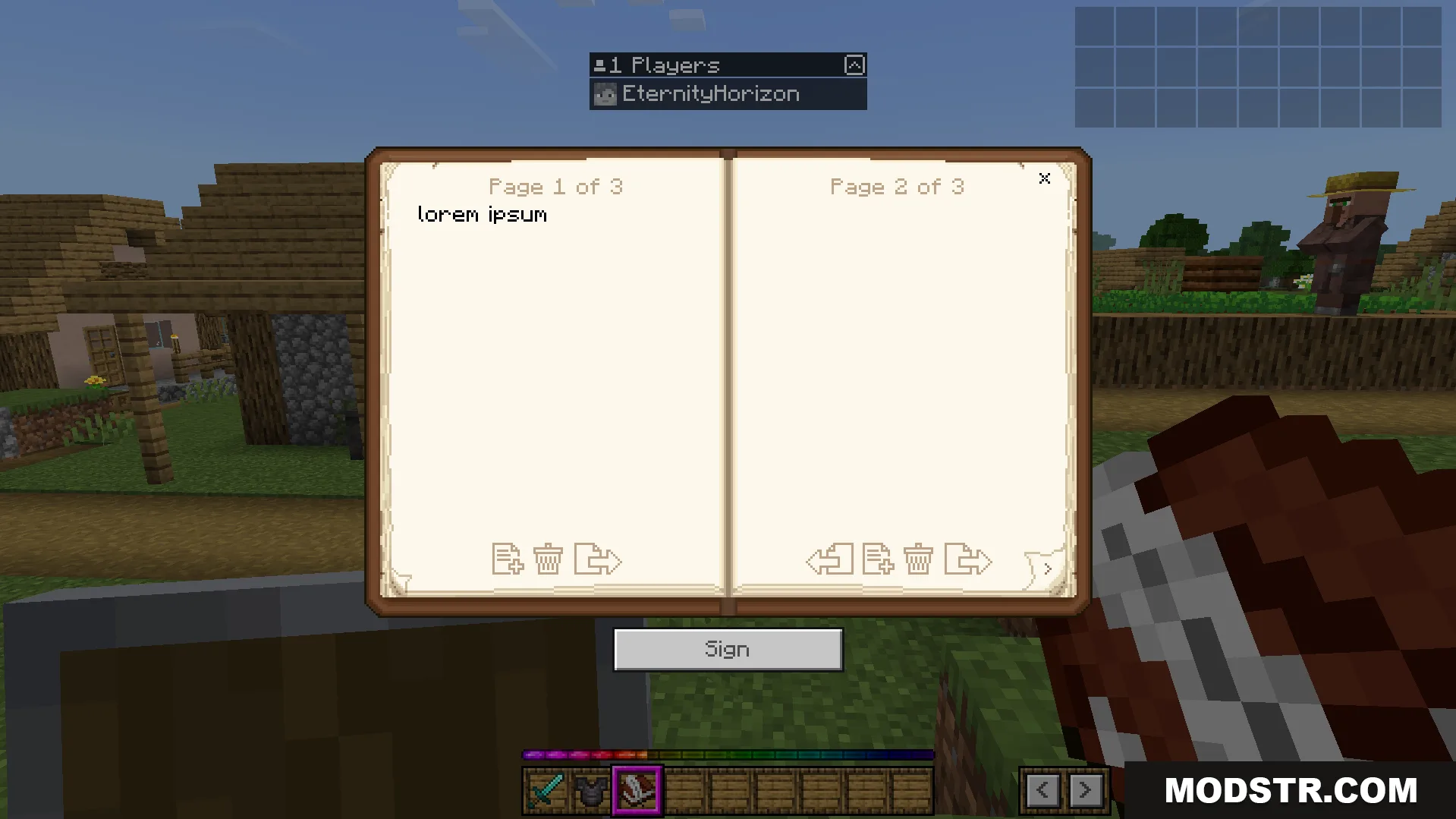
An example of the addon's new user interface screens
An example of the addon’s new user interface screens
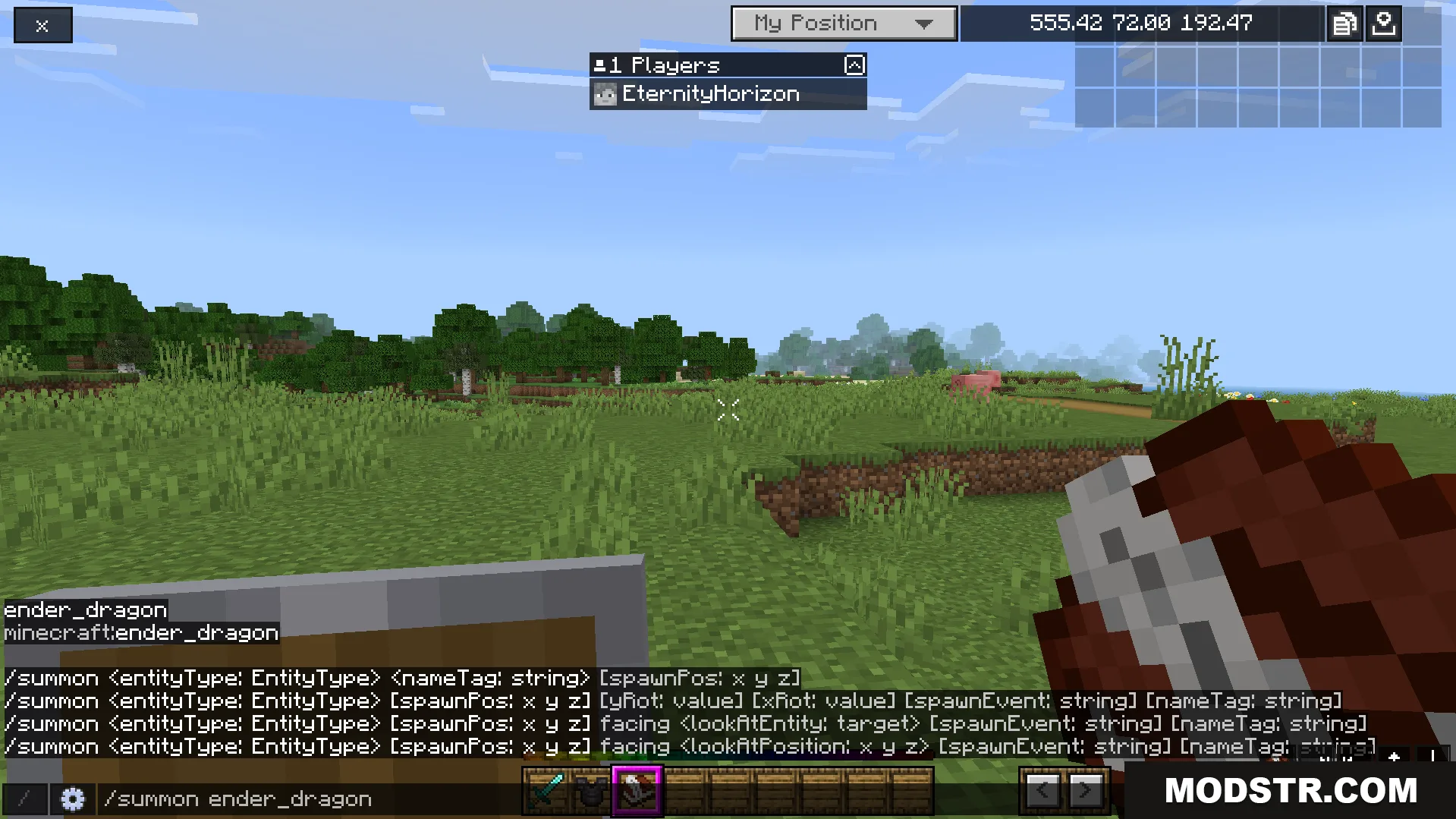
A player summons a dragon using the modified game screen
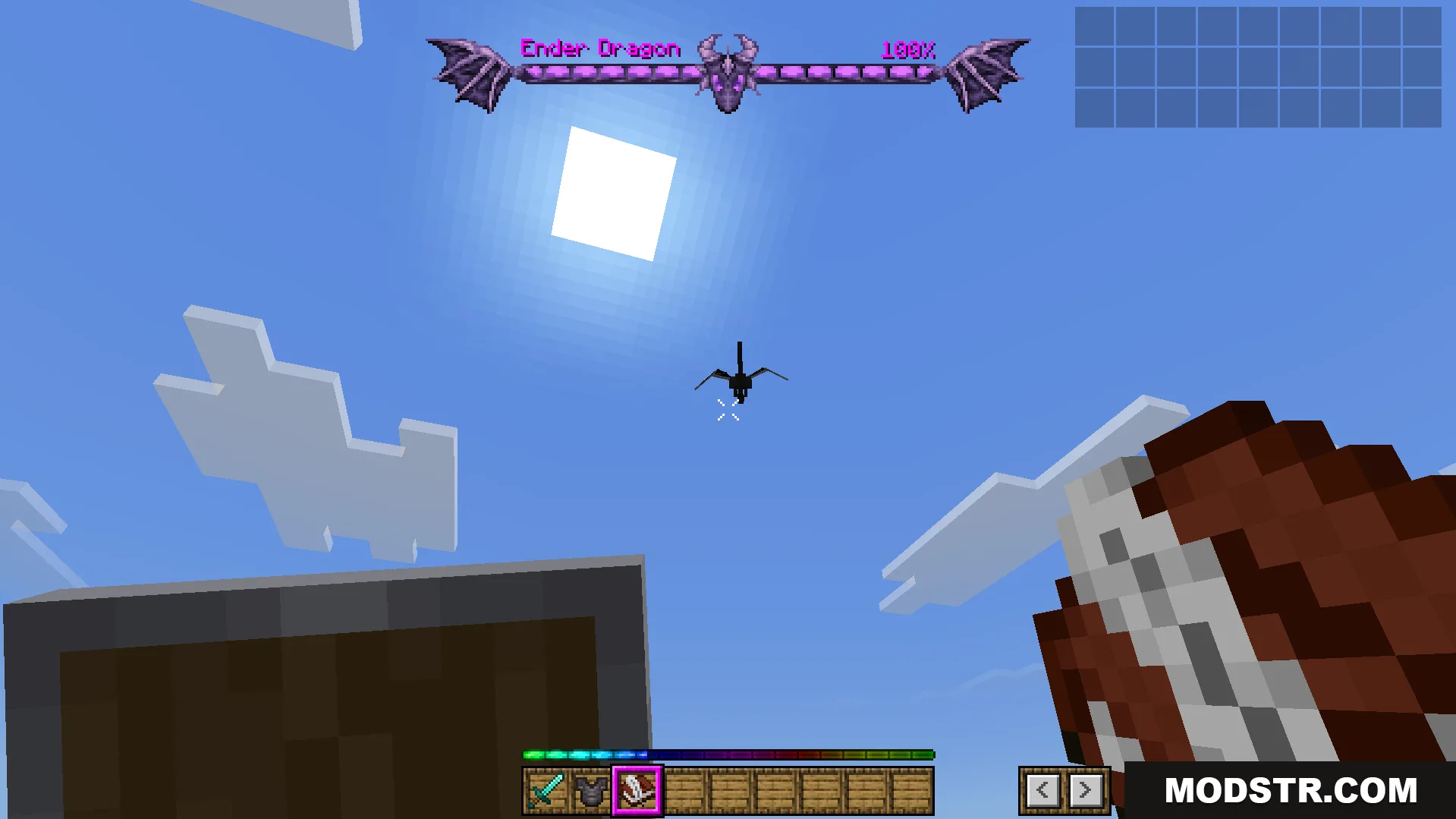
The addon displays a custom health bar for the dragon
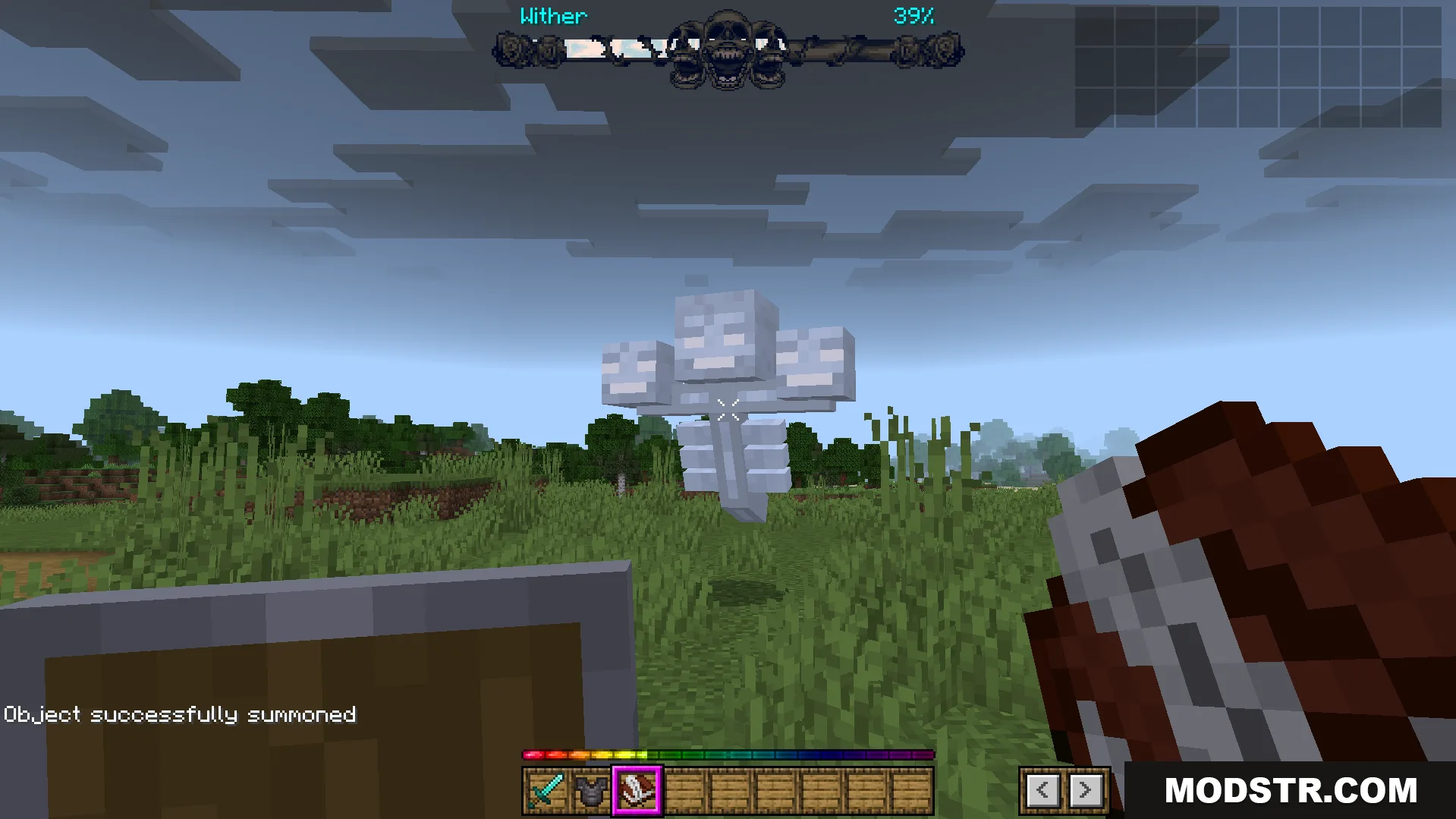
A custom boss health bar is shown for the Wither

DOWNLOAD FILES

  • mcpack
    For MCPE/Bedrock 26.x, 1.21.x, 1.20.x · Bedrock-Ui-Plus-Texture-Pack-26x.mcpack
    • 1.21