
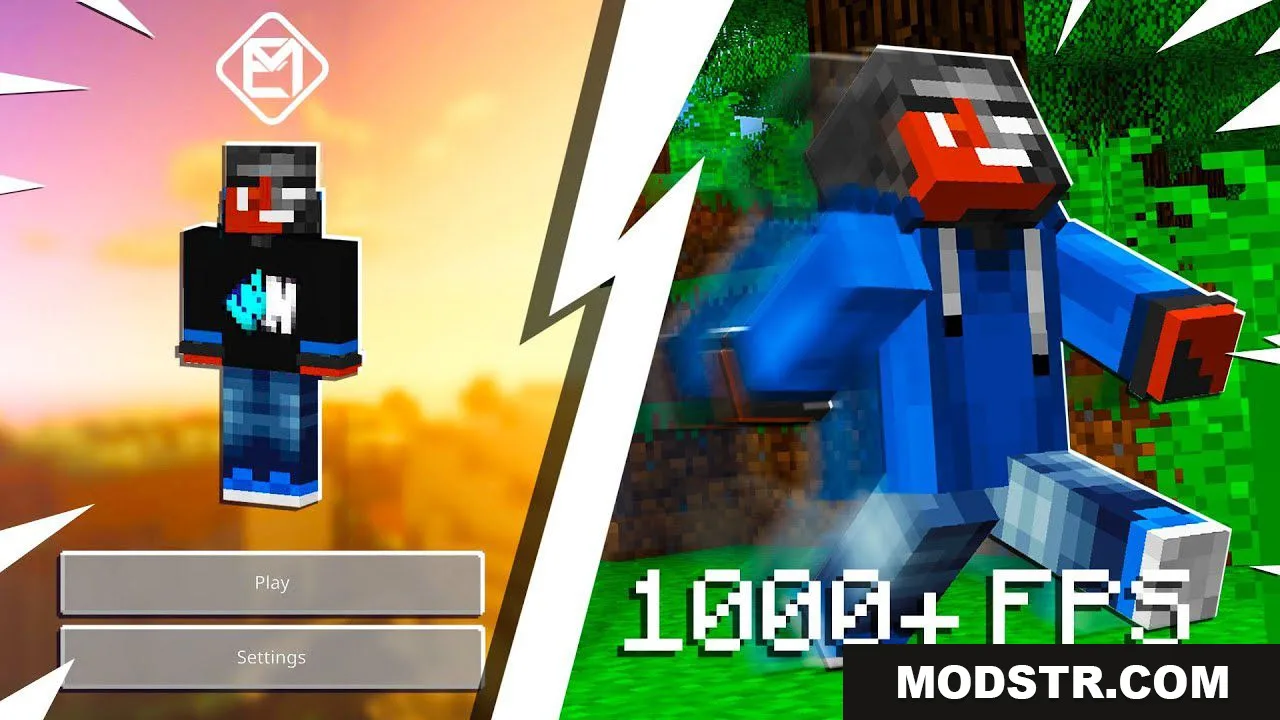
EM Client (26.x, 1.21) – Full Bright, ESP, F1, Hotbar Buttons
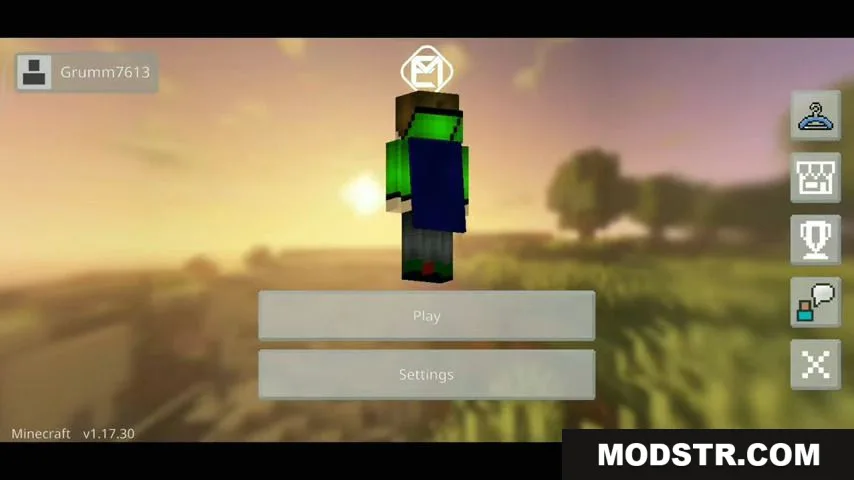
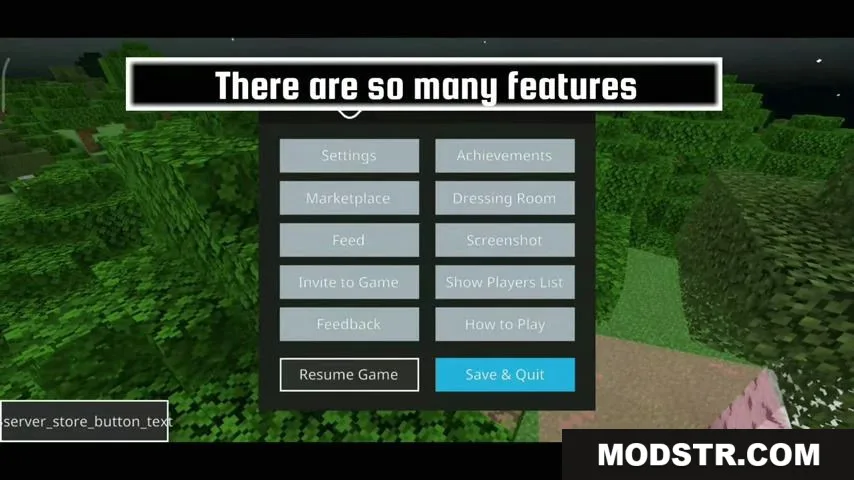
EM Client is a Bedrock Edition texture pack with customizable UI overlays, visual enhancements, and gameplay helpers like full bright, ESP, and hotbar buttons.
- 1.21
- 1.20
EM Client is a texture pack for Bedrock Edition that provides a collection of visual and interface customizations. It's designed for mobile, Windows 10, and Mac, offering features to improve visibility and control in Minecraft.
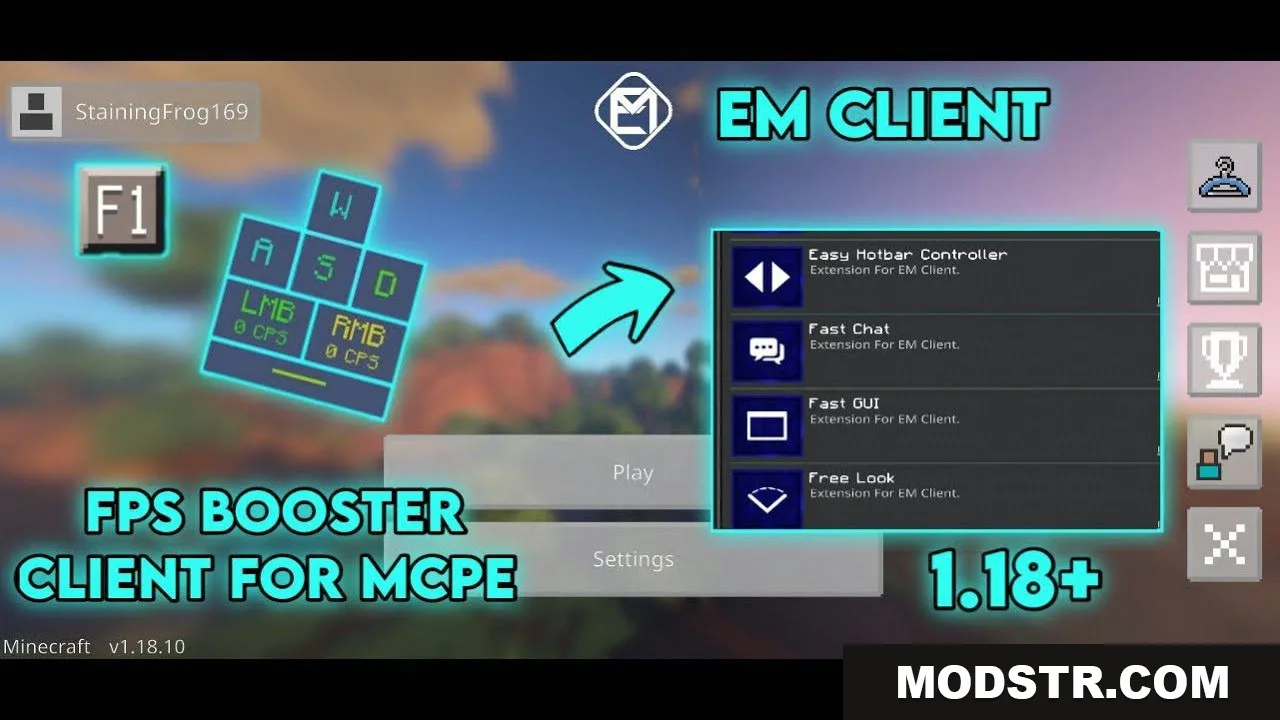
Features
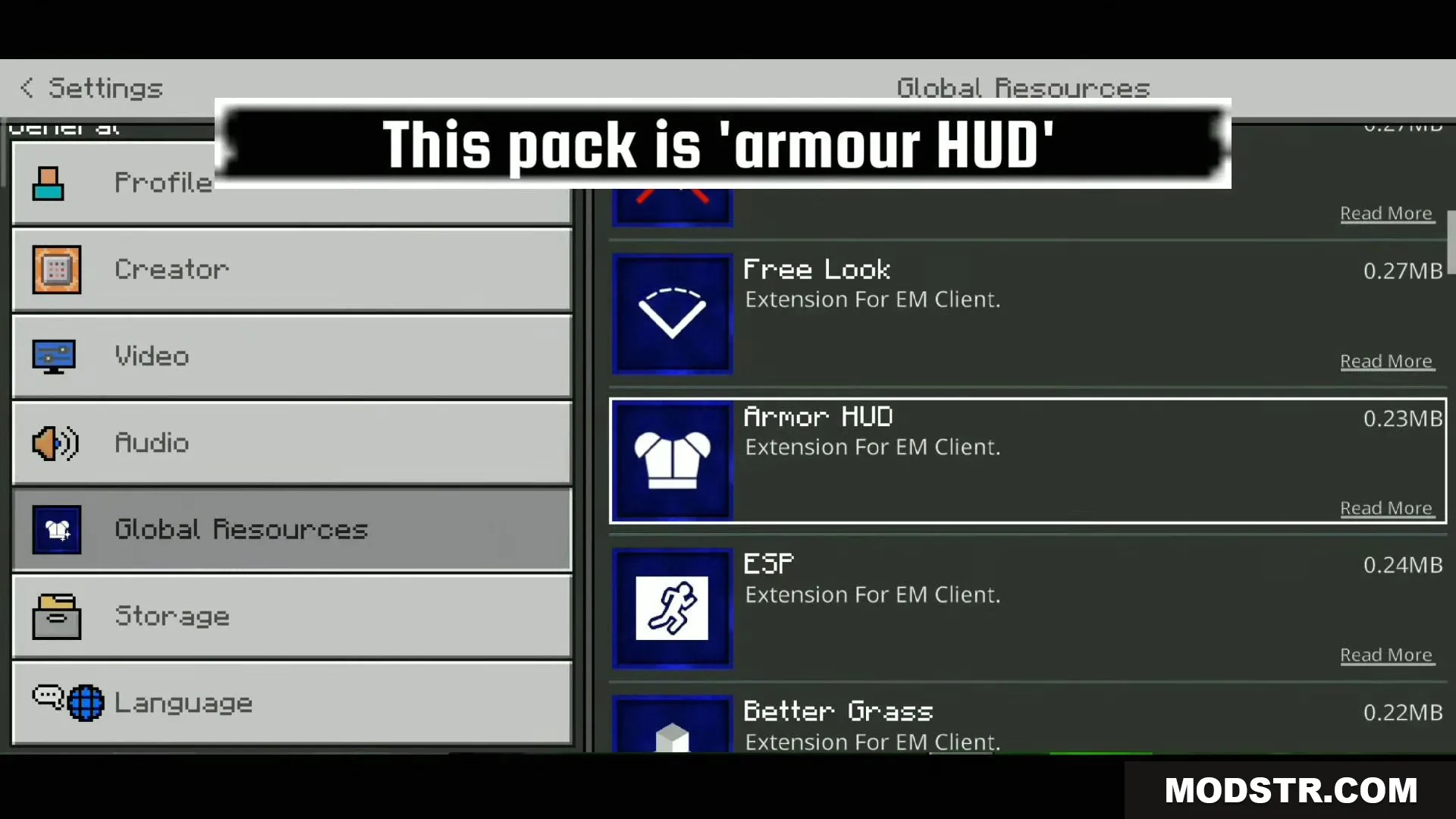
- Armor HUD to display equipped armor status
- Better Grass and Connected Grass for improved grass block appearance
- Better Overlay for enhanced visual feedback
- Boss Bar display for boss health tracking
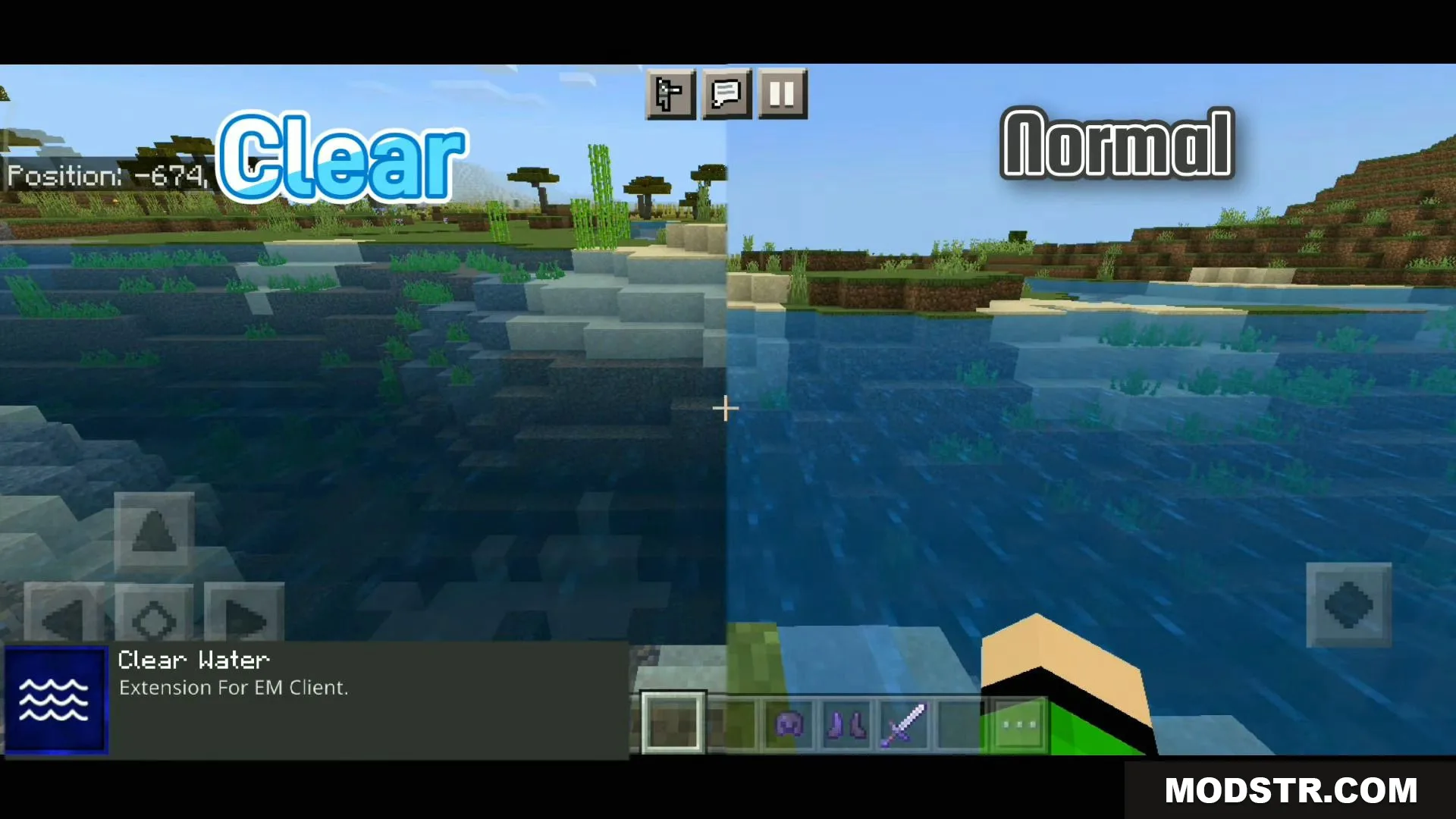
- Clear Water for improved underwater visibility
- Custom Crosshairs and Custom Touch Circle for personalized aiming
- Enchant Glint visual effects
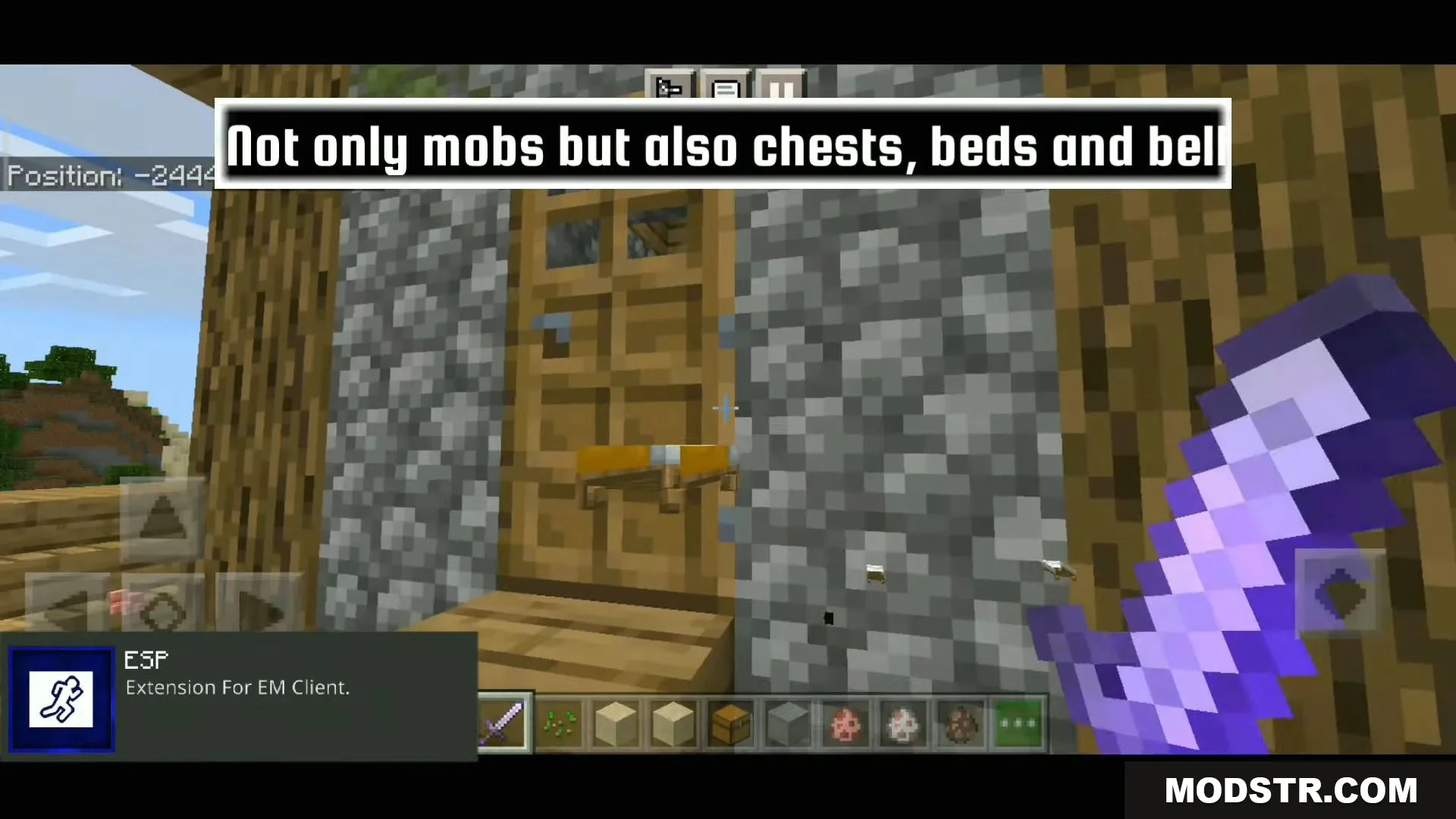
- ESP for entity highlighting
- Easy Hotbar Controller with additional hotbar buttons
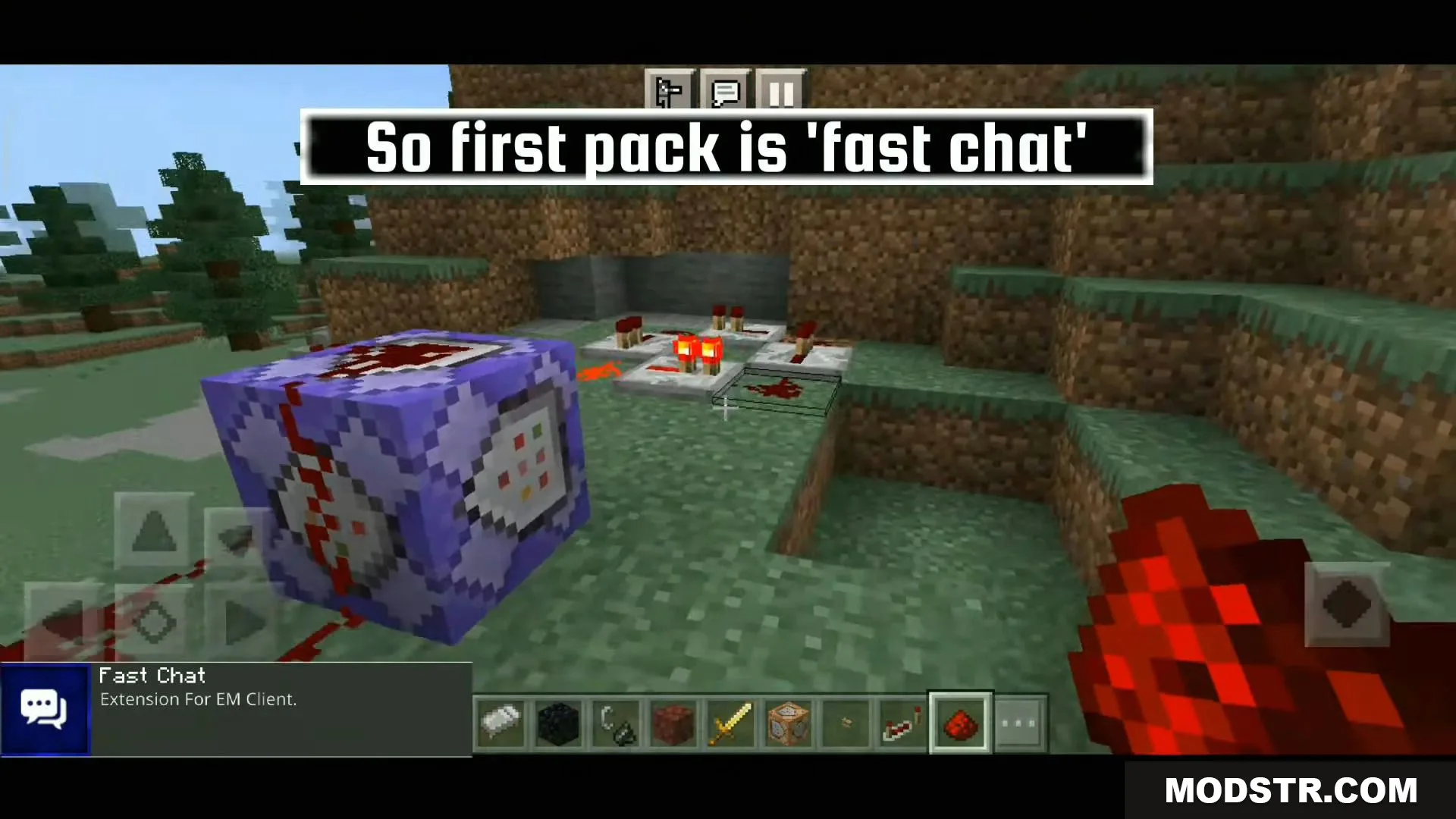
- Fast Chat and Fast GUI for reduced UI lag
- Freelook camera control
- Full Bright to brighten dark areas
- Hit Color to highlight damage feedback
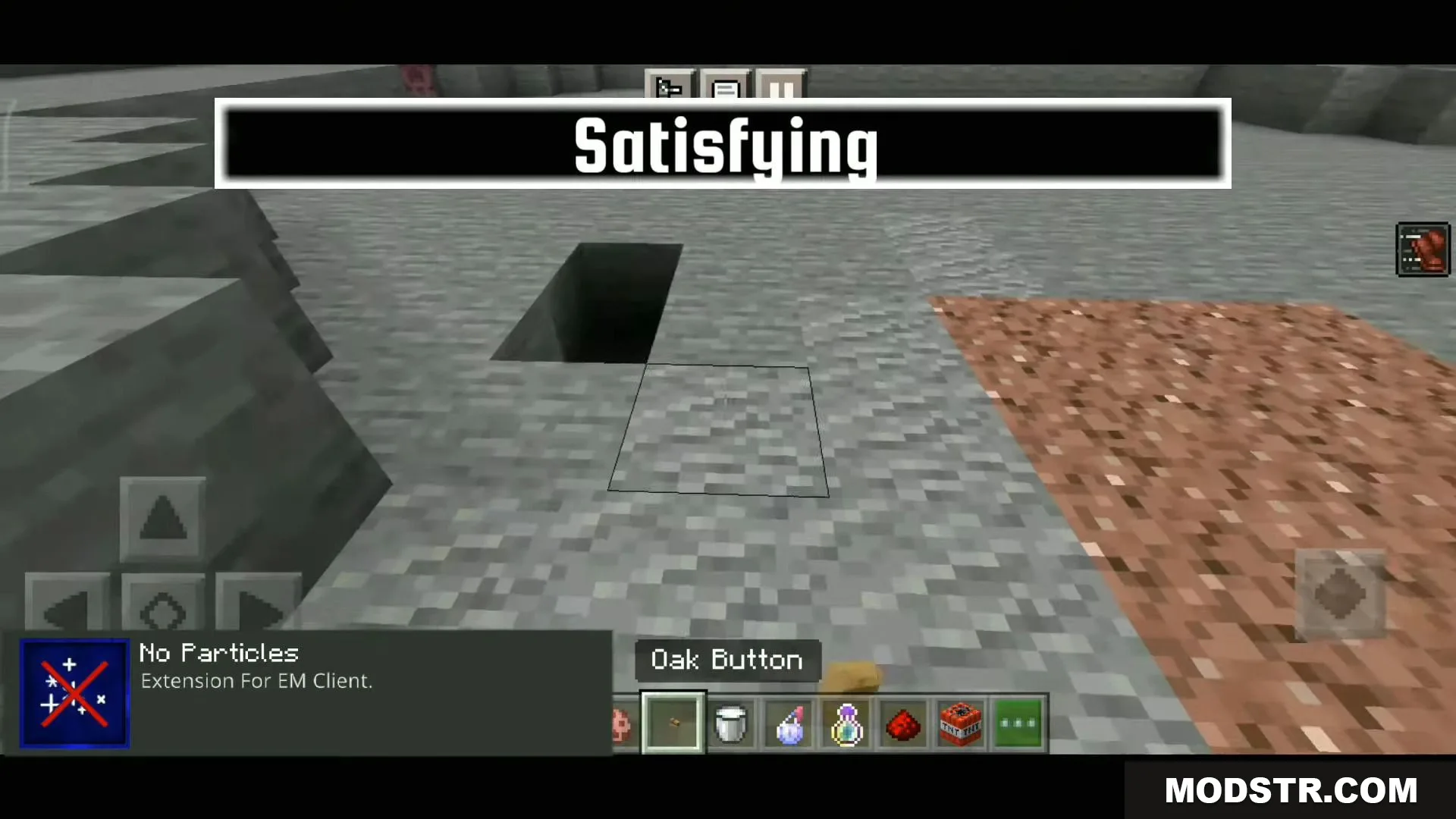
- More Particles or No Particles options
- Scoreboard display
Installation
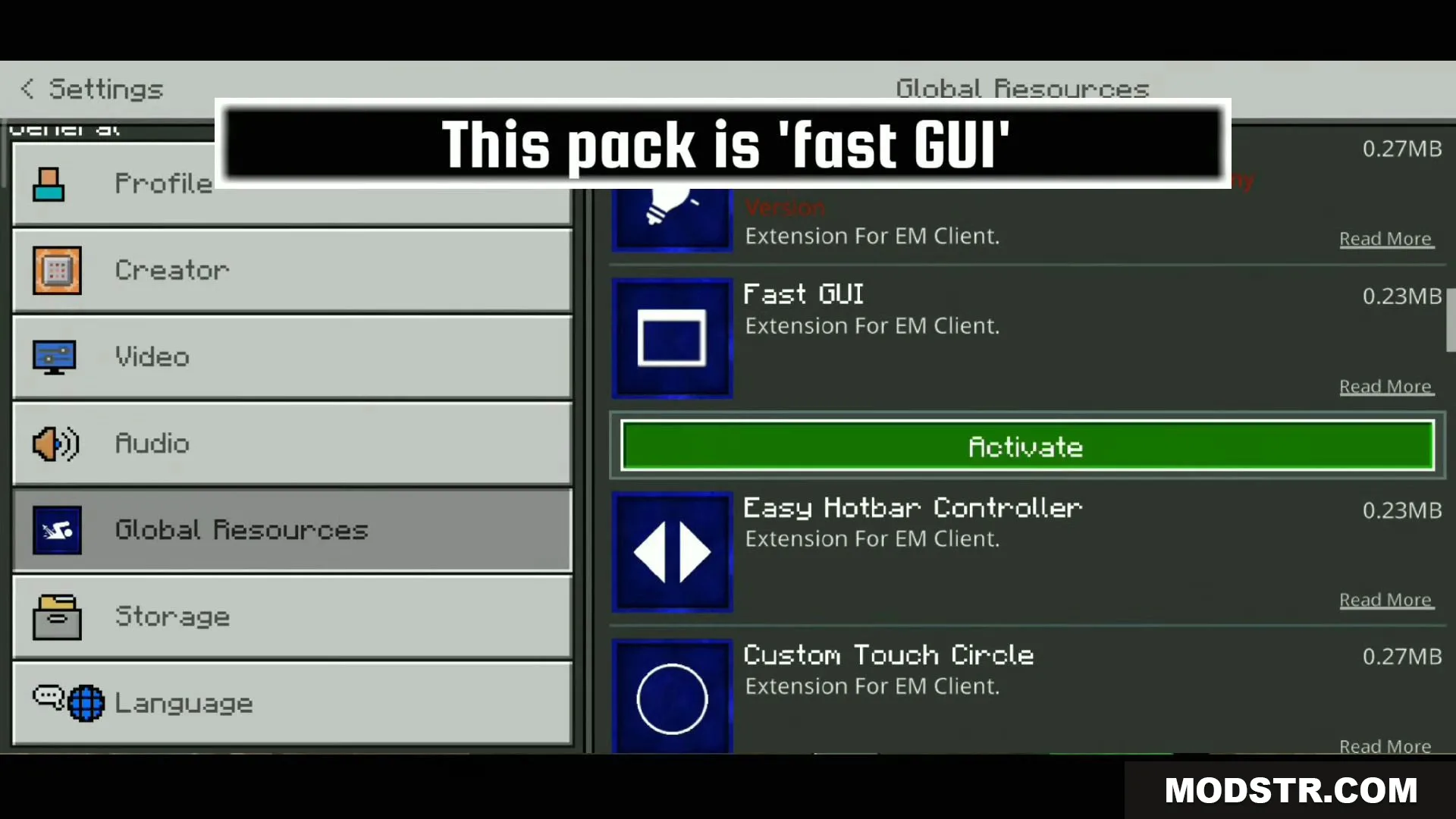
- Enable EM Client as the base texture pack at the top of your texture pack list in Bedrock Edition settings.
- Add any of the 19 EM Client extension packs to enable specific features you want to use.
- Each extension is a separate resource pack that builds on the base EM Client pack.
- Activate your chosen extensions in your active texture pack list.
- Features will be applied once all selected packs are enabled and the world is loaded.
Compatibility
EM Client is designed for Bedrock Edition and works on mobile devices, Windows 10, and Mac. The pack consists of one base EM Client resource pack plus 19 optional extension packs that add individual features.
DOWNLOAD FILES
- mcaddon
- mcaddon