
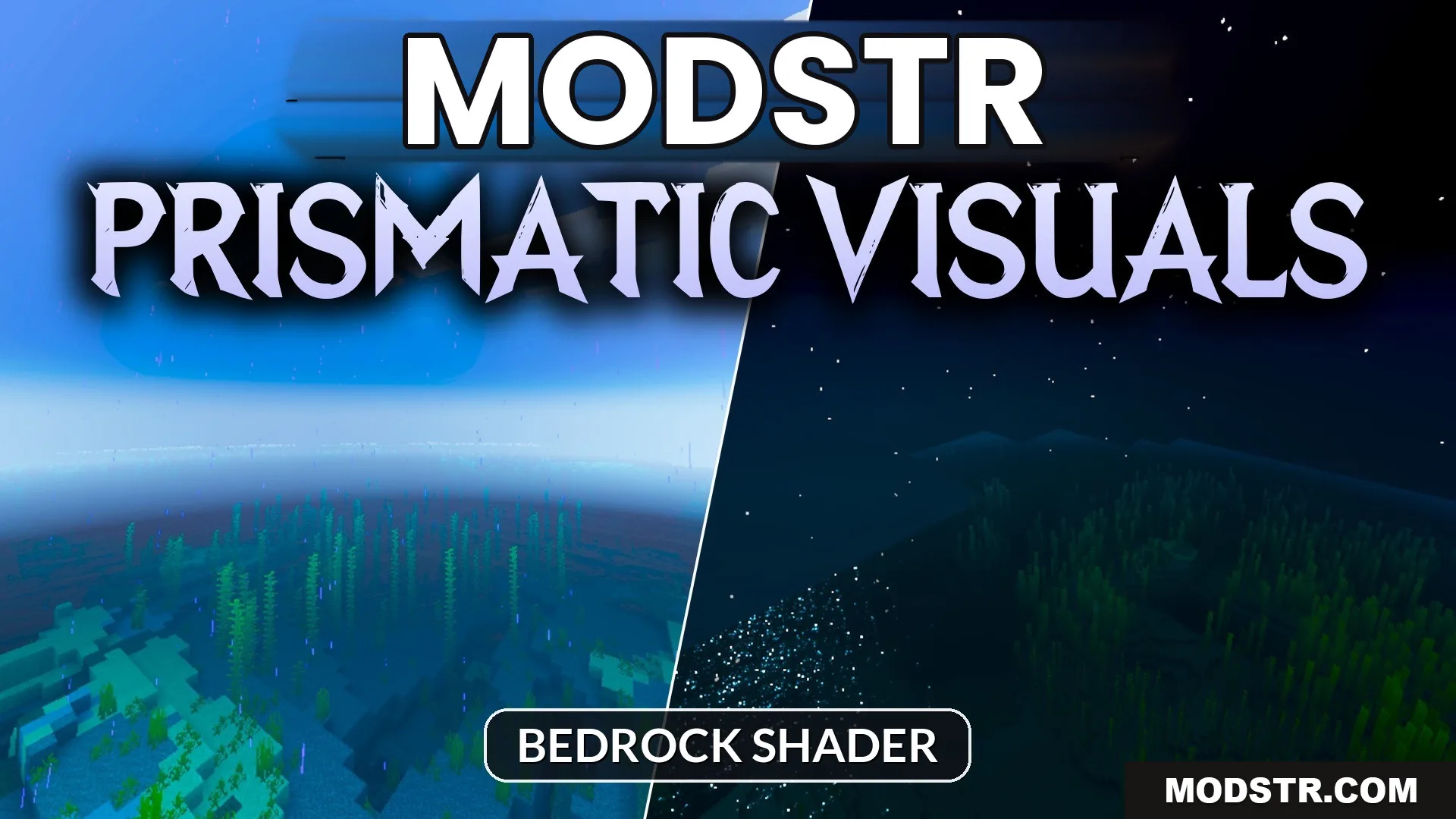
Prismatic Visuals Shader (26.x) – Warm PBR Lighting with ACES Tone Mapping
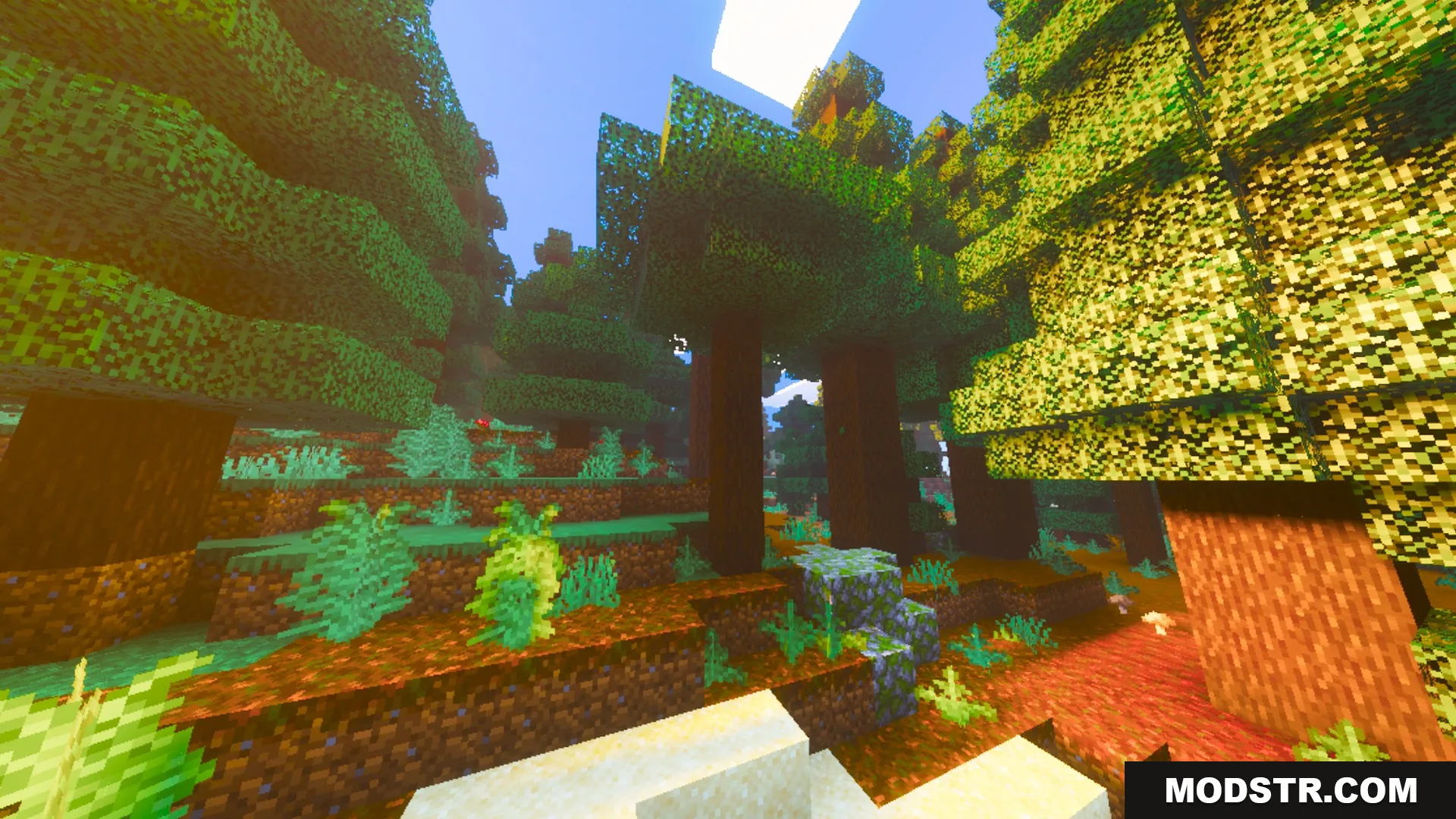
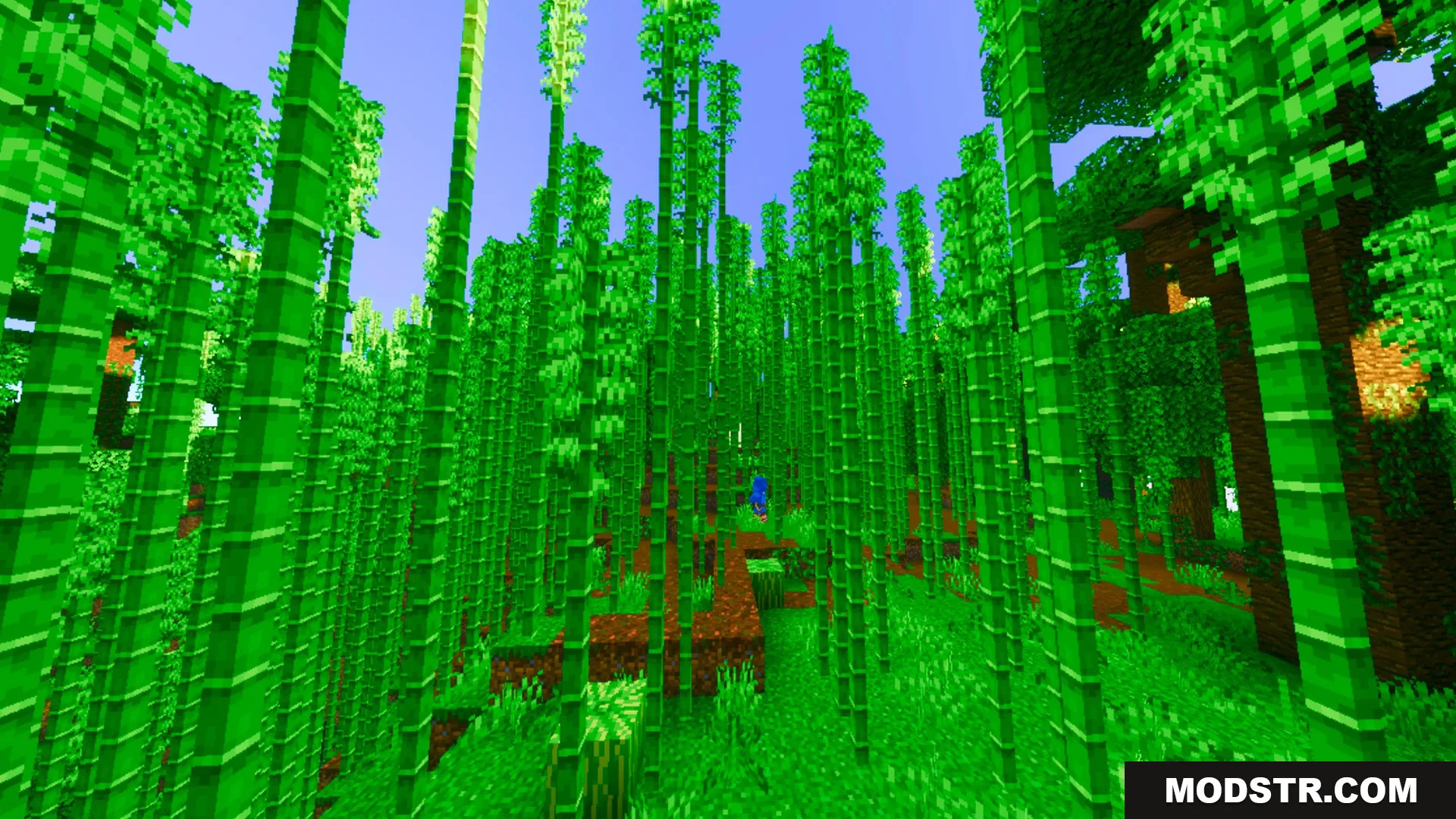
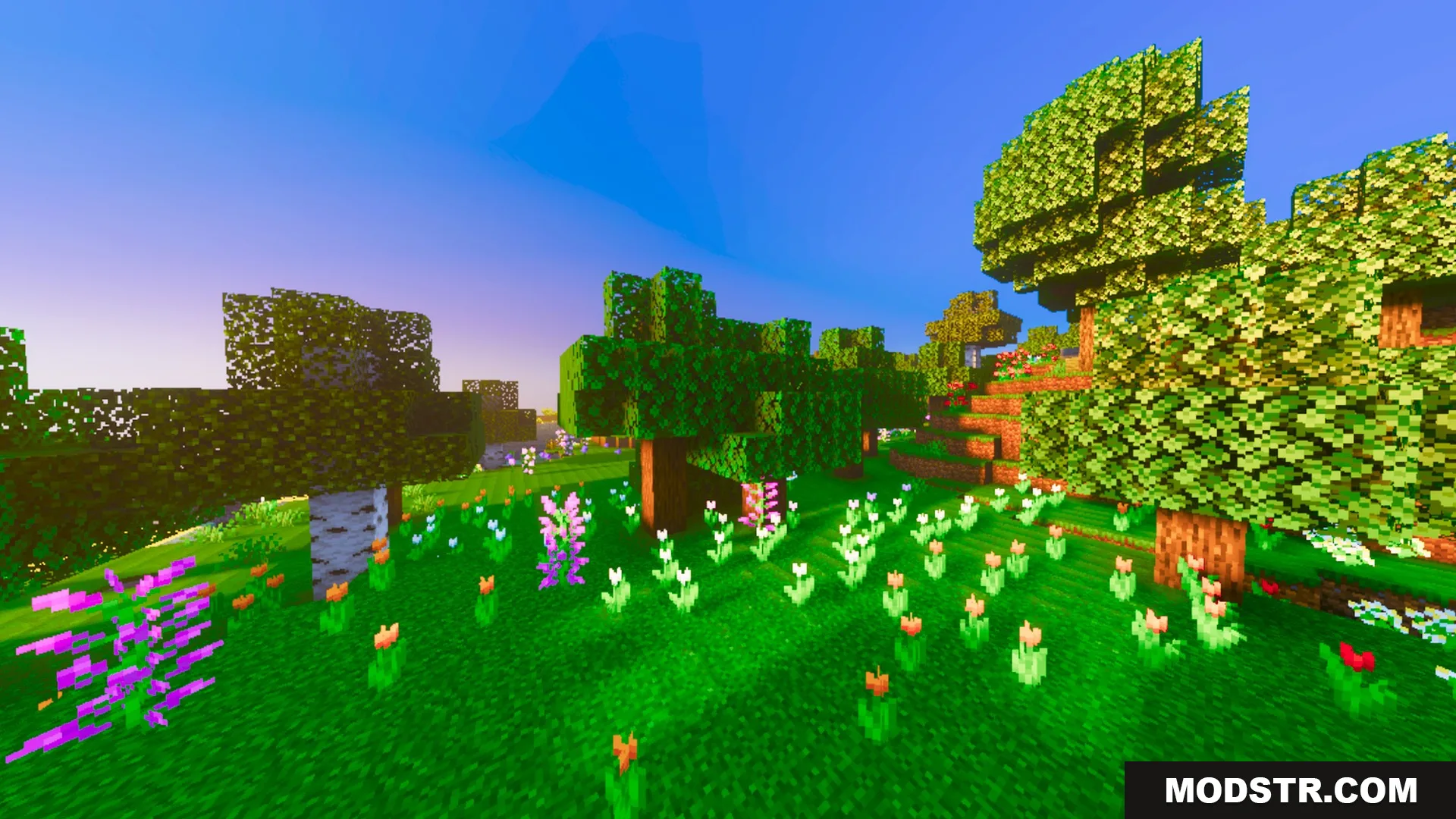
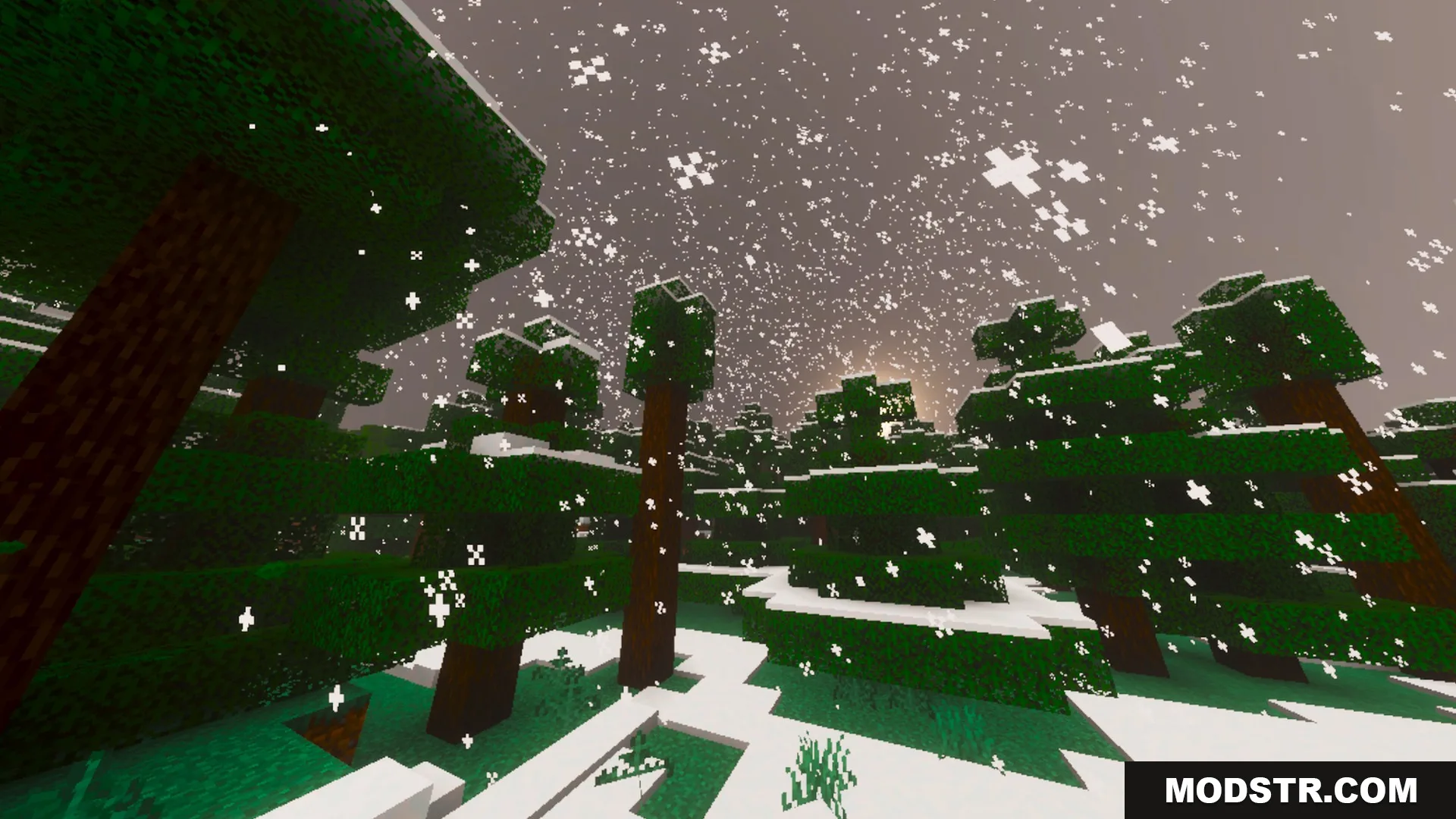
Prismatic Visuals Shader enhances the lighting and colors in Minecraft, providing a vibrant, warm atmosphere. Ideal for players looking to improve visual quality in their worlds.
Prismatic Visuals Shader adds a warm and vibrant atmosphere to Minecraft, enhancing the lighting and colors in the game. It is designed for players who want a more visually appealing experience.
Features
- Adds warm, vibrant lighting and rich colors to the world.
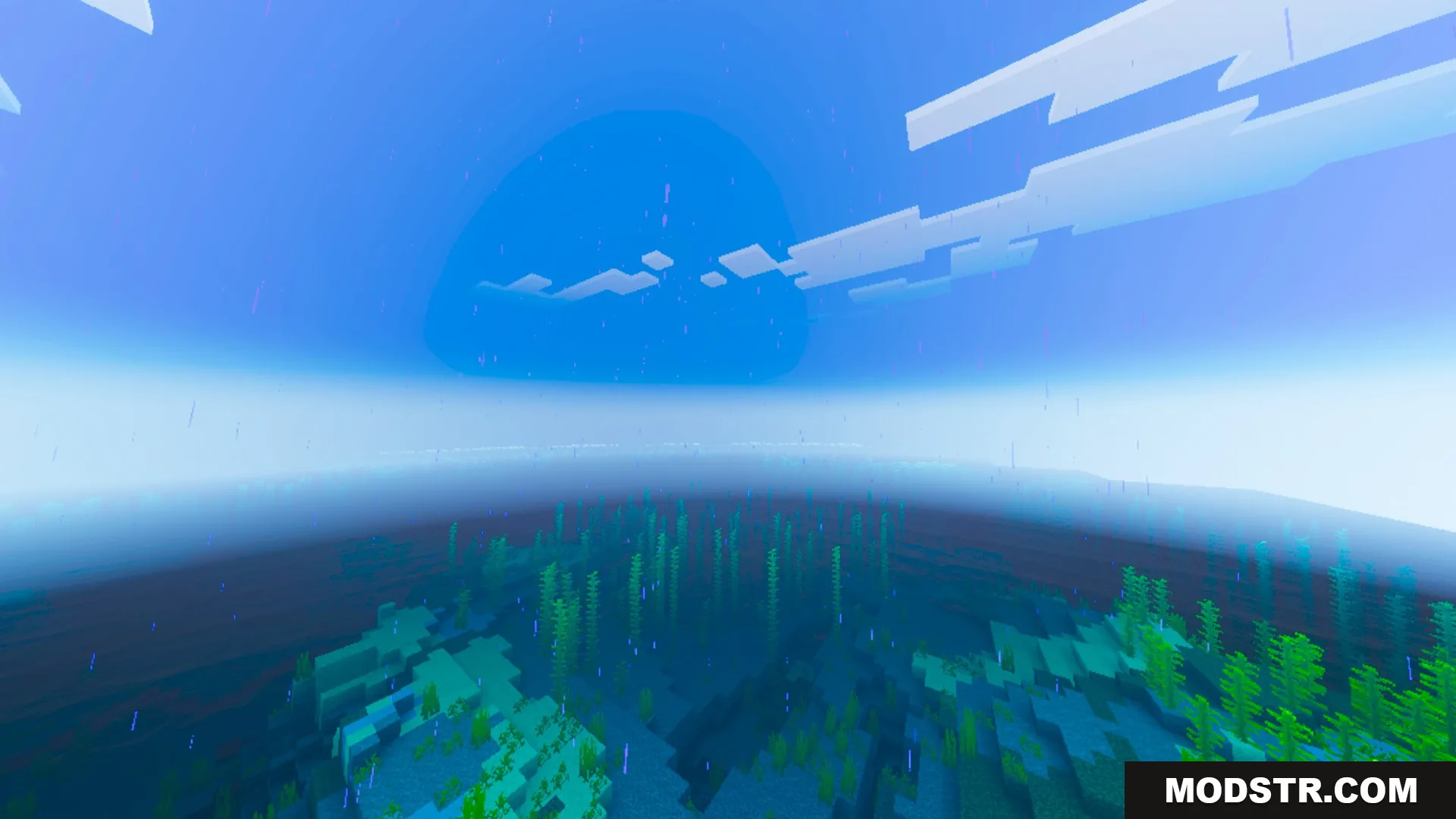
- Brings thick atmospheric fog to enhance outdoor environments.
- Features crystal clear water for clean underwater views.
- Includes quality PBR textures for detailed block surfaces.
- Uses cinematic ACES tone mapping for balanced visuals.


Installation
- Download the shader pack file.
- Open your Minecraft game and go to the settings.
- Navigate to the 'Shader Packs' option.
- Select 'Open Shader Packs Folder' and move the downloaded file there.
- Activate the shader pack in the game settings.

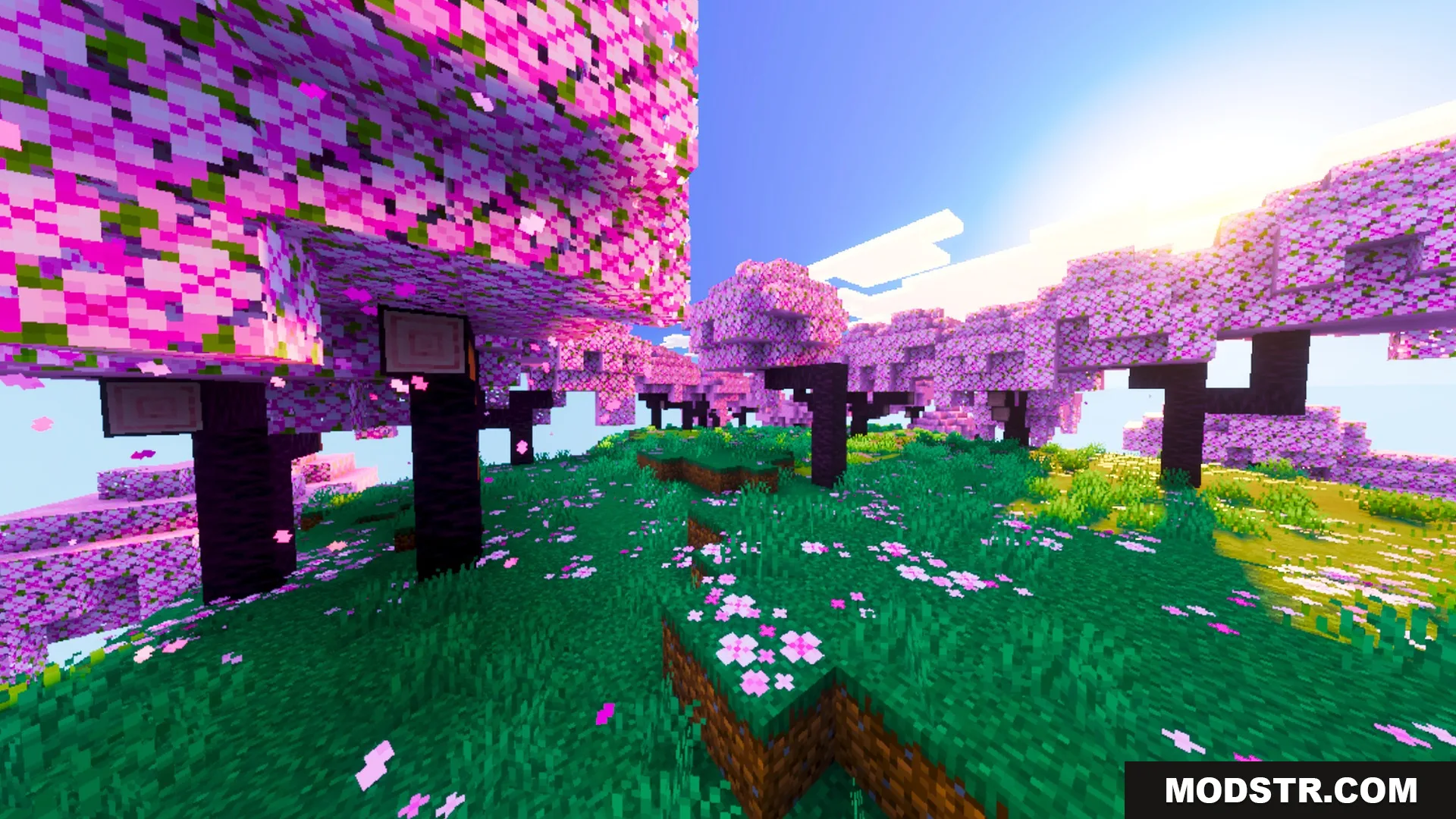
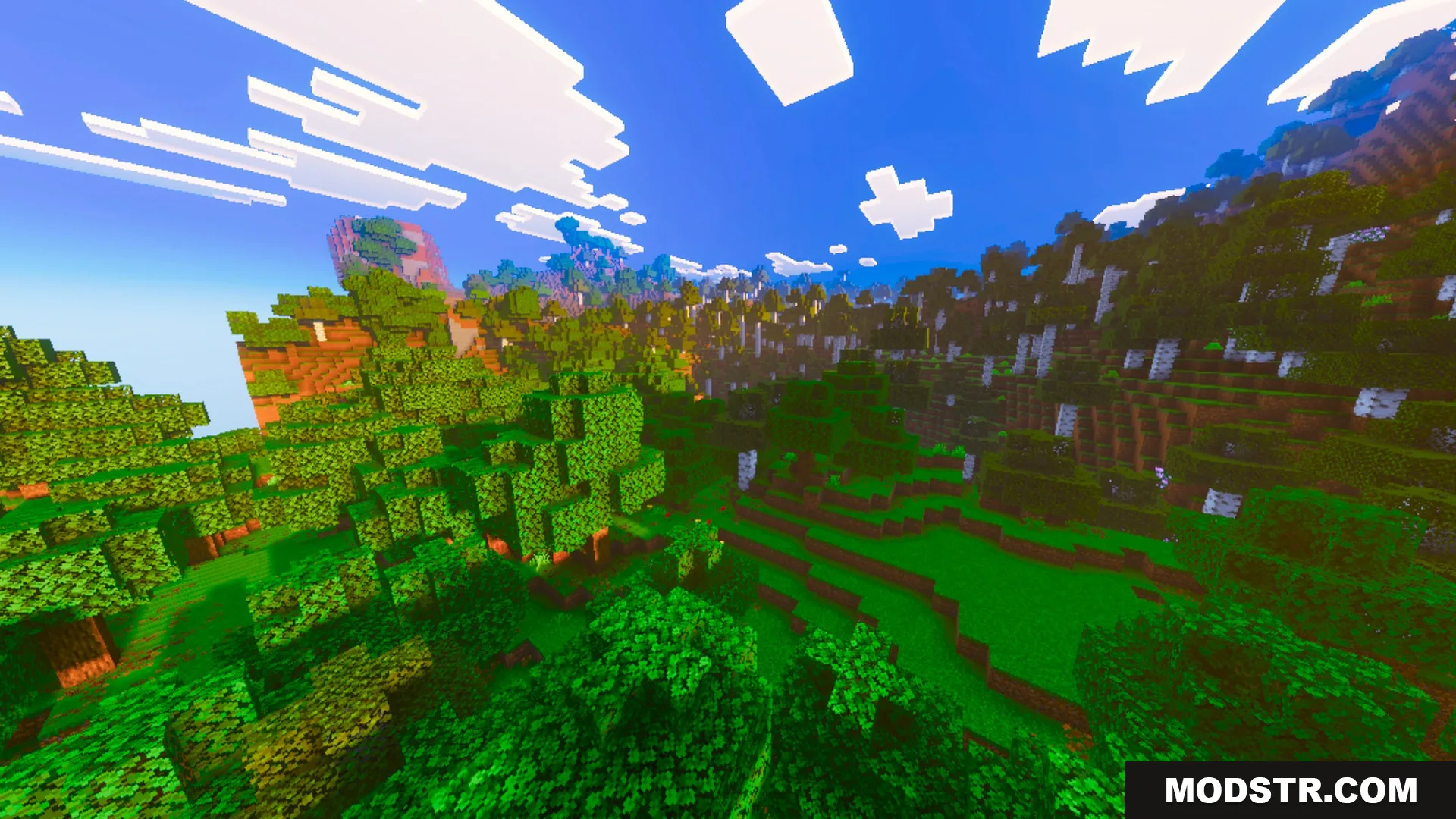
Screenshots
DOWNLOAD FILES
- mcpack