
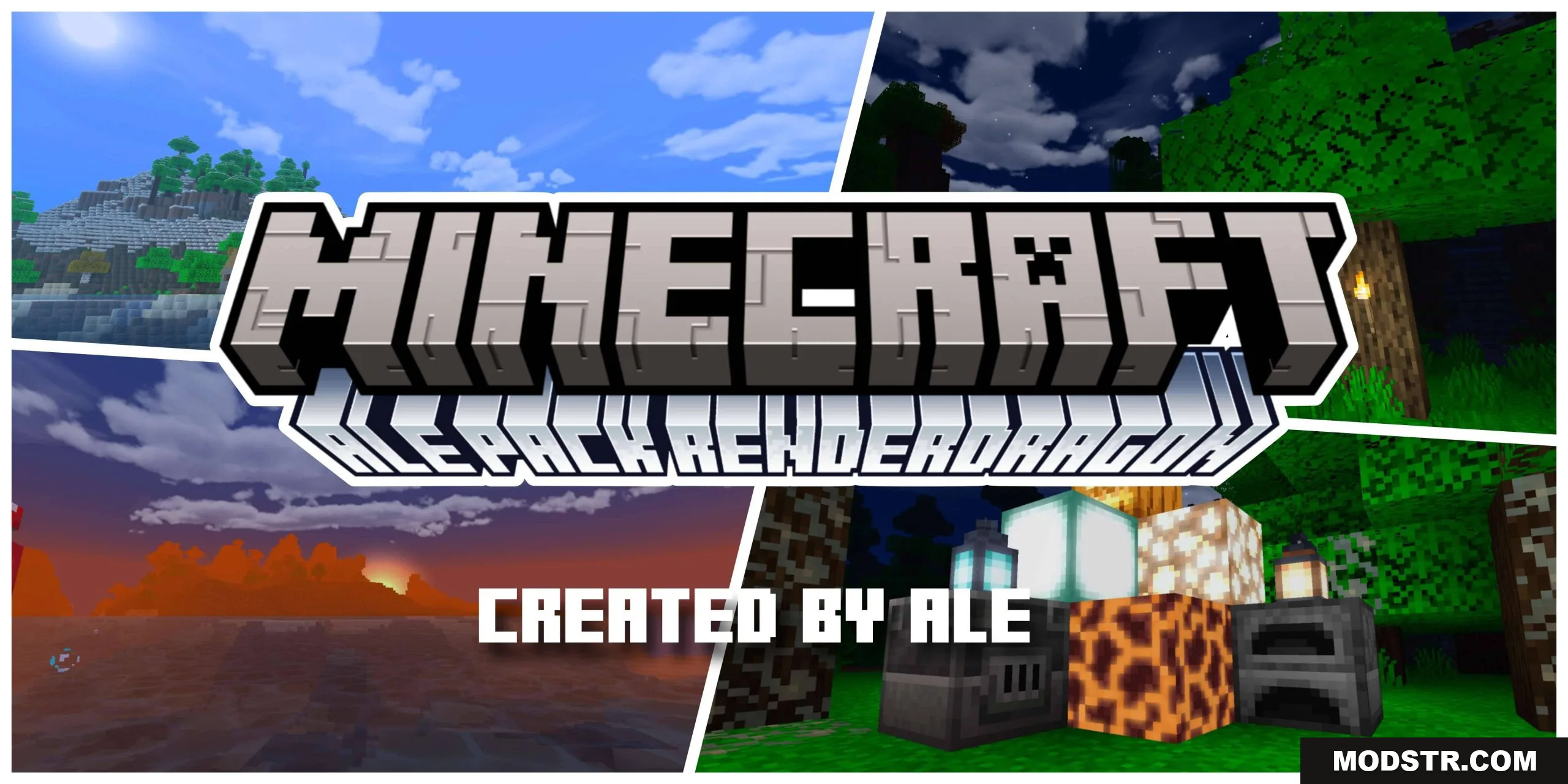
Ale Pack Final (1.26+) – Support RenderDragon Shader
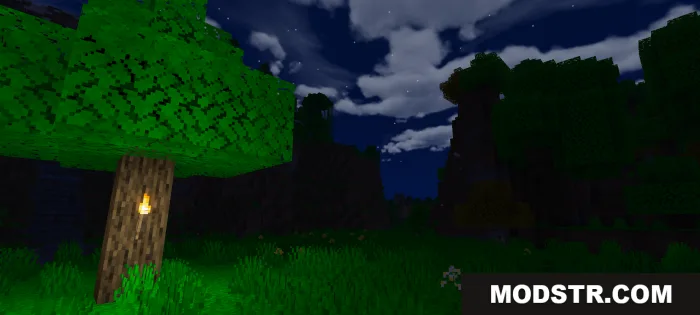
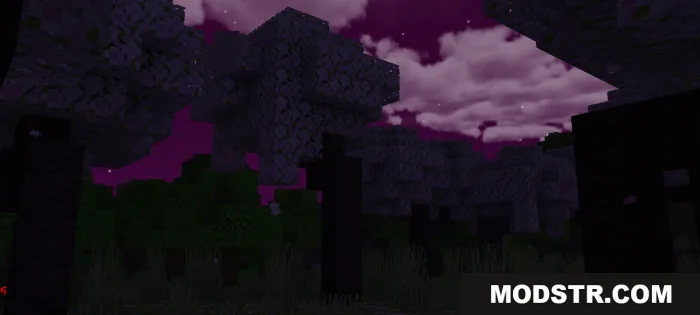
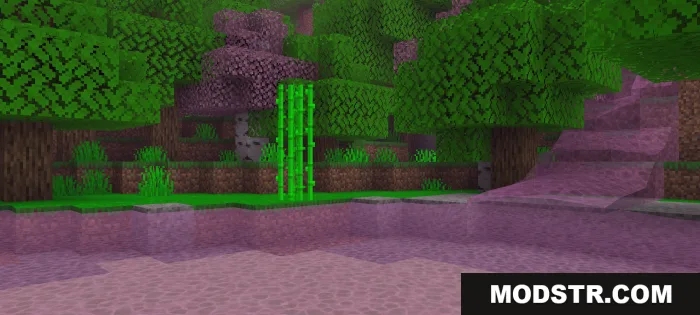
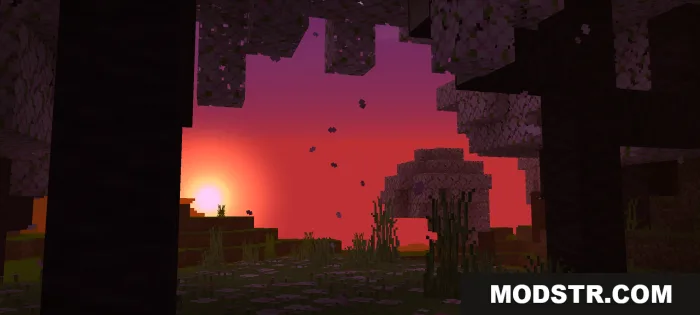
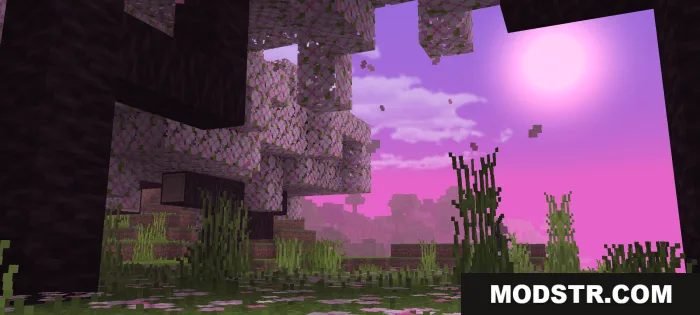
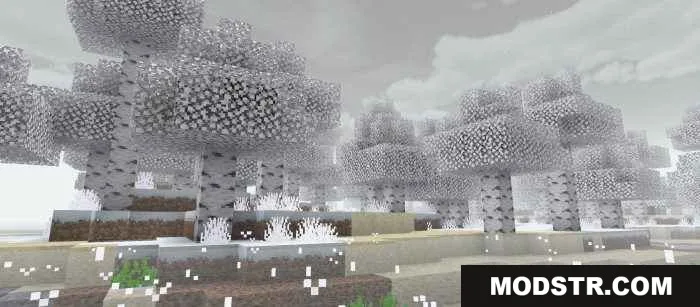
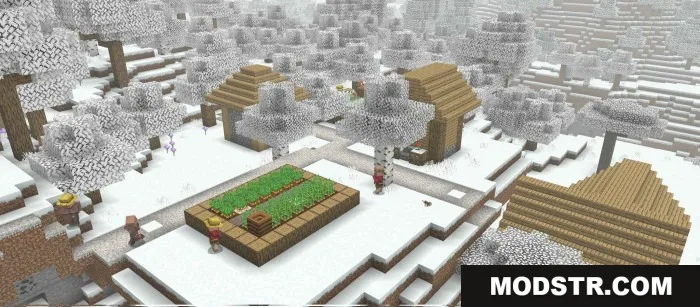
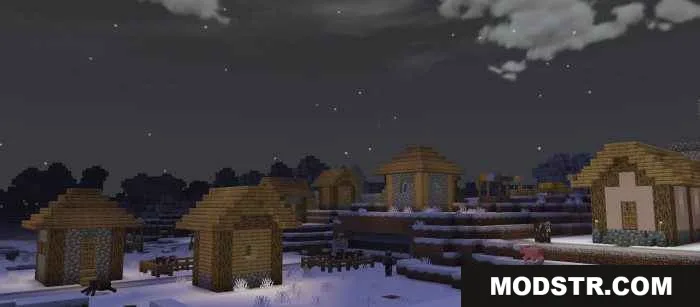
RenderDragon shader pack with three visual modes: Day, Cherry Tree, and Christmas Season. Features realistic water, dynamic skies, and plant movement with a lightweight option.
- 1.26
- 1.21
Ale Pack Final is a RenderDragon shader pack offering three distinct visual modes for different aesthetic preferences. The pack includes enhanced sky rendering, realistic water textures, and dynamic plant animation across multiple seasonal themes.
Features
- Three selectable modes: Day Mode, Cherry Tree Mode, and Christmas Season Mode.
- Realistic water textures and rendering.
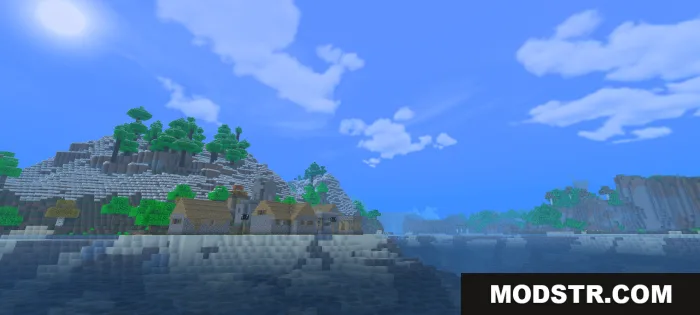
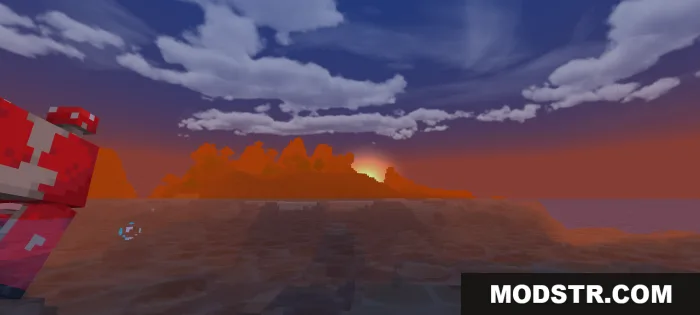
- Dynamic sky rendering with realistic sun, moon, and cloud formations.
- Animated plant movement for herbs, flowers, and crops.
- Fog blending with sky for atmospheric depth.
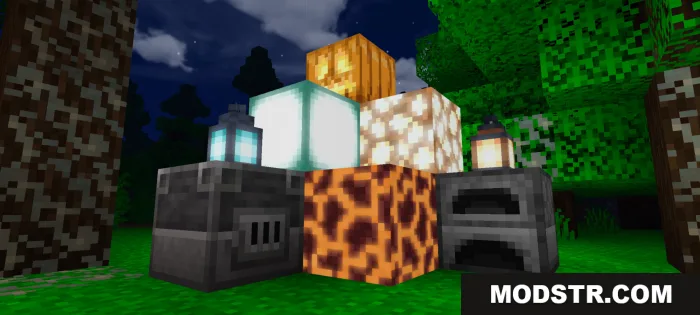
- Colorful atmospheric effects.
- Lite mode option to reduce performance impact on lower-end devices.
Installation
- Download the shader pack file for your preferred mode.
- Open Minecraft Bedrock Edition and navigate to Settings.
- Select your world and enable RenderDragon shaders in the graphics settings.
- Apply the shader pack from the shader management menu.
- Restart the world to load the shader effects.
Compatibility
Ale Pack Final is compatible with Minecraft Bedrock 1.21 and later versions. The pack requires RenderDragon support and is optimized for devices ranging from high-end to lower-performance systems through its Lite mode option.
Screenshots
DOWNLOAD FILES
- mcpack
- mcpack