
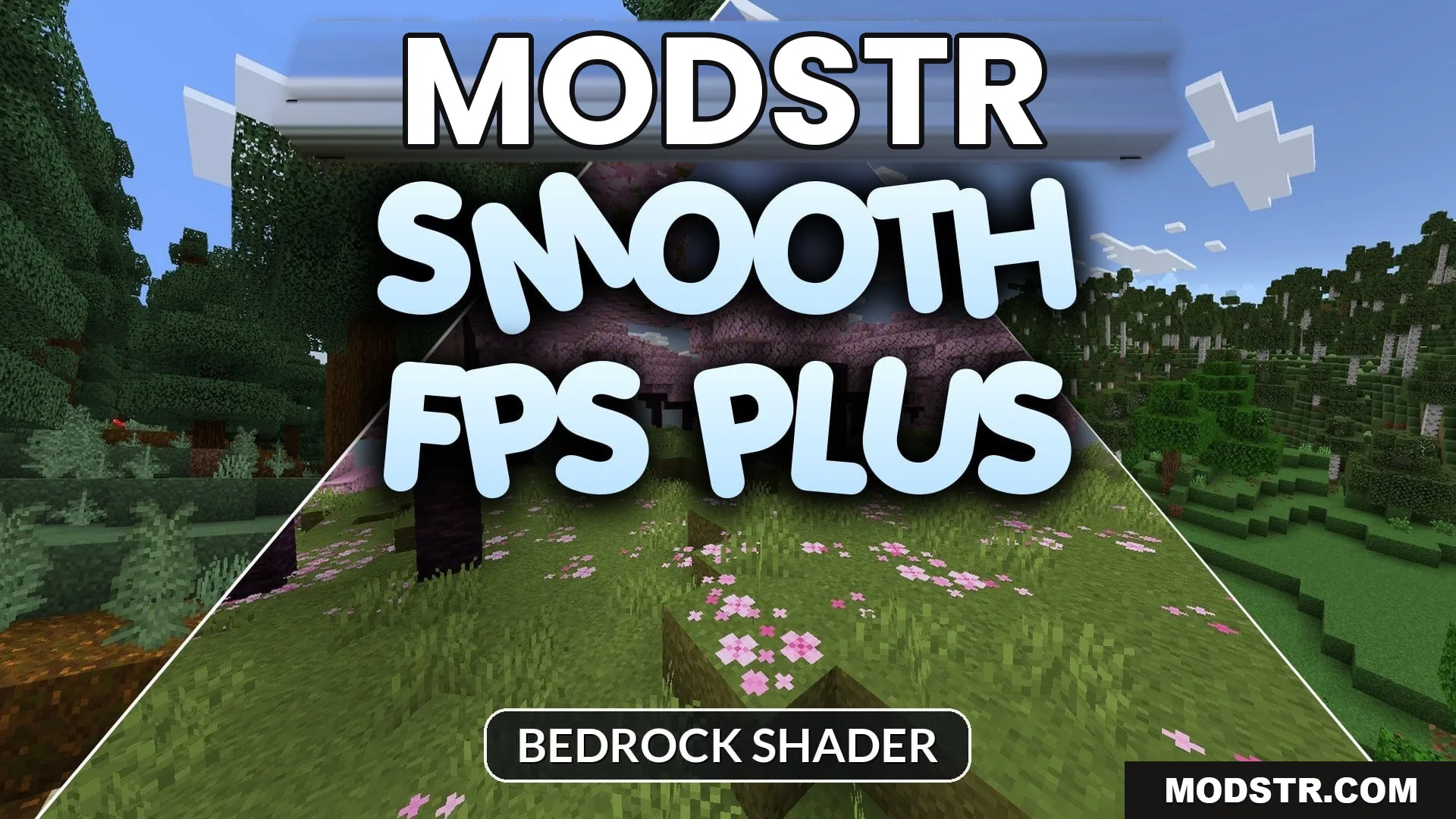
SMOOTH FPS PLUS Shader (26.x) – Crystal Clear Water and Zero Fog on Mobile
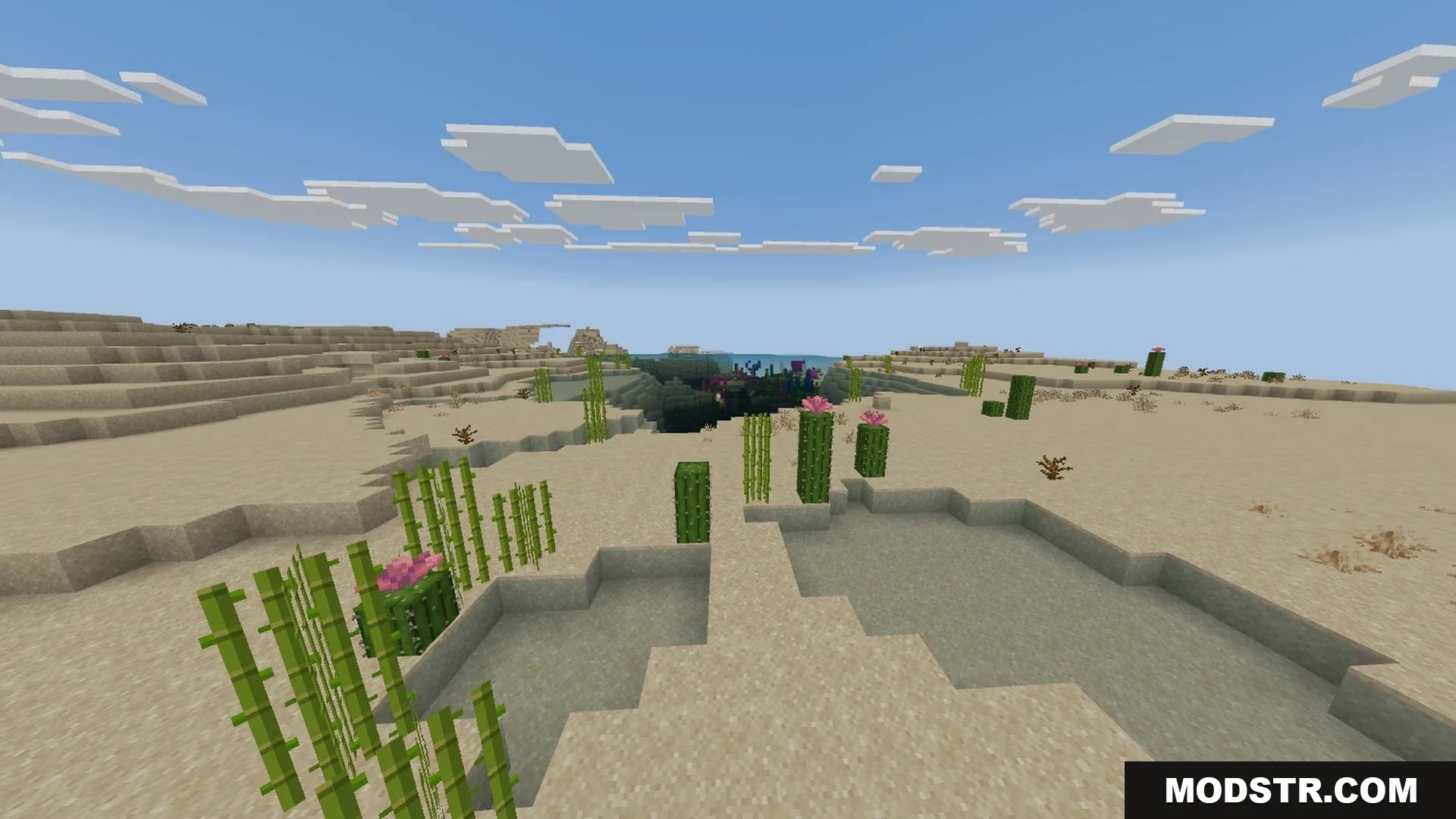
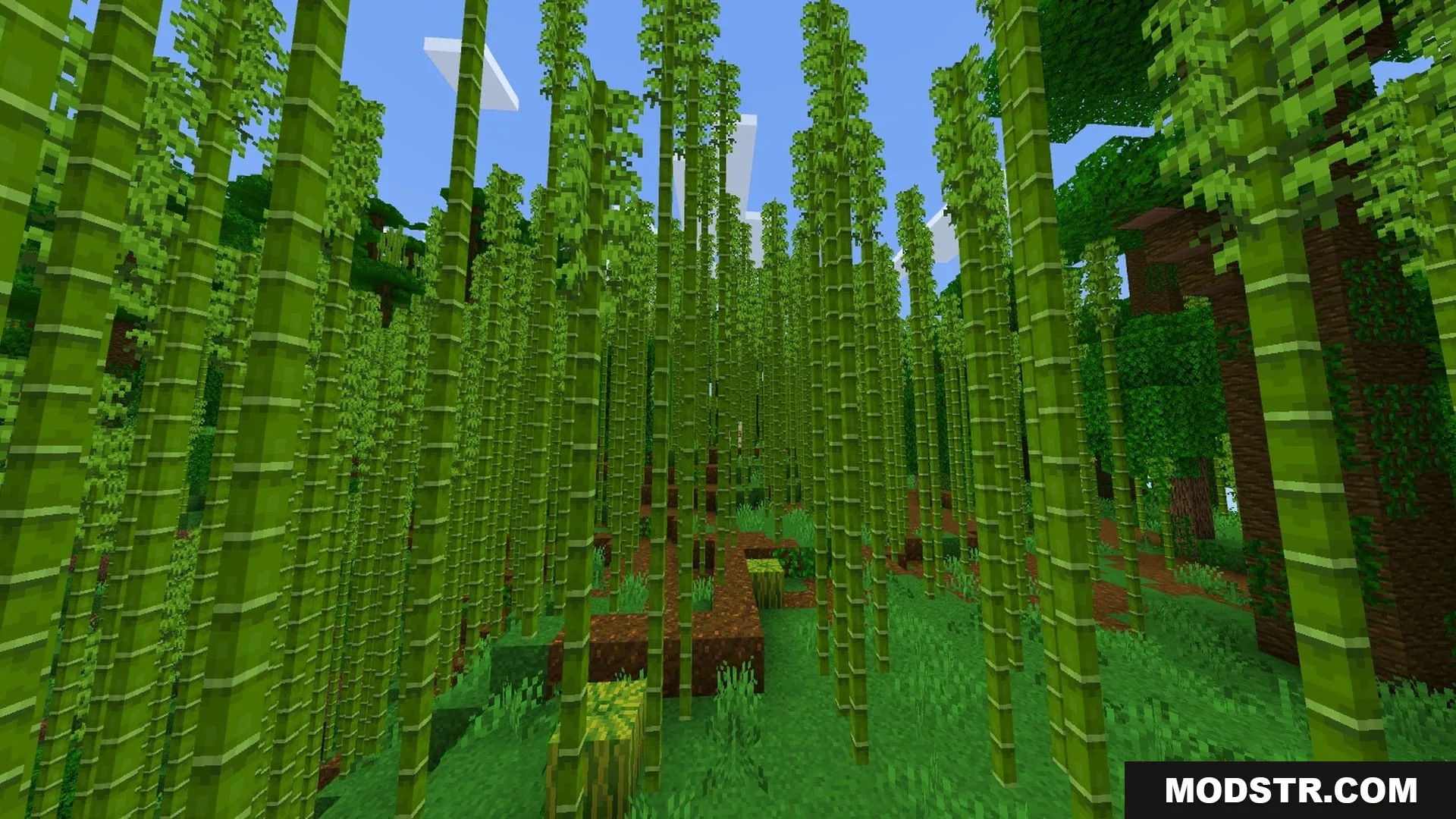
SMOOTH FPS PLUS Shader enhances gameplay by optimizing visuals for better clarity and performance. It is designed for players seeking improved visibility and reduced distractions.
SMOOTH FPS PLUS is a shader designed to enhance performance by minimizing visual clutter and improving clarity in-game. Targeted towards mobile players, it provides a more enjoyable experience by optimizing key visual and audio elements.
Features
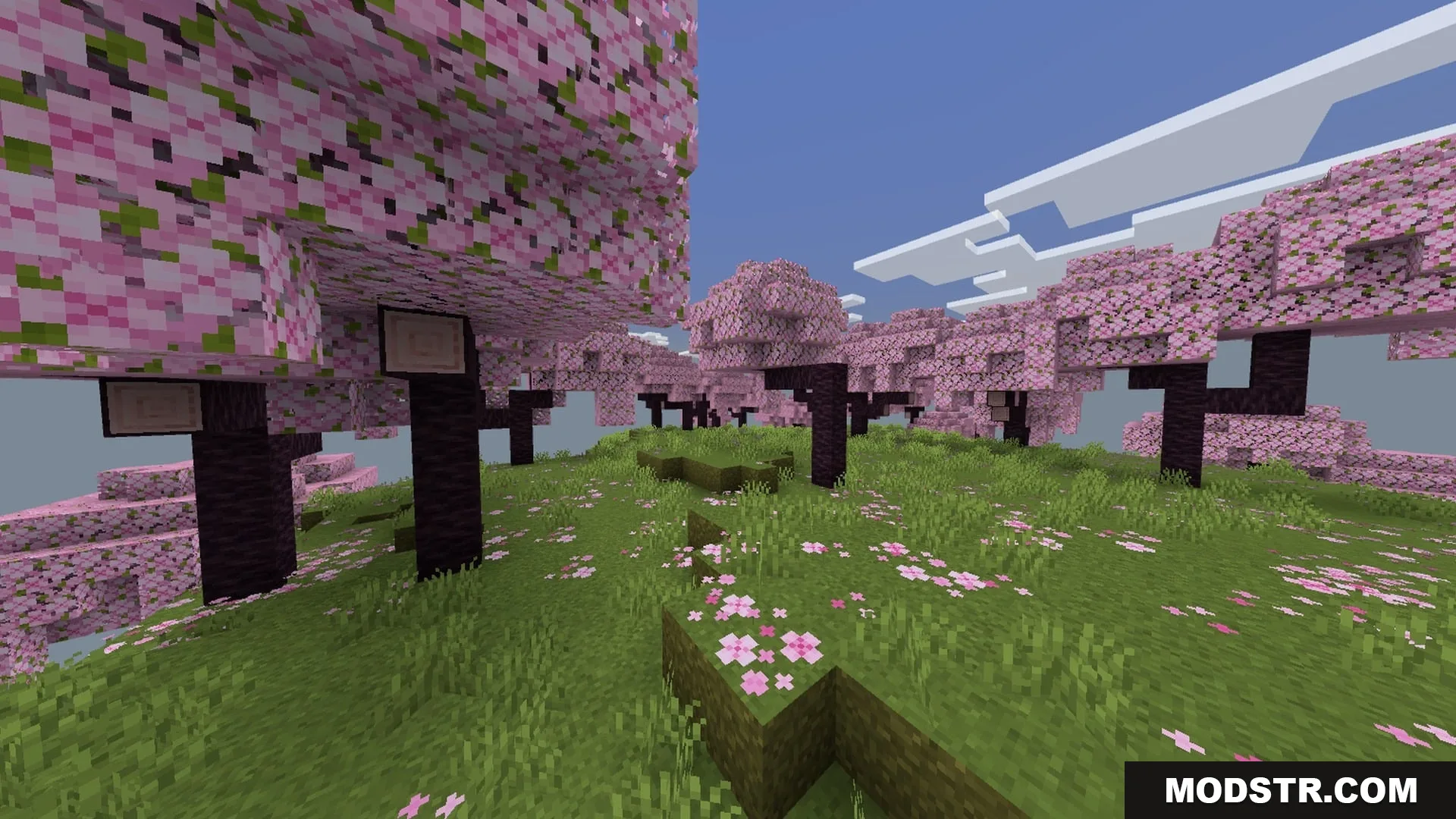
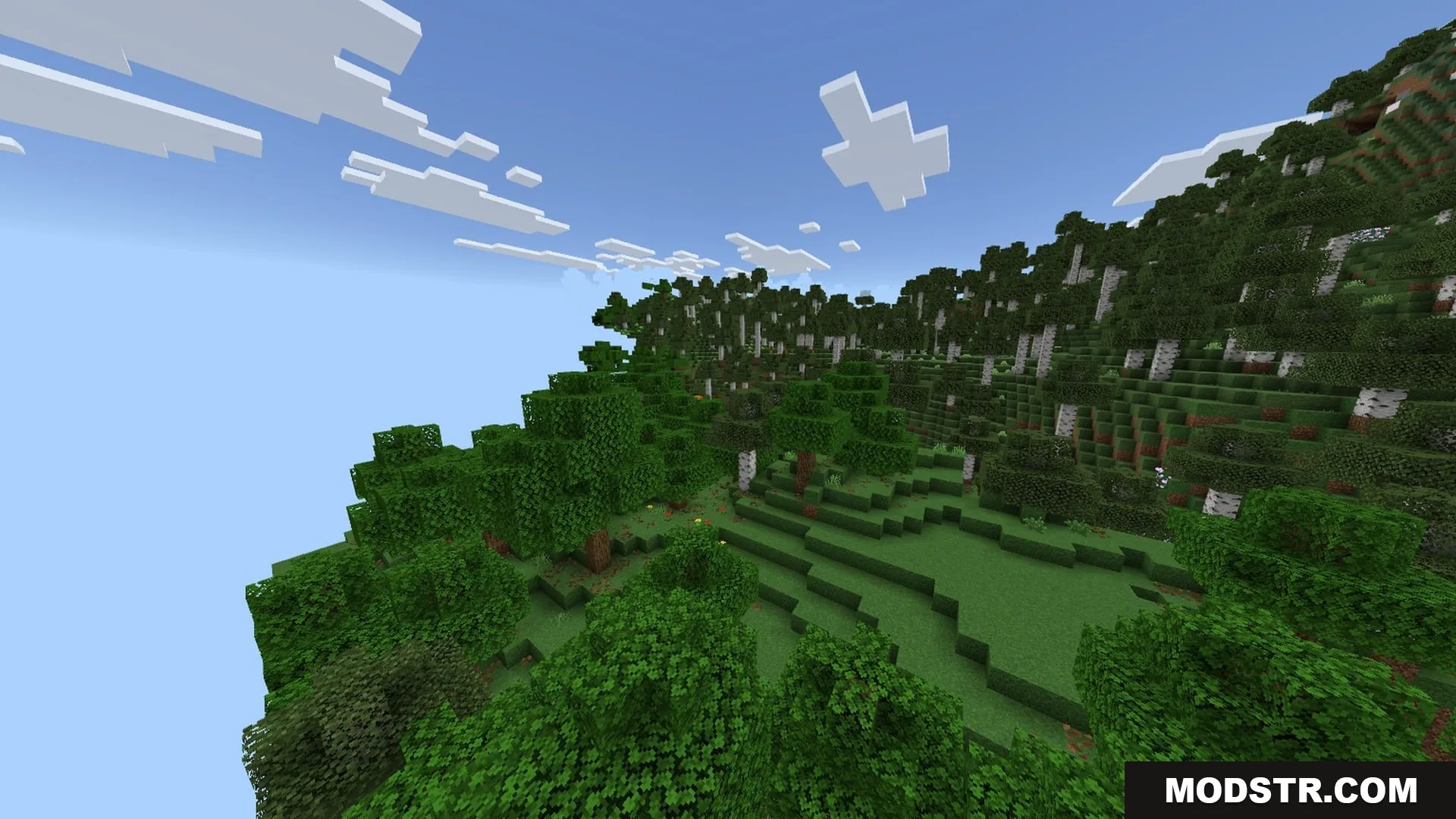
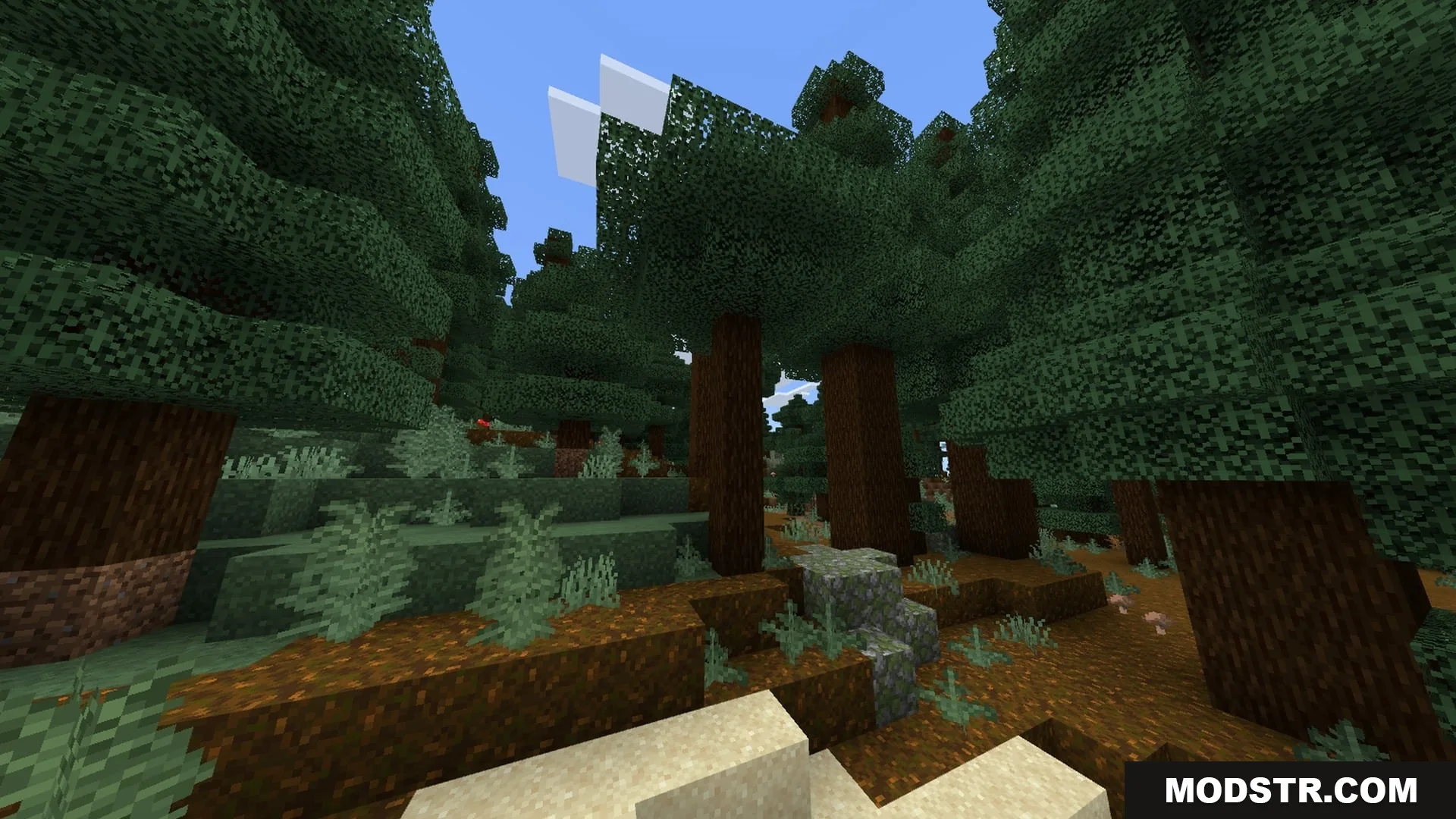
- Adds clear water and lava textures for better visibility.
- Removes fog across the Overworld, Nether, and End dimensions.
- Provides subpack options to reduce or remove particle effects.
- Quiets loud environmental sounds, weather effects, and mob noises.
- Improves interface readability with hunger previews and numbered hotbars.
Installation
- Download the SMOOTH FPS PLUS Shader package.
- Open your Minecraft launcher and select the appropriate edition.
- Navigate to the shader settings in the game's menu.
- Import the shader package you downloaded.
- Activate the shader and adjust settings as needed.
DOWNLOAD FILES
- mcpack