
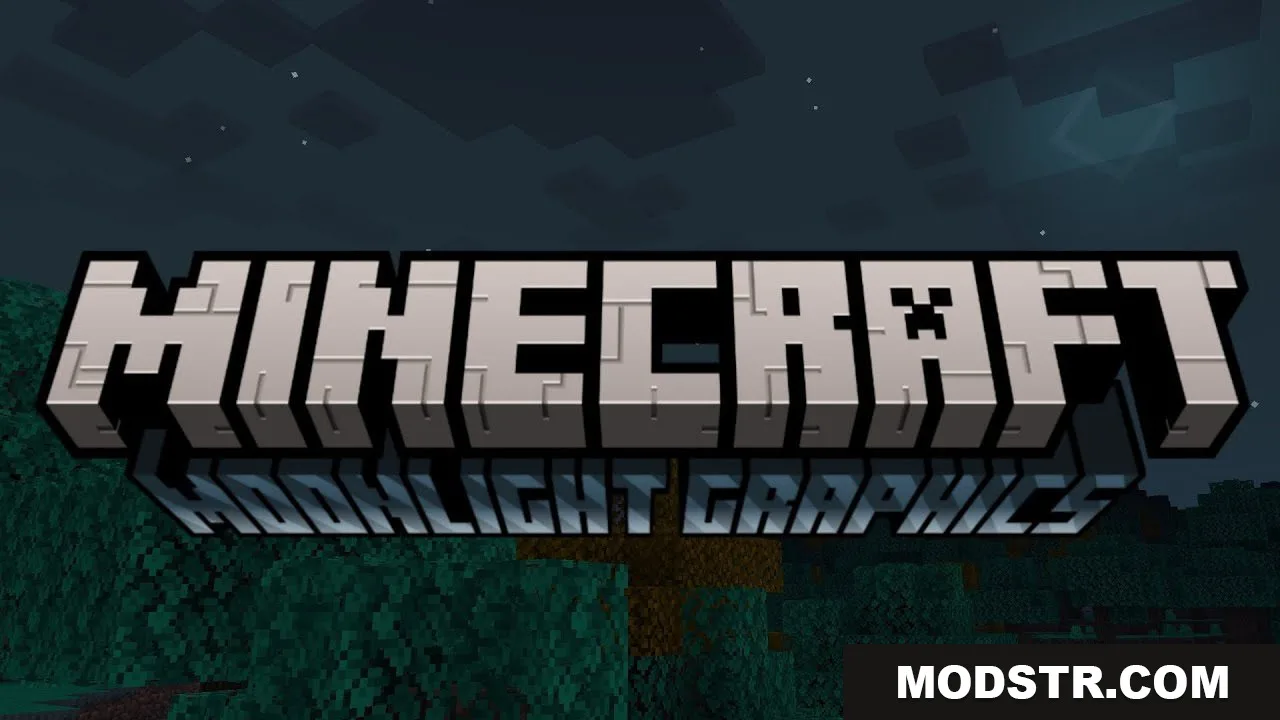
Moonlight Graphics Shader (26.x, 1.21) – Render Dragon, All Devices
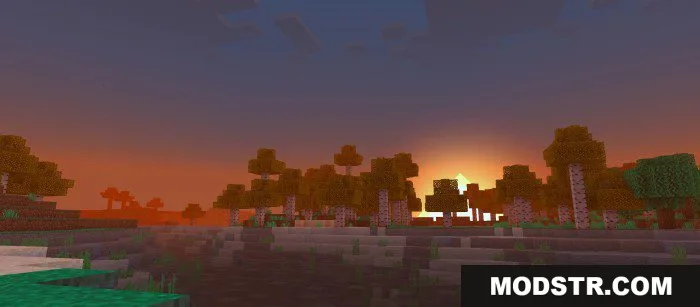
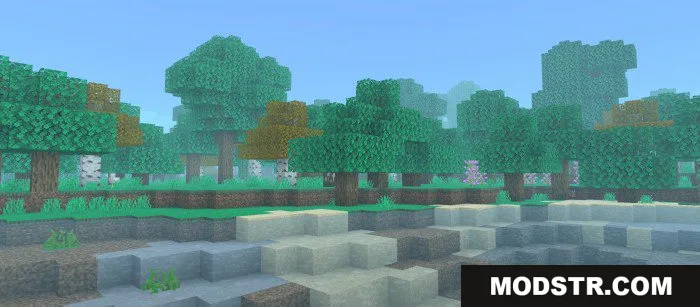
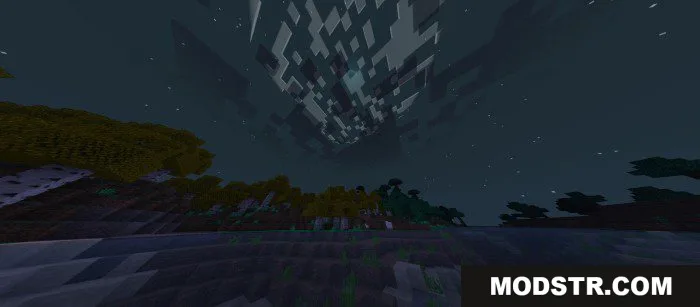
A shader for Minecraft Bedrock that enhances visuals with improved skies, water, and atmospheric effects. Optimized for Render Dragon on all devices.
- 1.21
- 1.20
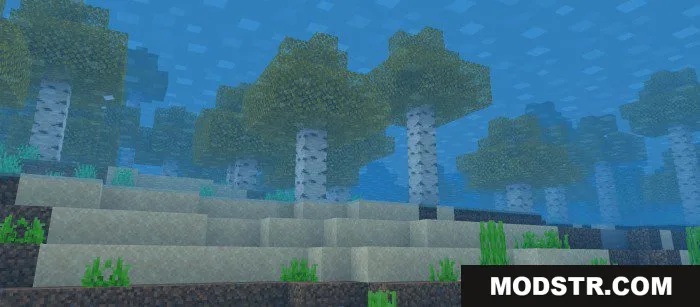
Moonlight Graphics Shader is designed for Minecraft Bedrock Edition, offering visual enhancements focused on sky rendering, water clarity, and atmospheric effects. The shader is built for Render Dragon and supports all devices with minimal performance impact.
Features
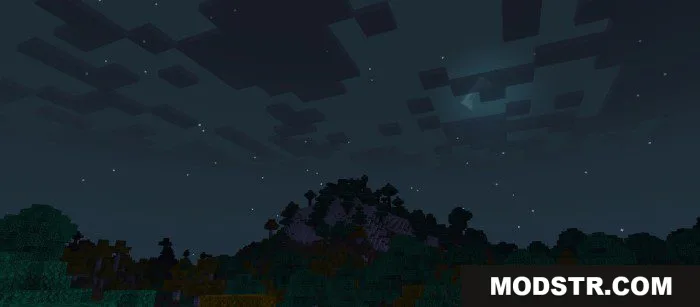
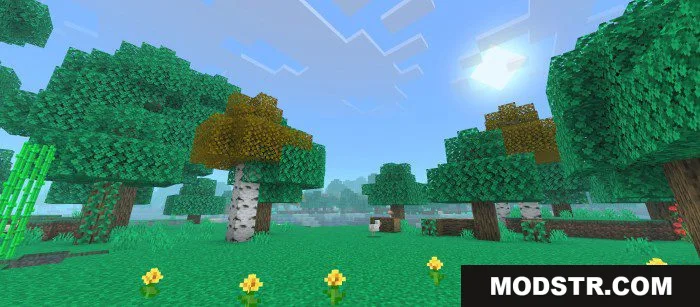
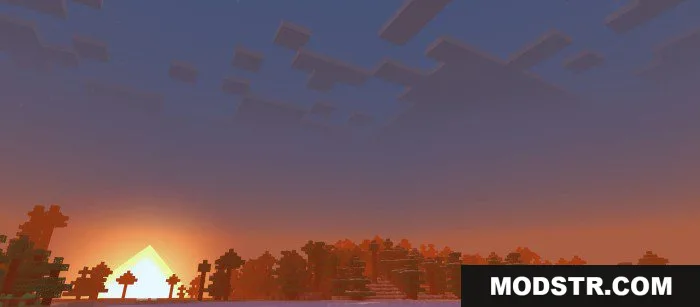
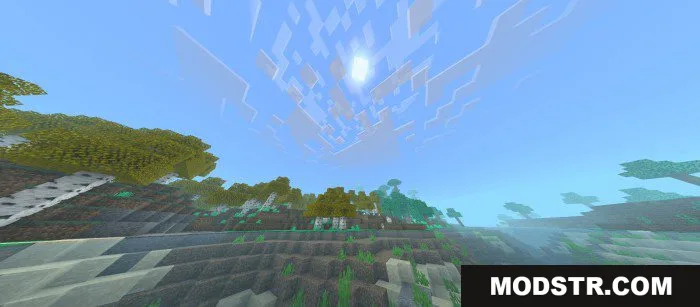
- Day and night sky rendering with defined aesthetics.
- Clear water with simplified texturing.
- Celestial fog effects in normal conditions and heavy fog during rain.
- Diagonal sun and moon shapes.
- Colorful atmospheric rendering.
- Optimized for performance across all supported devices.
Installation
- Select your preferred version variant (Default, Movement Plants, Double Layer Clouds, or Not Double Layer Clouds).
- Download the shader file to your device.
- Open Minecraft Bedrock Edition and navigate to Settings.
- Under Resource Packs or Behavior Packs, select "Add Pack" and locate the downloaded file.
- Enable the shader and apply it to your world.
Compatibility
Moonlight Graphics Shader is compatible with Minecraft Bedrock Edition versions 1.21 and 1.20. The shader requires Render Dragon support and has been tested across multiple device types.
DOWNLOAD FILES
- mcpack
- mcpack