
Phantom Visuals Shader (26.x, 1.21) – Warm Tones and Soft Lighting
A shader pack that applies warm, saturated colors and soft lighting throughout your world. Enhances sky, water, and block visuals with improved contrast and atmospheric effects.
- 1.21
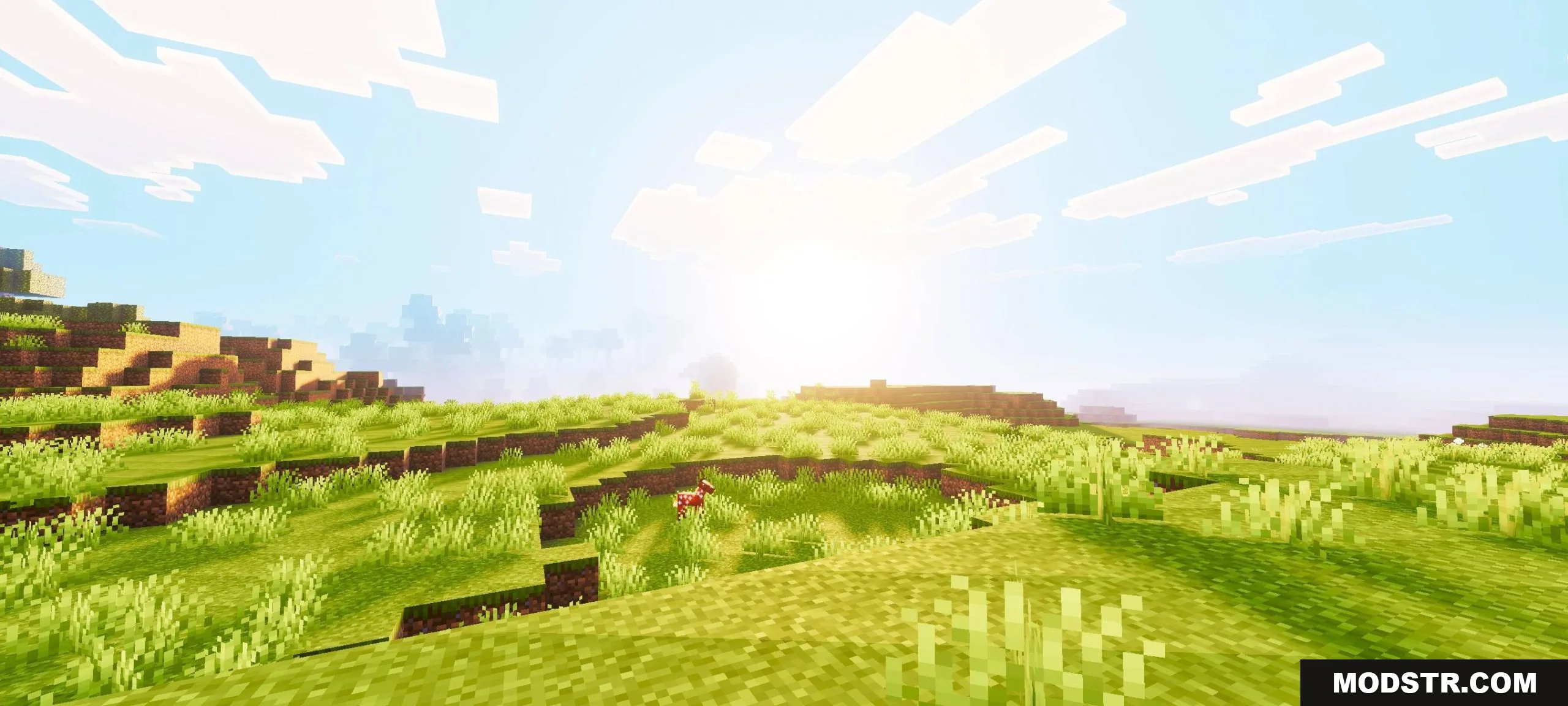
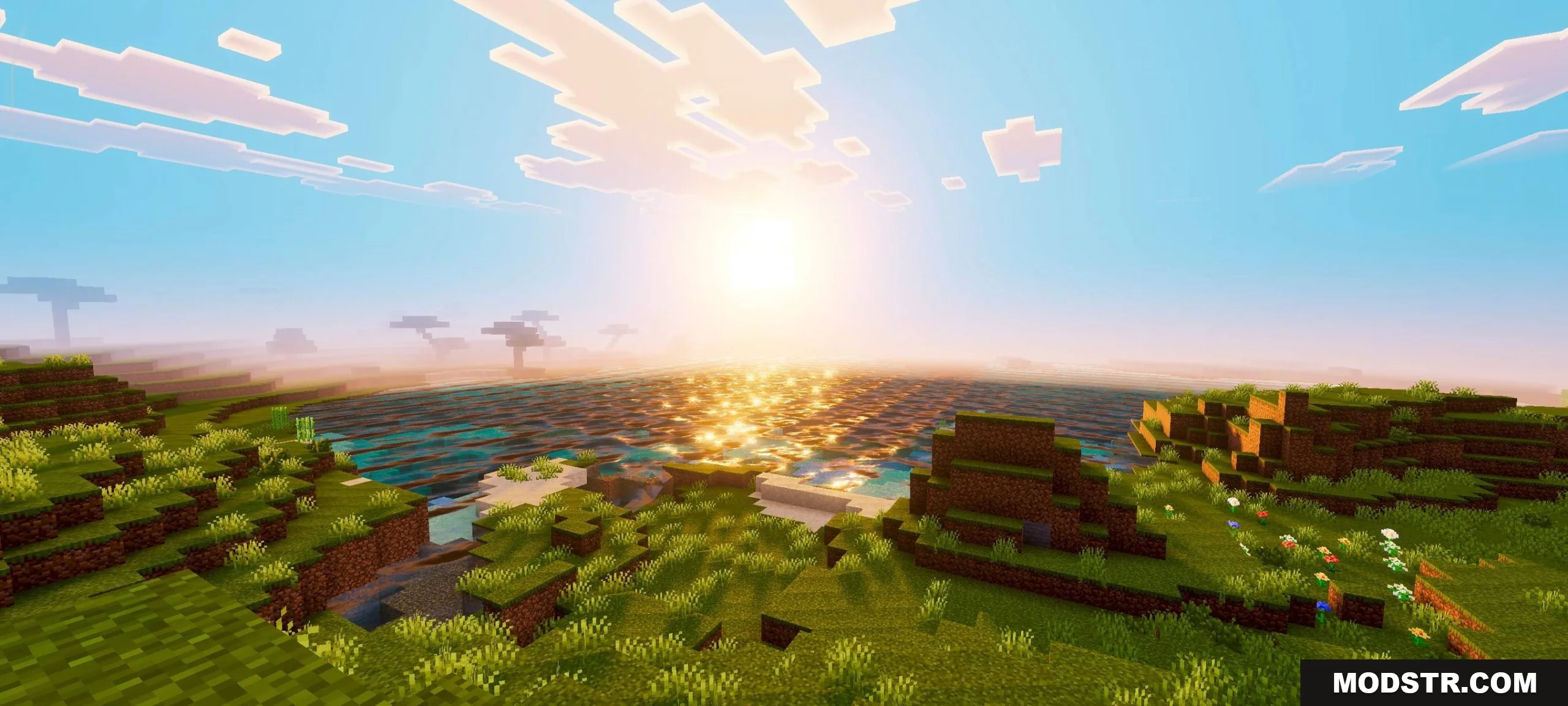
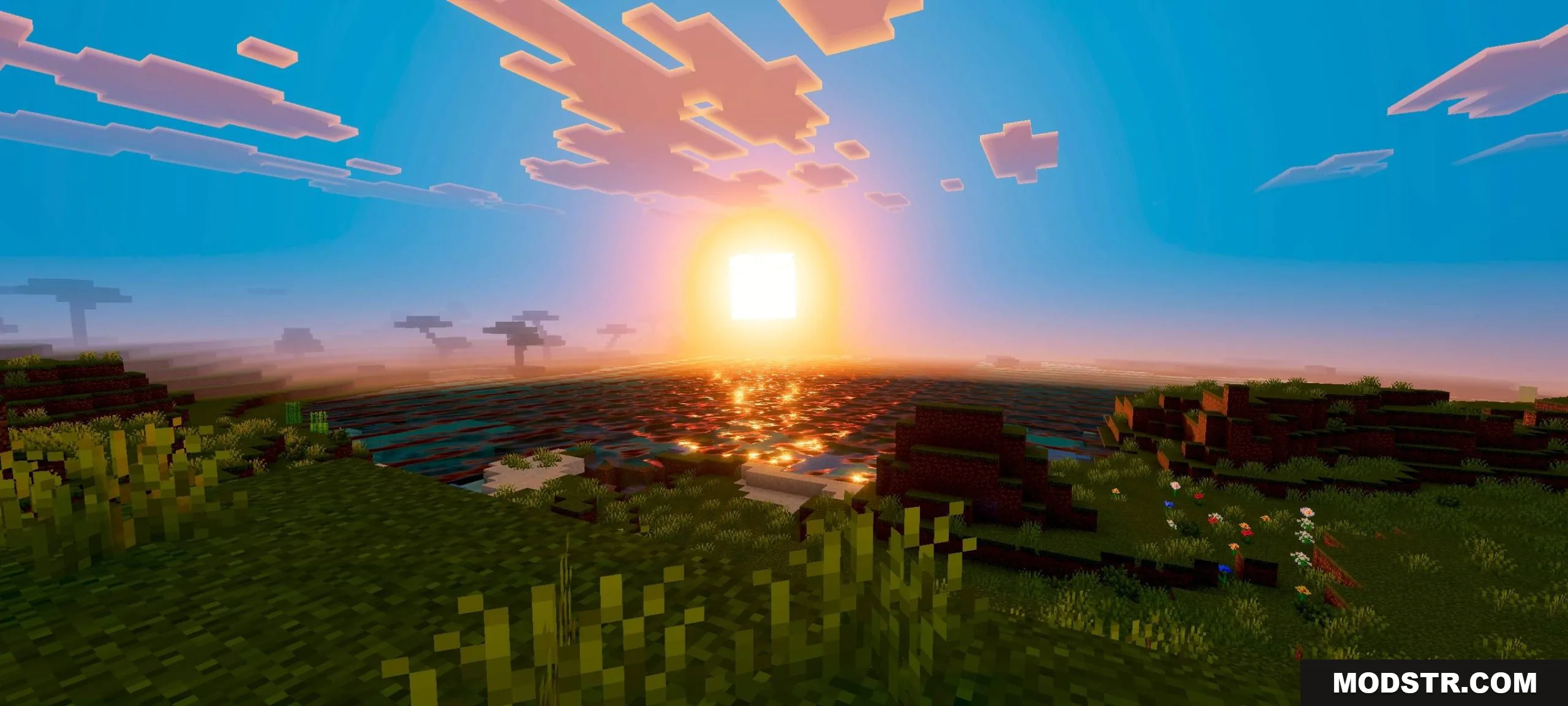
Phantom Visuals Shader is a shader pack that applies warm color grading and soften lighting across your world. It modifies how light behaves and adds saturation to the environment, affecting everything from the sky to water surfaces and terrain. The shader is designed for Minecraft 1.21.
Features
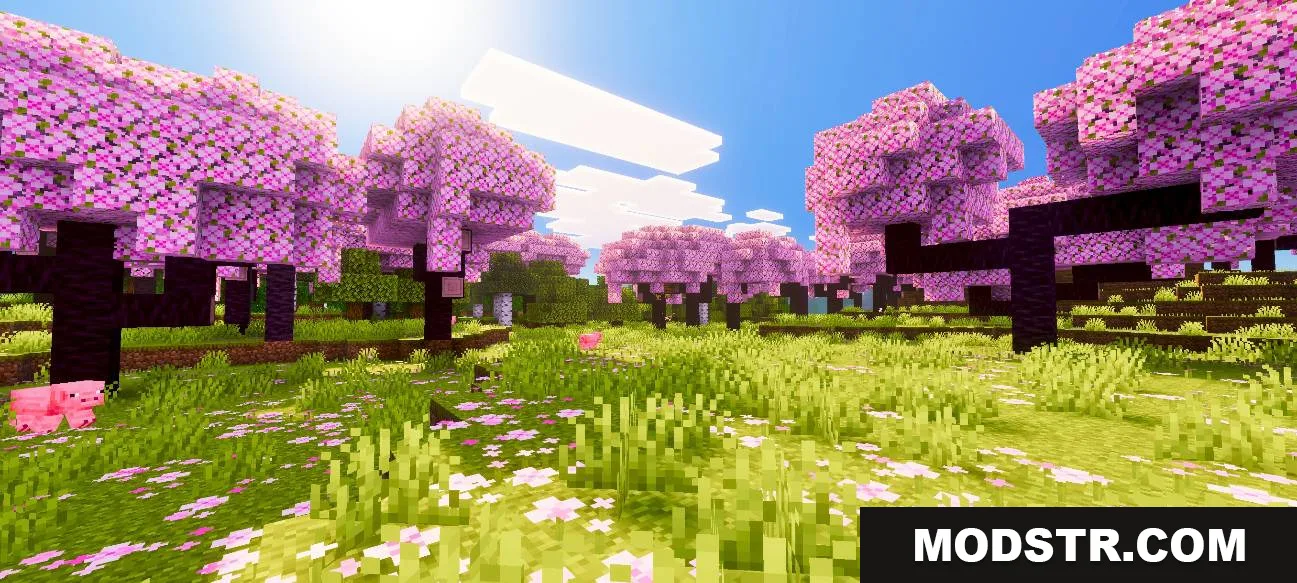
- Warm and saturated color palette applied globally.
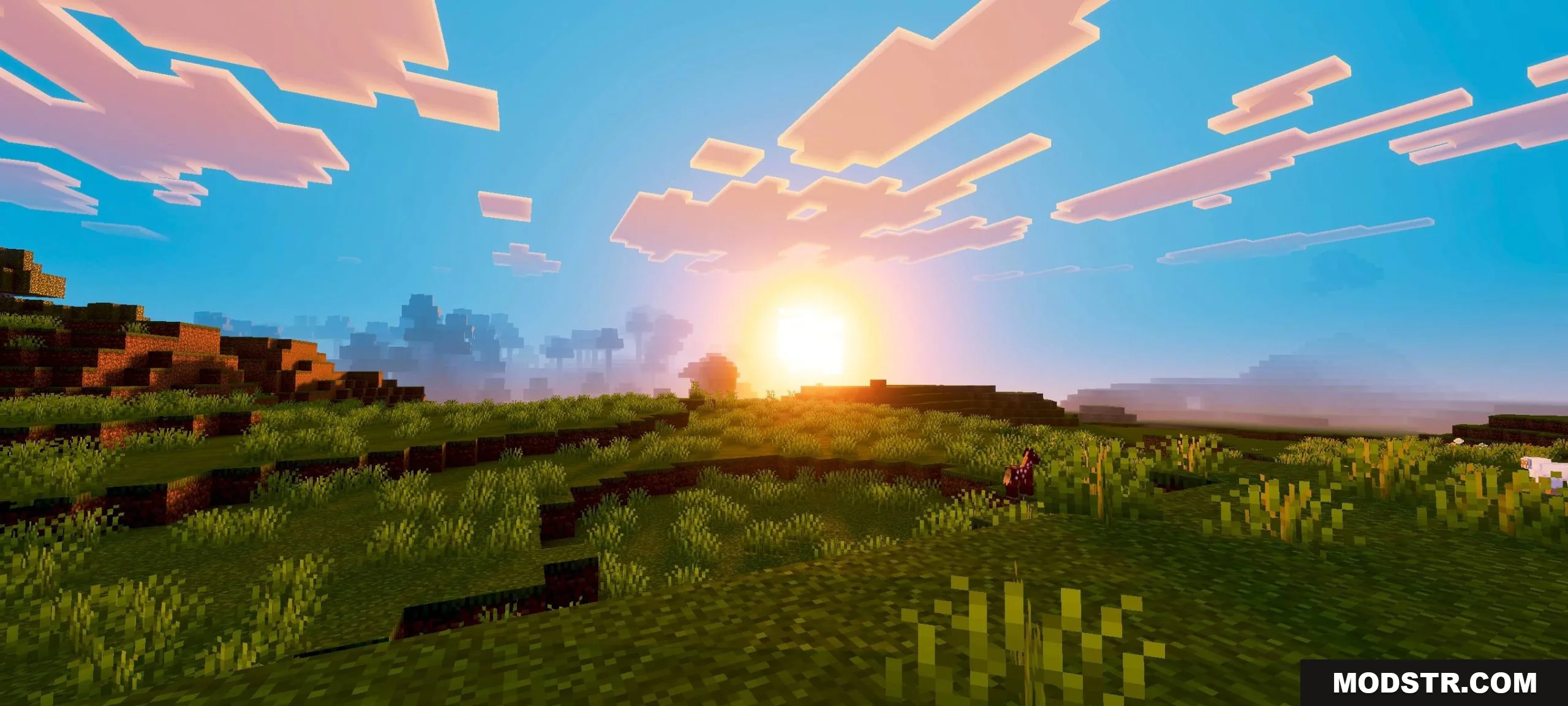
- Softened lighting that reduces harsh shadows while maintaining visibility.
- Increased contrast between blocks and terrain for better visual separation.
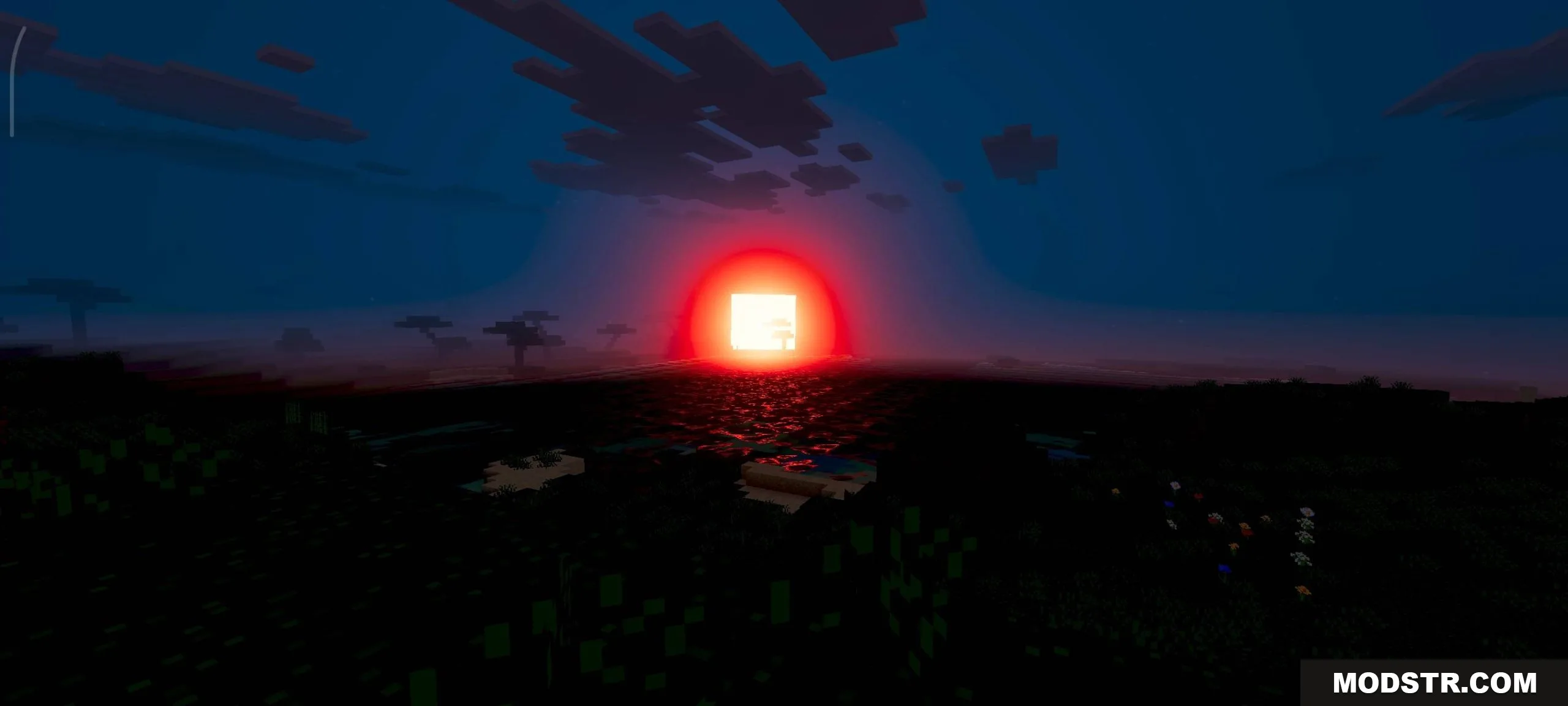
- Enhanced sun and sunset colors using warm red and orange tones.
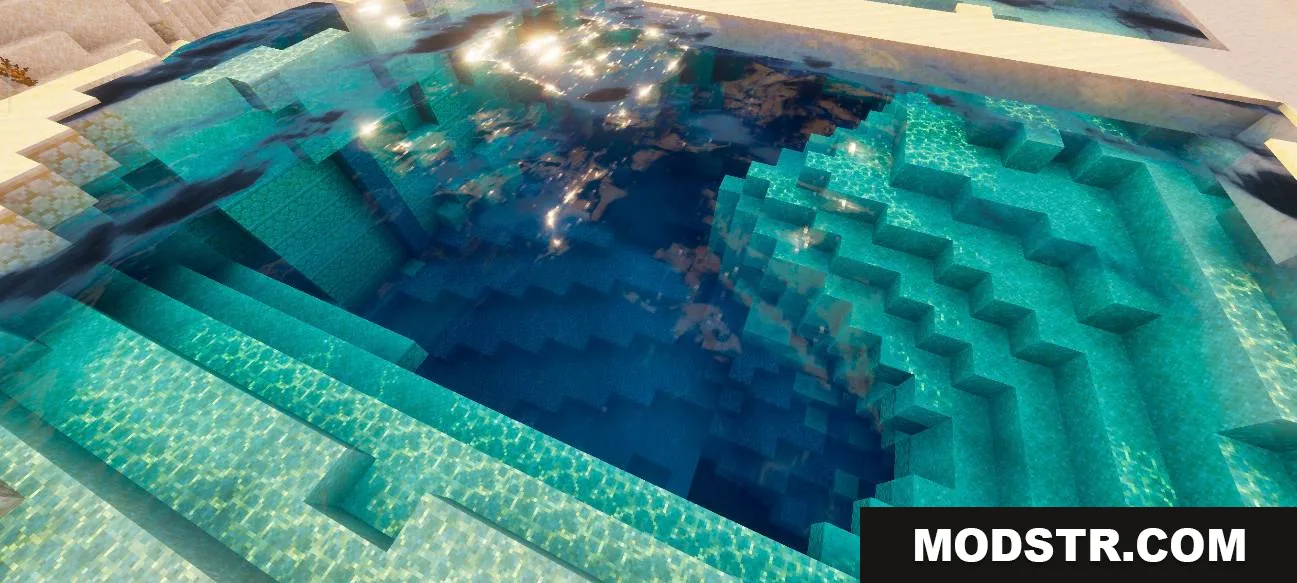
- Light rays and reflections added to water surfaces.
Installation
- Download the shader pack file to your computer.
- Open Minecraft and go to Options > Video Settings > Shader Packs.
- Click "Open Shader Folder" or navigate to .minecraft/shaderpacks manually.
- Place the downloaded shader file into the shaderpacks folder.
- Return to the Shader Packs menu, select Phantom Visuals Shader, and apply.
Compatibility
This shader is compatible with Minecraft 1.21 and requires a shader-compatible version of Minecraft using Optifine or similar shader loaders. Performance depends on your graphics card and render distance settings.
DOWNLOAD FILES
- mcpack
- mcpack