
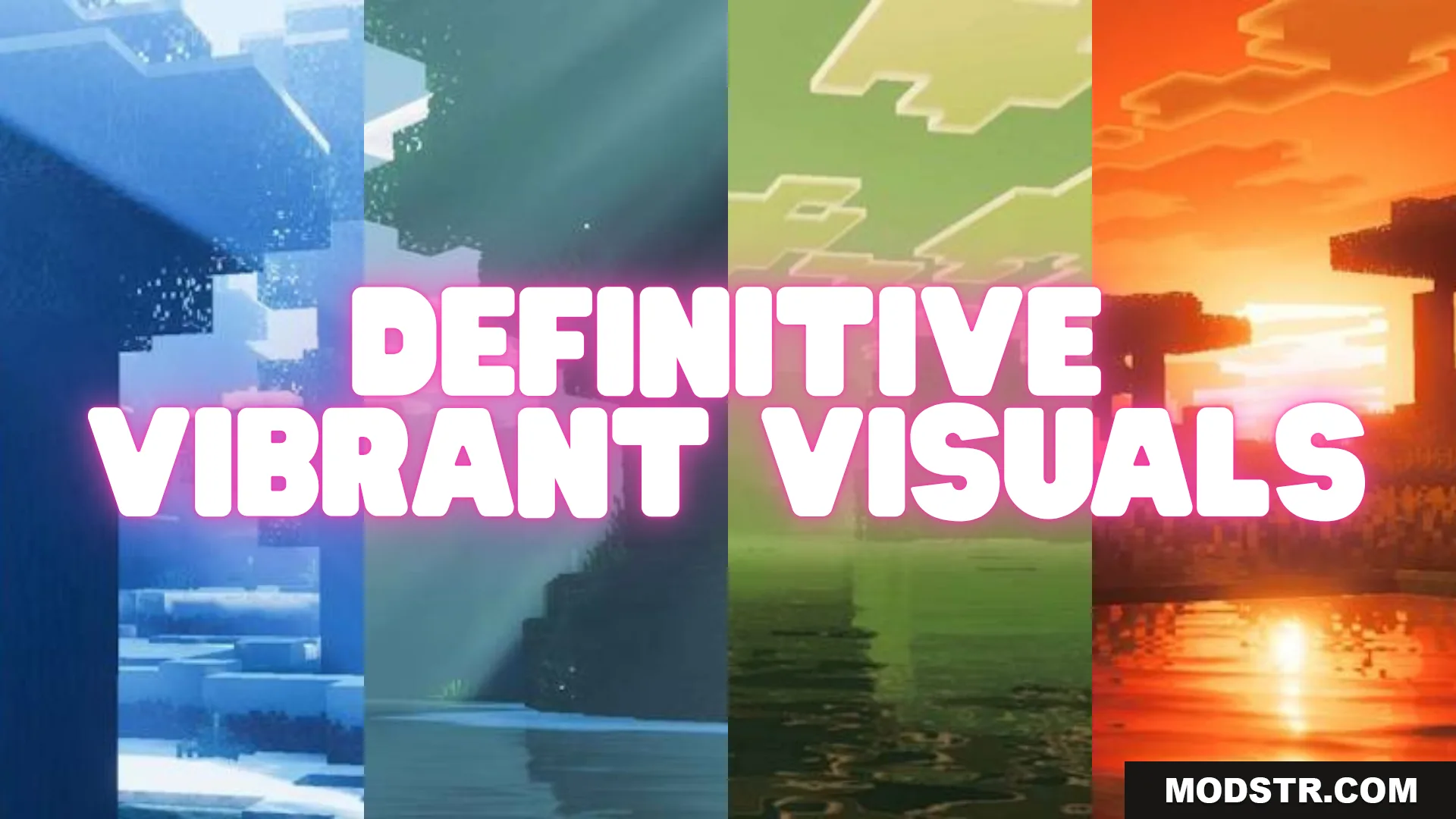
Definitive Vibrant Visuals Shader (26.x, 1.21) – MCPE/Bedrock
A shader for Minecraft Bedrock that adjusts visual style based on biome temperature, rendering warm and cold regions with distinct color and lighting characteristics.
- 1.21
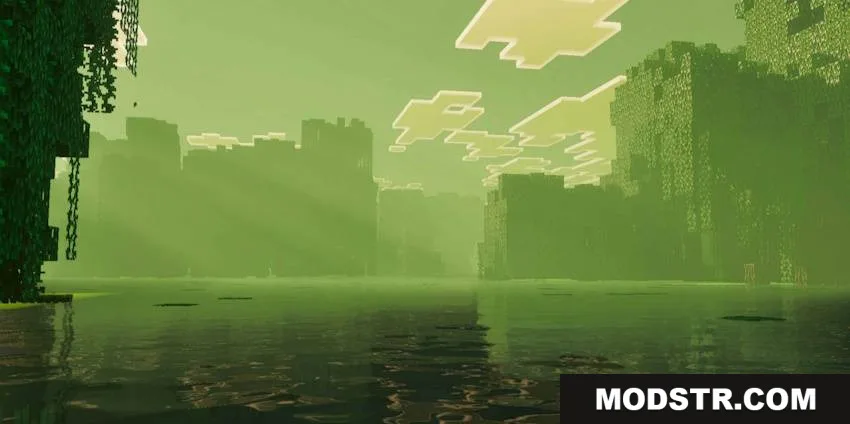
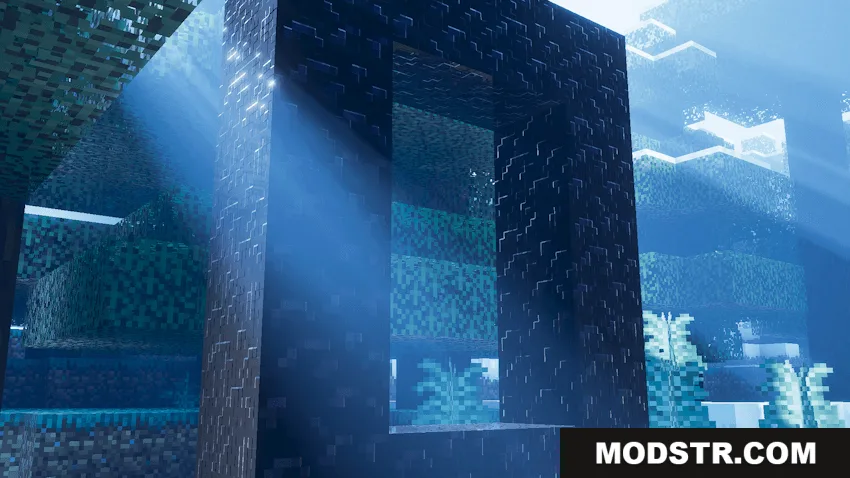
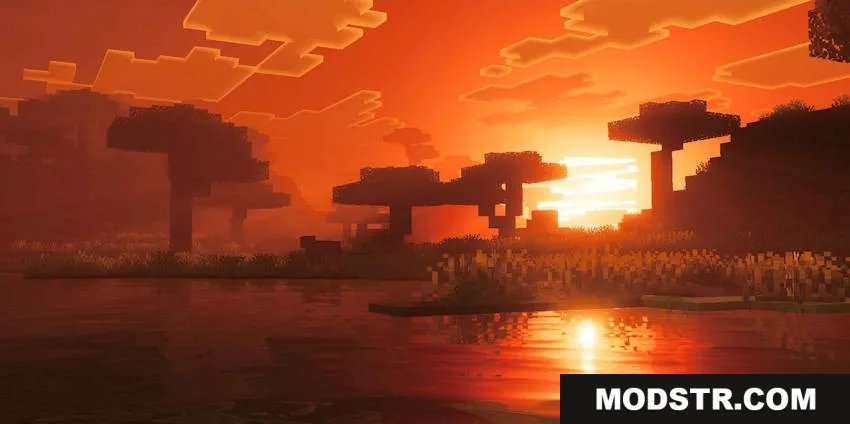
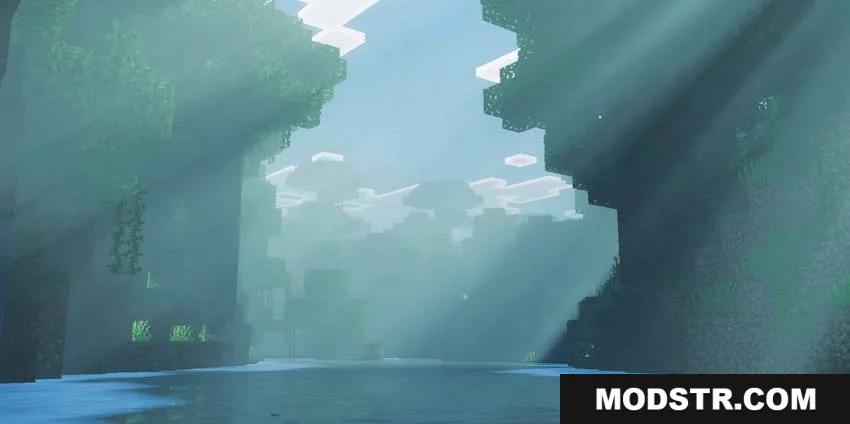
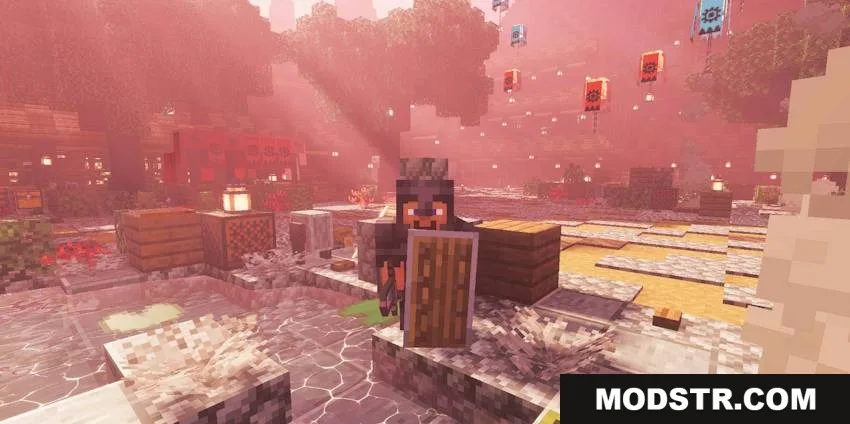
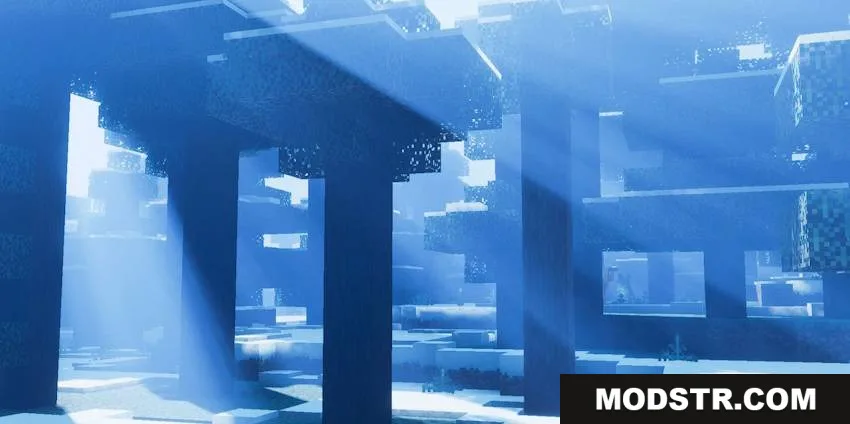
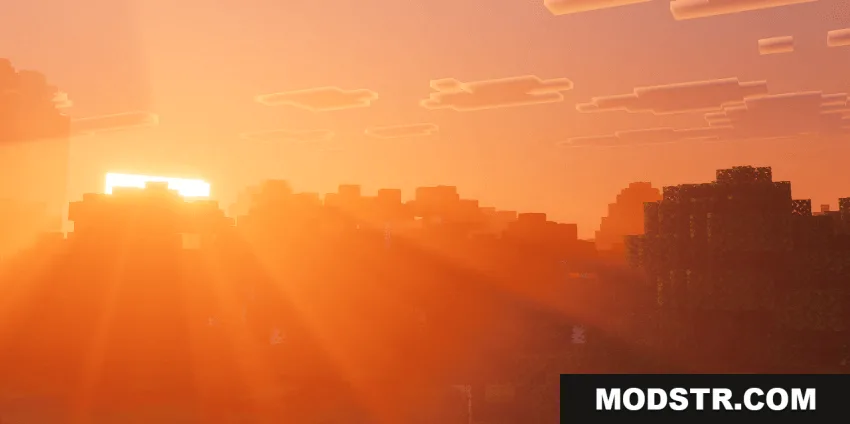
Definitive Vibrant Visuals Shader modifies the rendering of Minecraft scenes to reflect biome conditions. The shader applies different visual treatments depending on whether an area is warm or cold, creating region-specific color grading and lighting effects.
Features
- Dynamic color grading that shifts based on biome temperature classification.
- Distinct visual styles for warm regions with corresponding adjustments to lighting.
- Distinct visual styles for cold regions with corresponding adjustments to lighting.
- Compatible with Minecraft Bedrock Edition version 1.21.
Installation
- Obtain the shader file for your device.
- Open Minecraft Bedrock and navigate to Settings.
- Select the world or realm where you want to apply the shader.
- Go to Graphics settings and select this shader from your available packs.
- Apply the changes and launch your world.
DOWNLOAD FILES
- mcpack
- mcpack