
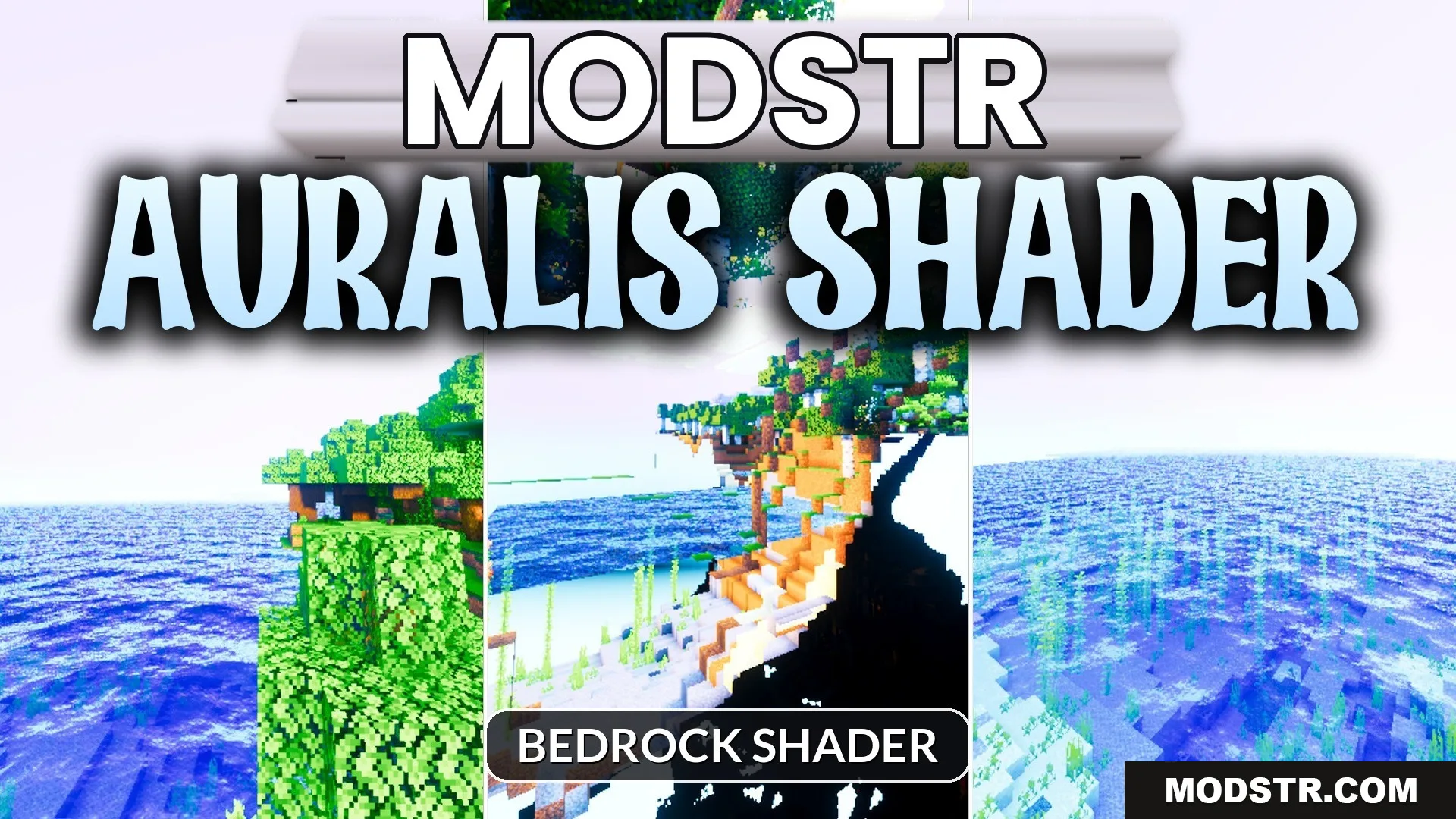
Auralis Shader (26.x) – Glassy Water Reflections and Rich PBR Surfaces
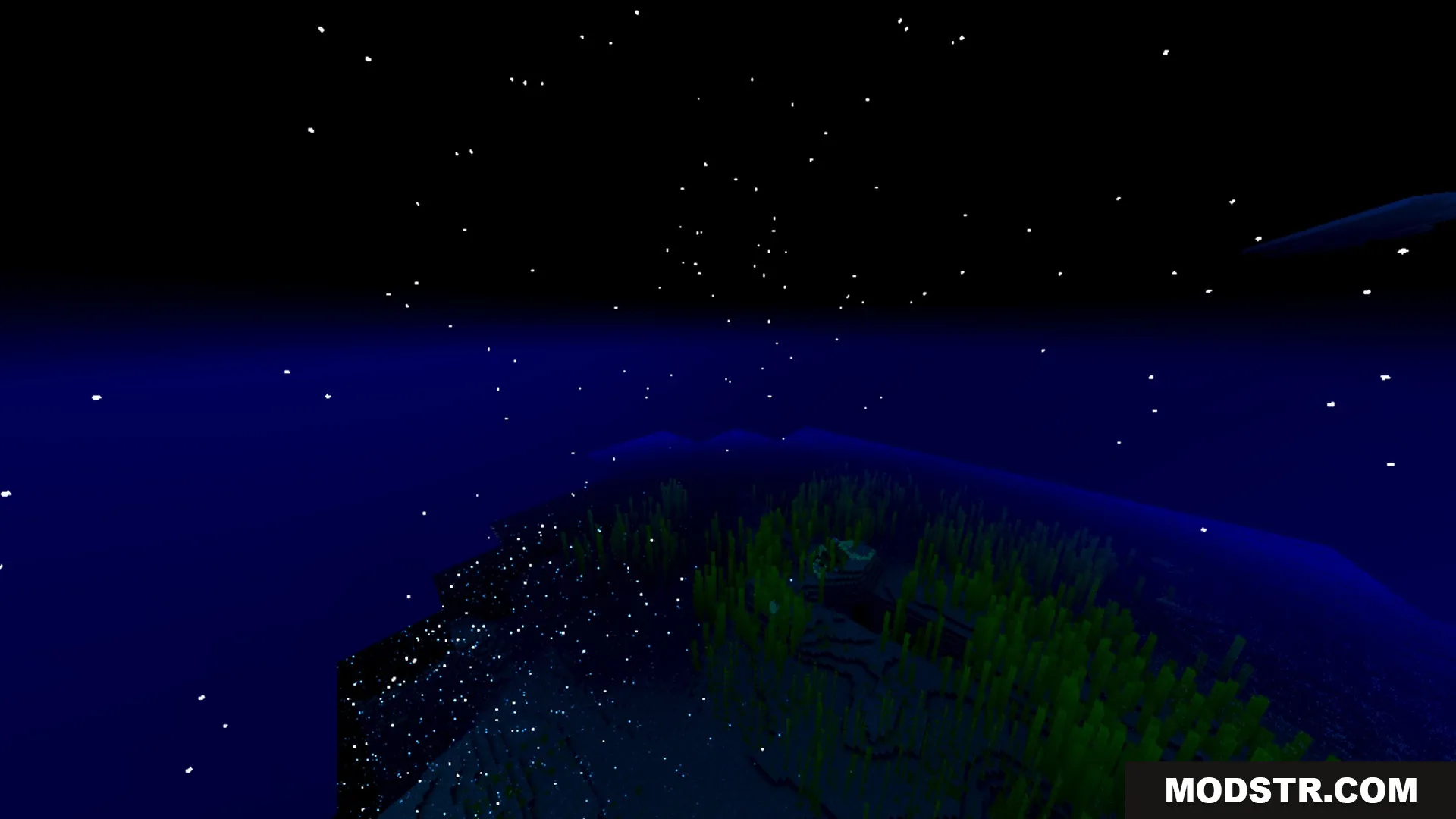
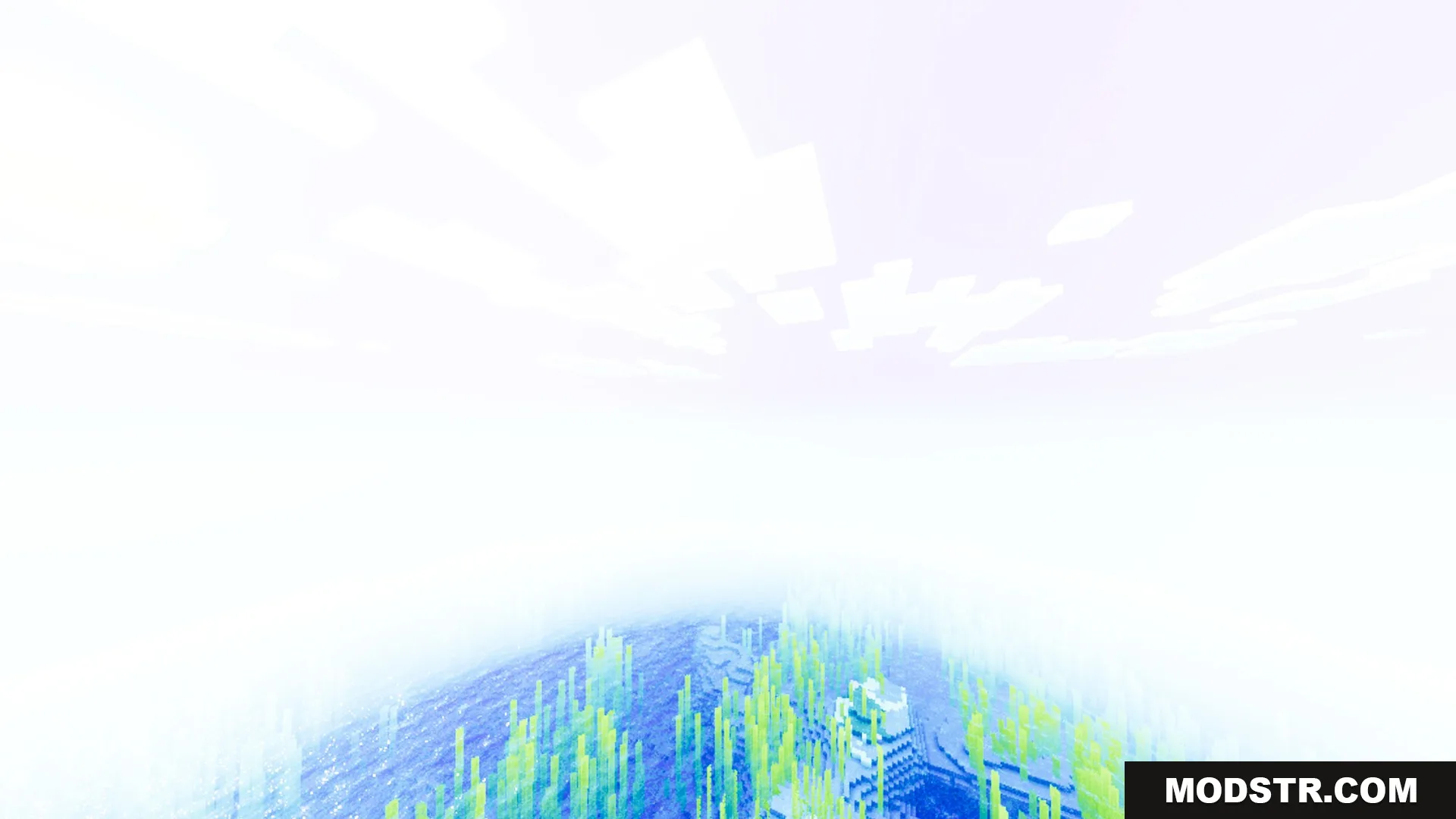
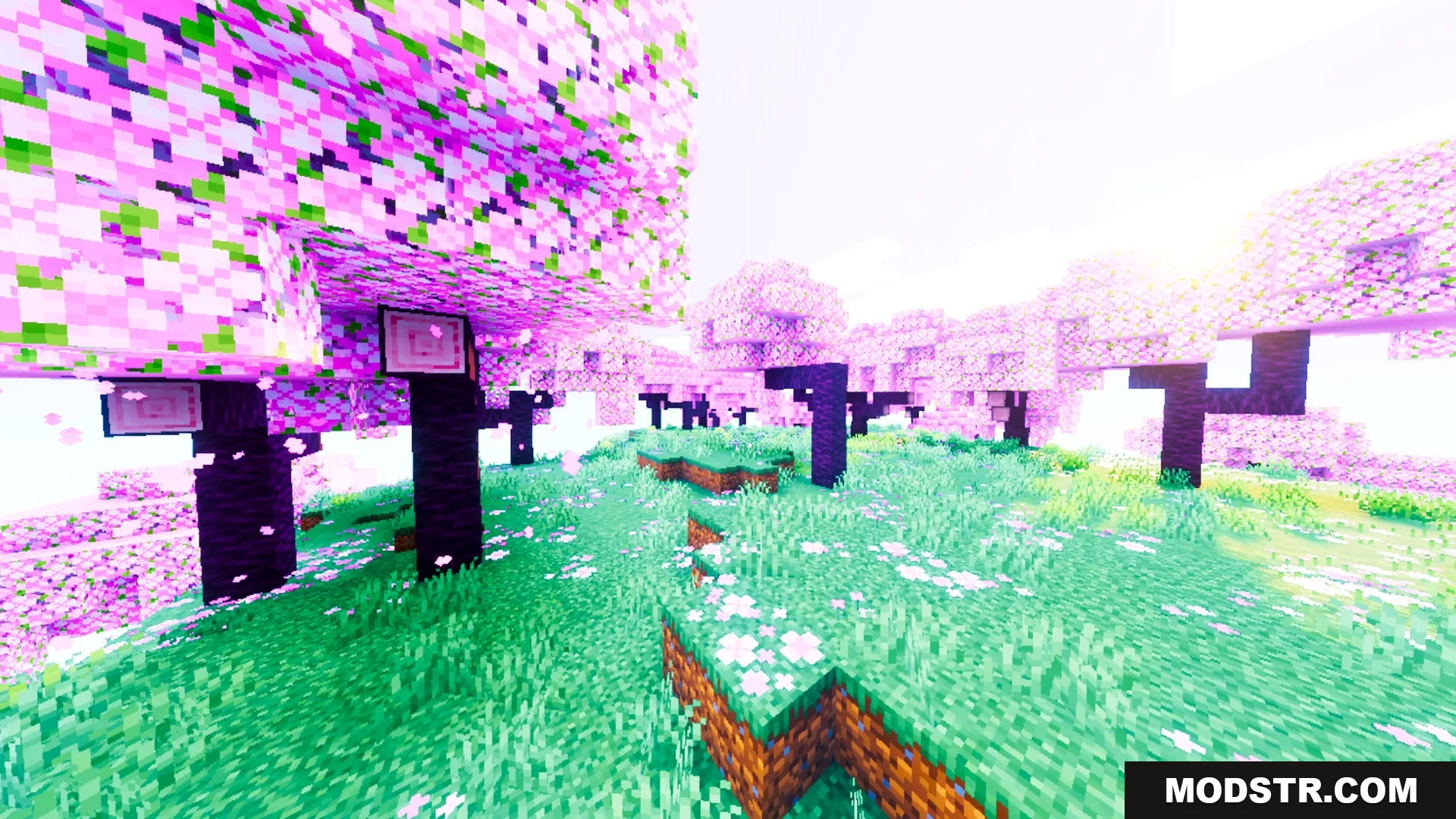
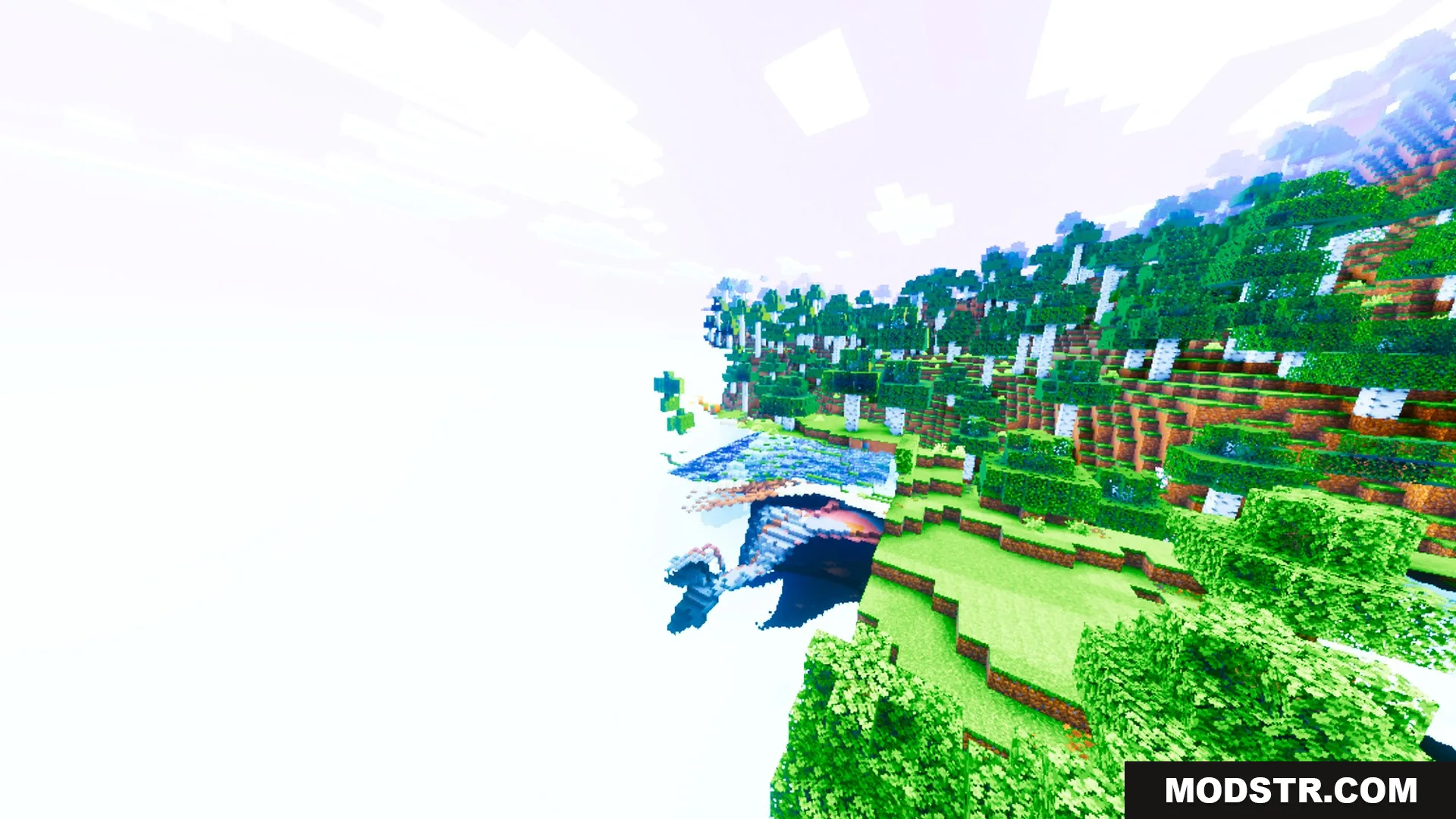
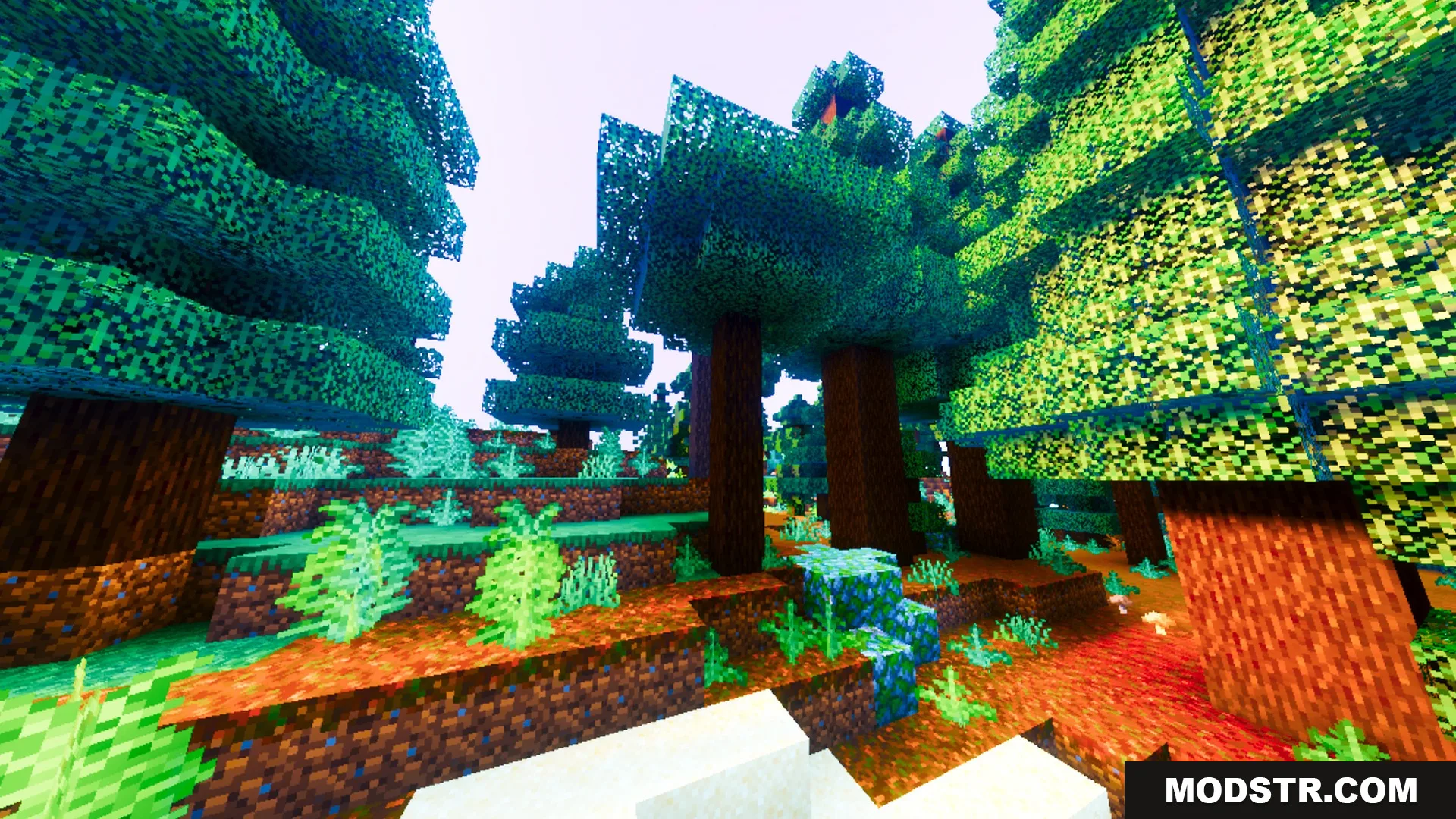
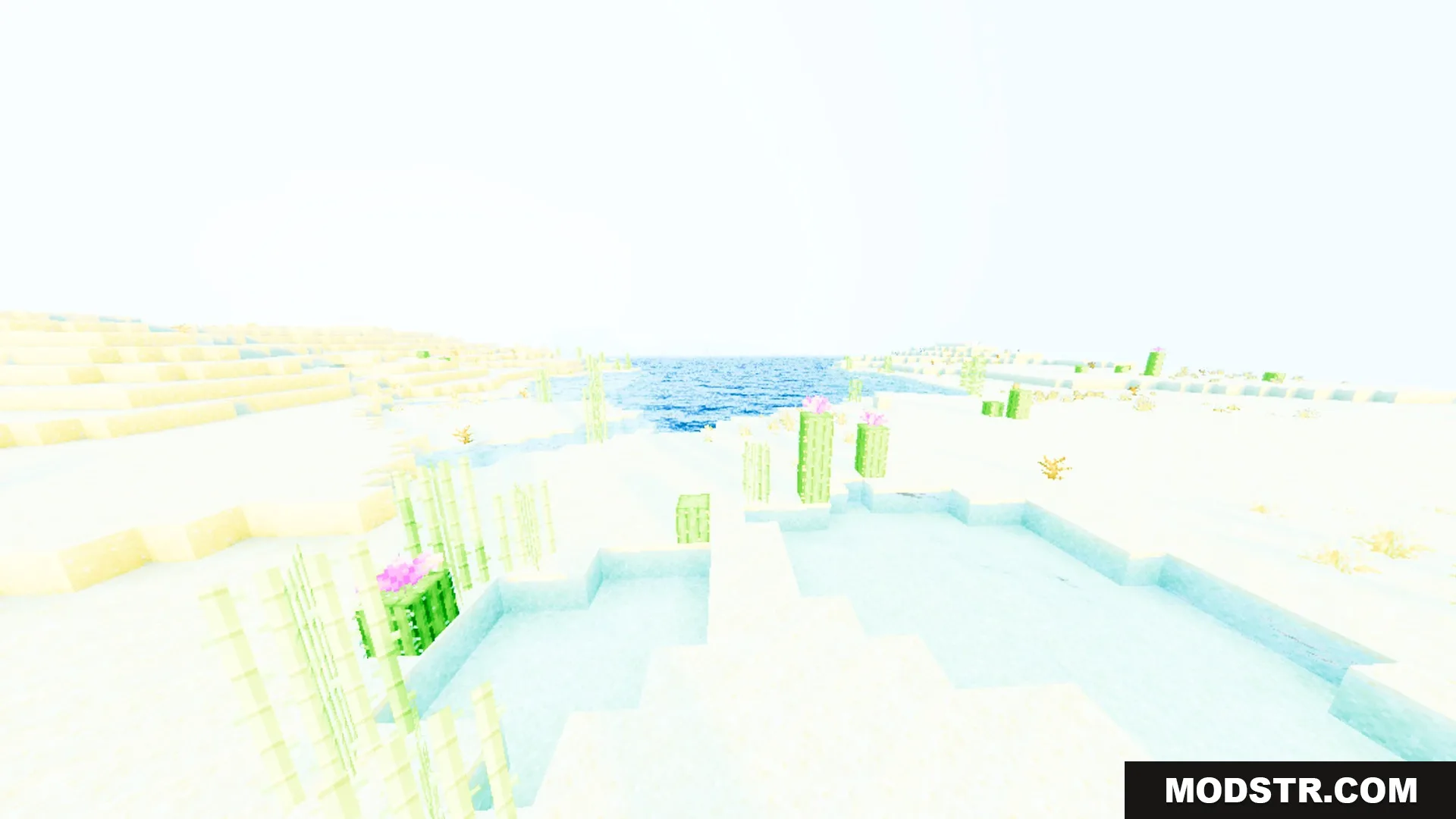
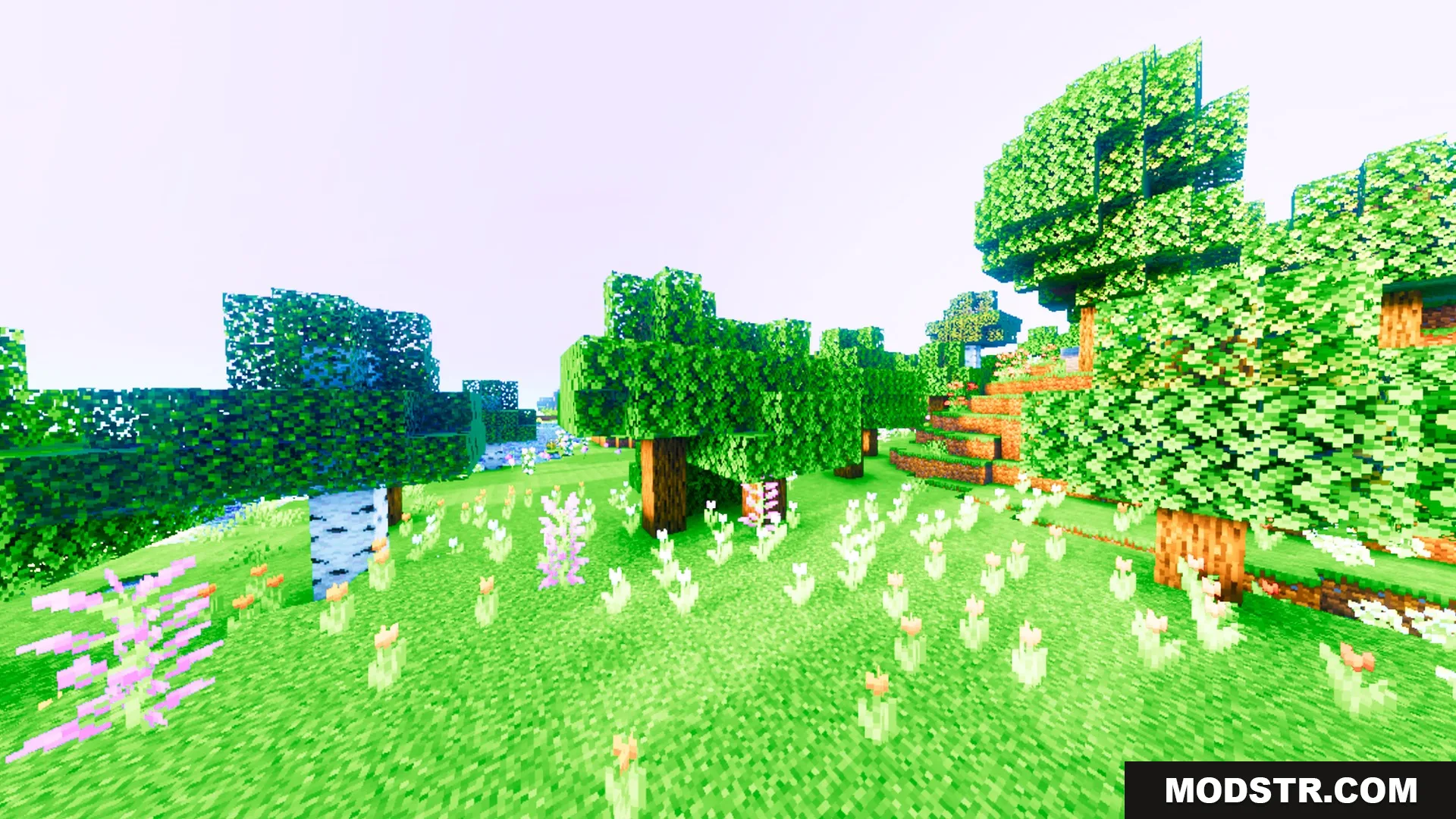
Auralis Shader enhances Minecraft's visuals with vibrant colors and glassy water reflections. It aims to improve the aesthetic experience while maintaining gameplay performance.
Auralis Shader modifies the visual appearance of your Minecraft world by introducing warm and saturated tones. It enhances the game's lighting and water reflections, creating a vibrant atmosphere suitable for all players.
Features
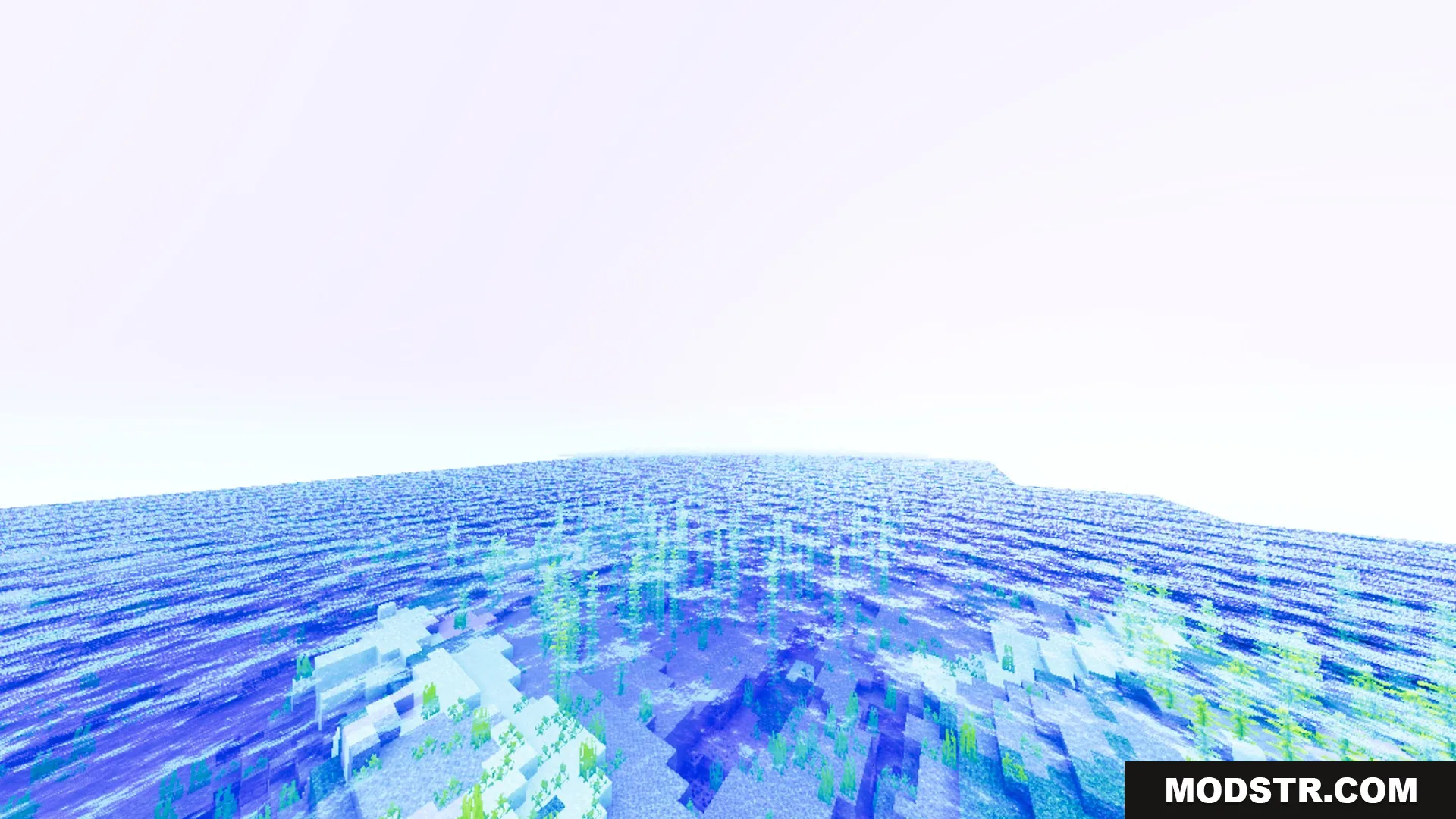
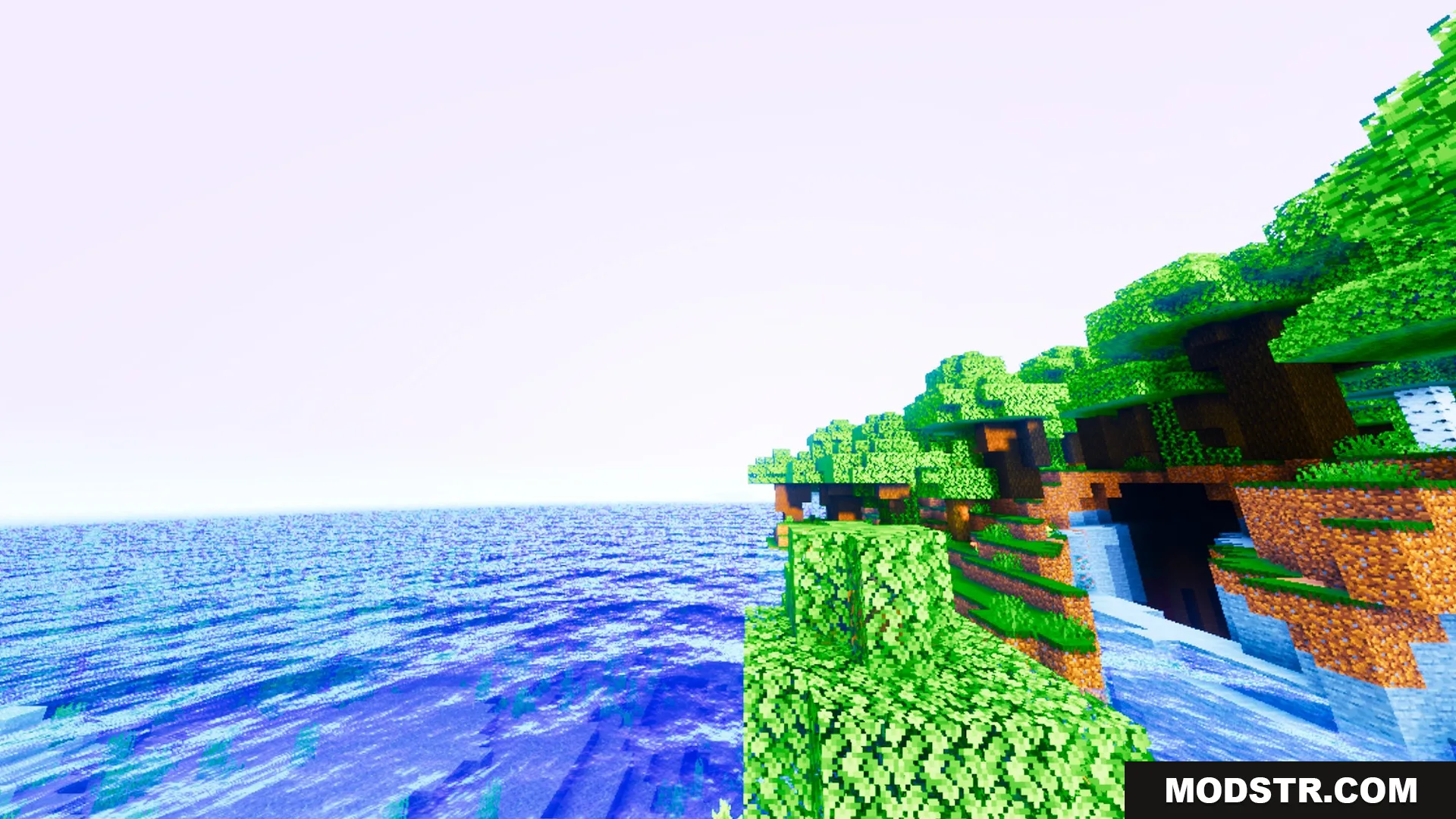
- Adds a warm and saturated color tone across the world.
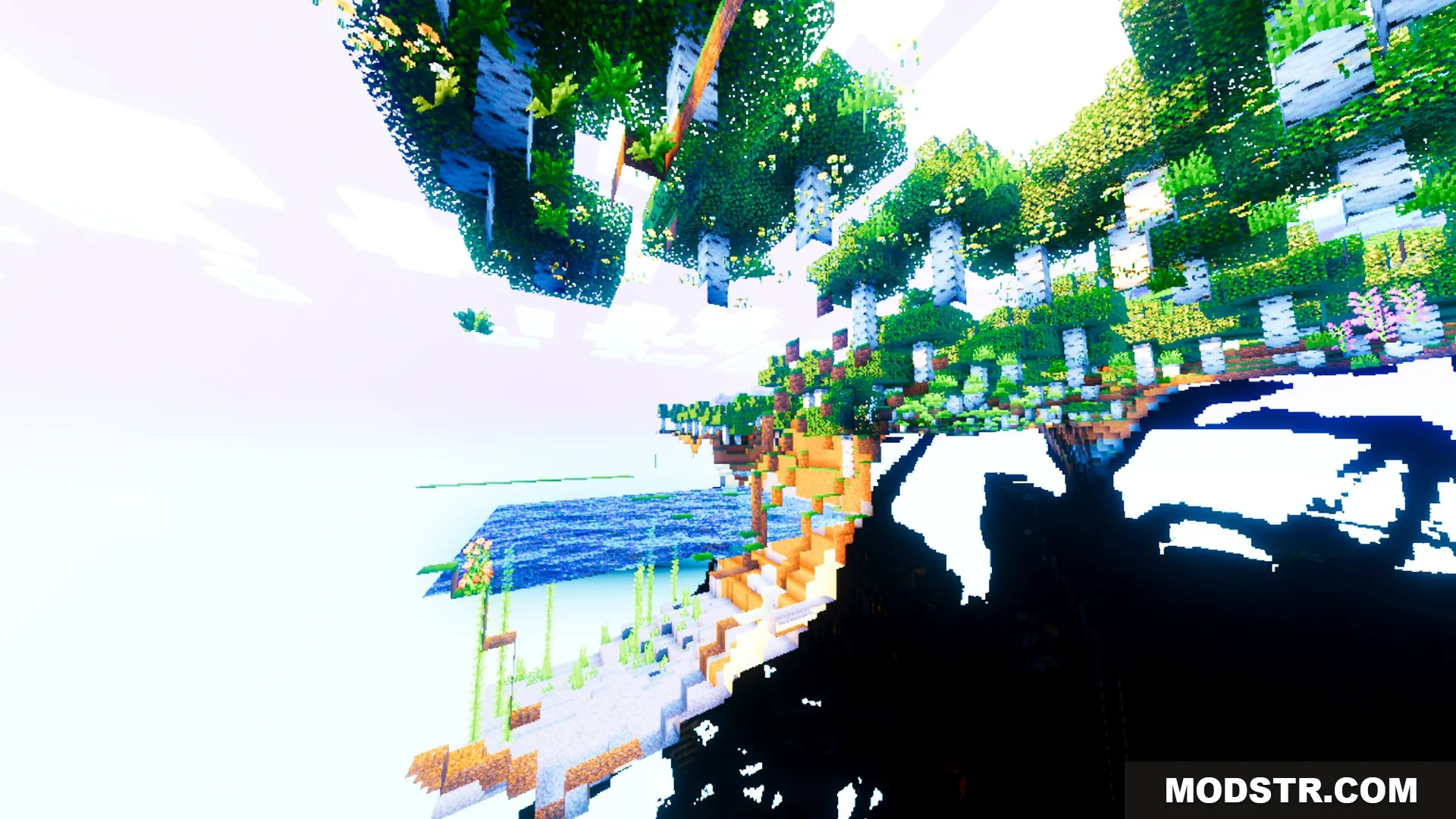
- Enhances lighting and sky visuals for cleaner scenery.
- Provides glassy reflective water for oceans and rivers.
- Includes rich PBR surfaces to boost block details.
- Maintains a smooth visual experience during gameplay.
Installation
- Download the Auralis Shader from the appropriate source.
- Extract the downloaded files if in a compressed format.
- Place the shader files into your shaders folder within the Minecraft directory.
- Launch Minecraft and select the Auralis Shader from the video settings under shaders.
- Adjust settings as needed, then enjoy the enhanced visuals.
Compatibility
Auralis Shader is designed to work with the specified versions of Minecraft, optimizing both performance and compatibility to ensure a smooth gameplay experience.
DOWNLOAD FILES
- mcpack