
Better 3D Armors Shader (26.x, 1.21) – Custom 3D Armor Models with Material
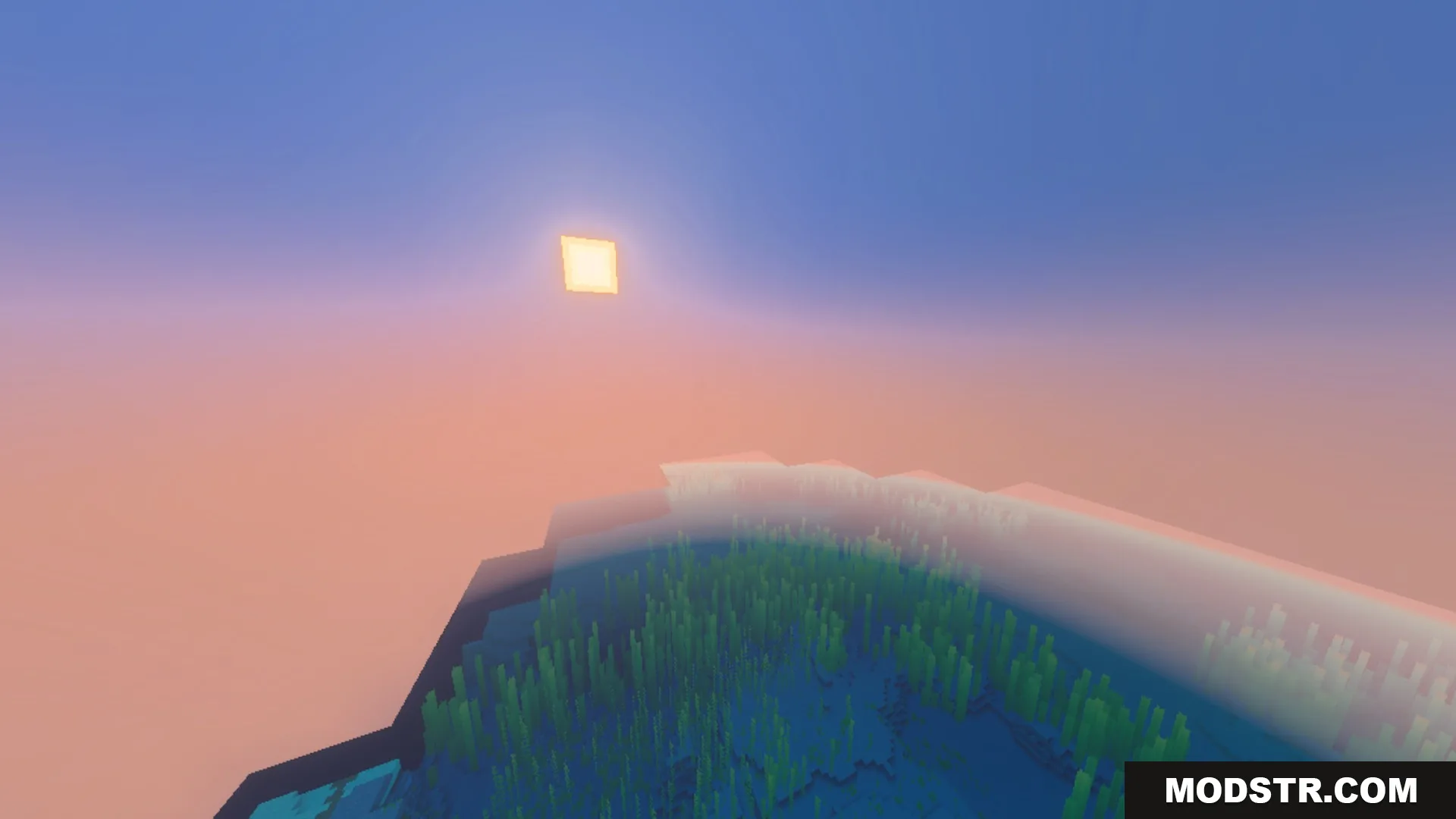
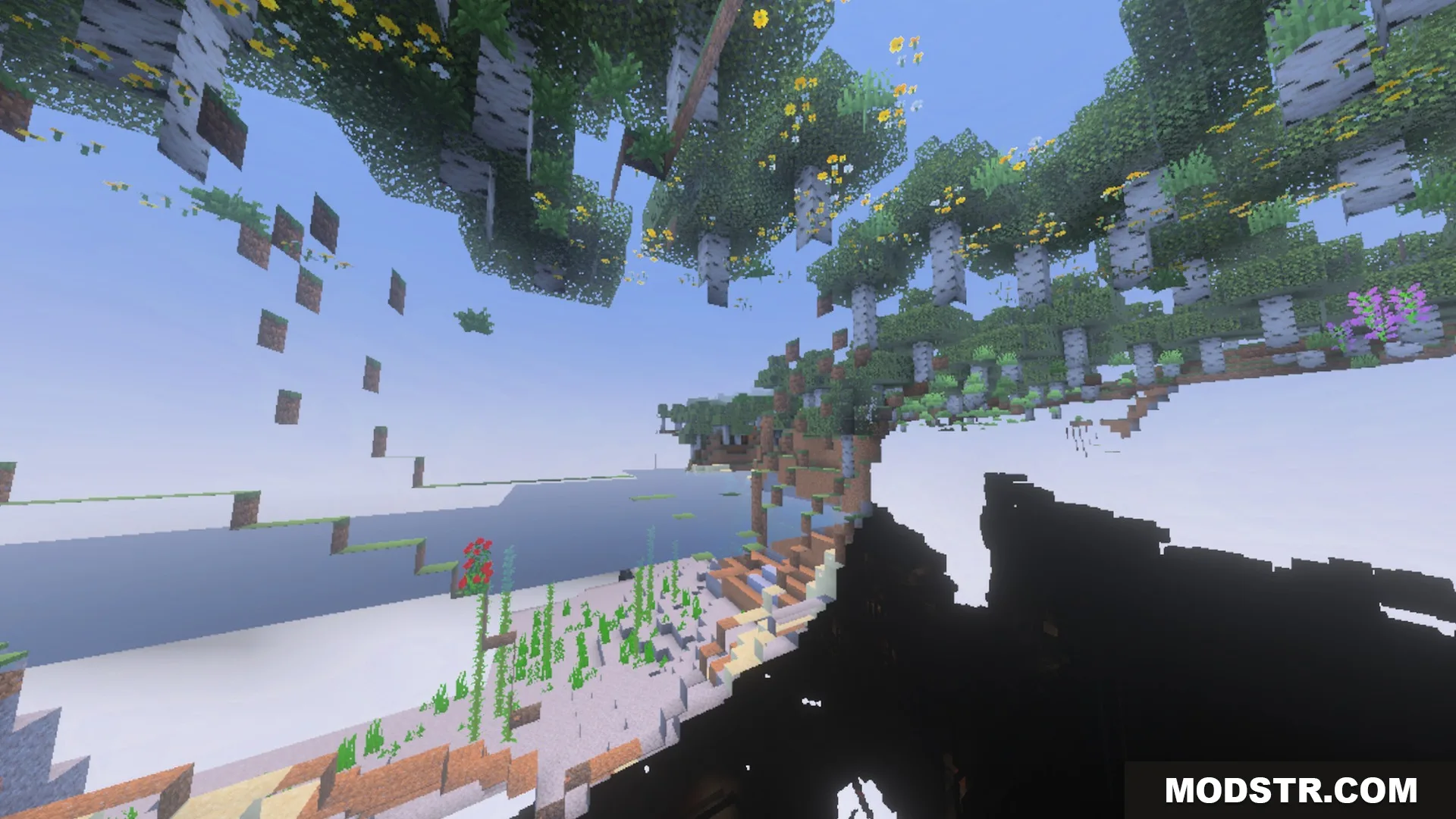
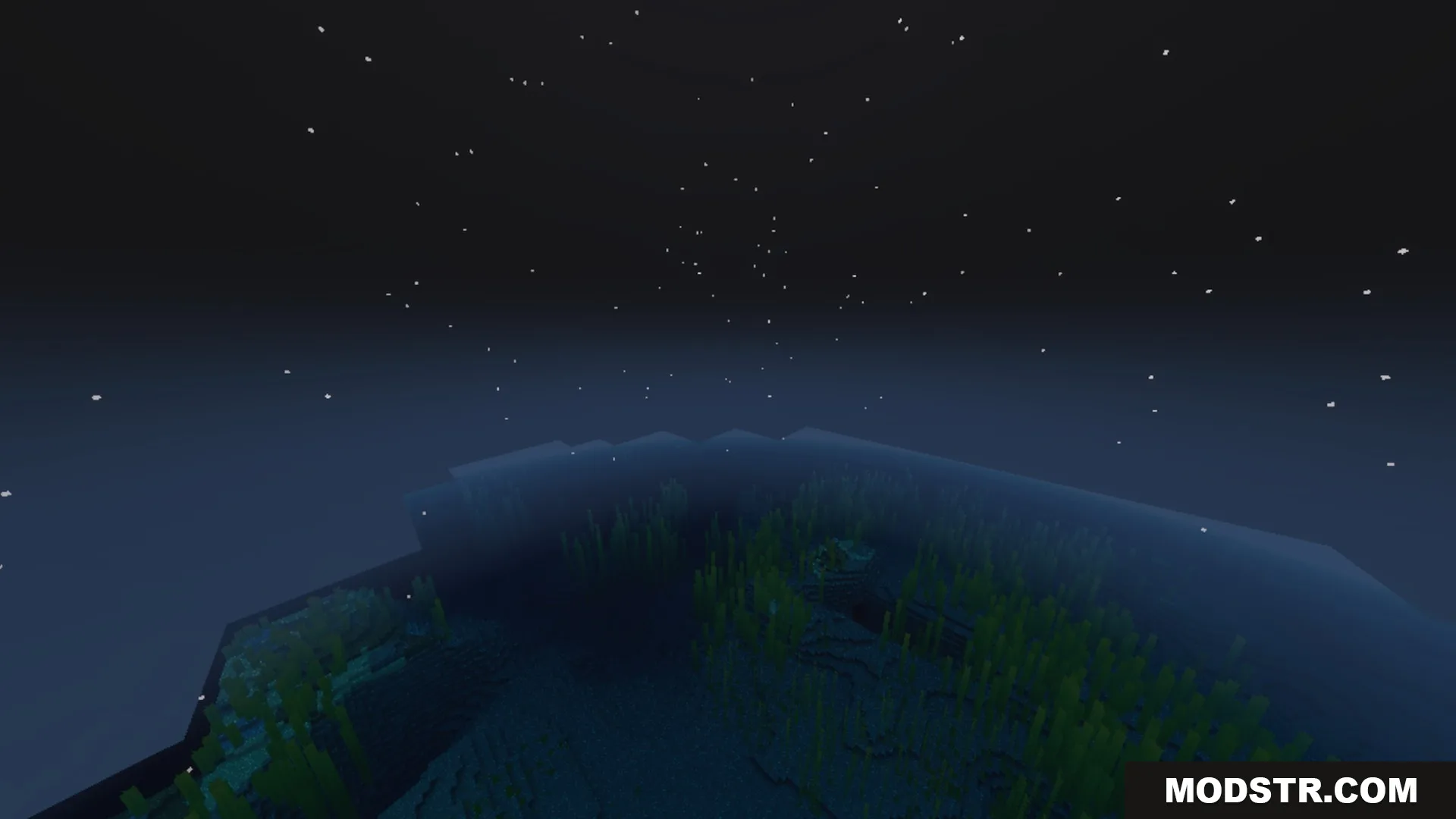
Better 3D Armors Shader enhances armor visuals by replacing flat designs with custom 3D models for each tier. It is suitable for players looking for more immersive armor representation while maintaining the vanilla aesthetic.
- 1.21
Better 3D Armors Shader modifies armor appearances by introducing fully modeled 3D gear for each tier while preserving the traditional Minecraft style. This shader is intended for players seeking to enhance their visual experience with detailed armor models.
Features
- Every armor tier features custom 3D helmets, chestplates, leggings, and boots.
- Leather armor supports all 16 dyes with matching bright colors.
- Enchantment glow cleanly wraps around every 3D model.
- Armor pieces fit naturally during movement and player animations.
- Metal sets feature crisp plating and material-accurate shading.
Installation
- Download the shader pack.
- Open Minecraft and navigate to the settings.
- Select the 'Shaders' option.
- Click 'Shaders Folder' to open the directory.
- Place the downloaded shader pack in the folder and restart the game.
DOWNLOAD FILES
- mcpack