
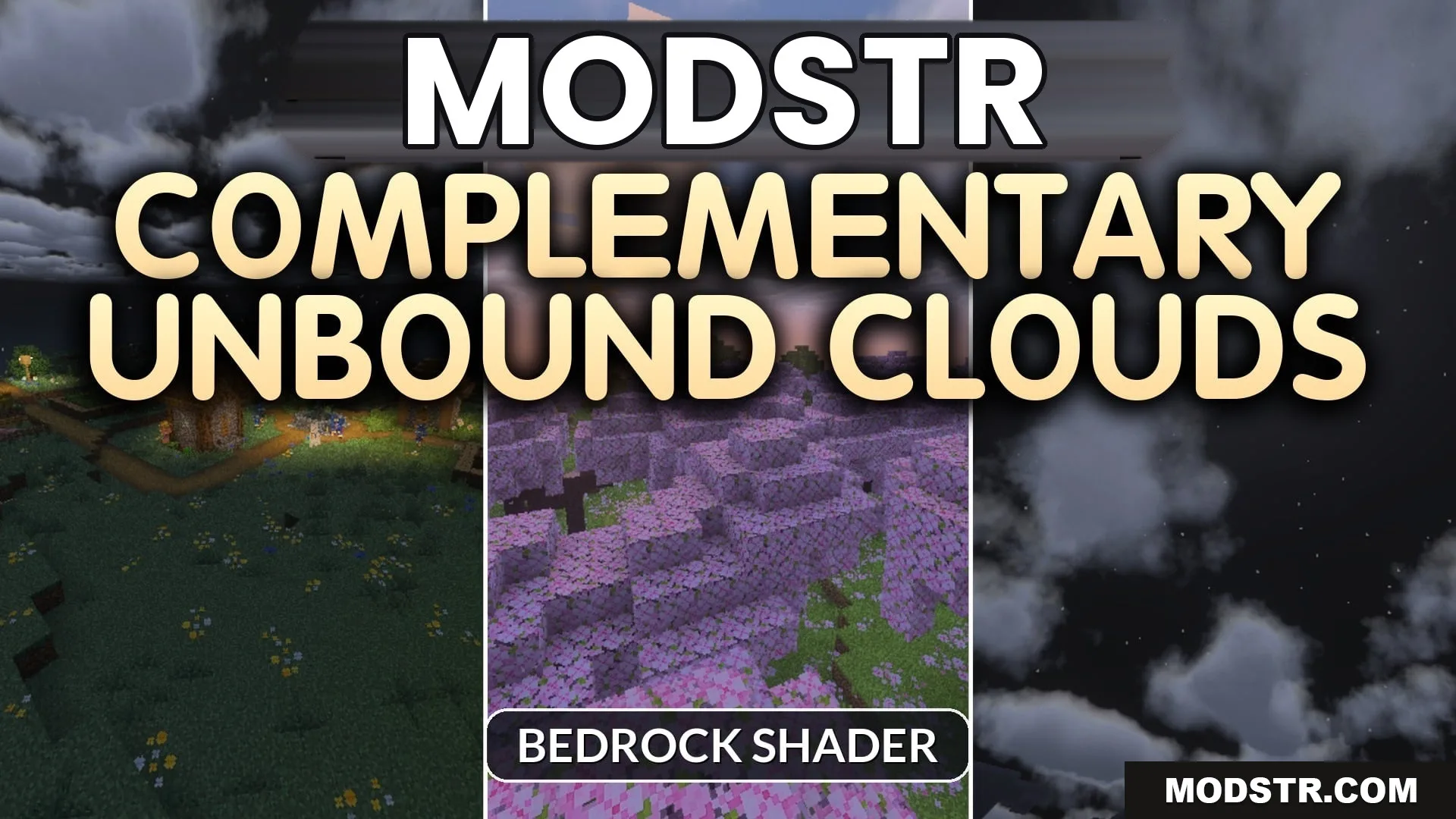
Complementary Unbound Clouds Shader (26.x) – Java Style Cloud Textures
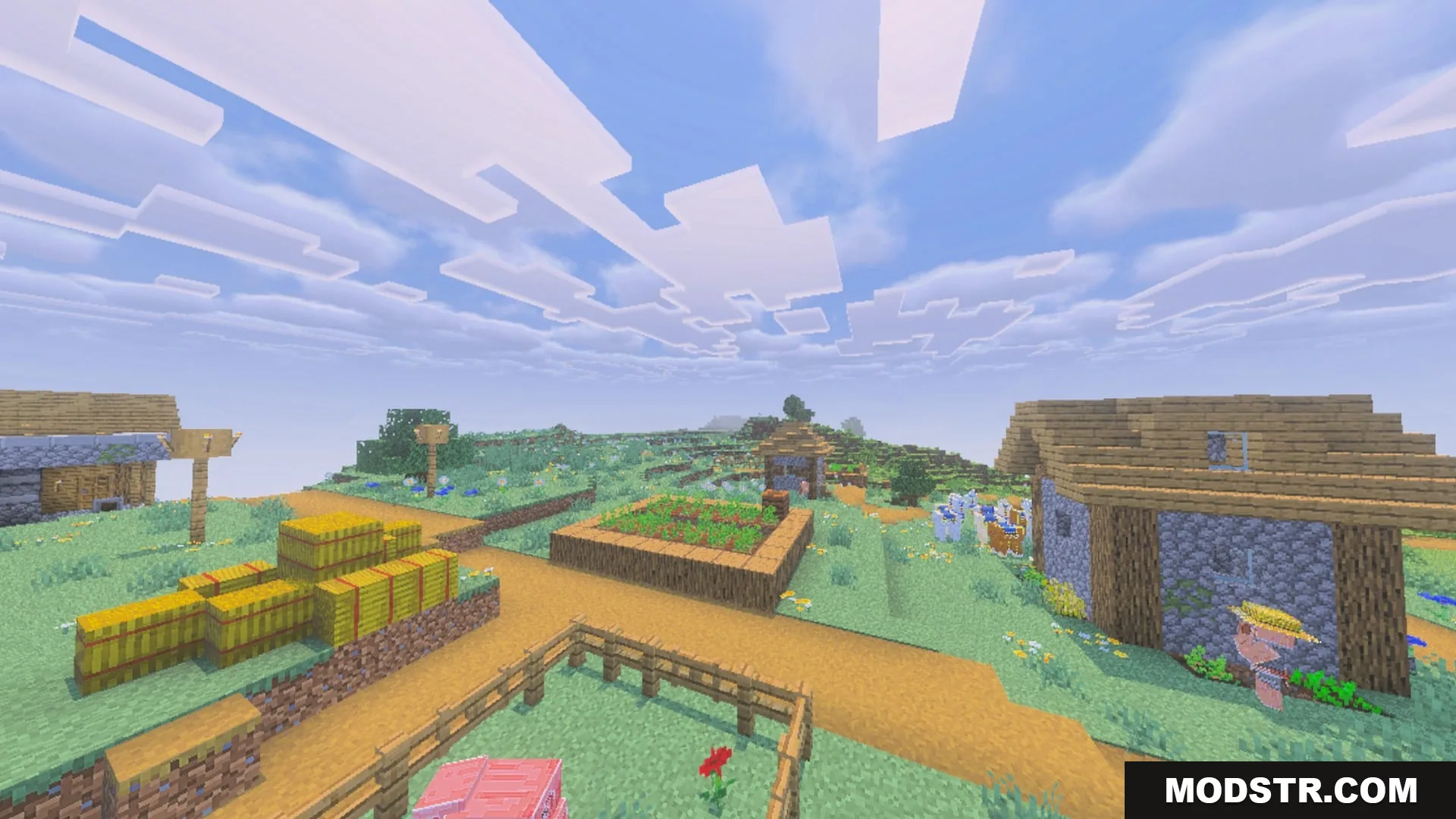
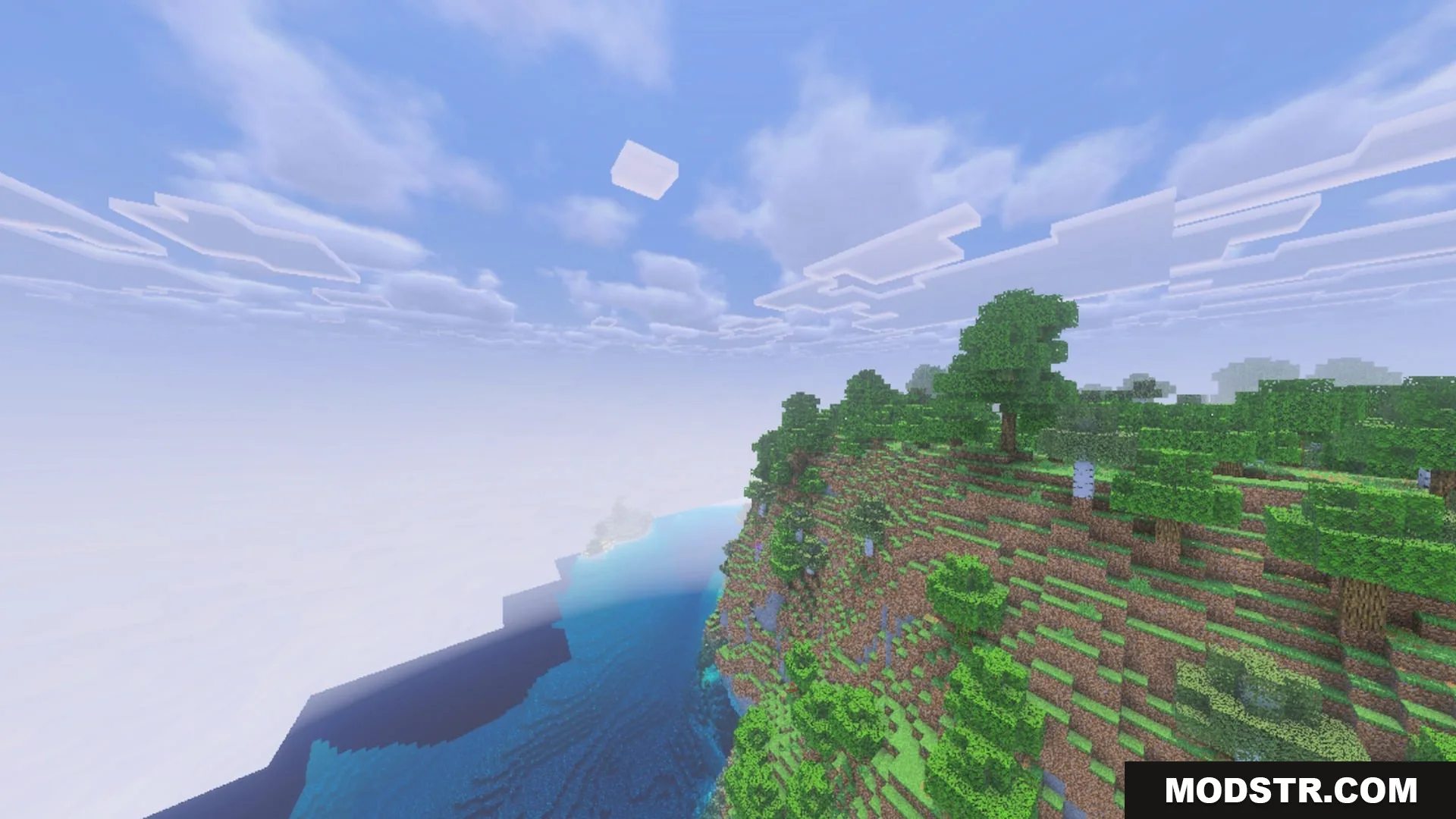
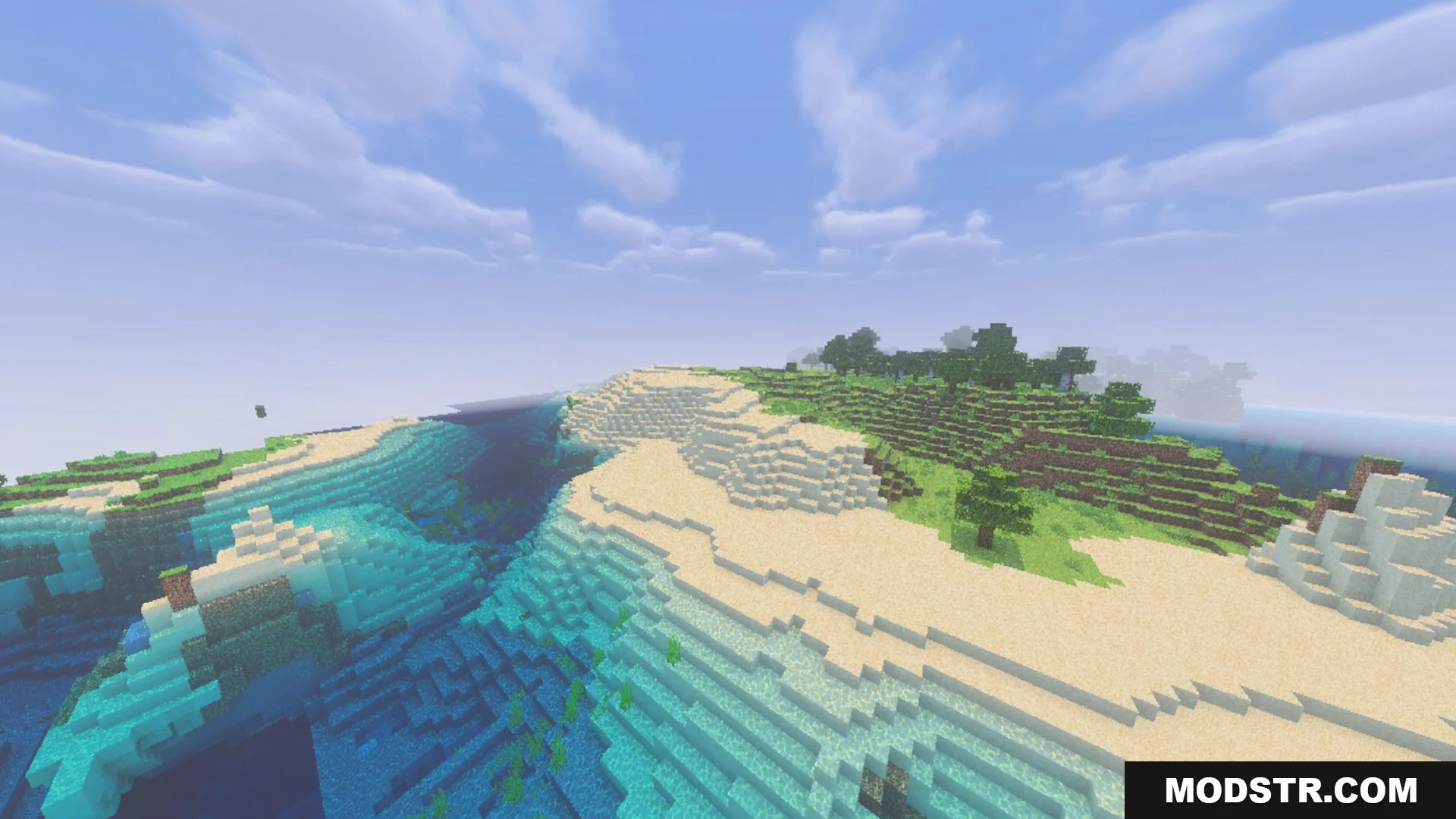
Complementary Unbound Clouds Shader enhances sky visuals in Minecraft with new cloud textures and atmospheric effects. It integrates smoothly with other packs, providing a dynamic experience for players.
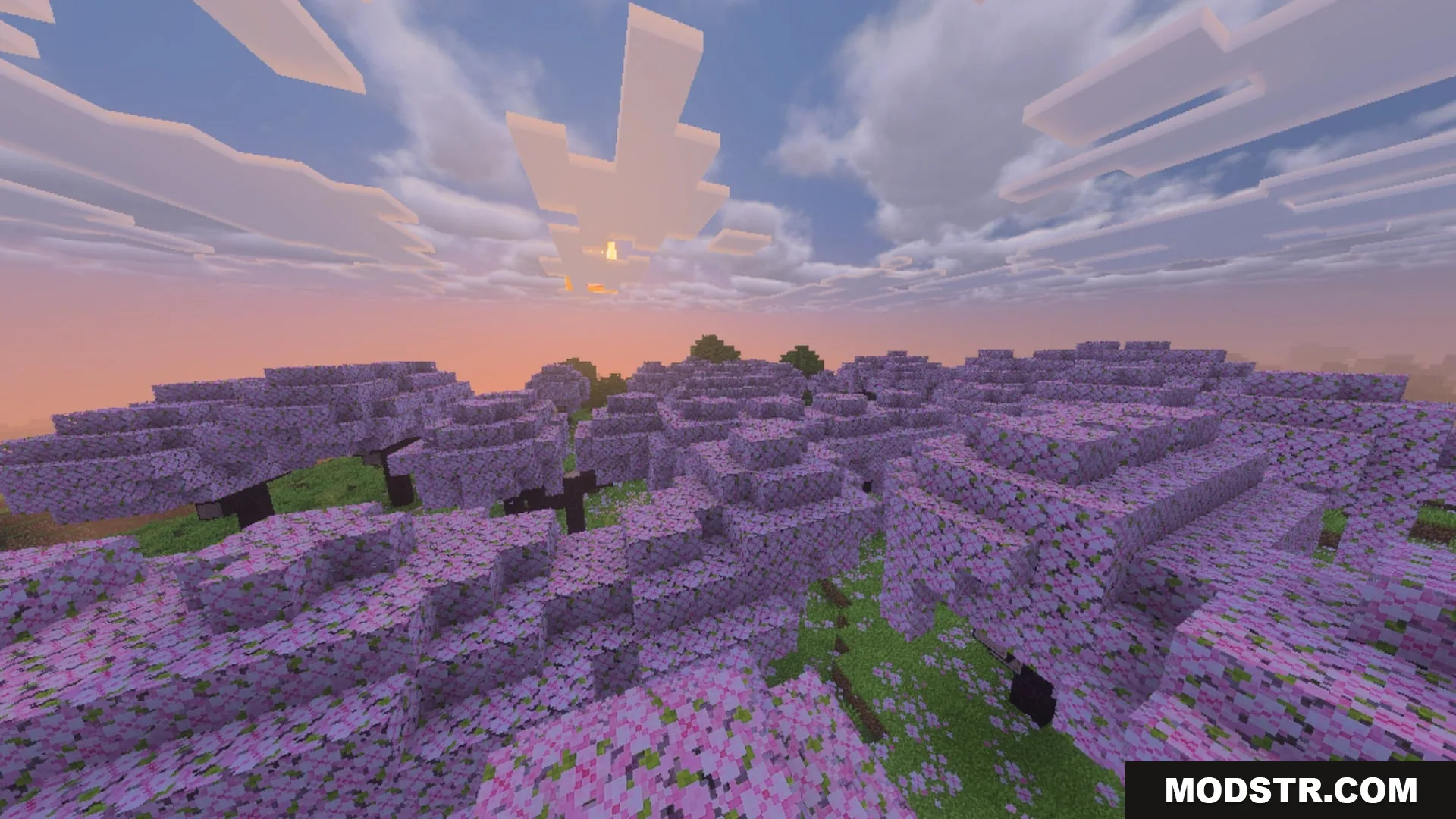
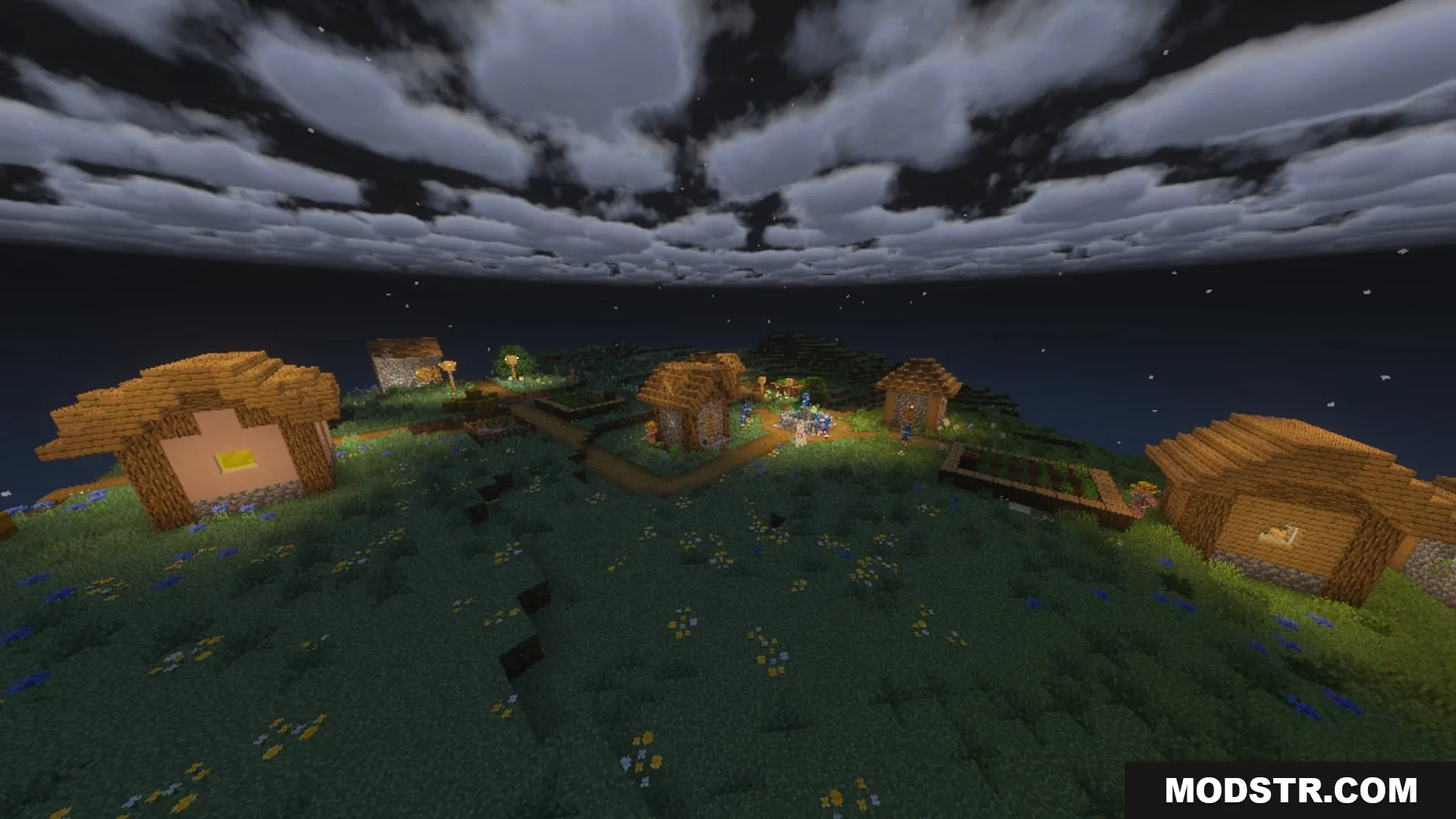
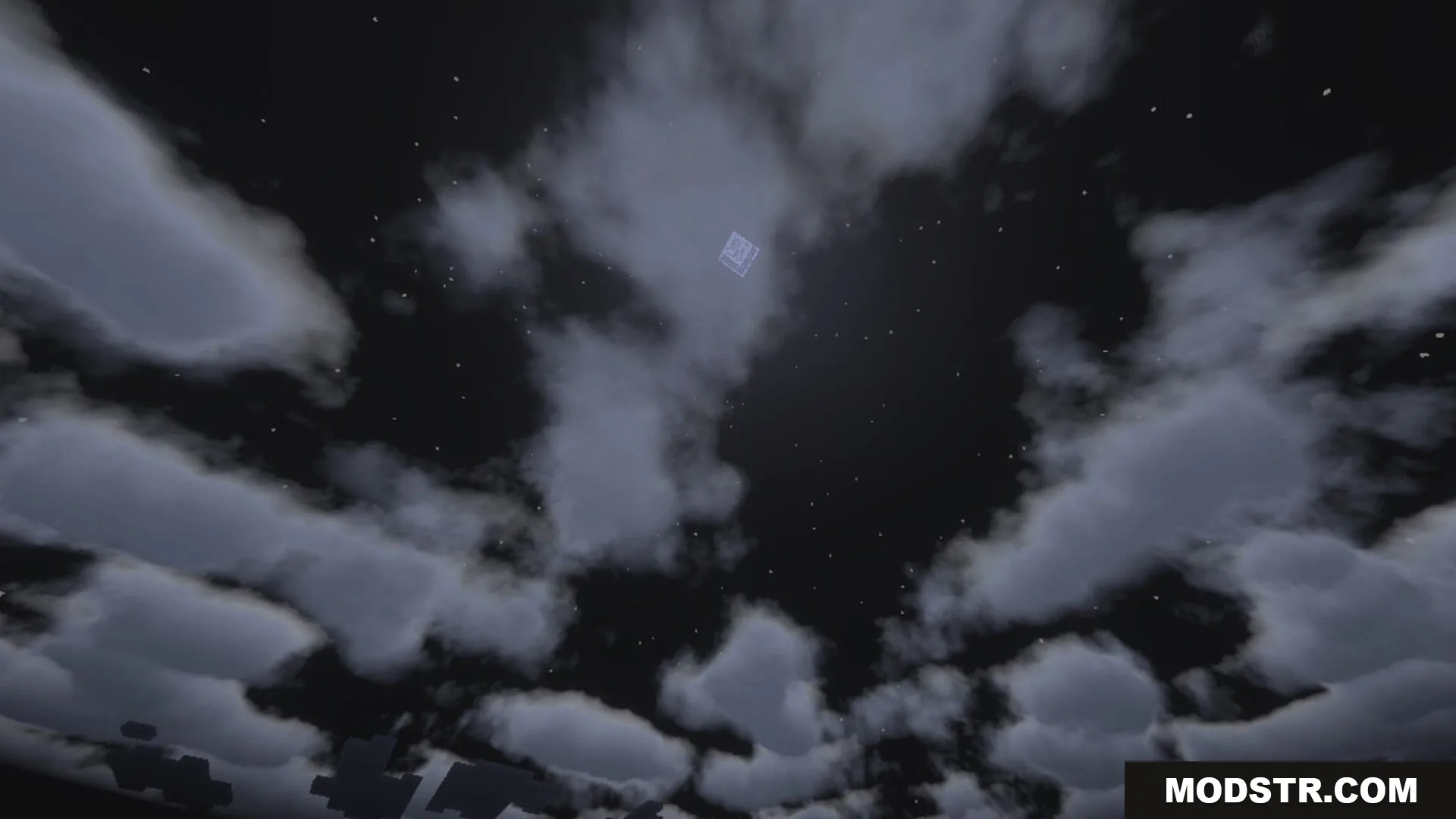
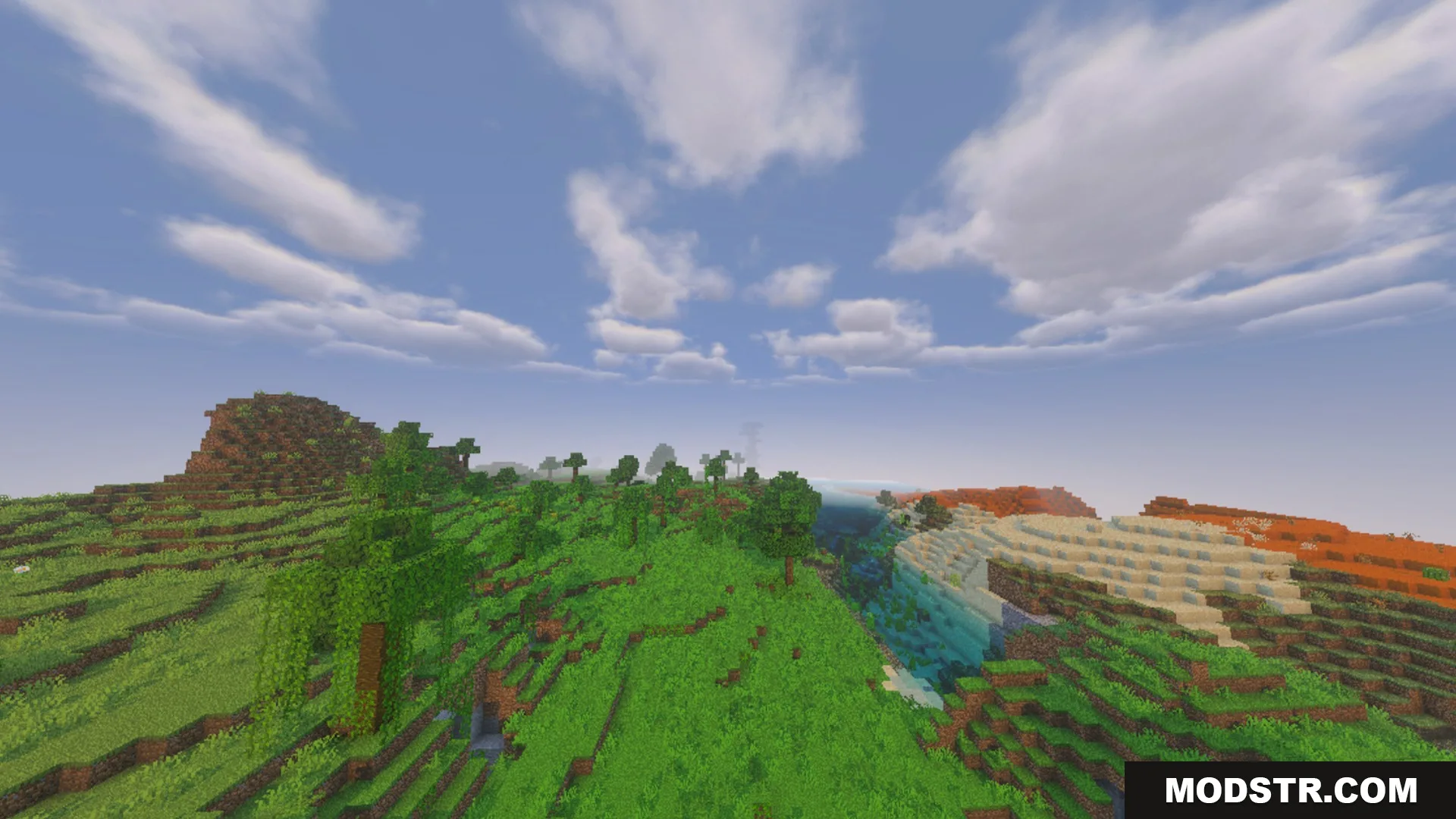
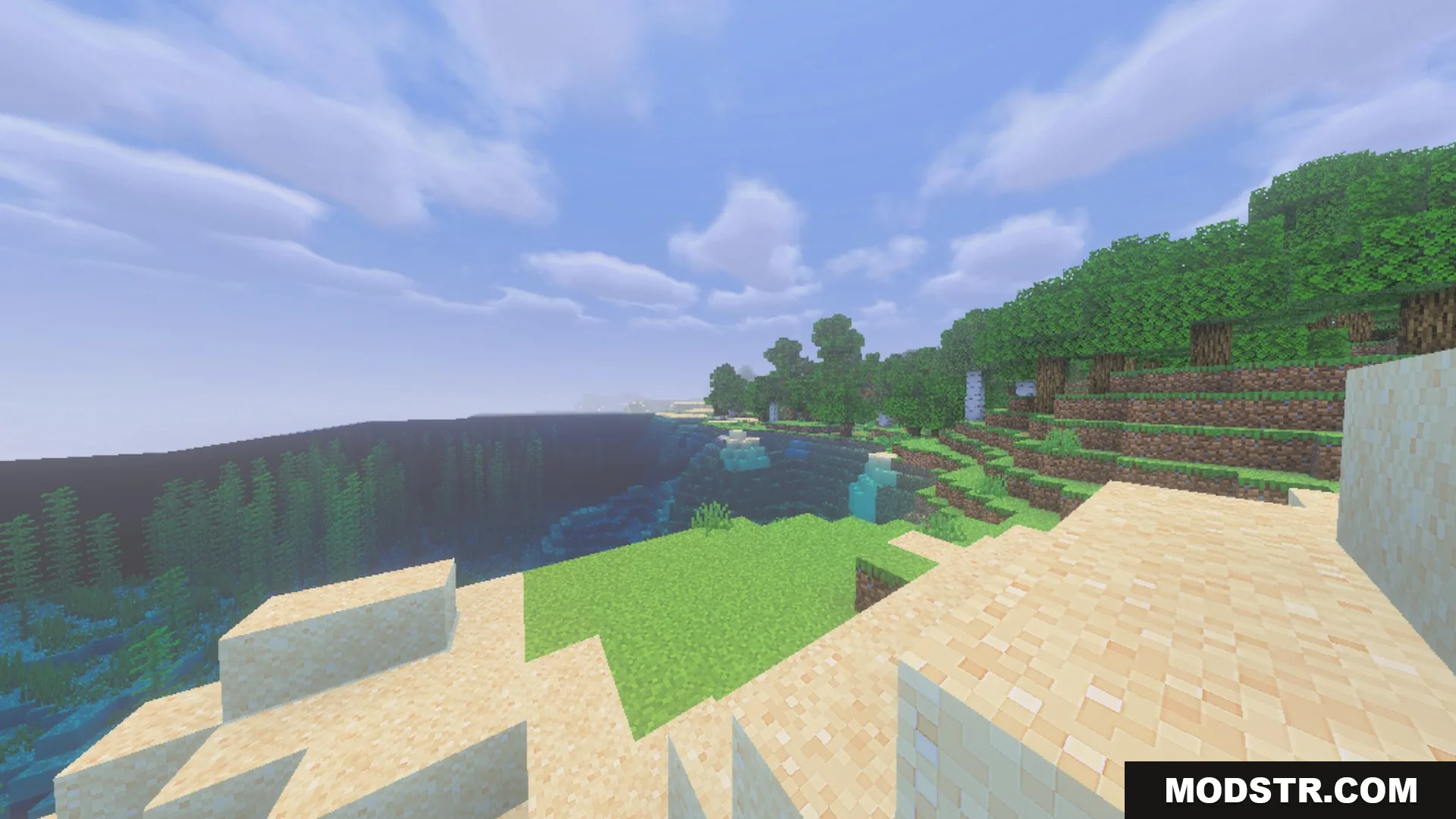
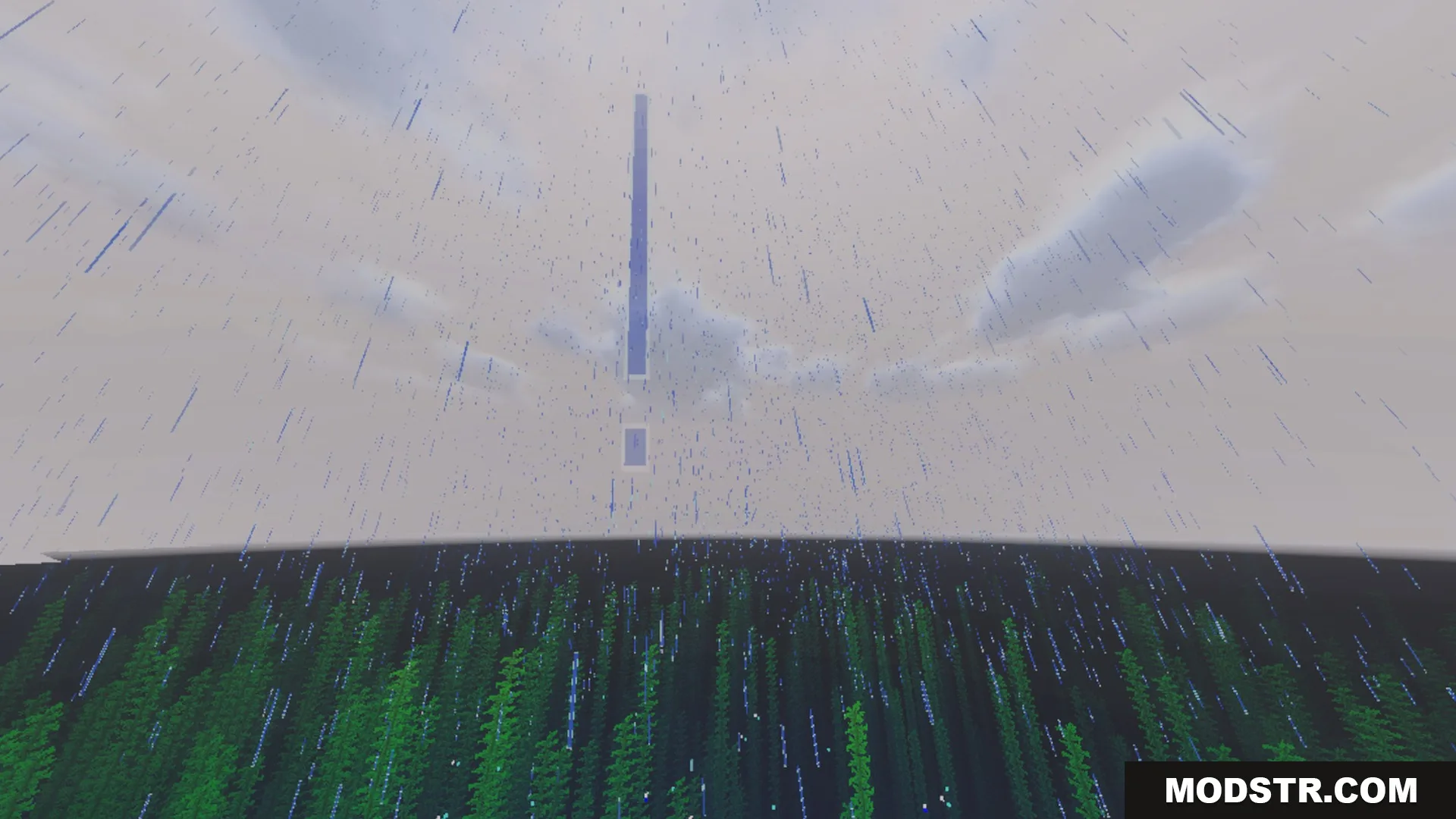
Complementary Unbound Clouds Shader introduces the cloud aesthetics from Java Edition shaders to Minecraft Bedrock. This shader modifies the sky with soft daytime clouds, vivid twilight horizons, and realistic night skies.
Features
- Adds custom cloud textures inspired by Complementary Unbound.
- Works smoothly alongside any other visual pack or shader.
- Includes bright day and scattered cloud variations.
- Features glowing sunsets and soft twilight skies.
- Shows realistic moonlit night visuals across all devices.
Installation
- Download the shader file from a trusted source.
- Open Minecraft Bedrock and navigate to the settings.
- Select the 'Shaders' menu and tap on 'Import'.
- Locate the downloaded shader file and confirm the import.
- Enable the shader in your settings to apply changes.
Compatibility
This shader is specifically designed for Minecraft Bedrock and should work with various other visual packs without causing any visual conflicts.
DOWNLOAD FILES
- mcpack