
CLEAR FOG VISUAL Shader (26.x) – Clean Distance Views with Custom Fog Options
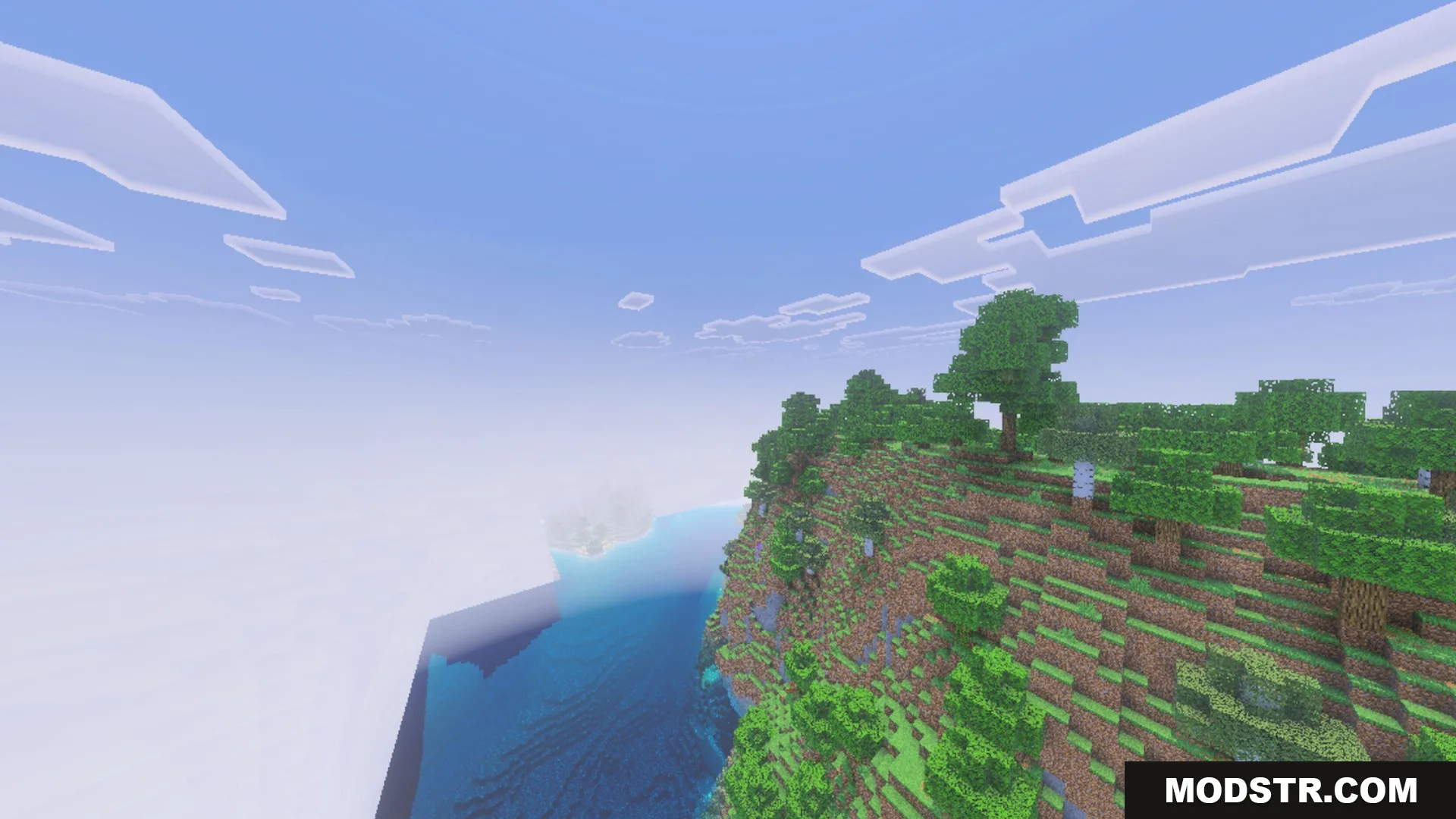
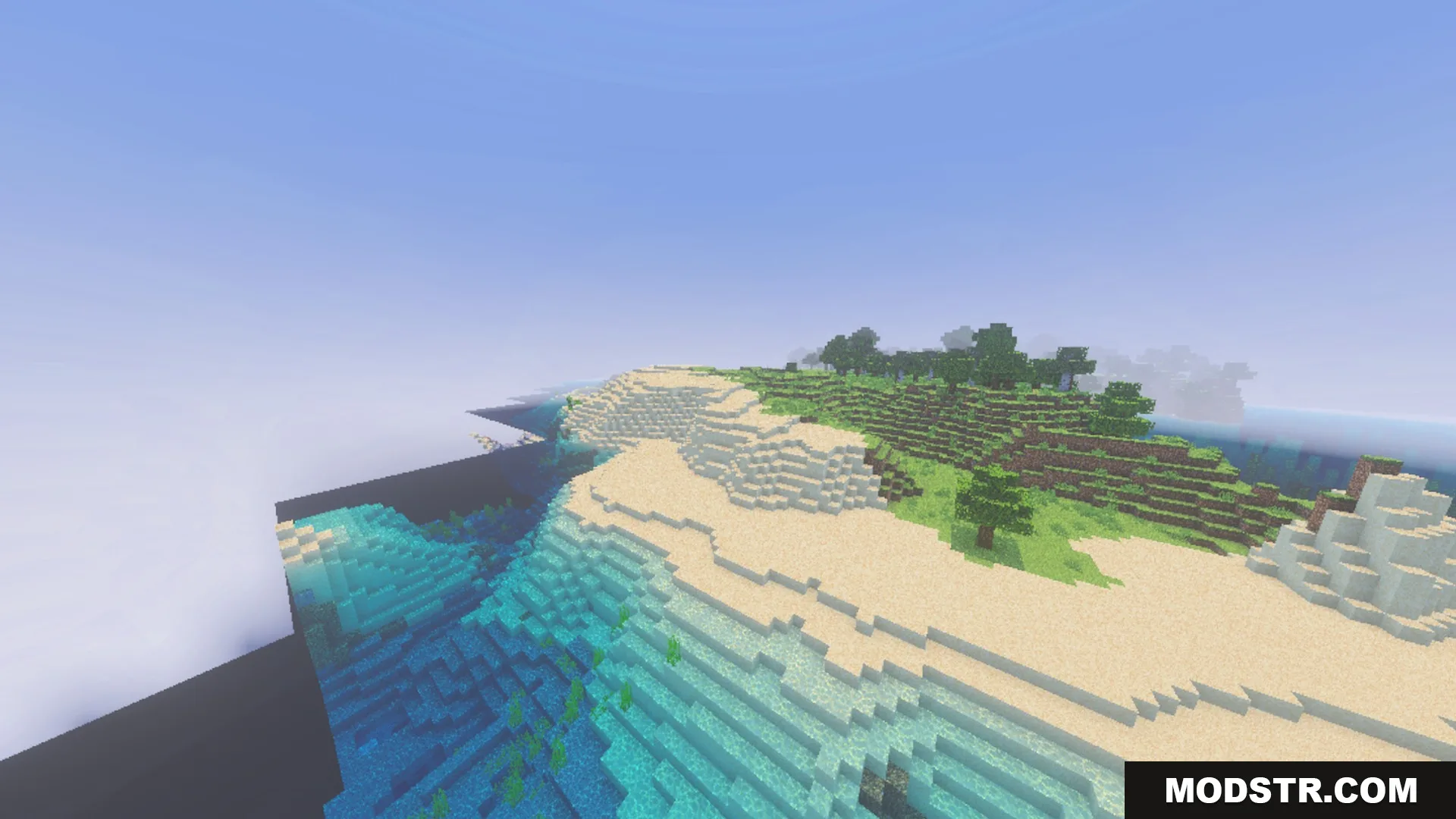
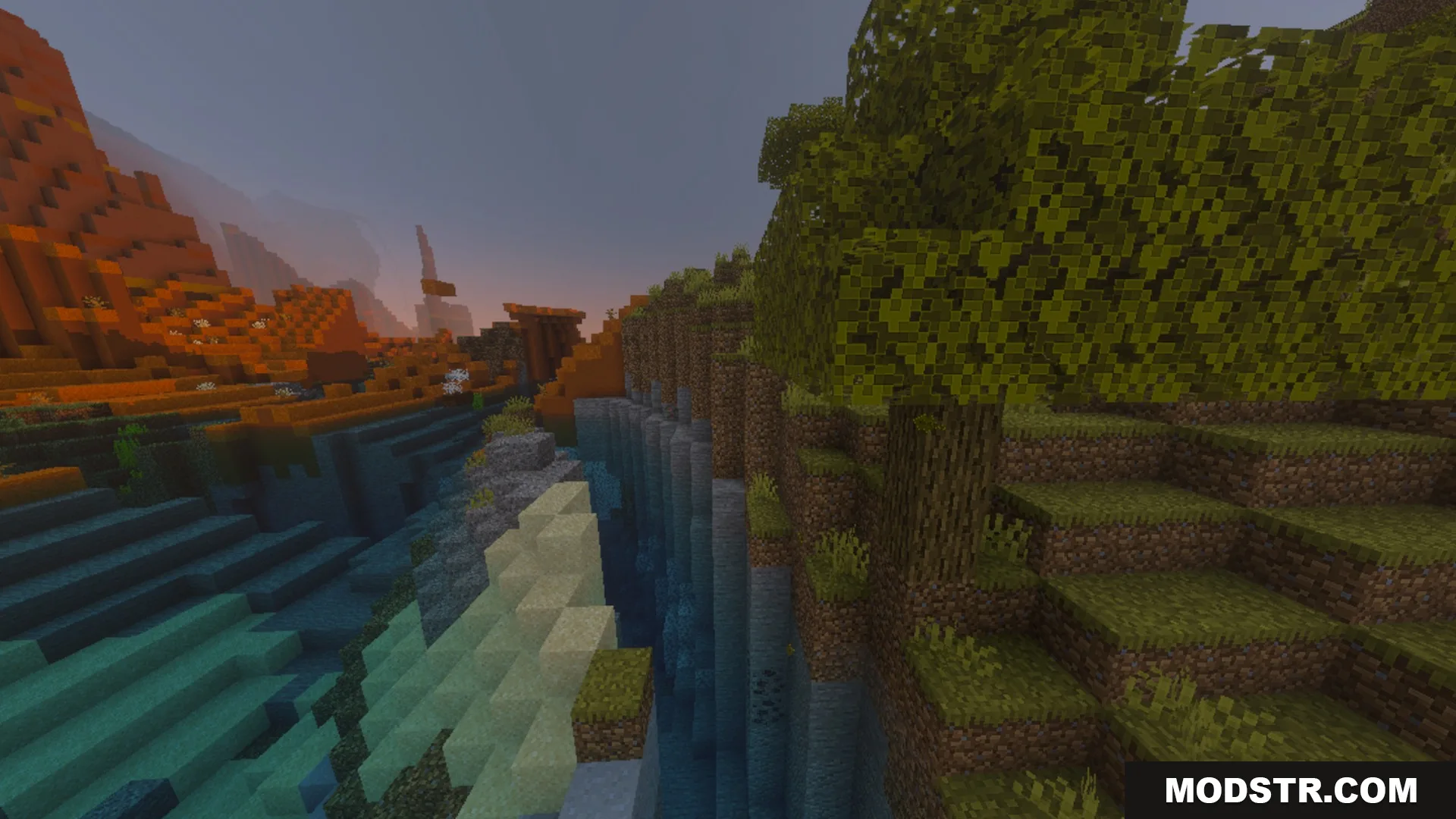
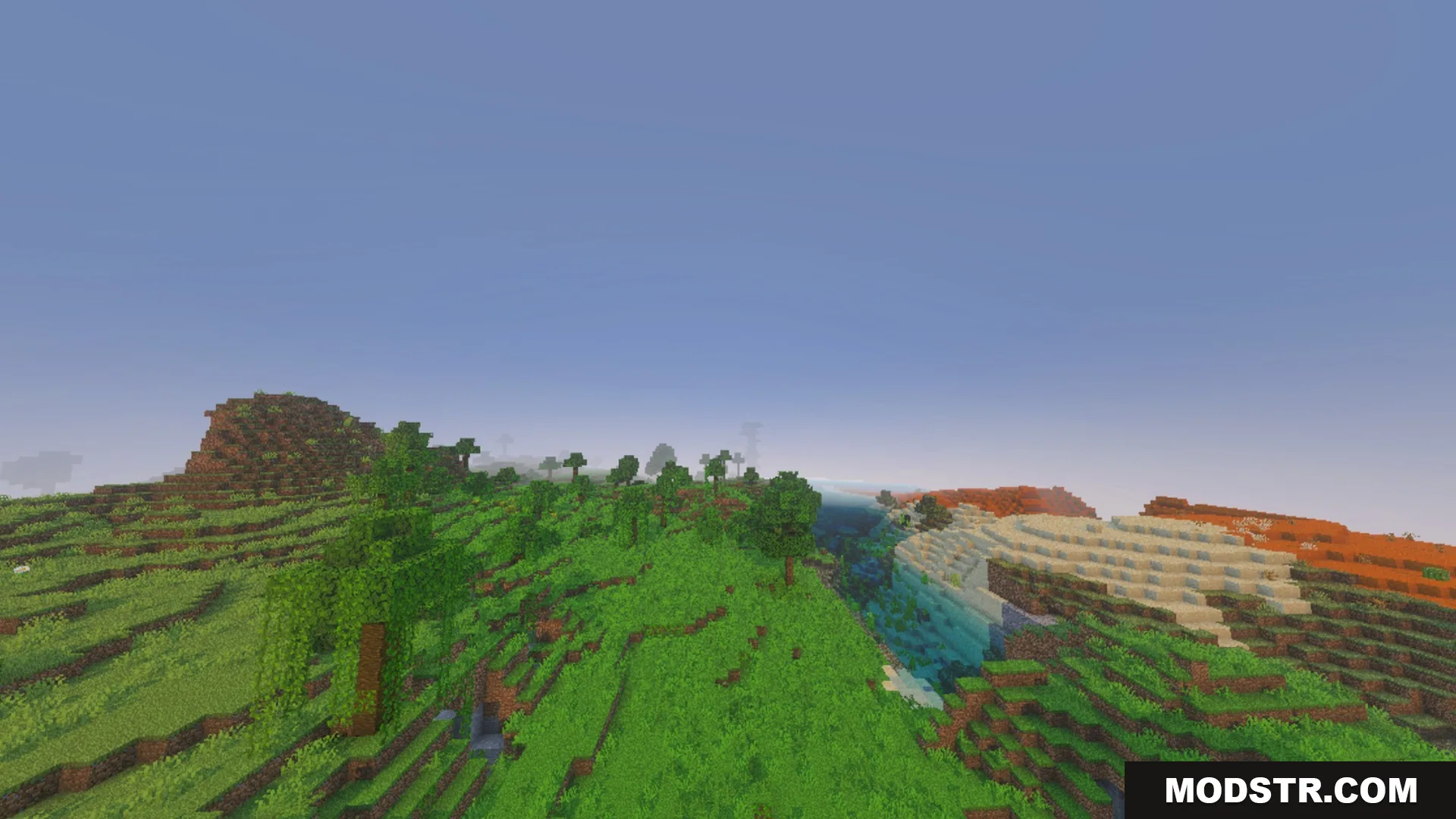
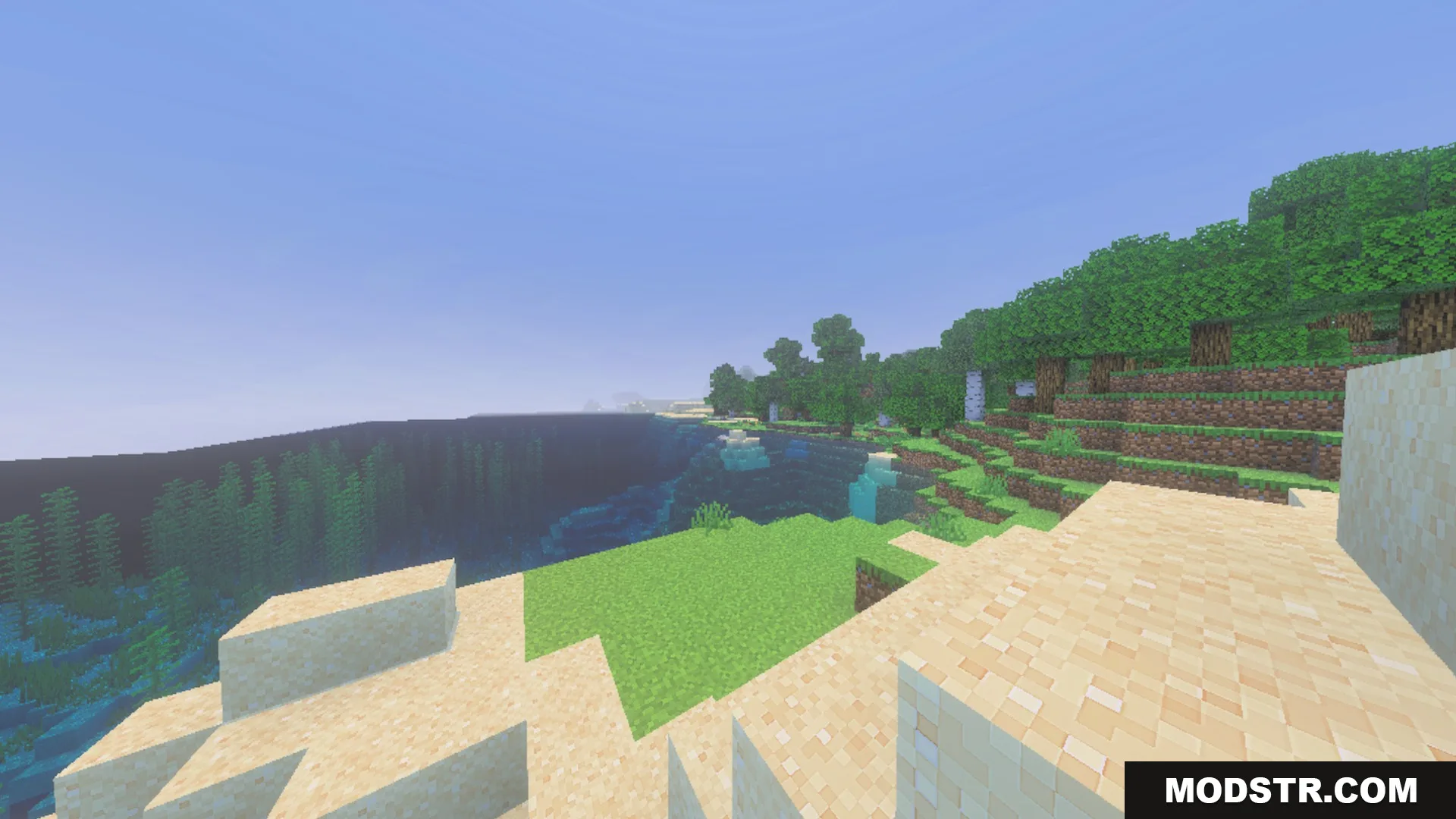
CLEAR FOG VISUAL Shader enhances visibility by eliminating dense fog in Minecraft worlds. This shader is suitable for players seeking clearer views of landscapes and structures.
CLEAR FOG VISUAL Shader enhances the view distance in Minecraft by removing thick fog. It's designed for players who want a clearer perspective of distant landscapes and builds during exploration.
Features
- Removes dense distance fog from your worlds.
- Includes subpack options to adjust fog levels.
- Makes distant builds and terrain easier to see.
- Runs smoothly on mobile devices without lag.
Installation
- Download the shader file from the catalog.
- Open Minecraft and go to the settings menu.
- Select the 'Video Settings' option.
- Find and open the 'Shaders' section.
- Import the downloaded shader file and apply it.
DOWNLOAD FILES
- mcpack