
Bedrock VHS Shader (26.x, 1.21) – Retro Camcorder Filter and TV Screen Borders
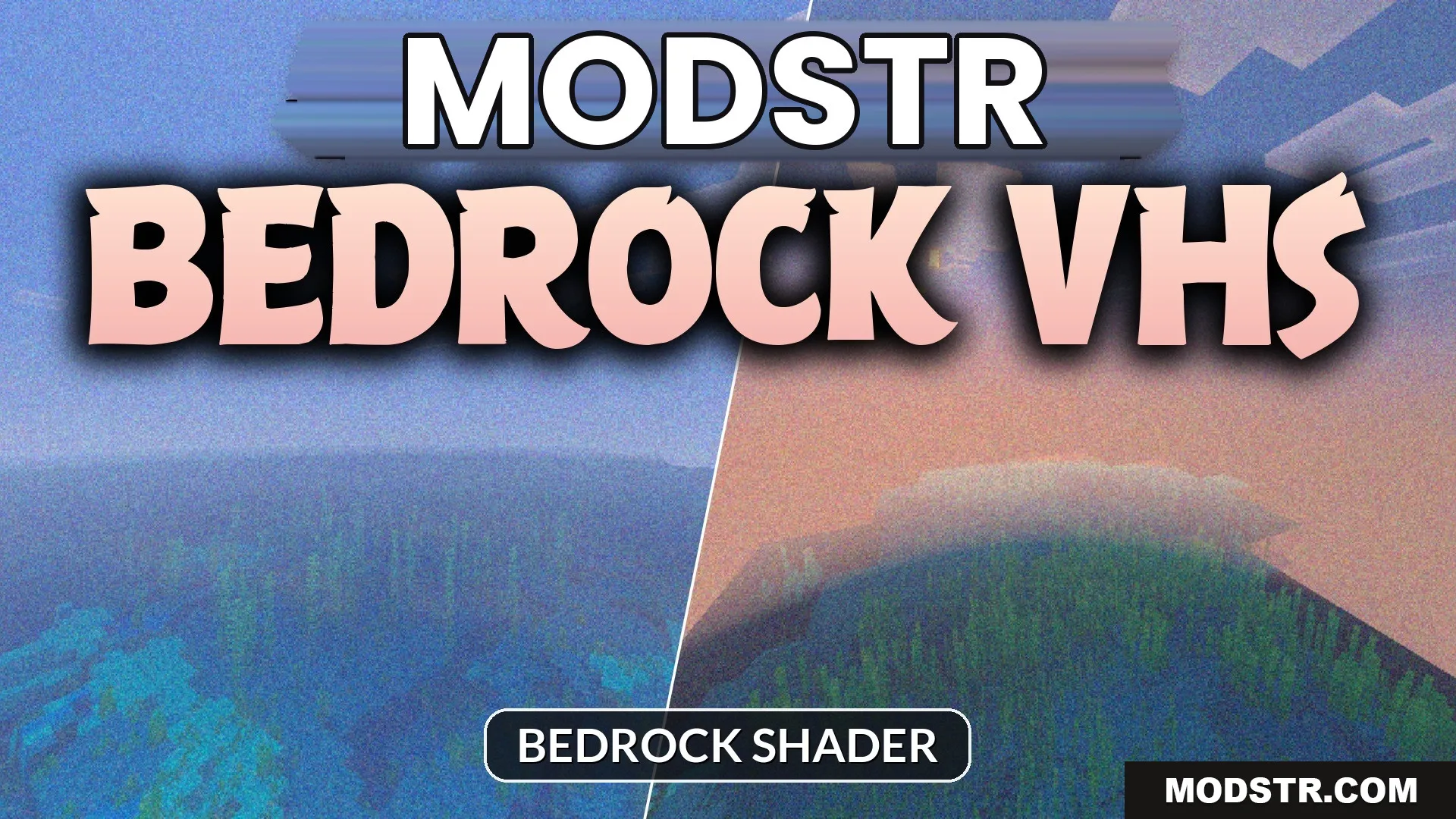
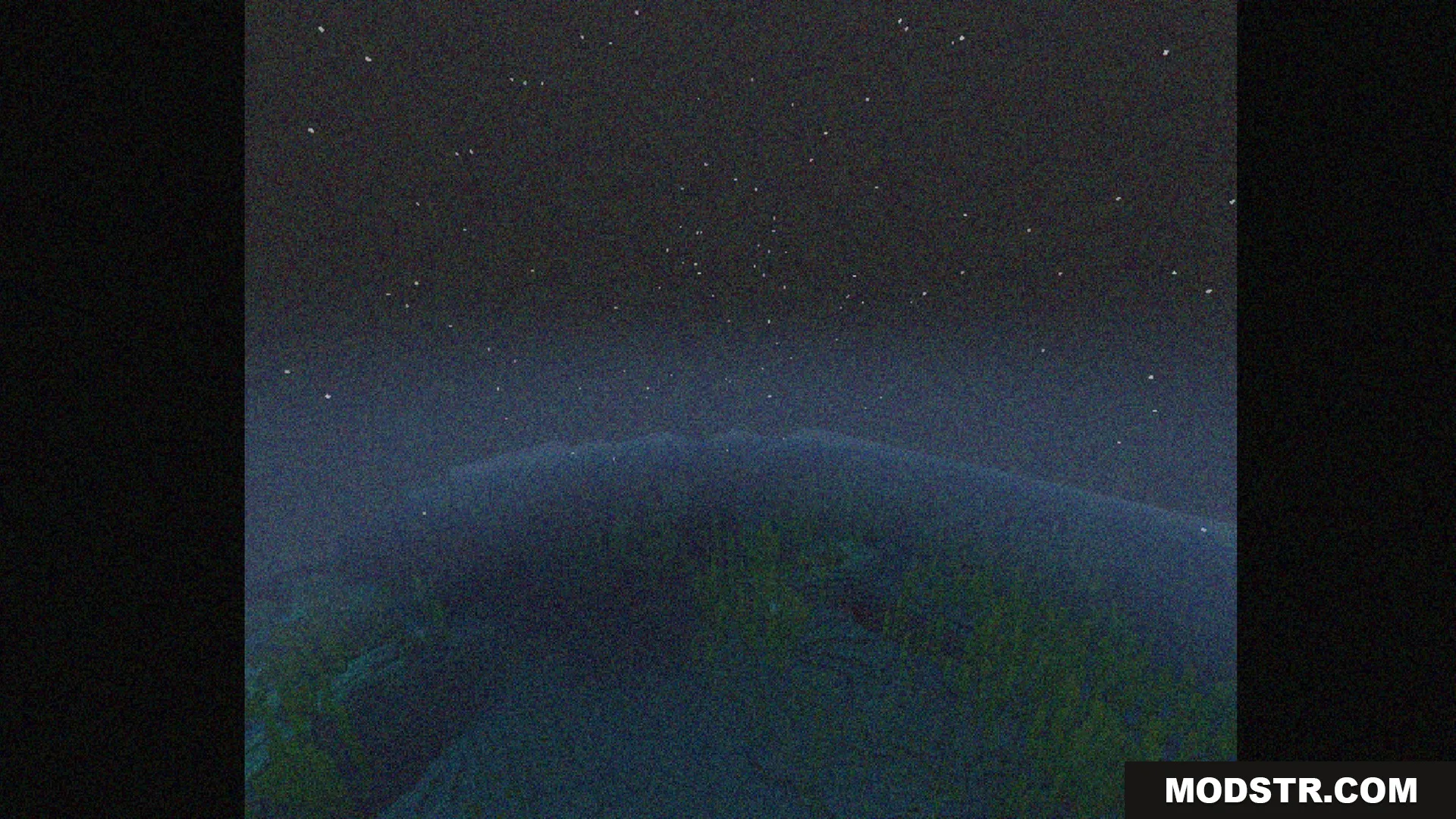
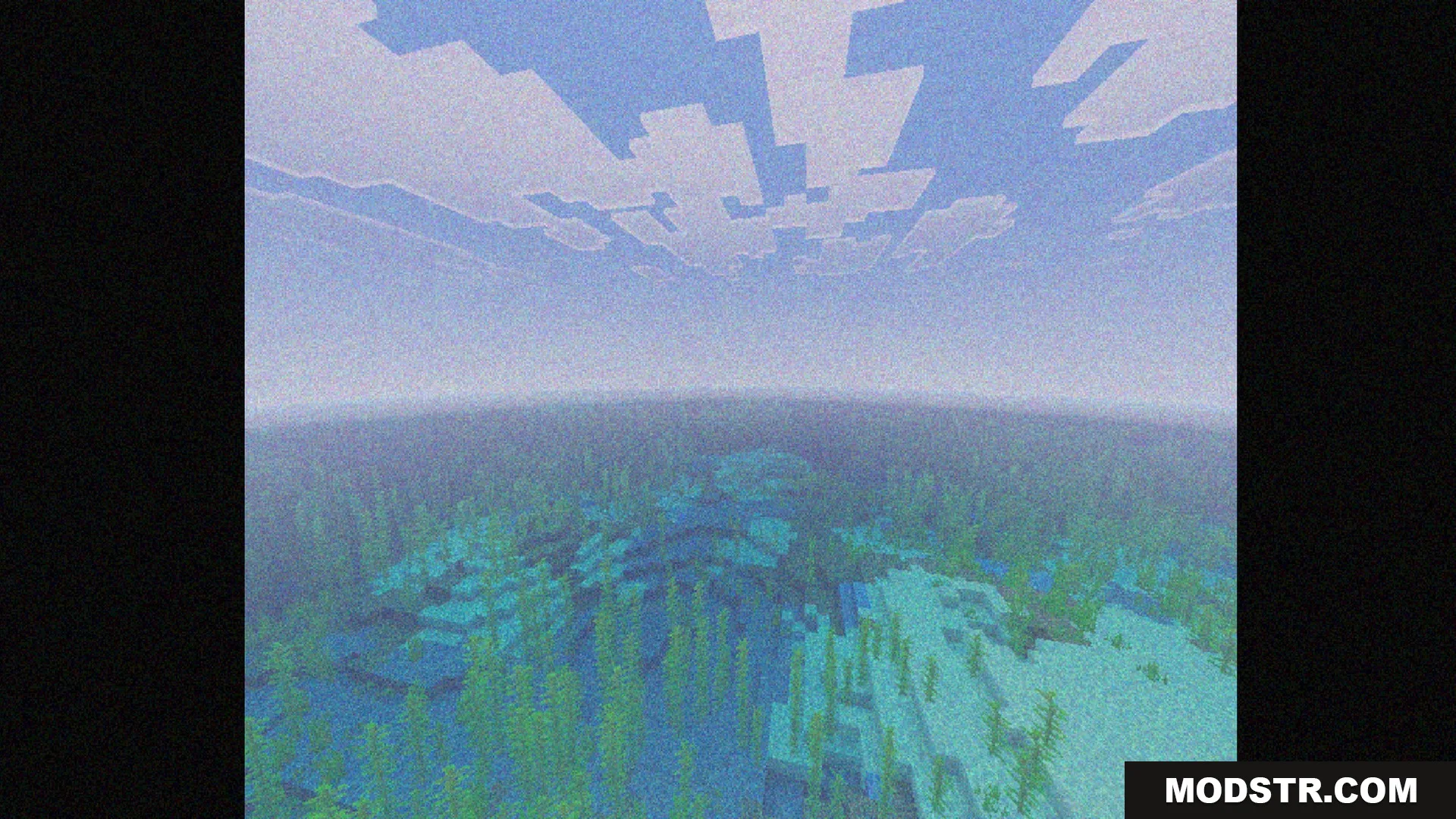
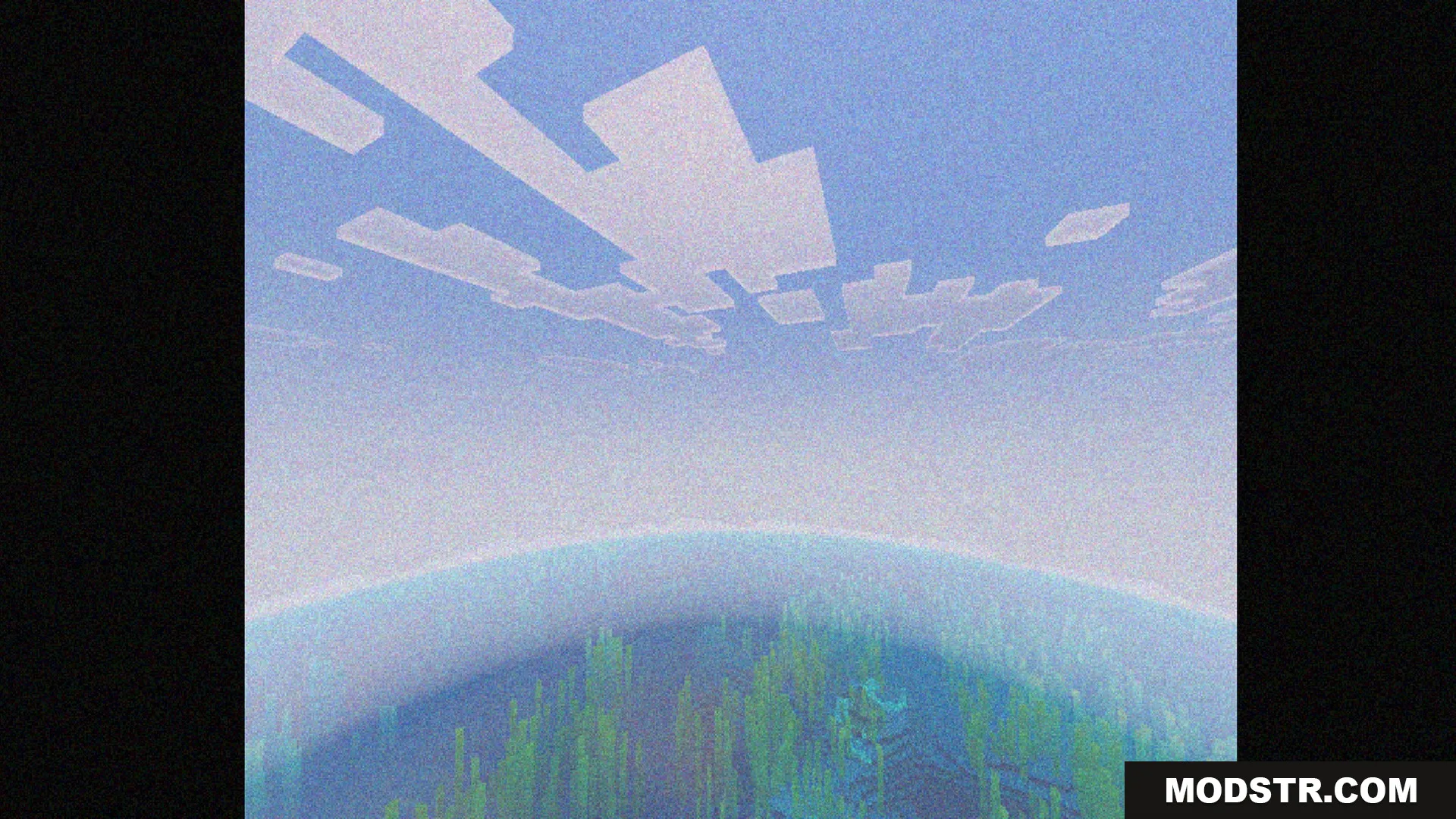
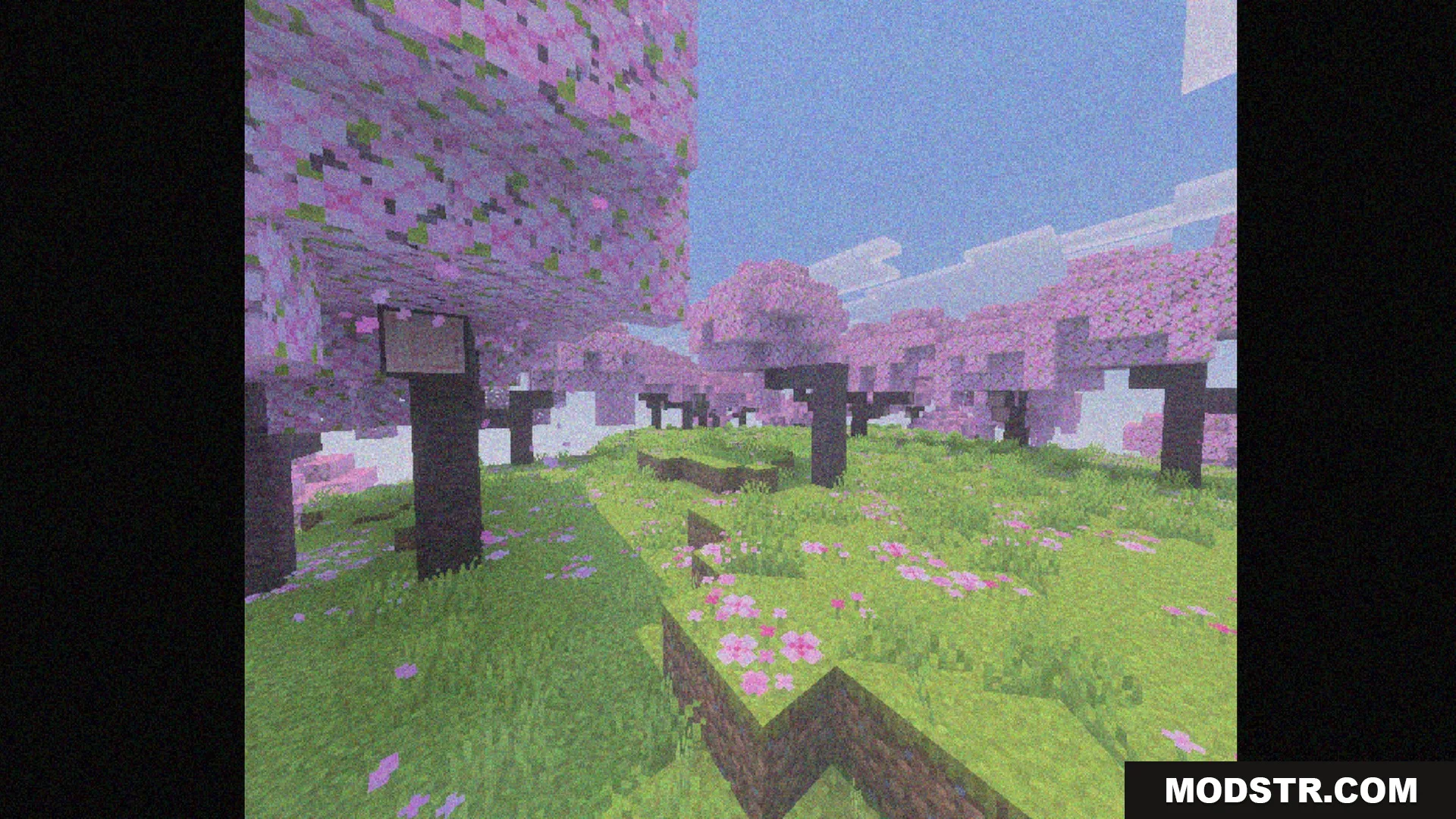
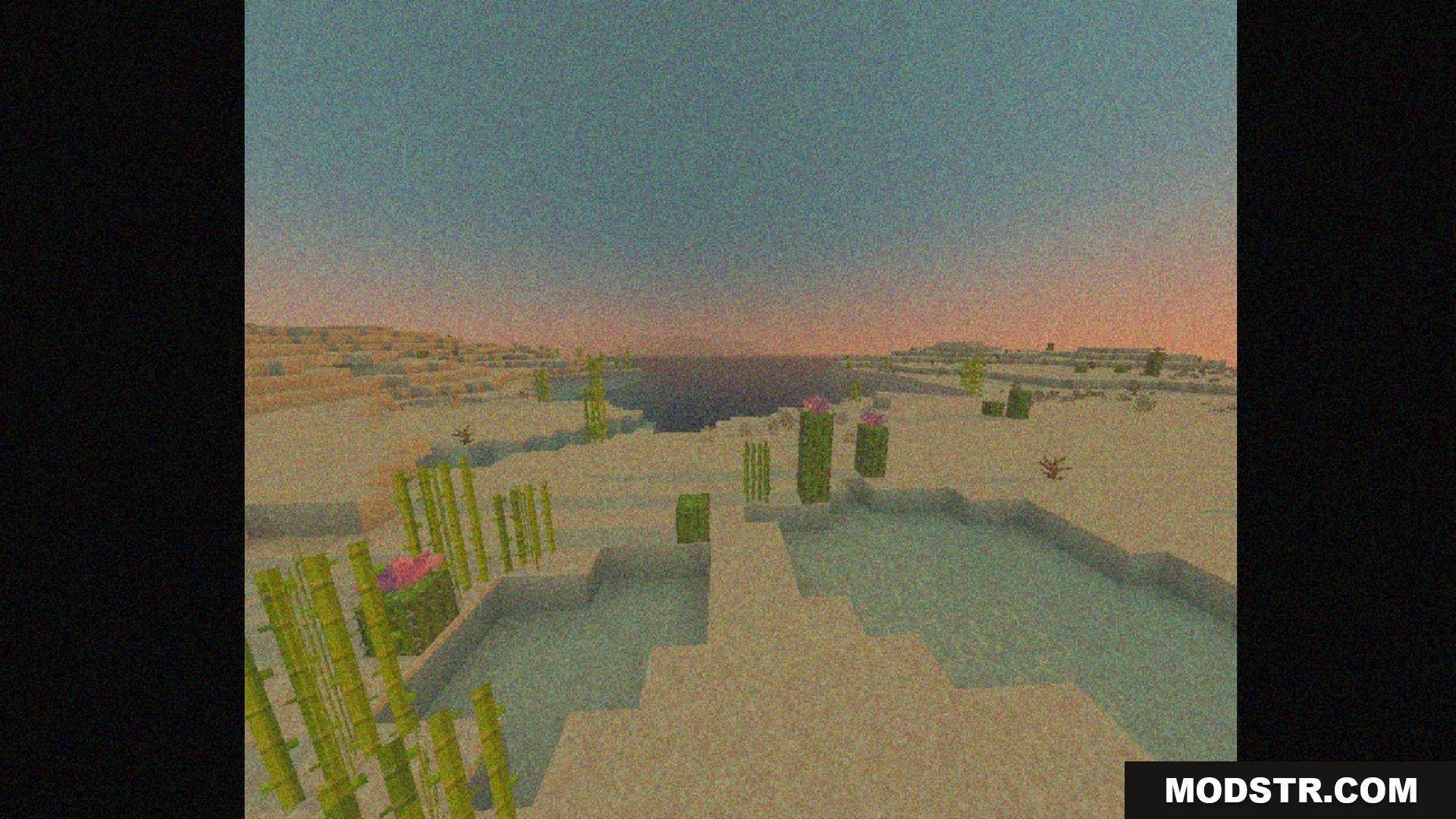
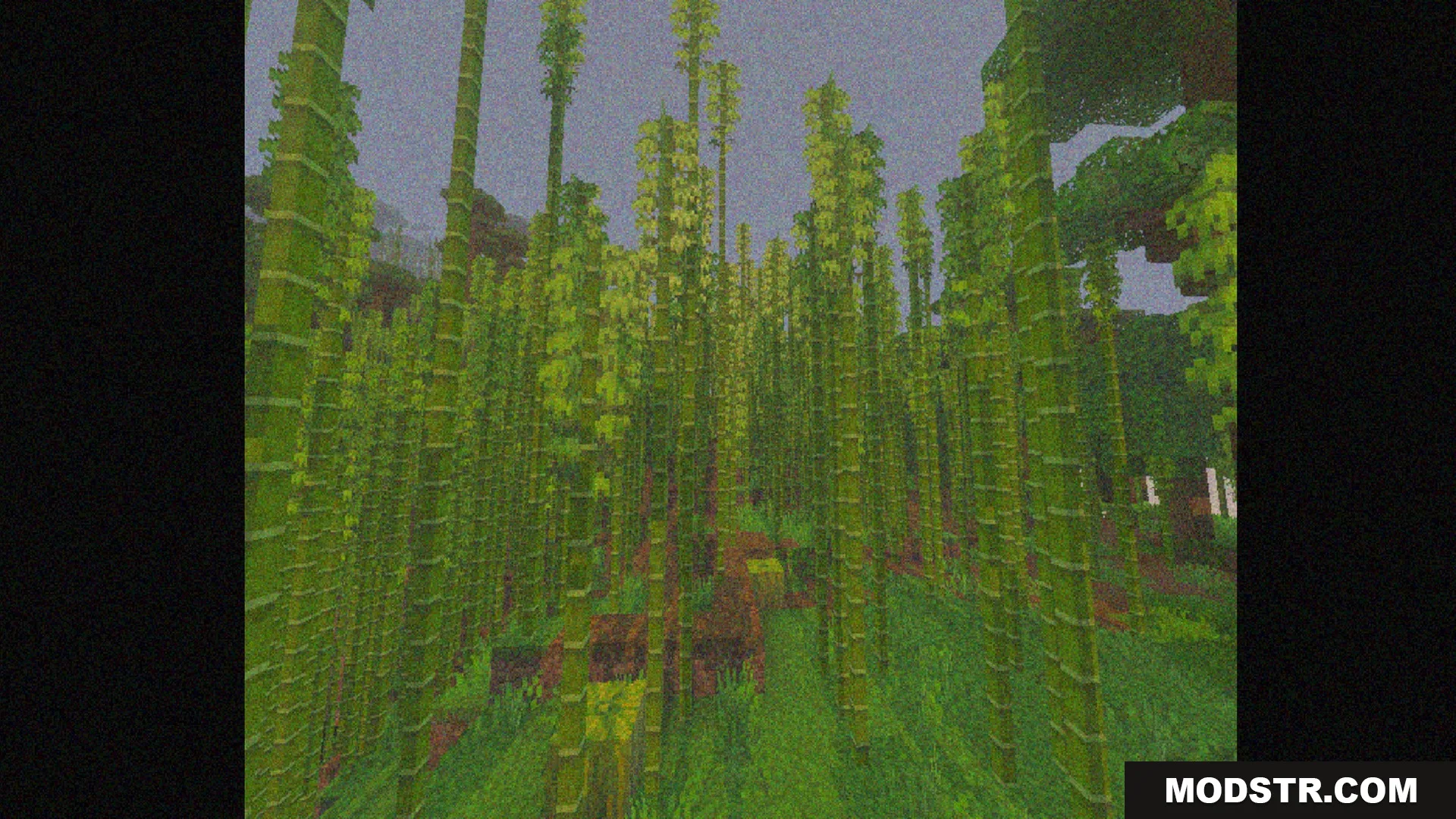
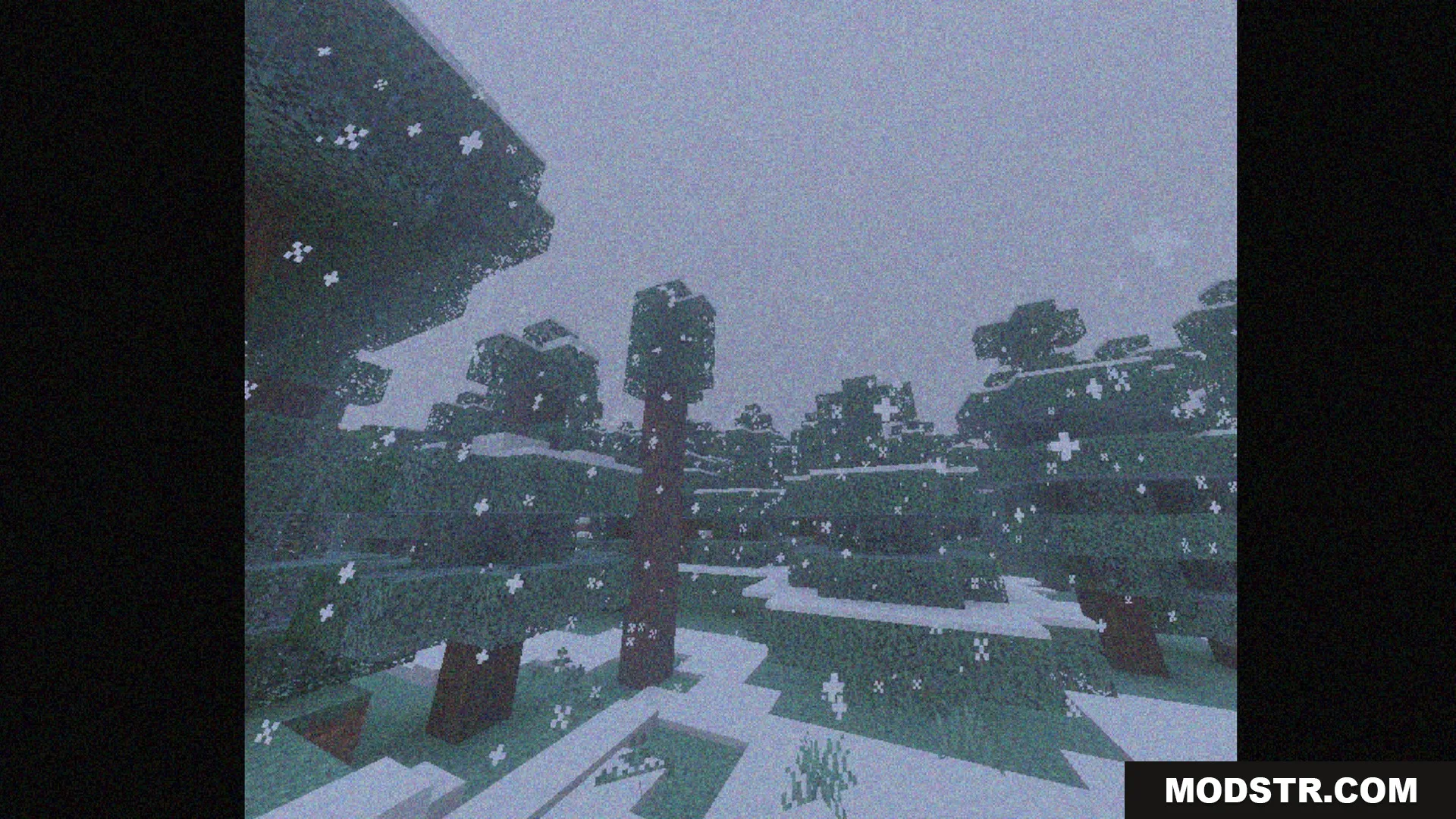
Bedrock VHS Shader brings a vintage camcorder look to Minecraft, featuring customizable retro borders and visual filters. Ideal for enhancing the nostalgic feel of your gameplay.
- 1.21
Bedrock VHS Shader recreates the classic aesthetic of old video tapes within Minecraft. It provides visual filters reminiscent of vintage camcorders along with customizable borders for a retro experience.
Features
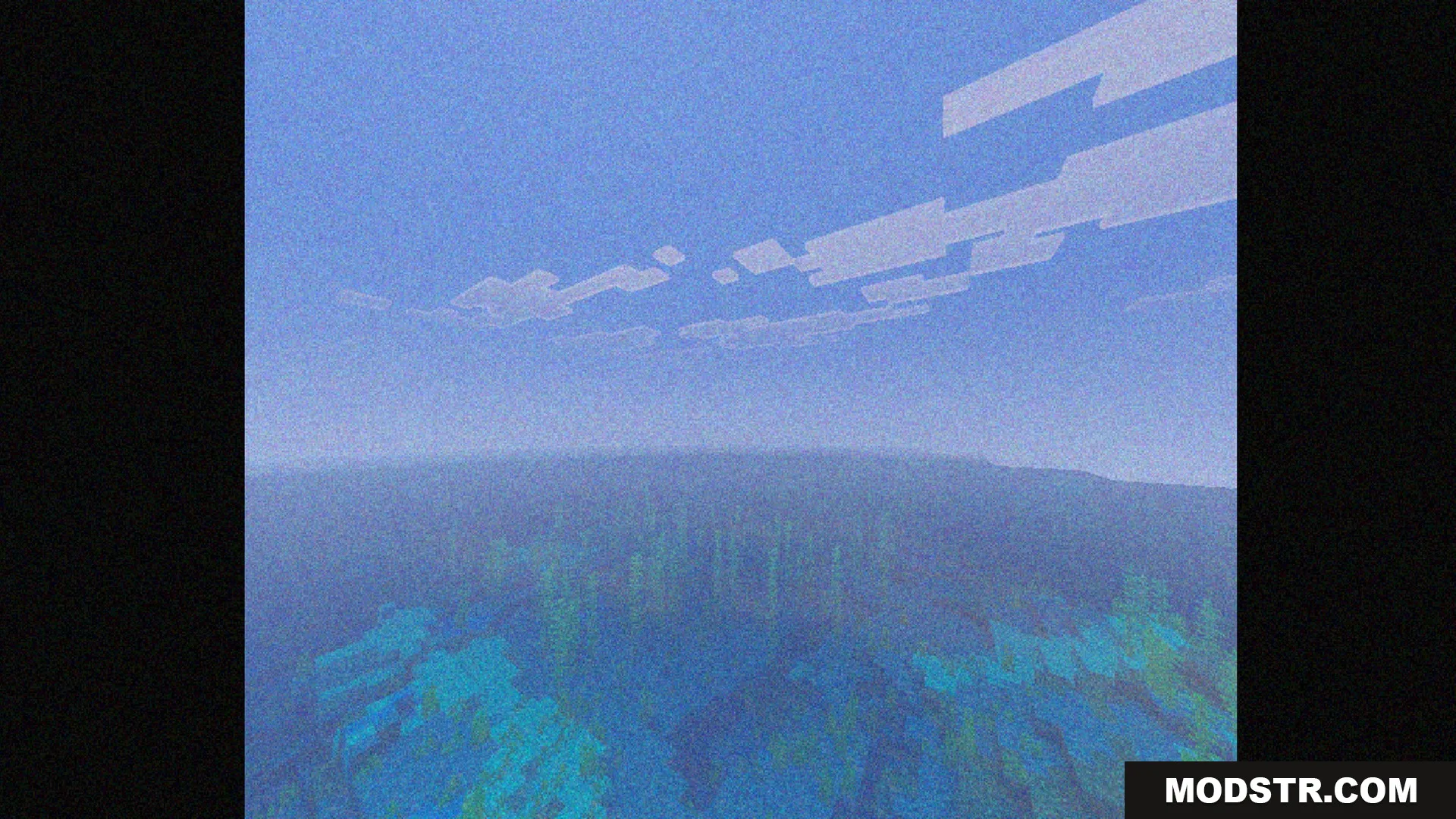
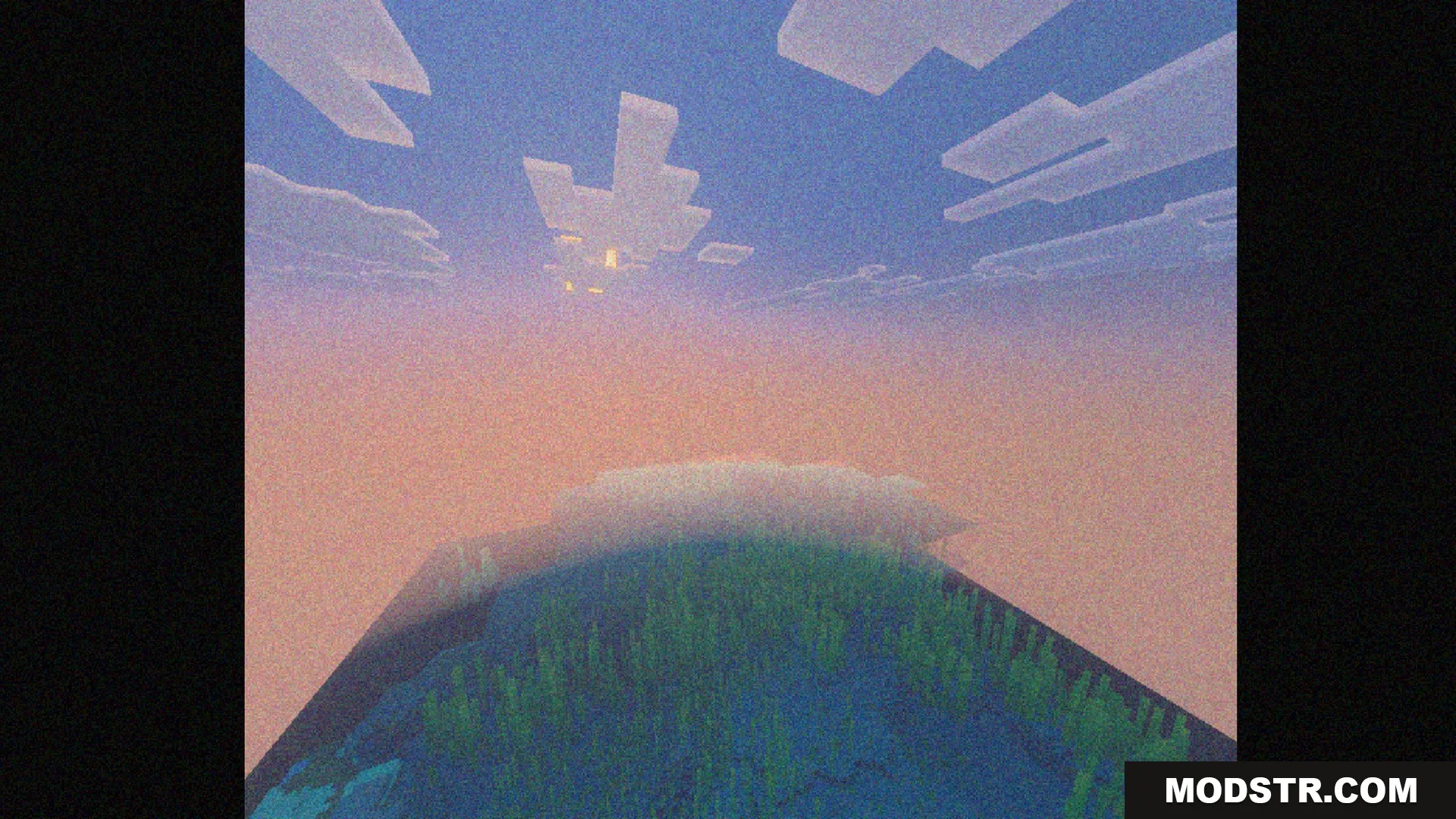
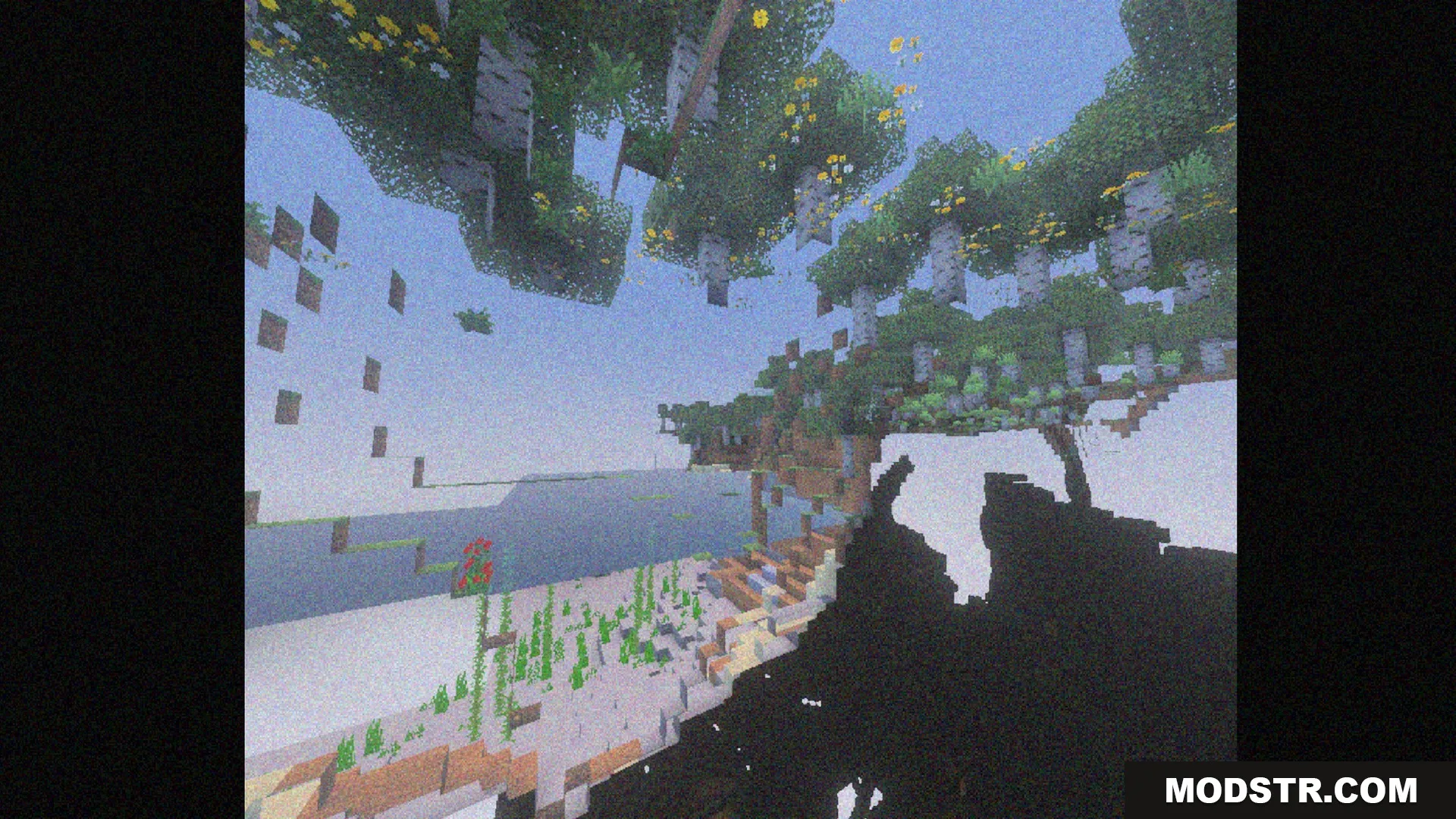
- Emulates the visual style of classic VHS tape recordings.
- Includes a square TV screen border option.
- Offers a rectangular TV frame overlay subpack.
- Lets you remove the screen borders entirely.
- Works best with Smooth Lighting turned off in settings.
Installation
- Download the shader pack from the appropriate source.
- Open Minecraft and navigate to the settings menu.
- Go to the Global Resources section.
- Select the shader pack you downloaded and activate it.
- Adjust any additional settings for optimal performance.
Screenshots
DOWNLOAD FILES
- mcpack