
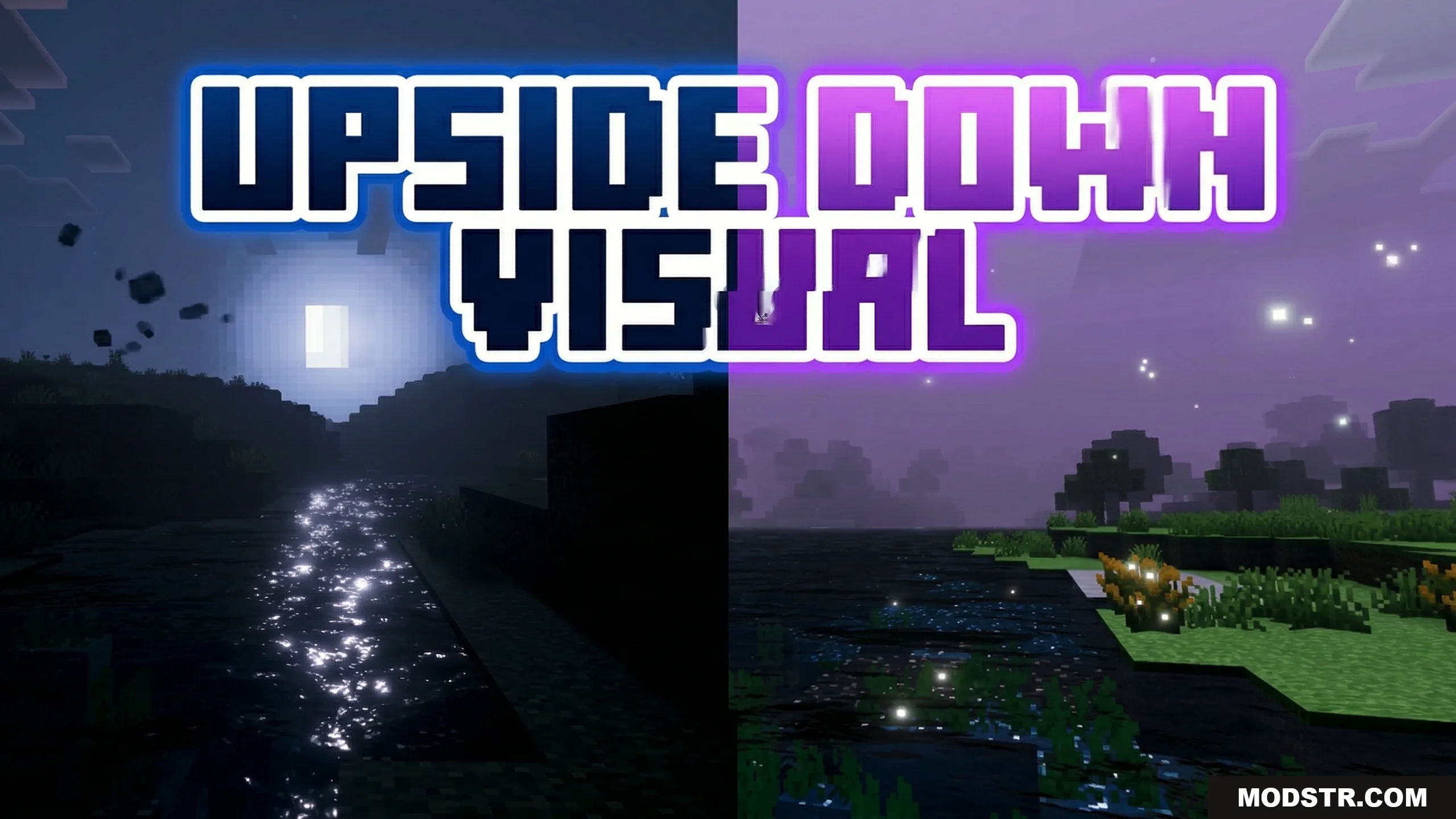
Upside Down Visual Shader (26.x, 1.21) – MCPE/Bedrock
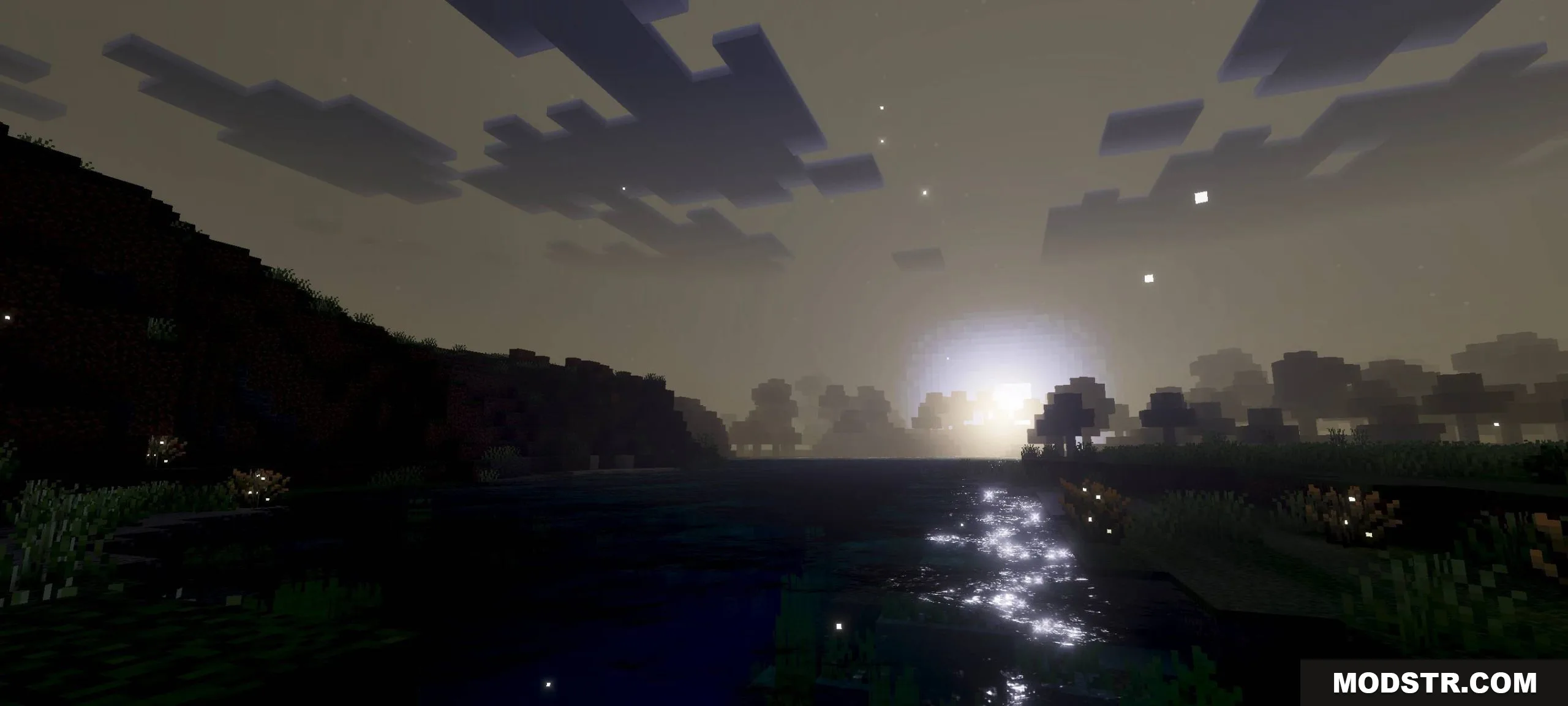
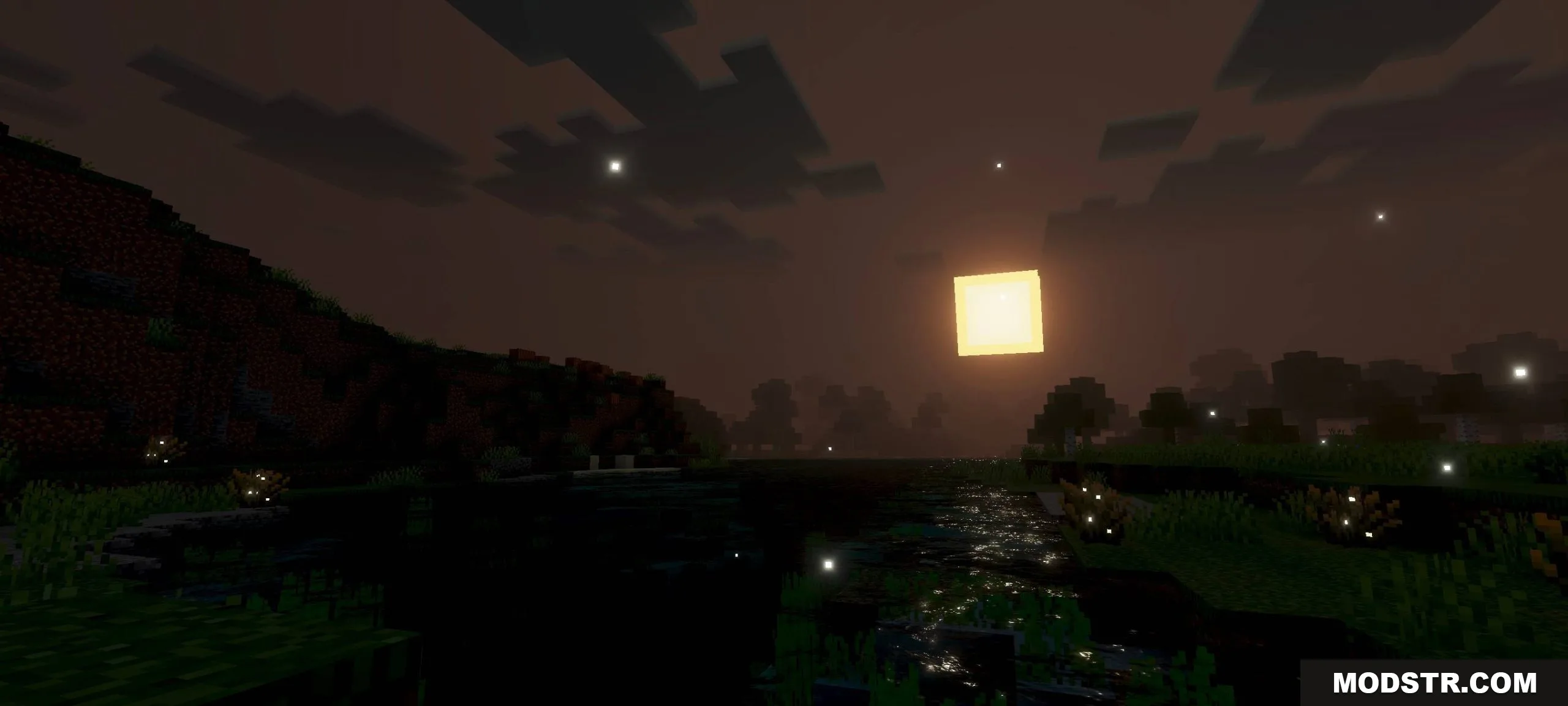
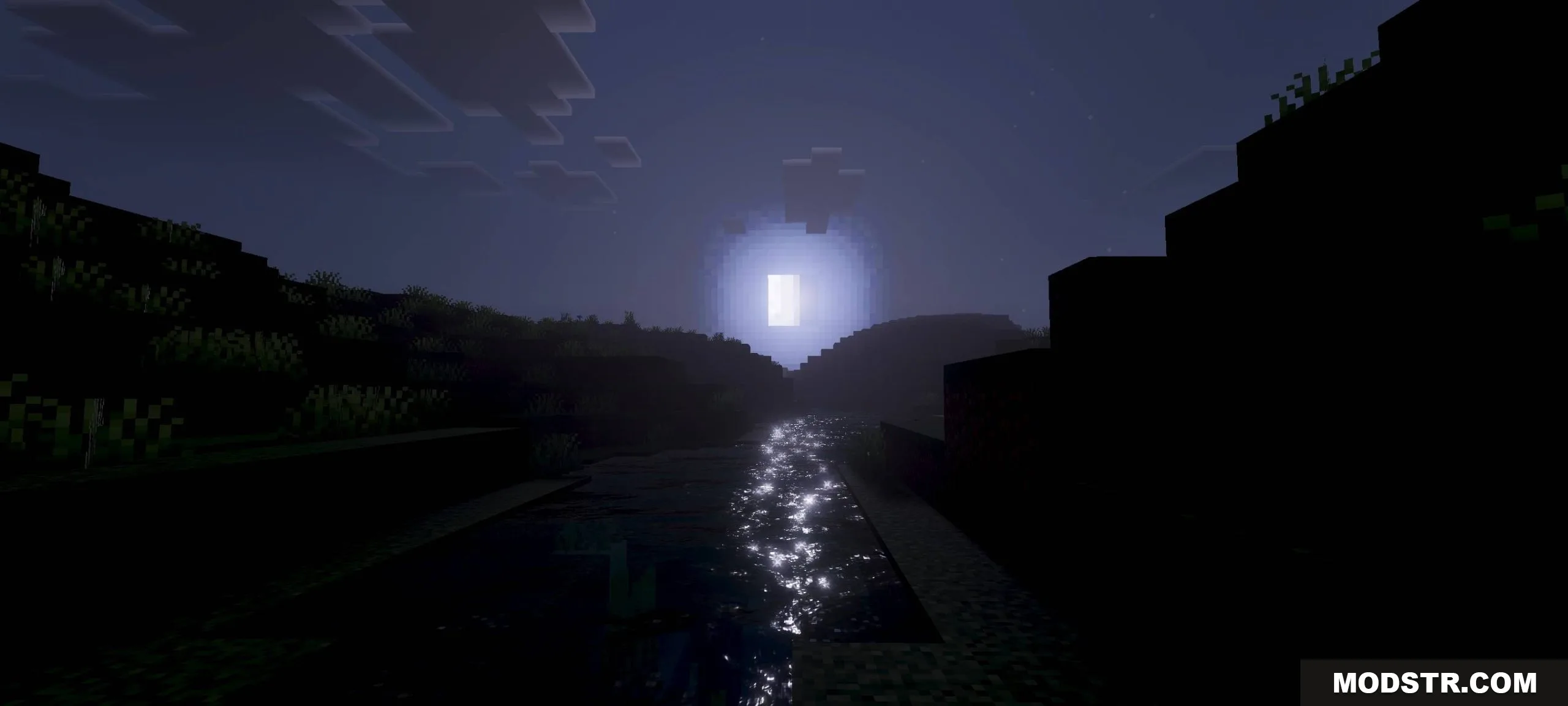
A shader that reverses day/night cycles with adjusted colors and lighting. The sky becomes dark during day and bright at night, designed for players who play at unconventional hours.
- 1.21
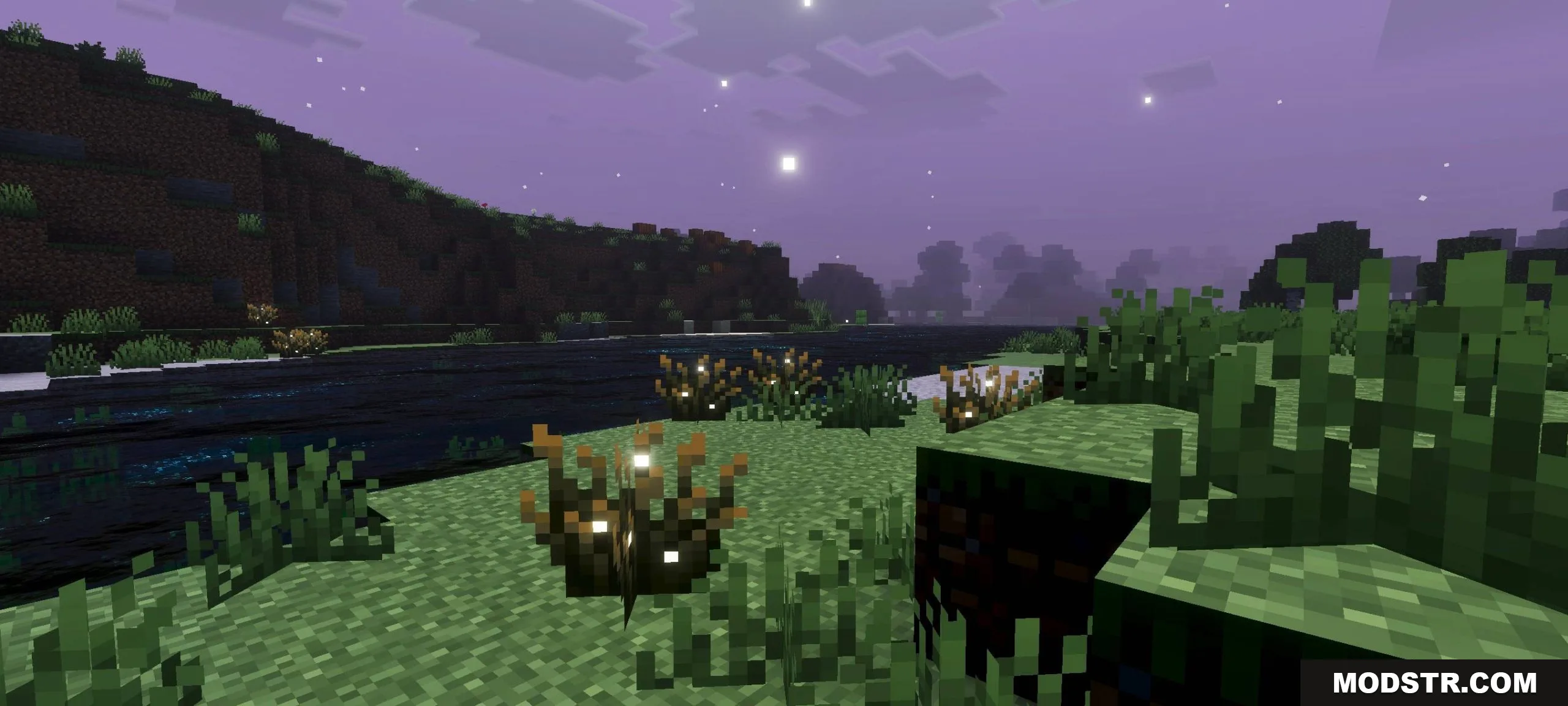
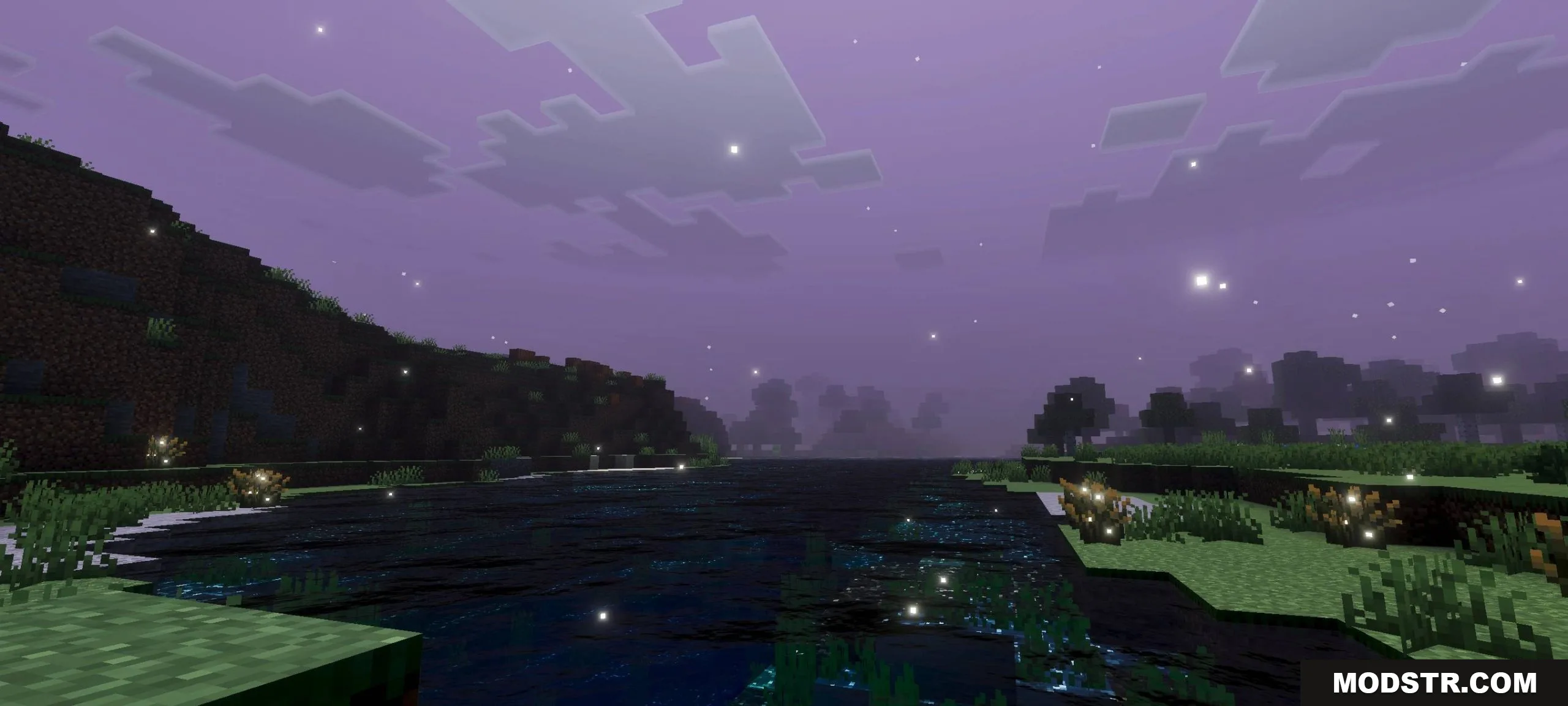
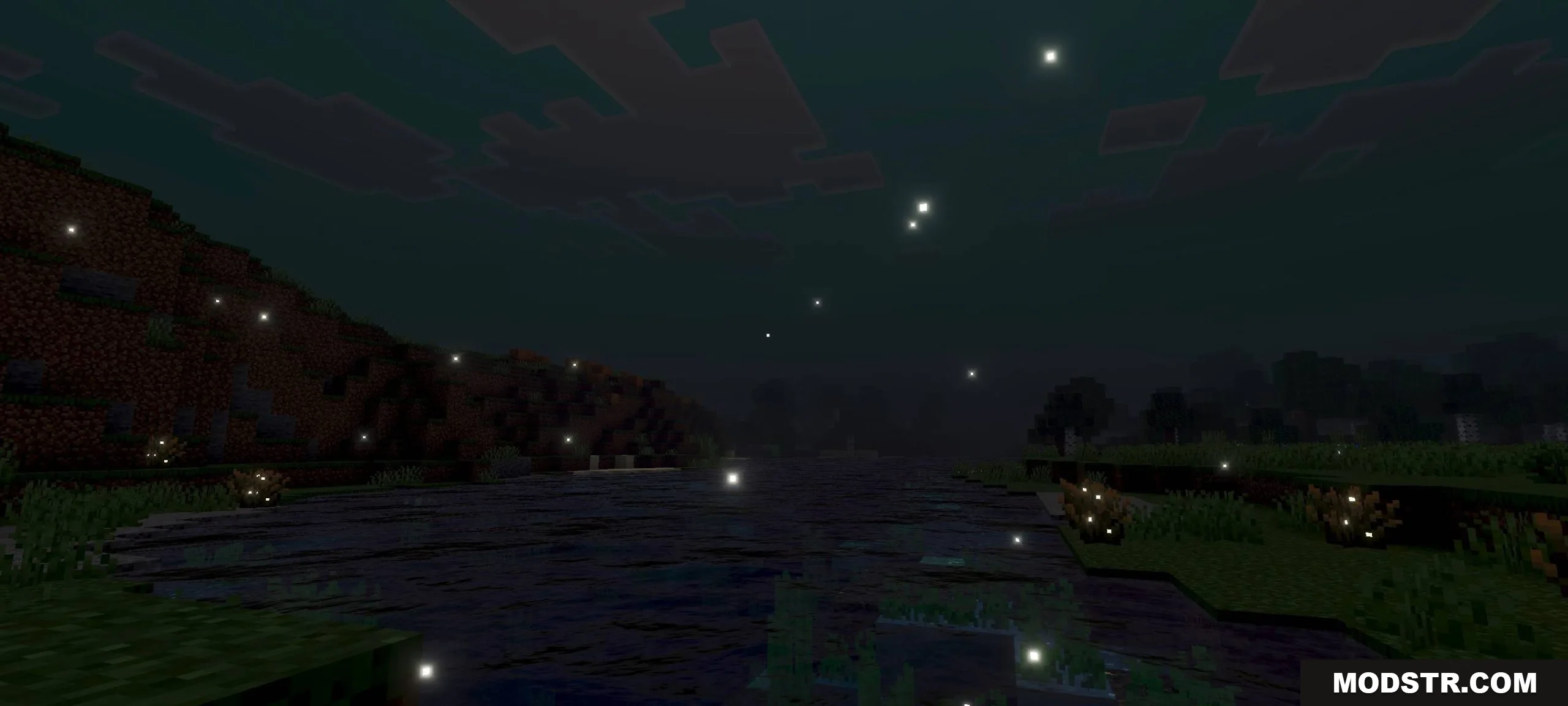
Upside Down Visual Shader inverts the typical day-night cycle by reversing colors and lighting throughout the world. The sky darkens during daytime and brightens at night, creating an inverted visual environment. This shader is designed for players who prefer to play during nighttime hours or want an alternative lighting aesthetic.
Features
- Inverted day-night cycle with reversed sky brightness
- Color and tone adjustments throughout the day
- Modified white balance for consistent visibility
- Texture manipulation for altered visual appearance
Installation
- Download the shader file for your Minecraft version
- Open Minecraft Bedrock Edition
- Import the shader through Settings > Resource Packs or Shader Packs
- Apply the shader to your world
- Adjust brightness and gamma settings in-game if needed
Compatibility
This shader is compatible with Minecraft Bedrock Edition version 1.21 and works with the 26.x resource pack format.
DOWNLOAD FILES
- mcpack