
FQ Shader (26.x, 1.21) – MCPE/Bedrock
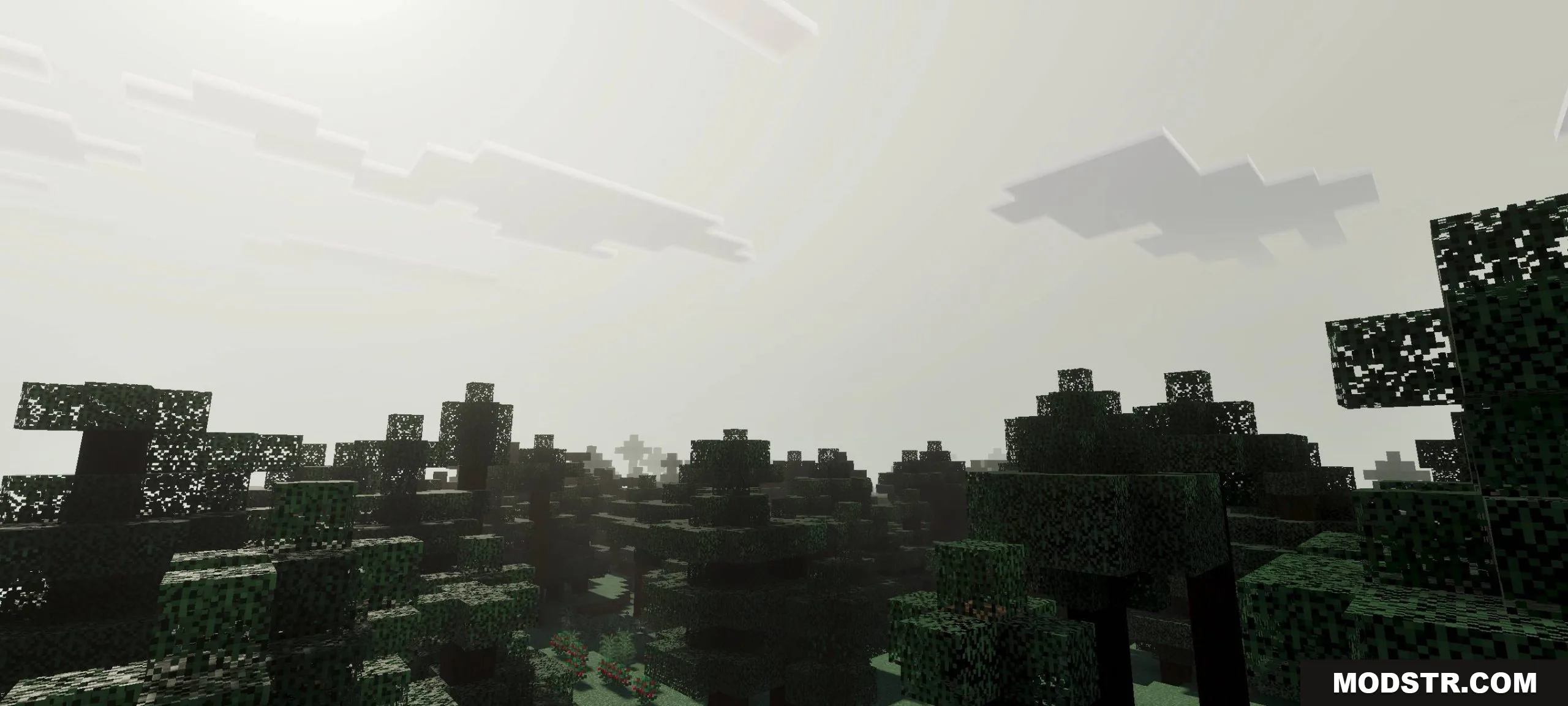
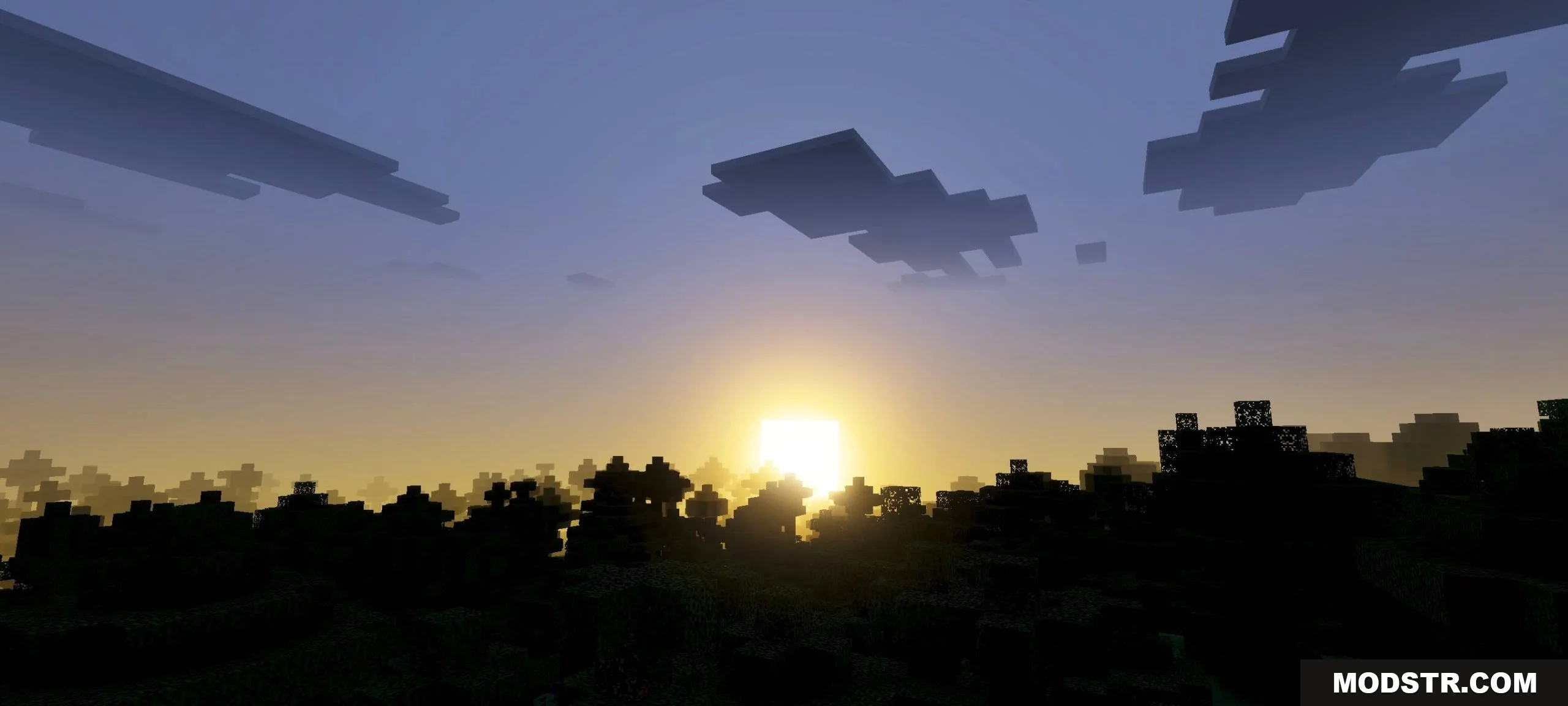
FQ Shader applies a cool blue tone and peaceful atmosphere to Minecraft Bedrock Edition. Features flexible lighting and cinematic water and sky effects.
- 1.21
FQ Shader is a shader pack for Minecraft Bedrock Edition that applies a cool blue color tone and peaceful visual atmosphere. It uses flexible lighting and color balance adjustments to enhance scenery clarity while maintaining the core Minecraft aesthetic. The shader includes cinematic-style rendering of sky and water elements.
Features
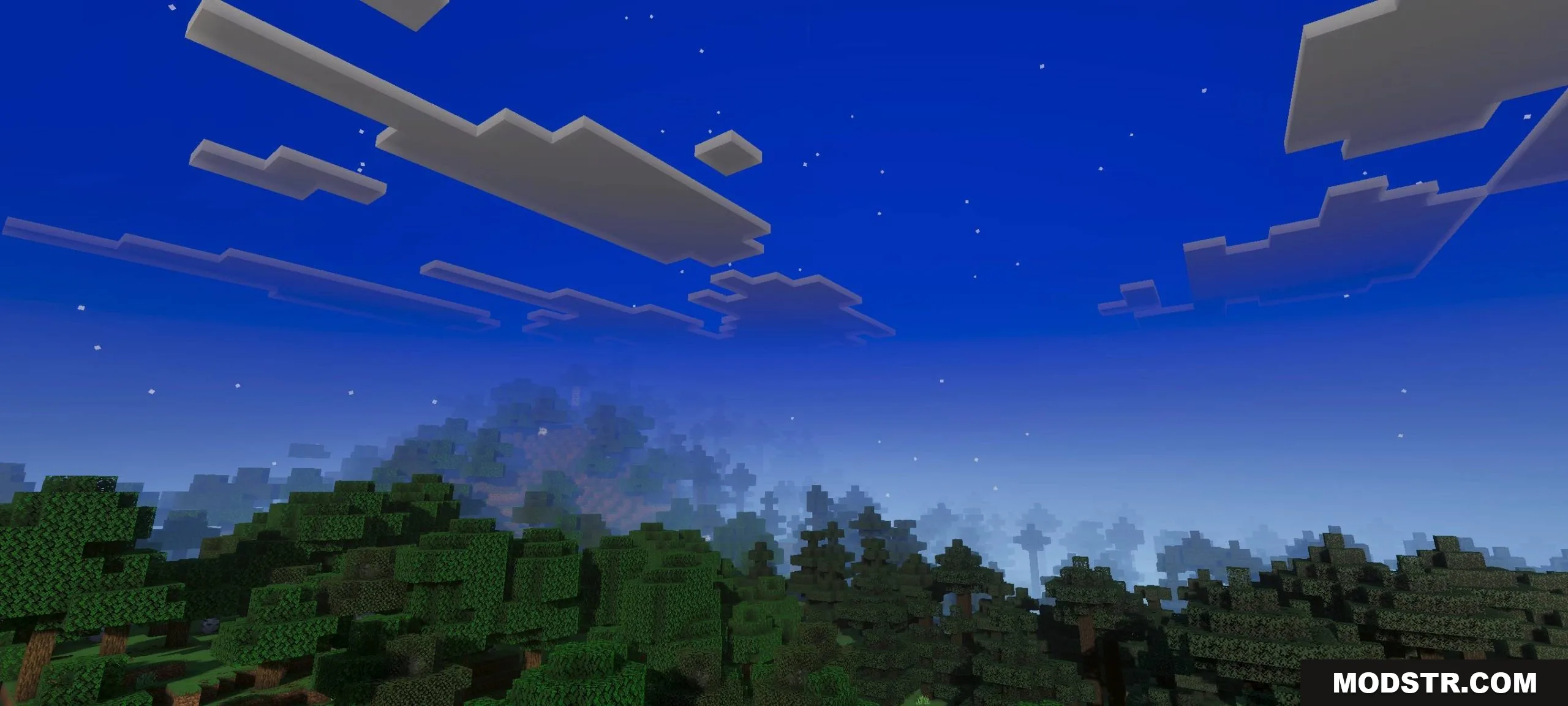
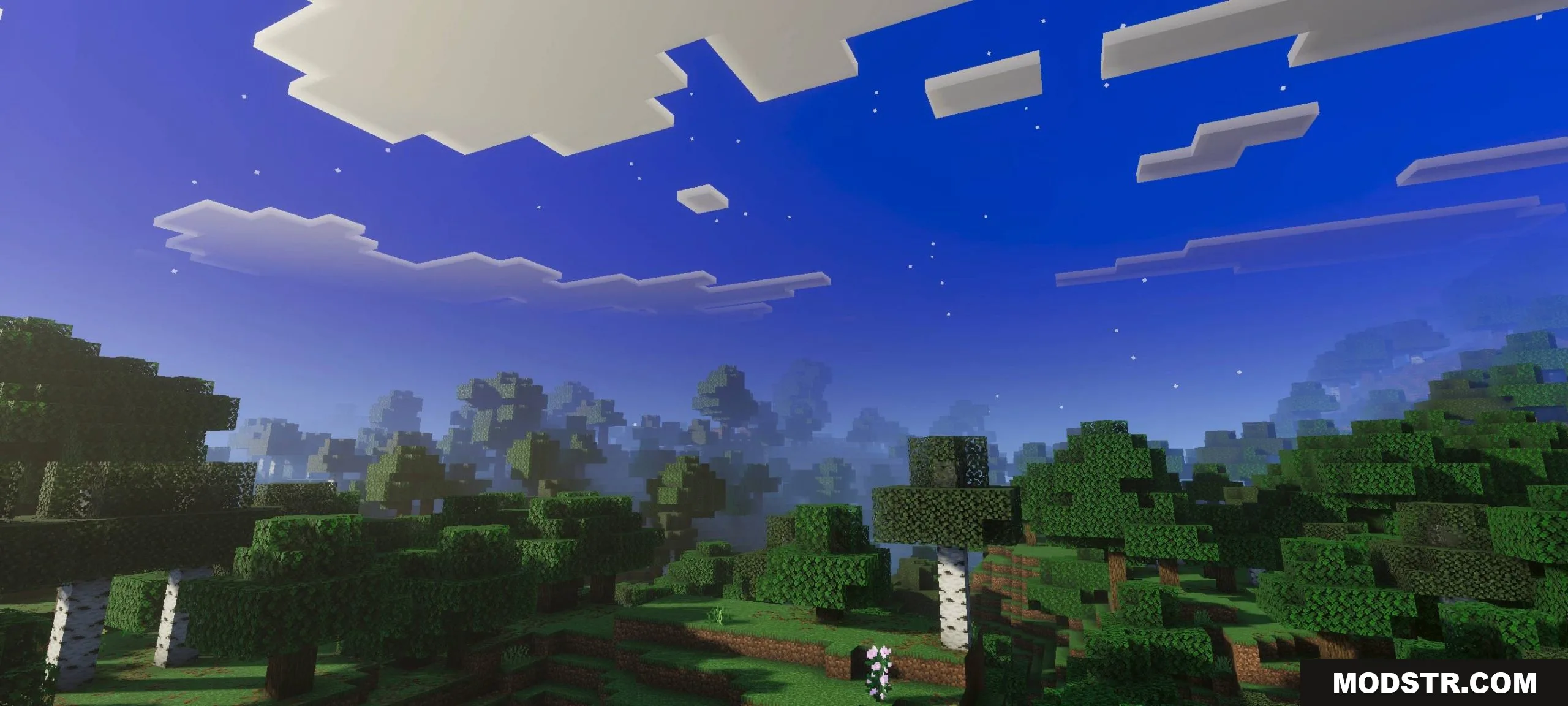
- Cool blue tone with peaceful ambient coloring throughout the world
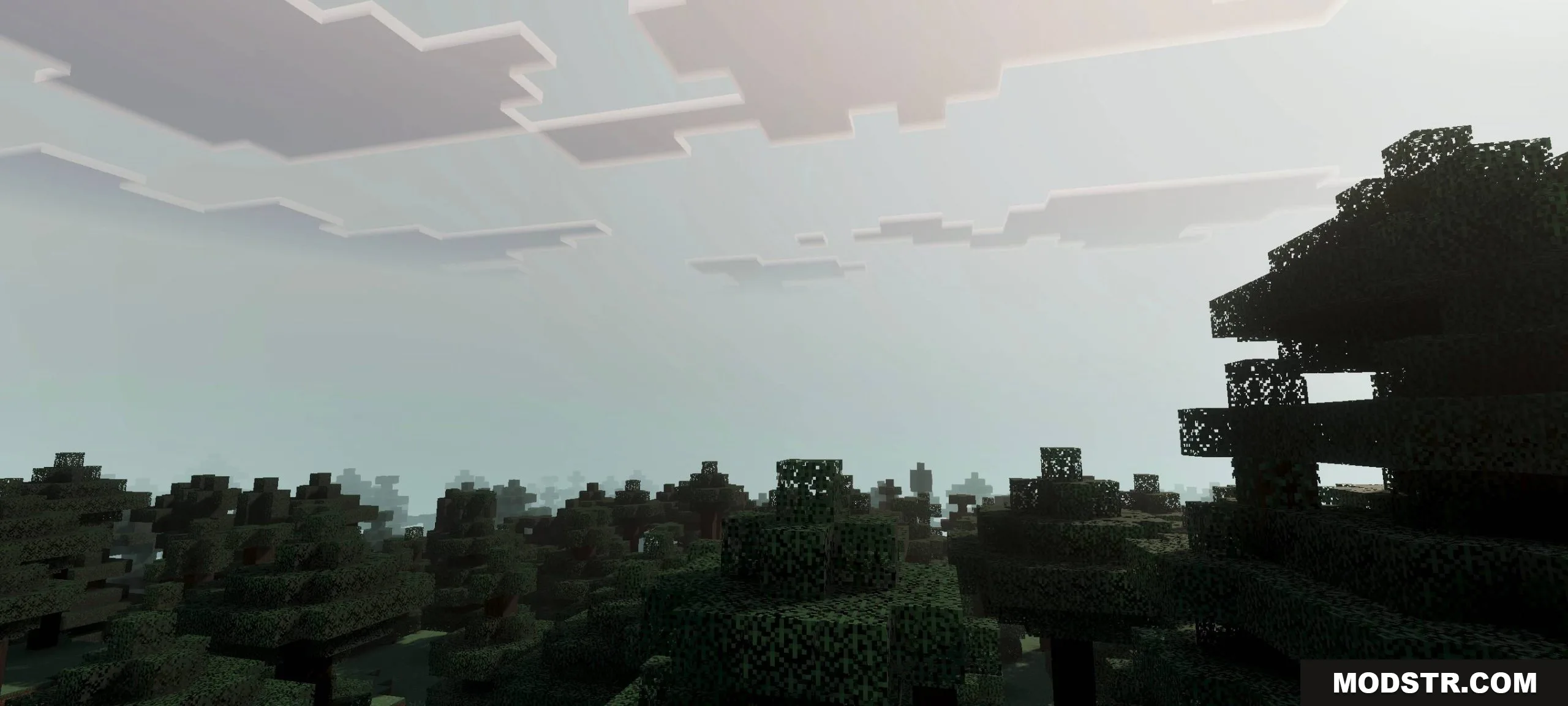
- Flexible lighting system that adapts to different times of day and lighting conditions
- Cinematic water and sky rendering with seamless integration
- Color balance adjustments to improve scenery sharpness and clarity
Installation
- Ensure Vibrant Visuals is enabled in your game settings
- Download the FQ Shader pack file
- Import the file into Minecraft's resource pack settings
- Select FQ Shader from your active resource packs list
- Apply and launch your world
Compatibility
FQ Shader is designed for Minecraft Pocket Edition and Bedrock Edition version 1.21 and 26.x variants.
DOWNLOAD FILES
- mcpack