
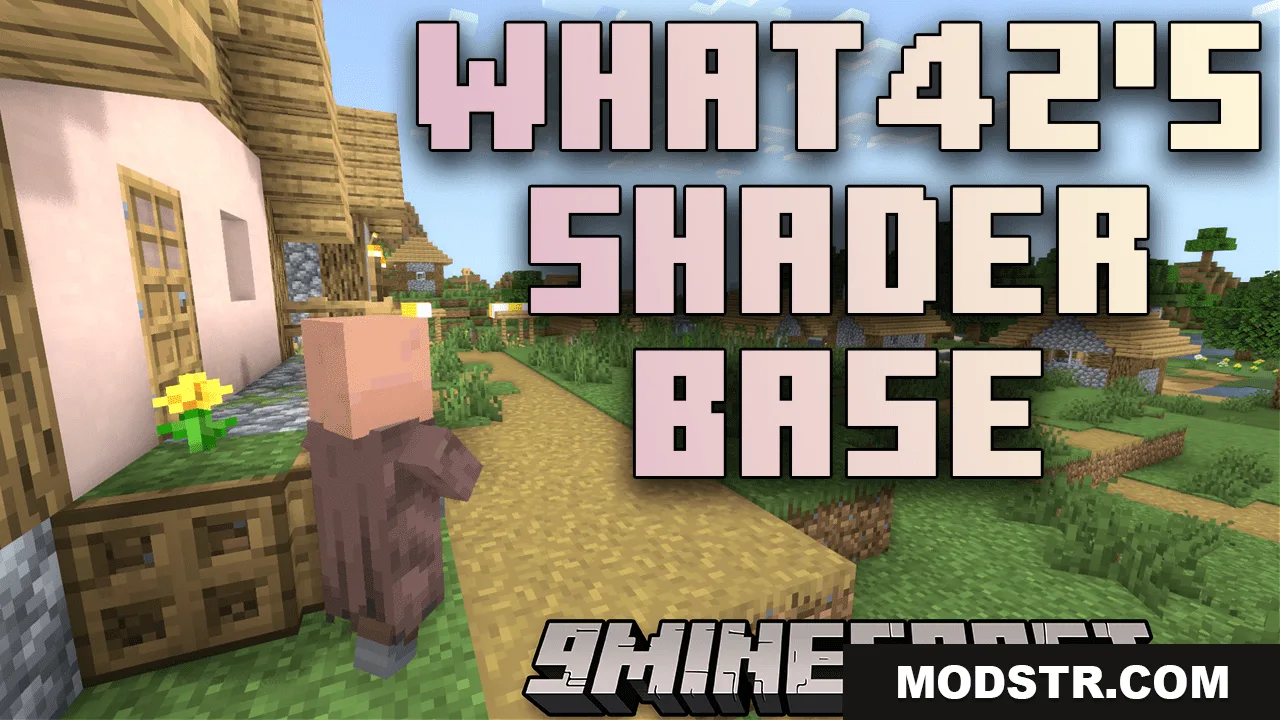
What42’s Shader Base Shaders (26.2, 1.20.1) – A Versatile And Distraction-Free Vanilla-Like Shader
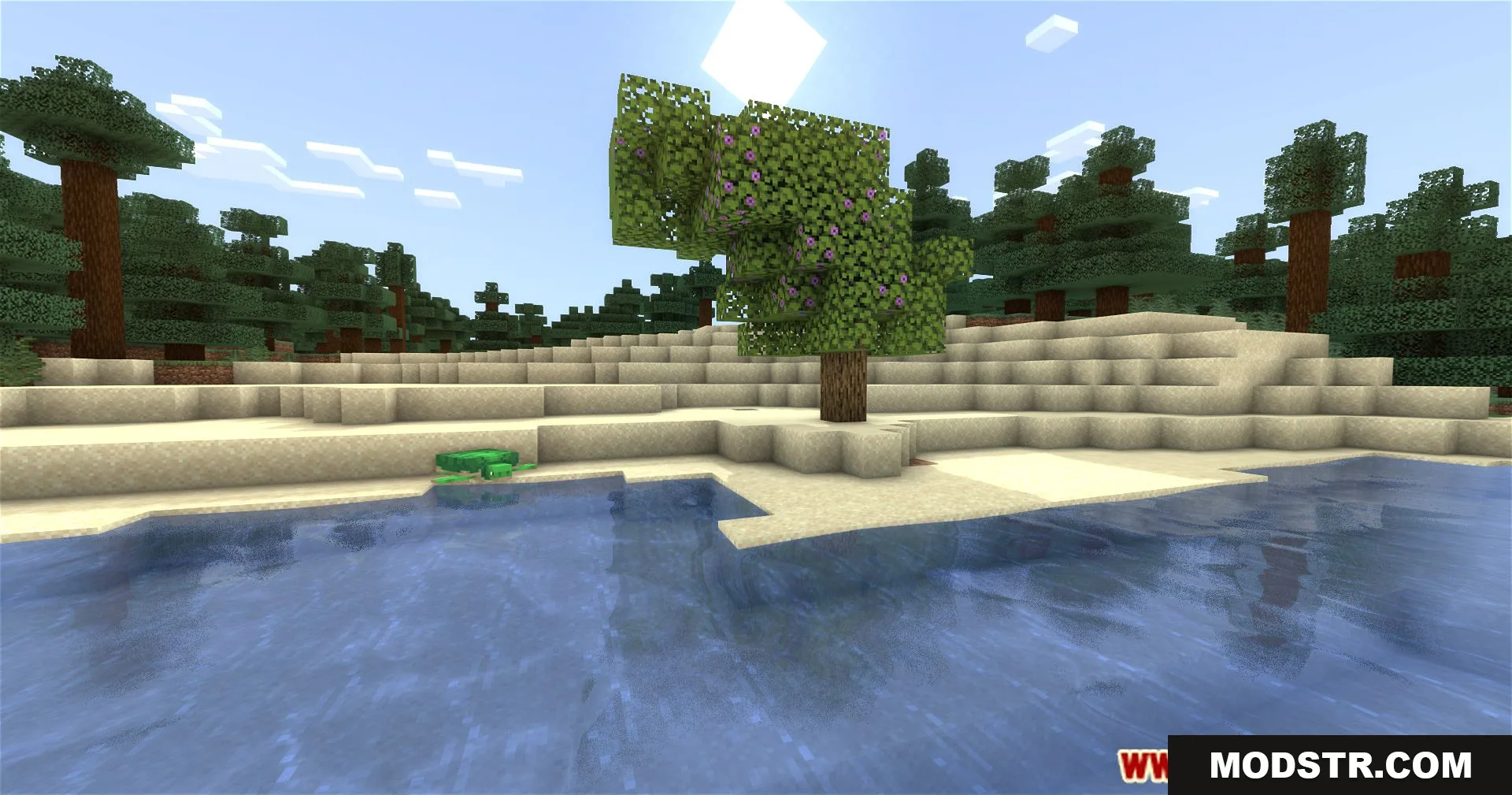
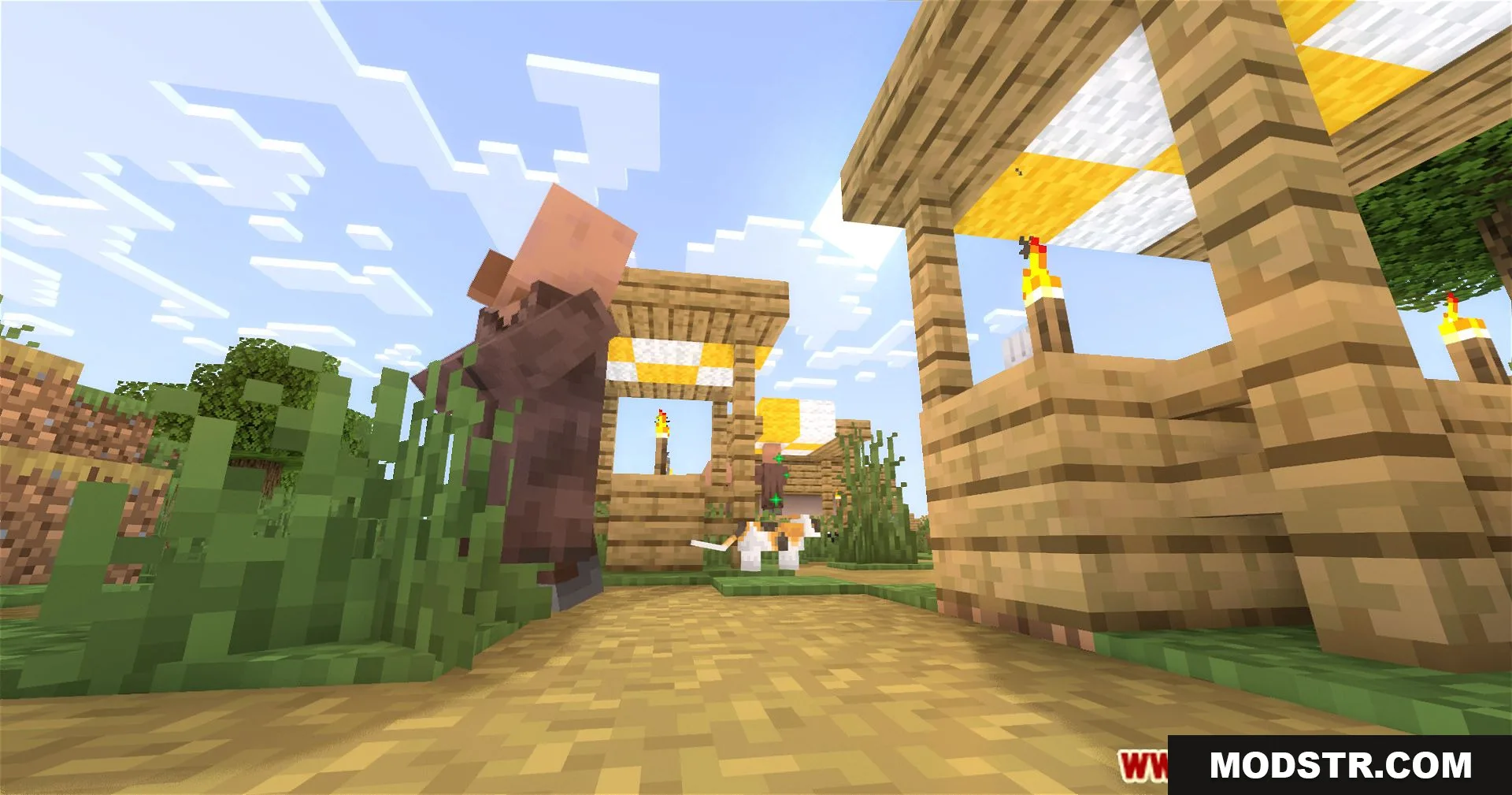
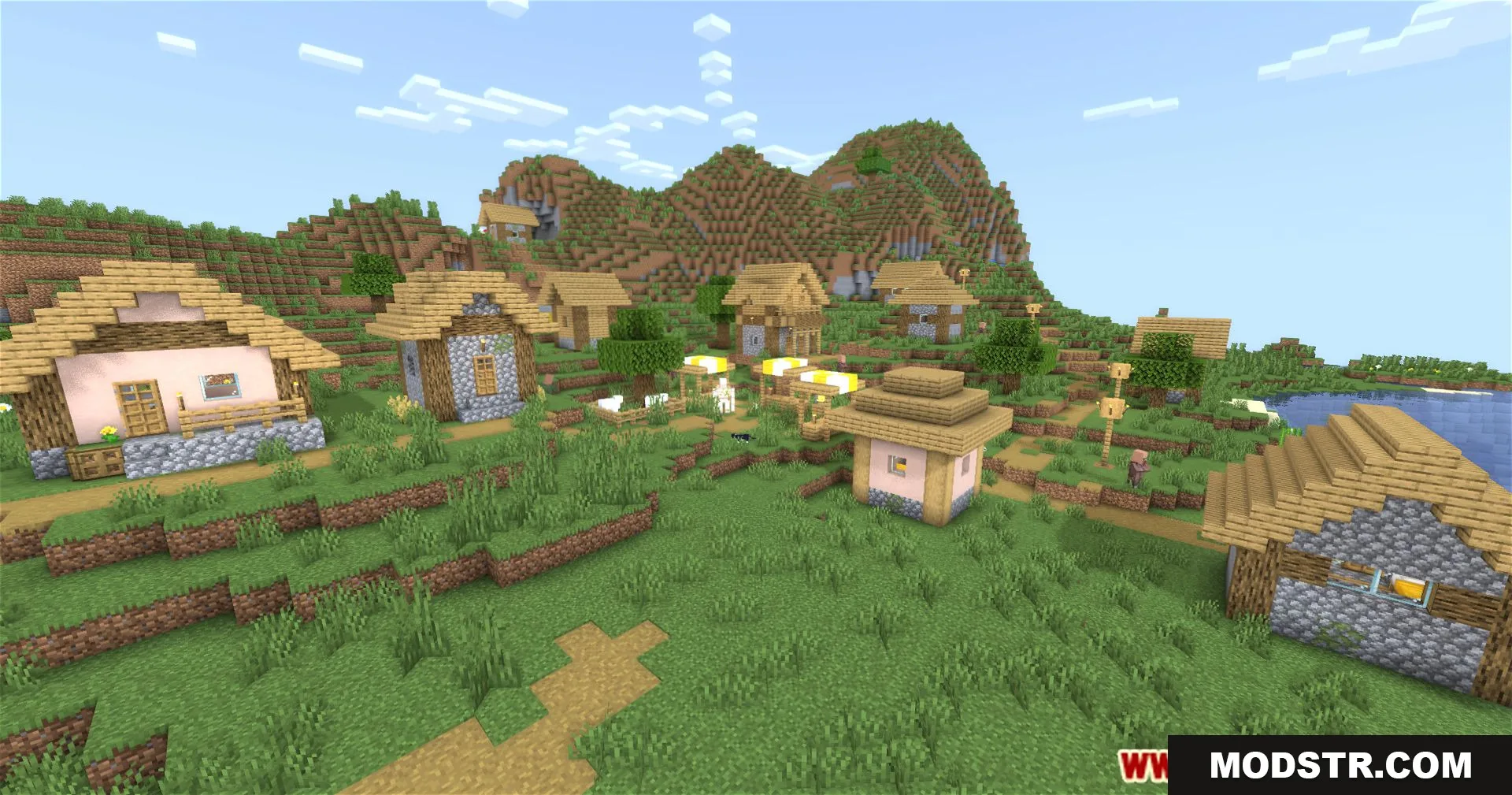
What42’s Shader Base Shaders provides a customizable, distraction-free visual experience for players seeking a vanilla-like enhancement for Minecraft. Suitable for both experienced shader users and newcomers, this shader pack enhances gameplay without overwhelming visuals.
- 1.20.1
What42’s Shader Base Shaders offers a seamless visual enhancement for Minecraft, maintaining a look similar to the vanilla game. It's suitable for players looking for an efficient shader that can be customized or used as a standalone option.
Features
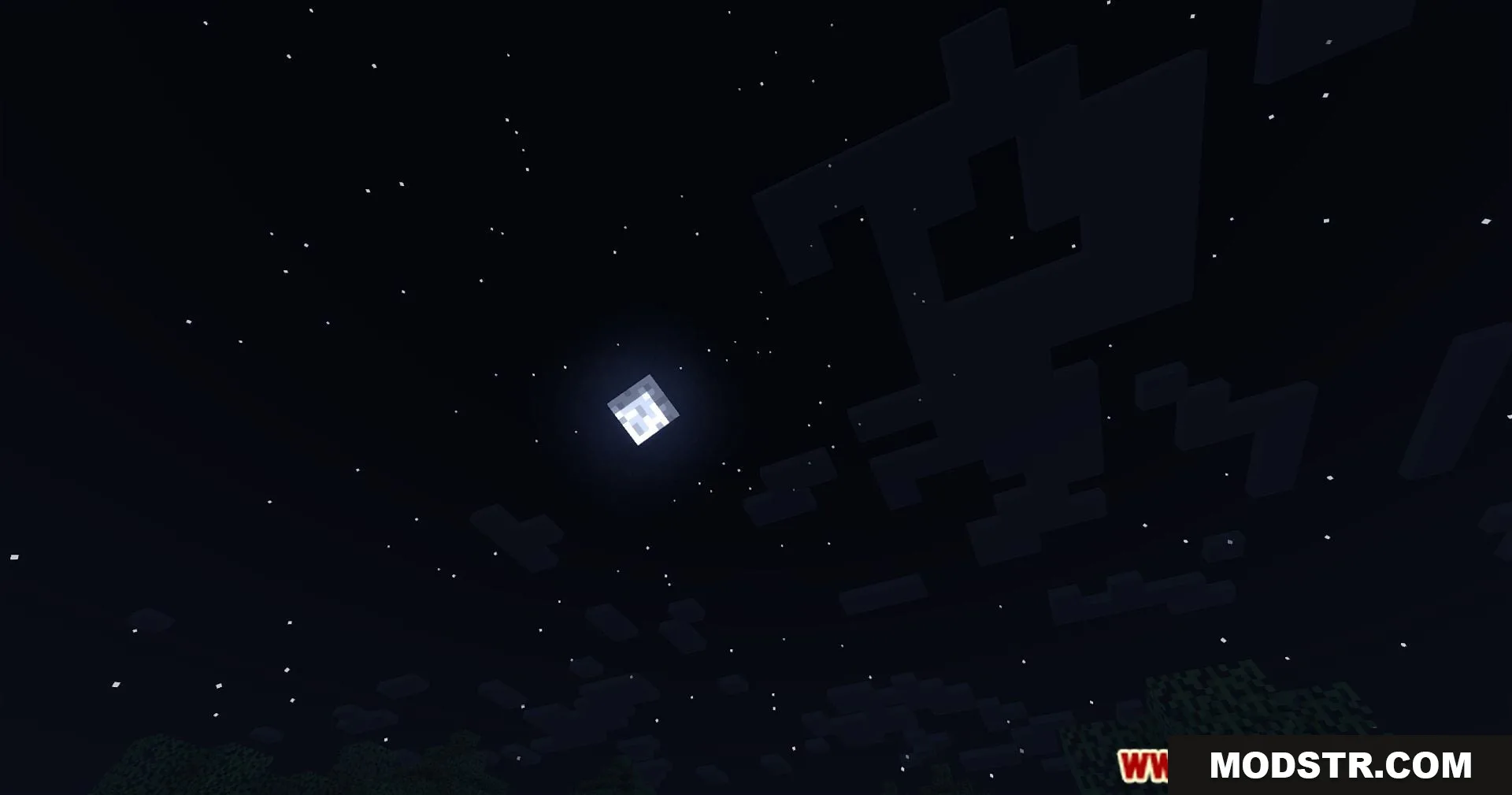
- Versatile foundation for customization or stand-alone use.
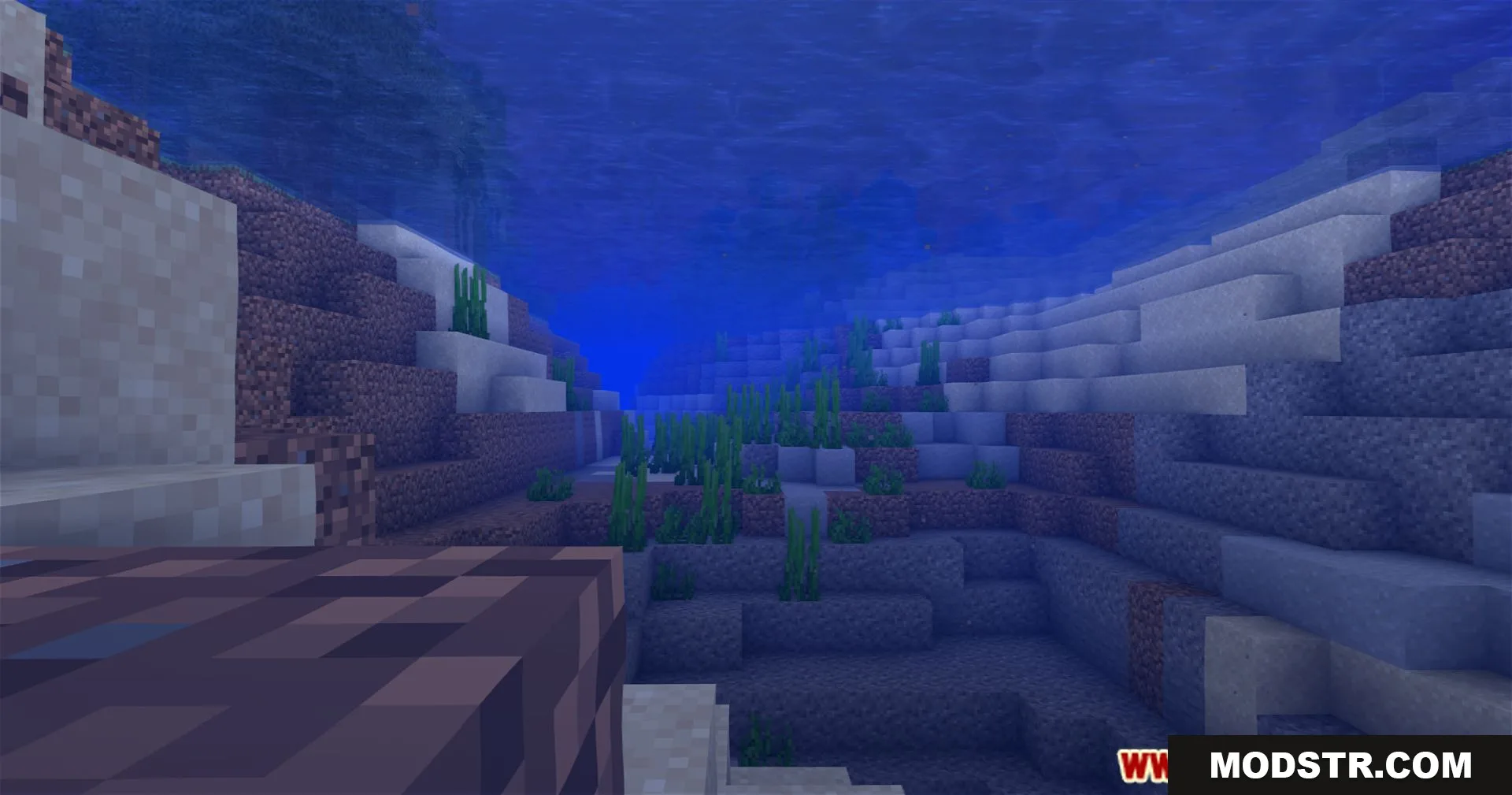
- Enhances visual quality without distracting from gameplay.
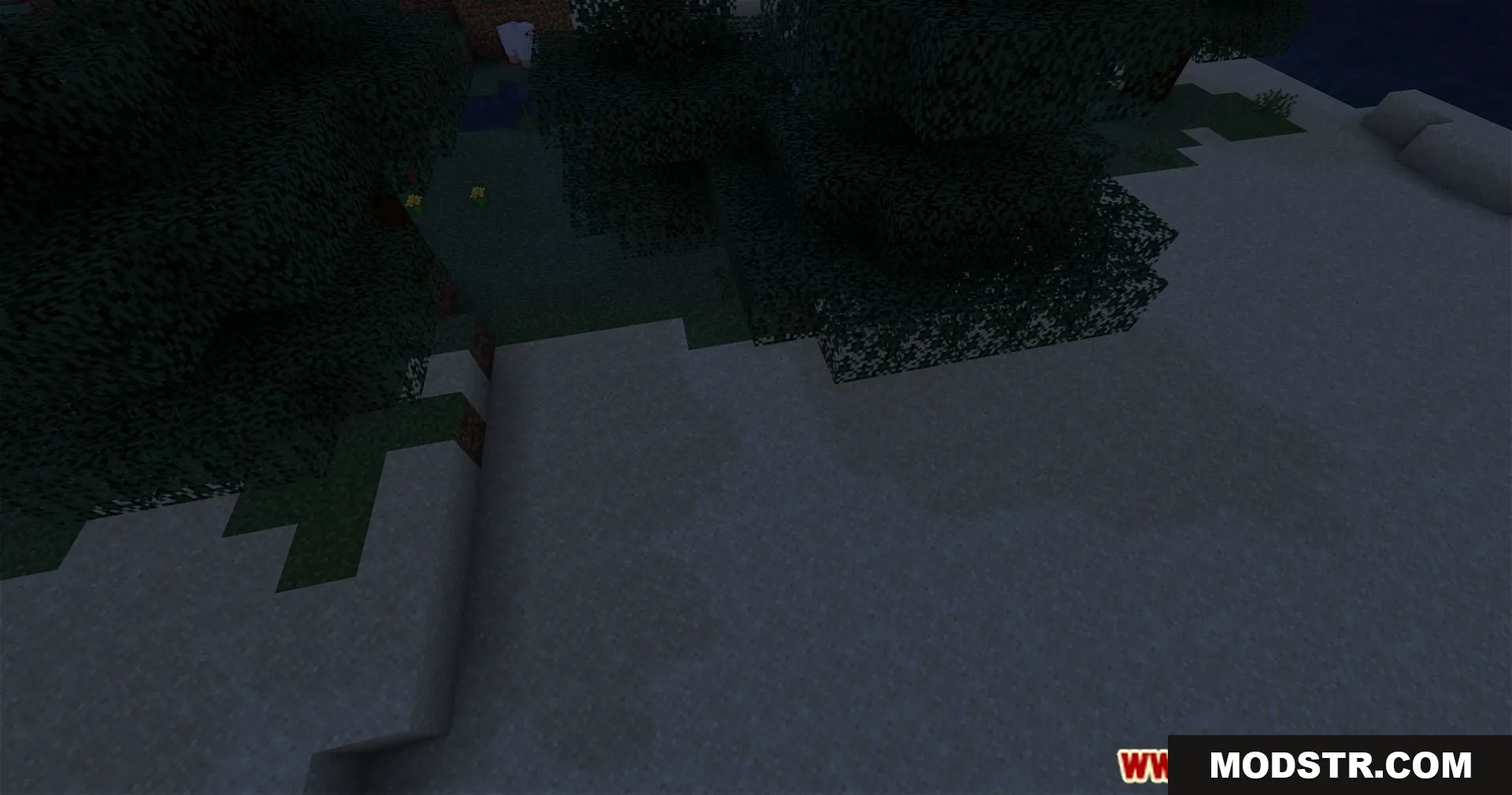
- Focus on decent performance for smooth play.
- Ideal for players new to shaders or those seeking minimal enhancements.
Installation
- Download the shader pack file.
- Open Minecraft and go to the settings menu.
- Select 'Shaders' and then 'Shader Folder.'
- Place the downloaded file into the shaders folder.
- Select the shader pack from the list to activate it.
Compatibility
This shader pack is compatible with Minecraft version 1.20.1 and is designed to work seamlessly within this and similar versions.
DOWNLOAD FILES
- shader