
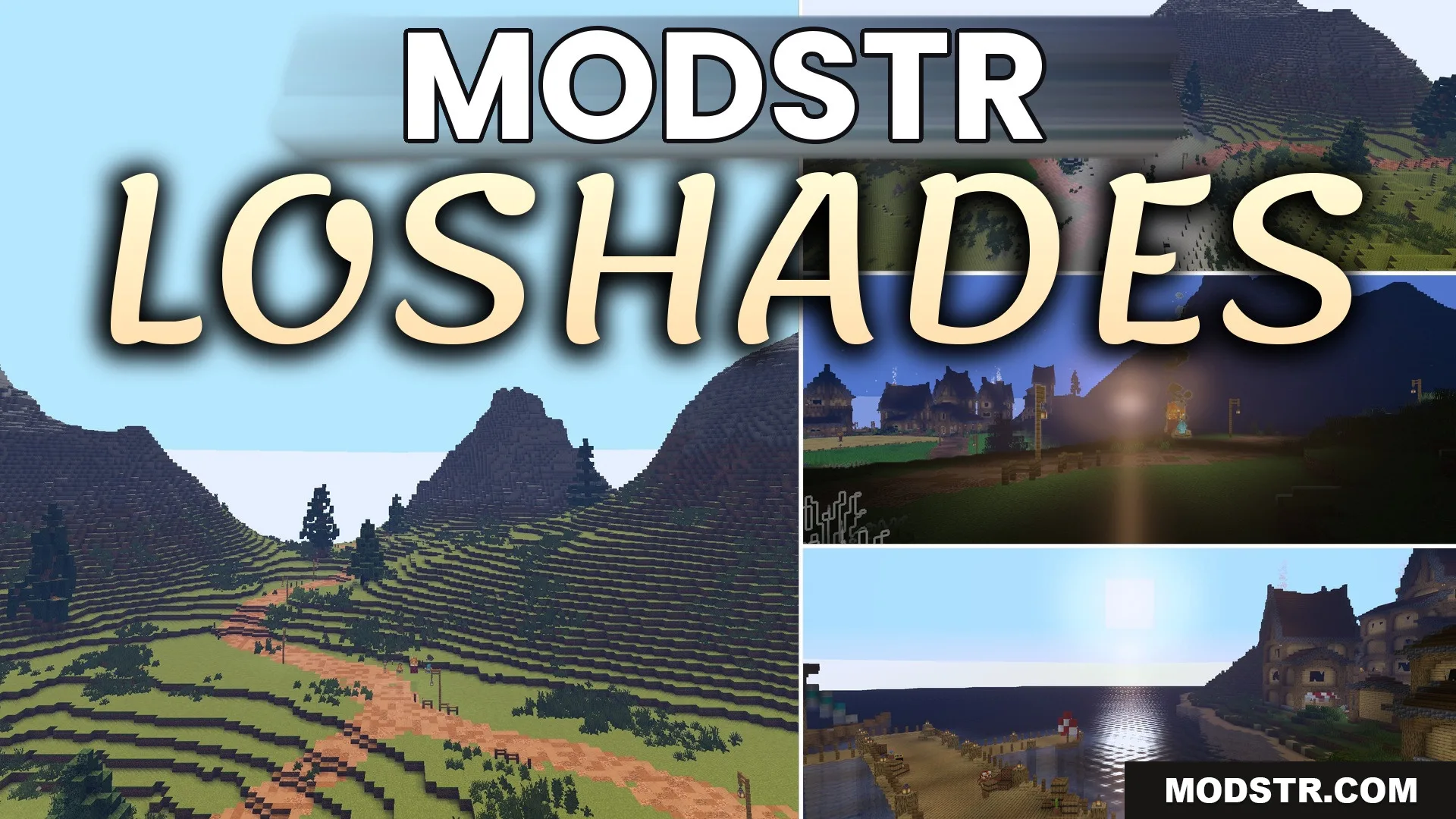
LoShades Shaders (26.2, 1.20.1) – Lightweight Post-Processing and Custom Fog
LoShades Shaders enhances the visual experience in Minecraft with basic post-processing effects and fog. Designed for lower-end devices, it aims to improve performance while retaining a vanilla aesthetic.
- 1.20.1
LoShades Shaders introduces lightweight post-processing effects and custom fog to Minecraft. It is specifically designed for low-end systems that experience difficulties running more demanding graphic mods.
Features
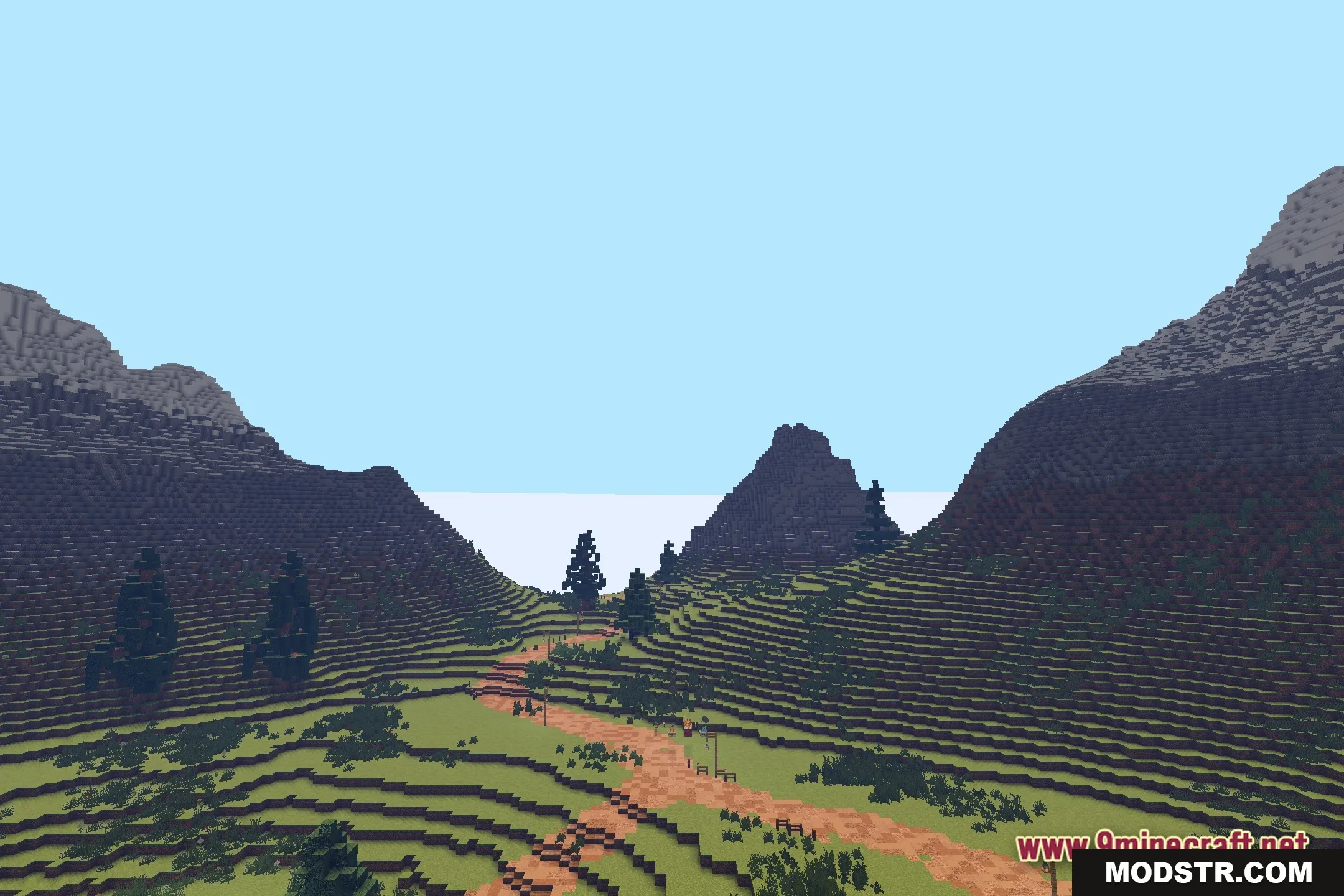
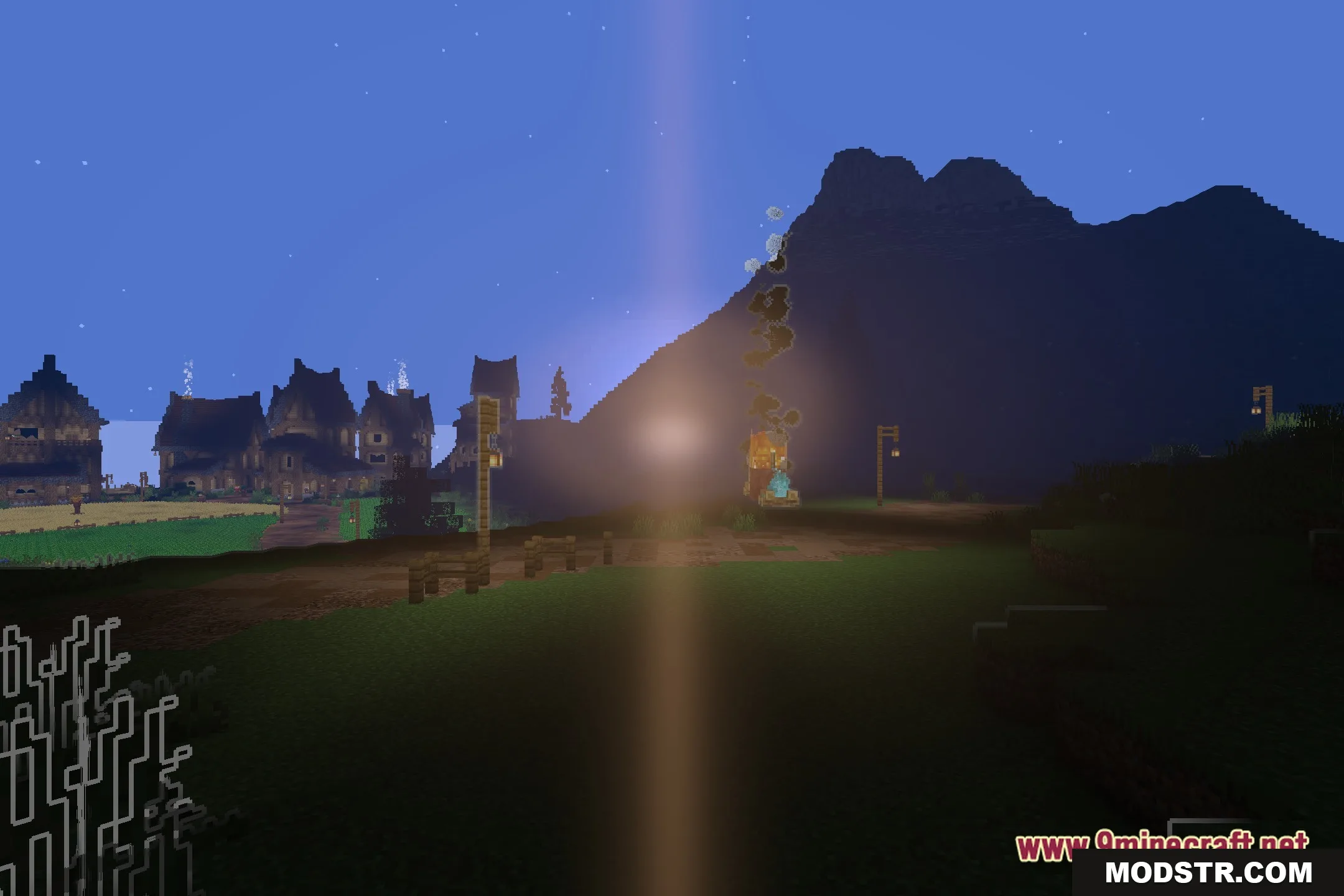
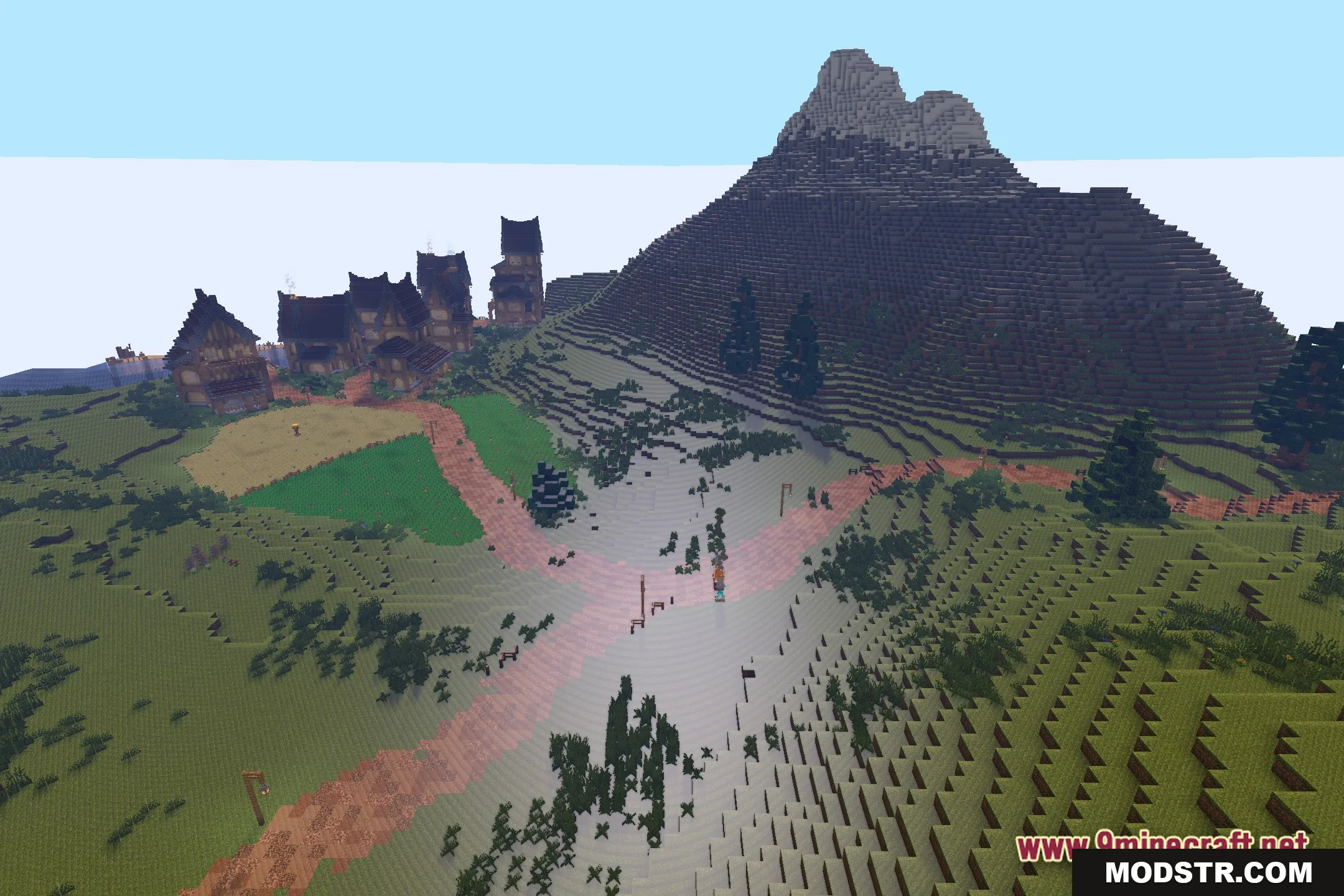
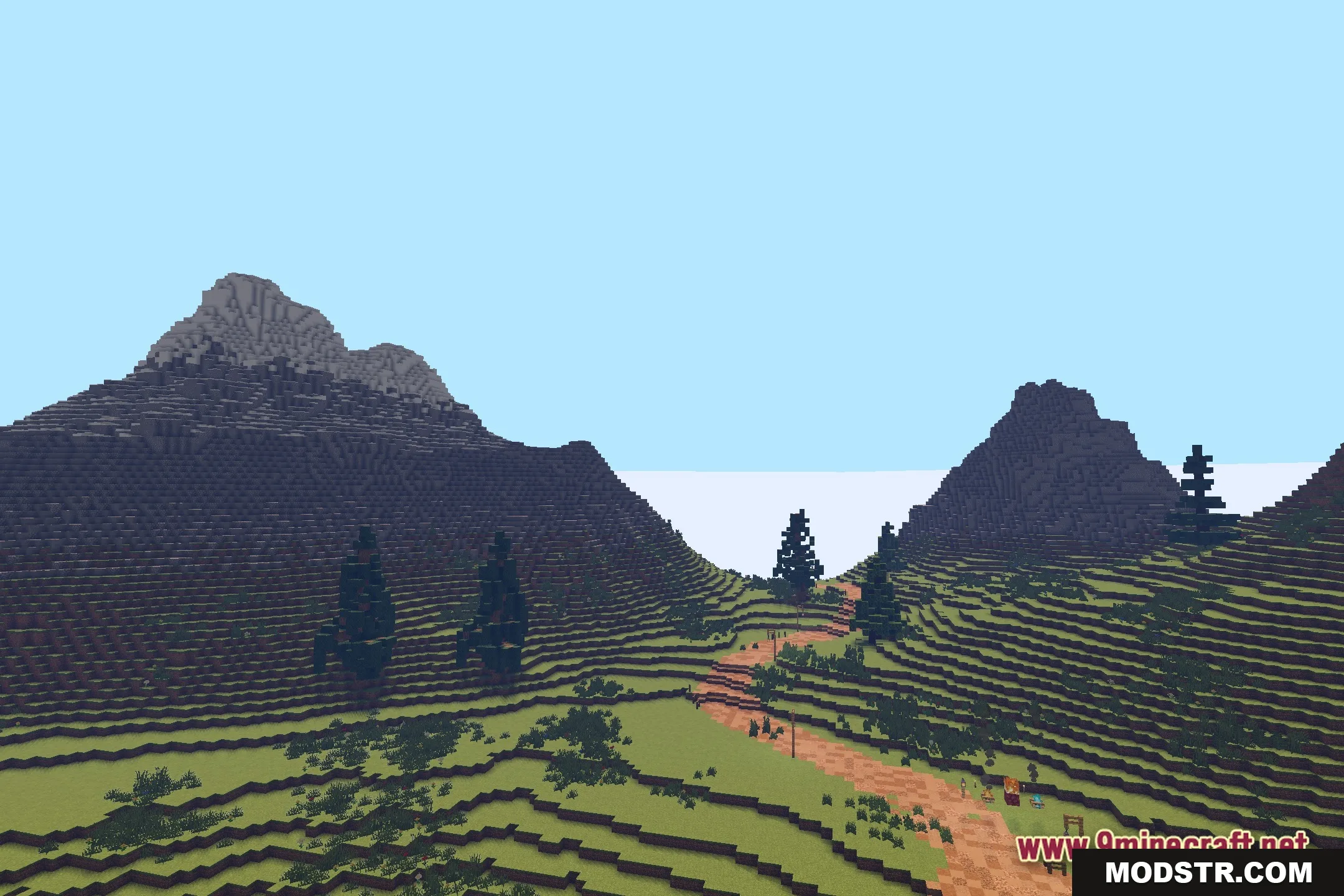
- Brings a light fantasy style to the vanilla game world.
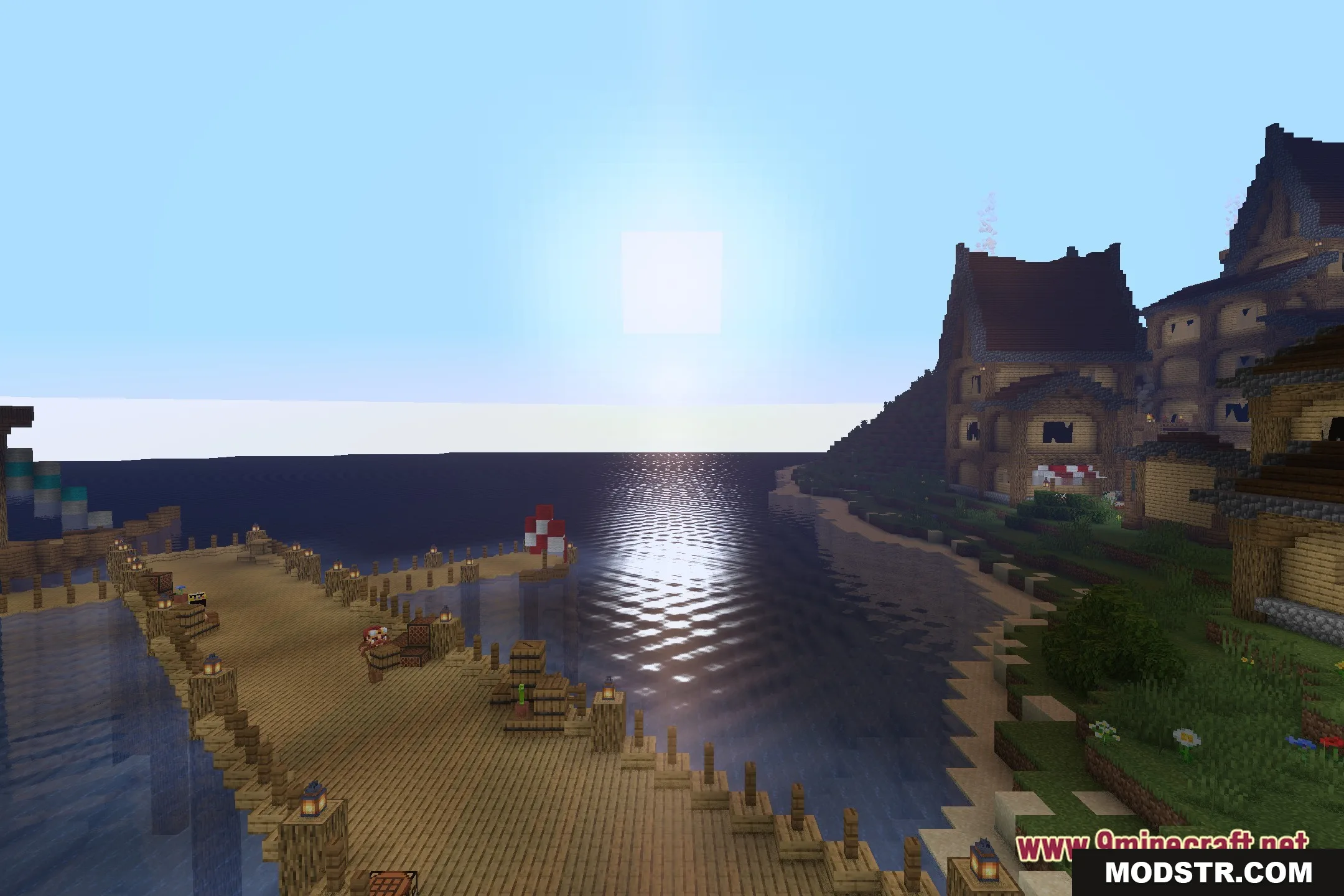
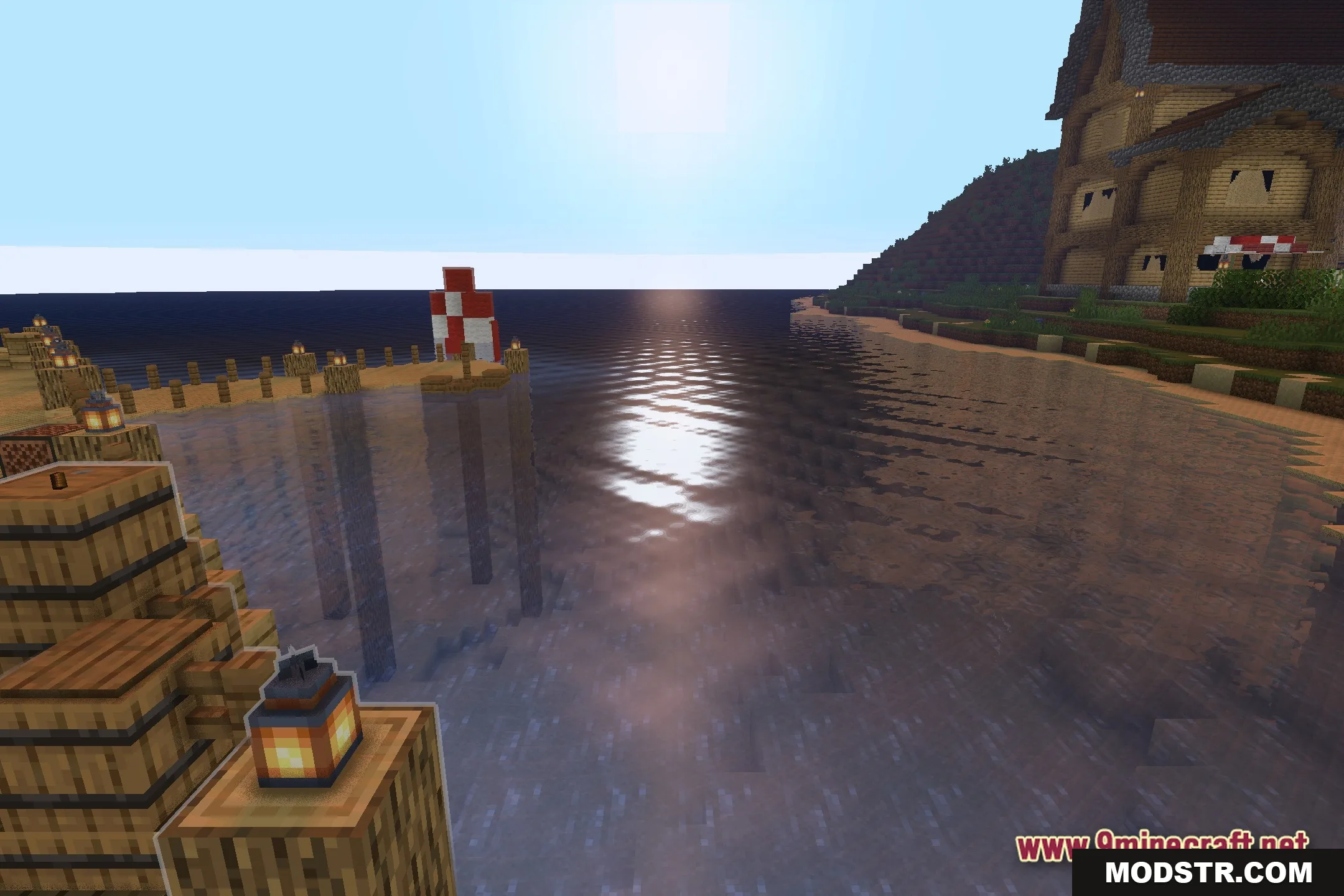
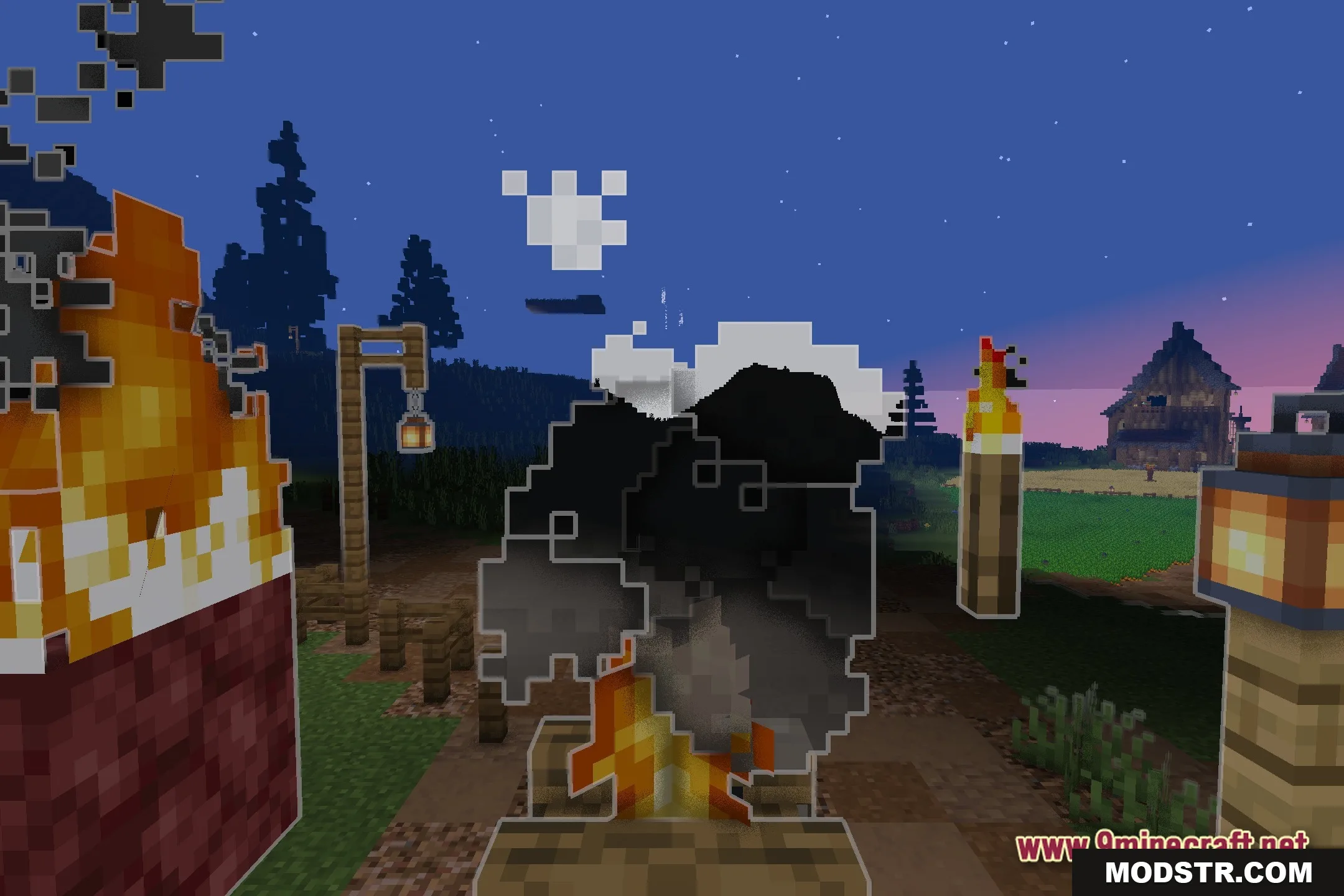
- Adds basic post-processing effects to improve the look of blocks and items.
- Generates custom fog that blends smoothly into the distance.
- Runs at high frame rates, often hitting 300 to 500 FPS on average hardware.
- Reaches maximum speeds of up to 800 FPS for players with good graphics cards.
- Keeps the game running fast on older computers.
Installation
- Download the shader pack file.
- Open the Minecraft game and navigate to settings.
- Select the 'Video Settings' option.
- Click on 'Shaders' and then on 'Shaders Folder' to open it.
- Move the downloaded shader pack file into the opened folder.
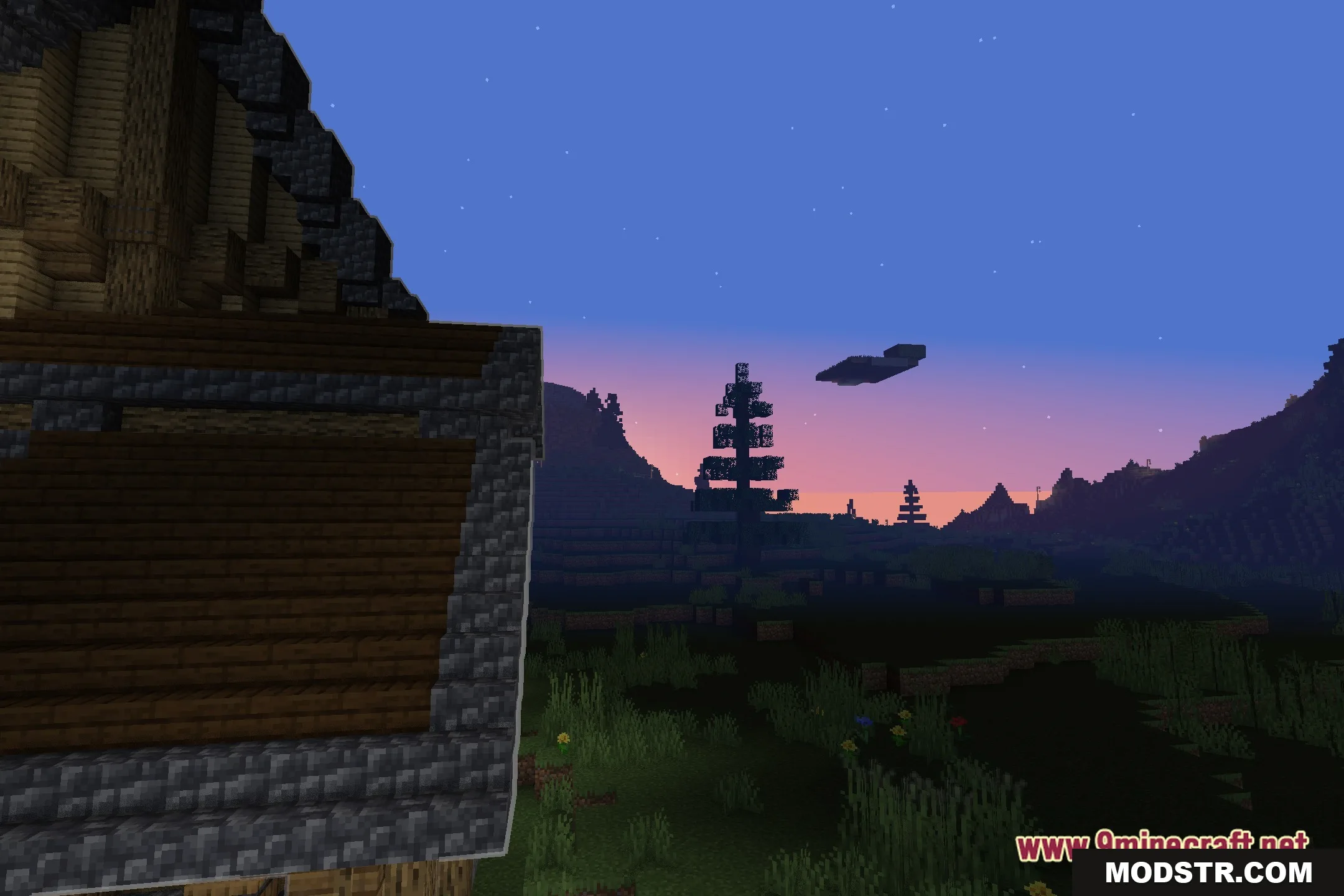
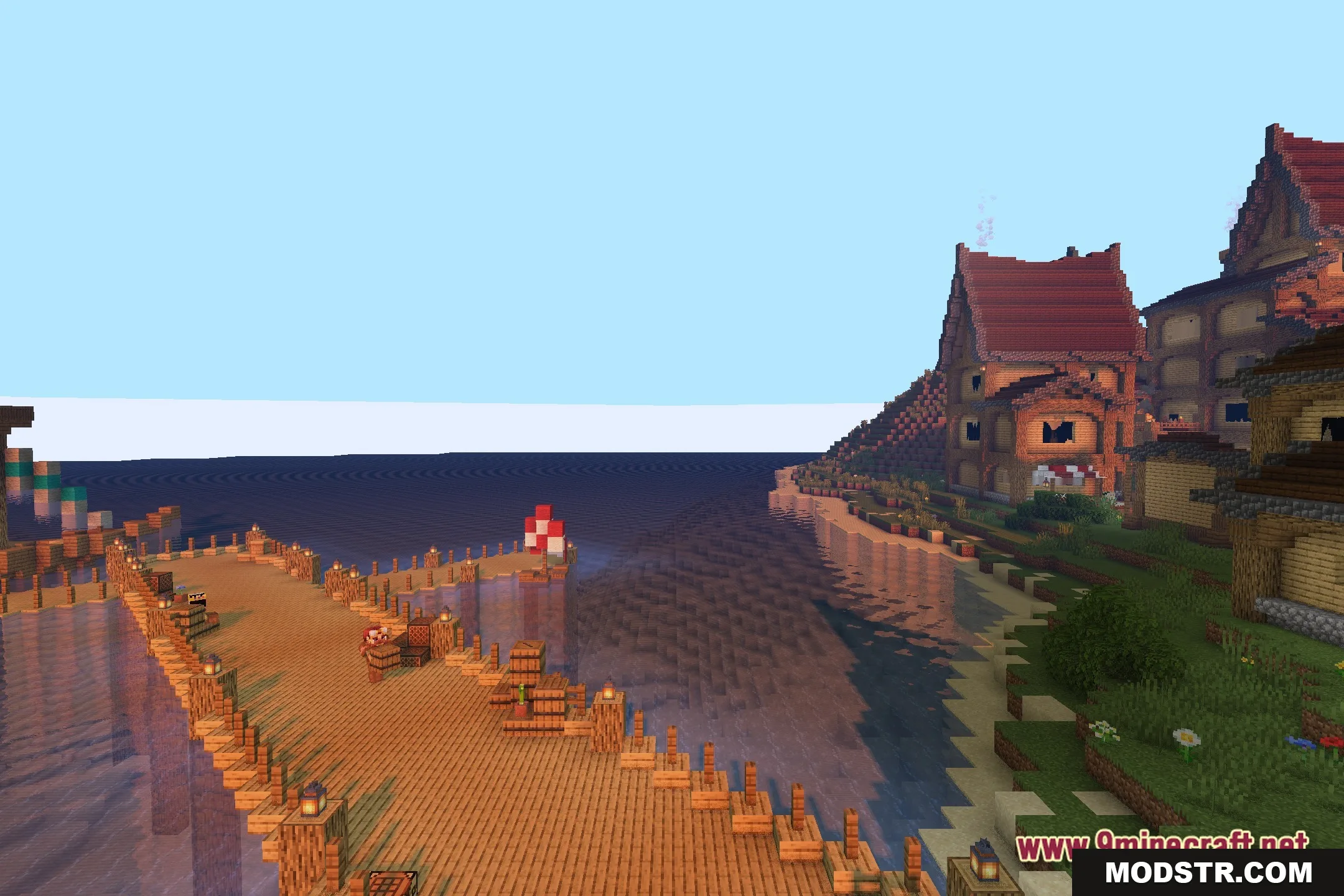
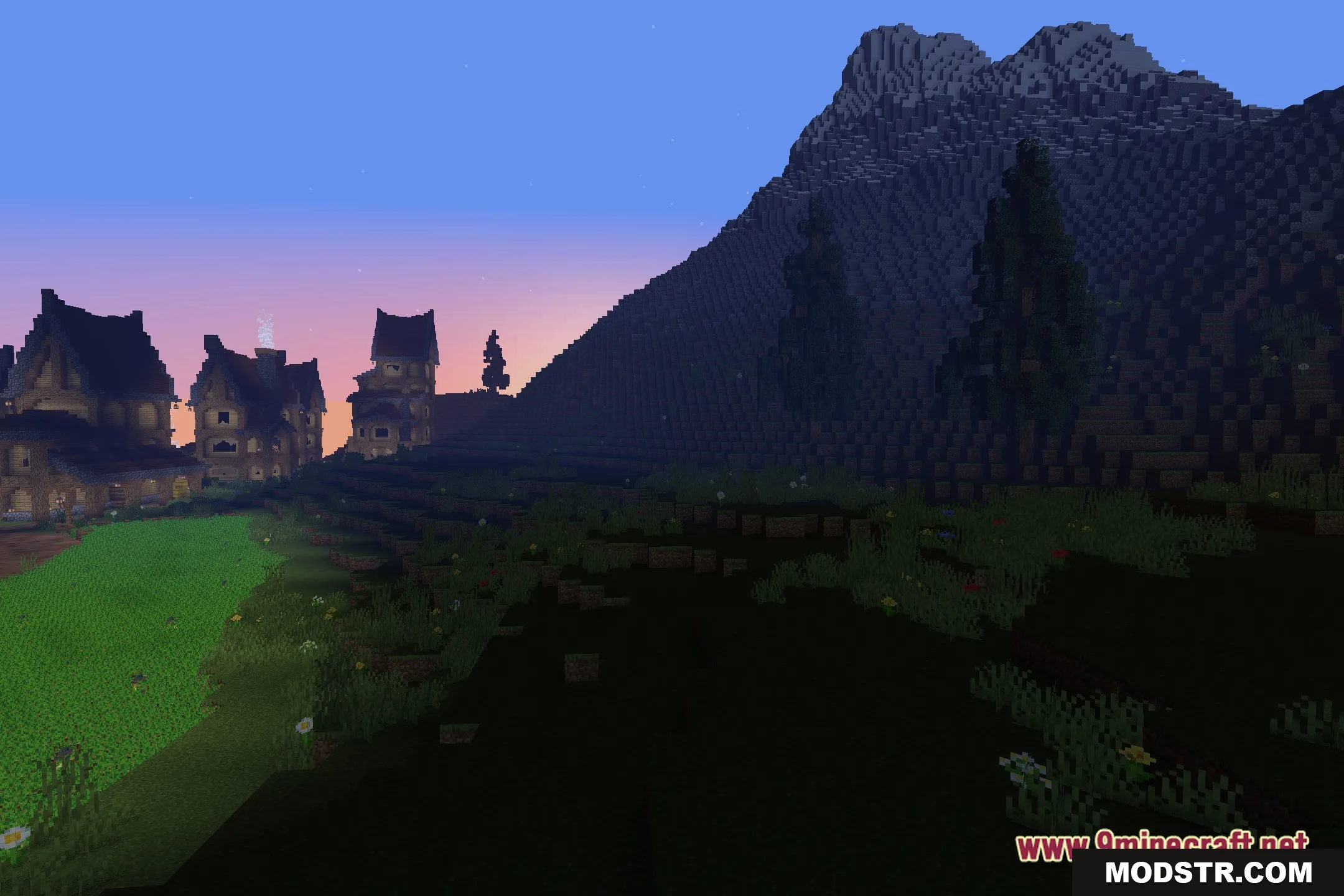
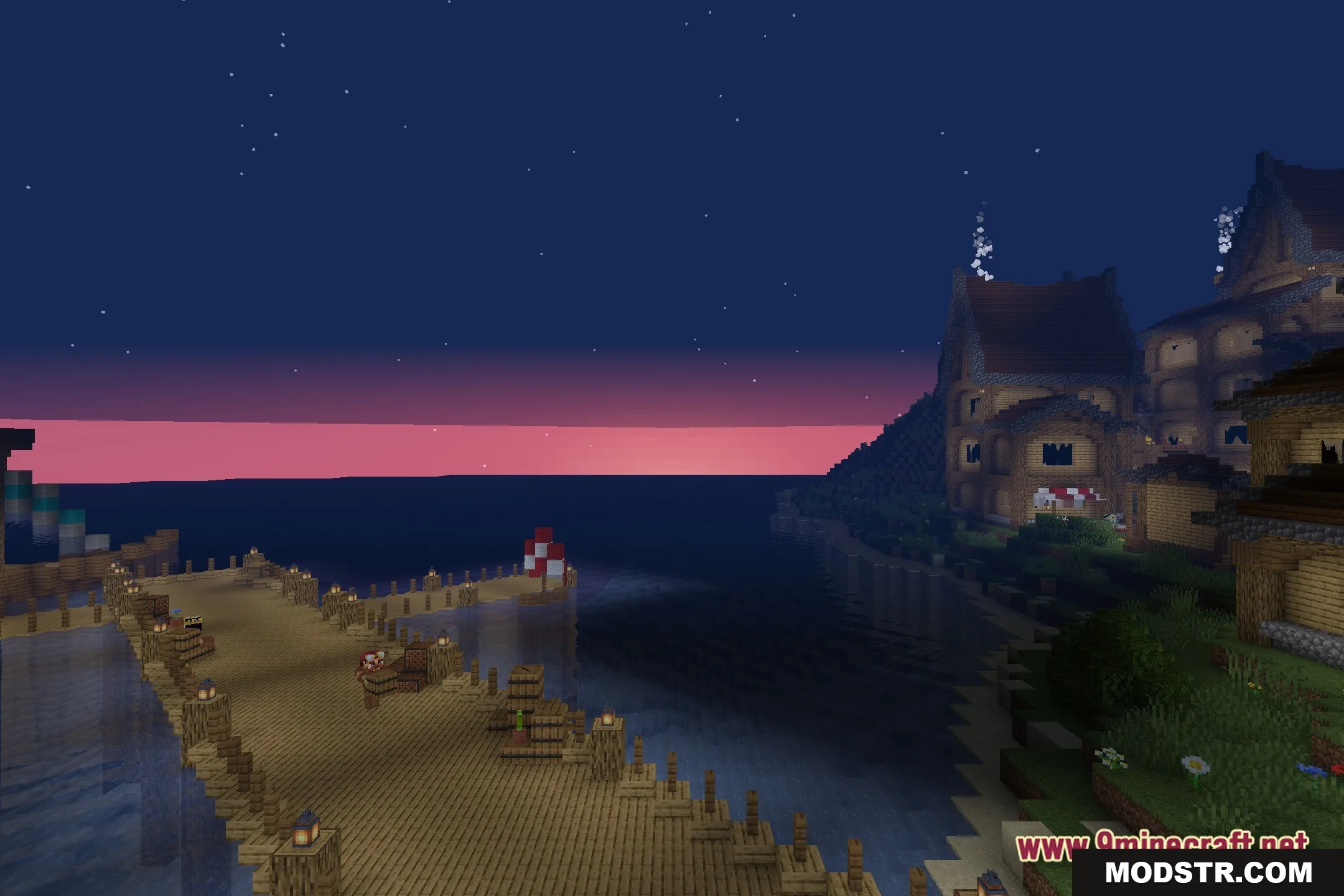
Screenshots

DOWNLOAD FILES
- shader